
The NEW DigiCel FlipBook for Mac, iPad & iPhone
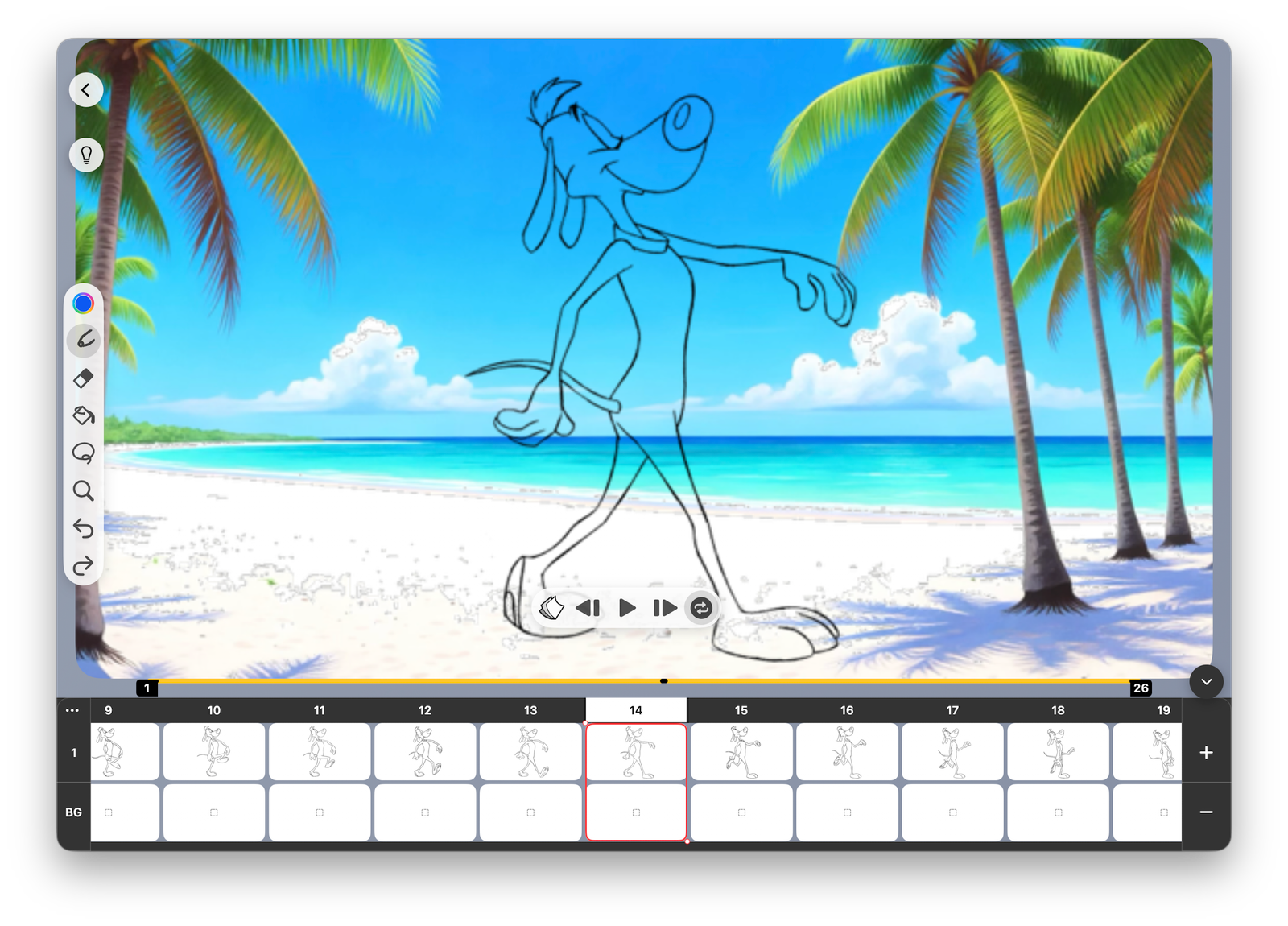
What Could Be Easier Than This?
It’s like a Media Player with a few Additional Icons.
But those icons do things that No Other App Can.
See for yourself.
Try the NEW DigiCel FlipBook now. See how easy it is.
Download Apple TestFlight to preview the NEW FlipBook Beta.
1 – Click Timing
Change your timing on the fly with a single click.
The NEW FlipBook lets you add or delete frames while the scene loops so you can see the effect instantly.
1 – Click Spacing
See ANY drawings you want behind the one you’re editing.
FlipBook’s LightBox automatically adds your most recent drawing to the top of the “ghost stack” so any drawing you edit remains visible when you go to the next.
1 – Click Painting
Paint the whole frame or an entire level with a single click.
Click and Hold to paint the whole frame. Hold a little longer to paint the entire level.