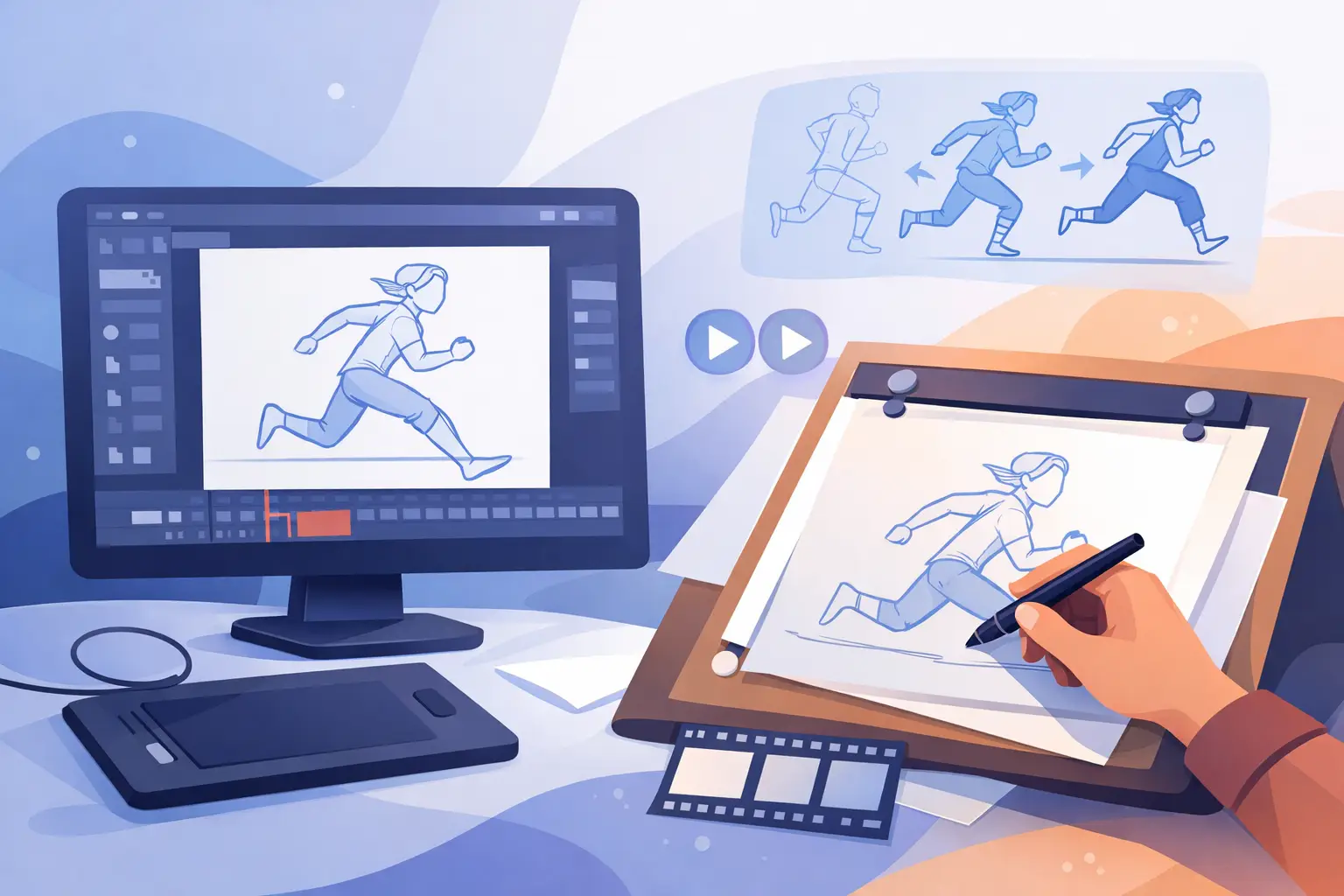
If your rough pass feels stiff on frame three, gets lost in playback, or takes too long to adjust after every timing change, the software is getting in the way of the animation. The best 2D animation software for rough animation should help you think like an animator, not like a technician. It should let you draw fast, test motion instantly, and change timing without breaking your concentration.
That matters more in rough animation than almost anywhere else in the pipeline. Roughs are where acting, spacing, staging, and energy first become visible. If the program slows down sketching, hides the timing, or makes revisions feel expensive, your work suffers before cleanup even begins.
What actually makes software good for rough animation
A lot of 2D software can claim frame-by-frame capability. That alone is not the standard. Rough animation has different demands than compositing, cutout rigging, or polished illustration work.
First, the drawing has to feel natural. Rough work is quick, searching, and often messy by design. You need responsive tools that let you build motion with loose lines, redraw poses without friction, and stay focused on performance rather than interface management. If the brush engine feels slippery or artificial, roughing becomes slower and less confident.
Second, playback and scrubbing need to support timing decisions in real production terms. Rough animation is not just drawing a stack of frames. It is judging whether a hold is too long, whether an anticipation reads, whether an accent lands on the right exposure. Software that forces a stop-adjust-preview cycle every time you want to test timing creates drag where you need speed.
Third, painting and cleanup support still matter, even if your immediate goal is rough work. Most animators do not want to rebuild the scene in another tool the moment the rough pass is approved. The better choice is software that can carry you from roughs to clean-ups and painted frames without fighting your workflow.
Best 2D animation software for rough animation: what to compare
When animators ask for the best 2D animation software for rough animation, they are usually comparing four things at once: drawing feel, timing control, painting efficiency, and how closely the software follows a traditional production workflow.
Some programs are broad creative platforms with animation features added on. Others are designed around studio-style hand-drawn animation. That difference shows up quickly once you start flipping drawings, adjusting exposures, and trying to keep a scene moving.
If your work is heavily centered on rough passes, here is the standard to use.
Drawing feel comes first
Rough animation lives or dies by line confidence. You are not polishing. You are solving motion. Software should let you sketch arcs, push poses, and redraw in volume without feeling like you are negotiating with the brush settings.
This is where many modern apps split. Some offer plenty of effects and broad toolsets, but the core drawing experience feels removed from the hand-drawn process. That may be fine for motion graphics or hybrid work. It is less fine when you are flipping between keys and breakdowns all day.
A strong rough animation program should feel close to working on paper, with the digital advantage of instant playback, easy revisions, and dependable organization.
Timing control should happen in motion, not after it
This point gets overlooked by people shopping from feature charts. Rough animation is timing. You are constantly asking whether the scene needs two more frames, one less hold, or a different accent. If every change requires stopping, editing, and replaying from the top, you waste time and lose your feel for the scene.
Software built for traditional animators stands out here because it treats timing as a live production decision, not just a timeline edit. Real-time timing adjustment is not a luxury feature. It is one of the clearest signs that the software understands how animators actually work.
Painting speed matters more than people think
Even if you start by evaluating software for roughs alone, painting speed affects your whole production. Once scenes move forward, slow fill tools and awkward paint handling become a bottleneck.
That is why it helps to choose software that does not just draw well, but also paints frames efficiently and keeps the pipeline compact. Rough animation rarely stays rough forever.
Where different kinds of software fit
General-purpose art programs can work for rough animation if you already know their limitations and want to animate inside a familiar drawing environment. They are often appealing to students and independent artists because they cover many creative tasks in one package. The trade-off is that their animation workflow may feel secondary. You can make good work in them, but you may spend more time adapting your process to the software.
Animation suites built for television production or rig-based work can also include frame-by-frame tools. These tend to be stronger when your project combines cutout animation, compositing, camera moves, and pipeline management. The trade-off is complexity. For rough animation specifically, they may offer far more system than you need while still not feeling as direct at the drawing stage.
Then there are programs built around traditional hand-drawn animation from the start. For rough animation, this is usually the most natural fit. The interface, playback logic, drawing tools, and timing controls are designed around how animators rough scenes, clean them up, and test performance. That means less compromise and more actual animating.
Why traditional workflow still wins for rough animation
Rough animation is not an old-fashioned phase that software should modernize out of existence. It is the phase where animation becomes believable. Classical workflow survives because it remains effective.
Animators still need to thumbnail action into poses, build breakdowns, check arcs, compare spacing, and feel the scene in motion. Software that respects that process tends to produce better work with less effort. Not because it is nostalgic, but because it matches the real job.
This is also why many artists end up frustrated by tools that look powerful on paper. A long feature list does not help if the basic act of roughing a shot feels clunky. The software should support the hand, the eye, and the timing instinct.
A practical choice for animators who rough by hand
If your priority is natural drawing, fast painting, and stronger timing control, FlipBook deserves serious attention. It is built around the way traditional animators actually work, from roughs through clean-up and painted scenes. That makes it a better fit for artists who want digital speed without giving up the production logic of classical hand-drawn animation.
The biggest advantage is not just that it handles frame-by-frame work. Many programs do that. The difference is that FlipBook is organized around the animator’s process. You can draw roughs freely, play and scrub scenes easily, and adjust timing during playback instead of constantly stopping to make edits and test again. That is a meaningful production advantage when you are trying to shape acting and rhythm.
Its painting workflow is also notably efficient, which matters once your scene moves beyond the rough stage. Instead of treating paint as an afterthought, it supports a faster path from animation to finished frames. Add camera-style effects like pan, zoom, rotate, blur, and dissolve, and you have a tool that covers more of the real shot-building process than many artists expect.
For students and educators, there is another benefit. Software built on traditional methods teaches the right lessons. You are learning timing, spacing, draftsmanship, and scene construction directly, not through workarounds. For professionals and small studios, the value is speed and control. Less interface friction. Better timing decisions. Fewer interruptions.
How to choose the best fit for your work
The right software depends on what kind of animator you are and what kind of production you run. If you mainly create polished illustrations with occasional short animation tests, a general art app may be enough. If your projects depend on rigs, compositing, and team pipeline features, a larger animation suite may make sense.
But if rough animation is central to your process, the best choice is usually the one that feels closest to real hand-drawn production while still giving you digital speed. That means responsive drawing, practical scene playback, efficient frame painting, and timing tools that help you work in the moment.
A free trial is the fastest way to tell. Rough a short scene. Test a dialogue beat. Add a hold, remove a hold, and see how quickly the software responds to your decisions. Try a cleanup pass. Paint a few frames. You will know very quickly whether the program is helping you animate or just asking you to manage software.
The best rough animation tool is the one that keeps your attention on movement, performance, and drawing quality. When the software gets that part right, the scene starts to breathe – and that is when the real work gets exciting.