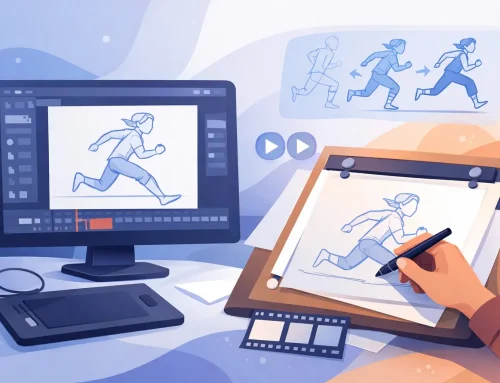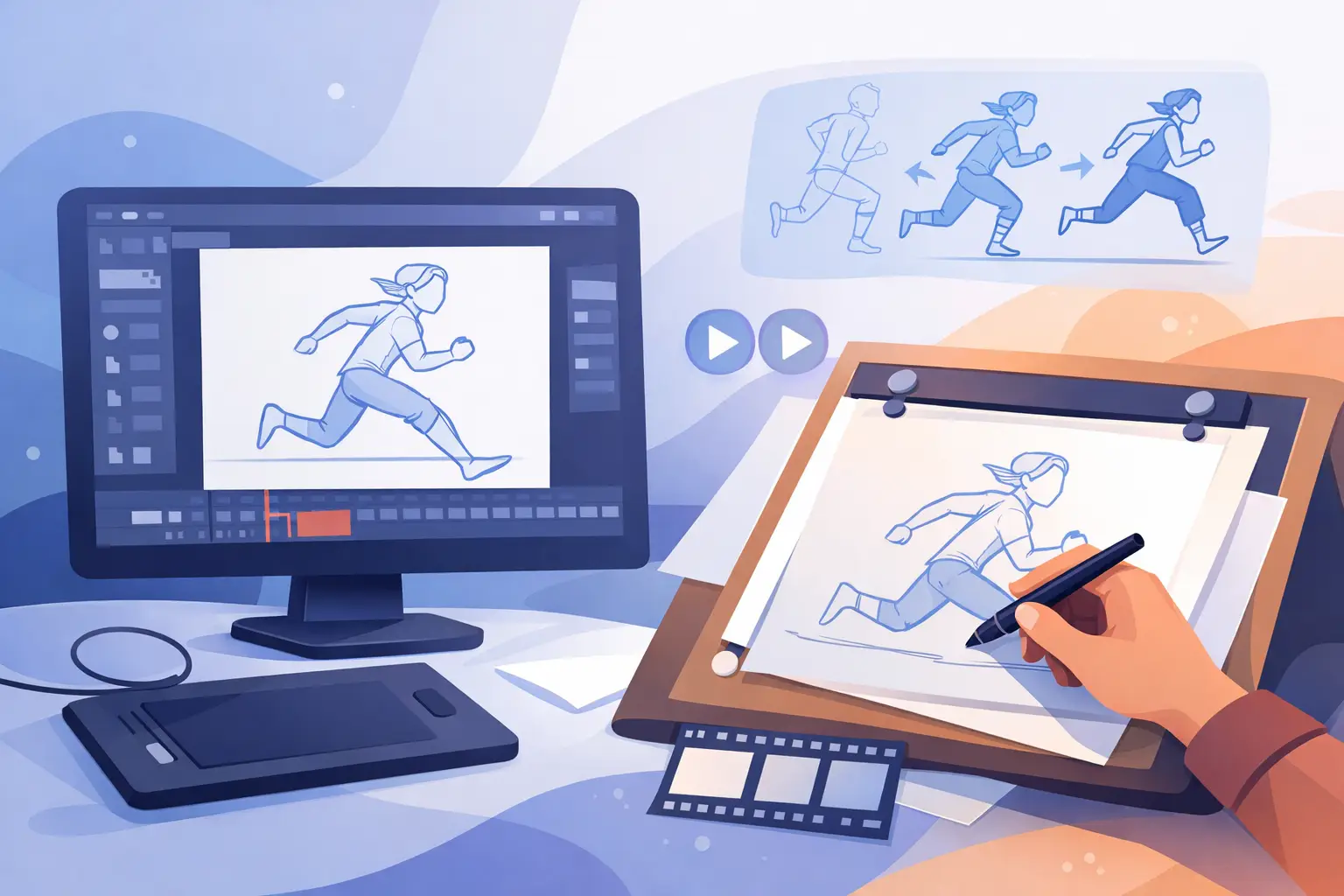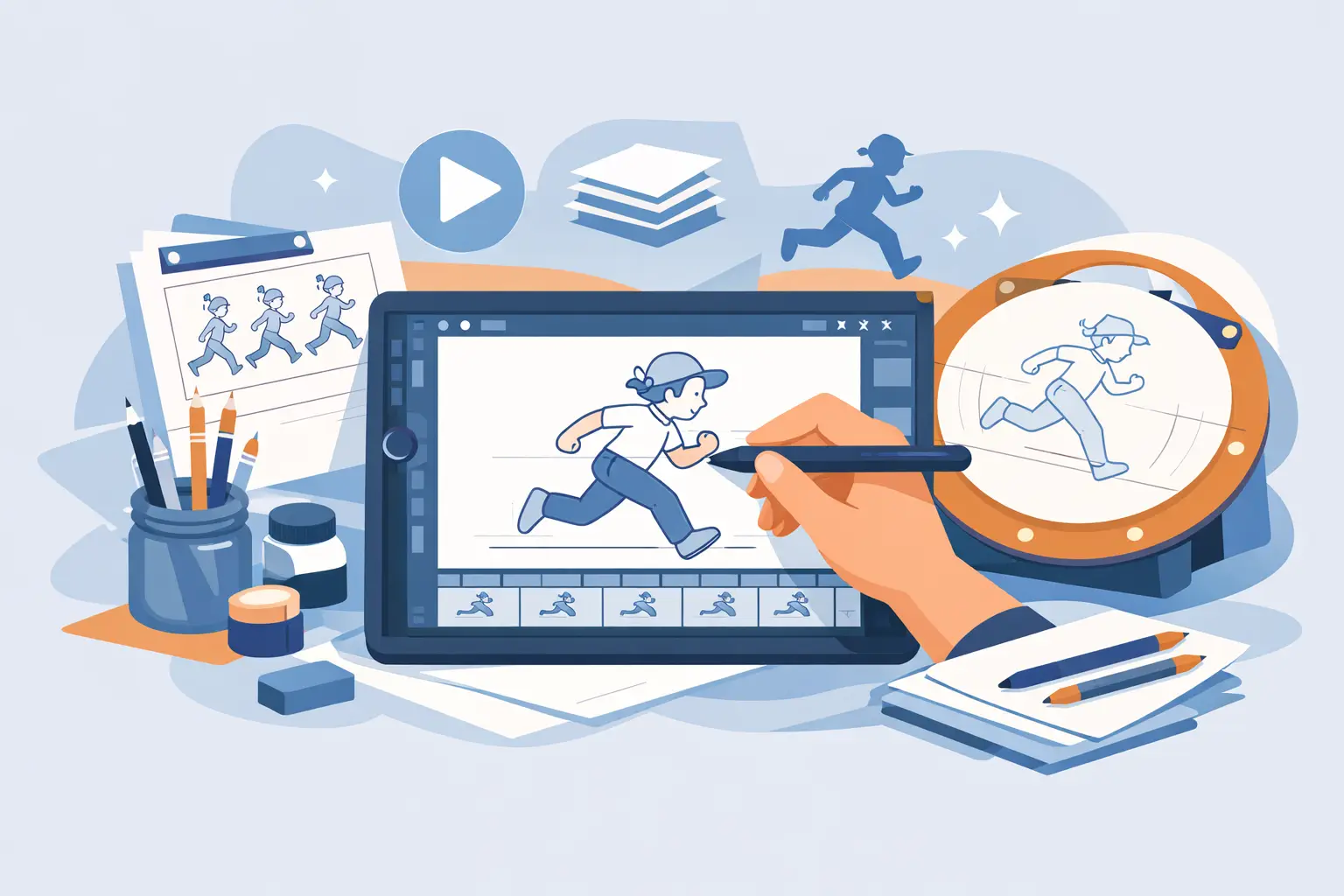
If your first test shot feels harder in the software than it does in your sketchbook, the problem may not be your drawing. A lot of beginners start with the wrong tool and spend more time fighting menus, layers, and playback controls than learning timing, spacing, and clean movement. The best traditional animation software for beginners should make frame-by-frame work feel direct, readable, and fast enough to keep your ideas moving.
That matters because beginners do not just need features. They need the right features in the right order. If the drawing experience feels stiff, if painting a scene takes forever, or if timing changes force constant stop-and-preview cycles, learning slows down for no good reason.
What beginners actually need from animation software
Traditional animation is built on observation, draftsmanship, timing, and revision. Software should support those fundamentals, not bury them under a motion-design workflow or a rigging-first interface. For a beginner, that usually means a clear frame-by-frame workspace, dependable playback, easy onion skinning, and tools that let you rough out action before worrying about polish.
Natural drawing comes first. If the line feels disconnected from your hand, you will compensate instead of animate. That is a serious problem for students and new animators because it interrupts the basic habit of testing poses, arcs, and spacing quickly. A good beginner tool should let you rough, flip, erase, redraw, and keep moving.
The second big need is timing control. New animators learn by making changes constantly. Hold a drawing two frames longer, remove an in-between, shift a breakdown, then play the shot again. If that process is awkward, every lesson takes longer than it should. The software should help you study motion, not slow you down every time you make a timing adjustment.
Painting and clean-up matter too, but they matter differently for beginners. You do not need a giant effects pipeline on day one. You do need a way to finish short scenes without getting stuck in repetitive digital chores. Fast paint tools and a clean path from rough animation to polished frames make a real difference when you are still building confidence.
Traditional animation software for beginners should feel like animation software
This may sound obvious, but many drawing and video apps are not designed around the way hand-drawn animation is actually made. They may be good art tools, compositing tools, or general creative platforms. That does not automatically make them good teaching tools for classical animation.
For beginners, software built around traditional production methods has a major advantage. It follows the sequence animators already use: rough keys, in-betweens, clean-up, paint, playback, timing fixes, and camera moves if needed. That structure teaches the craft while you work. It keeps your attention on motion and draftsmanship instead of pushing you into a pipeline that was really built for something else.
This is where trade-offs start to matter. Some apps offer huge feature sets because they also serve motion graphics, compositing, puppeting, or game work. If that matches your long-term goals, the complexity may be worth it. But if your immediate goal is to learn drawn animation properly, more features can mean more friction.
A beginner usually benefits more from software that does fewer things better, especially if those things are drawing, flipping, painting, and timing. That is not a limitation. It is focus.
How to judge traditional animation software for beginners
The quickest way to evaluate software is to ignore the marketing language for a minute and think like an animator in production. Can you draw roughs comfortably? Can you scrub and play a scene easily? Can you adjust timing without breaking your concentration? Can you paint frames quickly enough to finish a short assignment or test?
Playback is a bigger issue than many beginners realize. Animation lives or dies in motion. You need to see what the scene is doing right now, not export it, wait, and review it later. Fast playback and scrubbing help you spot spacing errors, jerky holds, and weak transitions before they become habits.
Timing edits are another dividing line. In weaker workflows, you stop the scene, make a change, play it back again, stop again, and repeat. That sounds minor until you do it fifty times in an afternoon. Efficient software lets you stay closer to the rhythm of actual animation work, where timing is always being tested and refined.
Painting is often overlooked in beginner advice, but it affects whether you complete projects. If paint tools are slow or tedious, students often avoid finishing scenes. That creates a strange gap where they can rough animate but rarely carry work through to a presentable result. A fast painting workflow removes that bottleneck and helps beginners build full-scene discipline.
Common mistakes beginners make when choosing software
One common mistake is picking software because it is popular rather than because it matches the work. Popular apps often have strong communities and lots of tutorials, which is useful. But popularity does not guarantee a natural fit for hand-drawn animation. If the interface is built around rigs, node systems, or compositing layers, a beginner can spend weeks learning software logic instead of animation principles.
Another mistake is overvaluing special effects. Camera moves, blur, dissolves, and zooms can be useful, but they should support the scene, not distract from weak animation. Beginners should choose software where effects are available when needed, yet do not dominate the workflow. The core of the job is still drawing and timing.
Price also gets misunderstood. Cheap software that wastes hours is not actually cheap. Expensive software with features you will never use is not a smart buy either. The better question is whether the tool helps you produce more finished animation with less friction. For beginners, that usually means software that is purpose-built, easy to trial, and backed by real support when questions come up.
Where FlipBook fits for new animators
If you want software centered on classical frame-by-frame production, FlipBook stands out because it respects how animators actually work. You can draw roughs and clean-ups, paint frames efficiently, play and scrub scenes, and adjust timing during playback instead of getting trapped in a stop-adjust-preview loop. For beginners, that last point is especially valuable because timing is where so much learning happens.
The drawing experience matters just as much. A beginner needs software that feels natural enough to support practice, not software that keeps reminding you that you are inside a machine. When the hand, eye, and screen stay connected, you can focus on weight shifts, arcs, anticipation, and follow-through. That is the right place to put your energy.
There is also a practical benefit in using software that mirrors studio-style workflows. If you are a student, educator, indie filmmaker, or small studio artist, learning in a traditional pipeline builds transferable habits. Rough animation, clean-up, paint, timing, and camera-style effects are not separate tricks. They are part of the same production language.
That does not mean every beginner needs the exact same setup. If your main goal is experimentation, you may tolerate a looser workflow. If you are preparing for serious 2D production, a more focused traditional tool makes far more sense. It depends on whether you want to sample animation or really learn how scenes are built.
The best first project to test beginner software
Do not judge software by doodling for five minutes. Test it with a short scene that includes the basics: a character turn, a simple action, or a bouncing object with personality. You want enough complexity to test rough animation, timing changes, clean-up, paint, and playback.
Pay attention to where you slow down. If the slowdown happens because animation is hard, that is normal and useful. If the slowdown happens because the software makes simple tasks awkward, that is a warning sign. Beginner software should teach discipline, not patience with clumsy tools.
A good first project should also be finishable in a few sessions. Completion teaches more than endless setup. You learn where your spacing drifts, where your volumes wobble, and how much cleaner a scene looks when the workflow supports revision instead of resisting it.
Choosing software that helps you improve
The right beginner tool will not make you an animator overnight. What it can do is remove unnecessary resistance. That matters more than flashy claims. You need software that lets you draw naturally, test motion quickly, fix timing without breaking momentum, and finish scenes often enough to learn from them.
When a program supports the craft instead of competing with it, progress becomes easier to see. Your roughs get clearer. Your timing gets sharper. Your scenes get finished. Start there, and the software becomes what it should be – a working tool that helps your drawings come alive.