If your camera move only works after a trip through another program, your animation software is slowing you down. Good 2d animation camera effects software should let you stage the shot, test the move, adjust timing, and keep drawing without breaking your rhythm. That matters whether you are blocking a student scene, finishing an indie short, or turning around production work on a deadline.
In hand-drawn animation, camera effects are not decoration. They are part of the shot. A slow pan changes the read of a background. A zoom can add pressure to a character beat. A rotate can sell impact or disorientation. Blur and dissolve can handle transitions that would otherwise take too much time to fake by hand. The software you choose has to treat those effects as production tools, not as afterthoughts.
What 2d animation camera effects software should actually do
A lot of programs can technically pan or zoom. That is not the same as being useful in real production. The real test is whether the camera tools fit naturally into a traditional workflow.
If you draw rough animation frame by frame, you need to see how the move plays against your staging right away. If the software forces you to stop, render, preview, adjust, and repeat, you lose time and momentum. That stop-and-check cycle is one of the biggest reasons artists feel fast on paper and slow on a screen.
Good camera effects software should let you apply moves like pan, zoom, rotate, blur, and dissolve without turning your scene into a technical exercise. The controls should be clear. Playback should be fast enough to judge timing honestly. And the move should support the animation instead of making you manage a pile of layers, nested rigs, or export workarounds.
The features that matter most
Real-time playback while you adjust timing
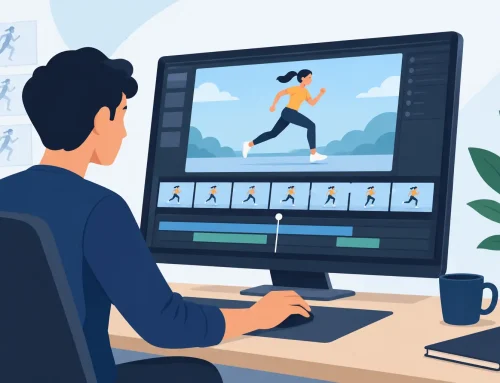
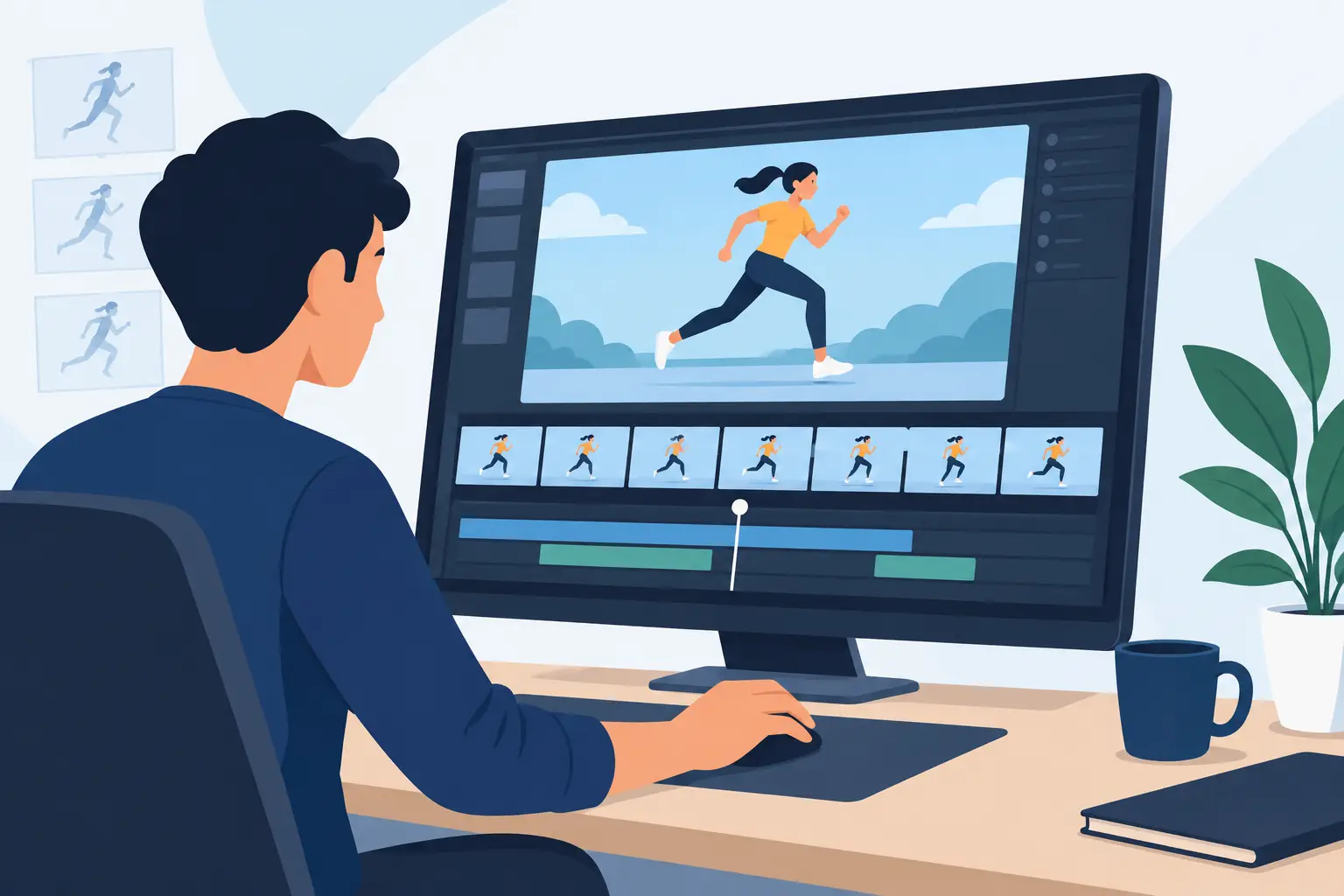
This is where many apps fall short. They may offer camera effects, but judging the shot becomes clumsy if you cannot change timing during playback. In real animation work, timing decisions happen by feel as much as by numbers. You need to scrub, play, tighten, loosen, and test the move in context.
When software allows timing adjustments while the scene is running, camera work becomes much more practical. You can feel whether a pan is dragging, whether a zoom hits the accent too early, or whether a dissolve overlaps the action too long. That kind of immediate feedback saves hours across a project.
Natural drawing before and after the effect
Camera effects should not force you into a drawing experience that feels detached from traditional animation. If the software is awkward for roughing, clean-up, or inbetweening, better camera controls will not fix the larger problem.
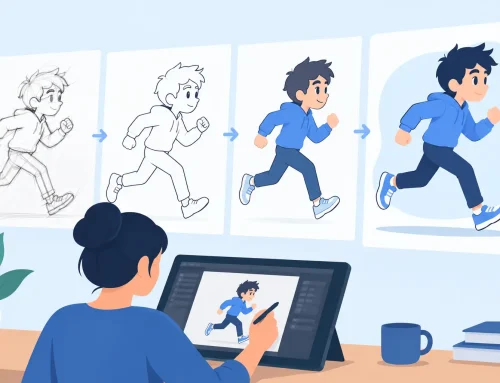
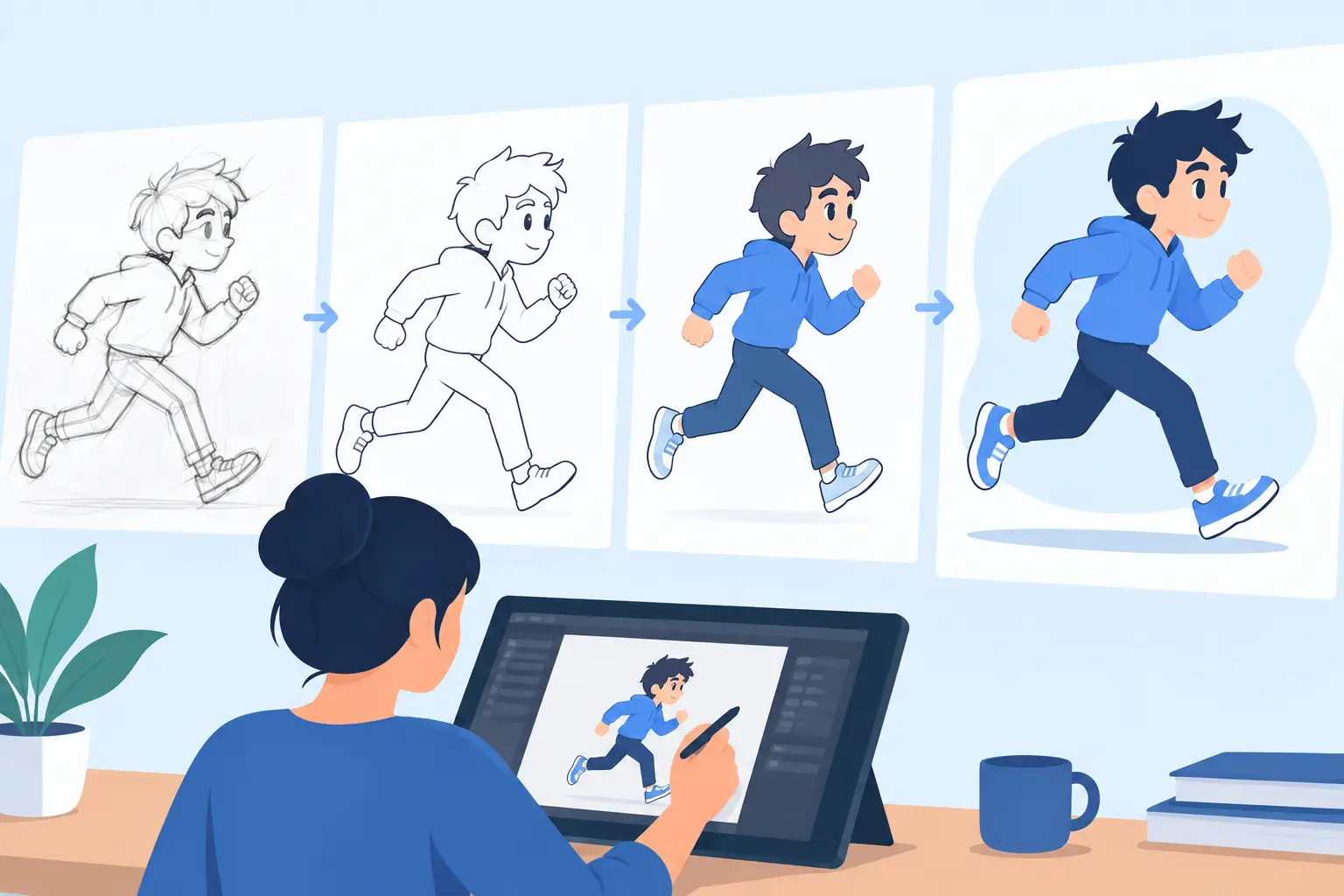
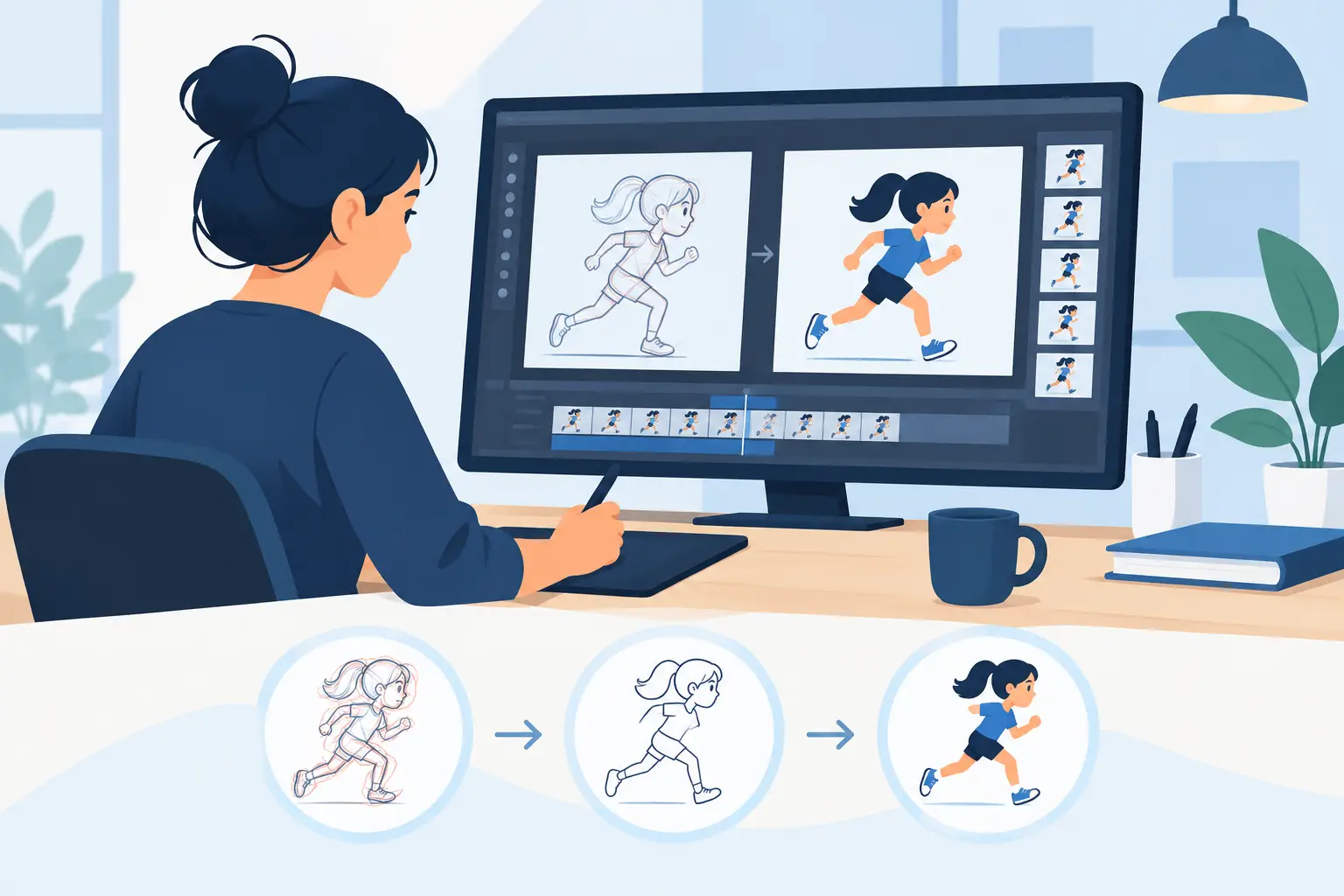
This is especially important for animators trained on paper. You want a program that respects the way hand-drawn work is built – first the action, then the timing, then the presentation of the shot. Camera tools should sit on top of that process cleanly.
Fast painting and scene finishing
Once the move is working, you still have to finish the scene. Slow paint tools turn every camera setup into extra labor, especially when a shot includes multiple levels or larger backgrounds. Efficient painting matters because camera moves often expose more of the frame and make cleanup mistakes easier to spot.
The best software handles paint work quickly, with tools built for animation scenes rather than generic illustration tasks. That keeps the shot moving forward instead of stalling at the finish line.
Effects that match actual shot needs
For most 2D productions, you do not need a huge library of flashy effects. You need the camera-style basics done well: pan, zoom, rotate, blur, and dissolve. Those are the effects that solve everyday scene problems.
A pan helps reveal space or follow action. A zoom changes emphasis. A rotate can push energy into a moment. Blur can create depth, speed, or a transition cue. Dissolve handles time and scene changes cleanly. If those core effects are responsive and easy to preview, the software covers a large share of practical production work.
Why many programs feel heavier than they should
A common mistake is choosing software based on how many features it lists instead of how the work actually feels. Some packages are built around compositing logic first and drawing second. That can be fine for motion graphics or puppet-based workflows, but it often feels backward for traditional animators.
You start with a simple camera move and end up managing node trees, effect stacks, or exports just to check timing. The program can do the shot, but the route is longer than it should be. For students and independent filmmakers, that is frustrating. For professionals, it is expensive.
There is also a trade-off between flexibility and speed. A very deep effects environment can be useful for advanced finishing, but it may not be the best place to animate the scene itself. If your main job is drawing performance and controlling exposure, software that keeps camera effects close to the animation timeline usually makes more sense.
Choosing 2d animation camera effects software for your workflow
The right choice depends on what kind of animator you are and how you finish your scenes.
If you are learning animation, camera tools should help you understand staging and timing, not bury those lessons under technical setup. You need to see clearly how a move changes the shot and be able to test variations fast.
If you are a professional animator or a small studio, the issue is efficiency. A camera move is only useful if it does not interrupt rough animation, clean-up, painting, and timing edits. You want software that respects production rhythm.
If you are an educator, ease of teaching matters. Students do better with software that connects camera effects directly to frame-by-frame principles. They can understand what the shot is doing without having to learn a second discipline just to present a scene.
What a better production workflow looks like
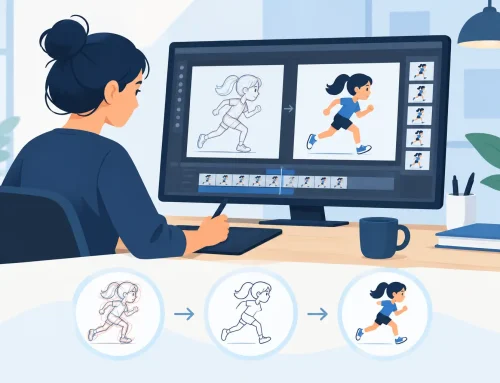
A strong traditional 2D workflow is straightforward. You draw the action, check the scene, adjust the timing, paint the frames, and apply the camera treatment needed to finish the shot. The software should support that order.
That is why many animators respond well to tools built specifically for hand-drawn production. In FlipBook, for example, camera-style effects such as pan, zoom, rotate, blur, and dissolve are part of a workflow centered on drawn animation rather than built around a compositing pipeline. That keeps the focus where it belongs – on performance, timing, and scene clarity.
Just as important, timing can be adjusted during playback. That changes the whole experience of shaping a shot. Instead of stopping to make edits and then previewing again, you can react to the scene while it moves. For animators who care about timing feel, that is a real production advantage, not a marketing extra.
How to judge software before you commit
Do not evaluate camera effects in isolation. Test the whole shot process.
Draw a short scene with an acting beat or a simple action. Add a pan or zoom. Then ask practical questions. How quickly could you set the move? Could you tell if the timing was right without rendering over and over? Did the drawing tools still feel natural? Was painting the scene fast enough to finish cleanly? Did the camera effect help the shot, or did it create more management work?
That kind of trial will tell you more than any feature chart. The best 2d animation camera effects software is not the one with the longest list. It is the one that lets you make stronger scenes with less friction.
The trade-off between all-in-one and purpose-built tools
Some artists prefer a larger pipeline with separate software for animation, compositing, and finishing. There are valid reasons for that, especially on projects with dedicated departments. But many independent animators, students, and small teams are better served by software that handles core camera effects inside the animation environment itself.
The trade-off is simple. A broad pipeline may offer more technical range at the top end, but a purpose-built tool often gives you faster results for everyday 2D production. If your priority is hand-drawn work, practical camera control, and better timing decisions, simpler is often better.
The strongest software feels like an extension of the animator’s hand and eye. It lets you draw naturally, paint quickly, and shape the shot while the scene is alive on screen. When camera effects work that way, they stop feeling like post-production tricks and start doing what they are supposed to do – support the animation.
Choose the program that keeps you in the scene instead of sending you around it. That is where better work usually starts.