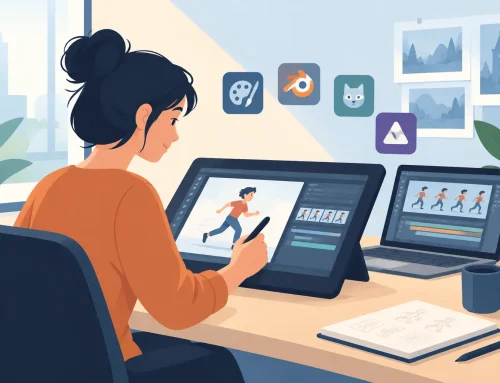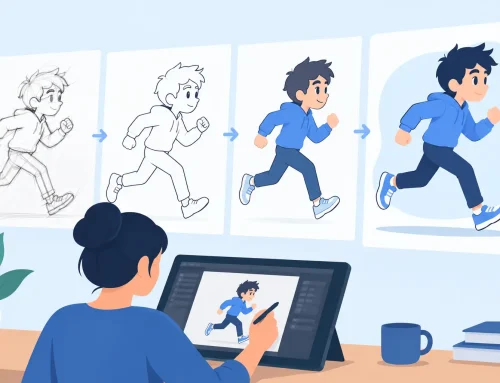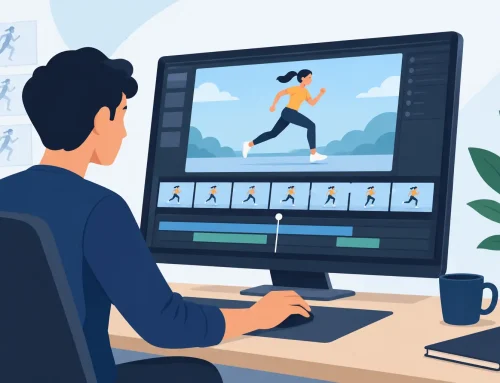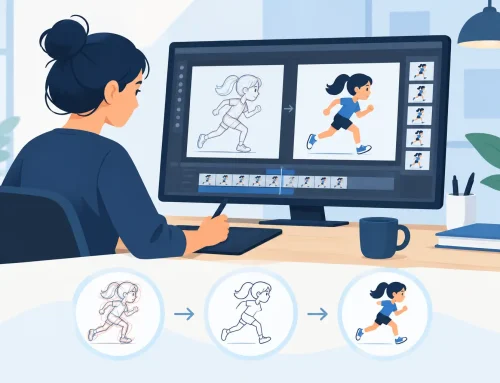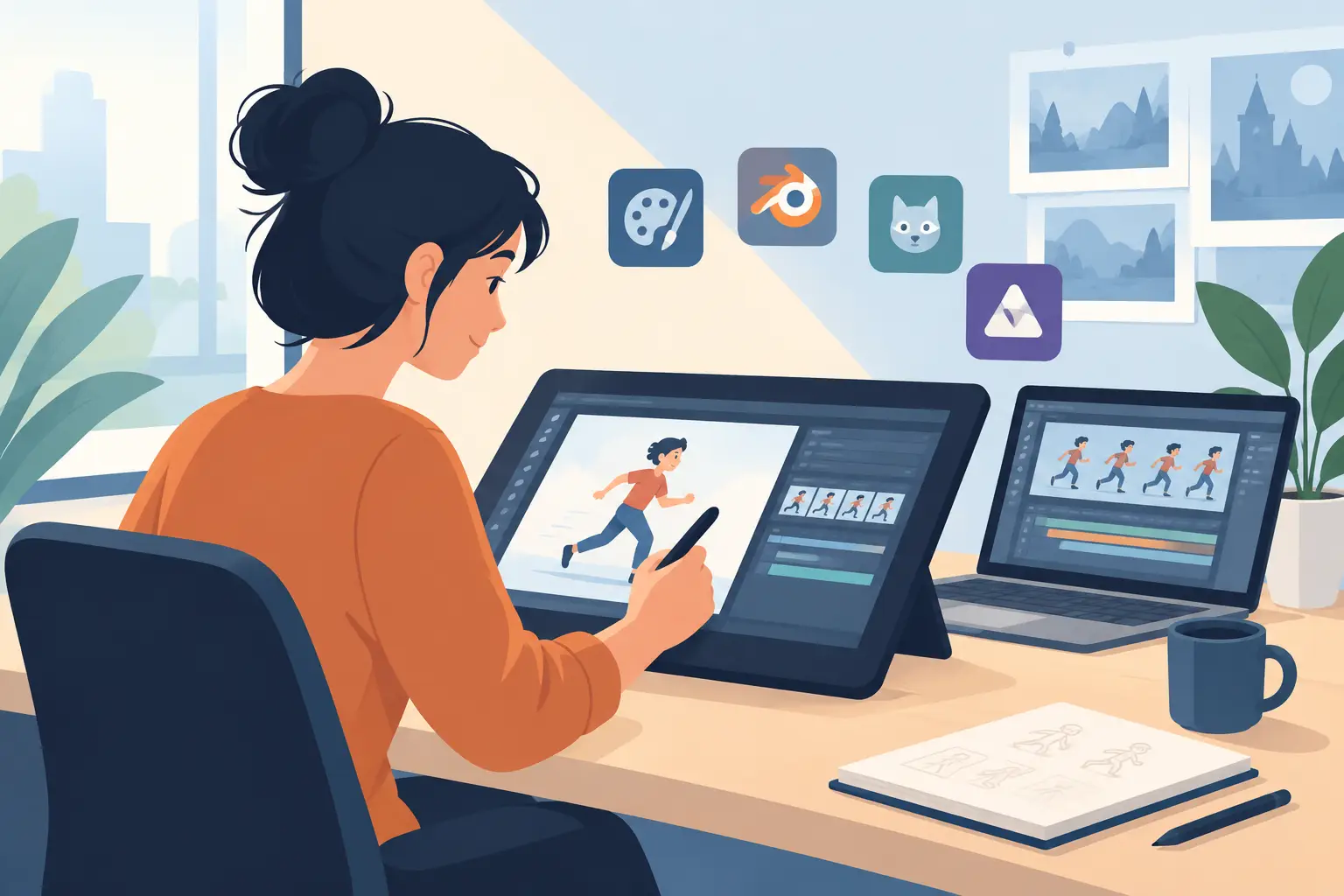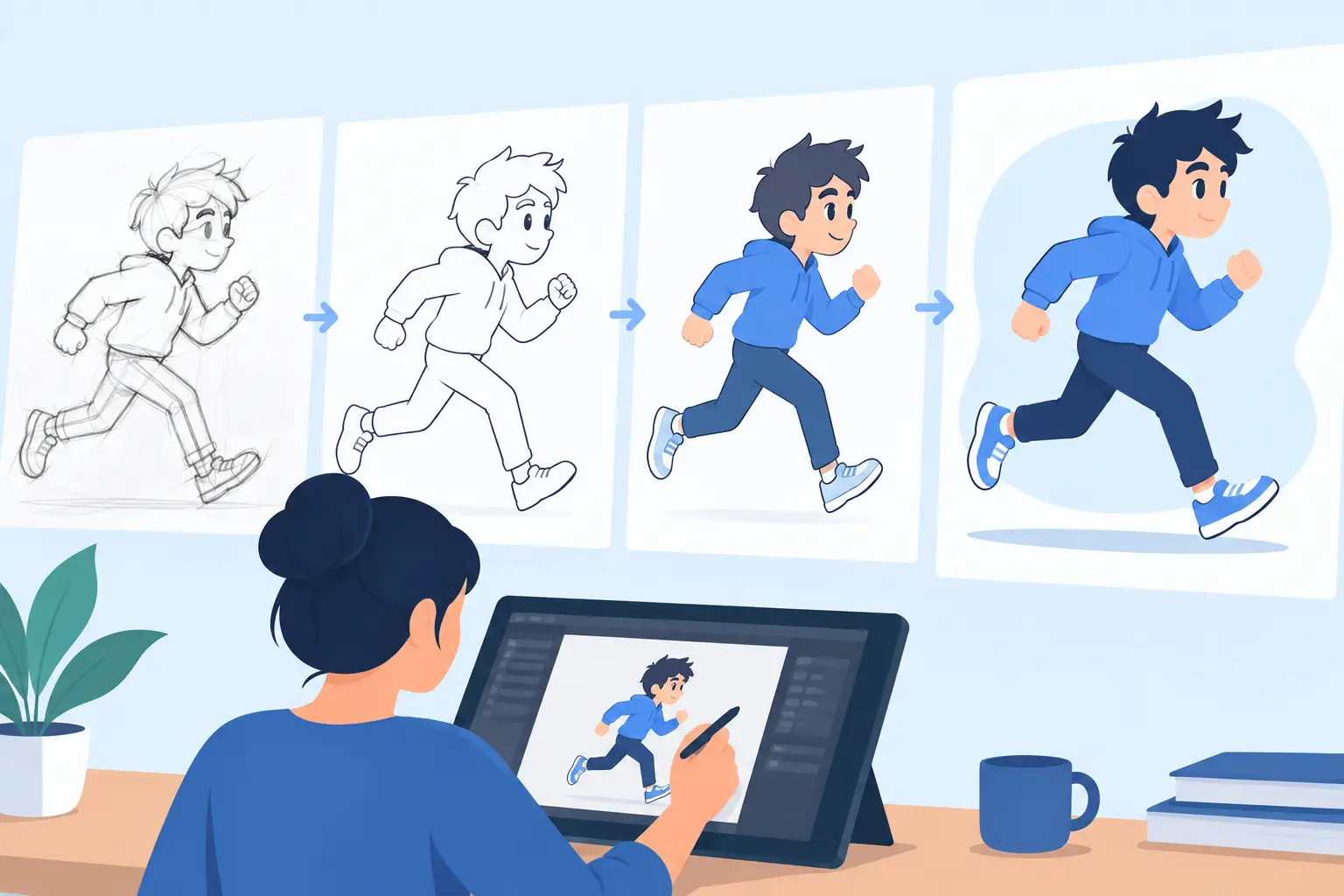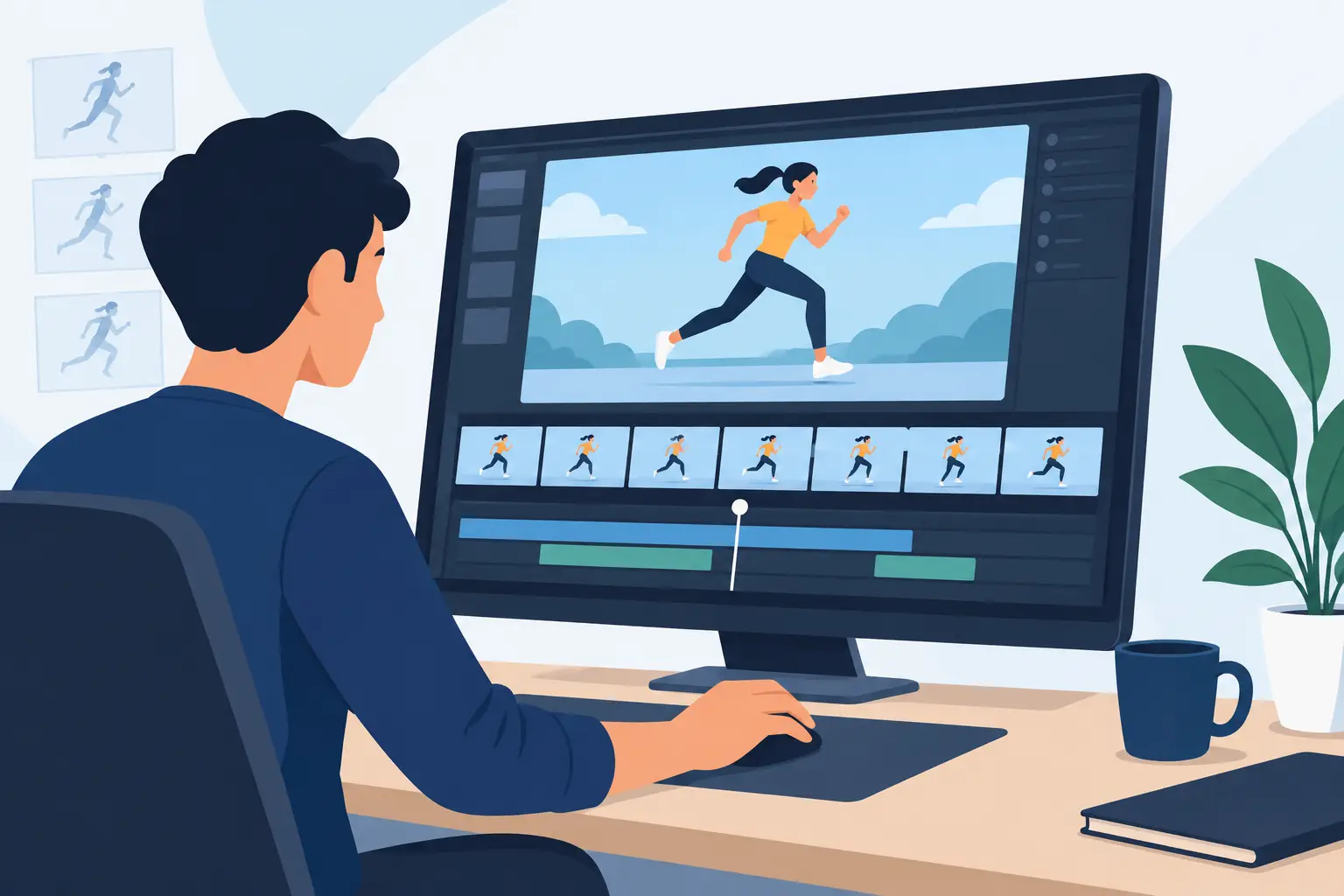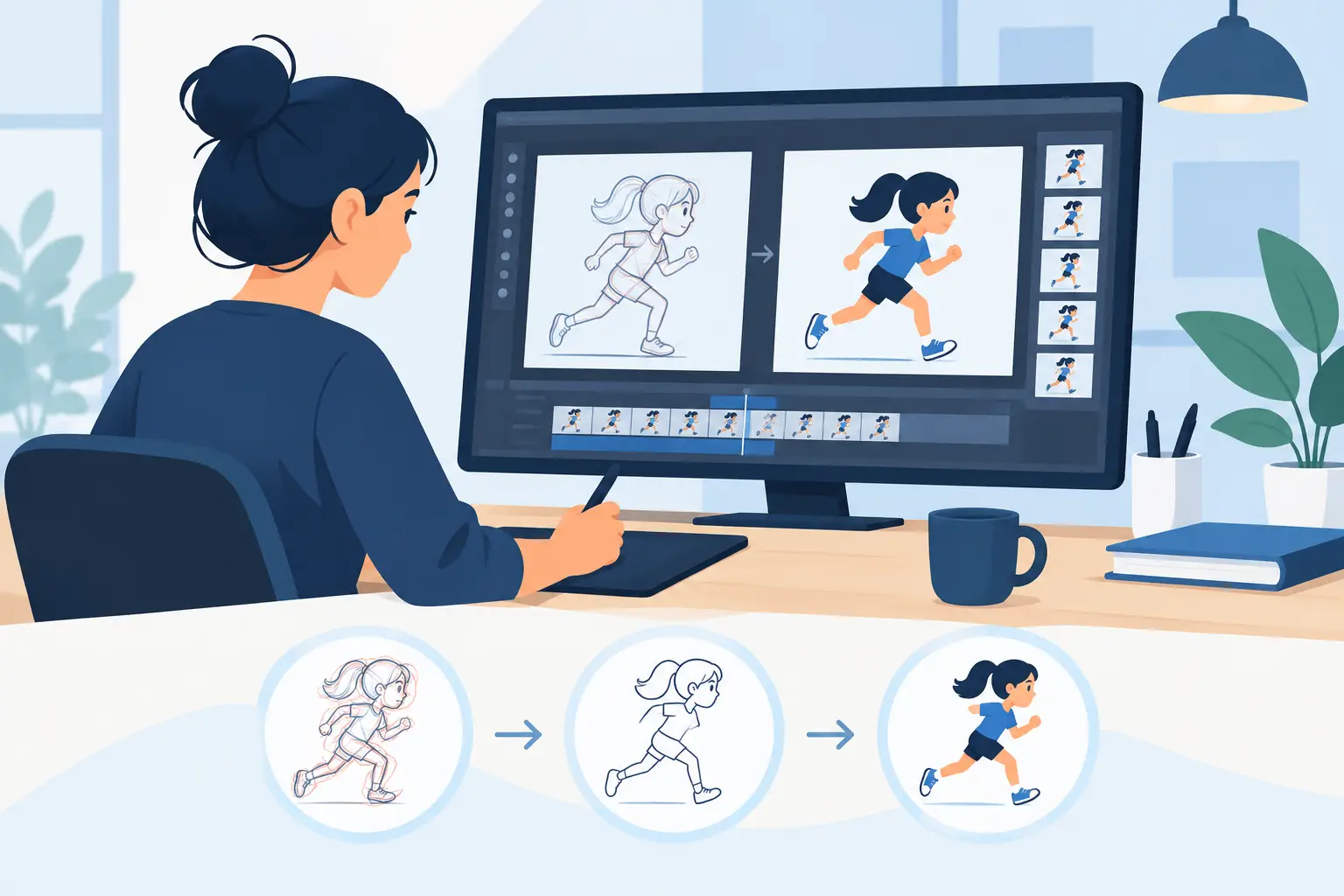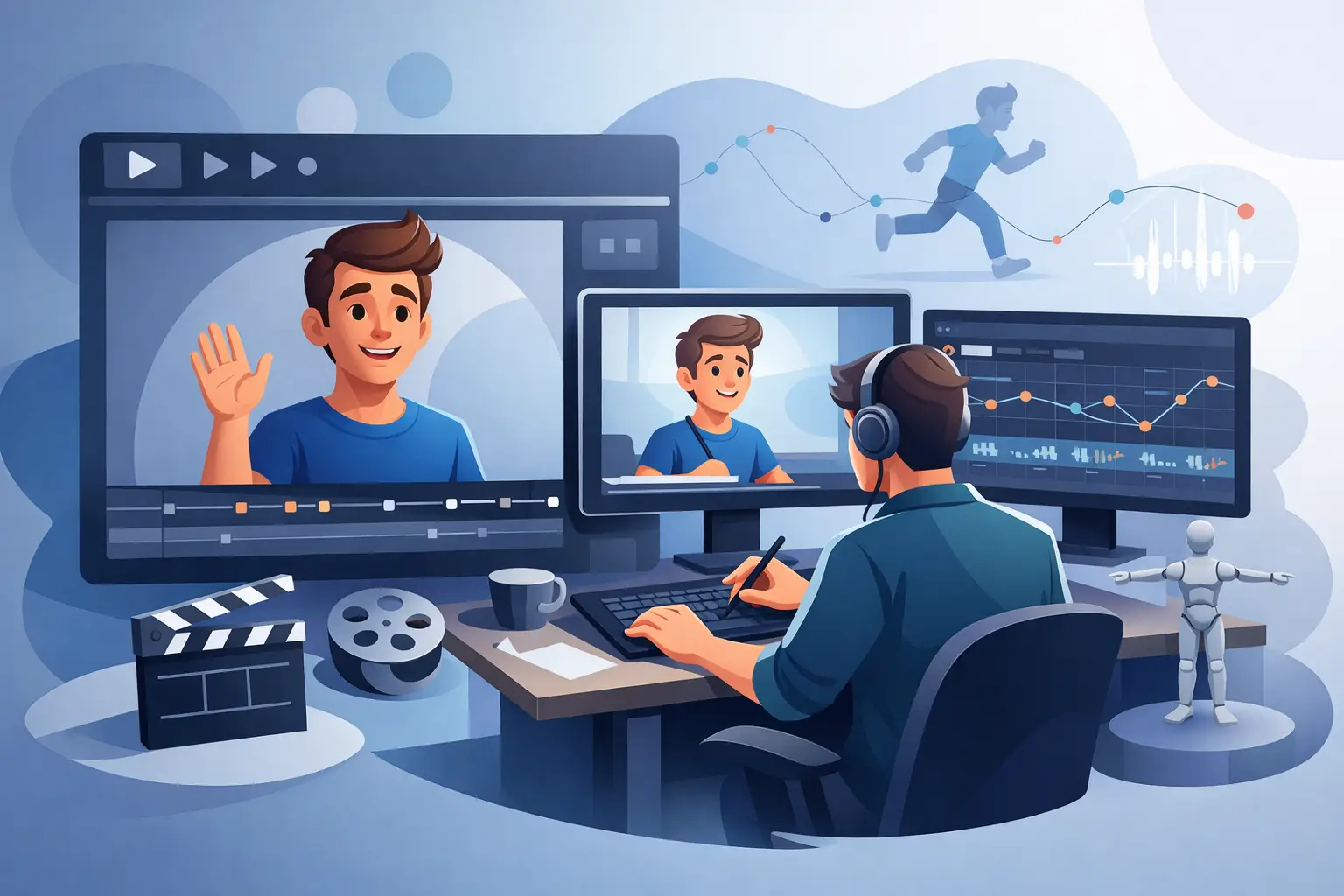
A scene can look fine on paper and still fall apart the moment it moves. The timing drags, the accent lands late, the head turn feels mushy, and suddenly you are stuck in the usual loop: stop, change exposure, replay, stop again. That is exactly why real time animation playback editing matters. It keeps you working like an animator instead of a file manager.
For anyone building motion frame by frame, timing is not a separate technical step. It is the performance. A drawing may be solid, the arcs may be right, and the posing may read clearly, but if the scene does not play at the right pace, the shot misses. Most software still treats timing edits as interruptions. You make a change, wait, preview, then make another change. That breaks concentration fast, especially when you are roughing action, refining dialogue, or teaching students how spacing and exposure actually affect motion.
What real time animation playback editing actually changes
The value of real time animation playback editing is simple: you can adjust timing while the animation plays. Instead of freezing the process every few seconds, you respond to motion as you watch it. If a hold is too long, you shorten it. If a reaction needs another frame to land, you add it. If a breakdown needs to pop sooner, you shift the timing immediately.
That sounds like a small feature until you use it on actual production work. In traditional animation, timing decisions are often felt before they are fully explained. You know the scene is off because the character seems heavy when it should feel snappy, or the gesture reads one beat late. Real-time control lets you correct that instinct in the moment. You are judging motion as motion, not as a series of disconnected edits.
This is especially valuable for rough animation. Roughs are where acting, energy, and intent get tested. If software slows timing changes to a crawl, artists either settle too early or waste time previewing tiny revisions. A better approach is to let the animator play the scene, scrub it, and edit exposure directly in the flow of watching.
Why traditional animators feel the difference faster
Animators trained on paper tend to notice bad timing tools immediately. Classical workflow is built around flipping, feeling spacing, and making judgment calls quickly. The hand and the eye work together. If digital software inserts too much delay between those judgments and the result on screen, the process starts to feel mechanical.
That is the real issue. It is not just about speed in the abstract. It is about preserving the natural rhythm of animation work. Traditional artists are not looking for extra complexity. They want the software to stay out of the way long enough for timing decisions to happen naturally.
Students benefit for the same reason. Timing is hard to teach when every revision takes too long to test. If an instructor can show a scene, alter the exposure pattern during playback, and immediately demonstrate why the action now reads better, the lesson becomes clear. Beginners start to understand that one frame added or removed can change weight, intention, and clarity.
Real time playback editing vs the stop-adjust-preview cycle
The usual stop-adjust-preview cycle creates friction in three places. First, it interrupts concentration. Second, it slows experimentation. Third, it encourages safe choices because every test costs time.
When software supports real time animation playback editing, that friction drops. You can try a shorter settle on a landing, tighten a blink, or shift a mouth shape without treating each change like a separate event. The result is not just a faster schedule. It is better animation, because artists are more willing to test alternatives before committing.
There is a trade-off, of course. Real-time editing is only useful if playback is responsive and controls are clear. If the interface is cluttered or the scene stutters, the feature becomes more frustrating than helpful. Good implementation matters. The point is not to add another flashy tool. The point is to make timing edits feel as direct as flipping drawings.
Where it helps most in production
Dialogue scenes are one obvious example. Lip sync is not only about matching phonemes. It is about phrasing, reaction time, and when a character thinks before speaking. A scene may technically sync and still feel dead. Real-time timing changes let you nudge those exposures until the performance starts to breathe.
Action work benefits just as much. Fast moves, impacts, takeoffs, and recoveries depend on precise frame counts. If a hit lacks force, the answer may be as simple as changing the pause before contact or reducing the number of frames after impact. You want to hear the rhythm of the scene with your eyes. Real-time editing keeps that rhythm editable while it is still alive on screen.
Effects animation is another area where timing control matters. Smoke, water, and explosions can become muddy when spacing is technically smooth but poorly paced. The ability to adjust timing while playing helps you see whether the effect blooms too slowly, dissipates too long, or needs a harder accent.
For small studios and independent filmmakers, this efficiency is not a luxury. It directly affects how much footage gets finished. When one artist may be handling roughs, clean-up, paint, and timing, every unnecessary delay compounds across the schedule.
Real time animation playback editing and better decisions
One of the biggest advantages of real time animation playback editing is that it improves decision quality, not just speed. When you can react immediately to what you see, you make choices based on motion, not memory.
That distinction matters. If you stop playback to adjust the scene, you are already relying on your recollection of what felt wrong. Then you replay to see whether the fix worked. During that gap, subtle impressions disappear. Was the anticipation too short, or did the action itself start too soon? Did the hold drag, or was the spacing into the hold the real problem? Immediate editing helps answer those questions while the evidence is still in front of you.
This is also why experienced animators tend to work faster with tools that respect timing instincts. They are not guessing less because they know more theory. They are guessing less because the software lets them test what they feel right away.
What to look for in a timing-first workflow
If timing control is a priority, look beyond a generic feature checklist. The questions are more practical. Can you play a scene and change exposure without stopping? Can you scrub cleanly through drawings? Can you see timing adjustments in a way that makes sense to animators, not just software operators? Does the drawing experience still feel natural while you do it?
Those details matter more than marketing language. Plenty of programs claim animation support. Fewer are built around the actual habits of frame-by-frame artists. A tool can offer layers, effects, and export options and still slow down the core work if timing edits remain awkward.
This is where a purpose-built 2D workflow stands apart. In FlipBook, the strength is not only that you can draw, paint, and add camera-style effects in one place. It is that timing control stays close to the act of animating. That keeps the focus where it belongs – on performance, rhythm, and clear motion.
Why this matters for learning as much as production
A lot of software is sold on the promise of features. Animators need results. The result everyone understands is better motion with less wasted effort. Real-time playback editing helps students learn faster, helps professionals refine scenes faster, and helps studios keep quality up without bloating the process.
It also supports a healthier way of working. Instead of forcing artists into repeated technical interruptions, it keeps them engaged with the scene itself. That may sound modest, but it has a real effect on output. Better flow leads to more tests, better tests lead to stronger timing, and stronger timing is what makes drawings come alive.
If you care about hand-drawn animation, the software should support the way animators actually think. Timing is not an afterthought. It is the shot. The closer your tools let you stay to that truth, the better your work will feel when it moves.
If your current setup makes every timing change a chore, that is not just an inconvenience. It is a production problem. Choose tools that let you judge motion while it is moving, and your scenes will start improving where it counts most – on screen.