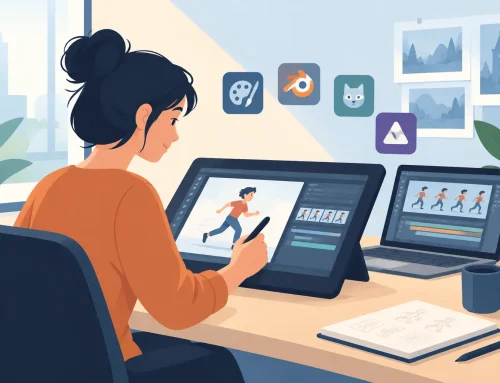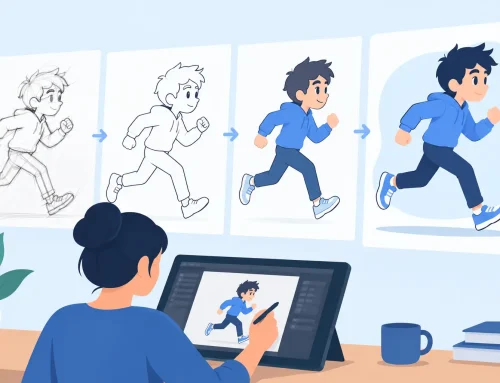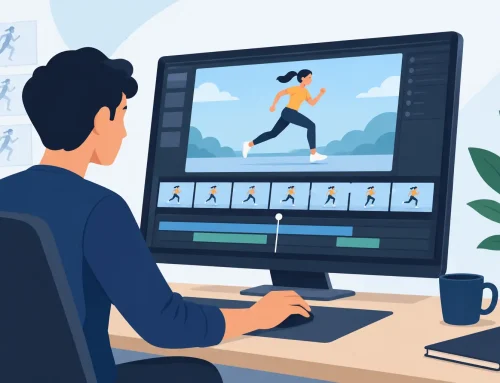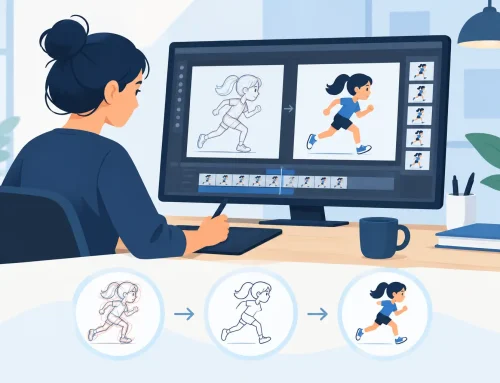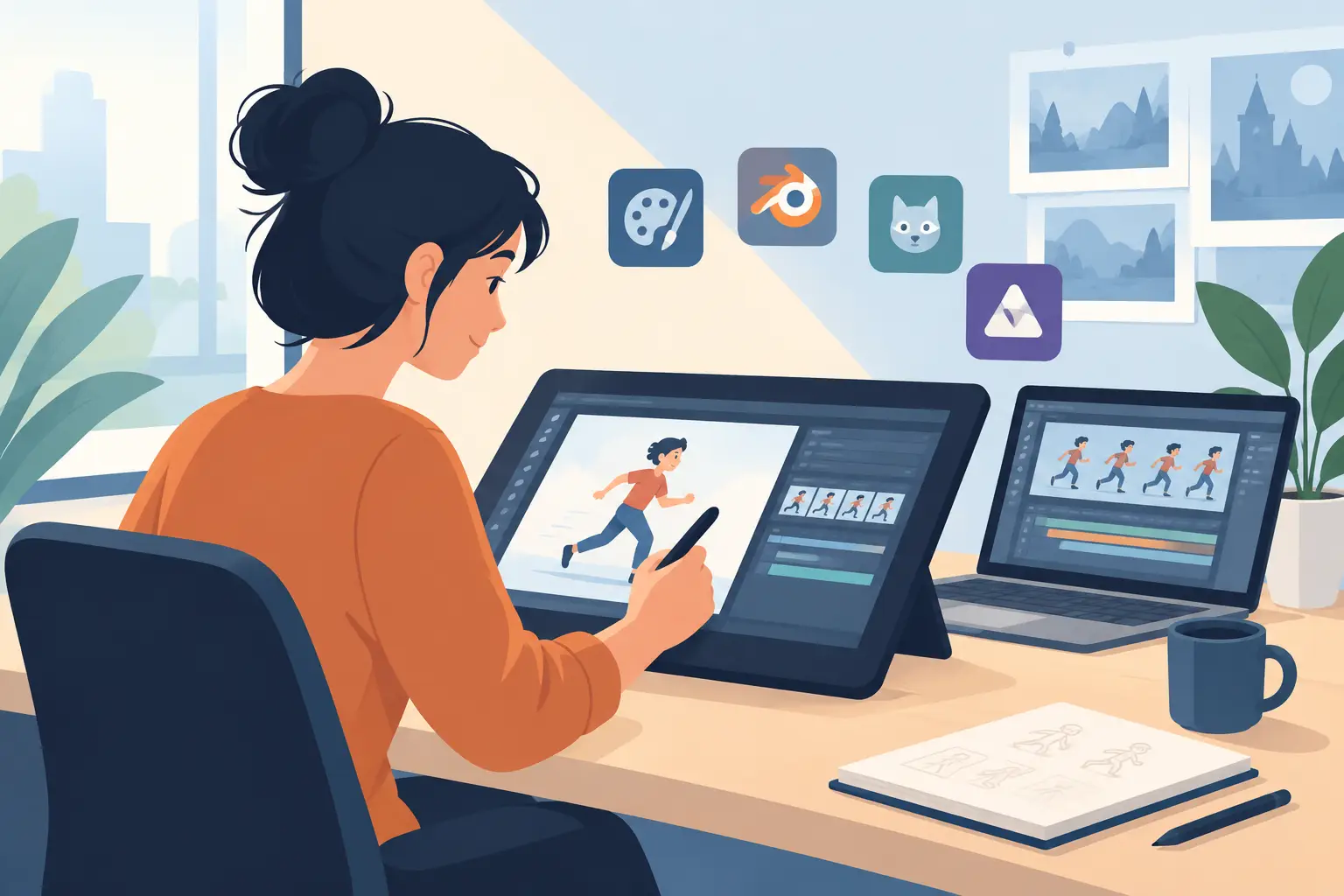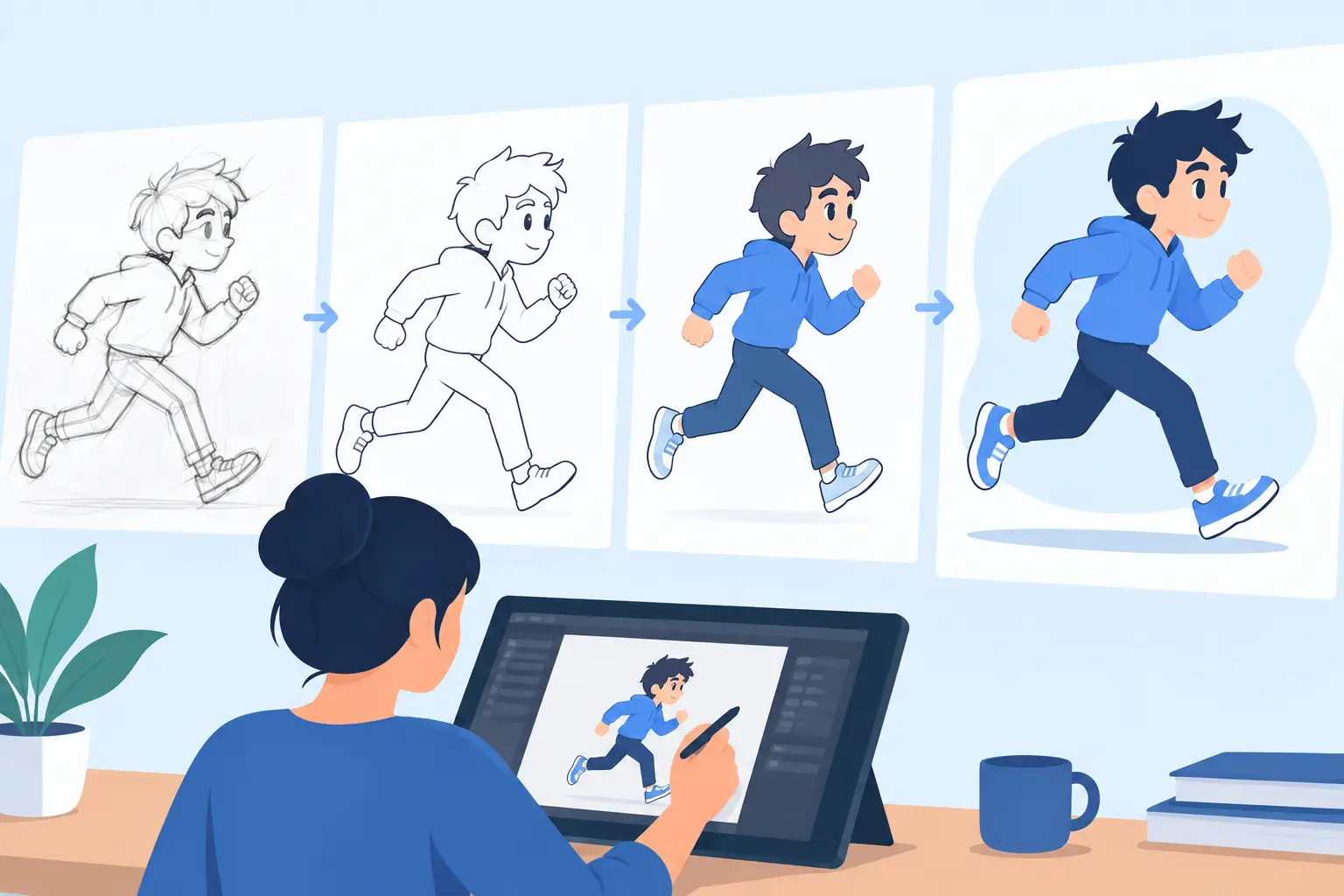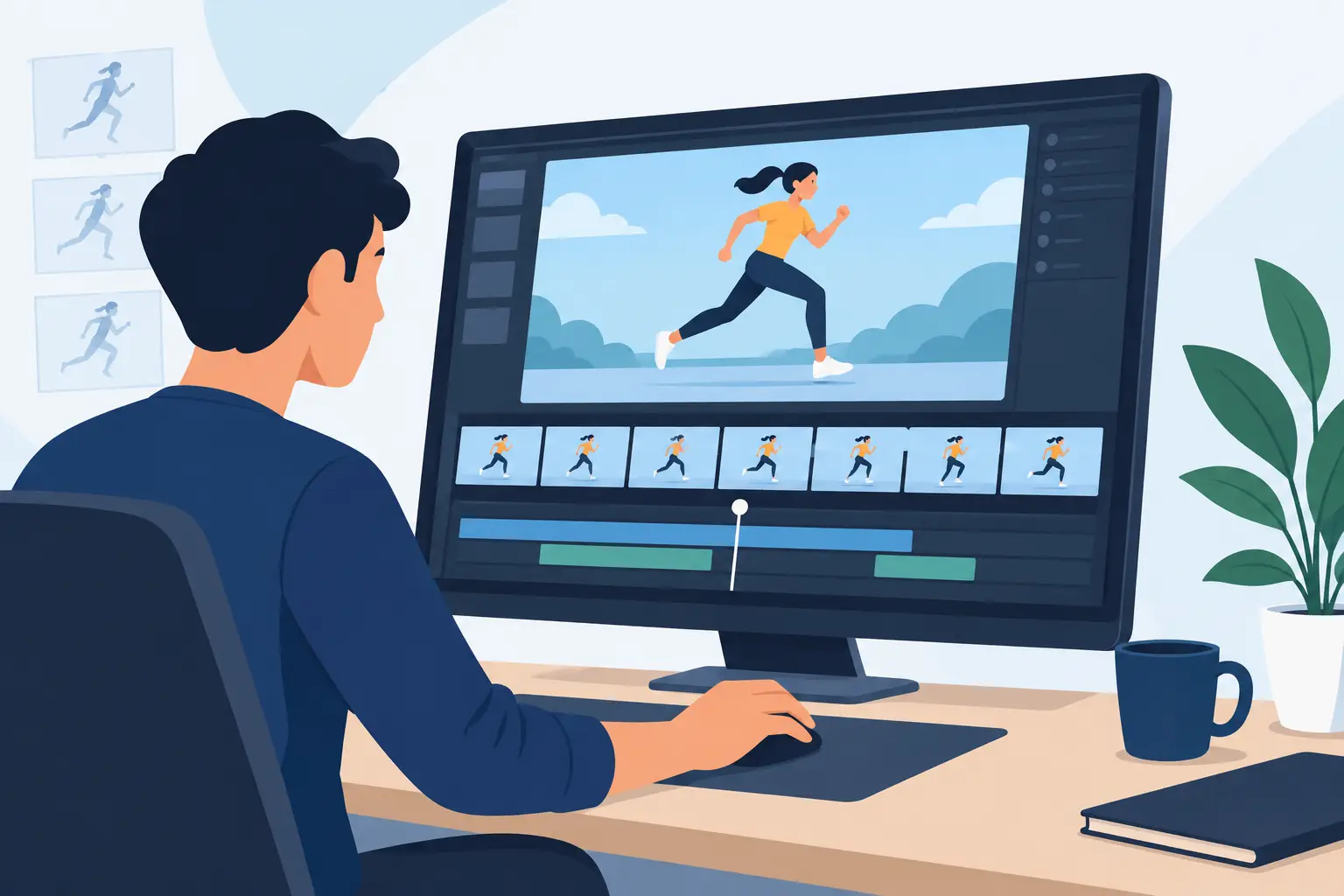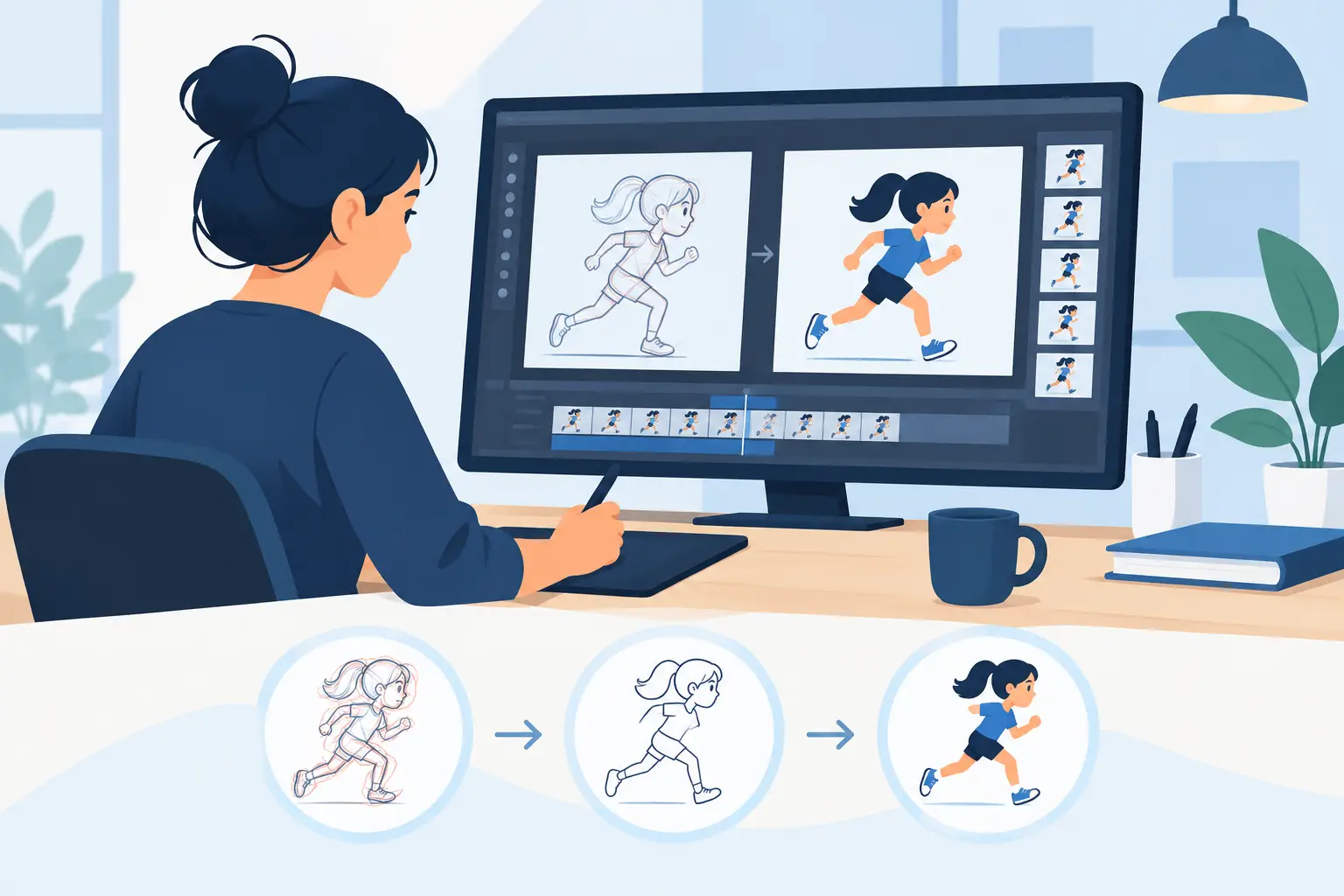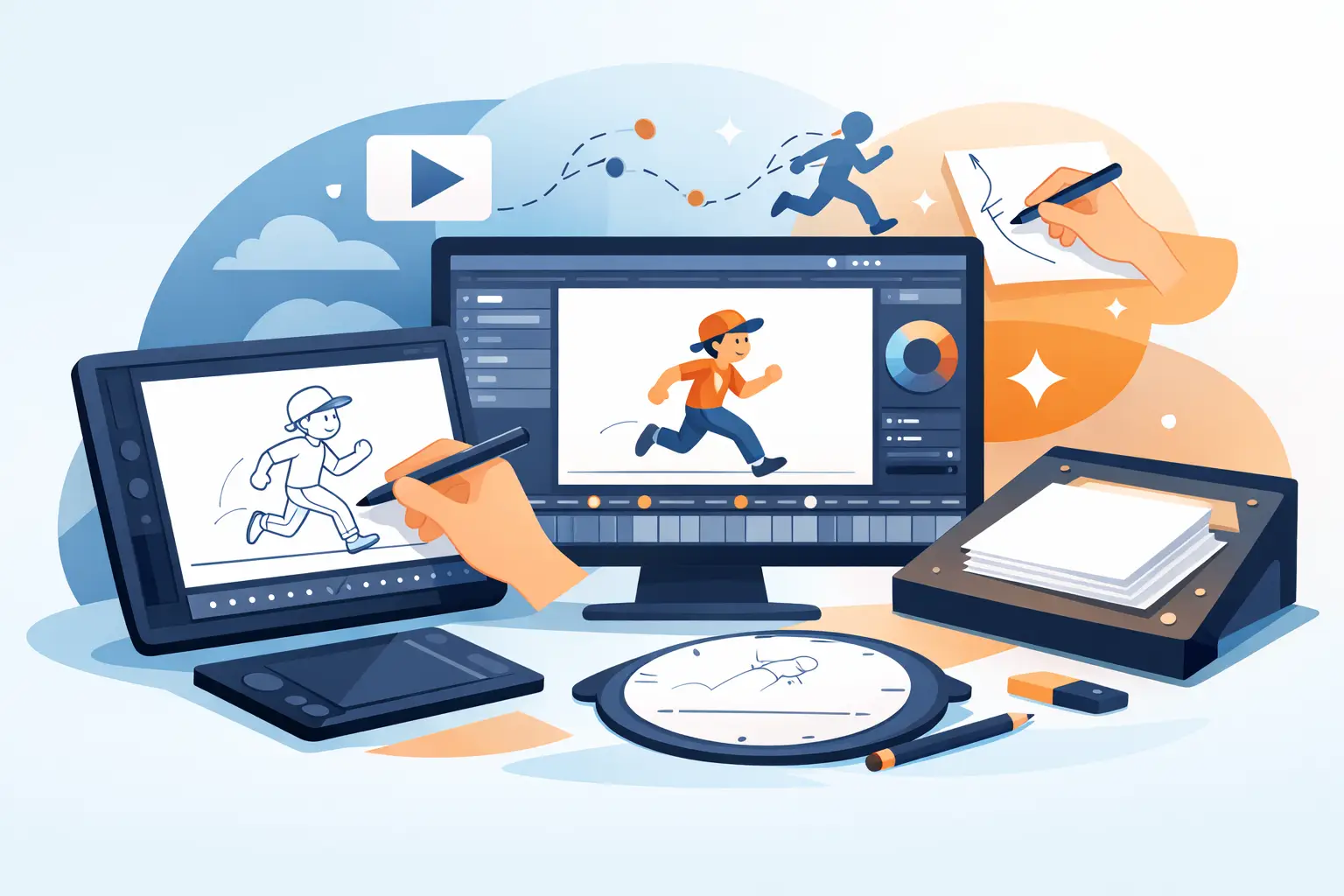
When a scene is working, you feel it immediately in the timing. When the software gets in the way, you feel that too. The best software for hand drawn animation should help you draw, flip, paint, and adjust timing like an animator – not like a file manager.
That matters more than feature count. Plenty of apps can claim layers, brushes, and exports. Those basics are not the hard part. The real question is whether the program supports the actual work of traditional animation: roughing shots, checking arcs, cleaning up drawings, testing exposure changes, and painting frames without turning every small revision into a slow technical chore.
What software for hand drawn animation needs to do well
If you animate frame by frame, you already know the difference between a drawing tool and an animation tool. A drawing app may offer attractive brushes and a polished interface, but that does not mean it respects animation workflow. Hand-drawn production asks for speed in very specific places.
First, drawing has to feel natural. Rough animation depends on rhythm. You need to sketch poses, flip through drawings, compare motion, and stay focused on performance. If the line feels stiff or the interface keeps pulling you into menus, your scene slows down before it has a chance to breathe.
Second, painting needs to be fast. This is one of the most underestimated bottlenecks in 2D production. A slow paint process can turn a finished scene into an endurance test. Good software handles painted frames efficiently so color work does not become the reason deadlines slip.
Third, timing control has to happen inside the creative flow. Animators rarely get timing right on the first pass. You test a shot, hold a drawing a little longer, remove an inbetween, or shift an accent to sharpen the action. If the software forces you to stop playback, make edits, and then preview again, you lose momentum. On one scene, that is annoying. Across a full film, it is expensive.
Why many programs fall short for traditional animation
A lot of software is built to cover many kinds of digital art at once. That sounds efficient, but it often leads to compromise. The app may be acceptable for illustration, motion graphics, compositing, or rigged animation while feeling awkward for classical hand-drawn work.
This usually shows up in three places. The first is drawing response. Some programs never quite feel like they were designed for animators who spend hours roughing action and checking line quality frame by frame. The second is paint workflow. What should be quick becomes repetitive. The third is timing. Many programs let you edit exposure or frame order, but not in a way that feels immediate during playback.
That is the difference between having animation features and being purpose-built for animation. If your goal is classic 2D work, you want software shaped around the production habits professional animators already understand.
The best software for hand drawn animation is built around workflow
The strongest choice is usually not the app with the longest feature list. It is the one that gets you from rough to finished scene with less friction. For hand-drawn animation, that means a workflow that supports roughs, clean-up, painting, playback, and camera-style scene finishing in one place.
A well-designed program should let you draw rough action, refine clean-up, paint frames, scrub the scene, and make timing changes quickly enough that experimentation stays practical. It should also give you camera tools like pan, zoom, rotate, blur, and dissolve without pushing you into a separate mindset or a bloated production pipeline.
That is where software designed around traditional studio methods stands apart. Instead of asking animators to adapt to a generic digital environment, it respects the way the work has always been done when quality and control matter.
Natural drawing matters more than flashy tools
For hand-drawn animators, the line is not decoration. It carries intent, weight, and motion. A clean line on an extreme or a rough line on a breakdown both need to feel direct. If the software makes every stroke feel processed, the drawings start to lose life.
This is why many experienced animators still look for software that behaves more like a paper-based process, even in a digital setting. They want the speed and convenience of digital production, but they do not want to give up the responsiveness of traditional drawing. Students benefit from this too. When the software stays out of the way, they can focus on timing, spacing, volumes, and performance instead of hunting through interface workarounds.
There is some personal preference here. Brush feel is subjective, and some artists will tolerate a less natural tool if it fits a broader pipeline. But if your primary goal is frame-by-frame character animation, the drawing experience should carry real weight in your decision.
Fast paint tools are not a minor feature
Painting is often treated like a support task, but in production it affects everything. The longer it takes to fill and manage color, the more pressure lands on the rest of the schedule. Efficient paint tools do not just save minutes. They preserve energy for animation decisions that actually appear on screen.
For independent filmmakers and small studios, this is especially important. You may not have a dedicated paint department. The same person who animated the scene may also clean it up and color it. In that situation, software that paints frames quickly is not a luxury. It is part of staying on budget.
There is a trade-off, of course. Some software offers highly complex coloring systems that make sense for specialized pipelines. But if complexity slows down everyday scene completion, it is often the wrong bargain for traditional 2D work.
Timing control is where real production speed shows up
Timing is the heart of animation, and it is also where software reveals whether it truly understands the craft. You need to see the scene move, adjust it, and feel the result right away. That is how animators sharpen action, improve acting, and find the right hold or accent.
A stop-adjust-preview cycle breaks that process. Every interruption separates you from the shot. In contrast, real-time timing editing changes the pace of production because it lets you respond while the scene is alive in front of you. That is not just convenient. It changes the quality of decision-making.
This is one reason dedicated animation software can outperform broader art apps even when both appear capable on paper. The practical difference is not in a spec sheet. It is in how quickly you can improve a scene once the drawings are already there.
Who should use this kind of software
Students and educators need software that teaches sound habits. If the program supports rough animation, clean-up, frame painting, and timing adjustment clearly, it becomes easier to learn the real structure of a scene. That matters in a classroom where fundamentals still come first.
Professional animators and experienced freelancers need speed without losing control. They already know how to animate. What they need is software that respects that knowledge and removes unnecessary delay. Independent directors and small studios need the same thing for a different reason: every inefficiency compounds across a production.
If your work is mainly cut-out rigs, heavy compositing, or motion design, another tool might fit better. But if your focus is hand-drawn performance, expressive line, and frame-by-frame control, purpose-built software is usually the better investment.
What to look for before you commit
Test the software on an actual scene, not a bouncing ball you will never use again. Rough out a shot, clean up part of it, paint a few frames, and adjust timing after playback. That sequence tells you far more than a marketing checklist.
Pay attention to where the software slows you down. Does drawing feel direct? Can you check and change timing without friction? Is painting efficient enough that you would trust it on a deadline? Does the program support camera-style effects when the scene needs finishing touches?
If one program handles those core jobs better than the rest, that is your answer. In traditional animation, the best software is the one that helps you make stronger scenes with less effort. FlipBook was built around that exact idea, and it shows in the way it handles drawing, painting, and timing where other apps tend to stall.
Good animation software should make your drawings come alive without asking you to fight the tool first. Choose the program that lets you stay with the scene, because that is where better animation gets made.