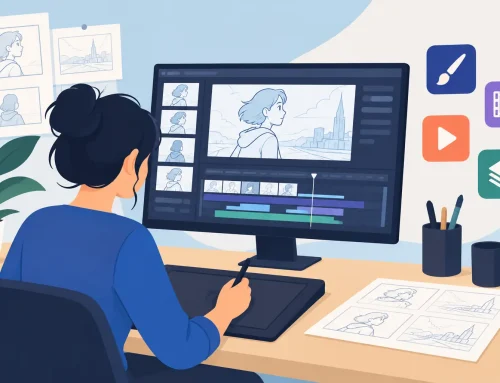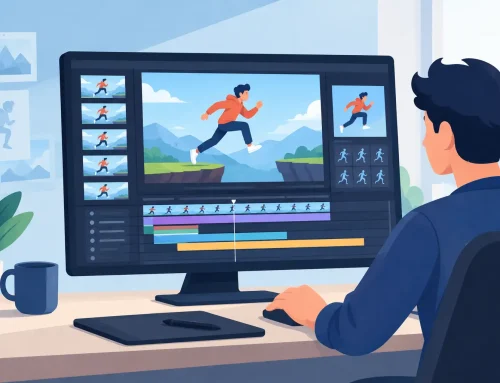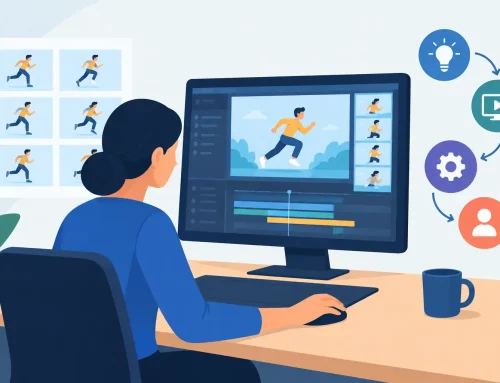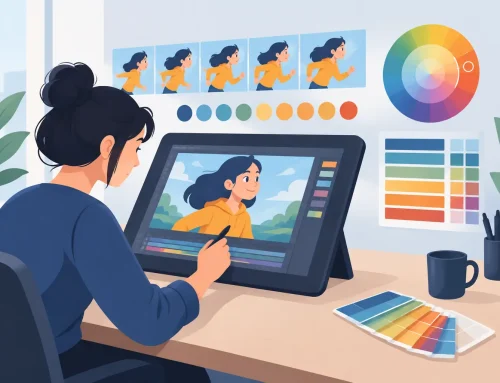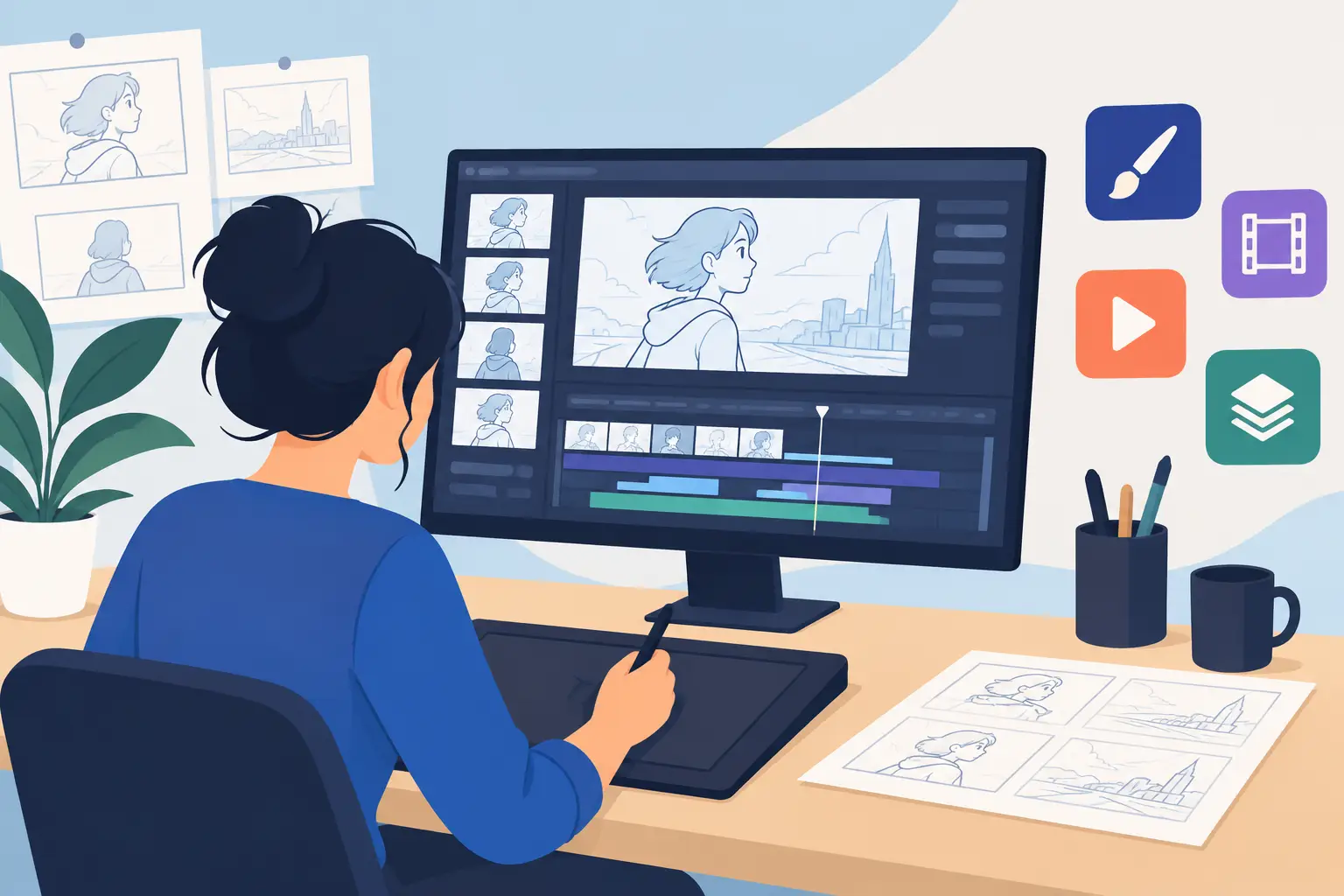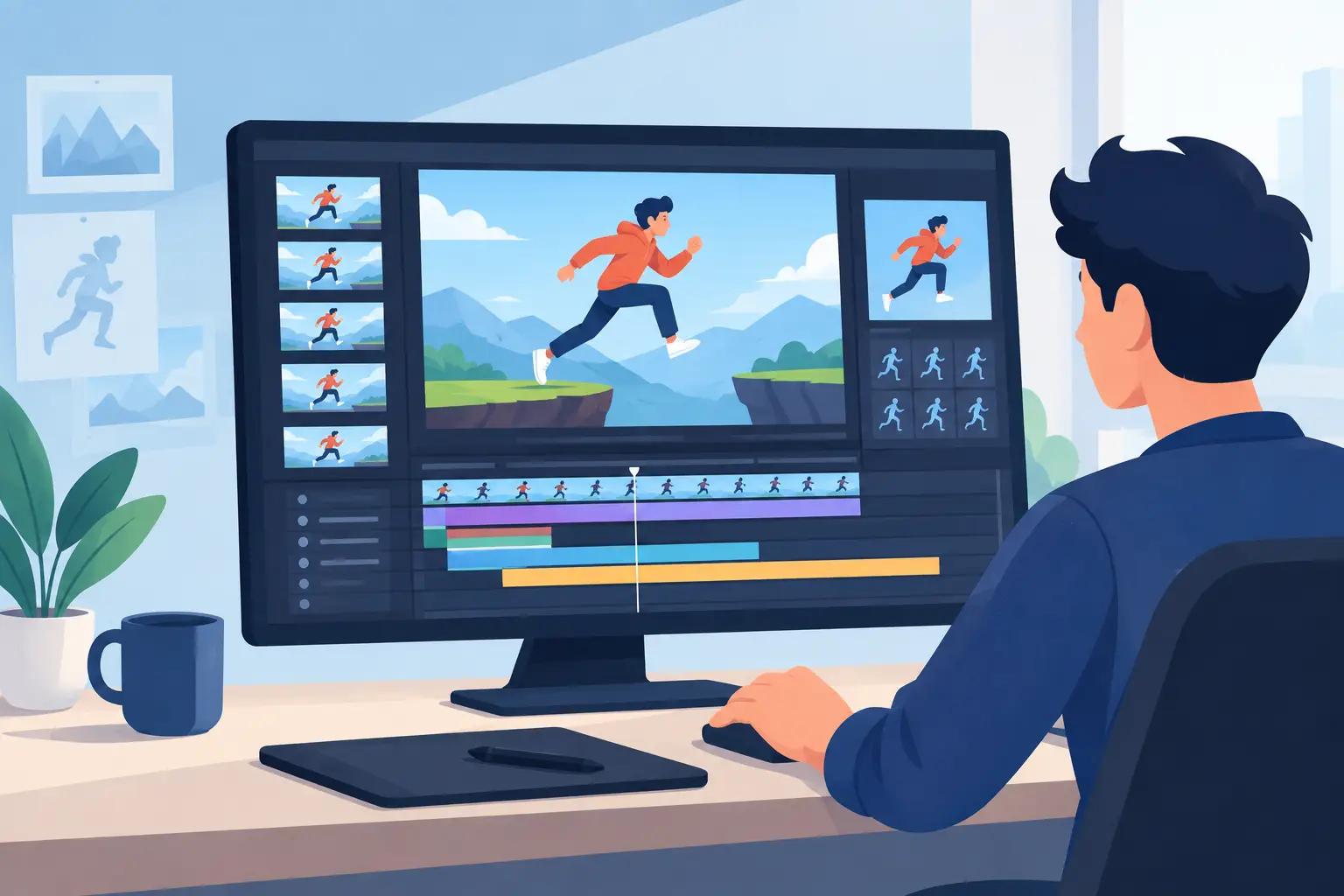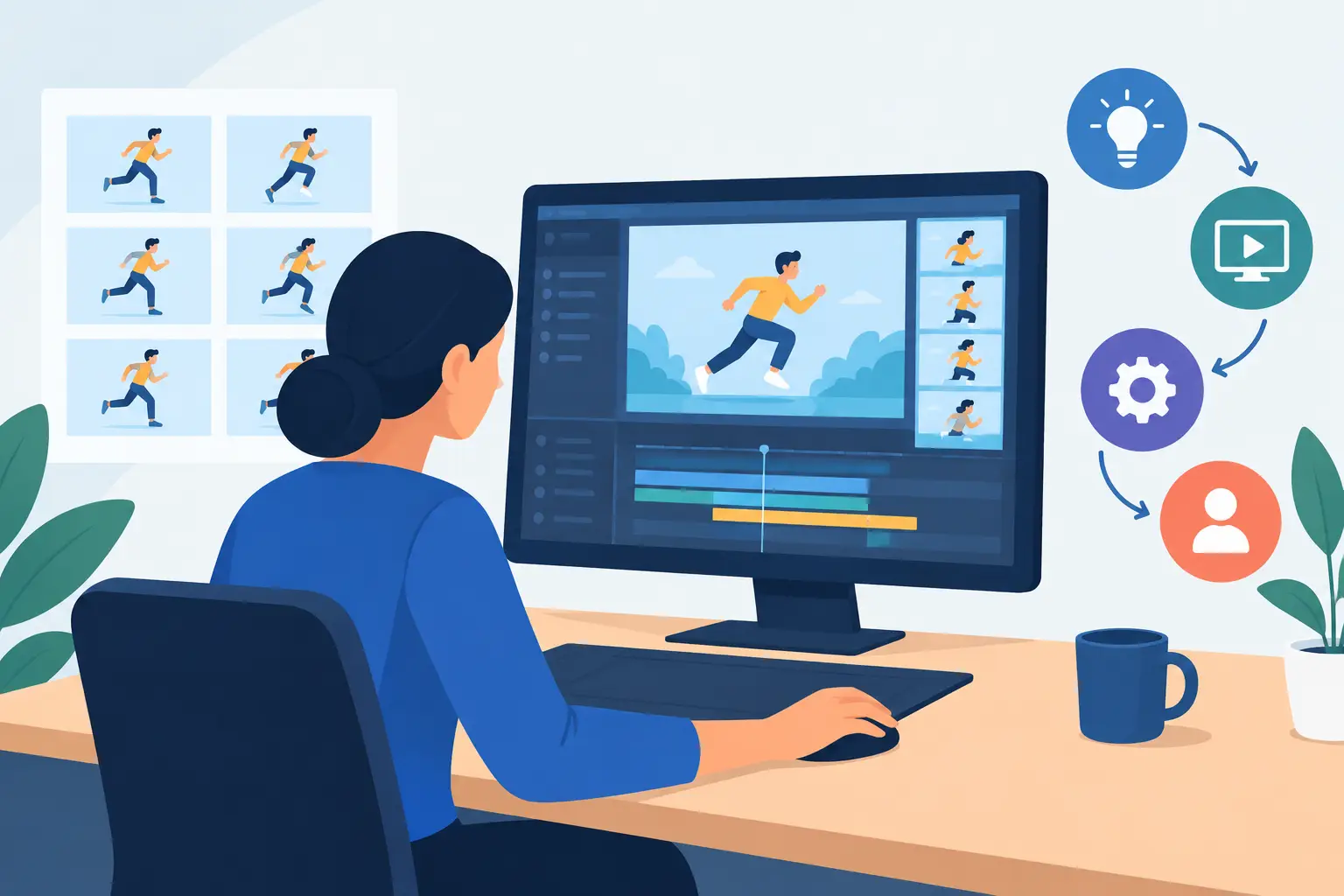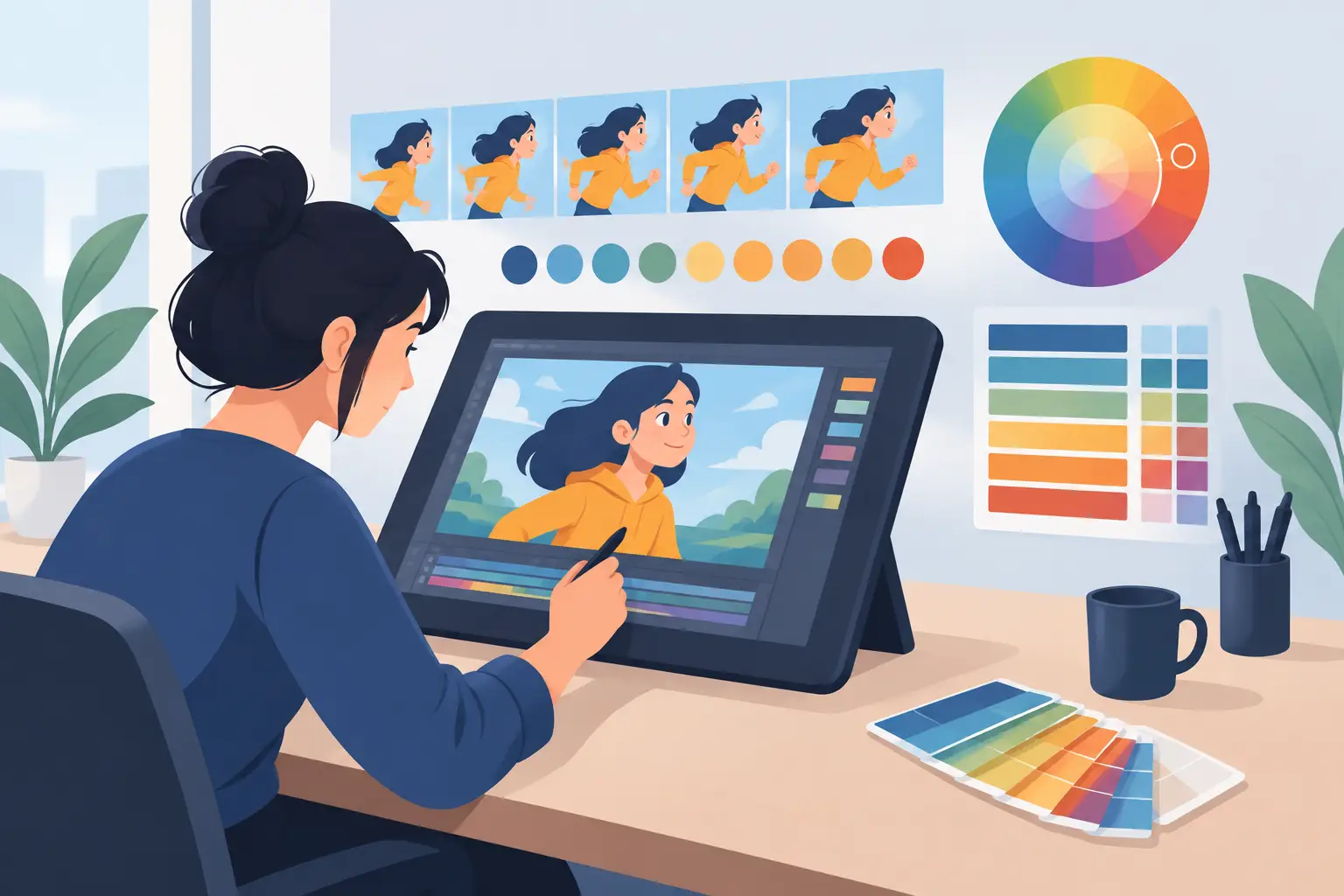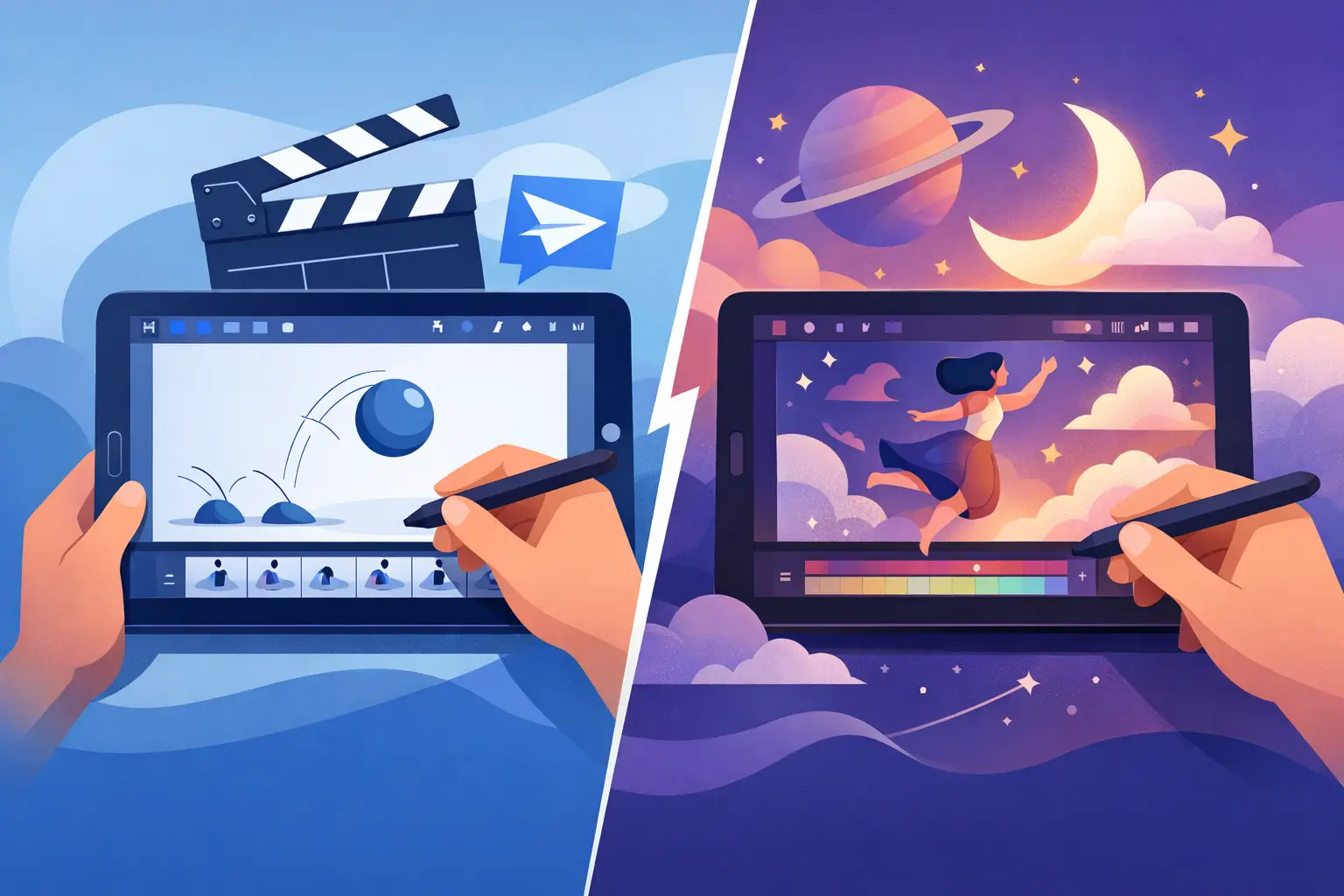
A Flippad vs Procreate Dreams decision is not really about which app has the flashier interface. It is about where you want the work to happen: in deliberate, frame-by-frame drawing and timing, or in a broader iPad canvas built for drawing, performing, and combining animation methods. Both can make drawings move. They ask you to animate in very different ways.
For animators learning the craft, that distinction matters immediately. A scene is not finished because the drawings are attractive. It needs clear poses, believable spacing, readable arcs, clean color, and timing that supports the action. The right tool should let you work on those decisions without turning every correction into a technical chore.
Flippad vs Procreate Dreams: the basic difference
FlipPad is built around the traditional animation process: draw a sequence of frames, review the action, refine the drawings, paint the scene, and adjust the timing until it plays correctly. It is an iPad companion for a workflow that respects the way hand-drawn animators have worked for generations. The focus stays on the shot and the drawings that make it up.
Procreate Dreams takes a wider approach. It combines hand-drawn frame animation with a multitrack timeline, keyframes, live performance recording, and compositing-style movement. That makes it appealing when a project includes moving text, animated graphics, layered illustration, or a quick expressive sketch that needs motion.
Neither approach is wrong. The better choice depends on whether your work is driven primarily by character animation and draftsmanship, or by a mix of illustration, motion design, and recorded gestures.
Drawing feel decides more than most feature lists
A hand-drawn animation app has to earn trust one stroke at a time. Animators spend hours pushing a pose, redrawing a hand, checking an overlap, and cleaning a line that looked fine until it moved. If the drawing process feels indirect, the work slows down long before the timeline becomes a concern.
FlipPad favors the familiar logic of traditional animation: one drawing follows another, and each frame has a job in the action. This encourages artists to think in keys, breakdowns, in-betweens, holds, and accents. For students, that is a valuable discipline. For experienced animators, it keeps the work close to the production method they already know.
Procreate Dreams will feel especially comfortable to artists who already enjoy the brush-first experience of Procreate. It gives them a natural place to sketch and animate without leaving the iPad. Its strength is immediacy. You can draw, add movement, and explore an idea quickly.
But immediate sketching is not the same as efficient animation production. A complicated character scene has different demands than an animated poster. When every frame needs careful construction, the app should make it easy to see the drawing sequence, judge the action, and correct it without losing your place.
Choose based on the type of work you draw
If you animate character acting, dialogue, walk cycles, creature motion, or effects animation, a frame-centered workflow is usually the stronger foundation. You need to judge how one drawing relates to the next, not just how a layer moves across the screen.
If you make short social clips, illustrated titles, visual journals, or mixed-media motion pieces, Procreate Dreams may be a better creative playground. Its timeline and performance tools can produce useful results without requiring every movement to be drawn frame by frame.
Timing control is where production speed is won
Animation timing is not a finishing touch. It is the performance. The same drawings can feel heavy, nervous, graceful, or lifeless depending on how long they hold and where the spacing changes.
Traditional workflow puts timing in front of the animator throughout the scene. You draw a pose, play it, decide whether it arrives too soon or lingers too long, and make the correction while the action is still fresh in your mind. That direct relationship between playback and timing is central to FlipBook-style production.
DigiCel’s FlipBook is particularly strong here because timing can be adjusted during playback. Instead of stopping, changing exposure, previewing, and repeating, you can respond to the rhythm of the scene in real time. That saves time on any shot, but it is especially valuable in dialogue, fast action, and comedy, where a one-frame change can make or break a gag.
Procreate Dreams gives animators timeline controls and keyframe-based motion, which are useful for moving elements, camera-like changes, and recorded performances. Yet a broad timeline is not automatically faster for a hand-drawn shot. When an animator is focused on spacing a head turn or finding the right hold before a blink, the key question is whether the software keeps timing decisions close to the drawings.
For frame-by-frame animators, the practical test is simple: can you change the exposure of a drawing, replay the moment, and make another adjustment before the creative thought disappears? If that process feels slow, a feature-rich timeline will not fix it.
Painting frames without losing momentum
Color is often where a promising animation becomes a long night of repetitive clicking. Clean-up and paint work involve hundreds or thousands of small decisions. A tool that makes filling areas reliable and fast gives independent artists and small studios more time for the parts viewers actually notice.
FlipPad and the FlipBook workflow are aimed at conventional animation production, where roughs become clean-ups and clean-ups become painted frames. That structure makes sense when your scene needs consistent line work and color across a sequence. It also keeps the painter thinking about the frame as a drawing, rather than as one object inside a layered composition.
Procreate Dreams can support colorful, expressive work, especially when the look stays loose and painterly. Artists who want visible brush texture and changing marks from frame to frame may prefer that freedom. The trade-off is that a painterly process can become expensive in time when you need clean, repeatable character color across a longer scene.
This is not an argument against texture or experimentation. It is a production question. A ten-second experimental clip and a five-minute character film should not be planned with the same expectations for paint speed.
Camera moves and compositing: useful, but not a substitute for animation
Procreate Dreams has a clear advantage for artists who want to animate layers, perform movements live, and build compositions directly on an iPad. If the shot depends on sliding artwork, scaling a title, or recording a loose camera move, those tools can be a good fit.
Traditional animation software approaches camera work differently. Pan, zoom, rotate, blur, and dissolve effects should support a finished scene, not distract from weak staging or unclear action. When the character performance is strong, simple camera treatment is often enough.
For an independent filmmaker, this means choosing the app based on the center of the shot. If the center is a character acting through a carefully drawn sequence, prioritize drawing, paint, and timing. If the center is an illustrated composition moving through space, prioritize multitrack and keyframe tools.
Which app should animation students choose?
Students benefit from software that makes animation principles visible. Drawing on ones, twos, or threes teaches exposure. Building key poses teaches posing. Adding breakdowns teaches spacing. Playing the scene repeatedly teaches that timing is a decision, not an accident.
FlipPad is the more natural fit when the goal is to learn classic frame-by-frame animation. It supports the habits that transfer to studio-style production: plan the action, rough it out, clean it up, paint it efficiently, and keep testing the timing.
Procreate Dreams can be motivating for beginners who already draw on an iPad and want to see something move quickly. That early excitement has real value. Still, students should be careful not to let automatic movement and effects replace the frame-by-frame practice that builds real animation judgment.
Make the choice shot by shot
Use FlipPad when your priority is traditional drawn animation, clear frame relationships, efficient painting, and timing control. Use Procreate Dreams when you want an open-ended iPad tool for illustration, layered motion, and quick performative experimentation.
The strongest animators often use more than one tool during a project. What matters is that the app serving your main animation work does not interrupt the fundamentals. Start with a short test scene: a turning head, a bouncing ball with personality, or a two-second acting beat. Draw it, paint it, retime it, and watch where the software helps you keep working. That answer will be more useful than any feature checklist.