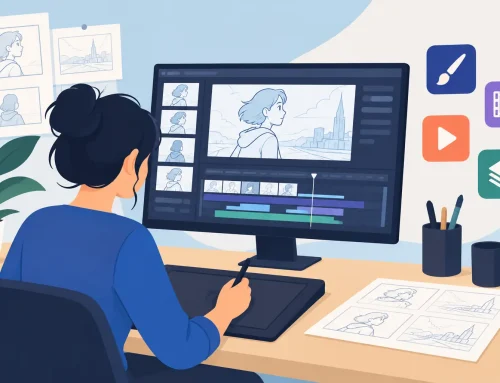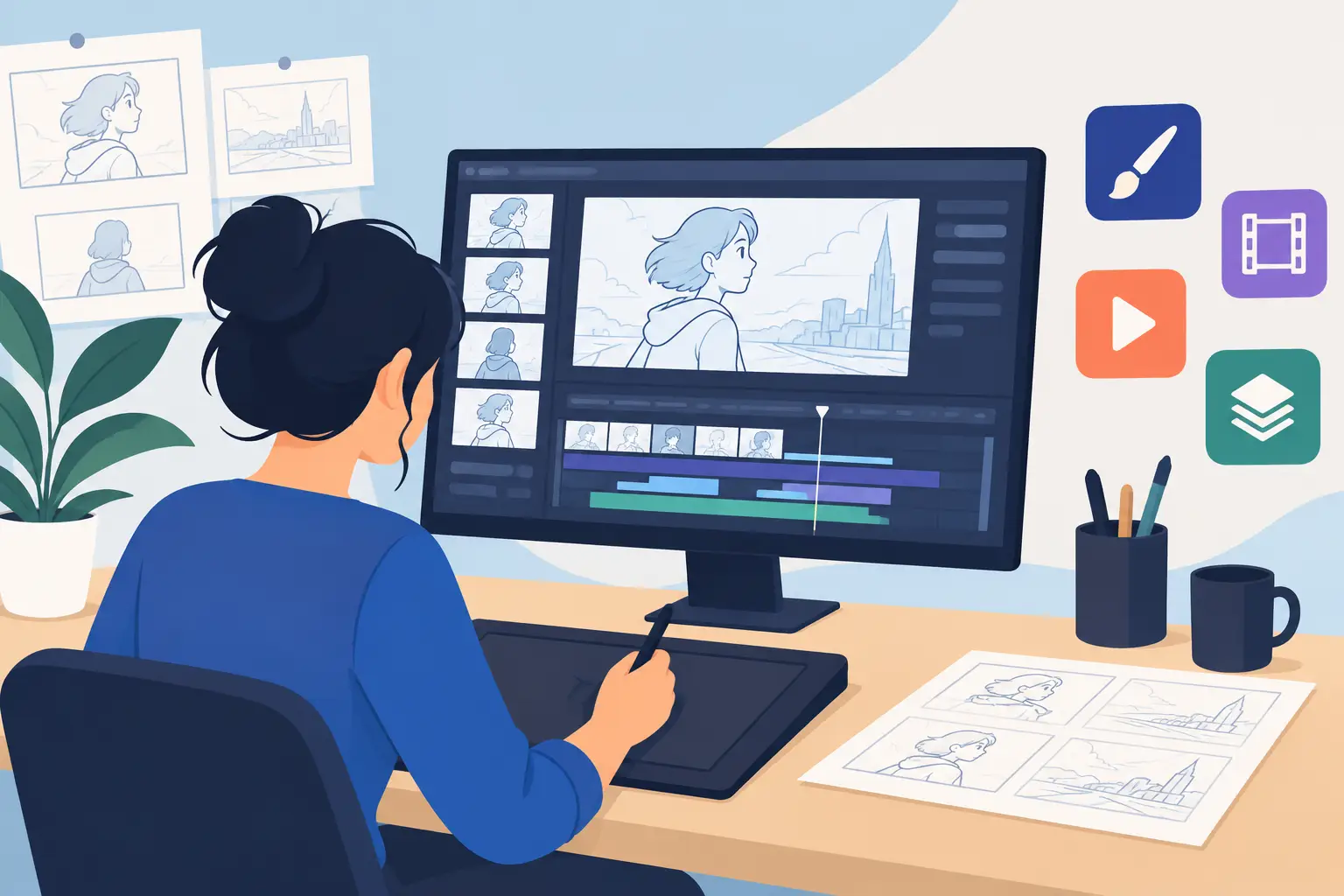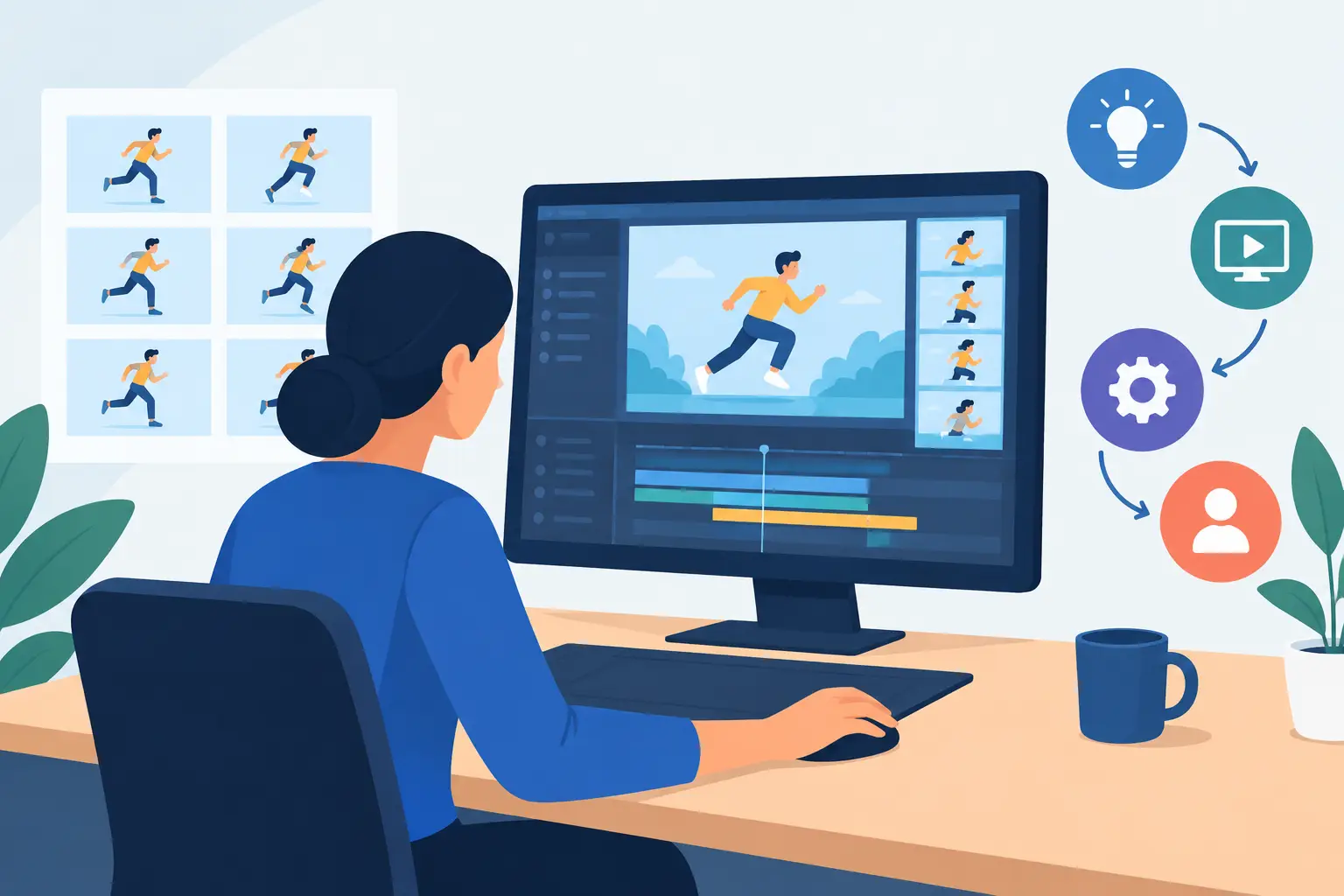
A free download is easy to start and easy to misjudge. Too many animation trials are tested with a few random pencil strokes, a quick look at the interface, and then forgotten. That tells you almost nothing about whether the program will hold up when you need to rough a shot, clean it up, paint it, change the timing, and show it to someone else.
The right way to evaluate animation trials is to treat the trial like a small production assignment. Make a short scene with a clear action, such as a character picking up a cup, taking two steps, or making a broad reaction. A five- to ten-second shot is enough to expose whether the software helps your work move forward or puts obstacles between you and the drawing.
What an Animation Trial Should Prove
A trial should answer more than, “Can I draw in this program?” Nearly every animation application can make marks on a screen. The real question is whether it supports the production decisions that give hand-drawn animation its life: posing, arcs, spacing, timing, line control, color, and camera movement.
For a student, this matters because your software should make it easier to see and correct the principles you are learning. For a working animator or a small studio, it matters because every unnecessary stop in the process costs time. If changing a held frame requires leaving playback, opening a separate timing panel, making an adjustment, and replaying the scene, the tool is slowing down decisions that should be immediate.
A useful trial also reveals how much of the program is truly available. A limited version that prevents saving, exporting, or testing essential production tools may demonstrate the interface, but it does not demonstrate the workflow. Before investing time in a scene, check the trial terms and make sure you can evaluate the features that matter to your work.
Build One Short Scene From Start to Finish
Do not test every tool in the first hour. Start with a simple assignment and follow the same order you would use on an actual shot. This keeps the evaluation grounded in animation rather than menus.
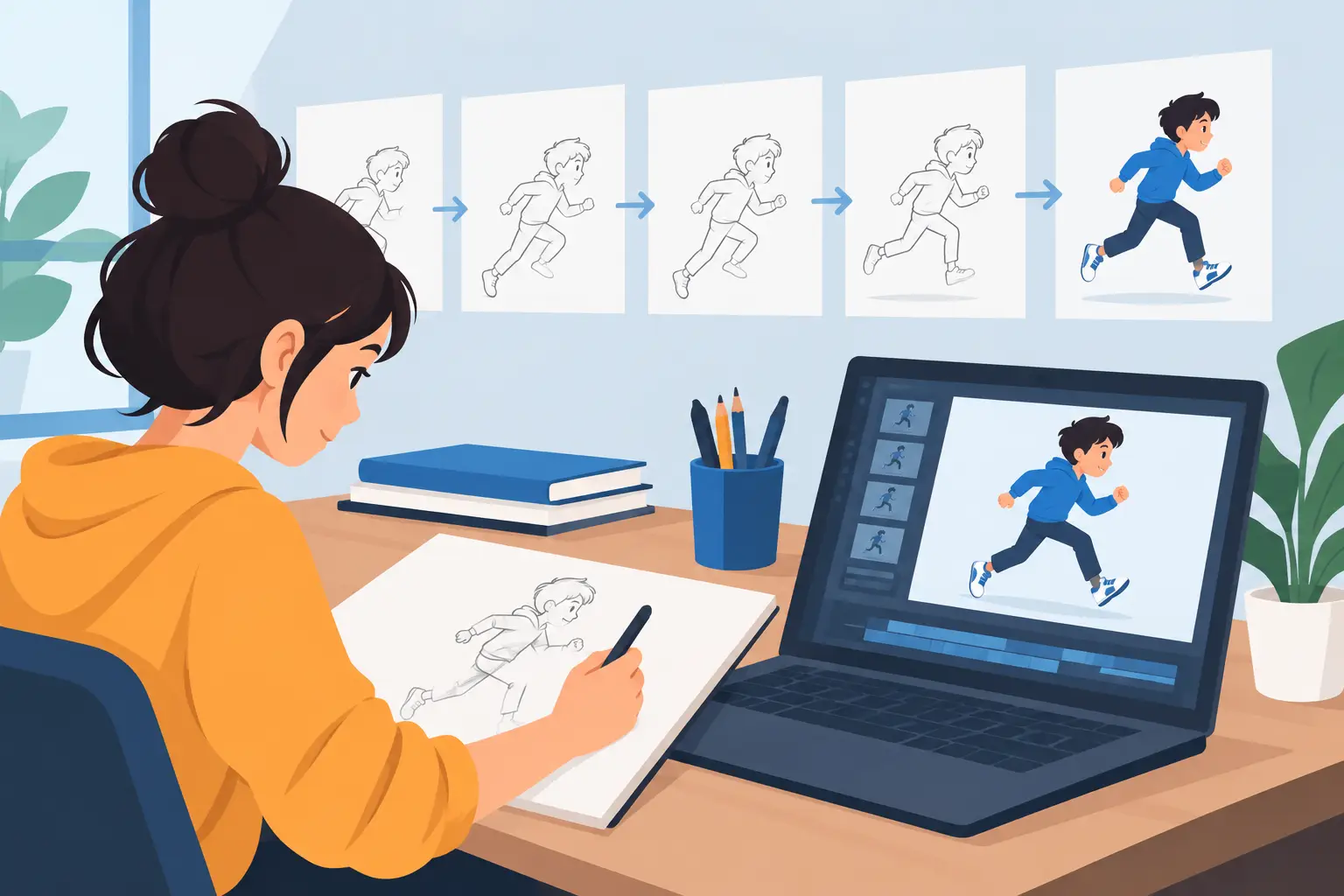
Rough the action first
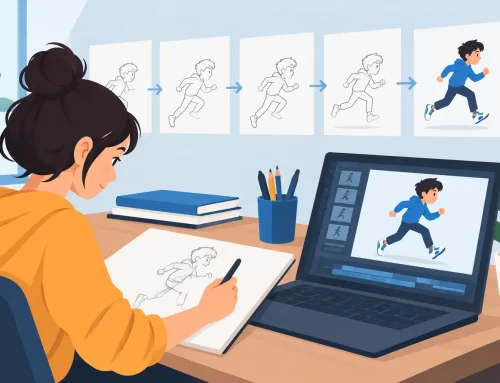
Begin with loose key poses and breakdowns. Work quickly enough that you can feel whether drawing is natural. Can you make broad, confident strokes without fighting lag, awkward stabilization, or a tool that seems designed more for illustration than animation? Can you flip or scrub through frames easily enough to judge the motion instead of guessing at it?
A drawing tool does not need to imitate paper perfectly to be useful, but it should respect a traditional animator’s habits. You should be able to concentrate on the pose, silhouette, and line of action rather than constantly managing the application.
Then add in-betweens. This is where a trial starts to show its character. Look at the drawing while you are working, not only after playback. Good onion skinning, clear exposure control, and a responsive timeline make it easier to maintain volume and spacing from drawing to drawing.
Test playback before the scene feels finished
Do not wait until every drawing is polished. Play the rough scene repeatedly as soon as the action exists. Watch for the questions that matter in production: Is the anticipation long enough? Does the character settle too quickly? Is a fast move reading as a blur of drawings, or as a deliberate action?
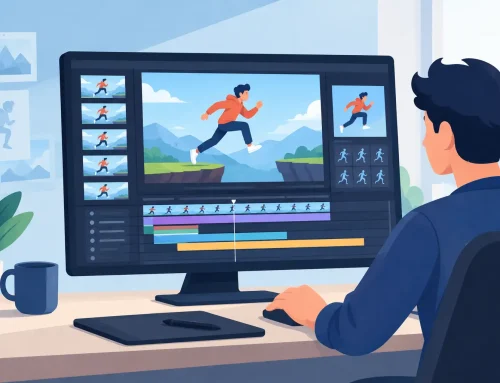
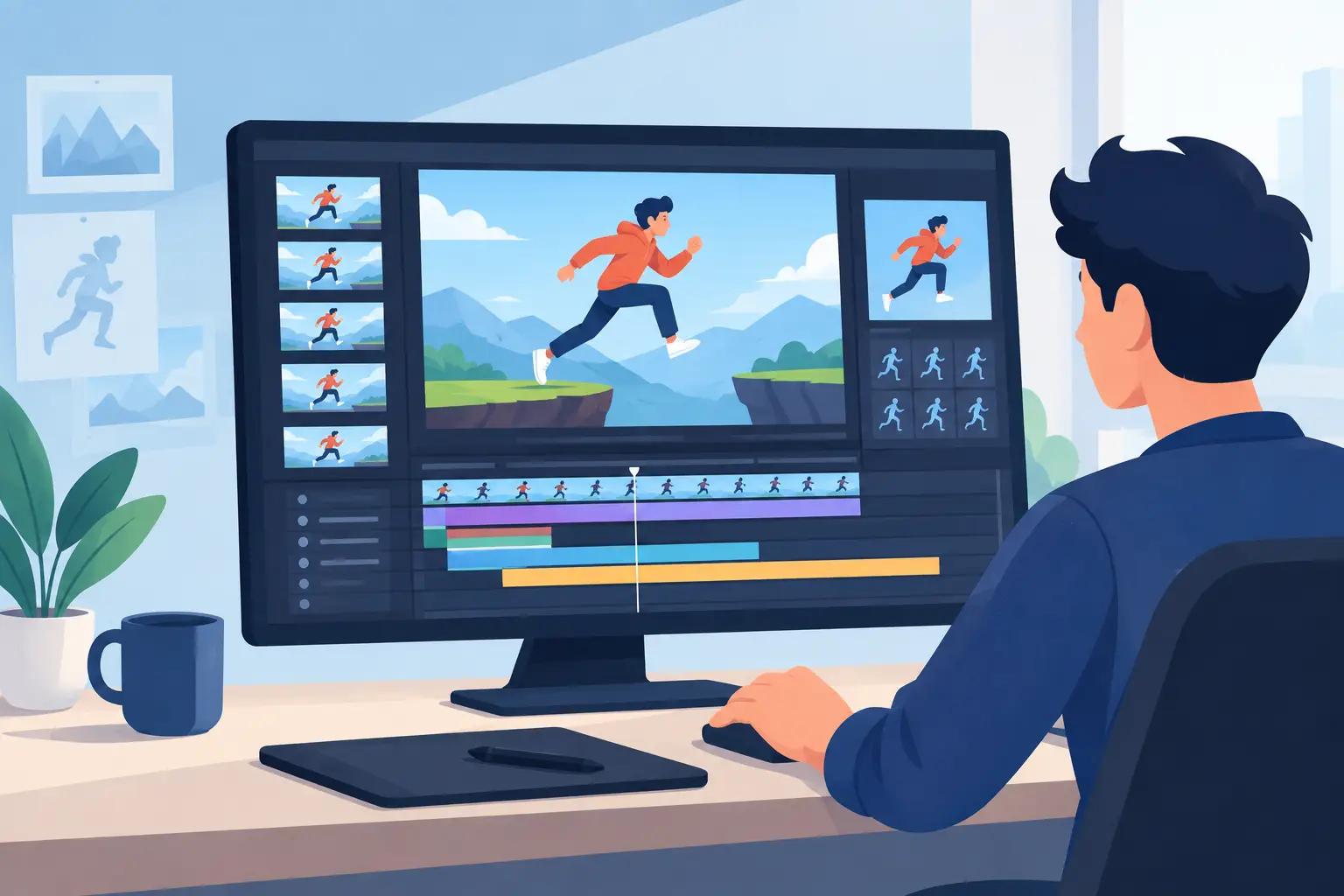
Timing should be something you can explore, not something you lock in reluctantly. A strong animation program lets you adjust exposures and timing while seeing the result immediately. That direct feedback preserves the animator’s rhythm. You stay focused on the performance instead of entering a stop-adjust-preview cycle every time a frame needs another beat.
Try at least three timing changes in your test. Hold a pose longer. Remove a drawing from a fast action. Shift an accent by a frame or two. If these changes feel cumbersome during a ten-second trial scene, they will feel much worse across a sequence of shots.
Clean up and paint enough frames to expose the bottleneck
A rough test can make almost any animation software look acceptable. Cleanup and paint reveal whether it is practical.
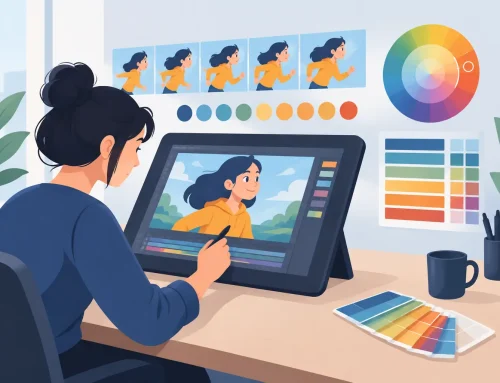
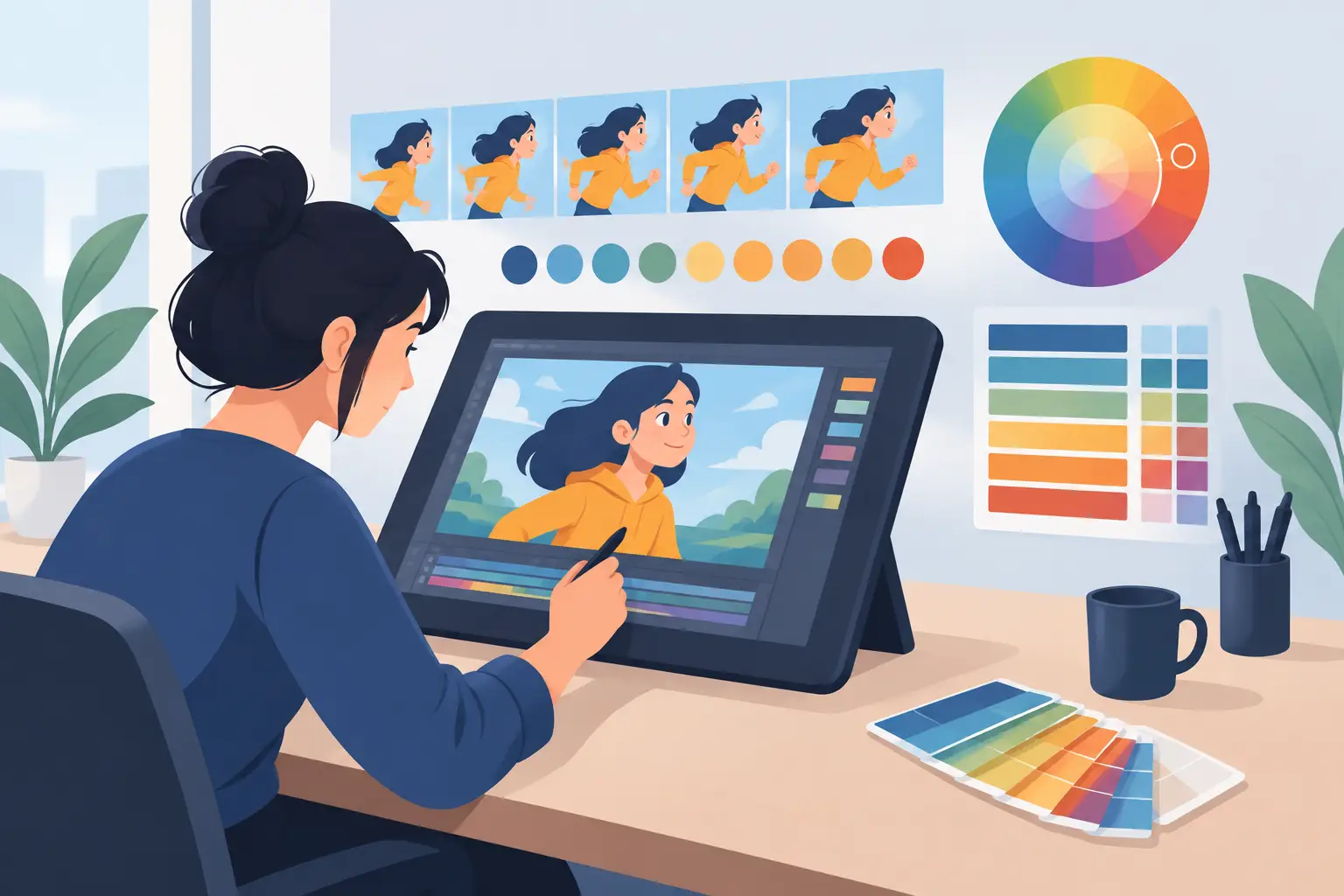
Clean up a portion of the shot with the line quality you would actually deliver. Check whether you can control your lines without excessive tool switching. Then paint several consecutive frames, including a shape with a narrow gap, an overlap, or a changing contour. Those are the moments that expose weak fill tools and slow painting workflows.
Painting speed is not a minor convenience. It affects how freely you can revise. If filling a color requires repeated cleanup of tiny gaps or constant corrections to boundaries, you may avoid making changes that would improve the scene. Efficient painting gives you room to keep animating instead of treating every color adjustment as a chore.
Judge the Timeline by How It Handles Change
Most animators do not need a timeline that merely looks sophisticated. They need one that makes a shot readable and editable. During your trial, inspect the timeline at a glance. Can you identify held drawings, new exposures, and key moments without hunting through panels?
Try a production-style revision. Add two frames to an anticipation, then see what happens to the action that follows. Duplicate a held drawing. Move an exposure. Delete an in-between you no longer need. The program should make these operations clear and reversible.
There is a trade-off here. Highly configurable software can offer deep control, but it can also bury basic animation tasks under technical setup. A simpler tool may be faster for traditional frame-by-frame work, while a larger production package may make sense when a studio needs specialized compositing, rigging, or pipeline integration. The best choice depends on the work you actually intend to make, not the longest feature list.
Test Camera Moves Without Leaving the Shot
Even a hand-drawn scene often needs a practical camera adjustment. During the trial, test a pan, a zoom, a rotation, or a simple dissolve. These tools are especially valuable for independent filmmakers and small teams that want to finish a scene without moving it through several applications for basic presentation work.
The test is not whether the program can create an effect. The test is whether the effect is easy to judge in context. A camera move should support the staging and timing of the animation, not become a separate technical project. If you cannot quickly preview the result against the drawings, you cannot make a confident artistic decision.
Questions to Ask Before the Trial Ends
By the end of your test scene, you should have direct answers to a few practical questions. Did the drawing feel immediate? Could you see your timing decisions as you made them? Did painting stay fast when the shapes became more demanding? Could you make revisions without disturbing the rest of the shot? And could you get help if a production question stopped you?
Support matters more than many buyers expect. A trial is often the first time an animator encounters a new workflow, tablet setup, or file process. Clear documentation and free technical support can prevent a minor issue from becoming a reason to abandon a capable tool. This is particularly useful in classrooms, where instructors need students working on animation principles rather than spending half a session troubleshooting software.
Make the Trial Earn Its Place in Your Process
A good trial should leave you with more than a test file. It should leave you with a finished little scene and a clear sense of the program’s working rhythm. If the process felt natural from roughs through paint and timing, that result is meaningful. If you spent most of the session configuring panels, compensating for slow tools, or avoiding revisions, believe that result too.
FlipBook is built for this kind of direct, traditional workflow: draw the scene, play it, adjust the timing while you watch, paint efficiently, and keep moving. But whichever application you evaluate, give it a real shot instead of a casual click-around. A short animated action will tell you far more than a feature chart ever can.