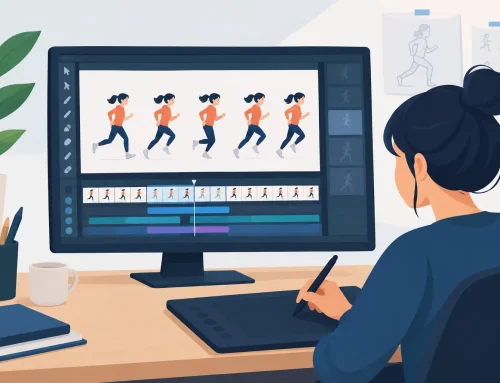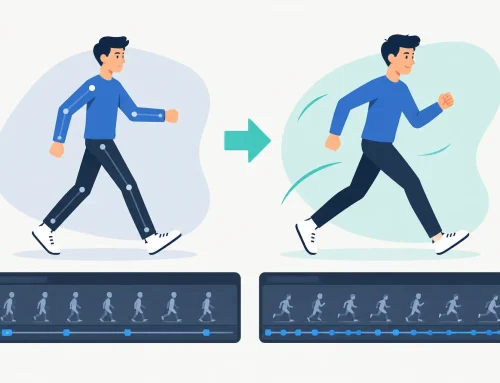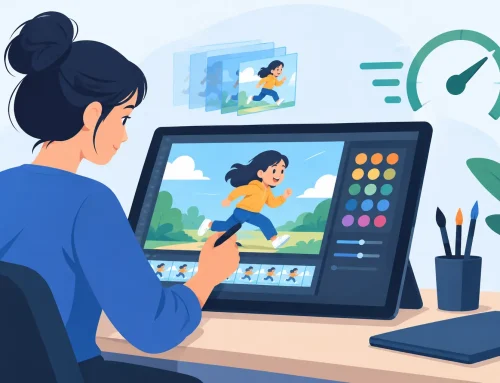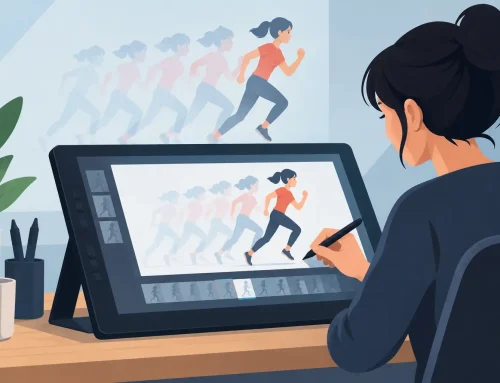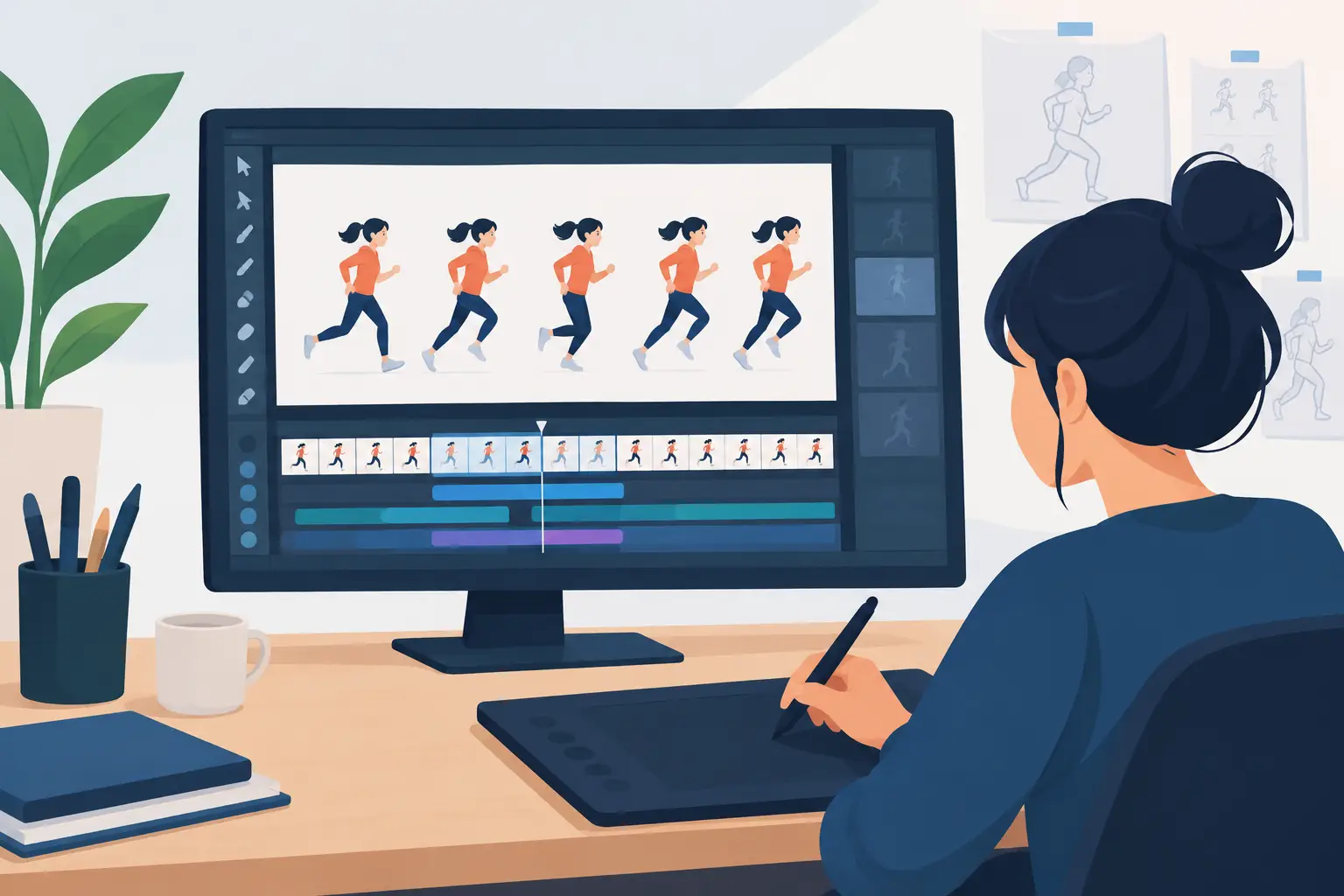
A beginner’s first animation usually starts with a simple test: a bouncing ball, a blinking character, or a rough walk cycle. The question is not whether the idea is complicated. It is whether the software lets you concentrate on the drawing and the timing instead of making you fight the interface. So, is FlipBook good for beginners? For artists who want to learn traditional frame-by-frame animation, it is a strong fit because it keeps the essential production tools close to the work.
FlipBook is built around the way hand-drawn animation is actually made. You draw a pose, move to the next frame, test the motion, adjust the timing, and keep refining until the action reads clearly. That direct process matters when you are learning. A beginner needs to see cause and effect: how one extra frame changes the weight of a ball, how a held drawing creates anticipation, or how a better breakdown makes a turn feel natural.
Is FlipBook Good for Beginners Learning Animation?
Yes, especially if your goal is to learn the principles behind drawn animation rather than assemble motion from prebuilt assets. FlipBook gives beginners a practical path into rough animation, clean-up, painting, and timing without burying those fundamentals under a complicated production pipeline.
That does not mean animation becomes easy. No software can replace observation, drawing practice, or an understanding of timing and spacing. What good software can do is remove unnecessary interruptions. When the tools behave like an animation desk instead of a technical obstacle, you can spend more time judging the movement on screen.
A beginner can start with rough drawings and a short scene rather than trying to produce a polished film. Draw a key pose, add the next pose, then scrub or play the scene to see what the motion is doing. This is the real learning loop. You make a choice, watch the result, and correct it while the idea is still fresh.
A familiar drawing-first workflow
Many new animators are surprised to find that the difficult part is not creating a file or opening a timeline. It is maintaining the rhythm of drawing, reviewing, and revising. Traditional animation depends on that rhythm. If it takes too many steps to move between frames, preview motion, or make a correction, a short exercise turns into a technical chore.
FlipBook keeps the focus on individual drawings. You can rough out action before worrying about clean lines and color. That is how professional animation is commonly approached: solve the performance and motion first, then refine the artwork. Beginners benefit from this order because it prevents a common mistake – spending hours polishing a drawing before knowing whether it works in motion.
The drawing experience also matters. Artists coming from paper often want their lines to feel immediate, not as though they are filling out shapes in a design program. A natural drawing workflow makes it easier to practice poses, arcs, and expression without changing the way you think about animation.
Timing is where beginners improve fastest
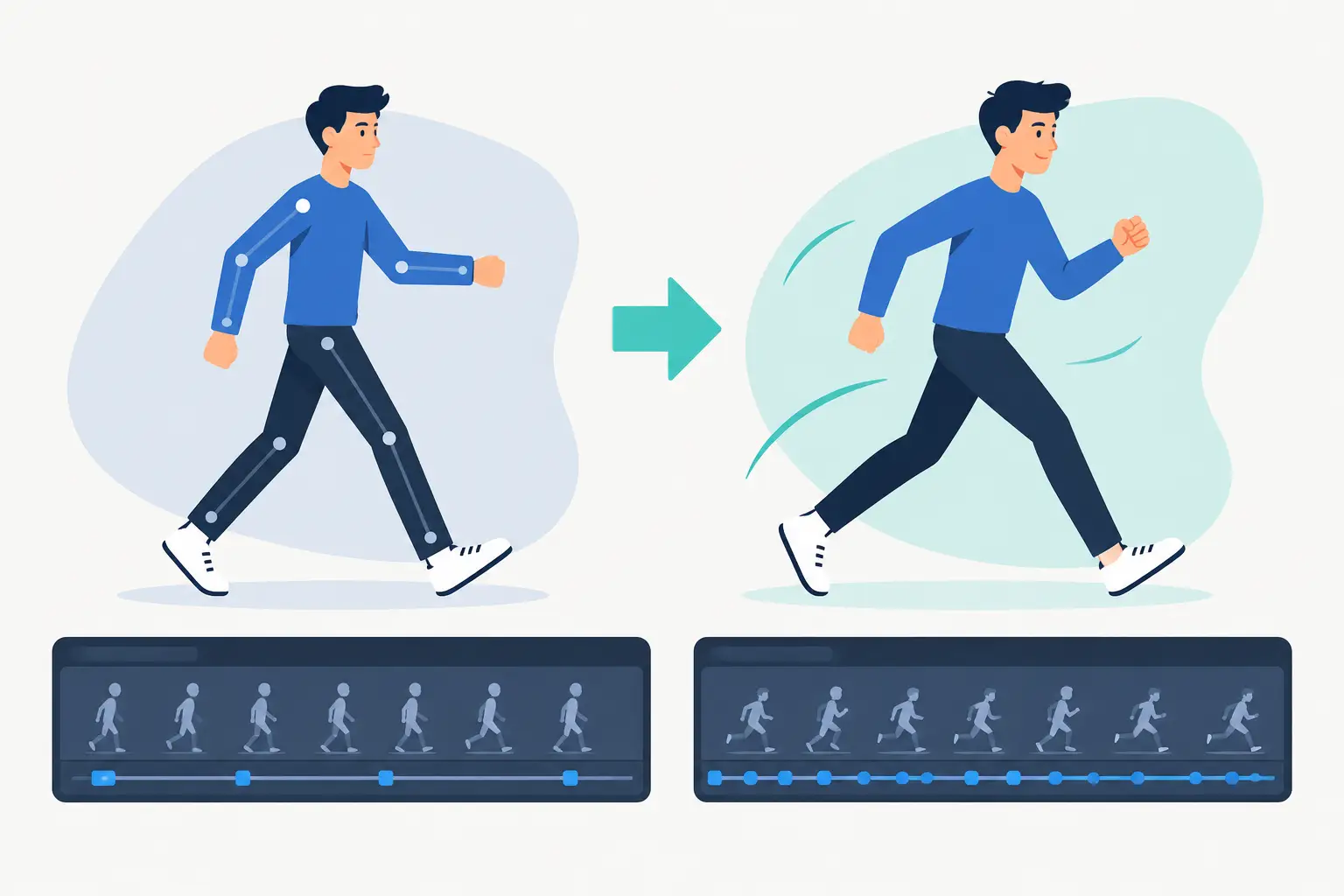
Timing is one of the first major hurdles in animation. A drawing can be appealing on its own and still look stiff, floaty, or rushed when it plays. Beginners need frequent playback to understand whether the action has enough weight, whether the pauses are long enough, and whether the spacing supports the movement.
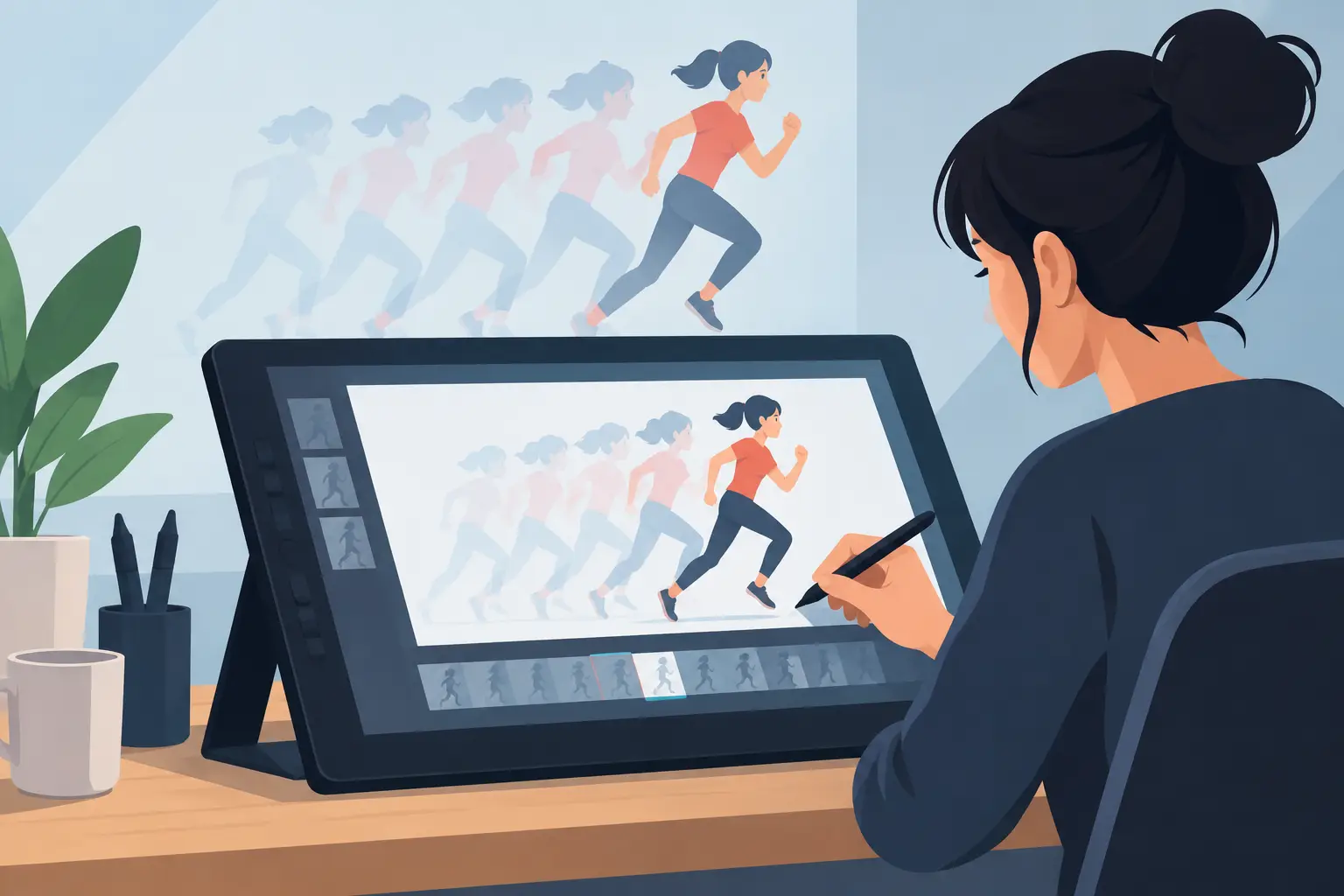
FlipBook’s real-time timing editing is especially useful here. Rather than stopping to make an adjustment and then setting up another preview, you can adjust timing during playback and immediately judge the change. That shortens the gap between noticing a problem and fixing it.
For a bouncing-ball exercise, try holding the contact drawing for a moment longer, then replay the shot. Try giving the ball more frames as it rises and fewer as it falls. Those small changes teach more than a menu full of automation ever could. You begin to recognize timing by feel, which is how animators make stronger decisions under production deadlines.
What Beginners Can Make First
The best first projects are short enough to finish and focused enough to teach one principle. A five-second test can reveal plenty about spacing, squash and stretch, overlap, and staging. It also gives you a finished piece to review rather than a large project that remains half-built.
Start with a simple object before attempting a full character performance. A bouncing ball teaches arcs, acceleration, and impact. A pendulum teaches spacing and slow-in, slow-out. A blinking face teaches holds and subtle timing. Once those exercises feel controlled, move to a short walk cycle or a character reacting to something off-screen.
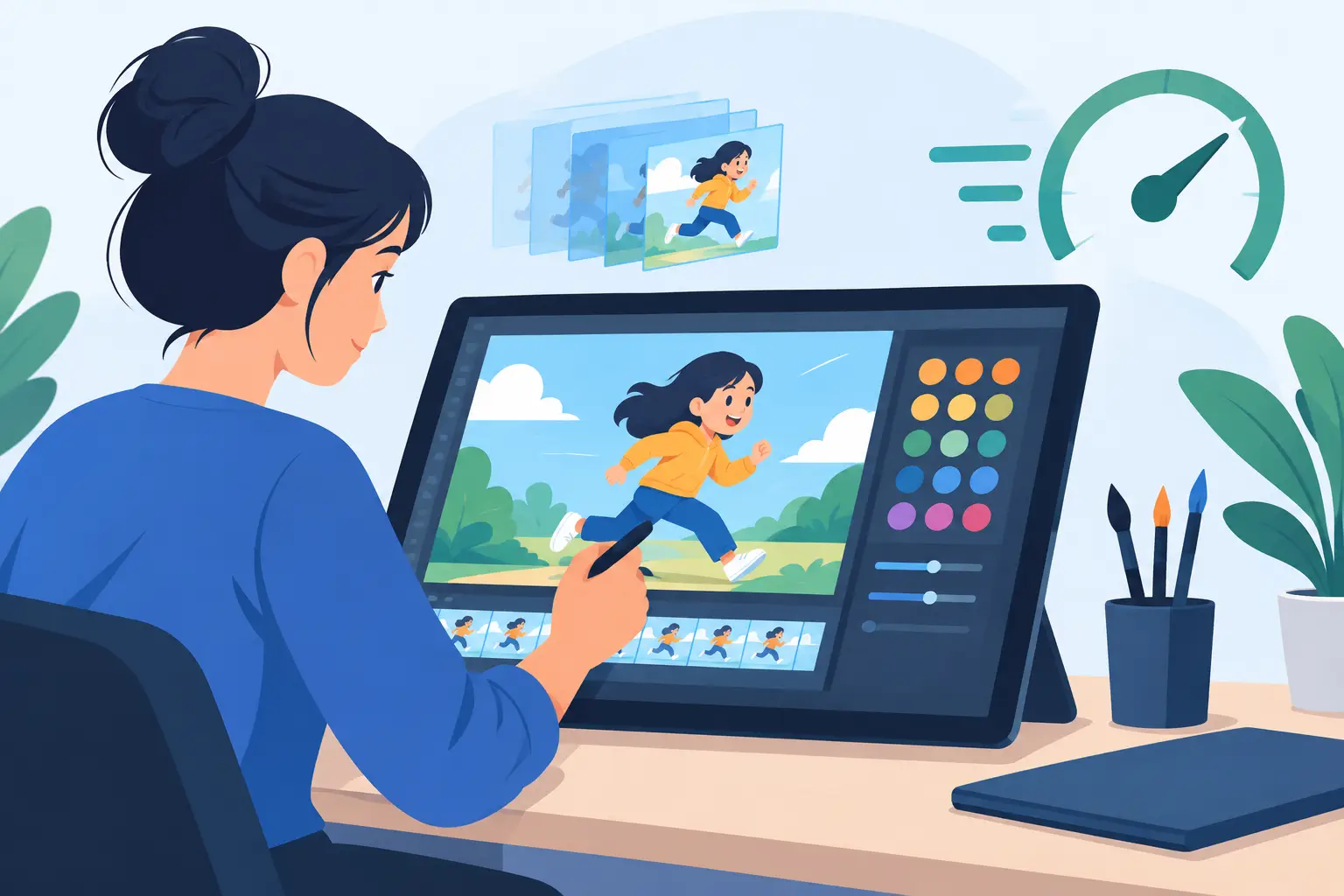
Use rough drawings freely. They are supposed to be exploratory. Then make a separate clean-up pass once the movement works. This approach saves time and builds good habits early. Clean-up is not a substitute for animation. It is the stage that follows successful animation.
Painting can come after that. Beginners often assume color is the most satisfying part, but fast painting tools are more valuable when they support a finished scene instead of delaying the work. Get the movement right first, then use color to make the scene readable and appealing.
Where FlipBook May Not Be the Right First Choice
The answer depends on what you mean by beginner. If you want to make quick social posts from templates, animate typography, or move rigged characters with minimal drawing, a frame-by-frame application may not match your goal. Those projects call for a different kind of tool and a different workflow.
FlipBook is for beginners who want hands-on control over drawings and motion. That control comes with responsibility. You will decide where the keys go, how many drawings belong between poses, and when an action needs a hold. Some people find that demanding at first. But those are the decisions that teach animation.
It may also feel less suitable if your main interest is 3D animation, visual effects, or highly automated character rigs. FlipBook does not try to imitate every category of creative software. Its value is that it stays focused on traditional 2D production, where drawing quality and timing judgment lead the process.
A Better Way to Start With FlipBook
Begin with a small scene and one clear objective. Do not open the program with the pressure to make a short film. Make a ball feel heavy. Make a head turn feel smooth. Make a character take one believable step. Each finished exercise gives you a concrete skill to carry into the next one.
Work in passes. First, block the key poses with loose sketches. Next, add breakdowns and in-betweens until the action reads. Play the scene repeatedly and adjust the timing while you watch it. Only then move into clean-up and paint. This order gives you better results with less effort because you are not refining work that will later be discarded.
Keep your first scenes short enough that you can review every frame. A beginner who completes ten small tests will usually learn more than one who starts a three-minute project and gets stuck in the middle. Short projects also make it easier to identify what went wrong. If a shot feels slow, you can inspect each drawing and each hold without getting lost in a large timeline.
If you are working on an iPad, FlipPad can support the same drawing-centered approach when you want a portable place to sketch and develop ideas. The important point is not where the first rough is made. It is that the rough can move quickly into a workflow where you can test the action, improve it, and finish it.
For beginners, the best animation software is not the one with the longest feature list. It is the one that helps you make more finished tests, see your timing clearly, and keep drawing. Download the free trial, animate a small exercise, and let the playback show you what your next drawing needs to do.