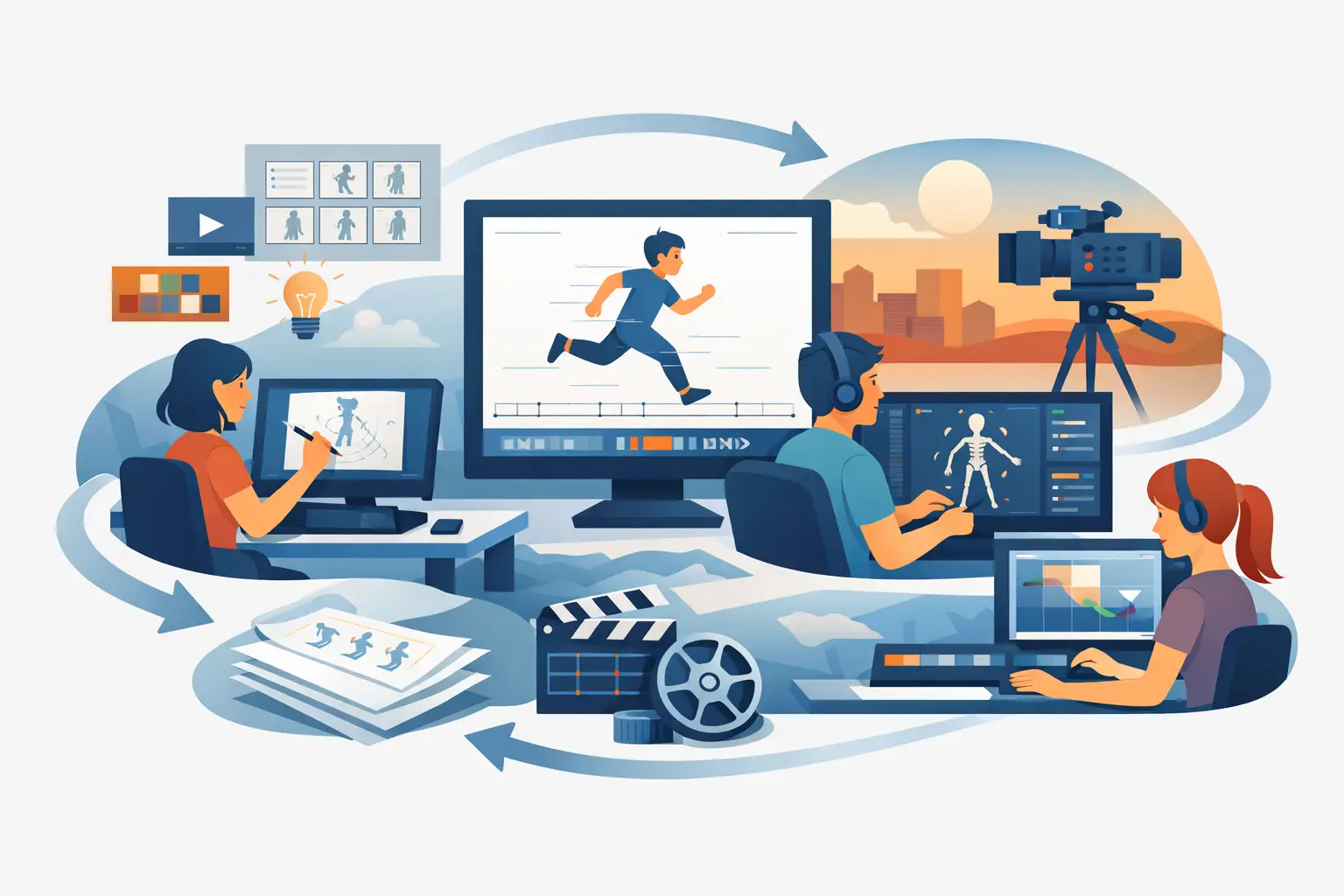
A shot falls apart faster in the timing stage than most people expect. The drawings may be solid, the posing may read, and the clean-up may be beautiful, but if the timing process is slow or disconnected from the way an animator actually works, the whole production starts fighting itself. That is why a professional 2d animation pipeline is not just a checklist of departments. It is a working method that protects drawing quality, timing control, and production speed at the same time.
For independent filmmakers, small studios, students, and working animators, the best pipeline is usually the one that keeps the hand-drawn process intact while removing the digital bottlenecks. If the software gets between the animator and the scene, every stage takes longer. If it supports rough animation, clean-up, painting, playback, and timing changes in a natural way, the work moves the way it should.
What a professional 2d animation pipeline actually does
At the studio level, a pipeline is how a scene travels from idea to finished shot without getting lost, redone unnecessarily, or delayed by avoidable technical friction. In 2D animation, that means organizing story work, layouts, rough animation, clean-up, color, camera moves, compositing, and output so each stage supports the next.
That sounds obvious, but the real issue is not whether those stages exist. The real issue is whether the pipeline respects classical production logic. Traditional animators think in drawings, timing, spacing, arcs, and scene continuity. A pipeline built around those priorities will feel fast. A pipeline built around software limitations will feel clumsy, even when it advertises a long feature list.
A professional setup also needs room for different production sizes. A student film may have one person doing everything. A small studio may split rough animation, clean-up, and paint across a few artists. The pipeline should scale without changing the core process.
Pre-production sets the shot up for success
Before anyone starts animating, the scene needs clear intent. That includes storyboards, exposure planning, scene staging, and layout decisions that establish what the shot must communicate. If this work is loose, the animation stage becomes expensive because artists are solving story problems while trying to animate.
For a hand-drawn production, pre-production should answer practical questions early. How long is the shot? What is the camera doing? Which character levels are needed? Will the action be animated on ones, twos, or mixed timing? Where does the scene begin and end emotionally and physically?
These are not paperwork questions. They directly affect labor. A simple head turn on twos is one production problem. A complex effects-heavy shot with a camera move is another. The pipeline works better when that difference is recognized before rough animation starts.
Rough animation is the heart of the pipeline
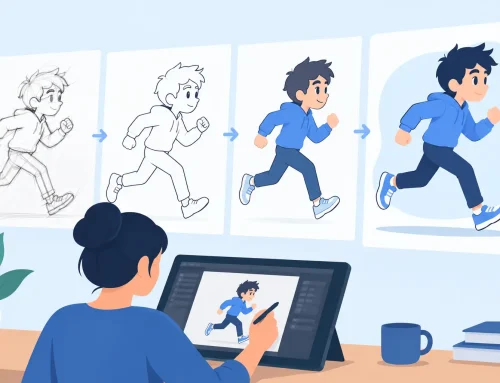
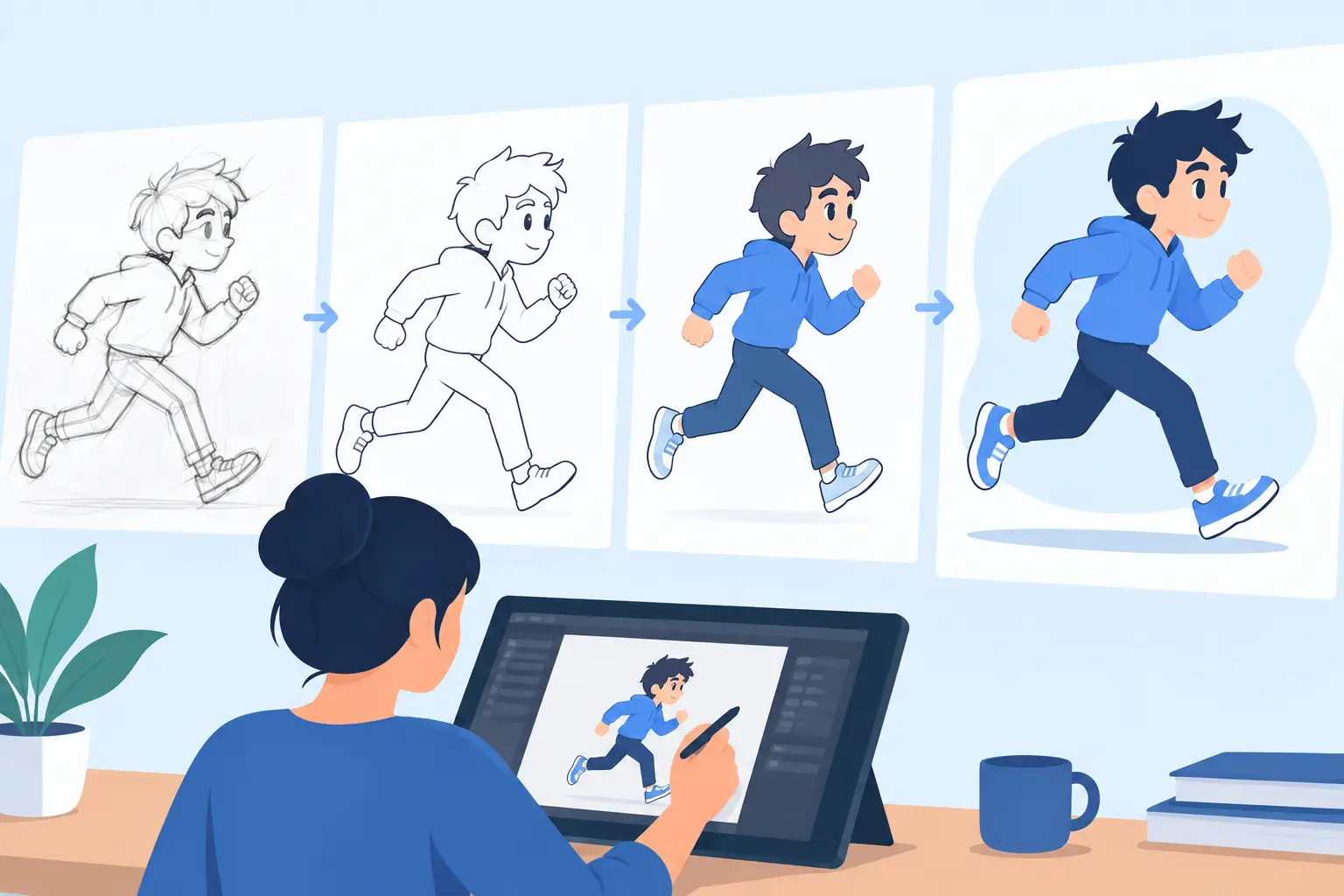
In any professional 2d animation pipeline, rough animation is where performance, structure, and timing are established. This is the stage that decides whether the shot lives or just moves. The software used here matters more than many teams admit.
Animators need to draw quickly, flip naturally, scrub the scene, check spacing, and adjust timing without breaking concentration. If every timing change requires a stop-adjust-preview cycle, the artist starts making safer decisions. You get less experimentation, flatter action, and slower scene completion.
That is why traditional workflow tools still matter. A rough animation stage should feel close to paper animation in the best sense – direct, responsive, and focused on the drawing. Good digital tools speed up the work without changing the animator’s thinking process.
There is also a trade-off here. Some productions try to standardize everything too early, locking scene structure before the rough pass has had a chance to breathe. That may help scheduling on paper, but it can hurt performance. The stronger approach is controlled flexibility: keep the shot organized, but let the animator solve timing and acting properly before downstream work hardens the scene.
Clean-up should clarify, not flatten
Once the rough performance is approved, clean-up turns that energy into consistent production drawing. This stage is often misunderstood as tracing neatly. In a real production environment, clean-up is draftsmanship under pressure. The artist has to preserve volume, arcs, character construction, and line intent while making the scene readable for paint and final output.
A weak pipeline causes clean-up to become correction work. Artists spend their time fixing roughs that should have been addressed earlier, or fighting tools that make line control awkward. A better pipeline keeps rough animation readable, then gives clean-up artists a drawing environment that feels stable and natural.
This matters especially on productions with multiple artists. Model consistency does not come from rigidity alone. It comes from clear roughs, sensible scene prep, and software that supports line quality rather than forcing workarounds.
Painting is where many digital pipelines lose time
Painting should be straightforward. In practice, it often becomes one of the most repetitive and time-consuming parts of production, especially when fills fail, edges need repair, or scene prep was not handled carefully.
In a professional pipeline, painting tools should reduce labor, not create a second technical job for the artist. Fast, dependable frame painting can save serious production time across a short film or series. That is one reason many traditional animators prefer software designed around drawn animation rather than software that treats frame-by-frame work like an afterthought.
There is a real production decision here. Some teams paint very late to avoid rework if timing changes. Others paint earlier to help clients or directors evaluate the shot more accurately. It depends on the project, but either way, the software should not punish revision. If timing and paint are too disconnected, scene changes get expensive very quickly.
Timing and playback are not side features
This is where many pipelines quietly break. Timing is not something you check after the scene is basically done. It is part of the animation process from the first rough pass through final polish.
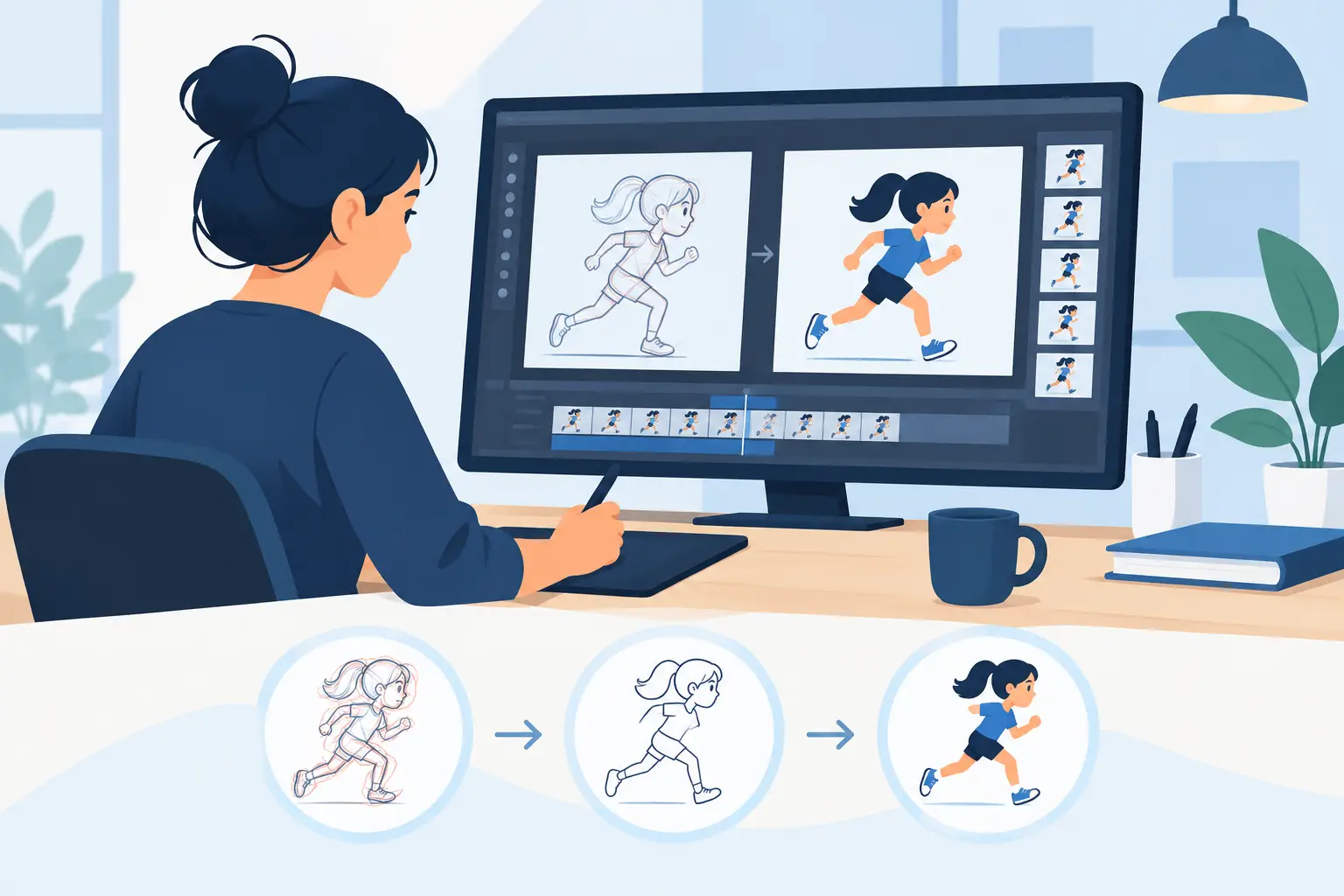
A useful professional 2d animation pipeline lets animators play, scrub, and adjust scene timing in real working conditions. That means seeing the shot move at speed, making changes where the action needs them, and judging the result immediately. When timing control is buried behind menus or delayed by preview steps, the artist loses rhythm.
This is one area where specialized 2D tools can make a major difference. DigiCel FlipBook, for example, is built around the way traditional animators actually work, including real-time timing edits during playback. That is not a gimmick. It removes one of the most common slowdowns in digital animation and keeps attention on the scene instead of the software.
Timing choices also affect every later stage. Hold too long, and the shot drags. Move too fast, and clean-up and effects become harder to read. The right pipeline makes those choices easier to test while the animator is still thinking creatively.
Camera work and final scene treatment
Once the drawing, timing, and paint are in place, the scene usually needs final presentation work. That can include pans, zooms, rotates, blurs, and dissolves, depending on the production. In a hand-drawn workflow, these effects should support the scene, not hide weak animation.
A good pipeline handles camera-style effects without forcing the animator into a separate, overbuilt compositing mindset for every shot. Some productions do need advanced compositing elsewhere, especially for effects-heavy work. But many scenes simply need competent final camera treatment and clean export.
This is where practical software design pays off. If the same environment lets you animate, adjust timing, and add common camera treatments, you reduce handoff friction and shorten revision cycles.
Building a pipeline that fits your production
Not every team needs the same setup. A solo filmmaker needs speed and simplicity. A classroom needs clarity and repeatable teaching methods. A small studio needs consistency without turning every scene into a technical procedure.
The common requirement is straightforward: the pipeline should serve the craft. It should help animators draw better, test timing faster, paint frames efficiently, and finish scenes without unnecessary detours. More software complexity does not automatically mean a more professional result. Often the opposite is true.
If you are choosing or refining your process, start by looking at where your scenes actually slow down. It is usually not inspiration. It is usually friction in rough animation, timing revision, or paint. Fix those pressure points first, and the rest of the production becomes easier to manage.
The best professional pipeline is the one that lets skilled hands keep working like skilled hands. When your tools respect classical animation practice, the drawings stay alive longer, the timing gets sharper, and the whole production feels less like software management and more like animation.