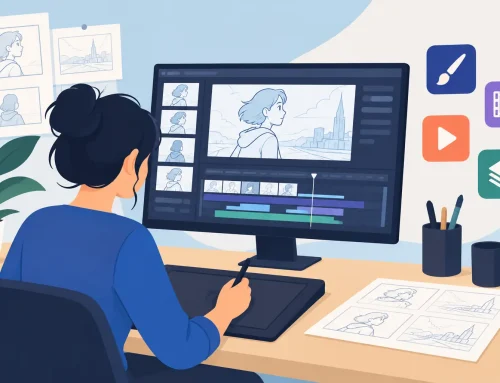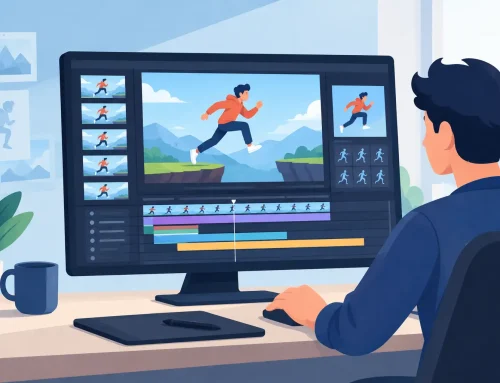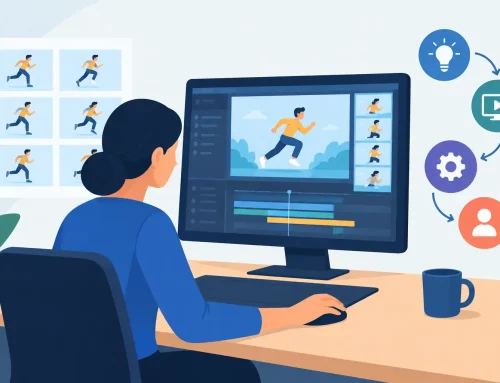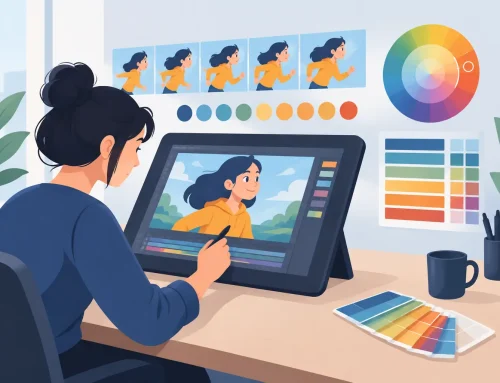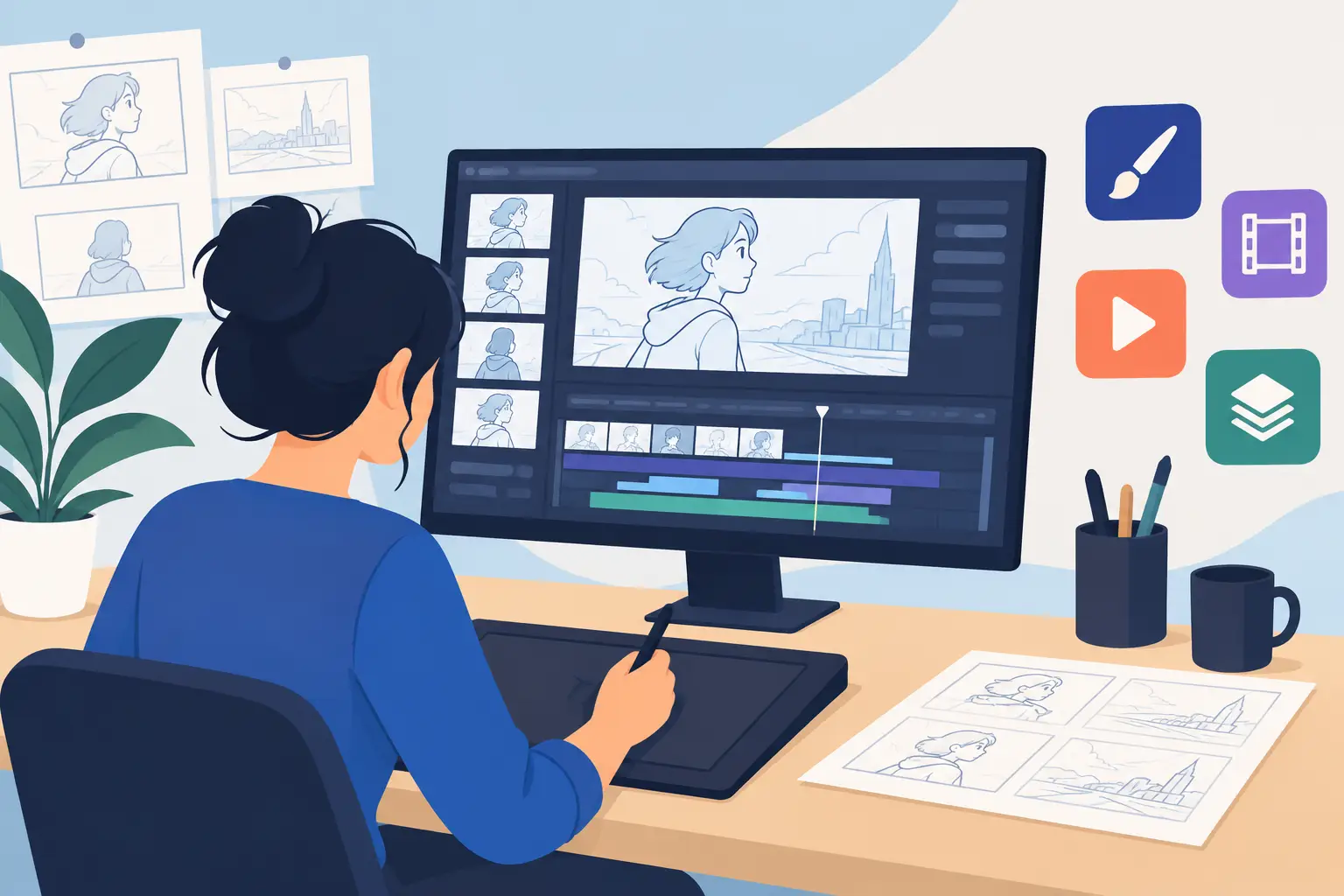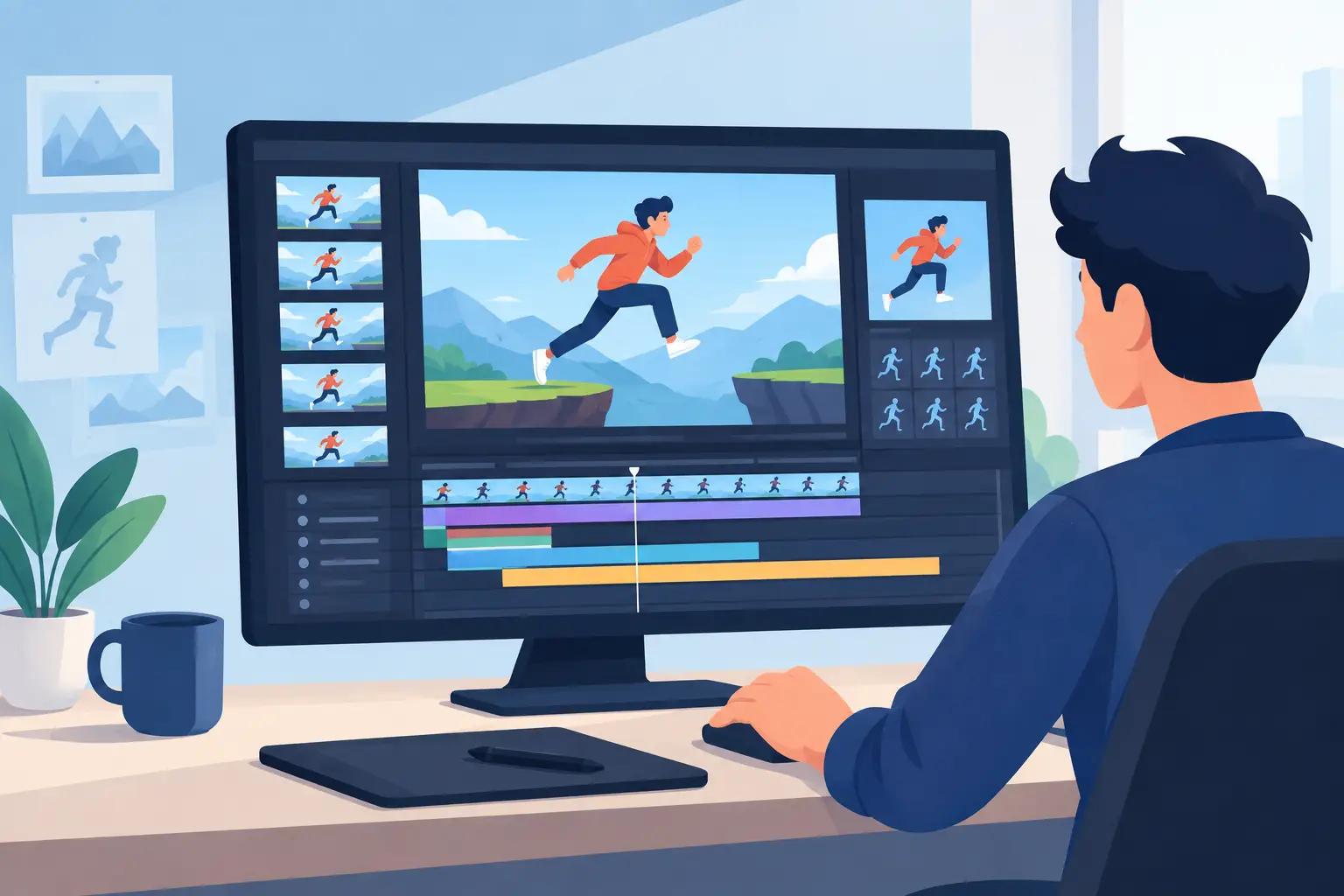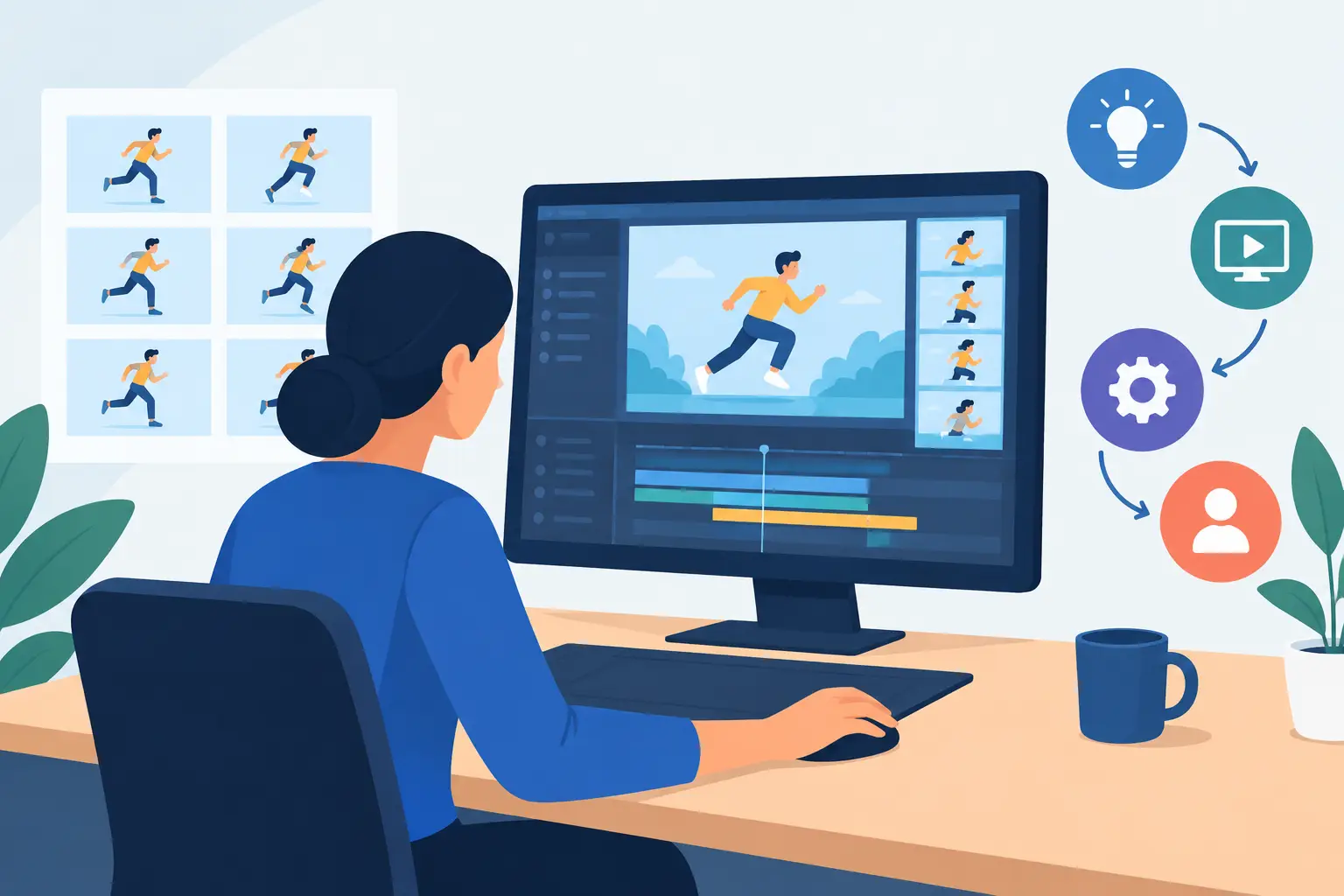
A scene can be beautifully drawn and still feel dead on the screen. Usually the problem is not draftsmanship. It is timing. That is why animation timing tools matter so much in real production. They do not just help you preview motion. They determine how quickly you can test ideas, fix bad spacing, and keep a shot moving without breaking your concentration.
For students, timing tools are where animation principles stop being theory and start becoming visible. For working animators, they are where schedules are won or lost. If changing an exposure, shifting a hold, or tightening a reaction takes too many steps, the software gets in the way of the work.
What animation timing tools should actually do
A lot of software claims to support timing, but the real question is simpler: can you make a timing change at the moment you see the problem? In a proper hand-drawn workflow, that is the standard. You play the scene, catch the hitch, adjust the frame count or drawing order, and test again immediately.
Good animation timing tools support that loop without forcing constant interruptions. They let you work with frame exposures, reorder drawings, insert or remove frames, and preview the result fast enough to trust your eye. If every small change means stopping playback, opening another panel, entering values, and replaying from the start, your timing decisions get slower and less confident.
This is where many general-purpose apps fall short for 2D animators. They may offer powerful compositing or rigging features, but the frame-by-frame timing process can feel indirect. Traditional animators notice that immediately because they are judging action one drawing at a time.
Timing control is really workflow control
Timing is often discussed as an artistic principle, and of course it is. Fast action, delayed reaction, heavy motion, snappy accents – these all depend on timing choices. But inside production, timing is also a workflow issue.
If your tool lets you scrub smoothly, flip drawings naturally, and change timing during playback, you stay in the scene. You make more passes. You catch smaller problems. You are more willing to experiment because the cost of trying something is low.
That last point matters. Animators do better work when they can test alternate ideas without friction. Maybe the anticipation needs two more frames. Maybe the settle should be shorter. Maybe the blink is late. These are small changes, but they add up to the difference between mechanical movement and believable performance.
The animation timing tools that matter most
Not every timing feature has equal value. In practice, a few tools carry most of the load.
Real-time timing edits
This is the feature that separates a production tool from a slow one. The ability to adjust timing while the scene is playing changes the pace of decision-making. You do not have to stop, make a guess, and then preview the guess. You respond to what you are seeing as it happens.
For rough animation, that means faster problem-solving. For clean-up and final timing, it means more precision. You can feel the scene instead of managing software steps. That is a major advantage in any frame-by-frame workflow.
Exposure control
Exposure timing is basic animation grammar. Holding a drawing for one frame, two frames, or longer changes the energy of the shot immediately. Strong timing tools make exposure changes easy and obvious. You should be able to see where drawings are held, where they change, and how long each one stays on screen.
This sounds simple, but poor exposure control can make even straightforward scenes harder than they need to be. Students struggle to learn timing when the interface hides it. Professionals lose time when the software turns simple exposure edits into menu work.
Fast scrubbing and playback
Timing is judged with your eyes and ears, not just with numbers. Smooth playback and responsive scrubbing are essential because they let you study the scene at speed and frame by frame. You need both views. Full playback shows rhythm. Scrubbing shows where the drawing sequence breaks down.
If playback stutters or scrubbing feels delayed, timing decisions become less reliable. You start compensating for the software instead of evaluating the animation.
Easy frame insertion, deletion, and reordering
Most timing fixes are structural, not dramatic. Add a drawing. Remove a hold. Move a reaction earlier. Shift a breakdown. A good system lets you do those things quickly enough that you keep trying options until the shot works.
This is especially important in hand-drawn scenes where timing and spacing are tightly connected. If changing the order or duration of drawings feels clumsy, the whole process slows down.
Why traditional animators need a different kind of tool
A lot of modern software is built around pipelines that are not centered on drawn animation. That does not make those tools bad. It just means their priorities are different. If your work starts with roughs, clean-up, painted cels, and scene timing, you need software that respects that sequence.
Traditional animators tend to judge timing through flipping, scrubbing, and repeated playback. They want direct control over drawings and exposures, not a system that treats frame-by-frame animation like a secondary feature. When the drawing experience feels natural, timing decisions improve too, because you are not mentally switching between unrelated workflows.
That is one reason specialized 2D software still matters. It is not nostalgia. It is efficiency. Tools built around classic production methods let animators work the way they already think.
Choosing animation timing tools for learning vs production
The right setup depends on who is using it.
For students and beginners
New animators need timing tools that make cause and effect easy to see. If they add frames, they should immediately understand why the action feels slower. If they remove a hold, they should see why the performance snaps into place. Clear exposure handling and quick preview matter more than a huge feature list.
Beginners also benefit from software that reduces technical distractions. When the interface is overloaded, timing practice turns into software management. That is bad training.
For professionals and small studios
Experienced animators need speed and repeatability. They already know what timing change they want to try. The question is whether the software lets them try it fast enough to stay efficient across dozens of shots.
Studios should look closely at revision speed. Timing changes rarely happen once. Directors adjust scenes, clients request trims, and editorial shifts can affect whole sequences. Tools that let artists revise timing quickly will save more production hours than flashy extras that rarely get used.
Where many apps waste your time
The biggest waste is the stop-adjust-preview cycle. You watch the scene, notice a problem, stop playback, open controls, make the change, close controls, rewind, and play again. Repeat that enough times and the software starts setting the pace instead of the animator.
Another common issue is separating timing from drawing too aggressively. If the tools for editing exposures, drawings, and playback are scattered across different views, simple timing work becomes fragmented. That may be acceptable in some pipelines, but for traditional 2D animation it is usually unnecessary friction.
Even painting can affect timing efficiency. When frame painting is slow, finishing a test scene takes longer, which delays final timing judgment. Fast painting tools help because they let you get a clearer view of the scene sooner.
A practical standard for evaluating timing features
When you test software, do not start by reading the feature page. Load or create a short shot and ask a few direct questions. Can you play it smoothly? Can you scrub and inspect every drawing without delay? Can you change exposures quickly? Can you reorder frames without hunting through menus? Most important, can you adjust timing at the moment you see the issue?
That last question tells you almost everything. If the answer is yes, the tool is likely built for real animation work. If the answer is no, expect the software to feel slower the longer the production goes on.
DigiCel FlipBook stands out here because it lets animators adjust timing during playback instead of forcing that stop-and-check routine common in other apps. For artists trained in traditional methods, that is not a minor convenience. It is a better way to work.
The best timing tool is the one that keeps your attention on the shot. When software supports the rhythm of drawing, testing, and correcting, the scene improves faster and the work feels more natural. That is the standard worth holding onto if you want drawings that actually come alive.