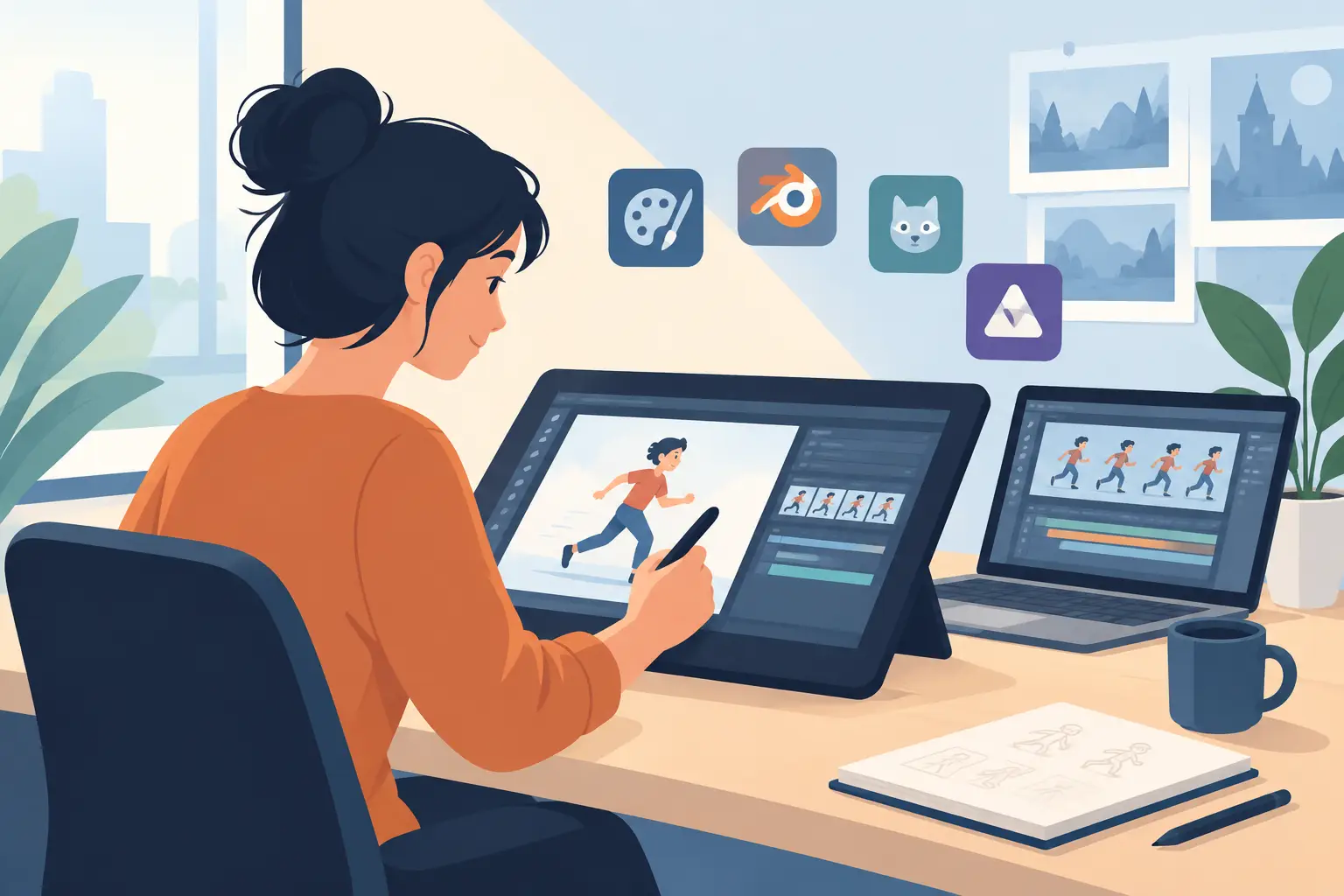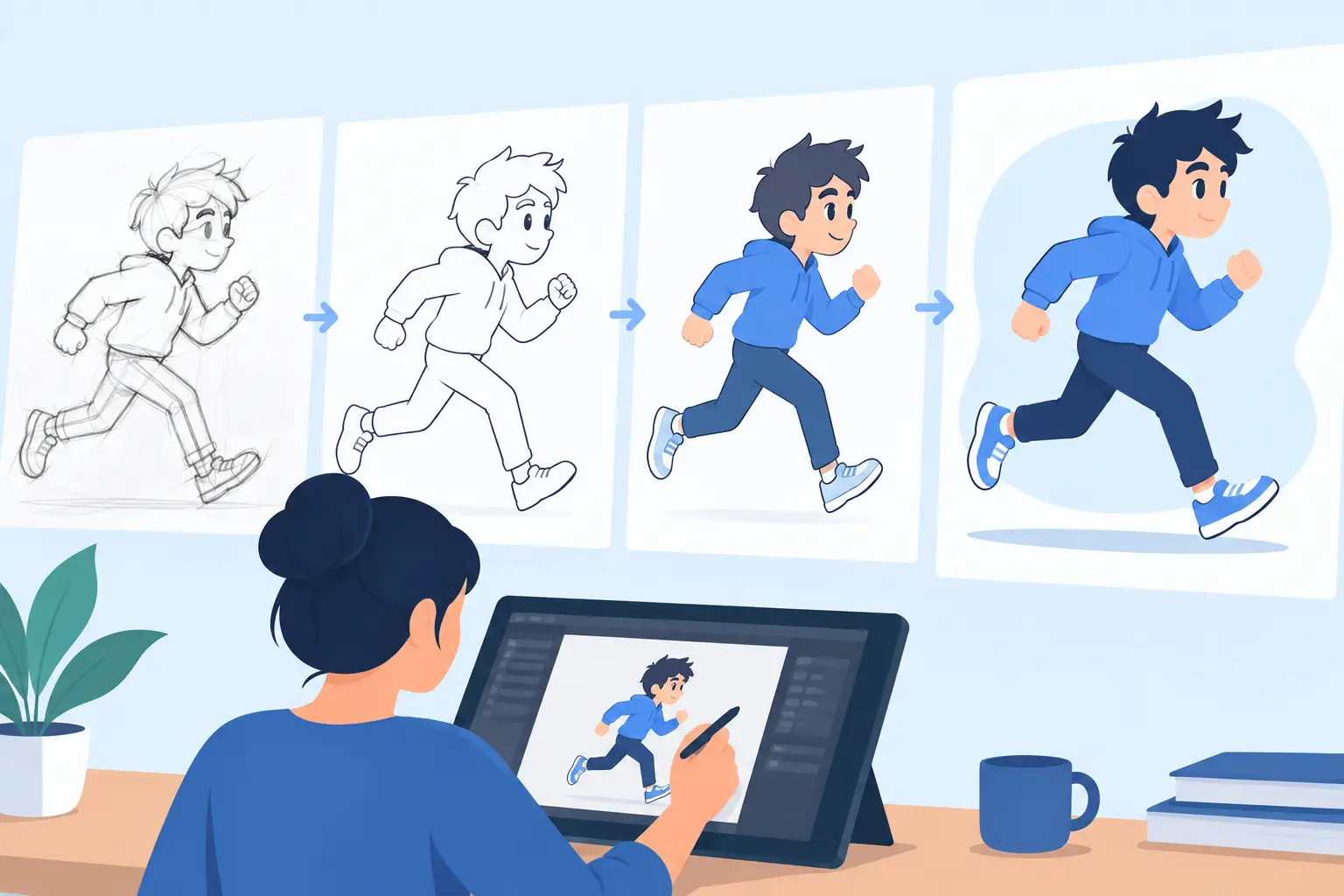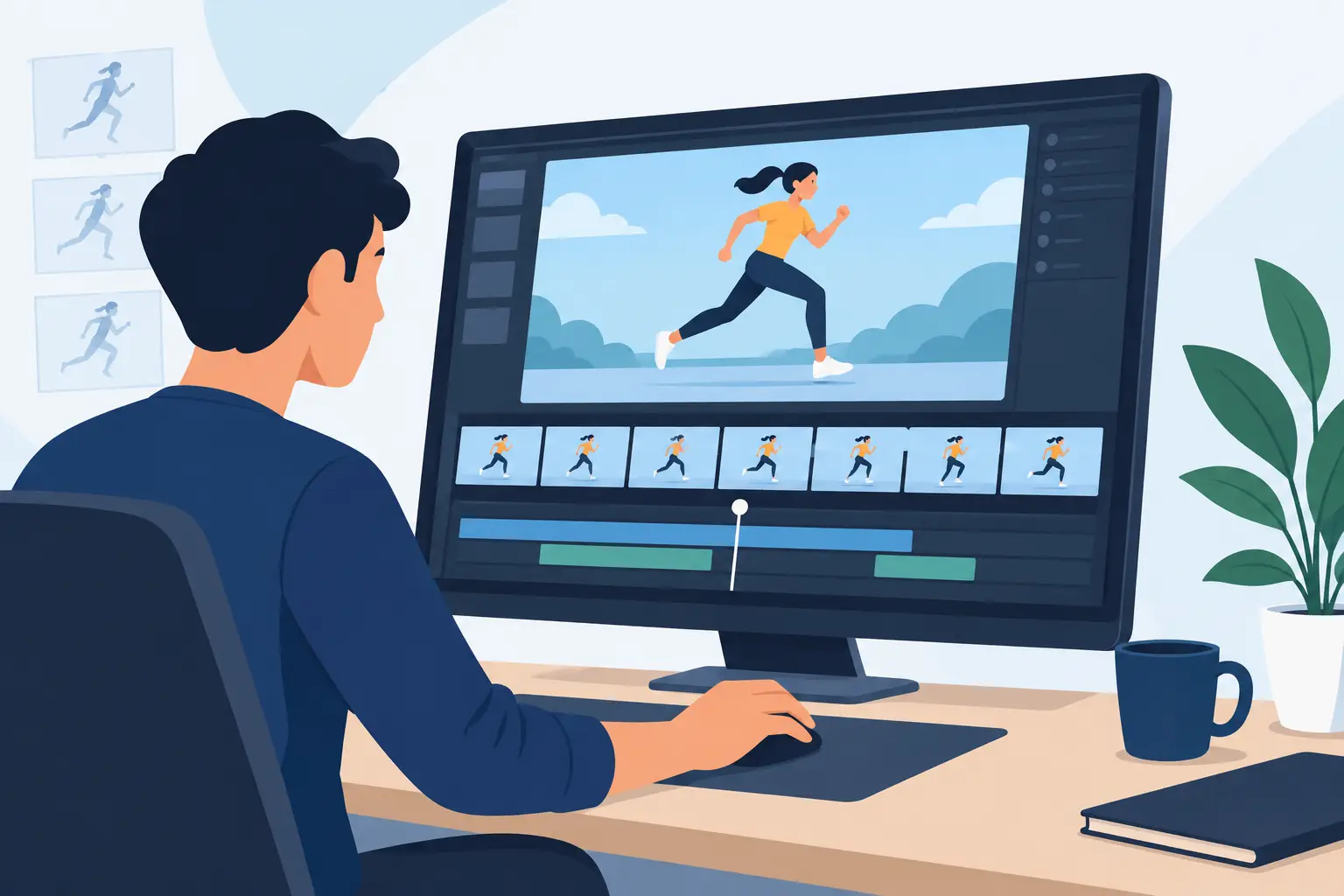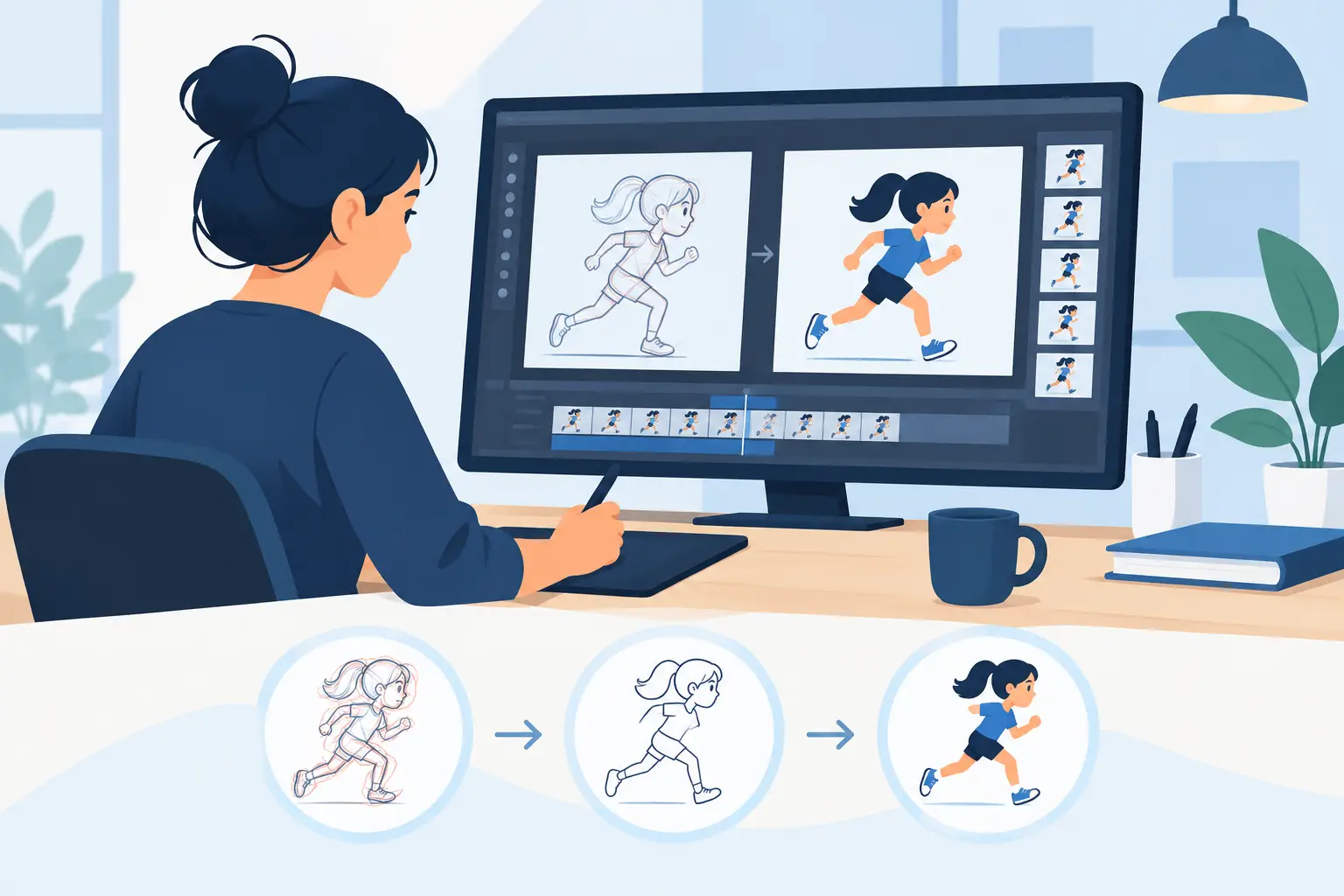
If painting a scene feels slower than drawing it, your software is getting in the way. Good frame by frame painting software should help you move from rough animation to finished color without breaking timing, losing momentum, or forcing you into a workflow that feels more like graphic design than animation.
That distinction matters. In production, painting is not a side task. It affects how quickly you can test a shot, how confidently you can clean up, and how easily you can make timing changes after color has started. Students feel this when assignments pile up. Independent filmmakers feel it when every extra click steals time from the next scene. Small studios feel it when a painting bottleneck turns into a delivery problem.
What frame by frame painting software should actually do
A lot of animation apps claim to support painting, but support is not the same as efficiency. If your process involves jumping through menus, waiting on heavy compositing features you did not ask for, or repainting frames after small timing changes, the software may be doing too much of the wrong kind of work.
Strong frame by frame painting software should respect the way animators build scenes. You rough out motion, refine drawings, clean lines, assign color, check playback, and keep adjusting until the shot works. Painting is part of that chain, not a detached finishing department.
That means the essentials are simple. You need tools that let you fill and adjust frames quickly. You need playback that shows the scene as it will read in motion. You need the ability to scrub, inspect, and correct without waiting. And if you change timing, you should not feel like the software is punishing you for continuing to animate.
The real difference: animation workflow versus art-app workflow
This is where many programs separate themselves.
Some software starts from a general illustration model and adds animation features later. That can work for certain users, especially if they spend as much time making single images as they do animating. But for hand-drawn production, those apps often feel stiff. The drawing experience can be less natural, and painting may sit behind panels, layer systems, or brush engines that slow down routine work.
Purpose-built animation software takes the opposite approach. It starts with scenes, frames, exposure, timing, and playback. Painting is built around that reality. Instead of asking you to adapt your method to the program, it supports the working habits animators already know.
For traditional animators, that difference shows up fast. You notice it when you test a rough pass, when you paint a run cycle, and especially when a director asks for timing changes after color has begun. Software that treats animation like animation saves time in ways that are hard to appreciate until you have lost enough hours elsewhere.
Why painting speed matters more than most people think
Painting speed is not just about finishing faster. It changes how many decisions you can afford to make while a scene is alive.
When painting is quick, you can test color choices sooner. You can show a more complete shot to a client, teacher, or supervisor without turning the process into a separate technical phase. You can also keep energy in the work. That matters because animation quality often drops when artists are forced into repetitive cleanup tasks that interrupt their sense of movement.
Fast painting also helps with revisions. A shot rarely stays exactly the way it started. Timing shifts. A hold gets shortened. An accent frame gets added. Camera moves change the feel of the scene. In a good production tool, those changes are manageable. In a clumsy one, they trigger avoidable repainting and rechecking.
That is why experienced animators pay close attention to painting tools even when they are buying primarily for drawing. A natural line test means little if the color stage becomes a grind.
Frame by frame painting software and timing control
Painting and timing are usually discussed as separate features, but in practice they are tied together.
If your software makes you stop playback, open another panel, change exposure, close it, and play again every time you adjust timing, the cost adds up. It slows experimentation. It also encourages you to settle for timing that is acceptable instead of timing that is right.
The better approach is real-time control. When you can adjust timing while the scene is playing or scrubbing, you work more like an animator and less like a file manager. You feel the rhythm immediately. You can judge whether painted frames are landing properly, whether an action needs another beat, or whether a transition is reading too fast.
This matters for beginners and veterans alike. Students learn timing by seeing direct cause and effect. Professionals save time because they are not trapped in a stop-adjust-preview loop all day.
Software built around classic hand-drawn production tends to understand this better than apps that treat timeline edits as secondary operations. One strong example is DigiCel FlipBook, which pairs a natural drawing environment with unusually efficient painting and real-time timing adjustment. For artists who want digital speed without giving up traditional methods, that combination is a serious advantage.
What to look for before you choose
If you are comparing options, do not judge on feature count alone. More features can mean more overhead.
Start with drawing feel. If the line does not respond in a way that supports rough animation and clean-up, painting improvements will not save the experience. Next, look at how quickly you can move through a painted scene. Can you fill frames fast? Can you correct mistakes without friction? Can you preview motion instantly?
Then test timing. This is where many buyers make the wrong call because feature pages rarely show the actual pace of work. Try a scene, paint several frames, then change exposure and playback repeatedly. If that process feels slow, it will feel much slower on a real project.
You should also consider who the software is built for. An app aimed at motion graphics teams may be powerful but still poorly suited to hand-drawn animation. A tool designed around traditional workflows will often give better results with less effort because its assumptions match the way animators actually work.
Finally, pay attention to support. Animation software is not a casual purchase if you are using it for coursework, freelance work, or studio production. Clear pricing, a free trial, and real technical support make a difference. They reduce risk and help you get productive faster.
Who benefits most from specialized painting software
Aspiring animators benefit because they can focus on timing, spacing, and scene construction instead of wrestling with software logic. Educators benefit because students learn production methods that resemble real animation practice rather than improvised workarounds. Independent filmmakers and small studios benefit because they need speed without sacrificing control.
Professional animators usually recognize the value fastest. They know how expensive small delays become across dozens of shots. A few extra steps per frame does not sound like much until it stretches across a sequence, then an episode, then a season.
There is also a creative benefit that should not be ignored. When software supports a traditional workflow, artists tend to stay in the scene mentally. They judge movement, not menus. They solve animation problems while they are still looking at animation. That sounds basic, but many modern apps make it surprisingly hard.
The best choice depends on how you animate
There is no single right answer for every artist. If your work leans heavily on compositing, rigging, or hybrid pipelines, you may accept compromises in frame painting for strengths elsewhere. But if your process is built on drawing every frame, roughing, cleaning up, painting, and adjusting timing as the shot develops, then specialized frame by frame painting software is usually the better investment.
That is especially true if you care about the feel of classic studio animation methods. The best tools in this category do not try to reinvent the craft. They remove friction from it.
Choose software that lets you draw naturally, paint quickly, and change timing while the scene is still breathing. When the tool respects the work, you spend less time managing software and more time making drawings come alive.