A bouncing ball exposes timing mistakes faster than almost any other assignment. If it drops like a brick, pauses without weight, or rebounds at the same speed it fell, the drawing may be clean but the motion will not feel alive. So, can beginners learn animation timing? Absolutely. Timing is not a talent reserved for experienced animators. It is a production skill you build by making decisions, watching the result, and revising the frames.
The encouraging part is that beginners do not need to solve an entire character performance on day one. Start with simple actions that have a clear cause, a clear change of direction, and a clear finish. A ball, a pendulum, a blinking eye, or a hand picking up a cup can teach more about timing than a complicated walk cycle drawn before you understand why each drawing is there.
What Animation Timing Really Means
Timing is the number of frames an action takes. It determines speed, weight, force, mood, and intention. The same set of drawings can look light, heavy, nervous, calm, or comic simply by changing how long each drawing stays on screen.
A fast action uses fewer frames. A slow action uses more. That sounds simple, but it is only the first decision. You also need to decide where the action accelerates, where it slows down, and where it holds. A character who realizes they have made a mistake may freeze for several frames before reacting. That hold is timing. A ball that hangs briefly at the top of its bounce feels like it has lost momentum. That is timing too.
Spacing works alongside timing, but it is not the same thing. Timing tells you how long the action lasts. Spacing tells you how far the object moves from drawing to drawing. If the frames are evenly spaced, motion can look mechanical. If the spacing starts close together, opens up, and then closes again, the motion can accelerate and decelerate.
Beginners often try to fix a timing problem by redrawing everything. Usually, that is unnecessary. First ask whether the action needs more frames, fewer frames, a longer hold, or a different arrangement of the drawings already on the timeline.
Why Beginners Can Learn Animation Timing Quickly
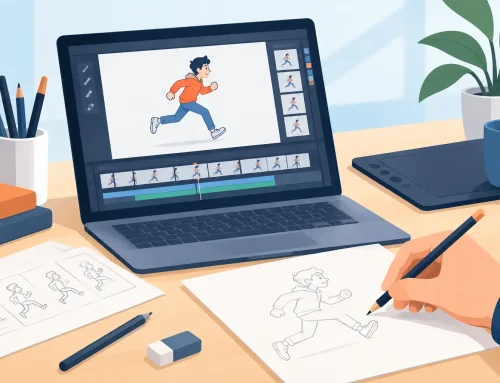
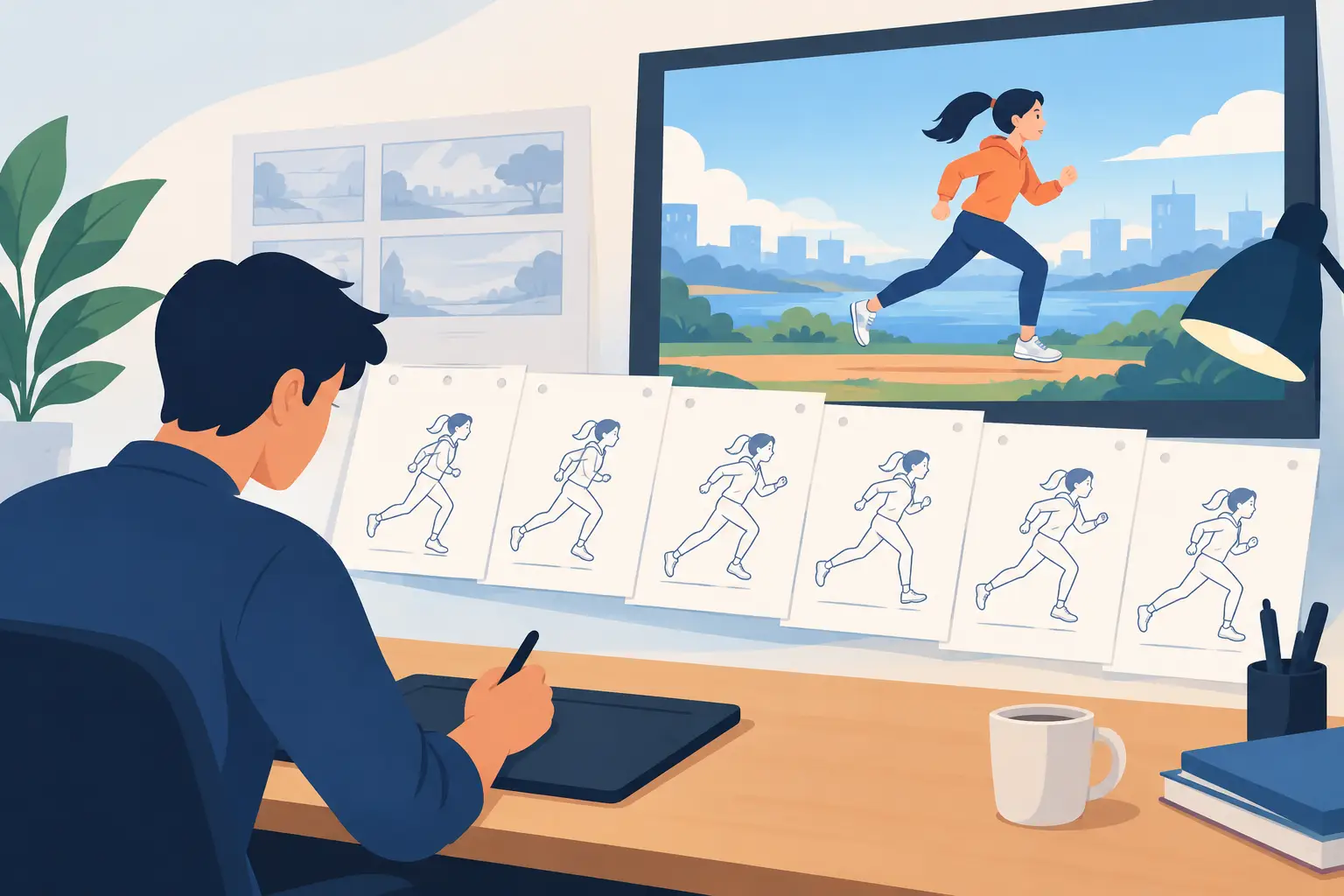
Traditional animation makes timing visible. You are not asking software to invent motion between poses. You are choosing the poses, the in-betweens, and the exposure of every drawing. That direct control can feel demanding at first, but it also makes the lesson clear: every frame has a job.
A beginner improves quickly when they work in short tests. A two-second shot at 24 frames per second contains 48 frames, but it does not need 48 separate drawings. You may animate on twos, holding each drawing for two frames, then switch to ones for a fast impact or a quick eye movement. The point is not to follow one rule. The point is to use the exposure that best serves the action.
This is where frame-by-frame practice beats passive study. Watching classic cartoons teaches taste. Making a ball bounce teaches judgment. You will see immediately that a single extra frame at the bottom of the bounce can add weight, while removing that frame can make the ball feel rubbery or weightless.
Start With a Timing Chart, Not a Finished Drawing
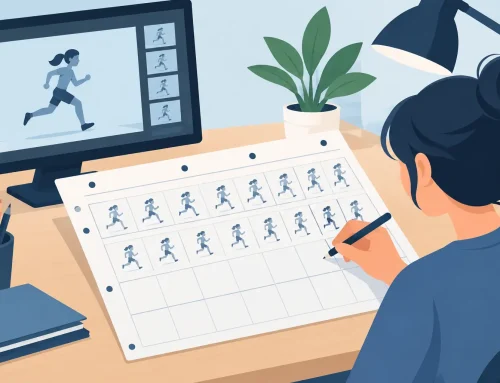
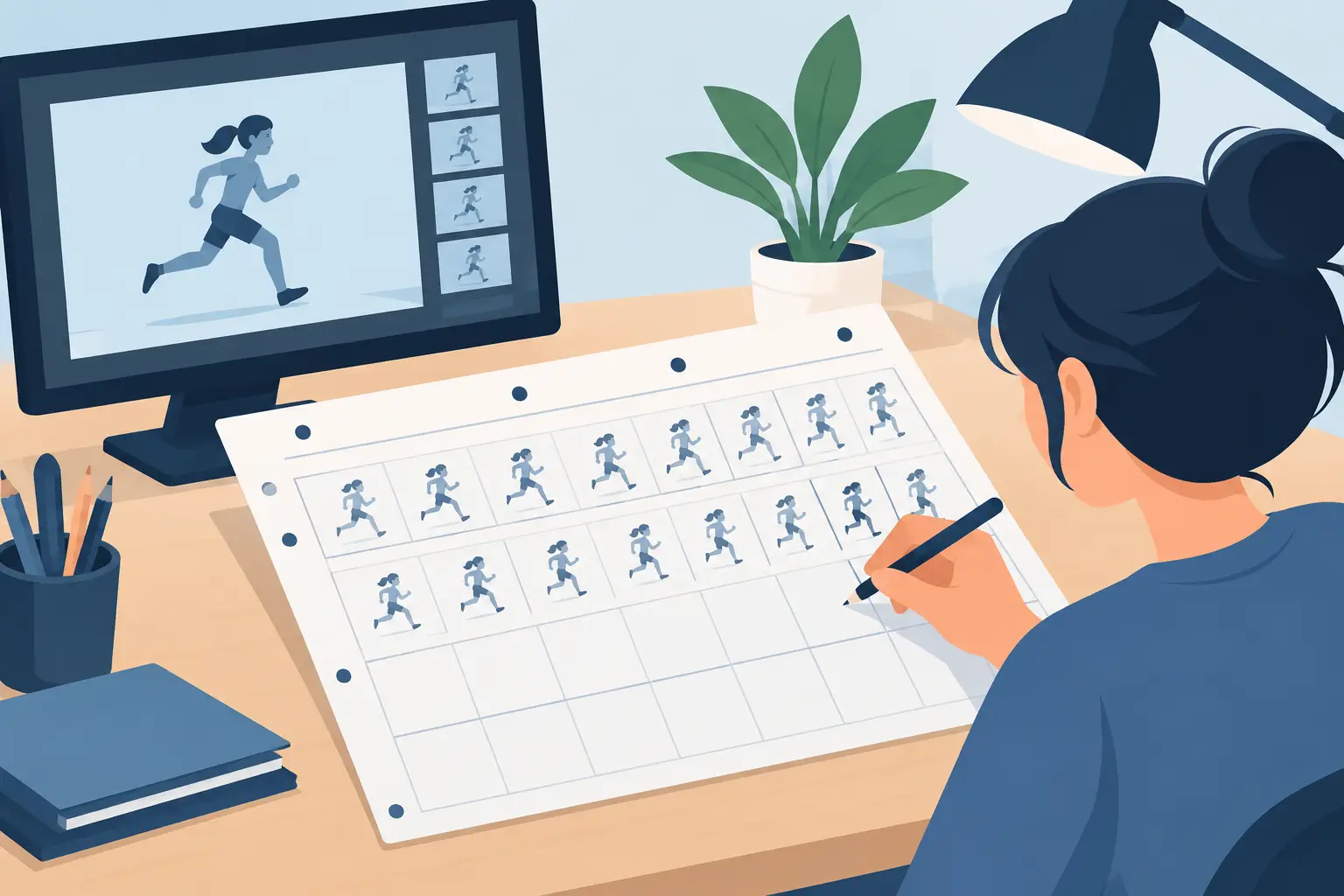
Before you worry about polished linework, make rough poses and plan the action. A timing chart is simply a note that tells you where the important drawings go and how the in-betweens should be distributed. It keeps you from treating every frame as equally important.
For a ball drop, begin with the contact point at the floor and the highest point of the rebound. Then place a drawing near the top, where the ball slows, and a drawing just before impact, where it moves fastest. Now scrub and play the scene. If the ball seems to float, reduce the time around the top or increase the spacing as it falls. If it feels too harsh, add a little more time before the impact or a stronger compression drawing on contact.
The same approach applies to character animation. Plan the storytelling poses first: anticipation, action, reaction, and settle. A character lifting a heavy box needs time to prepare, strain, and recover. A character flicking away a piece of lint does not. Timing makes the audience understand the difference before they consciously analyze the drawings.
A Useful First Practice Session
Give yourself one short exercise and repeat it several times rather than starting five unrelated projects. Work through these four passes:
- Animate a ball falling and bouncing with a light, rubbery feel.
- Use the same basic action but make the ball heavy, with less rebound and a longer contact.
- Add a small anticipation before the fall, such as a slight upward movement.
- Change only the exposure of your drawings and compare the versions side by side.
This teaches an essential production habit: isolate one variable. When you change the design, spacing, poses, and timing all at once, you cannot tell what improved the shot. When you change only timing, the result becomes easy to evaluate.
Learn to Judge Motion in Playback
Timing cannot be judged from a single still image. A pose may look awkward on the drawing board yet work perfectly when it flashes by at speed. Conversely, a beautiful drawing may hold too long and weaken the action.
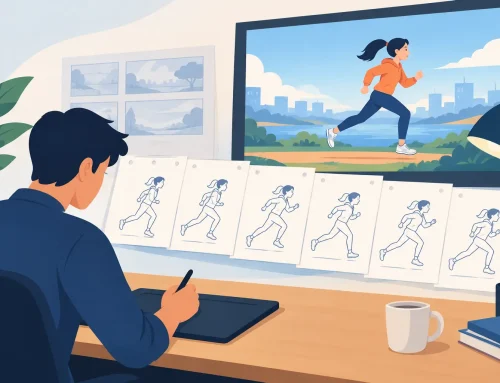
Play the shot at normal speed first. Then scrub through it slowly to see what each drawing contributes. Watch it again without looking at the timeline. If your eye catches an unwanted pause, a pop, or a sudden speed change, note the exact moment. Do not guess. Identify the frame or exposure that causes the problem.
It also helps to look away for a few minutes before reviewing your work. Fresh eyes notice rhythm problems that disappear after repeated viewing. If possible, show a short test to another animator or instructor without explaining what it is supposed to do. Their first impression tells you whether the timing communicates clearly.
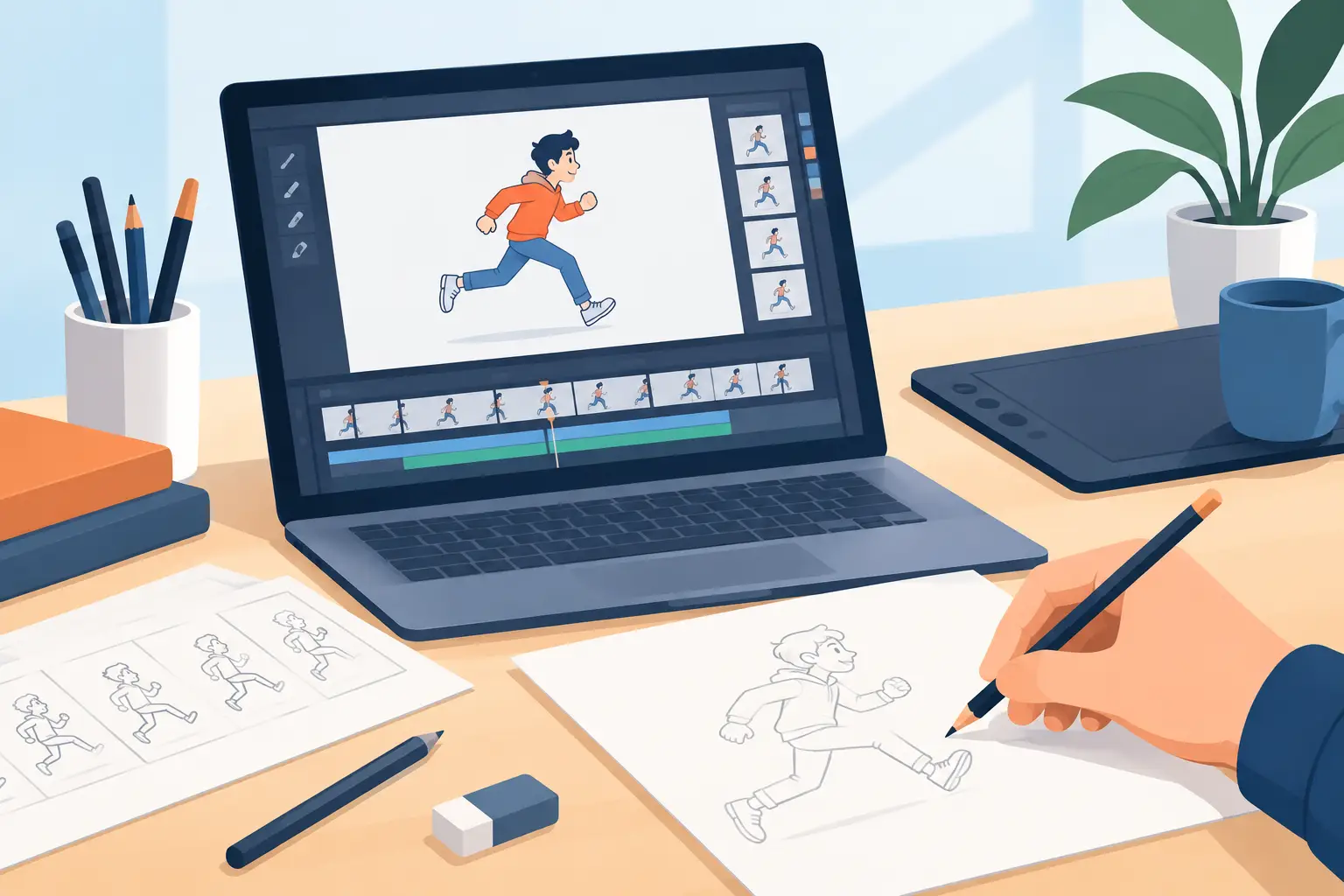
Modern software should support this process rather than interrupt it. In FlipBook, you can adjust timing while watching the scene play, which lets you evaluate the change as motion instead of stopping to edit, replay, and hope. That is closer to how an animator needs to think: see the action, feel the rhythm, and make a precise correction before the idea goes cold.
Common Timing Problems and Their Fixes
The most common beginner problem is making every drawing last the same amount of time. Even timing has its place, especially in a deliberate mechanical action, but living movement rarely travels at one constant rate. Build contrast between preparation, fast action, impact, and recovery.
Another common problem is rushing the important pose. If a character has a thought, makes a choice, or lands after a jump, the audience needs enough time to read it. More frames are not always better, though. A hold that lasts too long can make a scene feel stuck. The right length depends on the shot’s purpose, the character’s personality, and the speed of the surrounding action.
Beginners also tend to add too many in-betweens before testing the rough animation. That creates extra cleanup work and makes changes expensive. Keep early passes loose. If the timing works in rough form, refine it. If it does not, move the drawings, change exposures, or replace a pose before you start painting.
Build Timing Instinct Through Short Scenes
Timing improves through repetition, not through memorizing frame counts. Still, frame counts give you a practical starting point. At 24 frames per second, a quick blink may occupy only a few frames. A broad reaction may need a second or more. A held pose can be brief in a fast comedy scene and much longer in a quiet dramatic moment.
As you practice, pay attention to contrast. A fast move feels faster after a pause. A long hold feels meaningful when the pose is clear. A heavy action needs more time than a light one, but it also needs the right spacing and a convincing change in shape. Timing is not an isolated trick. It is part of the larger craft of making drawings appear to think, feel, and move.
Do not wait until you feel ready to animate a full scene. Make a three-second test today, play it repeatedly, and change one timing choice at a time. Your first version does not need to be impressive. It needs to give you something honest to observe, revise, and bring to life.