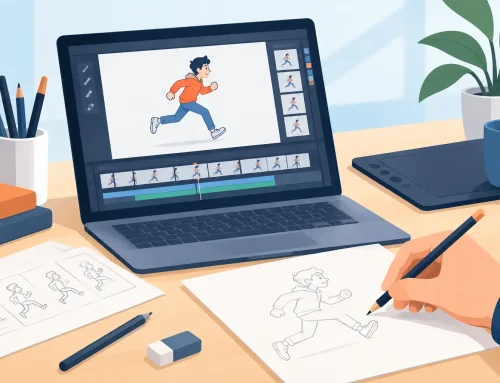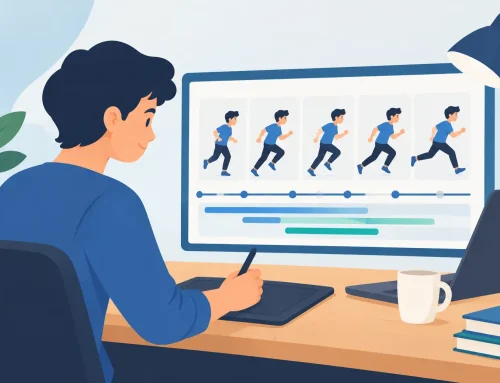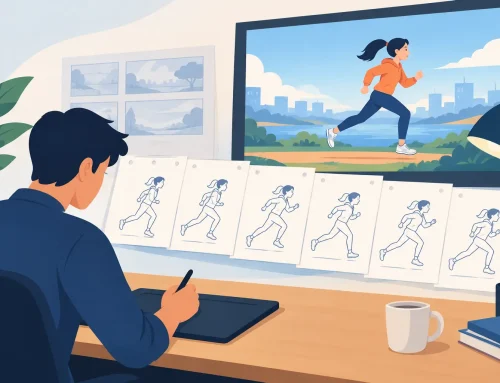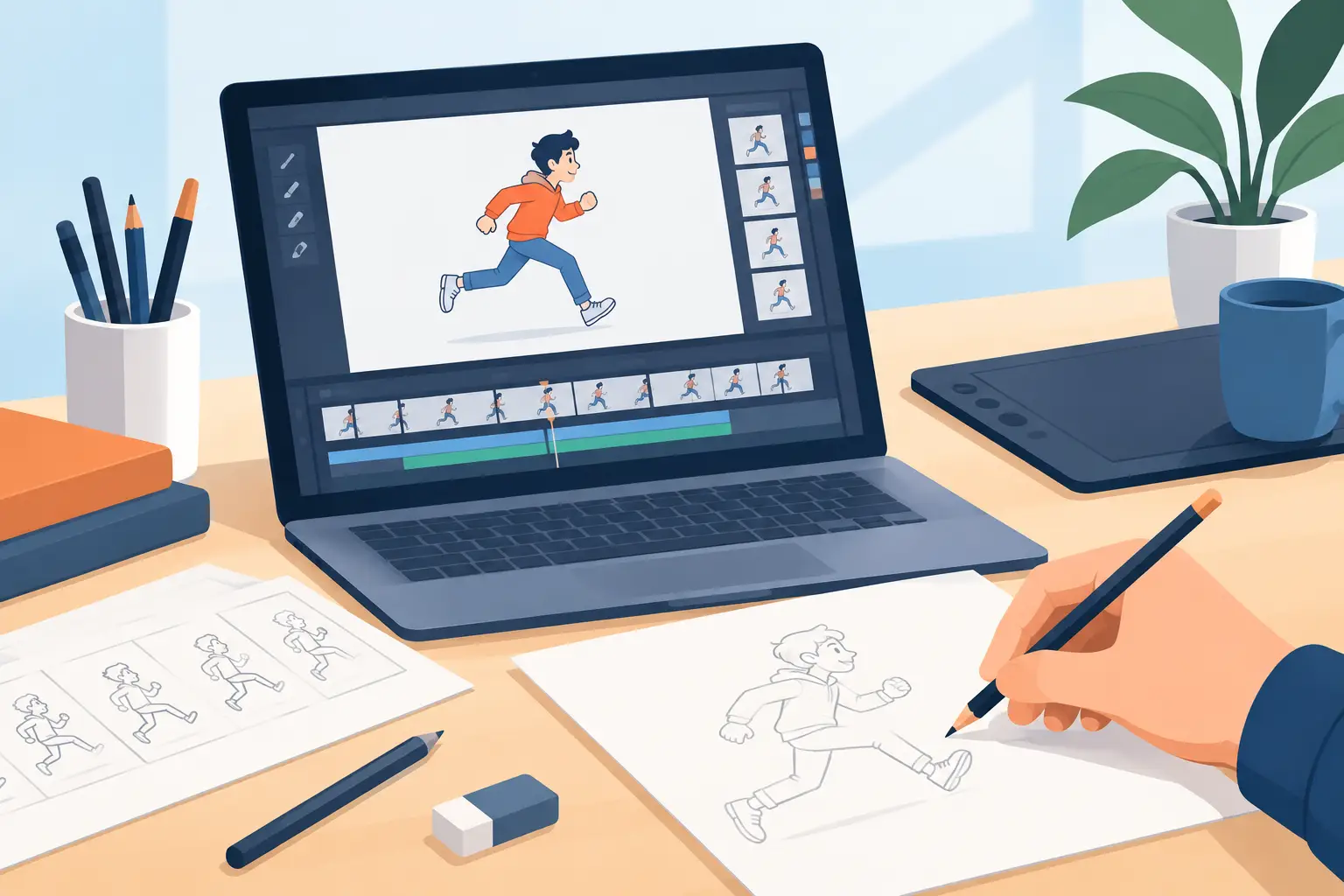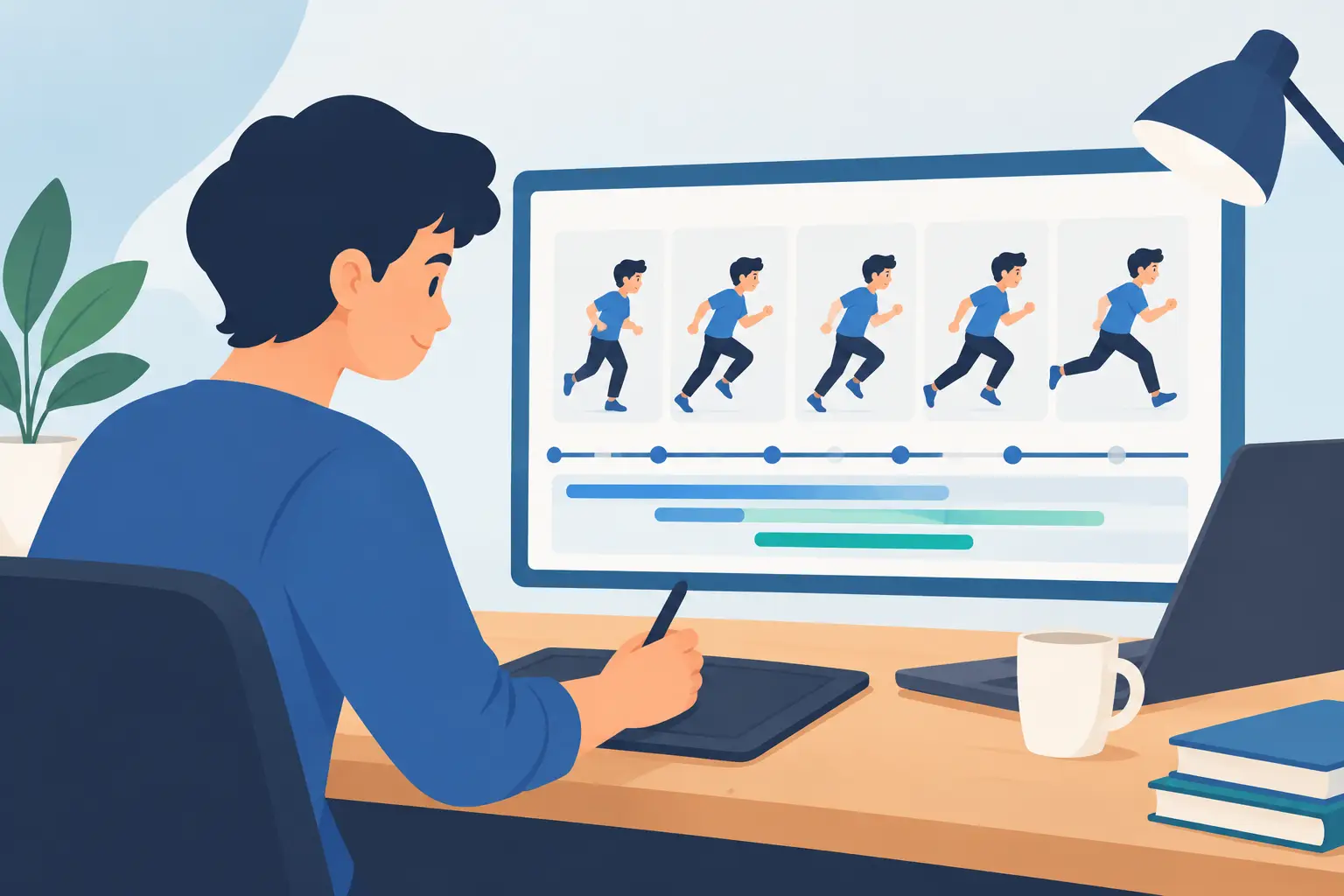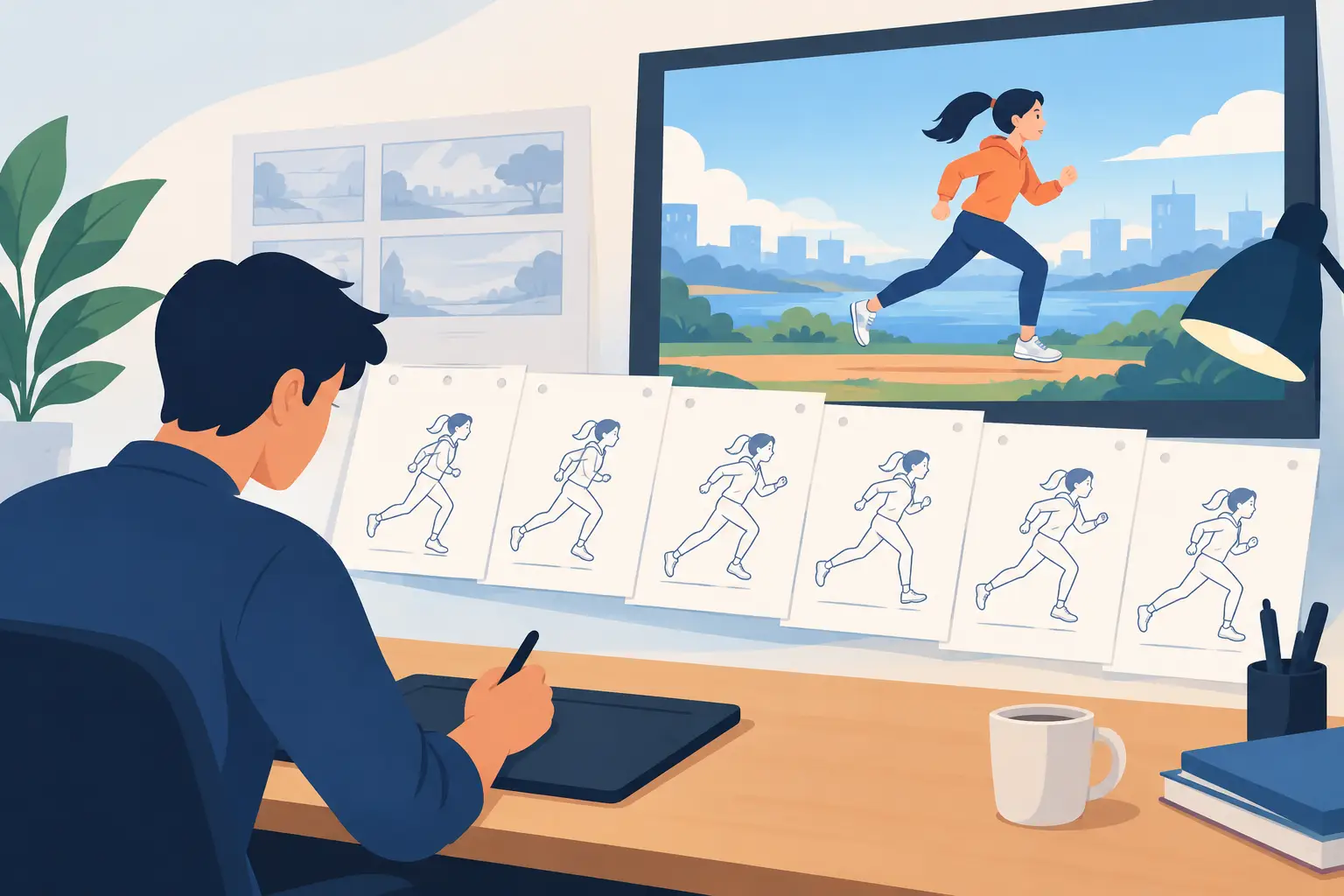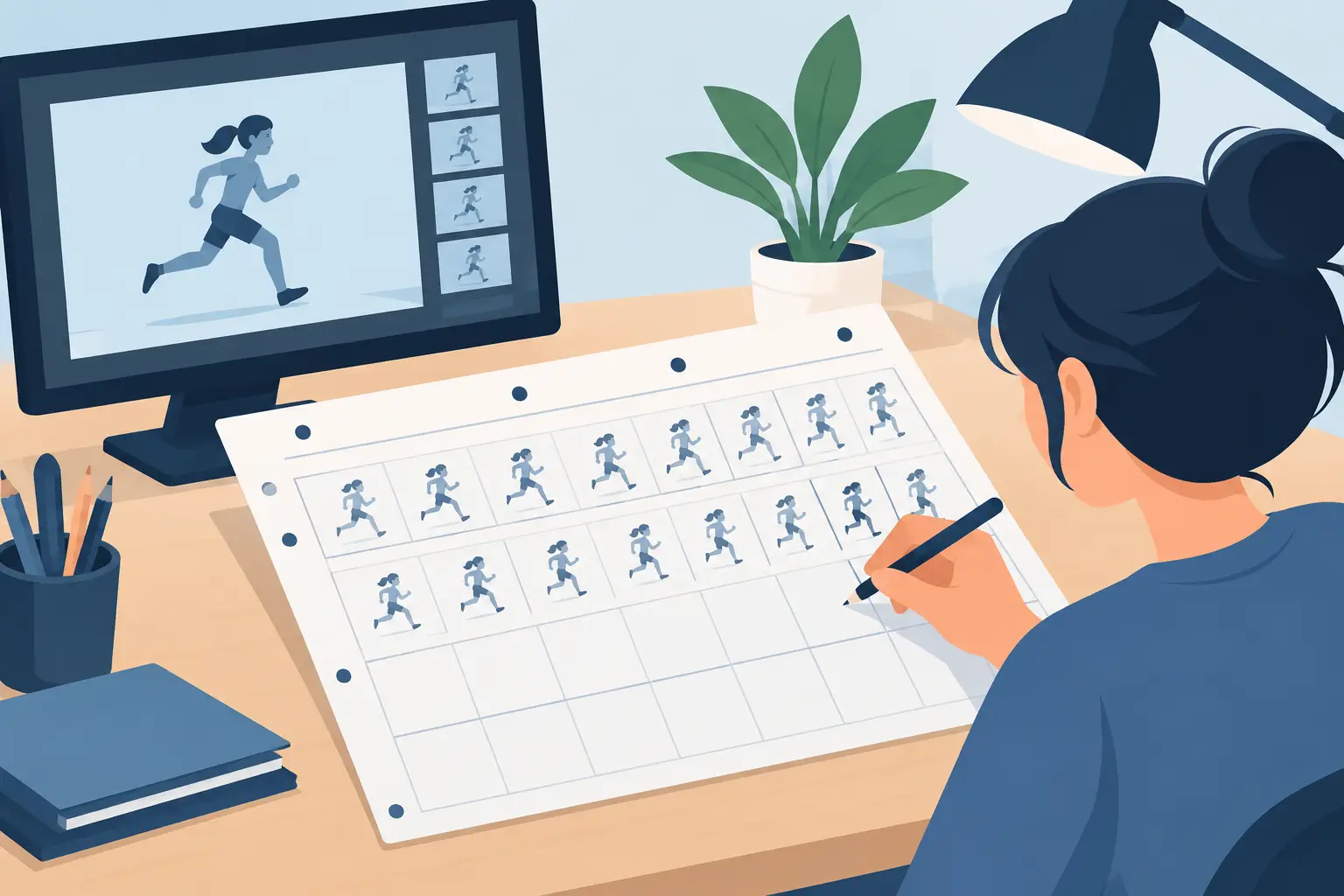
A drawing can be beautiful and still fail to move. Usually, the problem is not the drawing. It is the timing. This beginner guide to exposure sheets explains the production tool animators use to decide exactly when each drawing appears, how long it holds, where dialogue lands, and when the camera moves.
An exposure sheet, often called an X-sheet or dope sheet, is not busywork left over from pencil-and-paper studios. It is the plan that turns a stack of drawings into a performance. Learn to read one early, and you will make clearer animation decisions before you spend hours cleaning up and painting frames.
What an exposure sheet does
An exposure sheet is a vertical chart that organizes a scene one frame at a time. Traditionally, it gave the camera department, animation assistants, ink and paint artists, and editors one shared set of instructions. In a small production, it gives you the same benefit: a dependable record of what happens in the shot.
The sheet usually runs from top to bottom, with each row representing one frame. At 24 frames per second, 24 rows equal one second of screen time. The columns identify what appears on those frames, including animation levels, dialogue, sound effects, camera instructions, and notes.
This frame-by-frame view matters because animation is measured in time, not in drawings. A character blinking for two frames feels different from a blink held for four. A head turn may need twelve drawings, or it may need six drawings with carefully chosen holds. The X-sheet makes those choices visible before they become expensive revisions.
Frames, drawings, and exposures are not the same thing
Beginners often use these words as if they mean the same thing. They do not. A frame is one unit of screen time. A drawing is a piece of artwork. An exposure is the number of frames that drawing stays on screen.
If drawing 1 appears on frames 1 and 2, it is exposed for two frames. This is commonly called animating on twos. If every drawing appears for one frame, you are animating on ones. A hold keeps the same drawing on screen for multiple frames, such as eight frames of a character listening before reacting.
The distinction is practical. A ten-second scene at 24 frames per second contains 240 frames, but it does not necessarily require 240 drawings. The exposure sheet tells everyone which drawings repeat and which frames need new artwork.
How to read an exposure sheet
Start at the top of the sheet and read down. The first rows are the beginning of the shot. Numbers along the side mark frame counts, often grouped into seconds. At 24 fps, frame 1 starts the scene, frame 25 begins the second second, and frame 49 begins the third.
A basic sheet may include columns for the following information:
| Column | What it tells you | | — | — | | Frame count | The exact frame position in the scene | | Dialogue or sound | Phonetic breakdowns, words, effects, and music cues | | Animation level | Which drawing appears on each character or prop layer | | Camera | Pans, zooms, trucks, dissolves, and fielding notes | | Production notes | Actions, accents, holds, and instructions for the next artist |
Not every scene needs every column. A bouncing ball may need only frame numbers and drawing numbers. A dialogue shot with a foreground prop, character, shadow level, and camera push needs more structure. Use enough information to prevent guesswork, not so much that the sheet becomes harder to read than the scene itself.
Drawing numbers tell the story of the timing
In an animation column, drawing numbers show when a new image appears. If the column reads 1, 1, 2, 2, 3, 3, the action is on twos. If it reads 1, 1, 1, 1, 2, 2, 2, 2, then drawing 1 and drawing 2 each hold for four frames.
A repeated number is not a mistake. It is timing information. The important question is whether the hold supports the action. Holds can make a pose feel deliberate, but too many even holds can make motion look mechanical. Fast action often needs ones near the peak of movement. Slower actions may work beautifully on twos, with a longer hold at a strong storytelling pose.
Make your first exposure sheet before you animate
Choose a simple shot: a character notices something, looks up, then reacts. Keep it to three or four seconds. At 24 fps, that gives you 72 to 96 frames, enough room to learn timing without creating a giant cleanup project.
First, identify the beats. The character is neutral. The eyes notice something. The head turns or lifts. There is a brief hold as the idea registers. Then the character reacts. These are not yet drawings. They are performance decisions.
Next, assign rough frame ranges. You might hold the neutral pose for 12 frames, take 10 frames for the head lift, hold the new pose for 6 frames, and use 12 frames for the reaction. Now you can test the rhythm. If the reaction feels late, move it earlier on the sheet. If the character seems to snap to attention, add frames to the head lift or add a breakdown drawing.
Only after the beats work should you decide how many drawings each section needs. A held neutral pose may use one drawing. A slow head lift might use five drawings on twos. The reaction may use several drawings on ones at the sharpest part of the action, then settle into a held final pose.
This order saves work. When artists draw first and time later, they often discover they have animated the wrong amount of movement, or they have created detail in frames that should have been held.
Put dialogue on the sheet, not in your memory
For dialogue scenes, the sound column is your anchor. Break the line into phonetic sounds rather than trying to animate every letter. Mark major mouth shapes, stressed syllables, pauses, and words that carry the intent of the line.
Do not treat lip sync as an isolated mouth problem. A good exposure sheet also records when the head nods, when the brows change, and when the character thinks before speaking. The strongest pose may land a few frames before or after the exact sound, depending on the performance. That is a choice you can test in timing, not a rule to follow blindly.
A short pause is especially valuable. If every phonetic shape changes at the same pace, the character can look like a machine reciting lines. Holds, accents, and selective movement give dialogue weight.
Plan camera moves alongside the animation
Camera instructions belong on the exposure sheet because the camera changes what the audience sees and feels. A slow push-in can make a held expression more powerful. A pan can reveal information without requiring the character to move at all. A dissolve may affect where one shot needs to end and the next needs to begin.
Keep camera notes concrete. Record the starting and ending field, the frames where the move begins and ends, and what must remain centered or protected in the composition. If the camera moves while a character performs, test both together. Timing that works on a static scene can feel too fast once the camera is also moving.
Common beginner mistakes with X-sheets
The first mistake is treating every scene as if it must be animated on twos. Twos are efficient and often appropriate, but they are not a substitute for spacing. A quick hand gesture, a whip turn, or an impact may require ones to read cleanly.
The second is filling every frame with a new drawing. More drawings do not automatically create better animation. Strong poses, purposeful holds, and well-spaced breakdowns create clarity. Draw only when the screen needs new information.
The third is writing vague notes such as faster or fix timing. Replace them with usable instructions: hold drawing 12 through frame 43, add a breakdown at frame 31, or start the camera push on frame 49. Specific notes make revision faster for you and anyone else working on the scene.
Finally, do not lock the sheet too early. Rough timing should change as you play the scene. The goal is not to protect your first plan. The goal is to make the action read.
Use the sheet as a working tool
A traditional exposure sheet is meant to be marked up. Circle problem areas. Add arrows. Cross out timing that no longer works. On a digital production, keep the same attitude: timing information should stay close to the drawings and remain easy to revise.
FlipBook is built for this kind of hands-on animation workflow. Its real-time timing editing lets you adjust exposures while playing the scene, so you can judge the result in motion instead of stopping to edit, preview, and repeat. That is especially useful when you are learning the difference between a pose that needs two more frames and one that needs a completely new drawing.
Your first X-sheets will likely be messy, and that is fine. A marked-up sheet that produces a clear performance is more valuable than a pristine chart that nobody can animate from. Keep watching the scene, trust what the motion tells you, and let each timing change serve the drawing.