A camera move can make a simple drawing feel like a staged shot from a feature film. It can also make a well-animated scene feel cheap, floaty, or hard to watch. Camera moves in 2D animation are not decoration added after the real work is done. They are part of the acting, staging, timing, and rhythm of the scene.
For hand-drawn animators, that distinction matters. Every pan, truck, zoom, rotation, or dissolve changes what the audience sees and when they see it. The best moves support the shot’s purpose without calling attention to the software that created them.
Start With the Reason for the Move
Before setting a camera key, answer one production question: what should the audience feel or notice at this moment? A camera move needs a clear job. It may reveal information, follow an action, increase pressure, establish scale, or bring the viewer closer to a character’s thought.
A slow push-in toward a character who has just understood something can add weight to a quiet expression. A quick pan that follows a thrown object can make the action feel fast and dangerous. A pullback can turn a private moment into a lonely one by exposing the size of the room around the character.
If the answer is merely “to make the shot more interesting,” leave the camera still. Good staging is already interesting. Unnecessary movement often weakens a strong pose because the viewer has to process changing composition and character acting at the same time.
The Core Camera Moves in 2D Animation
Most 2D productions rely on a small vocabulary of moves. Knowing what each one communicates helps you choose the right tool rather than forcing every shot into a digital zoom.
Pan
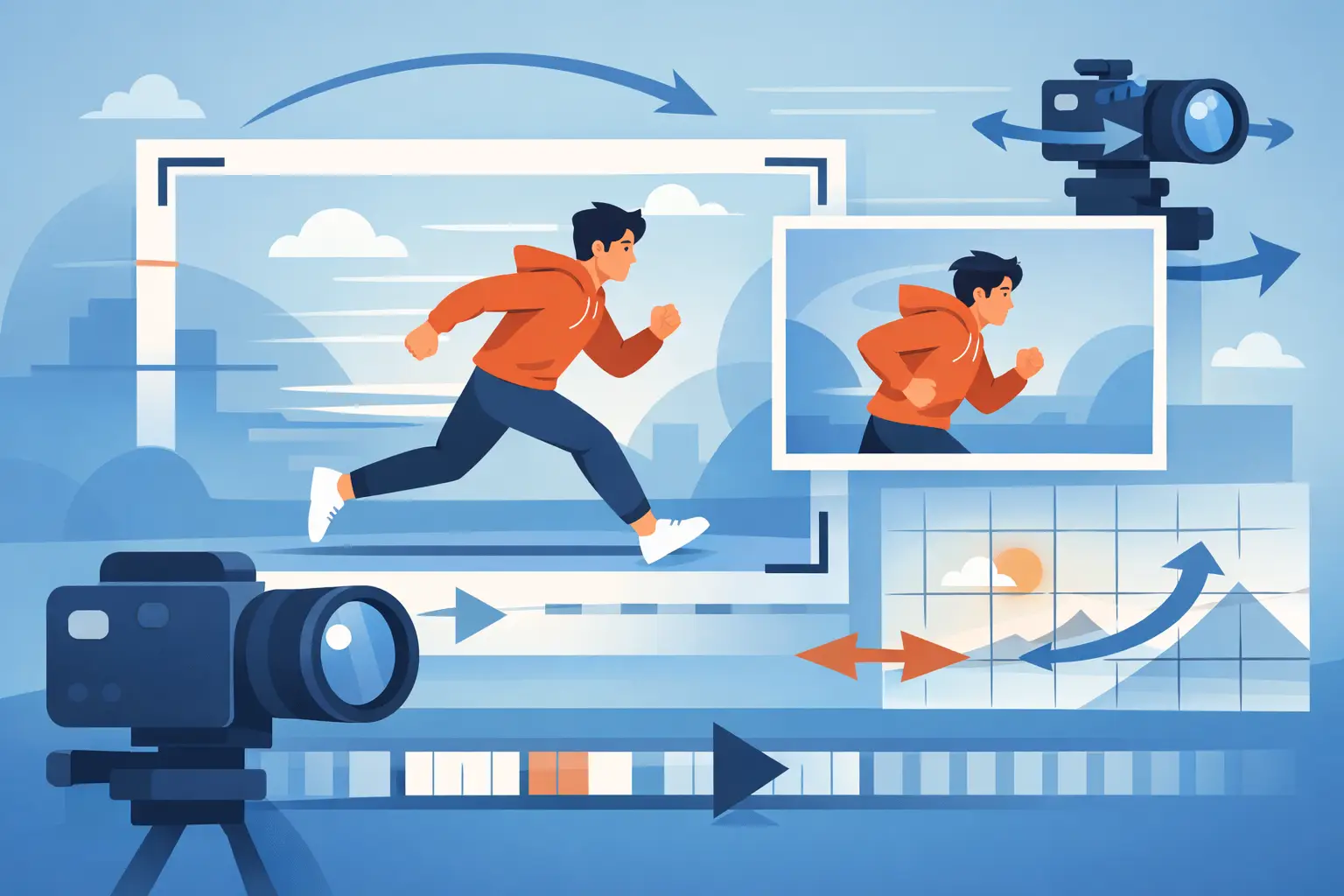
A pan moves the view horizontally or vertically across a layout. Use it to follow a walk, reveal a location, or direct the eye from one story point to another. A pan can be made with a single long background, but it needs thoughtful layout design. Repeating textures, poorly placed props, and accidental tangencies become very visible when the scene moves.
Keep the speed tied to the action. A character walking at a measured pace needs a measured pan. If the background races behind them, it feels like the character is on a treadmill. For a deliberate reveal, consider holding briefly before the pan begins and after it ends. Those holds give the audience time to read the important information.
Truck or Track
A truck move shifts the camera sideways through space. In 2D, it is often created with separate foreground, middle-ground, and background layers moving at different speeds. This is the familiar multiplane effect: nearby objects travel faster across the frame than distant objects.
The effect creates depth, but it should not be applied automatically. Strong parallax can make a shallow scene feel larger, yet it can distract from subtle character performance. Reserve pronounced layer separation for shots where the environment is part of the story, such as moving through a forest, passing city buildings, or crossing a large interior.
Push-In and Pullback
A push-in brings the audience closer. A pullback reveals more of the world. These are among the most useful camera moves because they control emotional distance.
In a hand-drawn scene, a push-in may require more than scaling the finished image. If the camera closes in dramatically, the drawing must hold up at that size. Rough line quality, incomplete painted edges, and background shortcuts that looked fine at a wide angle may suddenly become obvious. Plan the closest framing before clean-up and paint, not after.
A pullback has its own issue. As the character becomes smaller, silhouette and posing must do more work. A subtle eyebrow change will not read from across a large background. Simplify the acting where necessary and make the major pose clear.
Tilt and Rotation
A tilt moves the view up or down. It works well for revealing height, following a fall, or moving from an object to a character’s reaction. Like a pan, it needs a background designed beyond the opening frame. Do not build only what the first composition shows if the camera will travel.
Rotation is more stylized. It can suggest imbalance, a sudden realization, panic, or a comic impact. Because it alters every line in the shot, use it sparingly. A slight rotation may sharpen a gag. A constant rotating camera can make traditional drawings feel as if they have been pasted onto a spinning board.
Plan the Layout Before You Animate
Camera work is easiest when it is solved in thumbnails and layout, where changes are cheap. Mark the opening and closing camera frames, then identify the path between them. This immediately tells you how much background must be drawn, which elements need separate layers, and whether a character will remain readable throughout the move.
Think beyond the camera border. For a rightward pan, extend the background far enough to cover the entire move plus a little extra at both ends. For a push-in, determine the larger field of artwork needed at the closest camera position. This extra drawing space is not wasted effort. It prevents last-minute repairs, stretched artwork, and visible edges.
Also decide what stays fixed to camera and what exists in scene space. A title card, a graphic effect, or a screen reflection may need to remain locked to the frame. A tree branch, dust cloud, or foreground prop usually belongs in the scene and should move with the camera. Mixing those roles carelessly is one of the fastest ways to make a shot feel artificial.
Let Timing Drive the Camera
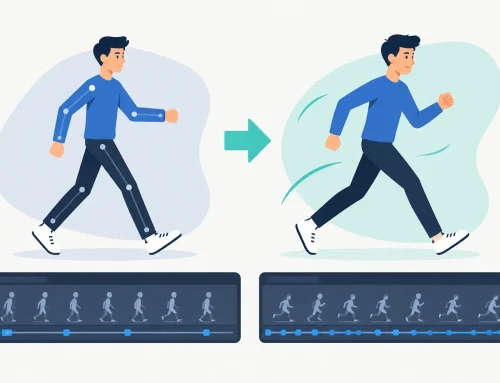
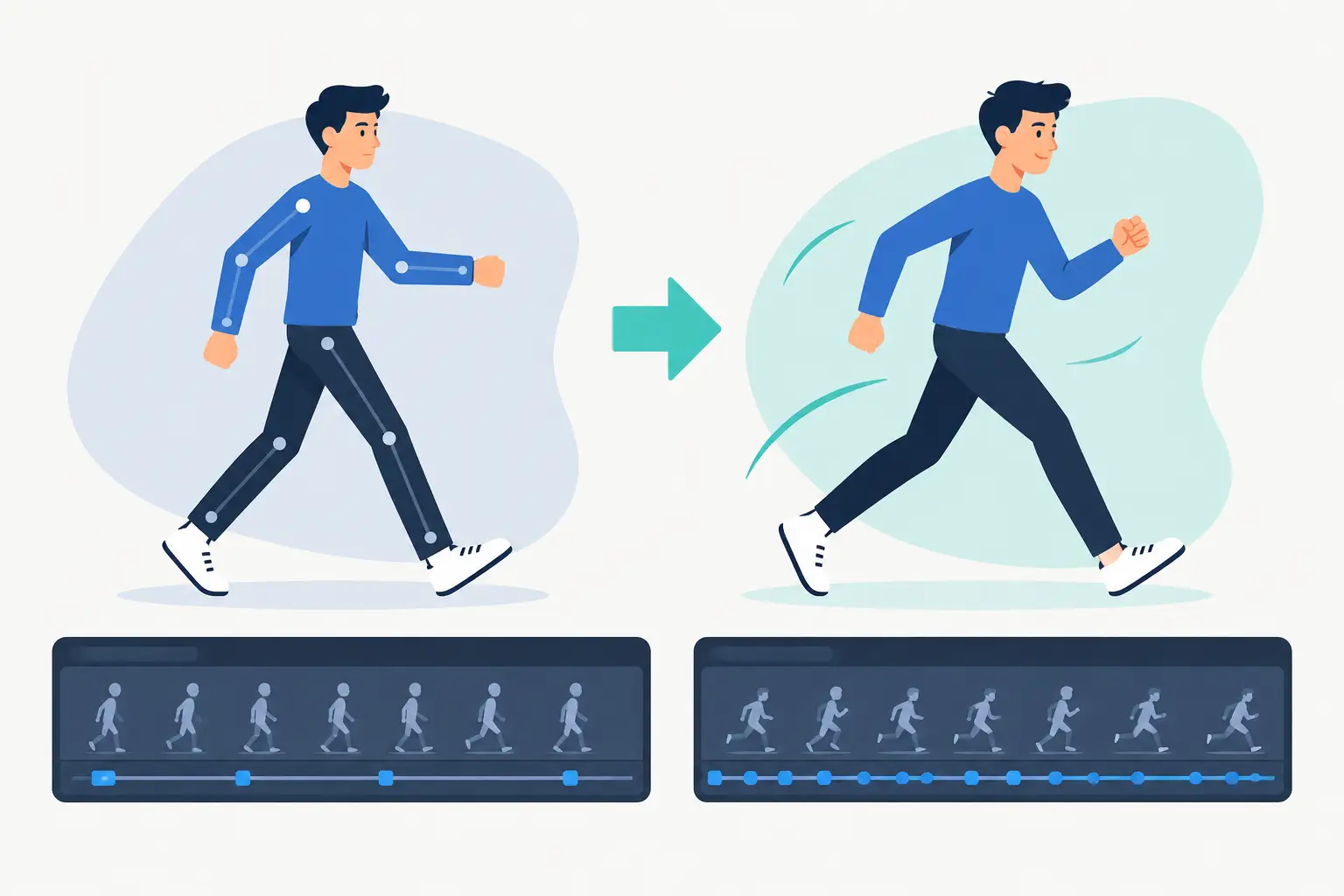
A camera move has spacing just like a character action. A perfectly linear move can be correct for a mechanical track or a deliberately controlled documentary feel. Most dramatic moves benefit from acceleration and deceleration.
For example, a push-in on a reaction often starts slowly, gains a little speed as the thought lands, then settles into the final close-up. A fast action follow may snap into motion, travel quickly, and stop with a small cushion so the audience can register where the action ended.
The length of the move matters as much as the path. If a move finishes before the character’s expression changes, it can feel disconnected from the acting. If it continues too long after the story beat has landed, it becomes a distraction. Scrub the scene, play it at speed, and adjust timing while watching the shot as a whole. Traditional animation is built on judgment, not on accepting the first keyframe curve the computer offers.
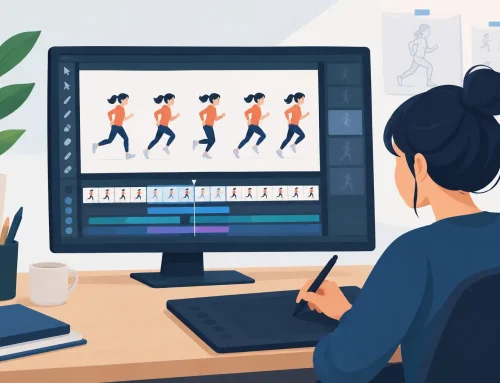
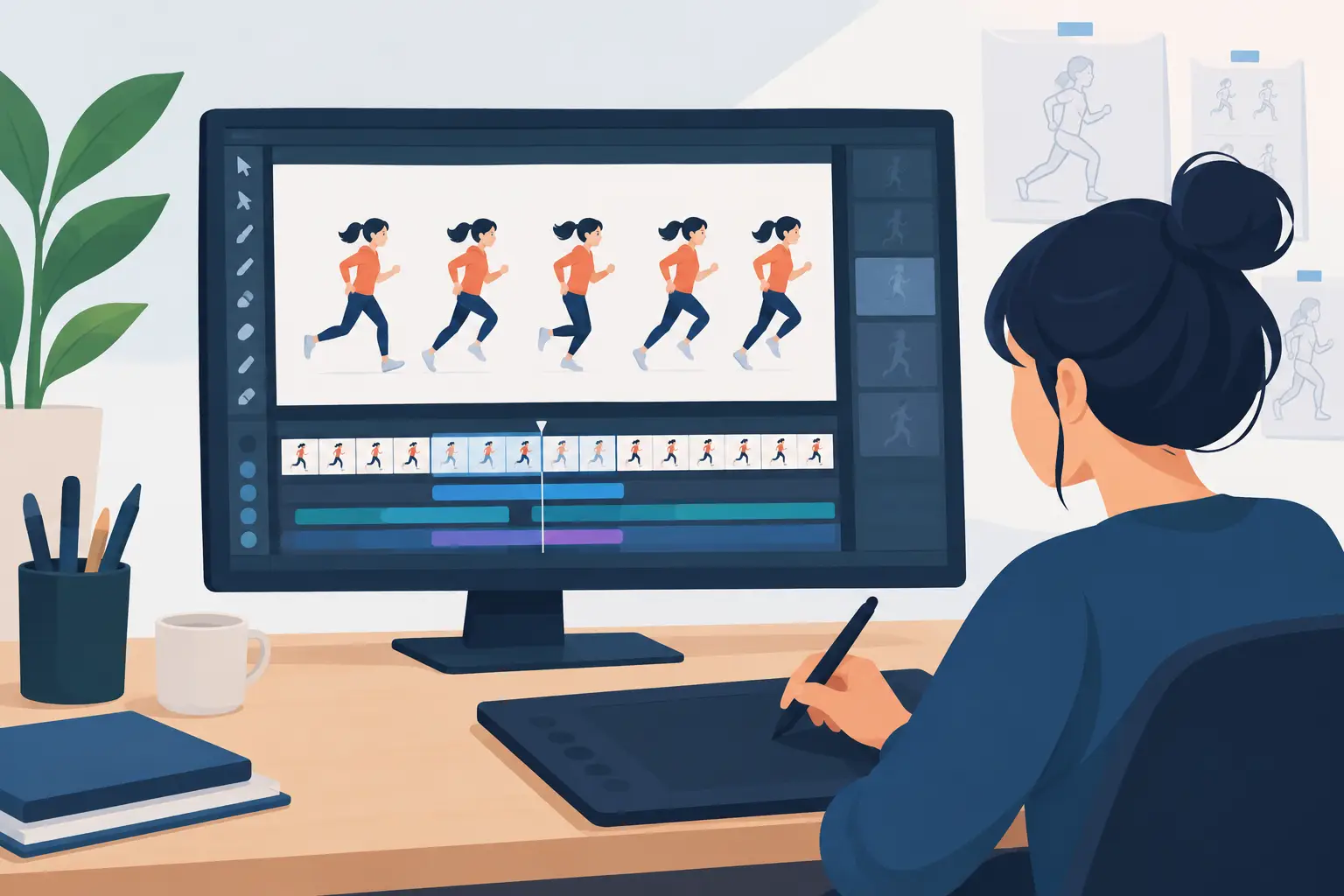
This is where a production-focused program such as FlipBook is useful: you can play and scrub the scene while adjusting timing, then immediately judge whether the camera and animation are working together. That direct feedback is far better than repeatedly stopping, changing values, and hoping the next preview answers the question.
Protect the Drawing From Digital Shortcuts
Digital camera effects are convenient, but convenience does not excuse weak preparation. Large zooms can soften linework. Rotation can expose empty corners. Motion blur can hide a rough transition, but it can also muddy a clear pose. Dissolves can create an elegant passage of time, yet they often weaken a cut that should have been decisive.
Use blur when the audience should feel speed or a shift in focus, not because the move is too abrupt. Use dissolves when two images genuinely need to overlap, such as a memory, transformation, or passage between related moments. For ordinary scene changes, a clean cut is usually stronger.
Watch for line crawl and texture shimmer when scaling painted artwork. Fine hatch marks, tiny repeated patterns, and thin background details may flicker during movement. Sometimes the answer is a different scale range. Sometimes it is simplifying the artwork so it reads as animation rather than noisy pixels.
Test the Shot at Real Viewing Speed
A camera move can look excellent when examined frame by frame and still fail when played. Always judge it in motion at the intended frame rate. Watch once for the story beat, once for the character, and once for technical distractions such as exposed background edges, layer drift, or unwanted jitter.
Then show it to someone who has not watched the shot twenty times. Fresh eyes will tell you whether the move guides attention where you intended. If they notice the zoom but miss the character’s reaction, the camera is doing too much.
The practical rule is simple: make the camera serve the drawing. Plan enough artwork for the move, use spacing that supports the acting, and keep the effect proportional to the story beat. When the audience remembers the feeling of the shot instead of the move itself, the camera work is doing its job.