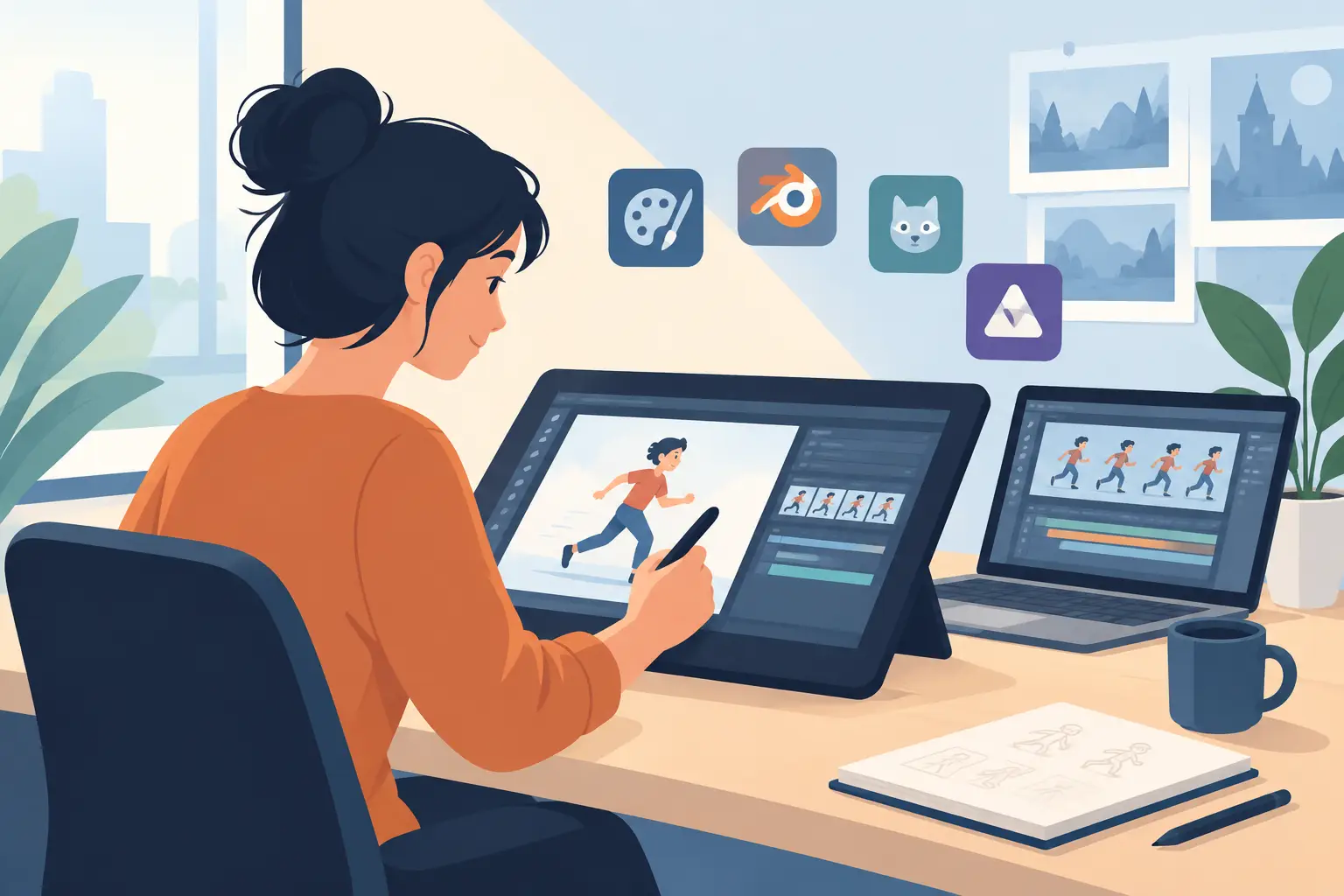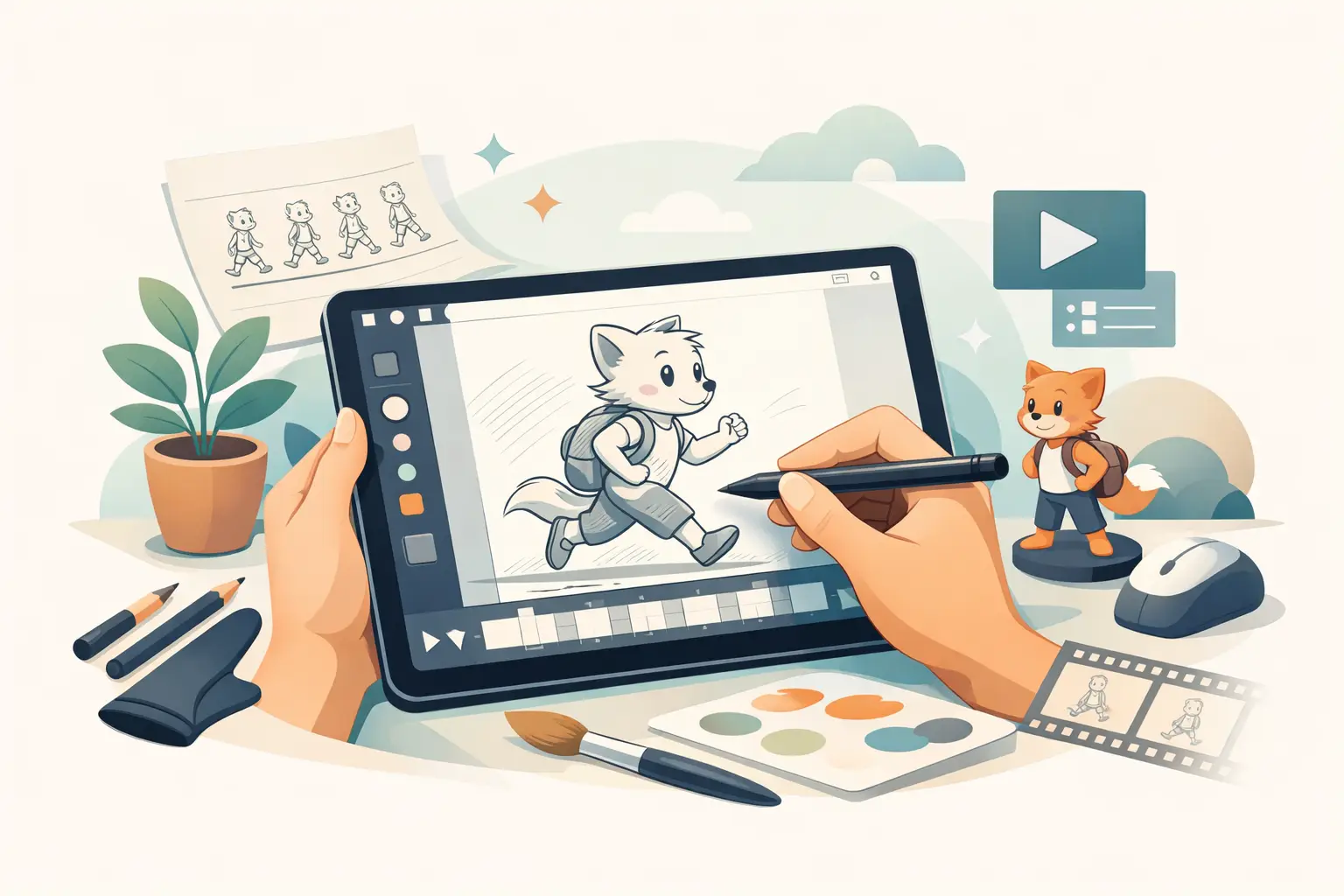
If your animation software makes you fight the tool before you can work the scene, it is not doing its job. A natural drawing animation app should let you rough, test timing, clean up, paint, and adjust shots without breaking concentration. That matters whether you are learning first principles or turning around production work on a deadline.
Too many animation apps are built around features that sound modern but slow down traditional drawing. You can feel it right away. The line does not respond the way your hand expects. Painting takes too many clicks. Timing changes turn into a stop-adjust-preview routine that pulls you out of the scene. For artists trained on hand-drawn animation, or trying to learn it properly, that friction adds up fast.
What makes a natural drawing animation app feel right
Natural does not mean flashy. It means the software supports the way animators actually work. You should be able to draw rough keys, add inbetweens, flip through drawings, scrub action, and make timing decisions in context. The app should feel closer to paper animation than to a motion design interface.
That usually starts with drawing response. Clean, immediate lines matter more than a crowded toolbar. When you are searching for volume, arc, weight, and expression, the software should stay out of the way. You want a workspace that respects rough animation, not one that keeps pushing you toward effects before the shot is even working.
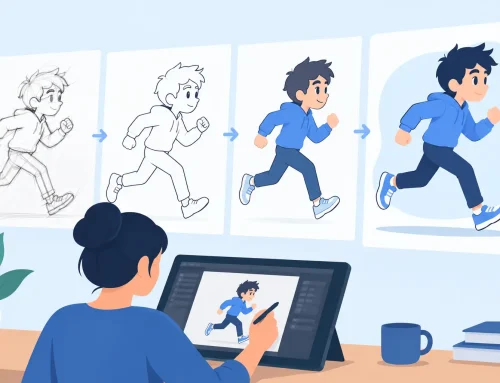
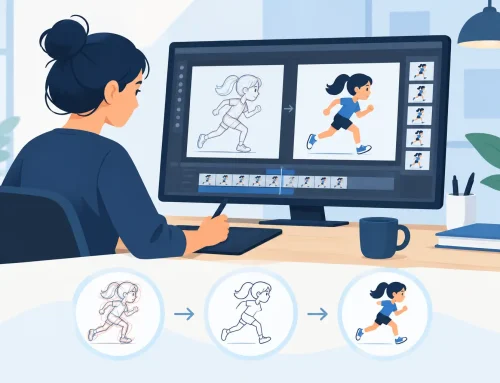
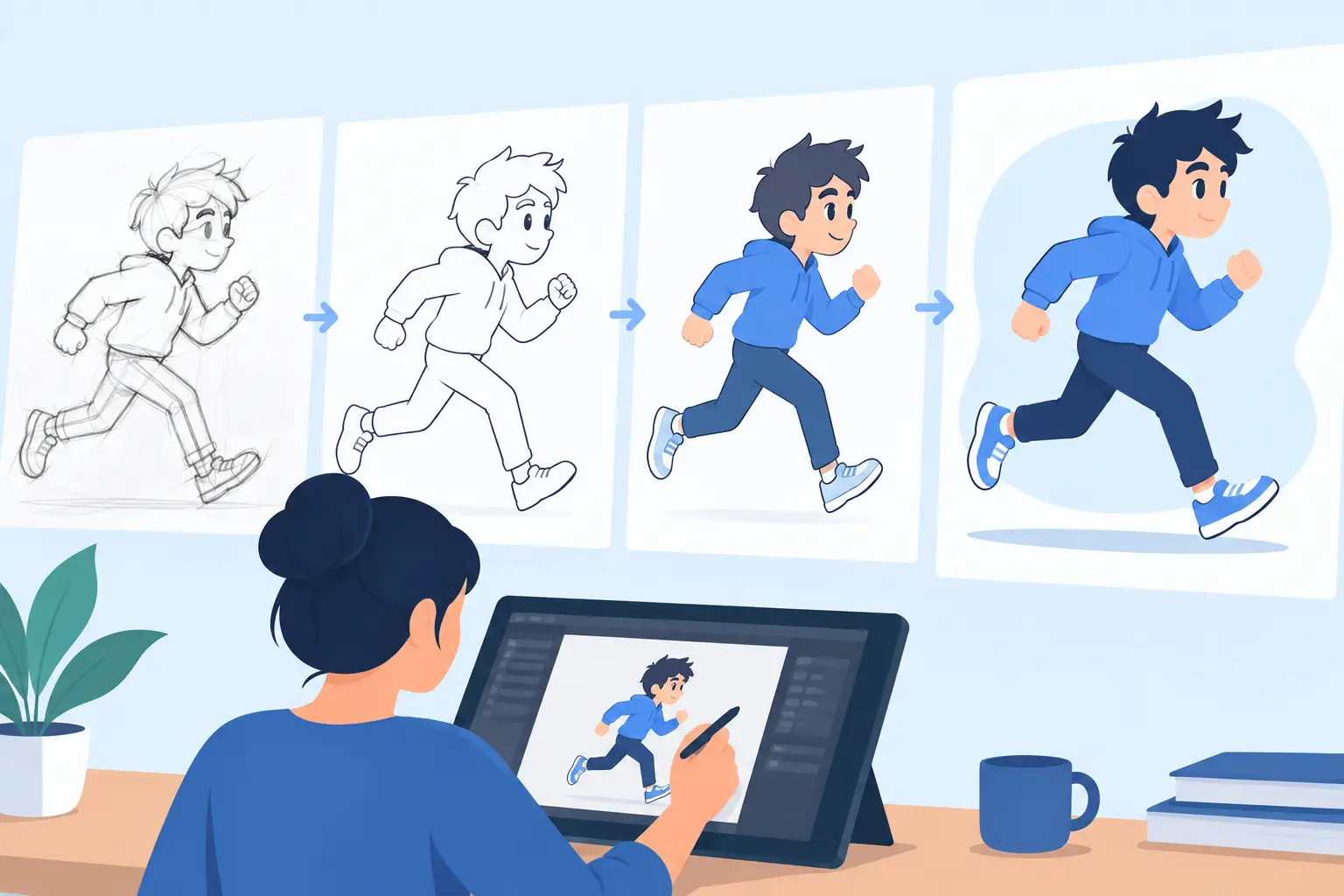
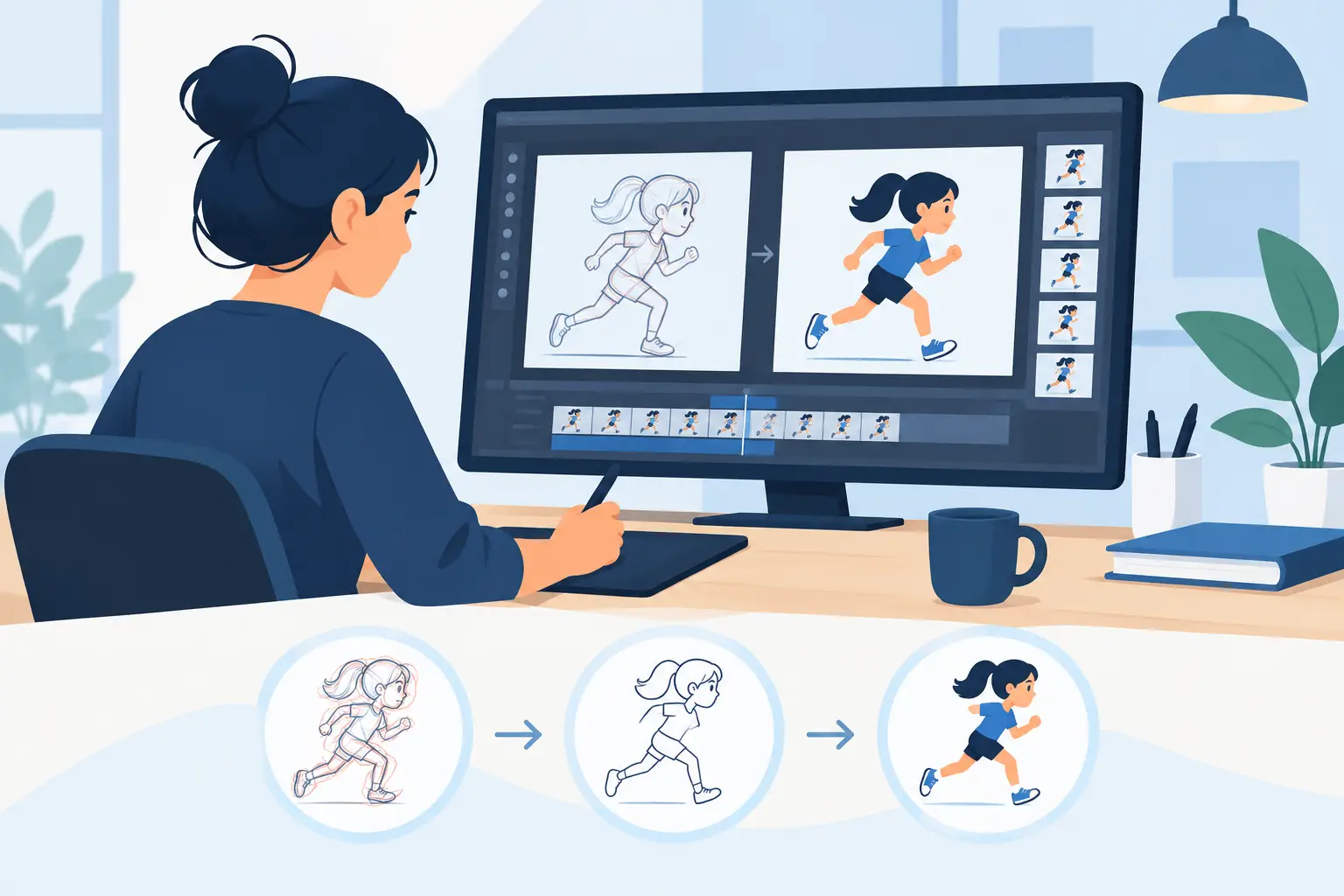
A good natural drawing animation app also needs to support cleanup and paint without turning those steps into a separate technical process. In real production, roughs, cleanup, and color are connected. If the software makes each stage feel like you are switching departments, it slows the whole job.
Natural drawing animation app features that save real time
The biggest difference between apps often shows up after the first few drawings. Nearly any program can play back a short test. The better question is what happens when you need to revise timing, paint a sequence, or make camera moves after animation is already in progress.
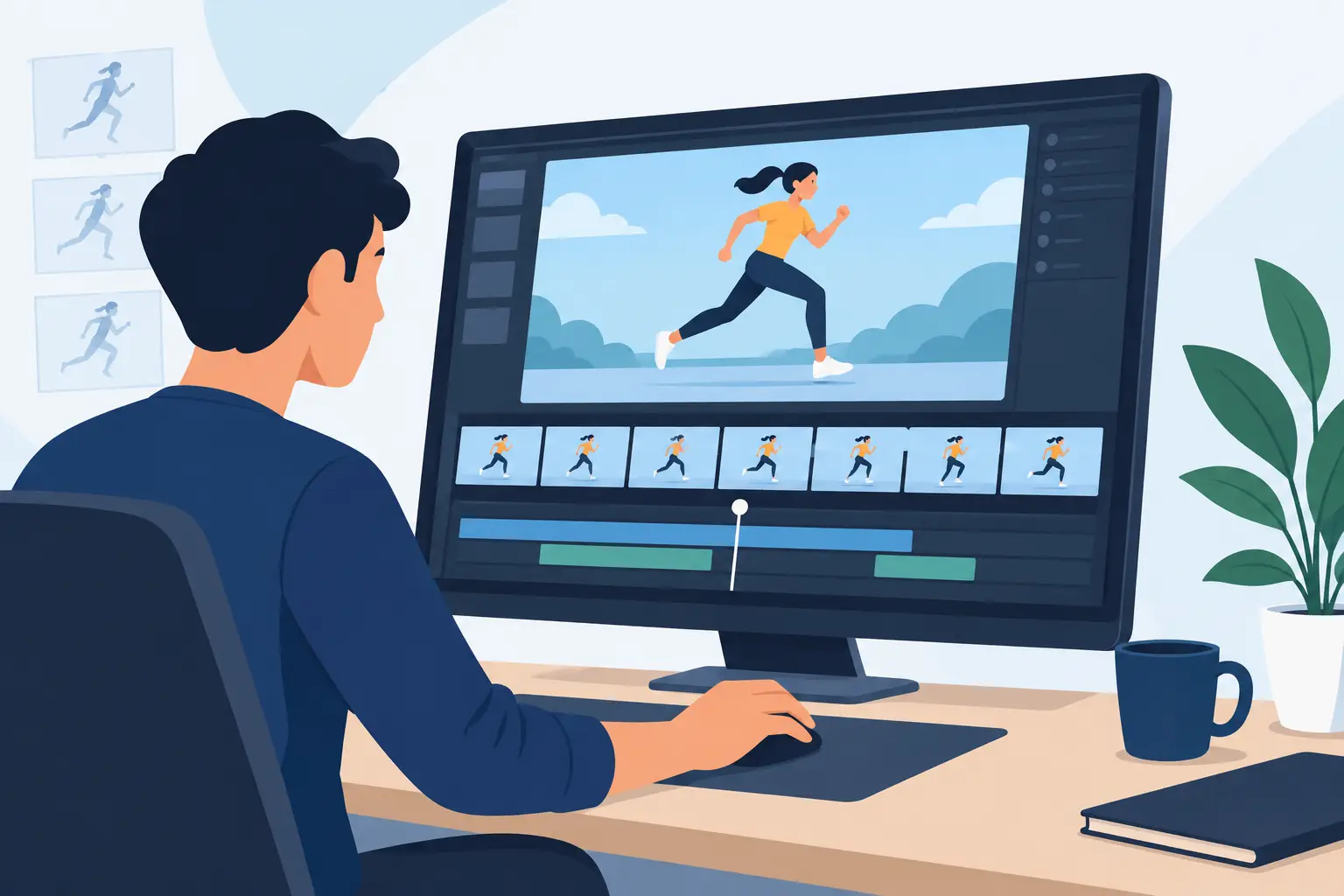
Timing control is where many programs lose experienced artists. In a traditional workflow, timing is not something you set once and leave alone. You adjust as you watch. You tighten an action, hold a reaction a little longer, or give an accent more snap. If the app forces you to stop playback, make changes, then preview again, you lose rhythm. Software that lets you edit timing while the scene plays gives you a much more direct way to shape performance.
Painting speed matters too, especially on scenes with many frames. Slow paint tools can turn a simple task into production drag. Fast, efficient frame painting is not a luxury feature. It affects how quickly you can finish tests, approve shots, and move work forward.
Camera-style controls are another practical advantage when they are done well. Pan, zoom, rotate, blur, and dissolve can help finish a scene without sending it somewhere else for basic shot handling. That is useful for students, independent filmmakers, and small studios that need to keep more of the process in one place.
Why some apps feel clunky for hand-drawn animation
A lot of software is built to serve broad creative markets, not traditional animators. That creates trade-offs. General-purpose apps may include many tools, but they often spread attention across illustration, compositing, effects, rigging, and editing. Hand-drawn animation ends up being one mode among many rather than the core experience.
That is why some programs feel awkward even when they are powerful. The interface may be dense. The drawing flow may feel secondary. The timing controls may be serviceable but indirect. For an animator focused on line, motion, spacing, and scene performance, that kind of design can feel like working in gloves.
There is nothing wrong with broader software if your pipeline needs it. But if your main job is drawing animation frame by frame, specialized tools usually give better results with less effort. They are built around the sequence, not around a collection of unrelated creative tasks.
Choosing the right app for your level and workflow
Beginners often assume they need the biggest feature set available. Usually they need the opposite. If you are learning spacing, arcs, timing, squash and stretch, and scene planning, a cleaner tool built for drawn animation will teach better habits. You spend more time understanding movement and less time managing software.
Students and educators should also think about how the app supports review. Can you flip and scrub easily? Can you test a scene quickly? Can you revise timing without rebuilding the shot? Those details matter in the classroom because they make feedback immediate.
For professionals and studios, the question is efficiency under pressure. Can the app handle rough animation, cleanup, paint, playback, and camera moves without constant workarounds? Can you keep momentum when a director wants faster action, longer holds, or a different emphasis in a scene? Production tools should help you answer notes quickly, not create extra steps.
If you work across desktop and tablet, it also helps to think about where each device fits. Some artists want to sketch and test ideas on an iPad, then move into full scene work on desktop. That can be a practical setup, as long as the workflow still respects drawn animation instead of flattening it into a simplified mobile experience.
A practical standard for judging any natural drawing animation app
The easiest way to evaluate software is to animate a short scene the way you normally would. Do not judge it by the demo reel alone. Draw rough poses, add breakdowns, test the action, fix timing, clean up a few frames, and paint part of the shot. That will tell you more than any feature chart.
Pay close attention to where the software slows you down. If drawing feels disconnected from your hand, that is a warning sign. If painting feels tedious, it will only get worse on larger scenes. If timing edits interrupt playback and force repeated previews, you are looking at lost hours over the course of a production.
By contrast, the right software will make the work feel more direct. You spend less time operating the app and more time animating. That is the whole point.
One reason many artists look for a specialized option like DigiCel FlipBook is that it stays focused on the craft itself. It is built around traditional hand-drawn workflow, with fast painting, practical camera effects, and a timing-editing approach that lets you work more like an animator and less like a technician. That difference is not theoretical. It shows up in how fast you can solve a scene.
The best choice depends on what you value most
There is no single best app for every artist. If you need a broad production environment with many disciplines under one roof, you may accept a less natural drawing experience. If your priority is hand-drawn animation that feels close to the classical studio method, a specialized tool is usually the stronger choice.
That is the real test. Not how many features appear on a sales page, but whether the app helps you draw naturally, paint quickly, and control timing with confidence. When software supports those fundamentals, your scenes improve because your attention stays where it belongs – on motion, performance, and draftsmanship.
If you are comparing options, start with the scene you have been meaning to animate. The right app should make you want to keep drawing, keep testing, and keep refining until the shot finally clicks.