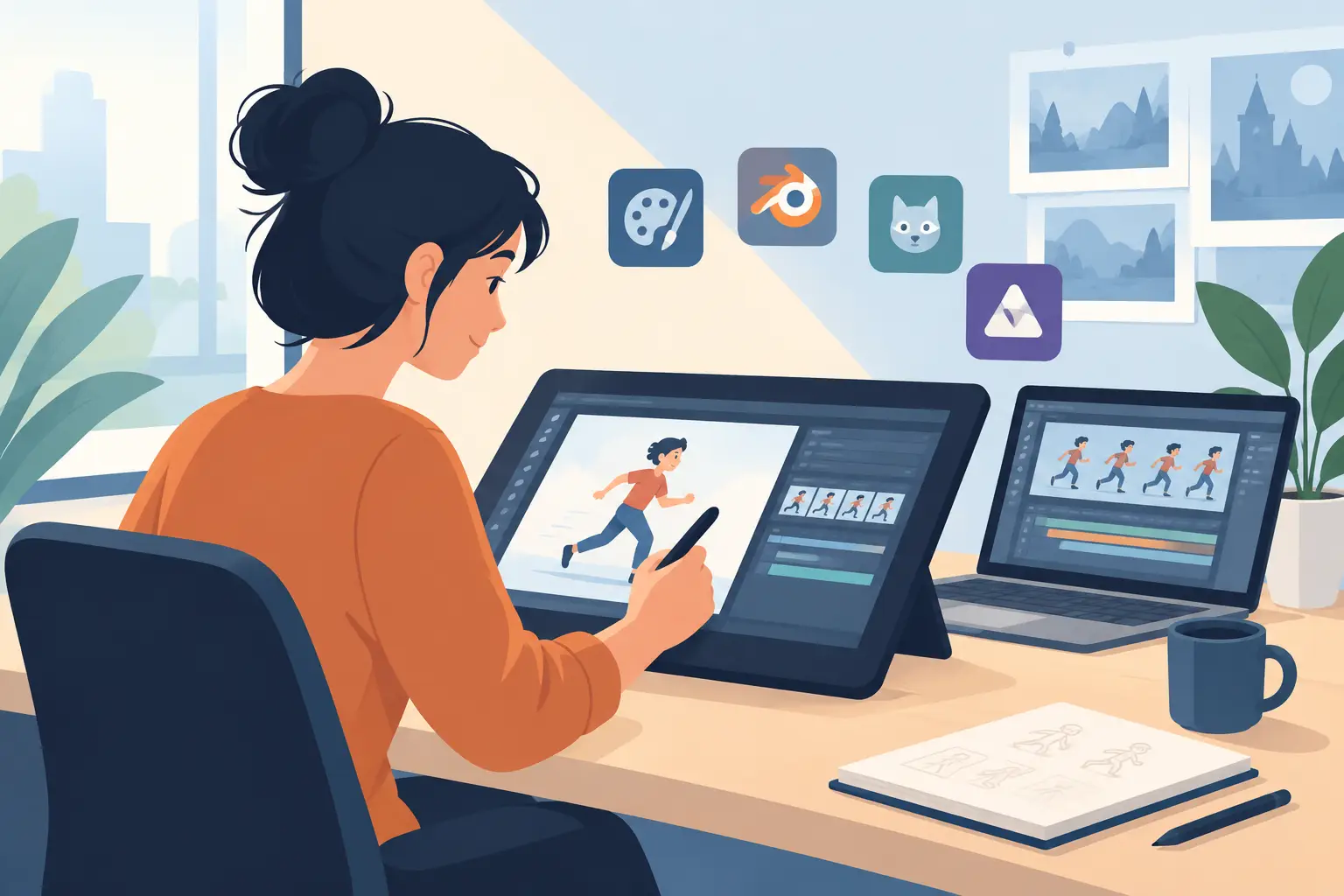
Animation students usually find out the hard way that flashy software demos do not tell you much about actual production. The best animation software for students is not the app with the longest feature list. It is the one that helps you draw naturally, test timing quickly, and finish scenes without fighting the interface every few minutes.
That matters even more when you are still learning fundamentals. If your software keeps getting in the way, you spend less time studying spacing, arcs, weight, and performance. You spend more time hunting through panels, redoing timing changes, or trying to make a digital brush behave like a pencil. For a student, that is wasted practice.
What makes the best animation software for students?
Students often shop by price first, and that is understandable. Budgets are tight. But low cost alone does not make software a good fit for animation training.
A student app should do three things well. First, it should support frame-by-frame work in a way that feels direct and readable. Second, it should let you preview and adjust timing fast enough that experimentation becomes part of the process, not a chore. Third, it should help you complete actual assignments, from rough tests to cleaned-up scenes, without forcing a studio-scale pipeline onto a beginner.
There is also a difference between software that is good for making motion and software that is good for learning animation. Some programs are excellent for motion graphics, cutout work, or compositing. Those can be useful, but if your class is focused on hand-drawn performance, they may teach around the craft instead of through it.
The main types of student animation software
Traditional 2D drawing software
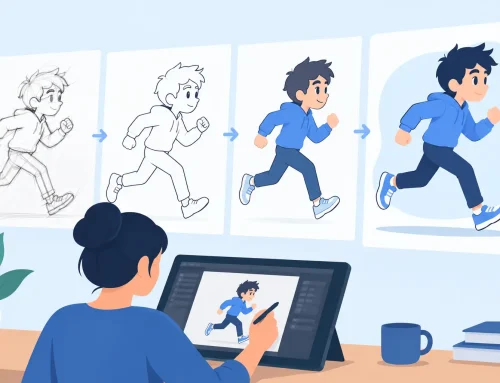
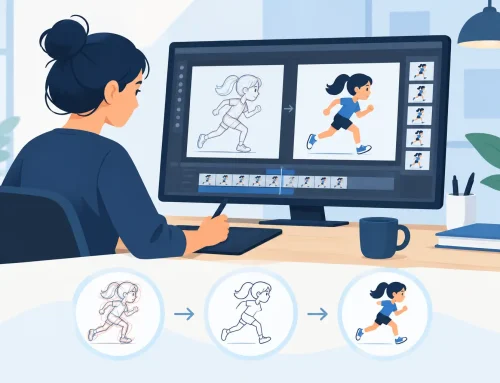
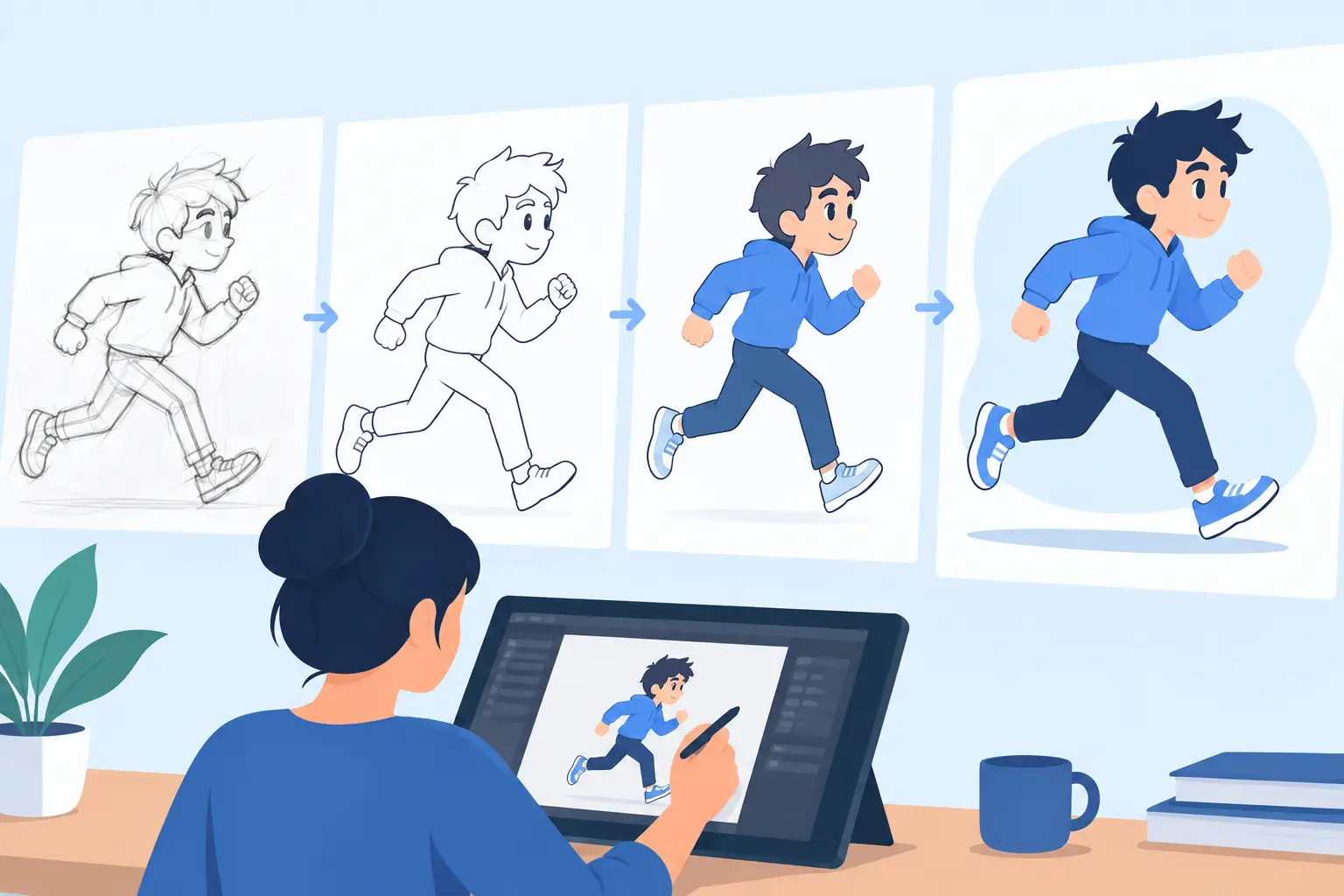
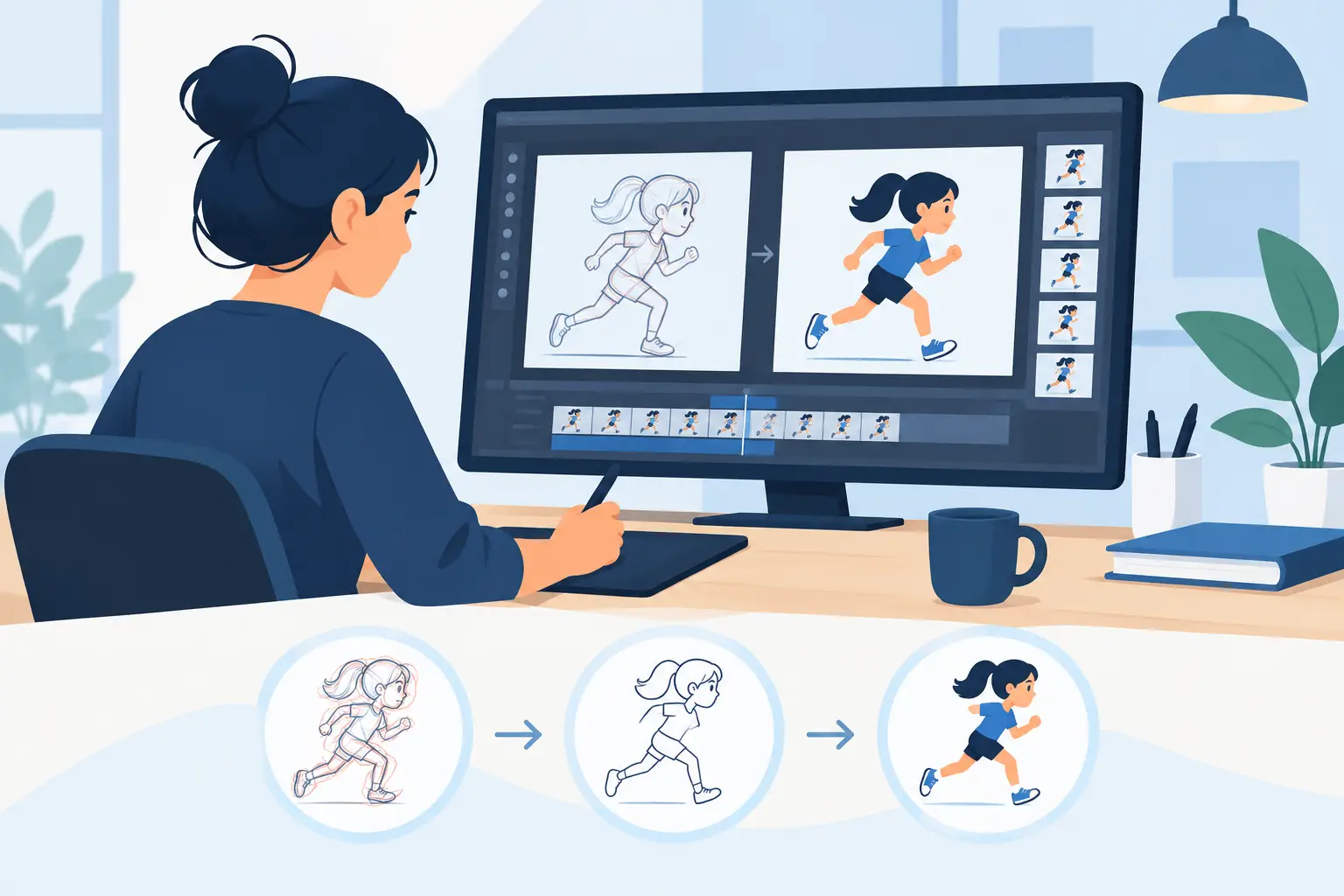
This is the best fit for students learning classical animation principles. You draw frame by frame, work through roughs and clean-up, check arcs, flip drawings, and judge timing from the artwork itself. If your goal is to understand movement the way animators have studied it for decades, this category gives you the clearest path.
The strongest programs in this group make drawing feel natural and keep playback responsive. They also make painting and scene review faster, because finishing a shot matters just as much as starting one.
Cutout and rig-based animation software
Rigged character systems can be helpful, especially for limited animation, web shorts, and students interested in TV workflows. They reduce drawing demands and can speed up production. The trade-off is that they do not teach draftsmanship, construction, and frame-by-frame timing in the same way.
For some students, that is perfectly fine. If your program is aimed at puppet animation or digital content production, rig-based tools may be the better investment. But if you are trying to become a stronger character animator, they should not replace direct drawing practice.
3D animation software
3D programs belong in the conversation because many students explore several disciplines before choosing a specialty. They are powerful, industry-relevant, and often available with student access. Still, they are not the best answer for everyone searching this topic.
A 3D package teaches posing, blocking, camera work, and performance in a different environment. That is valuable. It just does not solve the specific problem of learning drawn animation workflow.
What students should compare before choosing
Drawing feel
This is where many apps separate quickly. If the line feels slippery, delayed, or overly processed, you will notice it every day. Students need software that respects the hand. Rough animation depends on speed, clarity, and confidence.
A natural drawing experience is not a luxury feature. It affects how much you practice and how accurately you can think through motion. When the line behaves well, you stay focused on performance instead of brush correction.
Timing control
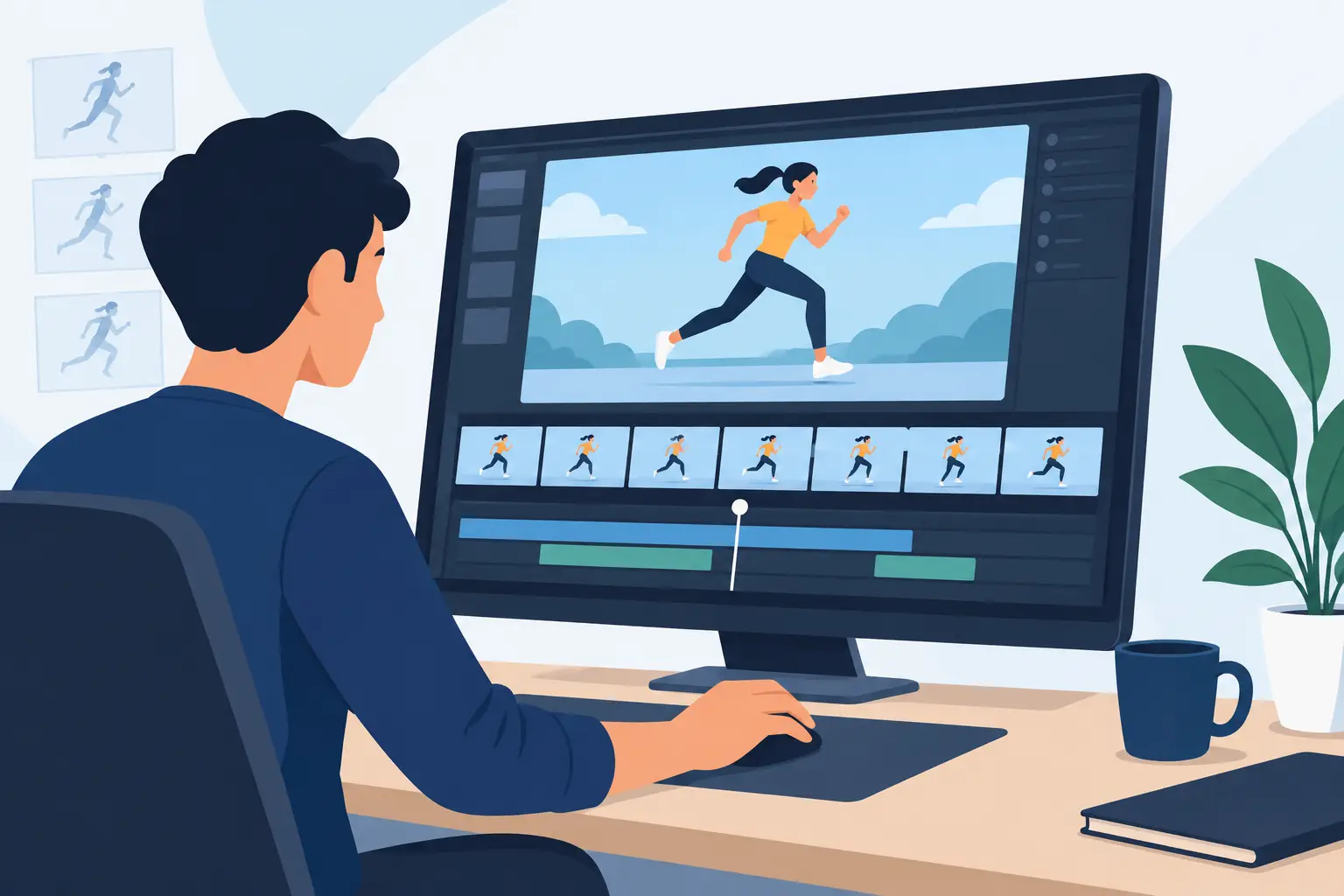
Animation lives or dies on timing. Yet many programs make timing changes slower than they should be. You preview the shot, stop, move frames around, play again, stop again, and repeat the cycle until you lose momentum.
That workflow teaches patience, but not in a useful way. Good student software should let you test timing rapidly and make changes while staying close to the action. The less friction there is between seeing a problem and fixing it, the faster you learn.
Painting speed
Students tend to underestimate painting until deadlines show up. A scene with multiple characters, effects, or revisions can turn into hours of repetitive work. Efficient paint tools matter because they free up time for actual animation decisions.
This is one of those practical differences that sounds minor on a feature chart and becomes major in production. Fast painting is not just convenient. It changes how much work you can complete in a semester.
Cost and support
The cheapest app can become expensive if it slows your assignments or leaves you stuck with no help. Students benefit from clear pricing, a real trial version, and technical support that does not vanish when installation gets tricky.
That support piece is easy to overlook. If you are learning software while also learning animation, responsive help saves real time and frustration.
Where many popular options succeed – and where they fall short
Some student-friendly apps are strong on accessibility. They are inexpensive, easy to install, and good for quick tests. That can make them a smart starting point. The downside is that they may feel limited once you move from exercises into polished scene work.
Other programs offer broad production tools with compositing, effects, and complex asset management. Those can be excellent for advanced users or schools building a larger pipeline. For an individual student, though, they can feel heavy. You may get a lot of power you are not ready to use, while still wrestling with basics like drawing response and timing edits.
Then there are apps that look modern but feel detached from traditional workflow. They can produce nice results, but the process may not match how hand-drawn animators actually think. If you are studying roughs, clean-up, exposure, and performance, software should reinforce that process instead of burying it.
Why traditional workflow still matters for students
There is a reason schools still teach bouncing balls, flour sacks, walks, and dialogue scenes through frame-by-frame work. Those assignments train your eye. They force you to make decisions instead of relying on interpolation.
Traditional workflow also gives you immediate feedback about what is wrong. A weak drawing is visible. A spacing problem is visible. A bad hold is visible. That honesty is useful when you are building real skill.
Students do not need software that tries to automate the craft out of the process. They need software that helps them practice the craft faster and more clearly.
A strong fit for students learning hand-drawn animation
If your goal is classical 2D animation, FlipBook deserves serious attention. It is built around the actual working methods animators use for rough animation, clean-up, painting, playback, and camera-style moves. That matters because students learn best when the software matches the production logic behind the lesson.
Its biggest advantage is not novelty. It is focus. The drawing workflow feels natural, the painting tools are unusually fast, and the timing controls are designed to keep you working instead of stopping and restarting every few seconds. Being able to adjust timing during playback is especially valuable for students because it shortens the gap between judgment and correction.
That kind of responsiveness teaches faster. You can test a scene, feel that a hold is too long or an action snaps too soon, and fix it without breaking your concentration. In practice, that means more iteration, better scenes, and less wasted lab time.
It also helps that the software is straightforward about pricing, offers a free trial, and backs users with free tech support. For students and educators, that is a practical benefit, not just a sales point.
How to choose the right app for your class goals
If you are majoring in character animation, story-based 2D work, or traditional production, choose software that puts drawing and timing first. If your assignments lean toward motion graphics, editing, or compositing, a broader toolset may make more sense. If you are exploring 3D performance, then a dedicated 3D package is the right lane.
The key is to match the software to the skill you are trying to build right now. Students often make the mistake of buying for hypothetical future projects instead of this semester’s actual work. That usually leads to a bloated setup and slower progress.
The best software is the one that helps you practice more, see mistakes sooner, and finish stronger scenes. If it also respects traditional animation craft, you will carry that benefit long after school.
Pick the tool that keeps your hand, eye, and timing connected. That is where real progress starts.