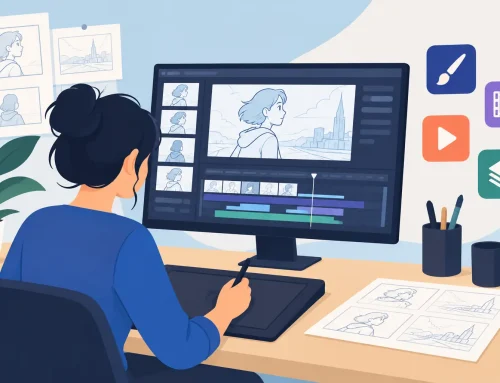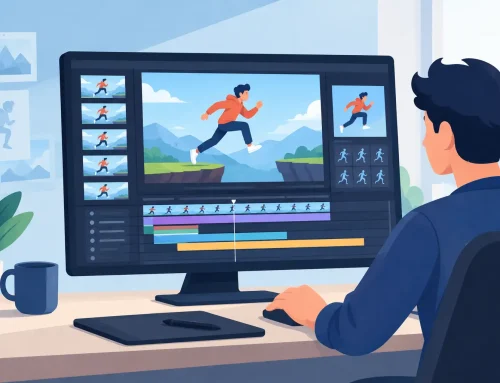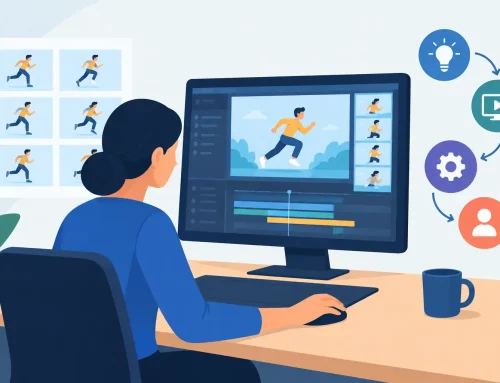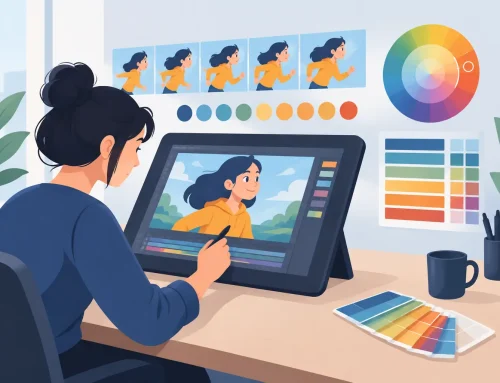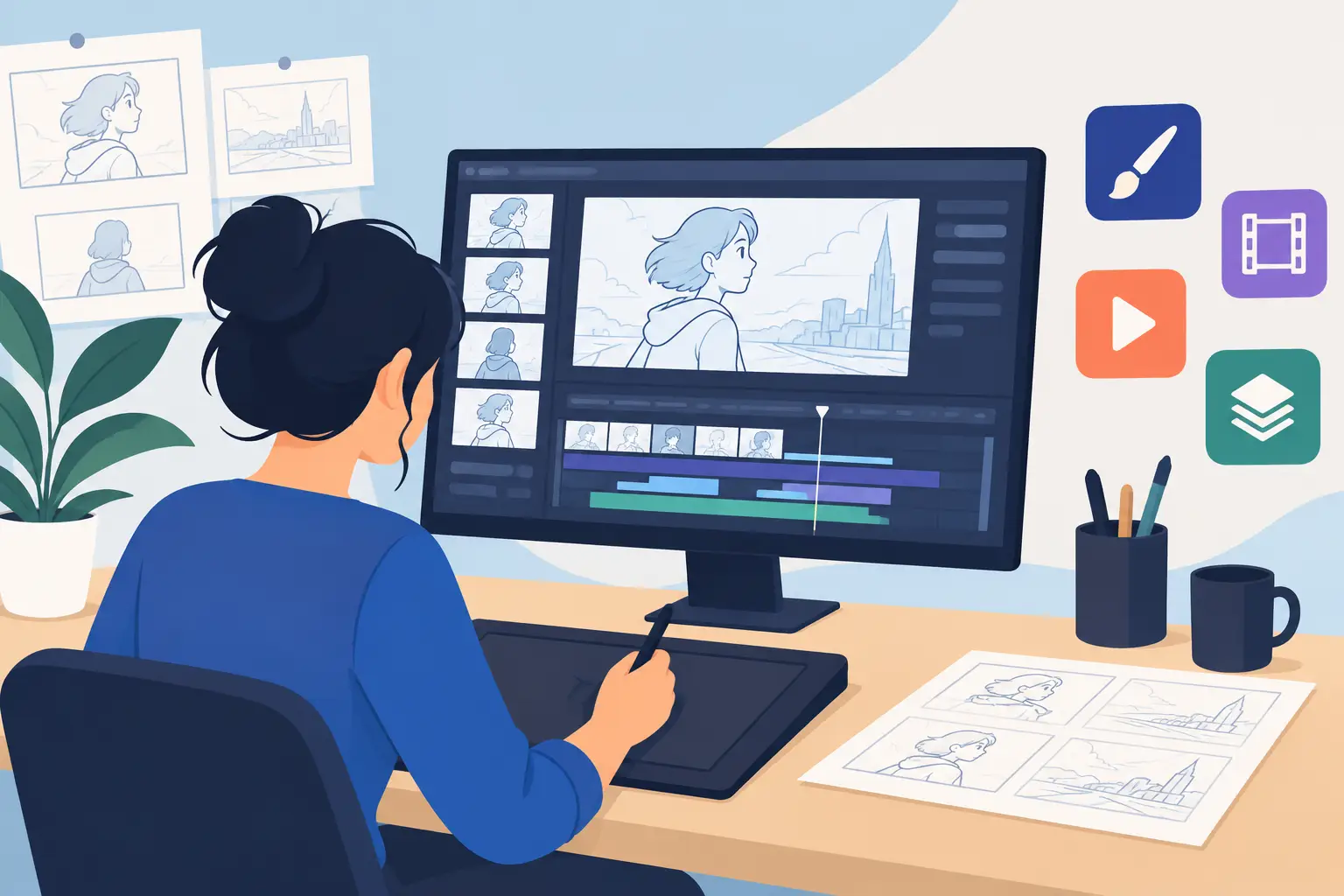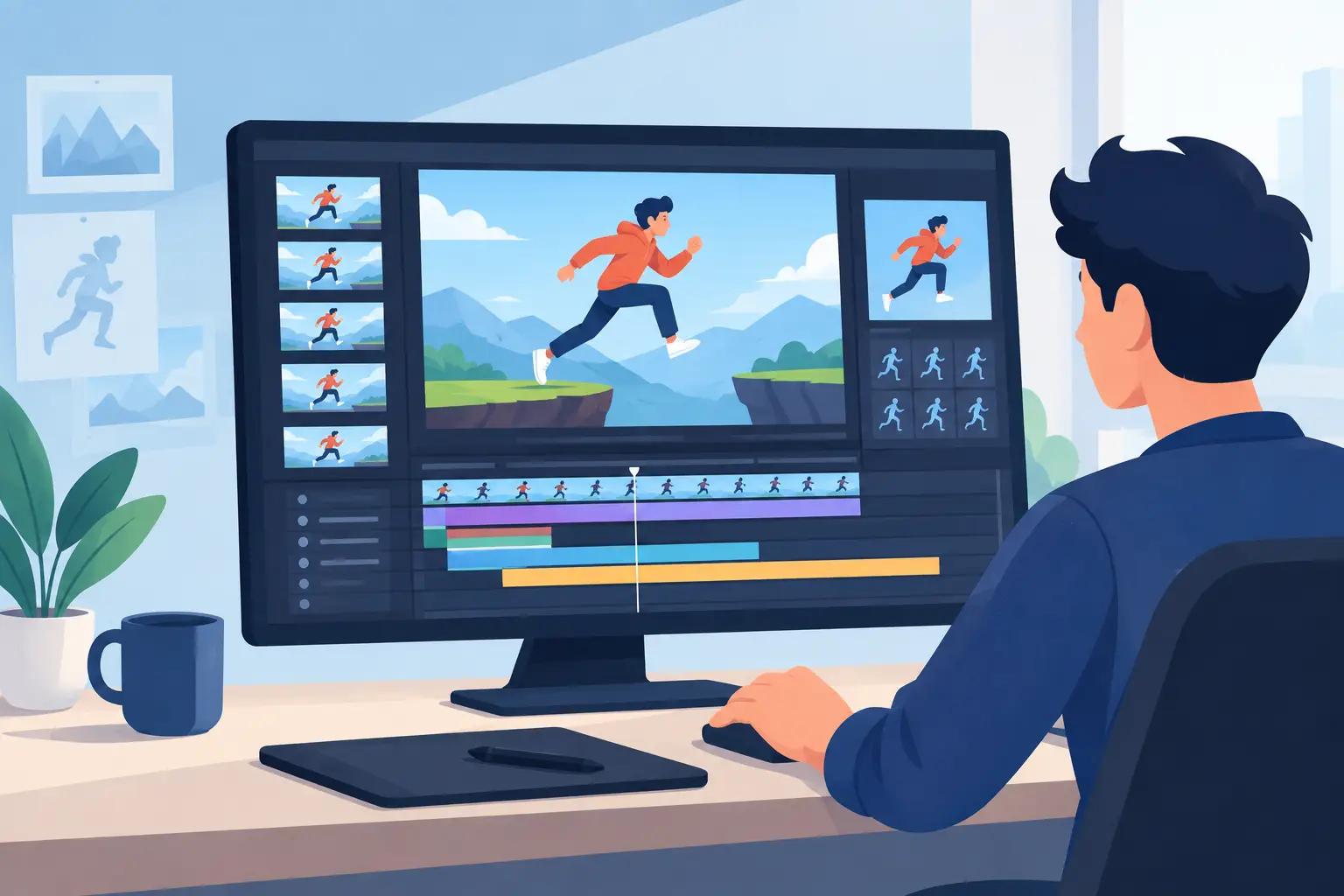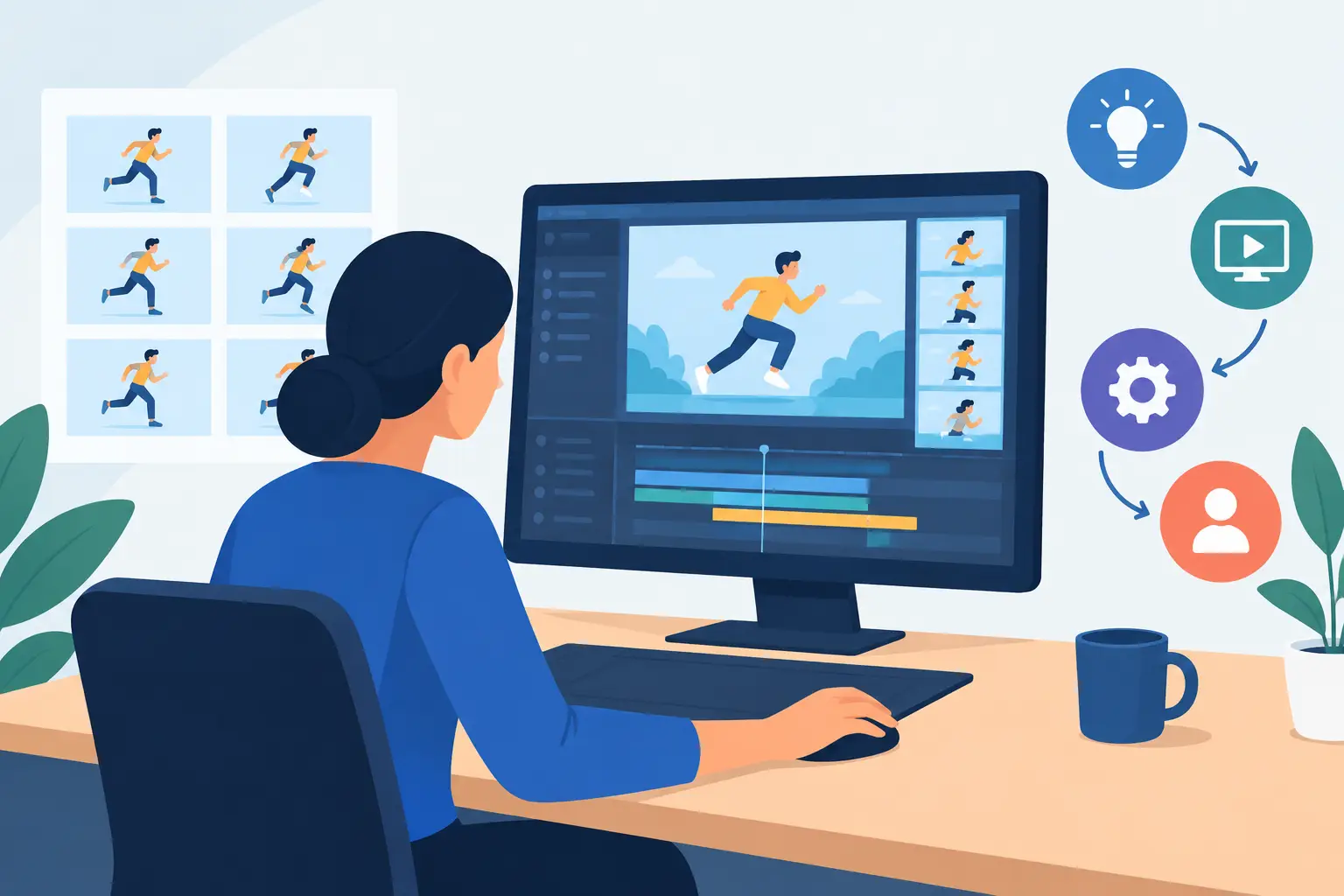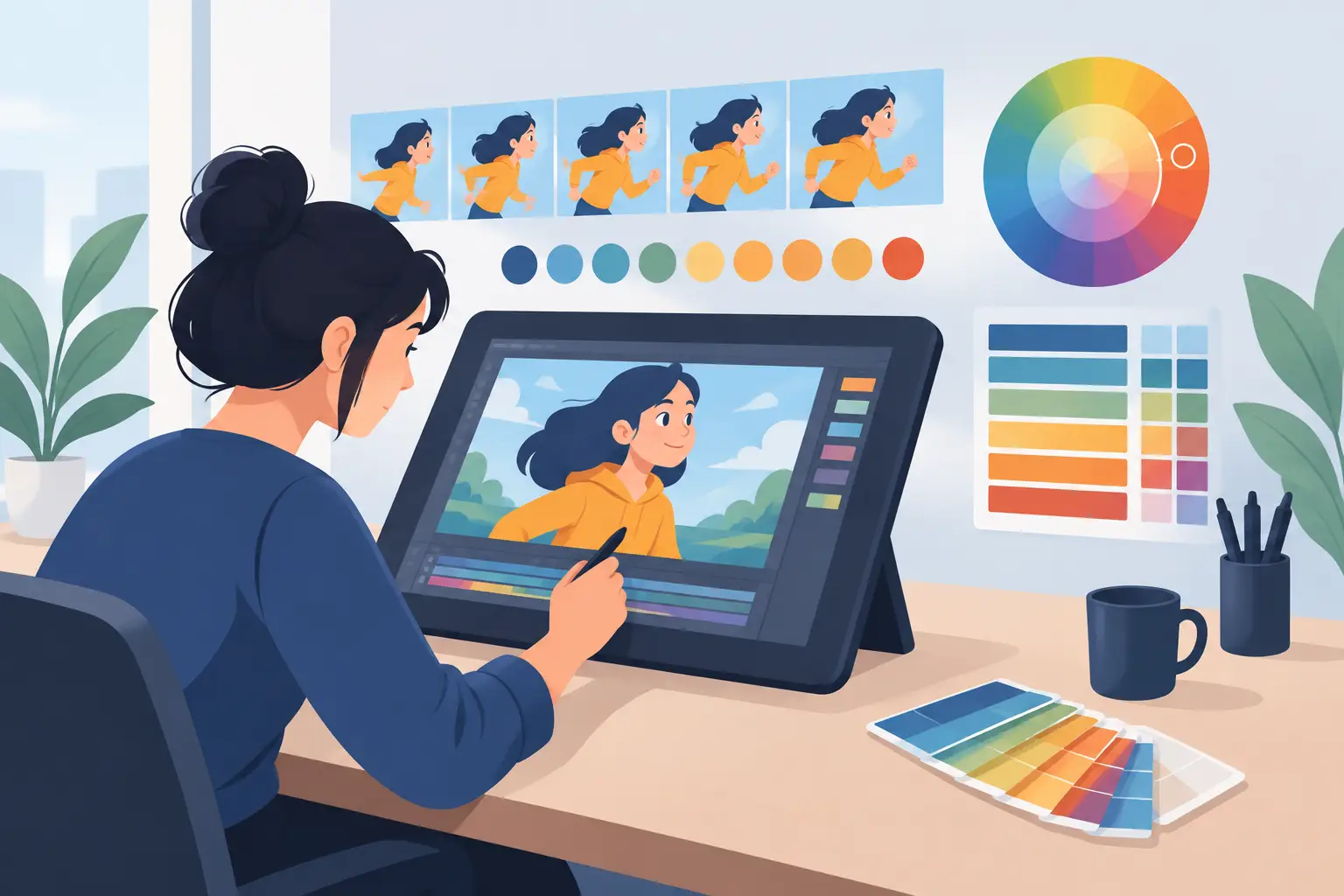
A classroom animation project usually starts with excitement and ends with someone fighting the software. Students can grasp squash and stretch faster than most adults expect, but only if the tool stays out of the way. That is why choosing the right 2d animation software for teachers matters so much. The best program does more than export a movie – it helps students understand timing, spacing, drawing, and revision without turning every lesson into tech support.
Teachers have a different job than studio animators, but the software needs overlap more than many people realize. In both settings, you need clear drawing tools, dependable playback, simple timing control, and a workflow that lets you correct mistakes quickly. If students cannot see how a change in exposure affects motion, or if repainting frames takes too long, the lesson gets lost.
What teachers actually need from 2d animation software
Many software roundups focus on effects, asset libraries, or how many templates come in the box. That may help social media creators, but it does not always help a teacher explain frame-by-frame movement. In the classroom, the real question is whether the software supports animation principles clearly enough for students to learn them.
A good teaching tool should make drawing feel direct. Students need to rough out motion, test it, revise it, and play it back again without friction. If the program is built around puppets, auto-motion, or preset behaviors, it can be useful for certain assignments, but it may also hide the fundamentals. That trade-off matters. If your goal is to teach storytelling with minimal drawing, those shortcuts can help. If your goal is to teach animation itself, they can get in the way.
Timing control is another dividing line. Teachers often need to demonstrate changes on the spot. A scene that drags at frame 12 or pops too fast at frame 18 should be easy to adjust during playback and review. When timing changes require constant stopping, opening panels, and previewing again, students lose the thread.
Then there is painting and cleanup. In a school setting, speed matters. Students change their minds, projects shift, and class periods end quickly. Software that handles coloring and frame revisions efficiently saves more instructional time than a long list of flashy features.
Best 2d animation software for teachers – what to compare
When evaluating the best 2d animation software for teachers, it helps to sort tools by teaching method rather than by marketing category. Some tools are best for true hand-drawn instruction. Others are better for quick classroom engagement, especially when drawing skills vary widely.
If you teach traditional animation principles, start with software that supports rough animation, clean-up, frame painting, and direct scene playback. These features mirror the real production process and make concepts like arcs, holds, in-betweens, and weight easier to teach. Students see how animation is built, not just how it is assembled.
If your classroom is more general – media arts, elementary storytelling, or cross-curricular projects – ease of use may rank above production depth. In that case, simpler apps can work well, especially for short assignments. Just be honest about what students are learning. They may be making animated content, but not necessarily learning core animation craft.
The strongest classroom software usually lands somewhere in the middle. It is approachable enough for new users but does not flatten the process into canned motion.
Hand-drawn tools teach the craft better
For teachers who want students to understand movement frame by frame, hand-drawn workflows remain the strongest option. They train the eye. Students see what changes from drawing to drawing, and they begin to connect those changes to motion on screen.
This is where purpose-built 2D animation software stands apart from general art apps. A drawing app may have excellent brushes, but if playback, flipping, timing edits, and scene control are weak, the teaching value drops fast. Animation is not just drawing a lot of pictures. It is drawing with timing, order, and intent.
Software built around classical animation workflows gives teachers a better foundation for instruction. Roughs can stay loose. Clean-up can happen in stages. Playback can happen constantly. Students can test, fail, and correct without losing momentum.
Timing tools are more important than extra effects
A common mistake when buying classroom software is choosing based on effects lists. Pan, zoom, blur, and compositing can be useful, but they are secondary if students cannot get a bouncing ball to feel right.
Timing is where animation becomes convincing. Teachers need software that lets students scrub scenes, replay them instantly, and adjust exposures without breaking concentration. The faster the feedback loop, the stronger the lesson.
This is one reason production-minded tools tend to outperform novelty apps in serious classrooms. They let students focus on cause and effect. Hold a drawing longer and the motion changes. Add an in-between and the action softens. Remove one and it snaps. Those are the lessons students remember.
Where simpler apps fit in the classroom
Not every teacher needs a full production workflow. For younger students or short-term projects, simpler animation apps can be the right call. They reduce setup time and lower the intimidation factor, which matters when animation is one unit inside a broader course.
There is a trade-off, though. The simpler the tool, the more likely it is to simplify away core concepts. Students may finish faster, but with a shallower understanding of timing, spacing, and drawing construction. That does not make these tools bad. It just means teachers should match the software to the assignment.
A short digital storytelling exercise may do fine with a lightweight app. A semester course on animation fundamentals needs more. If students are expected to develop draftsmanship, revise motion, and understand production terms, classroom software has to support that level of work.
Why traditional workflow still works best for serious instruction
Teachers who want durable results usually come back to the same idea: students learn animation best by doing animation. That means drawing rough motion, checking it, tightening it up, and adjusting timing until the action reads clearly.
Traditional workflow is not old-fashioned for the sake of it. It is efficient when the software respects the process. Good frame-by-frame tools let teachers demonstrate principles in real terms instead of abstractions. You can show overlapping action, follow-through, and anticipation directly in the scene. Students are not guessing what changed. They can see it.
That is also why natural drawing matters so much. If the software feels clunky, students spend energy fighting the interface instead of thinking about motion. A better drawing experience does not just feel nicer. It improves learning because it keeps attention on the work.
A stronger option for teachers who want real animation skills
For educators who want students to learn hand-drawn animation the right way, FlipBook deserves serious attention. It is built around traditional production methods rather than template-driven shortcuts. That makes it especially useful in classrooms where the goal is to teach rough animation, clean-up, painting, playback, and timing as connected parts of one workflow.
Its biggest classroom advantage is speed where it counts. Students can draw, paint, play, scrub, and adjust timing without getting trapped in a stop-adjust-preview cycle. That matters in a 45-minute class period. It also matters when demonstrating fixes live, because teachers can show how timing changes affect motion immediately.
The software’s natural drawing feel is another practical benefit. Students who are learning classical principles need tools that support observation and revision, not software that pushes them toward canned results. Efficient painting tools also help classes move from rough scenes to finished work with less wasted time.
For schools working across devices, the FlipPad companion app on iPad can also make sense as part of a broader teaching setup. And free technical support matters more in education than many vendors admit. When a class is running, quick answers are not a luxury.
How to choose the right fit for your classroom
Before picking software, decide what students should learn by the end of the project. If the goal is engagement, almost any easy animation app can produce movement on screen. If the goal is animation literacy, your standards should be higher.
Ask whether students need to draw frame by frame, whether they need to revise timing during critique, and whether the software helps them understand process instead of hiding it. Also consider how much class time you can realistically spend on setup and troubleshooting. The best tool is not the one with the longest feature page. It is the one that supports the lesson cleanly and consistently.
Teachers do not need software that tries to impress them with buzzwords. They need software that helps students make drawings come alive, understand why motion works, and improve from one scene to the next. Pick the tool that teaches the craft, not just the output. That choice will still pay off long after the first bouncing ball assignment is over.