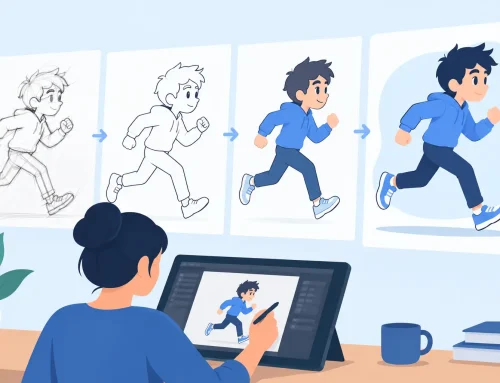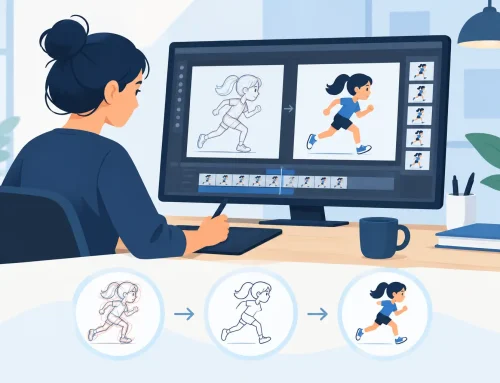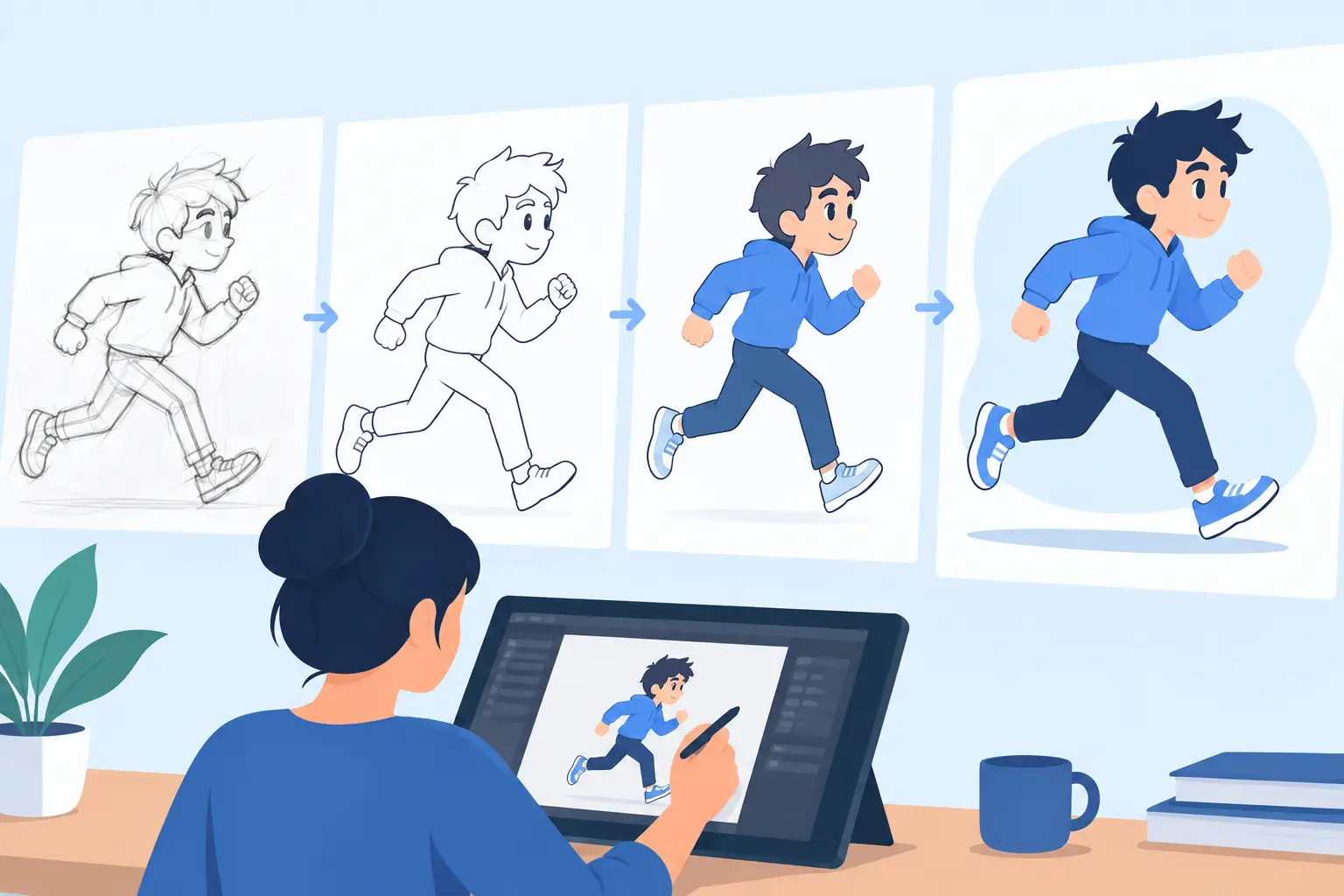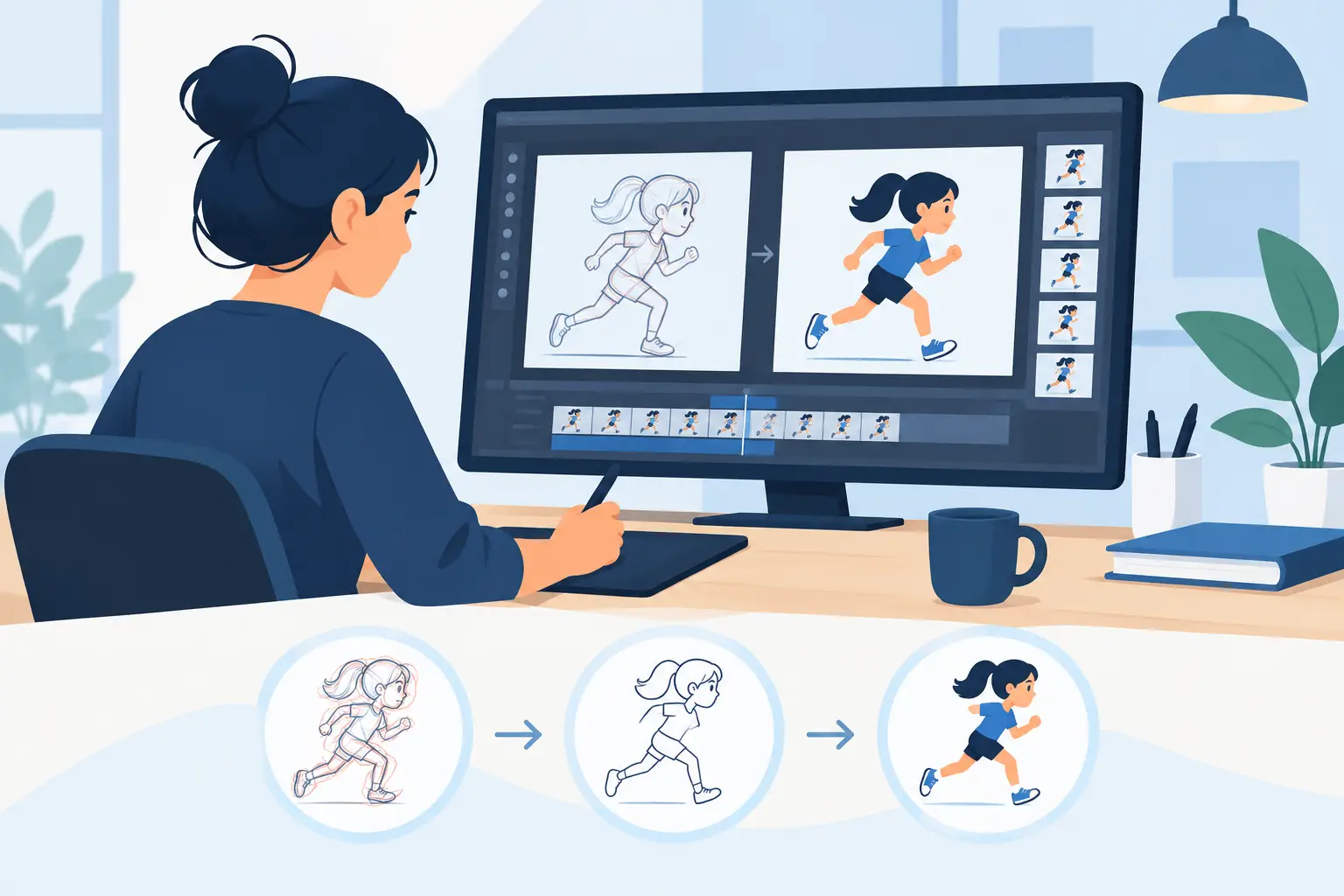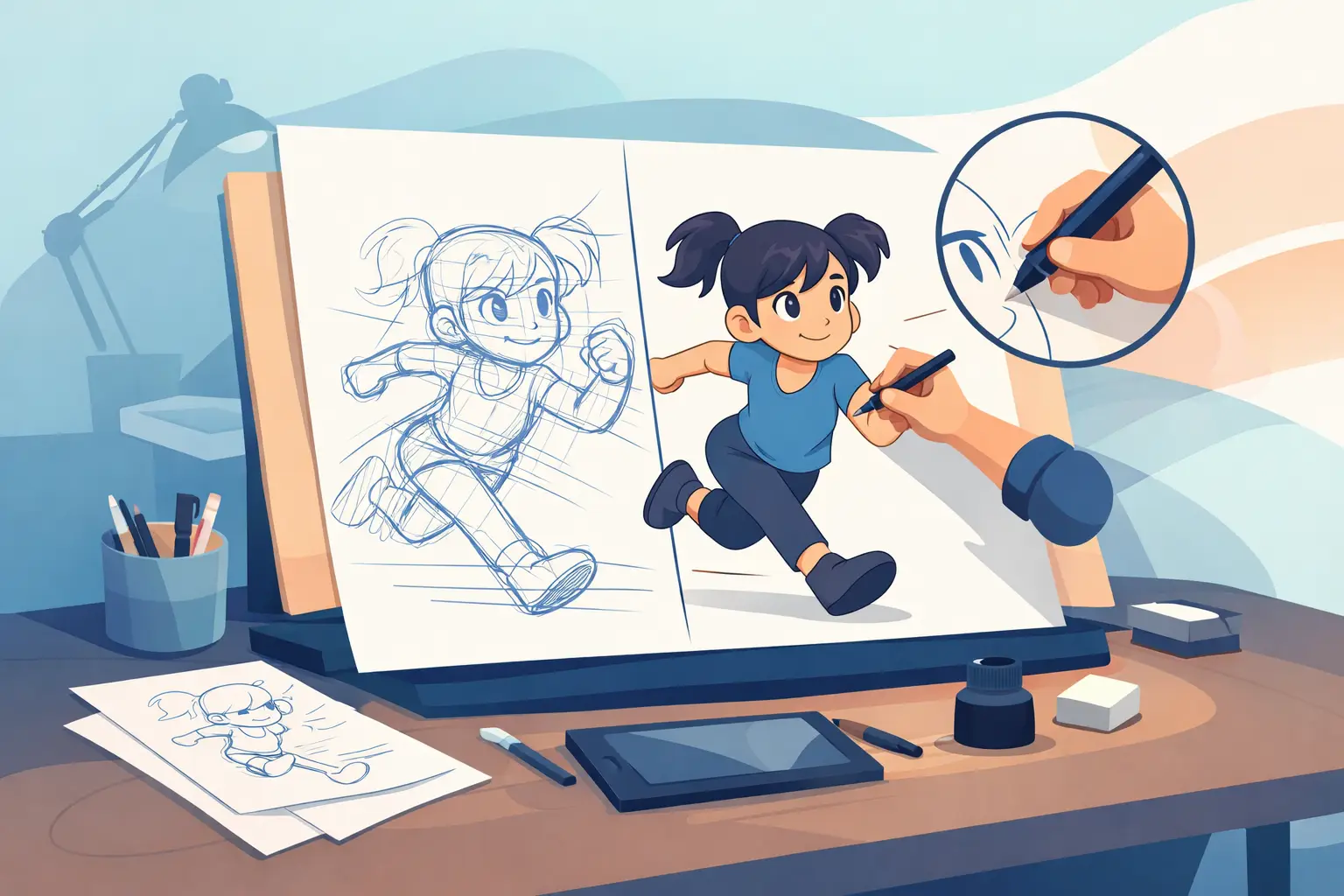
A rough pass can have great acting, strong timing, and all the life you want – then the clean-up stage flattens it. That usually happens when the artist starts chasing pretty lines instead of protecting the construction underneath. If you want to learn how to clean up animation drawings, the real job is not making them look neat. It is preserving the performance while making the drawing readable, consistent, and ready for paint.
What clean-up is really doing
Clean-up sits between rough animation and final color. In production terms, it gives every drawing a finished line that can hold up on screen, match the model, and stay consistent from frame to frame. A good clean-up artist does not redraw the scene from scratch. A good clean-up artist clarifies what the rough animator already solved.
That distinction matters. Roughs often carry energy in broken lines, searching strokes, and overlapping construction. If you treat those lines as disposable and focus only on surface polish, the motion gets stiff fast. The better approach is to read the rough for intent first, then build a clean drawing that keeps the same weight, spacing, and attitude.
Start by checking the rough animation
Before you put down a clean line, scrub the scene and look for problems that do not belong in clean-up. Volume drift, off-model heads, hand size changes, or a missing arc should be addressed before you invest time refining the drawings. Clean-up is expensive when used to fix animation that is not ready.
This is where timing control matters more than many beginners realize. A drawing can look correct in isolation and still feel wrong in motion. If the spacing is uneven or an accent lands a frame late, no amount of line quality will save it. Working in software that lets you check playback and adjust timing directly in context keeps you from cleaning scenes that still need animation work.
How to clean up animation drawings without killing the motion
The first rule is simple: follow the structure, not the sketch marks. Rough animation often includes several exploratory lines around the final path. Your job is to identify the intended contour and commit to it. If you trace every wobble in the rough, the clean-up will look uncertain. If you ignore too much of the rough, it will lose the animator’s intent.
Use the construction inside the drawing to guide you. Look at center lines, eye lines, shoulder angles, pelvis tilt, and the relationship between major masses. Those internal guides tell you more than the outside contour alone. In a turning head, for example, the center line and jaw attachment will keep the form solid better than trying to copy the silhouette by eye.
Line economy helps here. One controlled line is better than three careful lines stacked on top of each other. That does not mean every drawing should look mechanical. It means every line should answer a purpose – edge, overlap, feature, or form change. Clean drawings read better because they remove indecision.
Keep volume and proportions locked
Most clean-up problems come down to size drift. A character’s head gets slightly larger on one frame, the hands shrink on another, and the torso stretches because the cleaner followed the outside shape instead of the body mass. Those errors may seem minor on single frames, but they chatter on playback.
The fix is old-school and reliable. Compare each drawing against the one before and after it. Check landmarks, not just outlines. Measure the distance from brow to nose, shoulder to elbow, hip to knee. Watch negative spaces between arms and torso or between hair shapes and the skull. Those spaces are often easier to judge than the contour itself.
If you are working on a dialogue scene, pay extra attention to the head shape through the mouth changes. Beginners often let the entire lower face slide around as they chase lip positions. The mouth can flex. The skull cannot. Keep the cranium, jaw hinge, and eye placement stable and let the performance happen within that structure.
Use line quality with restraint
A clean-up line should be confident and readable, but it should not call attention to itself. In many scenes, especially for traditional character animation, the audience reads shape and motion before they read line flair. Thick-and-thin variation can help define form, but too much variation creates noise.
It also depends on the production style. If the scene is meant to look like a classic inked line, consistency wins. If the style is looser or more illustrative, a little texture may be part of the finish. The point is to decide intentionally. Random line weight from frame to frame is not style. It is inconsistency.
Digital tools can either help or get in your way here. Some drawing apps smooth the line so aggressively that the result feels slippery and detached from the hand. For animators trained on paper, that often leads to overcorrection and stiff contours. A more natural drawing feel lets you place lines the way you would on a light table, which makes clean-up faster and more accurate.
Work in passes, not all at once
Trying to solve contour, features, details, and line polish in one pass usually slows the job down. A better production habit is to clean in layers of decision. First lock the big forms and silhouette. Then place the internal features. Then refine overlaps, fingers, hair, or costume details. Final polish should come last, when the drawing is already working.
This approach is especially useful on difficult shots with turns, foreshortening, or cloth movement. If the big structure is wrong, no amount of careful eyelashes or jacket folds will fix the frame. Get the masses right first.
Check the scene in motion constantly
Clean-up cannot be judged frame by frame alone. Flip, scrub, and play the shot as you work. A perfect drawing that pops on screen is still wrong. A slightly less elegant line that holds volume and motion may be the better production choice.
This is one place where dedicated animation software earns its keep. When you can draw, review playback, and adjust timing without breaking your rhythm, you make better decisions faster. That matters on every scene, but especially on shots that rely on subtle acting. FlipBook was built around that traditional workflow, which is why many animators find it more natural for roughs, clean-up, and timing than general-purpose drawing apps.
Common mistakes when cleaning up animation drawings
The biggest mistake is over-cleaning. Artists often sand away the snap, asymmetry, and directional force that made the rough drawing feel alive. If the character is lunging, let the pose lean. If the rough has a strong drag in the hair or clothing, preserve it. Clean-up should organize energy, not neutralize it.
Another common problem is treating every frame like an illustration. Animation drawings do not need the same finish on every exposure. A held reaction close-up may need more attention than a fast in-between in a broad action. Production judgment matters. Put effort where the audience can actually see it.
There is also the temptation to fix model issues by forcing every drawing into the model sheet. Model matters, but performance matters too. A character can stretch, squash, and push perspective while still feeling on-model if the key relationships stay intact. Rigid model copying often weakens the acting.
A practical clean-up workflow that holds up
Start each scene by confirming the rough animation is ready. Then identify the key drawings that define the shot and clean those first. Once the main poses are solid, move through the breakdowns and in-betweens with constant playback checks. Compare adjacent frames often, and correct drift early before it spreads through the scene.
As you work, keep asking a simple production question: does this line help the shot read better in motion? If the answer is yes, keep it. If it only makes the frame look busier, simplify it. Clean-up rewards clarity.
For students and independent filmmakers, this discipline saves time as much as it improves quality. You do not need a larger toolset or a more complicated pipeline. You need a workflow that respects drawn animation, lets you paint efficiently, and makes timing adjustments easy while the scene is still alive in your head.
Clean-up is where rough animation grows up without losing its personality. Protect the construction, respect the movement, and make every line serve the shot.