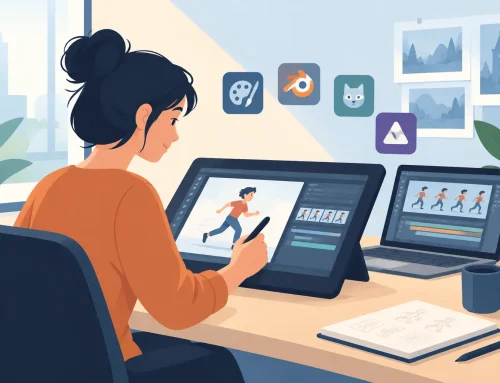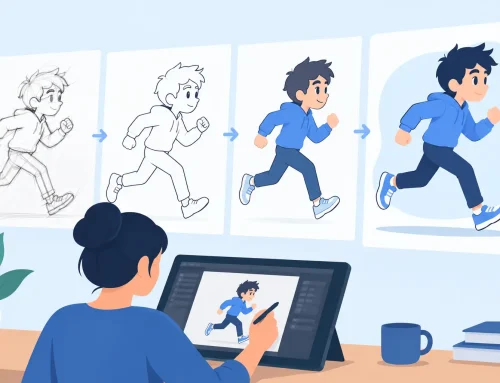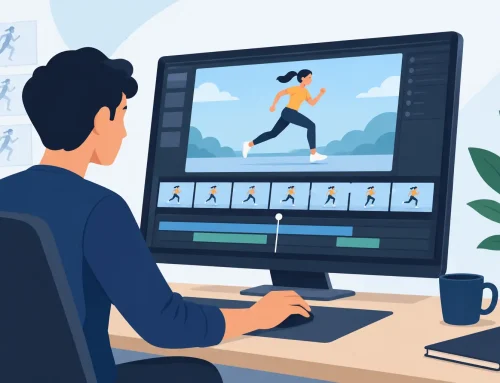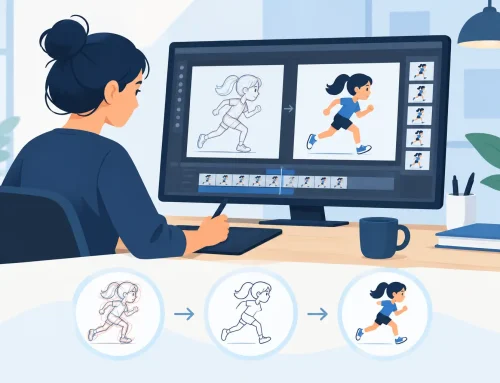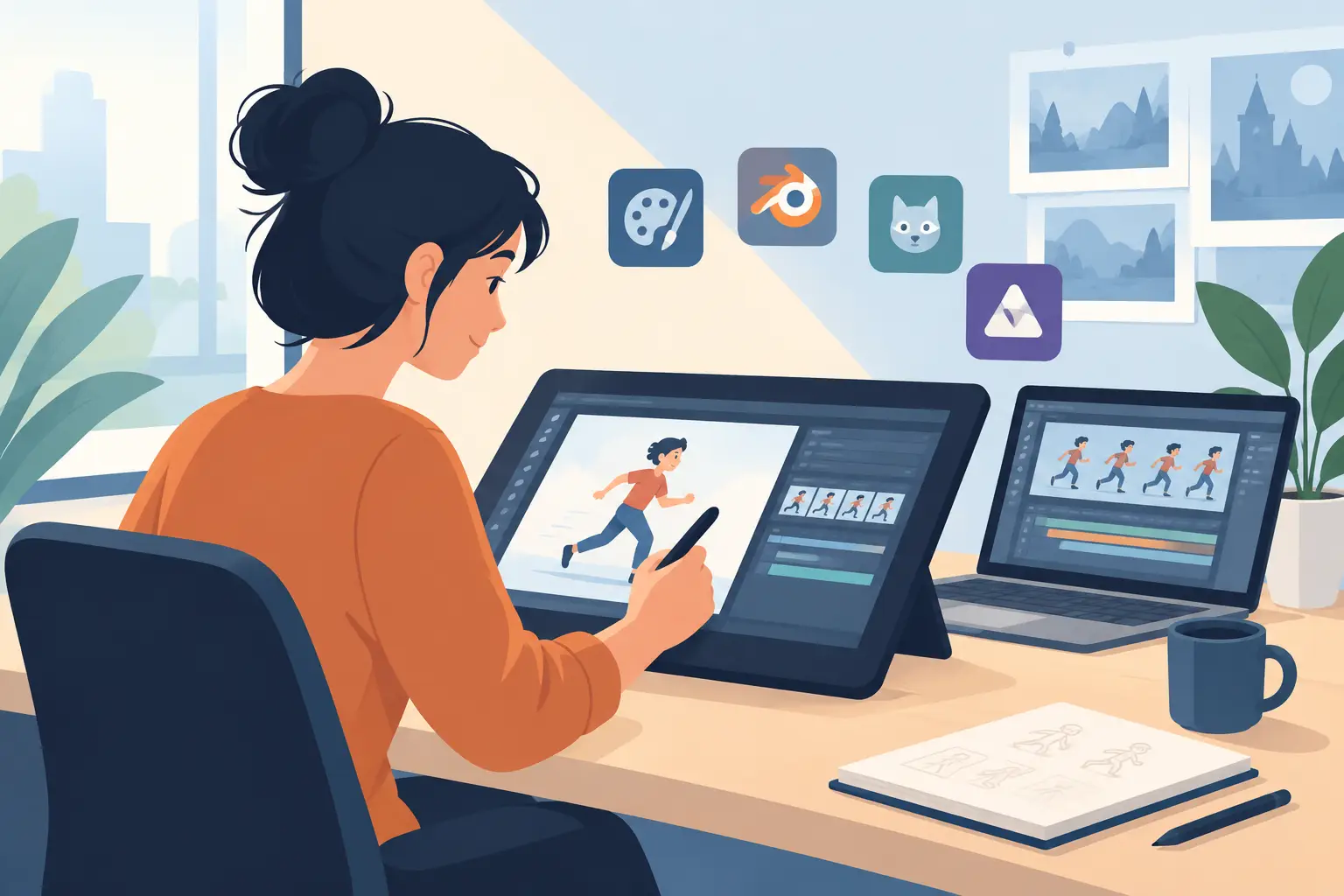
If a free trial gives you five minutes of novelty but hides the real workflow, it is not much of a trial. For animators, a useful 2d animation software free trial should answer harder questions: Does the drawing feel natural? Can you paint fast enough to finish scenes? Can you adjust timing without breaking your concentration? Those are the details that decide whether software helps you animate better or just gives you another interface to fight.
Most trial roundups stop at feature counts. That misses the point. In production, the right 2D package is the one that lets you rough, clean up, paint, check motion, and retime shots with the least resistance. Students need that because it helps them learn sound animation habits. Professionals need it because every extra step costs time. Small studios need it because pipeline friction adds up fast.
What to look for in a 2D animation software free trial
Start with the drawing experience. If the software feels slippery, over-processed, or built around motion graphics instead of frame-by-frame drawing, you will know quickly. Traditional animators tend to work best when rough animation feels direct and predictable. You should be able to flip, scrub, and judge arcs and spacing without wrestling the tools.
Then test painting. This is where many programs slow down. A trial may look fine while sketching a bouncing ball, then become tedious when you have to paint real scenes with multiple areas and repeated corrections. Fast painting is not a luxury. It is part of finishing work on schedule.
Timing control matters just as much. Many apps still force an awkward cycle where you stop playback, make an exposure change, preview again, and repeat until the shot finally works. That kind of interruption breaks rhythm. A serious trial should let you feel how timing decisions happen in practice, not just show that the feature exists on a menu.
You should also pay attention to support and pricing clarity. If a company is vague before the purchase, that usually does not improve after the purchase. Animators need software that can be learned, trusted, and used under deadline.
Why many free trials feel better in demos than in real work
A polished demo can make almost any animation app look capable. The problem appears when you try to build a full scene from roughs through final color. Some programs are broad but not focused. Others are loaded with features that matter less to hand-drawn animators than the basics of drawing, painting, and timing.
This is why a broad feature list can be misleading. More tools do not always mean a faster production. In 2D work, speed often comes from how naturally the core tasks fit together. If software interrupts your timing checks or turns painting into cleanup drudgery, the app is costing you time even if the marketing page says otherwise.
A good free trial should expose that early. It should let you test actual scene work, not just toy exercises. Import a sound track if that is part of your process. Draw rough passes. Make corrections. Paint something with more than flat shapes. Retiming and revision tell you much more than a startup tutorial ever will.
2D animation software free trial options are not all built for the same animator
This is where comparison gets useful. Some software leans toward all-purpose digital art. Some leans toward compositing and rigged workflows. Some is clearly designed for frame-by-frame artists who want the feel of classical production with digital speed.
If you are a beginner, you may think any app that can draw on frames is enough. It is not. The wrong software can teach bad habits by making timing harder to read or by burying key animation tasks under extra controls. If you are experienced, you feel the difference even faster. A tool either respects your workflow or constantly asks you to adapt to its logic.
That is why the best trial for one animator may not be the best for another. An independent filmmaker who boards, animates, and finishes alone may need fast scene handling and efficient paint tools. An educator may care about software students can understand without weeks of setup. A studio artist may care most about timing edits, playback behavior, and drawing responsiveness.
The strongest test case for traditional animators
For artists who work in a hand-drawn way, FlipBook stands out because it is built around the actual production steps animators use. You can draw rough animation, handle clean-up, paint frames, play and scrub scenes, and make timing changes while seeing the result in motion. That last part matters more than people realize. Real-time timing adjustment is one of those features that immediately changes how quickly you can solve a shot.
The drawing approach is also different from software that feels engineered first and animated second. FlipBook is made for animators who want a natural drawing process instead of a pipeline that keeps getting between the hand and the scene. If your background is classical animation, that shows up almost immediately.
Painting is another practical advantage. Plenty of programs can paint. Fewer can paint quickly enough to stay out of your way. When you are checking finals, revising color areas, or handling multiple levels, efficient paint tools save real production time.
There is a trade-off, and it is worth stating plainly. If your priority is a hybrid app that tries to be everything at once, a specialized animation package may feel more focused than broad. But for people who actually animate frame by frame, that focus is usually the benefit. You spend less time adapting and more time animating.
How to judge a 2D animation software free trial in one afternoon
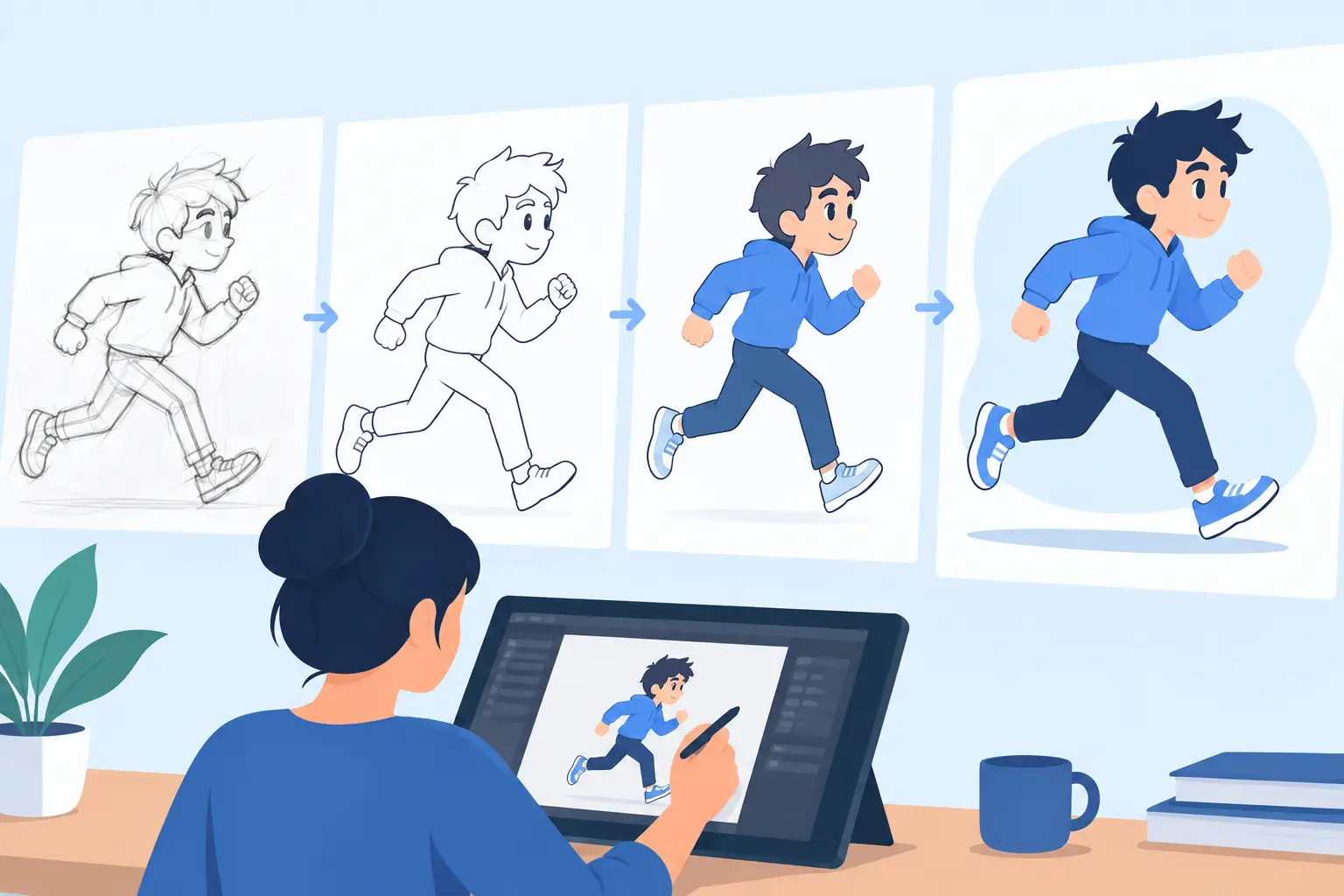
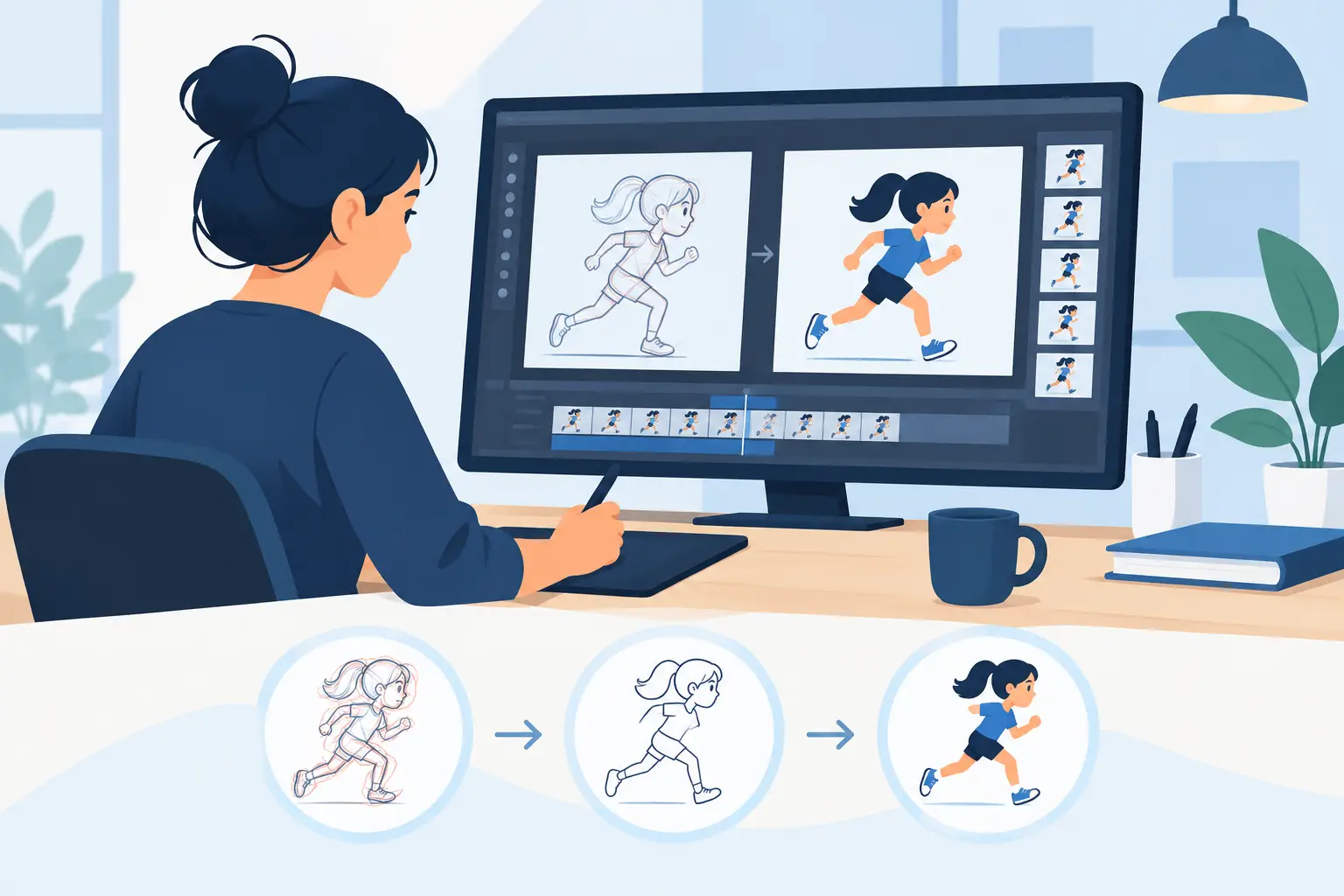
Do not waste your trial on random tests. Build a short scene and push the software through the tasks that matter. Start with rough animation of a simple character action. Add a few breakdowns, then check your spacing by flipping and scrubbing. If the software makes this feel clumsy, move on.
Next, clean up a section. You want to see whether line work remains comfortable when accuracy matters more than gesture. Then paint the shot. Choose something with enough color separation to expose weak fill tools or repetitive steps.
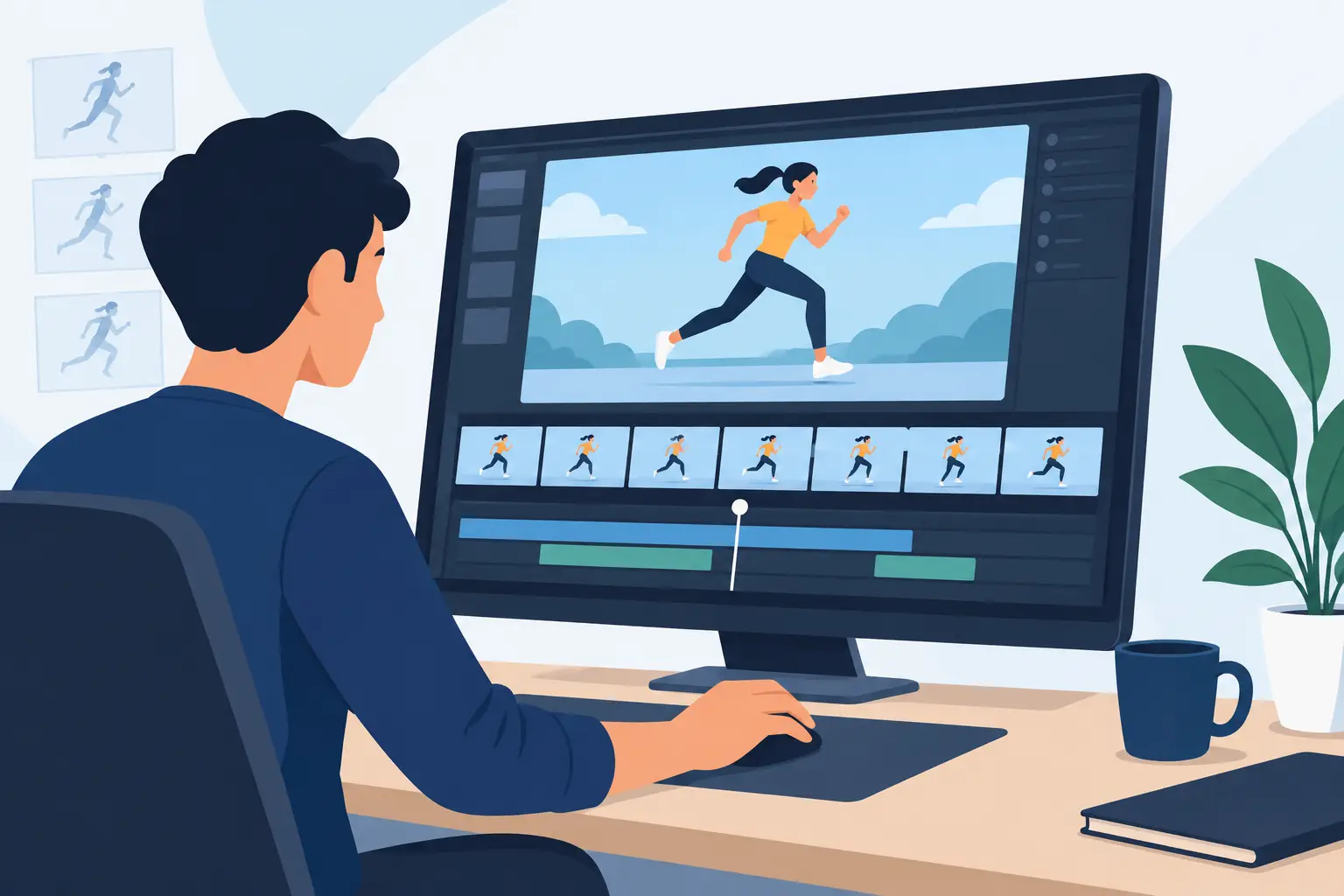
Finally, retime the scene. Hold some drawings longer, shorten others, and preview the effect. This is often the moment when trial software reveals its real quality. Good timing tools support decision-making while the shot is alive on screen. Poor timing tools turn a simple adjustment into a stop-start chore.
If you teach animation, run this same test with a student mindset. Ask whether a learner can understand the relationship between drawings, exposure, and motion without being overwhelmed. If you run a small studio, ask whether an artist could step in, get support if needed, and start producing scenes without a week of technical cleanup.
Common mistakes when choosing free trial animation software
The first mistake is choosing based on popularity alone. Big user numbers do not guarantee a good fit for hand-drawn animation. A large audience often means the software serves many use cases, not that it excels at your specific one.
The second mistake is focusing on surface features instead of workflow speed. Camera moves, effects, and export options are useful, but they should not distract from the essentials. If the software cannot support roughing, painting, and timing efficiently, the extras will not rescue it.
The third mistake is ignoring support. When software is central to your craft, responsive help matters. A company that offers free technical support is telling you something about how it treats working animators and schools. That practical trust is part of the product.
The right trial should make you want to keep animating
That is the real standard. Not whether the interface looks modern. Not whether the menu tree is endless. The best 2d animation software free trial leaves you with cleaner timing decisions, faster paint work, and a stronger sense that the software follows your hand instead of redirecting it.
If your goal is to learn real animation principles, finish independent films, or improve studio efficiency, test software the way you actually work. Draw. Paint. Retime. Check playback. Then choose the package that gives you better results with less effort. When the tool respects the craft, the work starts to move the way it should.