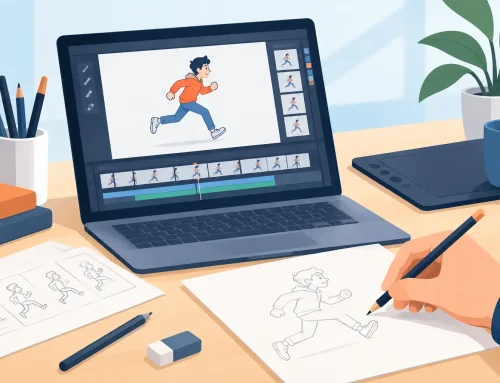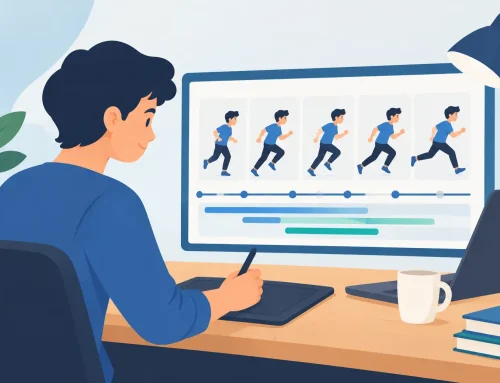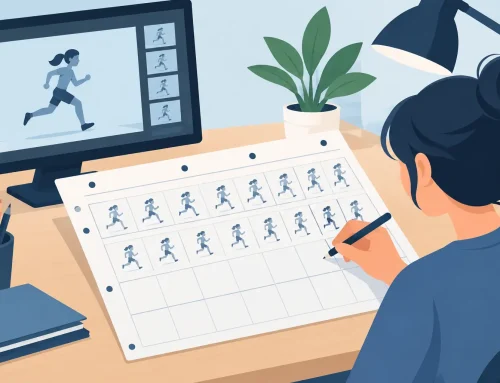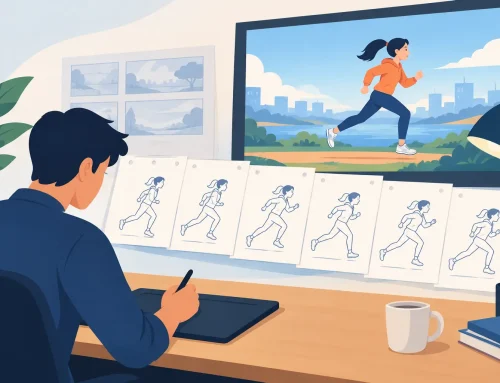
A bouncing ball can have the right drawings, a clean arc, and a readable pose – then still feel wrong the moment it plays. When animators ask what causes uneven animation spacing, the answer is rarely just “bad inbetweens.” Uneven spacing usually comes from a mismatch between the motion you intend, the timing you set, and the distance your object travels from drawing to drawing.
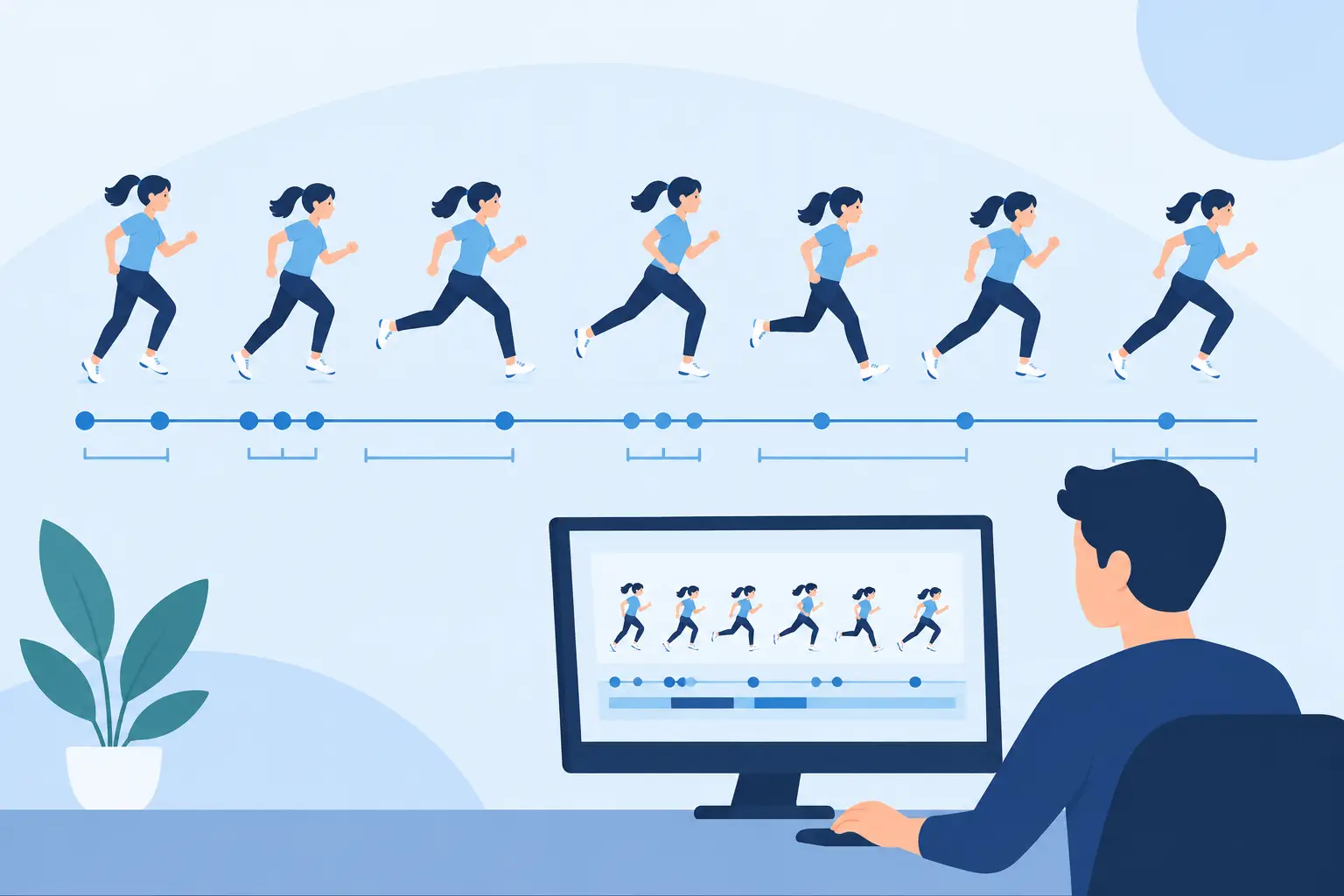
Spacing is the distance an object moves between successive frames. Timing is how long the action takes. They work together, but they are not interchangeable. A character can take 12 frames to reach for a cup, for example, yet the motion can feel cautious, heavy, snappy, or mechanical depending on how those drawings are spaced.
Uneven Spacing Is Often a Planning Problem
The most common cause is starting to inbetween before the key poses establish a clear action. If the first pose is strong and the last pose is strong, it is tempting to fill the gap evenly. But very few actions move at one constant speed. A hand reaching across a desk may accelerate out of the shoulder, slow as it approaches the cup, and settle after contact.
Evenly distributed drawings make that action look like a machine slide. Randomly distributed drawings make it wobble. The job is to place drawings where the movement needs them, not where the exposure sheet appears to have empty spaces.
Before adding inbetweens, ask a more useful question: where does the action gain speed, where does it lose speed, and where does it change direction? Those three decisions determine the spacing pattern.
Timing and Spacing Create Different Results
A frequent beginner mistake is trying to fix a spacing issue by adding or removing frames. That may help, but it can also change the performance. If a character’s head turn feels too fast at the end, adding frames gives it more time. Moving the existing drawings closer together near the end makes it decelerate. Those are different corrections.
This is why an action can feel uneven even when it is technically on the intended frame count. The timing may be correct, while the spacing does not describe the intended speed change. Conversely, beautifully graduated spacing cannot rescue an action that simply needs more time to read.
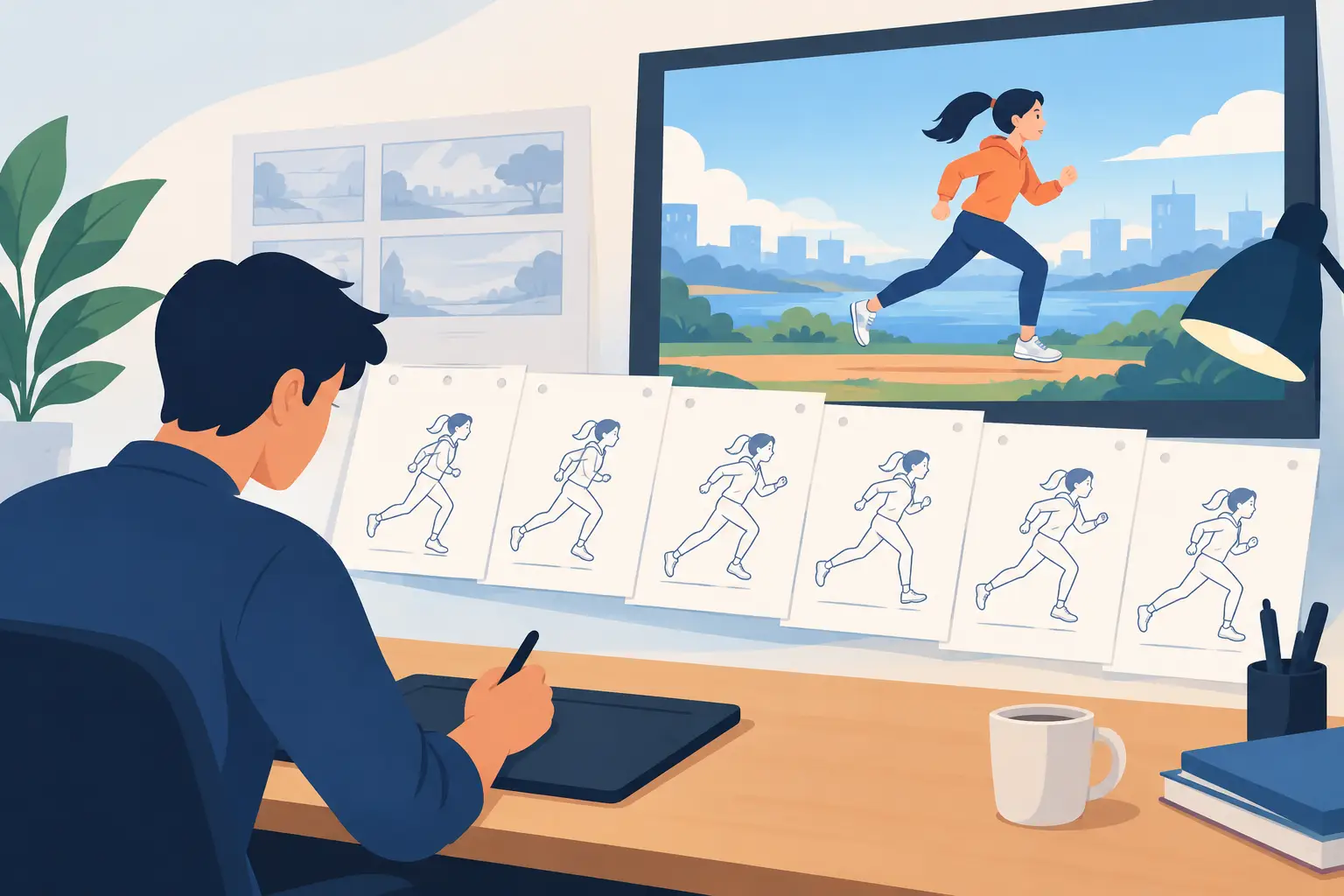
Work in roughs first. A rough pass makes it easier to judge the path, the spacing, and the force of the action before clean-up lines disguise the problem.
The Main Causes of Uneven Animation Spacing
Inbetweens that follow a ruler instead of the action
Straight, equal intervals are useful for an object moving at a constant speed. They are not a default solution for character animation. A pendulum, thrown ball, head turn, and walk all change speed as they move. If your inbetweens are measured as equal distances without regard to the action, the result looks stiff or oddly weightless.
This also happens when an animator spaces drawings by their outlines rather than by a meaningful reference point. On a head turn, track the center line, eye line, nose, or skull volume. On a walk, track the hips, feet, and weight-bearing leg. The outside contour changes shape and can mislead you.
Missing or weak breakdowns
A breakdown drawing explains how one key pose becomes the next. It is not merely the drawing halfway between them. It may show the leading shoulder, the twist of the torso, the squash before a jump, or the passing position in a walk.
Without a purposeful breakdown, inbetweens tend to split the distance mathematically. The result may travel from point A to point B, but it has no convincing mechanism. This is especially noticeable in turns, overlapping action, and any pose where the body changes orientation.
A good breakdown gives the assistant, the inbetweener, or your future self a clear spacing instruction. It says where the motion is headed and how the forms are meant to travel.
Ignoring arcs
Natural movement usually follows arcs, even when the action is subtle. Wrists arc. Elbows arc. The top of a head arcs during a body shift. A foot may arc forward before it plants. When an object slips off its intended path from frame to frame, the eye reads an unwanted bump or hitch.
The spacing can be perfectly graded along each segment and still look uneven if the path itself is inconsistent. Check a selected point across the sequence, not just the full drawings. A simple line test through the same point on each drawing will expose drifting arcs quickly.
Not every action should be a smooth arc. A sharp turn, a held pose, or a deliberately angular performance may call for corners. The important point is that the change in path must be designed. Accidental corners look like errors; intentional ones communicate force or character.
Spacing changes without a reason
Uneven motion becomes distracting when the audience cannot understand why it changed speed. A character’s arm may travel far on one frame, barely move on the next, then leap ahead again. Unless the pose is hitting an obstacle, changing direction, or reacting to a force, that pattern reads as a pop.
Look for isolated gaps that are much larger or smaller than the surrounding gaps. Then determine whether the gap supports the action. A large gap can sell speed. A cluster of tight drawings can sell a cushion, a hesitation, or a settle. They need to appear at the right moment.
Drawing volume changes that masquerade as spacing errors
Sometimes the position is correct, but the object appears to jump because its size, perspective, or construction shifts. A head that gets wider on one drawing may look as if it moved sideways. A hand that changes shape drastically may appear to speed up or slow down even when its wrist is properly spaced.
This is one reason clean-up should preserve the construction established in the rough animation. Check the center line, major masses, and contact points. If the volume is not stable, do not assume the answer is another inbetween.
Working too long without playback
Animation is not judged one drawing at a time. It is judged in motion. Flipping drawings helps, but playback at speed reveals rhythm problems that are invisible in a still comparison. A spacing pattern that looks sensible on paper may feel abrupt at 24 frames per second.
Scrub the sequence slowly to inspect arcs and drawing-to-drawing changes. Then play it repeatedly at normal speed to judge the action. Watch it both with and without sound if the scene has dialogue or effects. Sound can hide a timing flaw temporarily, but it cannot correct the motion.
How to Diagnose the Problem Before You Redraw Everything
Start by identifying the exact frame where the action stops feeling right. Do not make broad changes to an entire shot because of one visible bump. Step through the scene and compare the spacing immediately before and after that frame.
Next, isolate one tracking point. For a bouncing ball, use its center. For a head turn, use the center of the skull or the nose. For a body action, use the hips or chest. If that point travels unevenly, you have a spacing or arc problem. If it travels properly but the animation still pops, inspect the drawing construction and silhouette.
Then check the action in three ways: as rough drawings, as a line test, and at full playback speed. Roughs reveal intent. A line test reveals continuity. Playback reveals whether the audience will feel the flaw. Each view catches a different kind of mistake.
Avoid correcting every irregularity. Hand-drawn animation needs variation, especially in organic movement. The goal is not sterile mathematical motion. The goal is controlled motion that supports weight, force, and performance.
Fix the Spacing Without Losing the Performance
When the motion is too abrupt, the first fix is not always an extra drawing. Try repositioning a breakdown or shifting an existing inbetween closer to the key pose where the action should slow. This retains the shot’s overall timing while improving its acceleration or deceleration.
When the action lacks energy, open the spacing where the object should be moving fastest. Usually this occurs after an anticipation, near the middle of a broad action, or immediately after a change in direction. Keep the drawings tight near the extremes, where the motion slows and reverses.
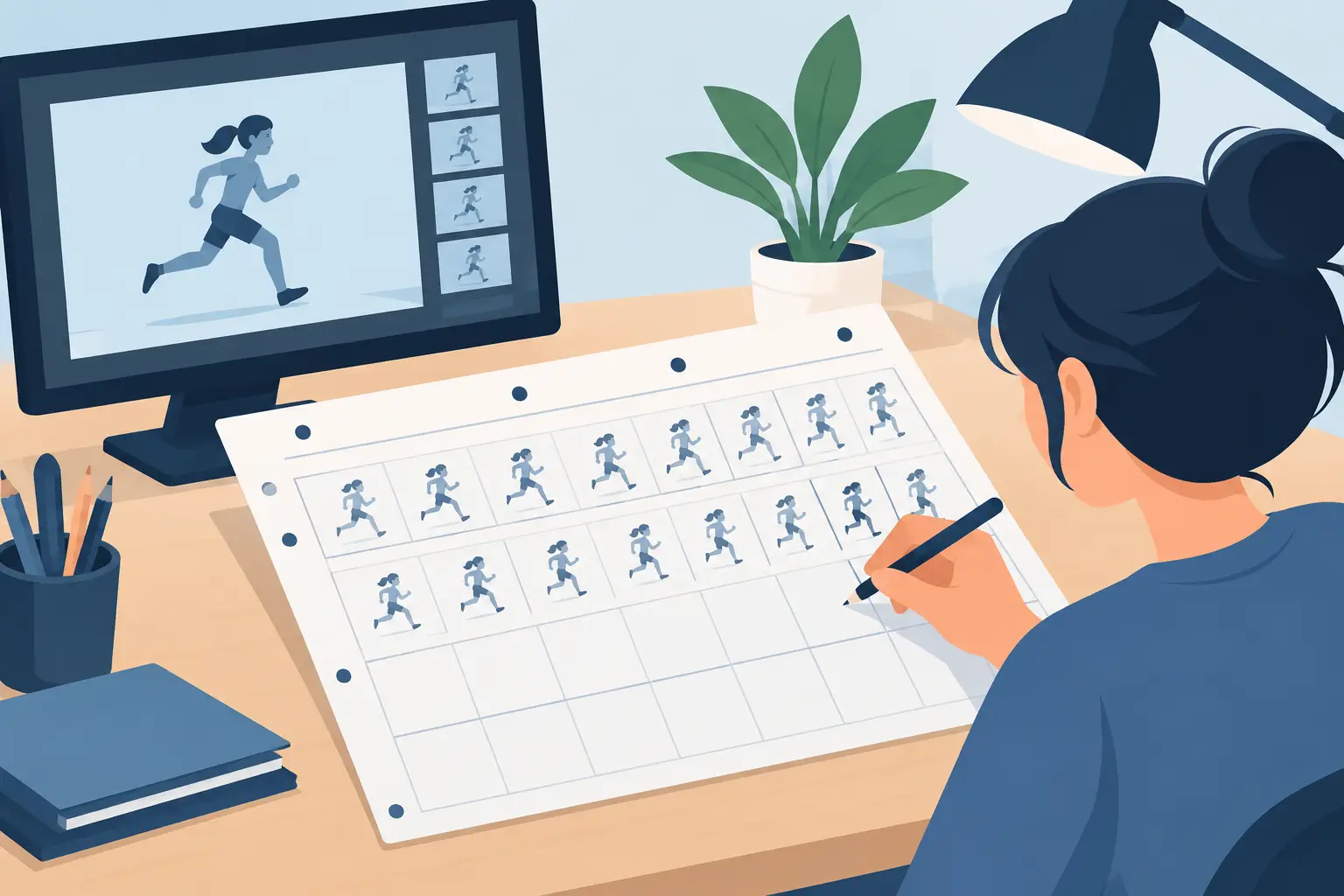
For a difficult shot, make a small spacing chart beside the keys. Mark the intended position of the breakdown and the compression of the inbetweens. This traditional production habit prevents guesswork, whether you are animating on paper or in software.
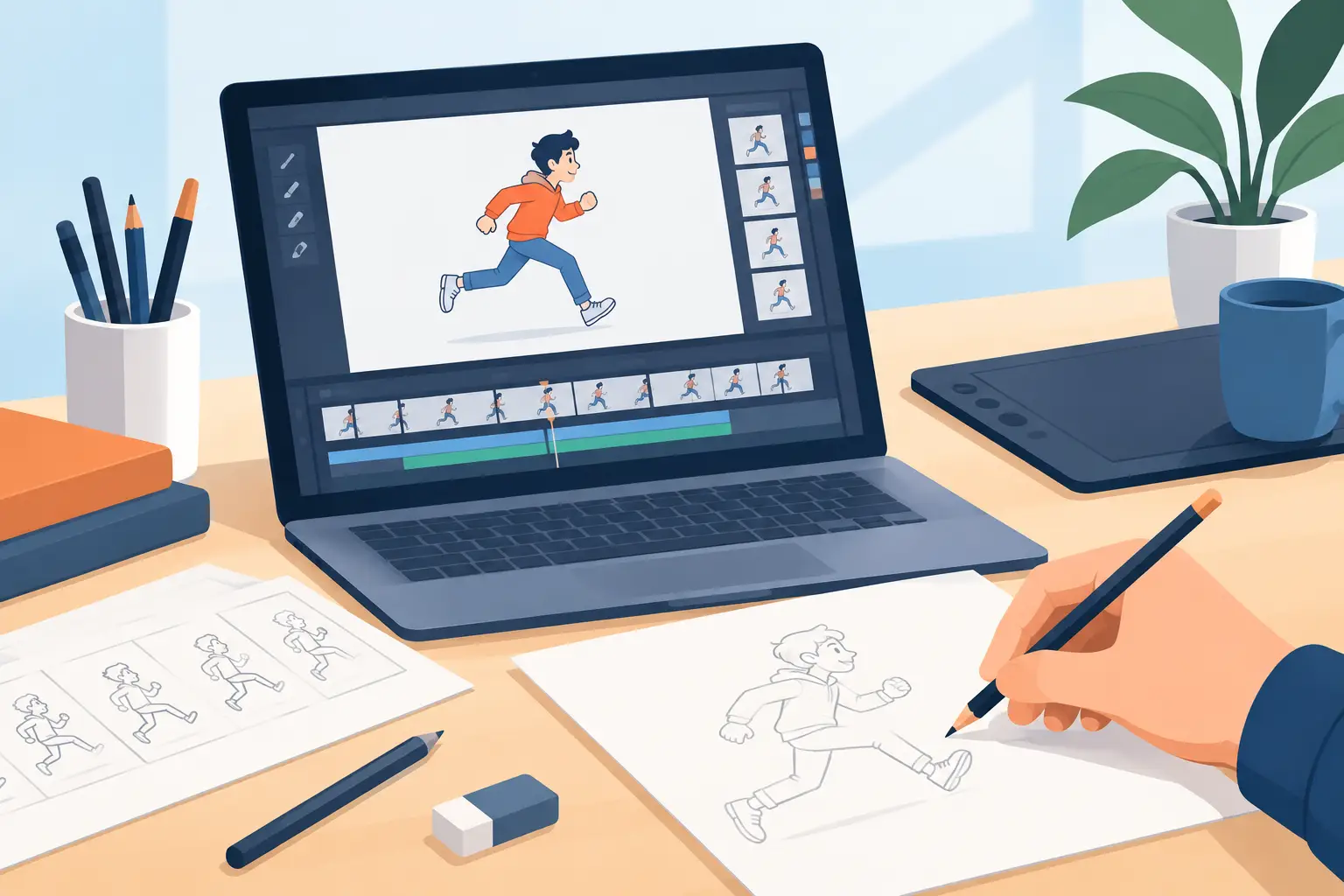
Digital tools should make this correction faster, not force you into a stop-adjust-preview cycle. In FlipBook, timing can be adjusted while the scene plays, which helps you judge a change in the rhythm of the action instead of relying on a static timeline. That is particularly useful when you know a gesture is close but need to test several exposures before committing to additional drawings.
Spacing Is Where Motion Becomes Believable
Good spacing is not about distributing drawings neatly. It is about giving every drawing a job: accelerate the action, carry the force, cushion the stop, hold the thought, or lead the eye through the arc. Once you begin looking at spacing as a record of changing speed rather than empty intervals between keys, rough scenes become much easier to diagnose.
The next time a shot feels uneven, resist the urge to redraw the whole thing. Find the point that jumps, trace its path, and ask what force the spacing is supposed to show. That small production habit will make your drawings come alive with far less wasted effort.