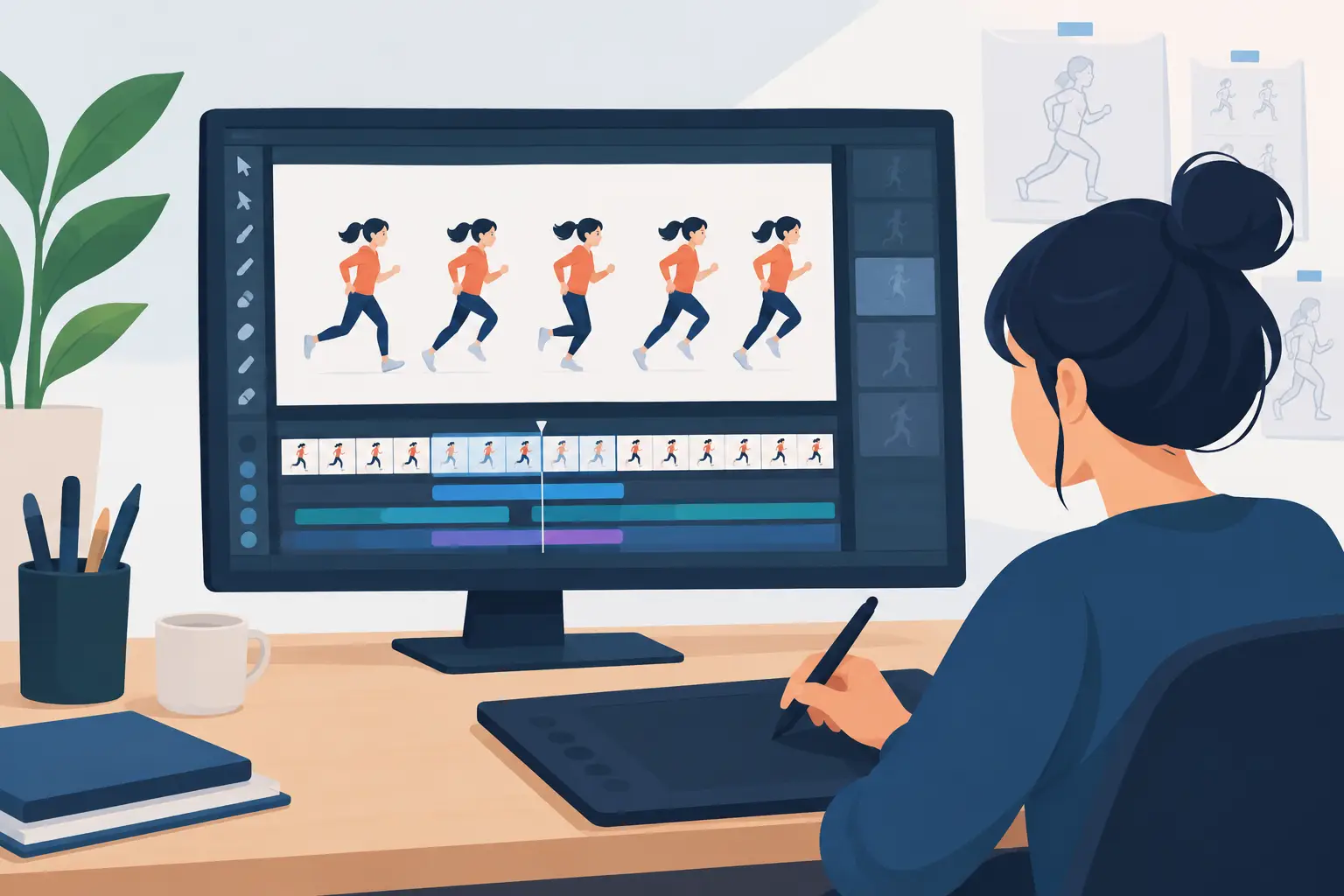
A bouncing ball can expose an animation app in minutes. If drawing feels slippery, playback stutters, or changing one hold means stopping to rebuild the timing, the software is getting in the way of the lesson. The best apps for flipbook animation let artists focus on spacing, arcs, weight, and performance rather than wrestling with a timeline.
For traditional 2D work, there is no single right application for every animator. A student sketching a walk cycle on an iPad needs something different from a small studio painting a scene with dozens of characters. The useful question is not which app has the longest feature list. It is which one supports the way you draw, plan, preview, and revise a scene.
What Makes a Good Flipbook Animation App?
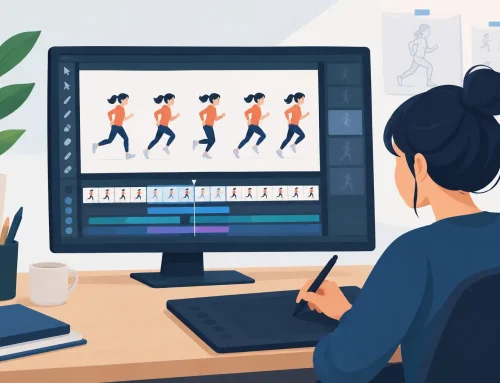
A real flipbook workflow should feel close to working with paper, pegs, and a pencil test, while removing the slow parts. You need to draw frame by frame, see the previous and next drawings through onion skinning, play the work immediately, and make timing changes without losing your place. Painting should be direct, not a separate technical project.
Look closely at three areas before committing to a program. First, drawing response: can you make loose roughs and confident clean-up lines without fighting the brush engine? Second, timing: can you expose drawings, add holds, and test a change at speed? Third, production finish: does the app give you practical color, camera, and export tools once the animation is working?
A powerful rigging system or a library of effects may be valuable for another kind of project. It does not automatically make an app better for hand-drawn animation. If your work begins with a pencil test, a purpose-built frame-by-frame tool usually gets you to a convincing result with less effort.
The 7 Best Apps for Flipbook Animation
1. FlipBook for traditional production workflow
DigiCel FlipBook is the strongest choice for artists who want digital tools without giving up the working methods of classical animation. It is built around rough animation, clean-up, painting, playback, and scene timing, rather than around vector construction or character rigs. That focus matters when you are trying to judge a gesture, a breakdown, or whether a character lands with enough weight.
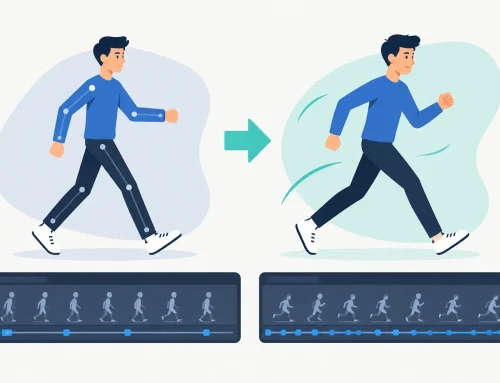
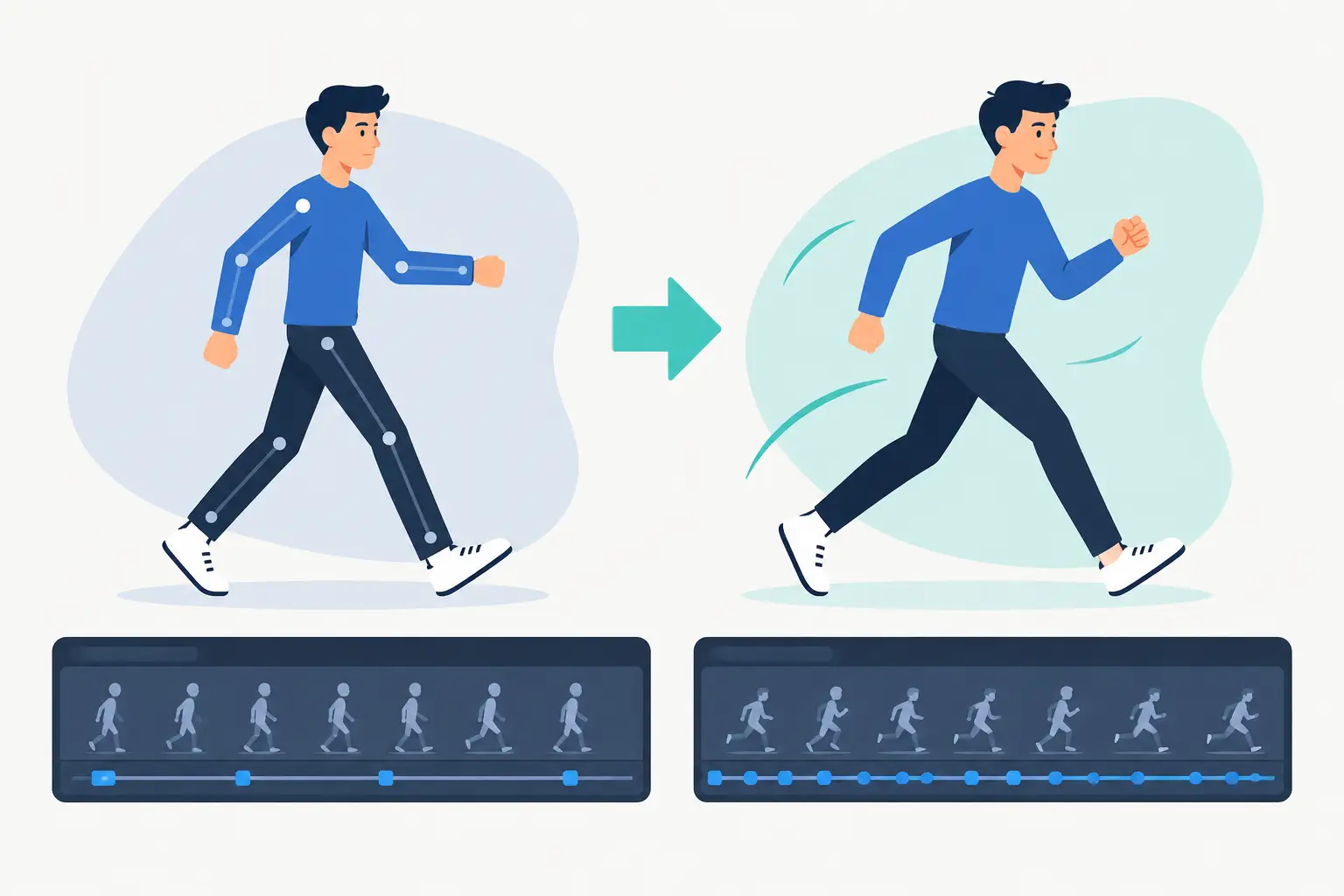
Its standout advantage is real-time timing editing. You can adjust the timing as the scene plays, instead of stopping, changing an exposure, and previewing again to see whether the decision worked. For anyone learning animation timing, or a professional revising a shot under a deadline, this keeps the creative judgment connected to the result.
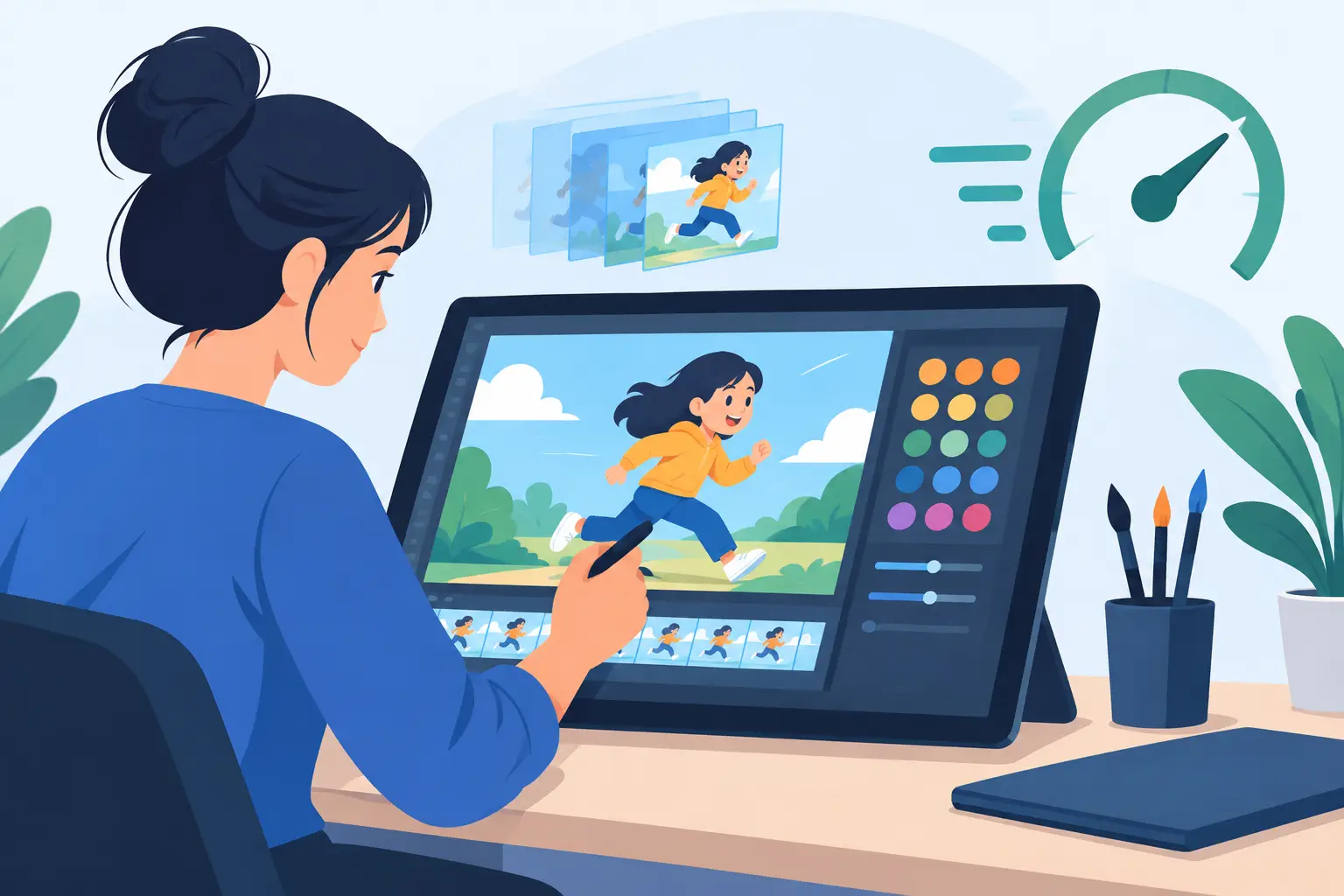
The drawing and painting workflow is deliberately direct, and camera-style pan, zoom, rotate, blur, and dissolve effects cover many common scene needs. It is especially well suited to independent filmmakers, students, and studios making hand-drawn work. Artists who need an elaborate node compositor, 3D integration, or a large character-rigging pipeline may need a different tool alongside it. A free trial and free technical support make it practical to test with your own scene before buying.
2. TVPaint for paint-centric, high-end 2D work
TVPaint has long been respected by experienced 2D artists because of its bitmap drawing tools and deep traditional animation feature set. It can handle demanding productions and gives artists extensive control over brushes, layers, and image-based workflows. If your crew already knows TVPaint, its flexibility can be a serious advantage.
The trade-off is complexity. Its depth can ask more of the artist before a simple pencil test feels effortless, and it may be more application than a beginner needs. It is a strong fit for studios and advanced freelancers who want a broad, configurable bitmap animation environment and are prepared to invest time in it.
3. Toon Boom Harmony for studio pipelines
Toon Boom Harmony is designed for production scale. It supports both hand-drawn and cutout animation, with tools for compositing, rigs, camera work, and collaboration. A studio producing an episodic series, especially one that combines rigged characters with drawn effects or special shots, may benefit from its established pipeline capabilities.
For pure flipbook animation, Harmony can feel heavier than necessary. Many artists need only a responsive pencil, clean timing controls, and fast painting. Harmony is worth considering when your project truly needs its broader studio infrastructure, not because you want to animate a short hand-drawn test.
4. RoughAnimator for straightforward frame-by-frame work
RoughAnimator is a popular choice for artists who want to animate on a tablet or desktop without a steep learning curve. Its frame-by-frame approach, onion skinning, and basic timeline tools make it useful for rough tests, personal films, and students practicing fundamentals.
It is best understood as a focused sketch-and-animate tool. For more developed productions, artists may want stronger scene finishing, painting, or timing features. Still, its accessible workflow makes it a sensible place to start if you want to find out whether frame-by-frame animation is the medium for you.
5. Callipeg for iPad animation
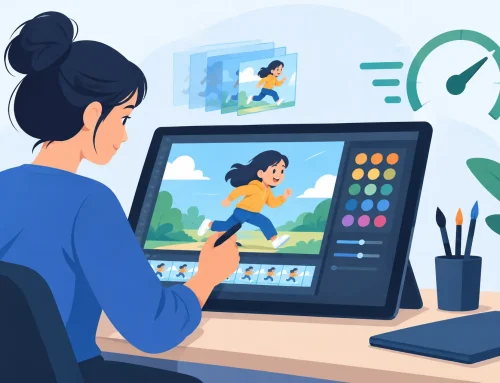
Callipeg is made for frame-by-frame animation on the iPad and takes advantage of a touch-first drawing experience. For artists who want to rough out shots away from a desk, it offers a capable mobile workspace and a timeline designed around drawn frames.
The iPad is not always the best place for long sessions of detailed clean-up or large production organization. Screen size, file handling, and personal drawing habits all matter. Callipeg is a good choice when portability is central to your process. It can also complement a desktop workflow, particularly for rough planning and animation practice.
6. Procreate Dreams for expressive experiments
Procreate Dreams appeals to illustrators who already enjoy drawing on an iPad and want to add movement to their work. Its visual interface encourages experimentation with drawn animation, motion, and layered artwork. It can be enjoyable for short social clips, animated illustrations, and exploratory personal projects.
Its approach is broader than a classical pencil-test workflow, which is either an advantage or a distraction depending on the project. If your priority is disciplined scene-by-scene animation with detailed exposure control, compare its timeline behavior carefully before building a longer film around it.
7. Adobe Animate for vector-based 2D
Adobe Animate remains relevant for artists creating vector animation, interactive content, or web-oriented work. Symbols and reusable vector assets can make sense when a project depends on clean scalable artwork or repeated elements. Teams already working with other Adobe applications may also value the familiarity.
But vector tools have a different feel from drawing on paper. They can encourage construction and reuse when a shot really needs lively, individual drawings. Adobe Animate is a better fit for vector and interactive projects than for animators seeking a natural, paper-like flipbook experience.
How to Choose Between the Best Apps for Flipbook Animation
Start with the scene you actually want to make. Do not judge software by a promotional demo full of effects. Draw a few seconds of action: a character taking a step, lifting a heavy object, or turning with a change of expression. Rough it out, add breakdowns, make clean-up decisions, paint it, and change the timing after you see it play.
That small test reveals more than a feature comparison. If you cannot quickly add a hold, shift an accent, or scrub to the exact drawing you need, the program will slow down every future scene. If painting flat colors takes too many clicks, the problem will compound across hundreds of frames.
Your hardware should influence the choice as well. Desktop software generally gives you more room for detailed work, keyboard shortcuts, and managing a production. A tablet can be excellent for direct sketching, travel, and spontaneous practice. Some animators benefit from both: rough on an iPad, then finish on a desktop. The best setup is the one that preserves your drawing rhythm.
Make the Test About Animation, Not Software
A flipbook app earns its place when you stop thinking about the interface and start noticing the animation. You should be able to flip through drawings, spot an uneven arc, retime a pause, and play the scene again while the idea is still fresh.
Download trials when available and test the same short shot in your top choices. Pick the program that lets your drawings come alive with the fewest interruptions, then spend the saved time where it belongs: on stronger poses, clearer timing, and better acting.