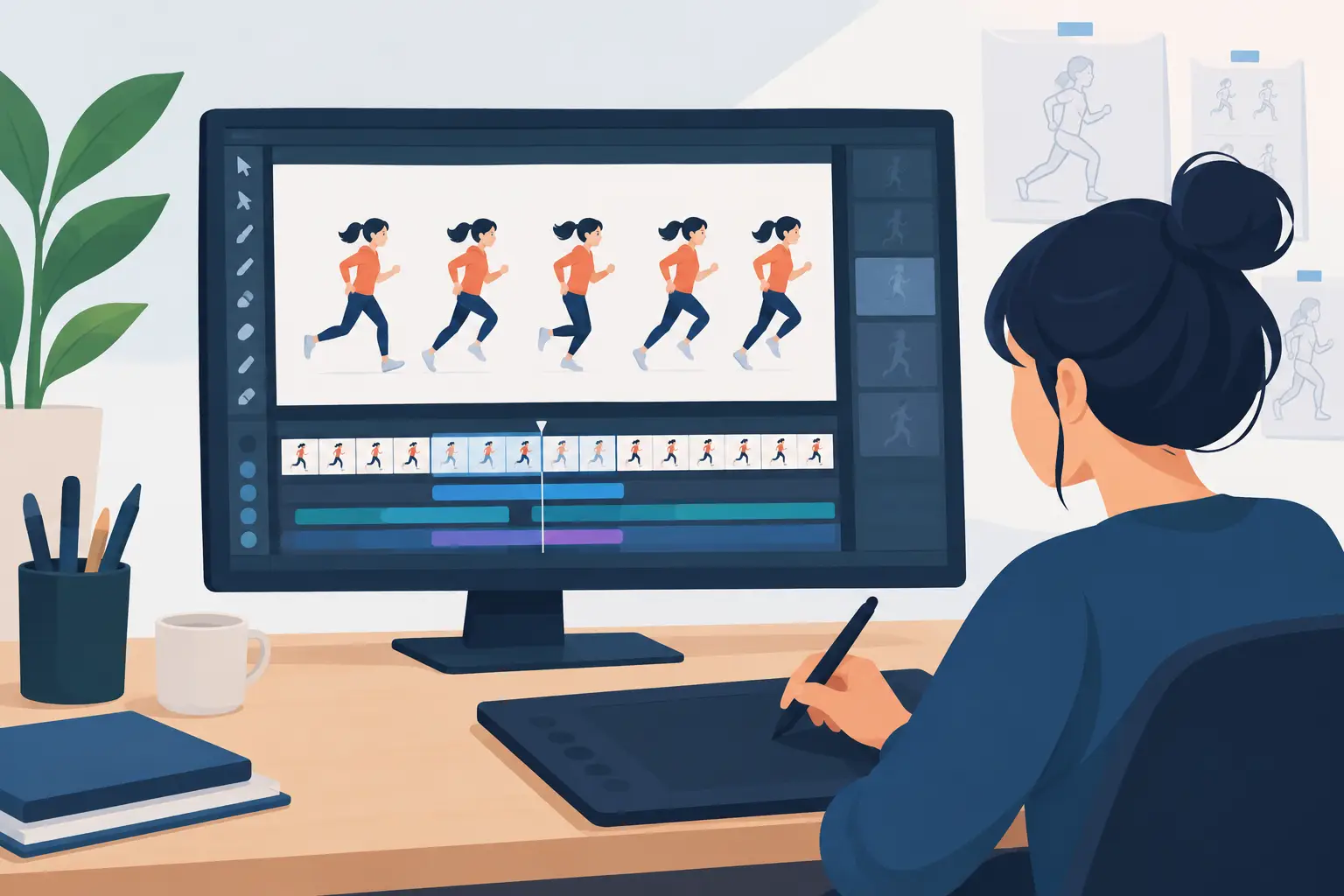

A scene can look fine when it races past at 24 frames per second and still be full of problems. A hand may jump before it reaches its pose. A head turn may lose its arc. A hold may feel dead because the drawing changes too much. Learning how to scrub animation scenes lets you stop trusting the blur of playback and start judging the actual movement your audience will see.
Scrubbing is not simply dragging a playhead back and forth. It is a hands-on way to inspect timing, spacing, drawing continuity, and staging without leaving the scene. Traditional animators have always worked this way: flip the drawings, stop on the key poses, then compare the in-betweens. Digital tools should make that process faster, not turn it into a maze of panels and preview windows.
What Scrubbing Tells You That Playback Cannot
Playing a scene is necessary, but it is only one test. Playback tells you whether the overall action feels alive. Scrubbing tells you why it does or does not feel alive.
When you move through frames slowly, you can see whether each drawing carries the action forward. A character’s arm should travel through a believable path. The spacing between drawings should open as the action accelerates and close as it eases into a stop. A blink should happen cleanly, without an extra drawing that makes it feel mushy.
This is especially useful in rough animation. At the rough stage, you are solving performance and motion, not polishing line quality. Scrub the scene before spending time on cleanup. If the pose sequence is weak, clean lines will only make the problem more expensive to fix.
Scrubbing also exposes accidental changes that regular playback can hide: drifting character size, a shifting eye line, a hand that changes shape from one frame to the next, or a background that moves when it should be locked. These are production issues, not minor details. Catch them early and the whole scene becomes easier to finish.
How to Scrub Animation Scenes Efficiently
Start by setting the scene to its intended frame rate and looking at the action in real time. Do not scrub first. You need a clear first impression of the shot’s rhythm before you begin examining individual drawings. Watch it once for the broad performance, then again for the main action.
Now drag through the scene slowly in the direction of the action. If a character is throwing a punch, scrub from the anticipation through the contact and follow-through. Stop at the storytelling poses: the anticipation, the extreme, the contact, and the settle. Ask whether each pose reads clearly on its own. If it does not, the audience may not understand it even when the action plays quickly.
Then scrub backward. This matters more than many beginners expect. Reverse scrubbing makes pops and uneven spacing easier to spot because you are no longer following the intended action. A drawing that looked acceptable moving forward may suddenly reveal a jump in volume or direction when viewed in reverse.
Work in short sections. A ten-second scene contains too much information to diagnose all at once. Check a head turn, a reach, a take, or a walk cycle one action at a time. Once each section is working, play the entire shot again to make sure the changes still support the larger performance.
Check the Path of Action
As you scrub, follow a single landmark through the drawings. For a character’s head, use the nose, eye line, or center line. For an arm, follow the wrist or elbow. For a bouncing ball, watch its center rather than its outline.
You are looking for a deliberate path. A smooth arc is not required for every action, but a path should be chosen, not accidental. Mechanical actions may use straighter travel. Organic movement usually benefits from arcs. If the landmark wanders from frame to frame, the scene can feel shaky even when the key poses are strong.
Judge Spacing, Not Just Drawings
Two drawings can be well made and still create bad animation if the spacing between them is wrong. Scrub through the action and compare the distance traveled from one frame to the next. Large gaps create speed. Small gaps create a slow-in, slow-out, or hold.
Avoid treating spacing as a mathematical exercise. A character can move unevenly on purpose. A nervous hand may twitch. A heavy object may resist motion before it accelerates. The question is whether the spacing supports the action’s weight and intention.
If an action feels too fast, you may need more drawings, closer spacing, or a longer hold on the anticipation. If it feels sluggish, the fix may be fewer drawings rather than faster playback. Scrubbing lets you identify which choice will actually improve the shot.
Test Holds Frame by Frame
A hold is not an excuse to stop animating. Even a held drawing has to feel intentional. Scrub into the hold and out of it to see whether the character lands cleanly and leaves cleanly. A good hold gives the audience time to read a thought, reaction, or important pose.
For a completely still hold, check that nothing drifts. For a moving hold, such as breathing or a subtle eye adjustment, make sure the secondary motion does not pull attention away from the main idea. Small changes need discipline. One unwanted shift in the face can make the character look like they are vibrating.
Use Scrubbing to Solve Timing Before Cleanup
The traditional workflow is clear: rough the scene, test it, revise the timing, then clean it up. Skipping the timing pass is how animators end up repainting finished frames that should never have survived the rough stage.
Scrub through your roughs and identify the frames doing the real work. Those are usually your keys, extremes, breakdowns, and major accents. If one of those drawings is weak, repair it before adding more in-betweens. If the key drawings are clear but the action still stumbles, inspect the breakdowns. A breakdown controls how one pose changes into the next, so it often determines whether the movement feels natural or mechanical.
Timing adjustments are most useful when you can judge them immediately. In FlipBook, you can adjust timing during playback, then continue testing the result without the stop-adjust-preview routine that interrupts the animation process. That keeps the animator focused on the scene instead of managing the software.
There is a trade-off. Constantly changing timing while you are still inventing poses can make a rough scene feel unstable. First establish the performance. Then use scrubbing and playback to refine the rhythm. Separate those decisions when possible, even if the software lets you make both quickly.
A Practical Scrubbing Pass for Every Scene
Before calling a scene ready for cleanup, paint, or export, run the same short inspection pass. Play the full shot at speed to judge the performance. Scrub through the main action forward and backward. Stop on each key pose to check silhouette, balance, and expression. Follow major landmarks for arcs and volume. Finally, inspect holds, contacts, and transitions where errors tend to hide.
For dialogue, scrub around phoneme changes and eye shifts. The mouth does not need to hit every sound with equal force, but it must support the phrase and the character’s acting. For walk cycles, scrub the contact, down, passing, and up positions. Watch the hips, feet, and head separately. A walk can appear acceptable at speed while the feet slide or the body weight never settles.
For effects animation, use the same discipline. Fire, smoke, water, and impact drawings can be wild, but they still need rhythm. Scrub the effect to see whether each shape transforms with purpose or simply flickers. Controlled irregularity looks energetic. Randomness looks unfinished.
Common Mistakes When Scrubbing Animation
The first mistake is scrubbing only around problems you already noticed. This confirms the obvious but misses the quiet errors that weaken a scene. Make a full pass from the first frame to the last, even when the shot seems finished.
The second is judging every frame as a finished illustration. Animation drawings have different jobs. An in-between may look strange when stopped, yet work perfectly in motion. Do not overcorrect a functional drawing just because it is not a pretty standalone image. Judge it in relation to the frames before and after it.
The third is relying on one viewing speed. Slow scrubbing reveals construction and spacing. Normal playback reveals rhythm. Fast playback can expose whether an action reads instantly. Each view answers a different question.
Finally, do not confuse a software preview problem with an animation problem. If playback drops frames, test again under normal conditions before changing your timing. But when the drawings themselves pop under careful scrubbing, trust what you see and fix the scene.
A strong animation scene survives close inspection because every drawing has a job. Scrub often while the work is still rough, make the timing decisions while they are cheap, and let the final drawings carry movement that has already been proven on the timeline.