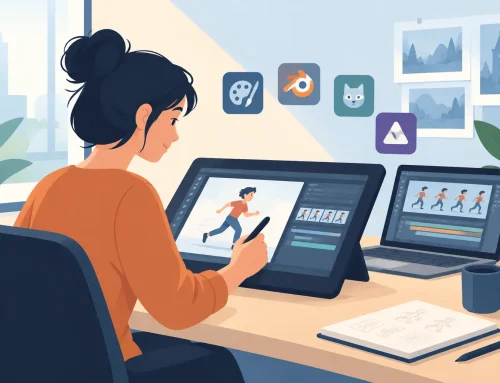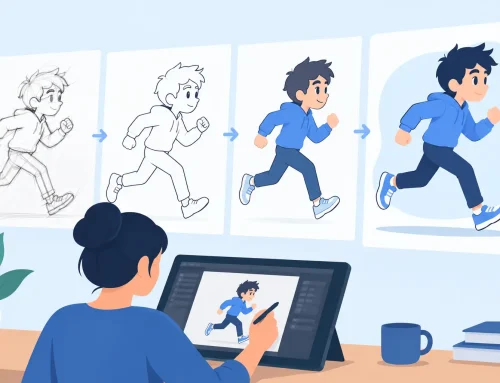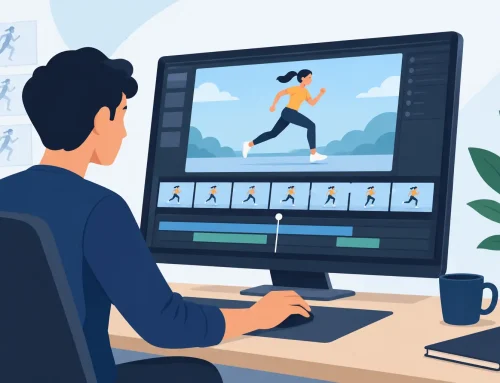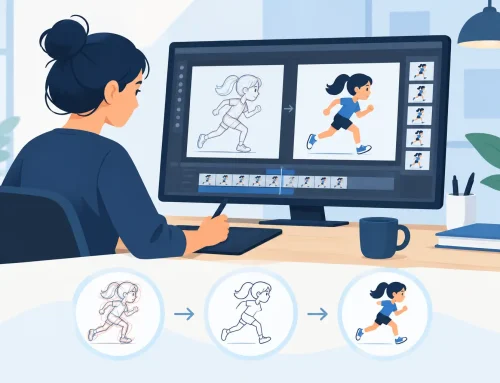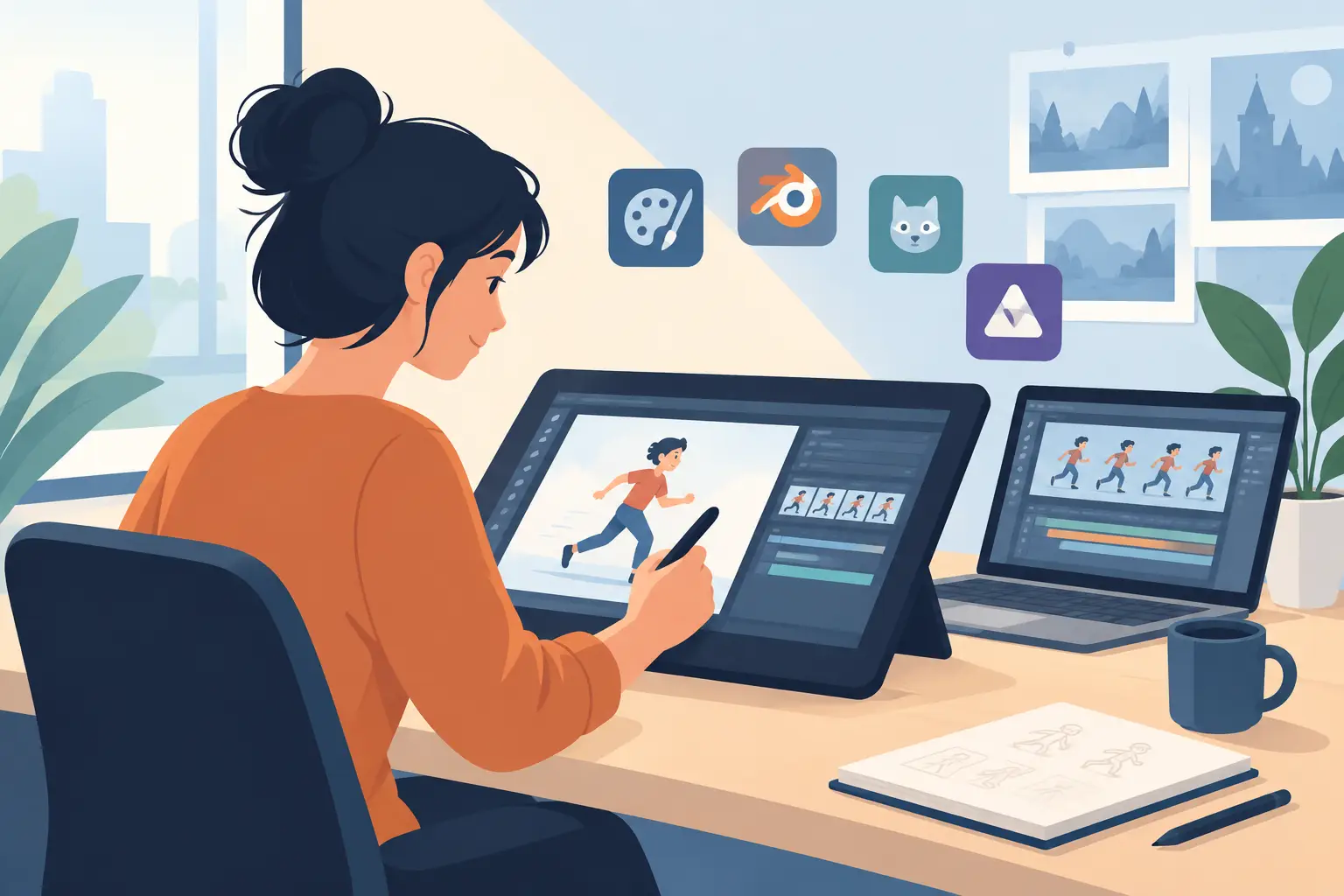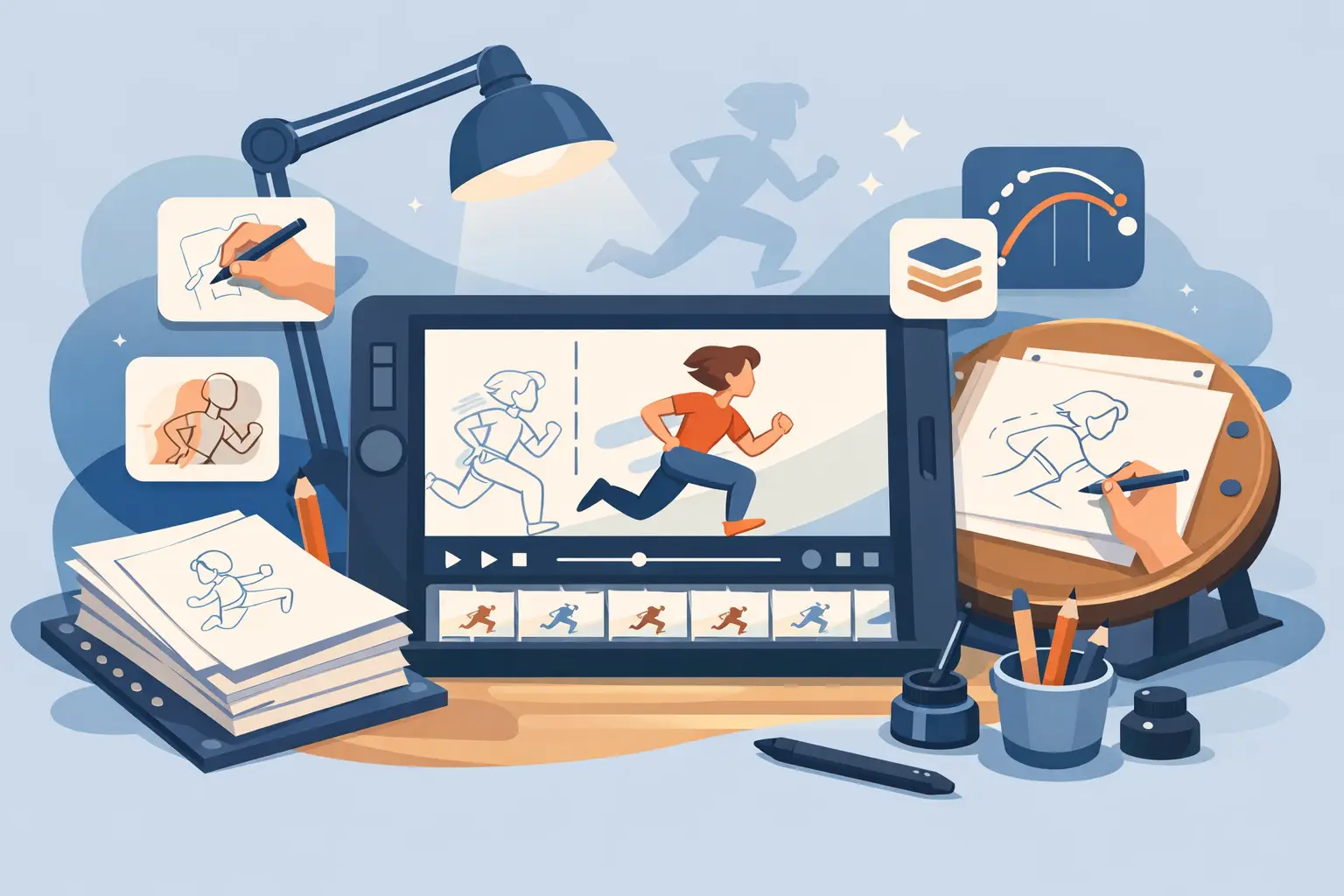
A pencil test tells the truth fast. If your drawing feels stiff on playback, if painting takes longer than the scene, or if timing changes force you to stop and rebuild the shot, the software is getting in the way. A good traditional animation app should do the opposite. It should stay out of your hand, respect the way animators actually work, and help you make better scenes with less effort.
That standard matters whether you are learning your first walk cycle or finishing a production scene on deadline. Traditional animation is built on timing, spacing, draftsmanship, and repetition. The software does not need to reinvent that process. It needs to support it properly.
What a traditional animation app should actually do
A lot of drawing programs can claim frame-by-frame animation. That does not make them strong tools for traditional production. A real traditional animation app should be built around rough animation, clean-up, painting, and scene checking. Those are not extra features. They are the job.
For rough animation, the drawing experience has to feel direct. You need quick access to flipping, scrubbing, onion skinning, and frame navigation without fighting panels and modes. The fewer barriers between your eye, your hand, and the moving drawing, the better your animation gets. If the app feels like general-purpose design software with animation bolted on, that friction shows up on screen.
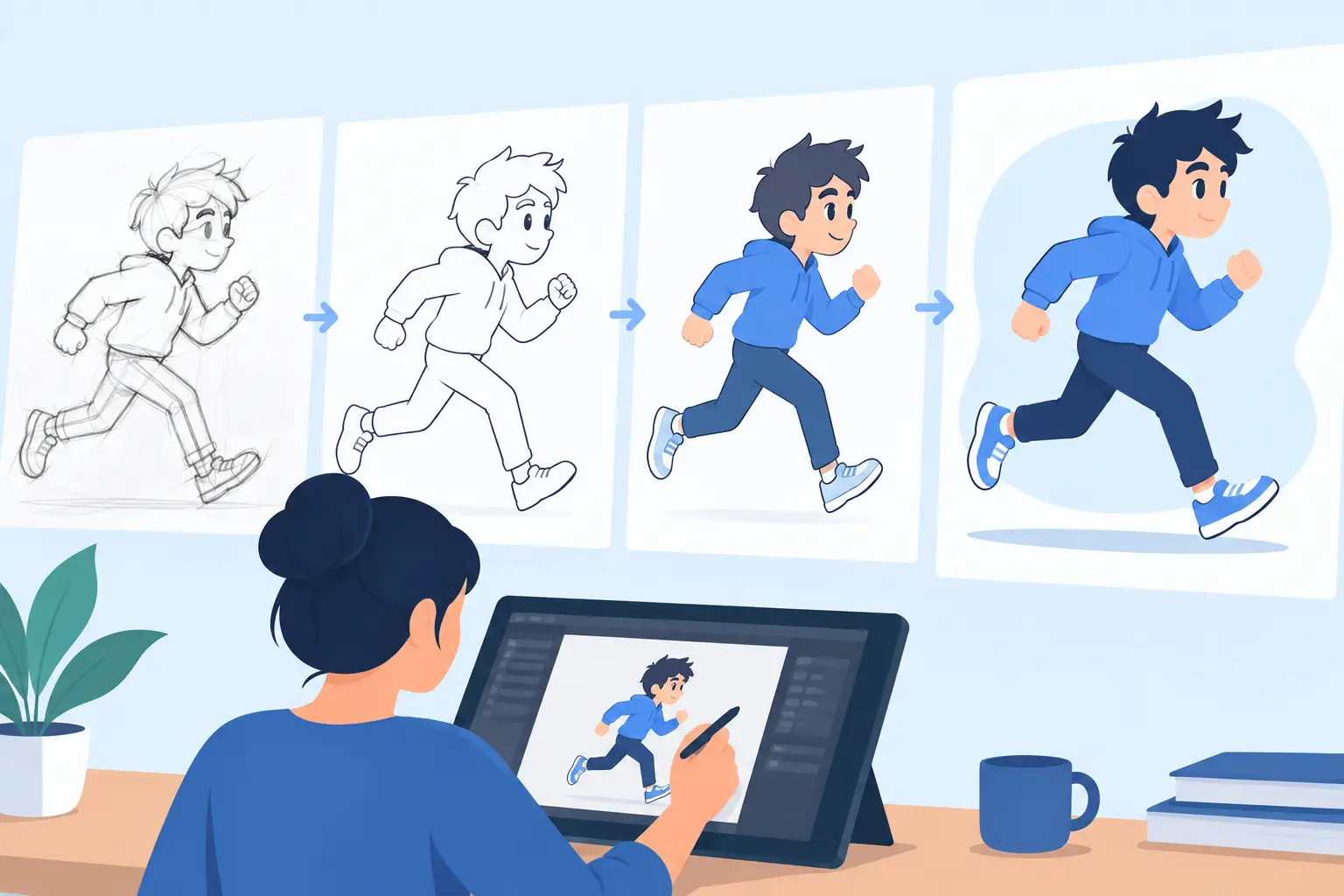
Clean-up has a different requirement. You need consistency, line control, and the ability to check arcs and proportions frame to frame. This is where many apps slow artists down. They may offer hundreds of brushes and effects, but if the process of refining keys and in-betweens feels mechanical, the work suffers.
Painting is another dividing line. In production, color has to move quickly. You do not want to spend half the day chasing tiny leaks, repicking colors, or waiting through repetitive fill steps. Fast, reliable painting is not glamorous, but it saves real hours. Over the course of a short film, a class project, or a television sequence, those hours matter.
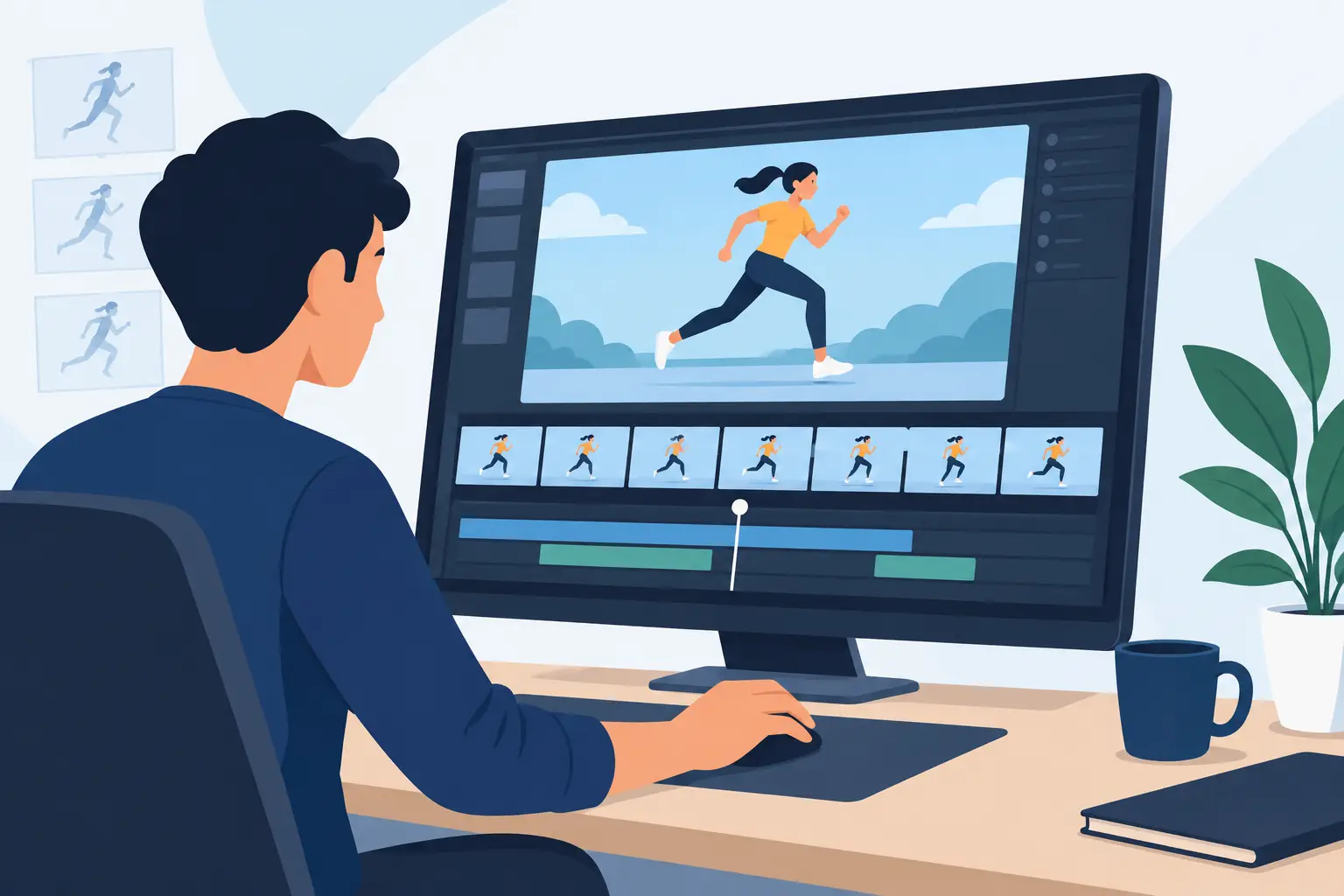
Then there is playback. Animation lives in motion, not in a stack of still drawings. A proper app has to let you play scenes immediately, check the shot honestly, and make timing decisions while you are looking at the result. If you are forced into a stop-adjust-preview loop every time you want to test a change, your eye gets interrupted and your judgment gets worse.
Why drawing feel matters more than feature count
Animators do not choose software the way marketers do. A long list of features may look impressive, but if the line feels awkward under the stylus, none of that helps. Traditional animators tend to judge software by a simpler standard: does it let me animate the way I already think?
That question is especially important for students and professionals trained on paper. When software imitates the logic of classic hand-drawn production, the learning curve gets shorter and the work gets cleaner. Roughs lead naturally into clean-up. Exposure choices make sense. Playback becomes part of the drawing process instead of a separate technical task.
There is a trade-off here. Some apps try to serve every kind of artist at once, from motion graphics users to painters to compositors. That can be useful if you need one package for many jobs. But if your real goal is hand-drawn animation, an all-purpose platform often feels less natural than a tool built specifically for that craft.
The best traditional animation app helps you judge timing in motion
Timing is where many digital workflows break down. On paper, timing was always checked by flipping, rolling scenes, and running tests. The animator stayed close to the motion. In some software, timing changes still feel indirect. You stop playback, make a guess, update the exposure, play again, and repeat until the shot finally settles.
That may sound manageable for a few frames. It becomes expensive across a full scene. Every interruption costs momentum. Every extra step adds hesitation. For beginners, it makes timing harder to learn. For experienced animators, it wastes time they should be spending on performance and spacing.
A stronger traditional animation app lets you adjust timing while the scene is playing back. That changes the workflow in a practical way. Instead of imagining the fix, you can see it happen. The result is faster decision-making and more accurate scene control. This is one of those production advantages that looks small in a demo and feels enormous in daily work.
Painting speed is not a minor feature
Many artists focus on drawing tools first, which makes sense. But painting is where software either earns its place or becomes a bottleneck. If your app turns color work into a slow, repetitive chore, every finished scene gets more expensive.
Efficient painting matters for independent filmmakers, small studios, and classrooms especially. Those users often do not have separate departments for line, paint, and compositing. The animator may be doing all three. A tool that speeds up frame painting can save a project schedule.
This is also where practical software beats flashy software. You do not need decorative complexity. You need color tools that are fast, predictable, and built for animated scenes. Production artists appreciate that immediately because they feel the difference in output, not in marketing language.
Camera moves and effects should support the shot, not hijack it
Traditional animation apps also need enough scene control to finish work properly. Pan, zoom, rotate, blur, and dissolve are useful because they solve common production needs without forcing the artist into another program too early. If those tools are integrated well, you can stage and preview the scene more like a camera setup than a disconnected stack of edits.
Still, this is an area where restraint matters. Effects should support the animation, not distract from it. A good hand-drawn scene stands on performance, posing, and timing first. Camera-style controls are valuable because they help present that work cleanly and efficiently.
Who needs a traditional animation app most
Animation students benefit because they can learn the actual mechanics of frame-by-frame work instead of hiding behind automation. Timing and spacing become visible. Educators benefit for the same reason. Teaching is easier when the software follows the language of classical animation.
Professional animators and small studios need reliability and speed. They already know the principles. Their concern is whether the software keeps up with production. Roughs, clean-up, paint, and timing all need to move without unnecessary friction.
Independent filmmakers often sit between those groups. They want traditional results, but they also need efficiency because the team is small and the schedule is real. For them, the right app is not just a drawing tool. It is part of the production pipeline.
How to judge a traditional animation app before you commit
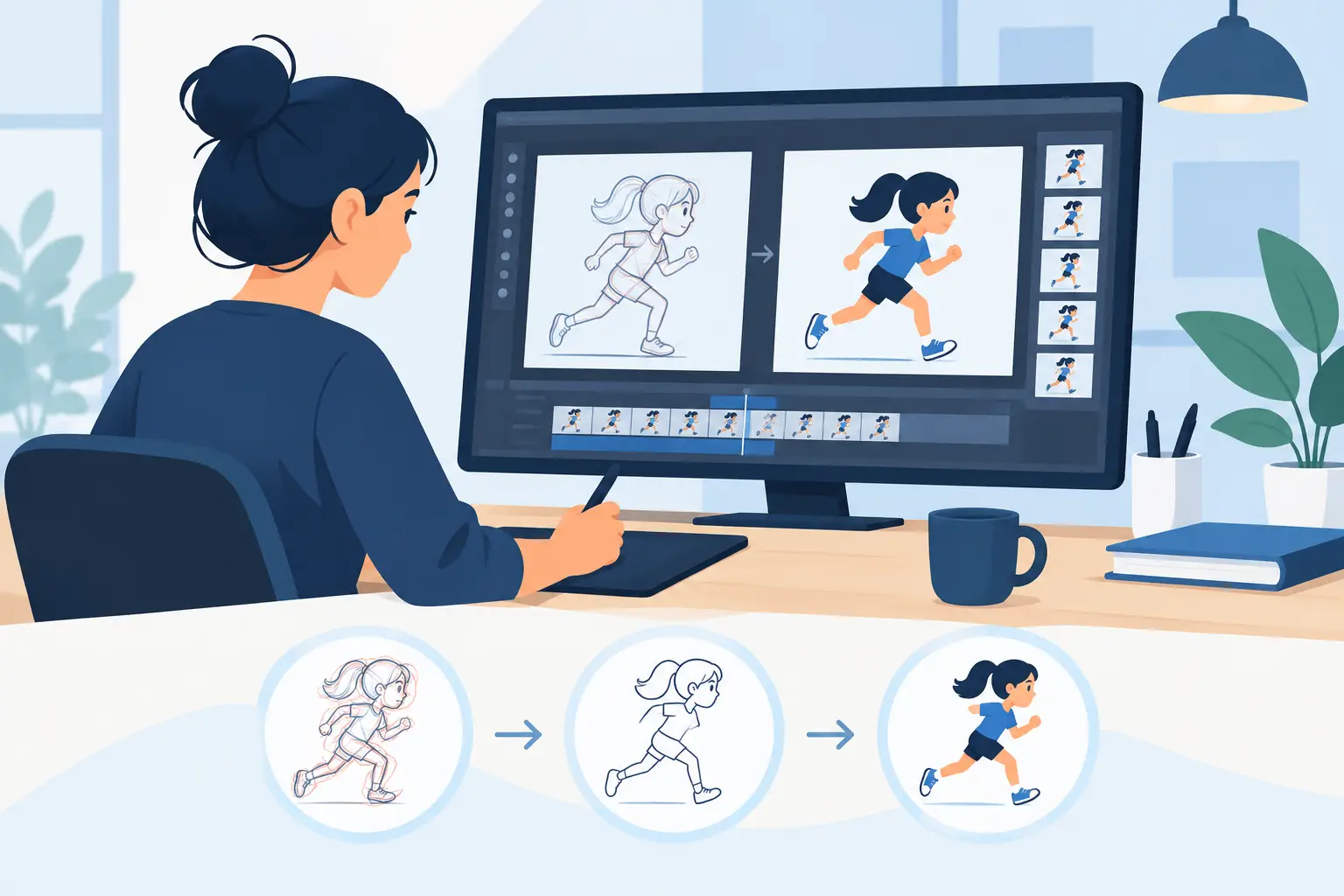
The fastest way to evaluate one is simple. Animate a short test scene. Do rough keys, add breakdowns, clean part of it up, paint it, and make timing adjustments after playback. That process will reveal more than any feature chart.
Pay attention to your hand first. Does the drawing process feel natural, or are you compensating for the software? Then watch how quickly you can move from rough animation to a finished shot. Notice whether playback helps you make decisions or slows them down. Finally, check how much effort basic painting requires. If ordinary scene work feels harder than it should, the problem will only grow on longer projects.
For artists who want digital speed without giving up traditional methods, that is where a purpose-built tool stands apart. FlipBook has earned attention for exactly that reason – natural drawing, fast painting, and real-time timing control built around the way animators actually animate.
The best software for traditional work is not the one with the loudest feature list. It is the one that lets your drawings move, your timing improve, and your scenes finish without fighting the process every step of the way.