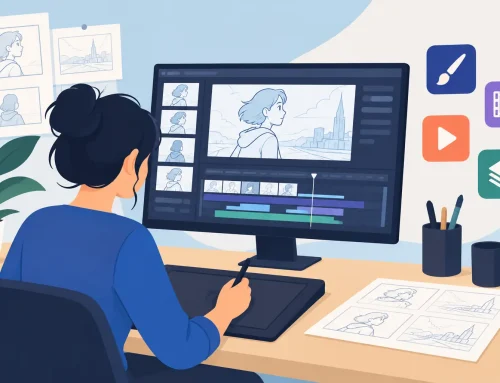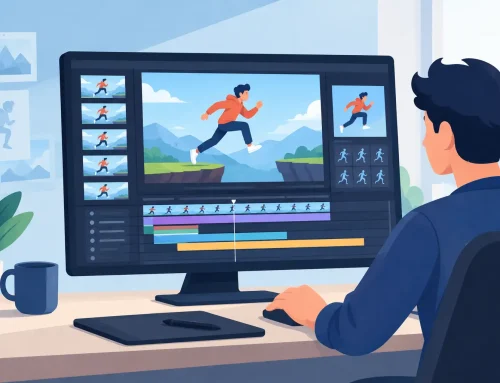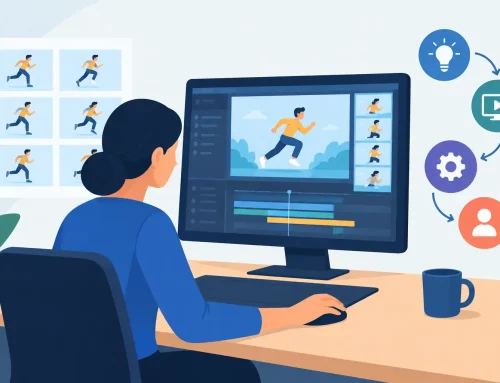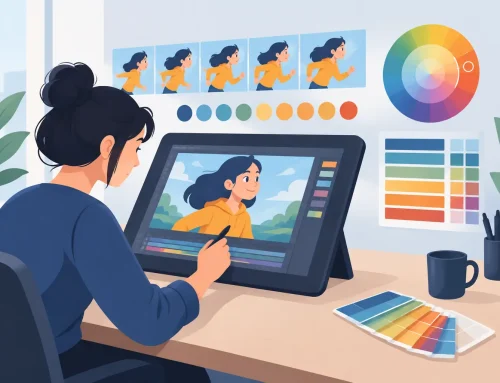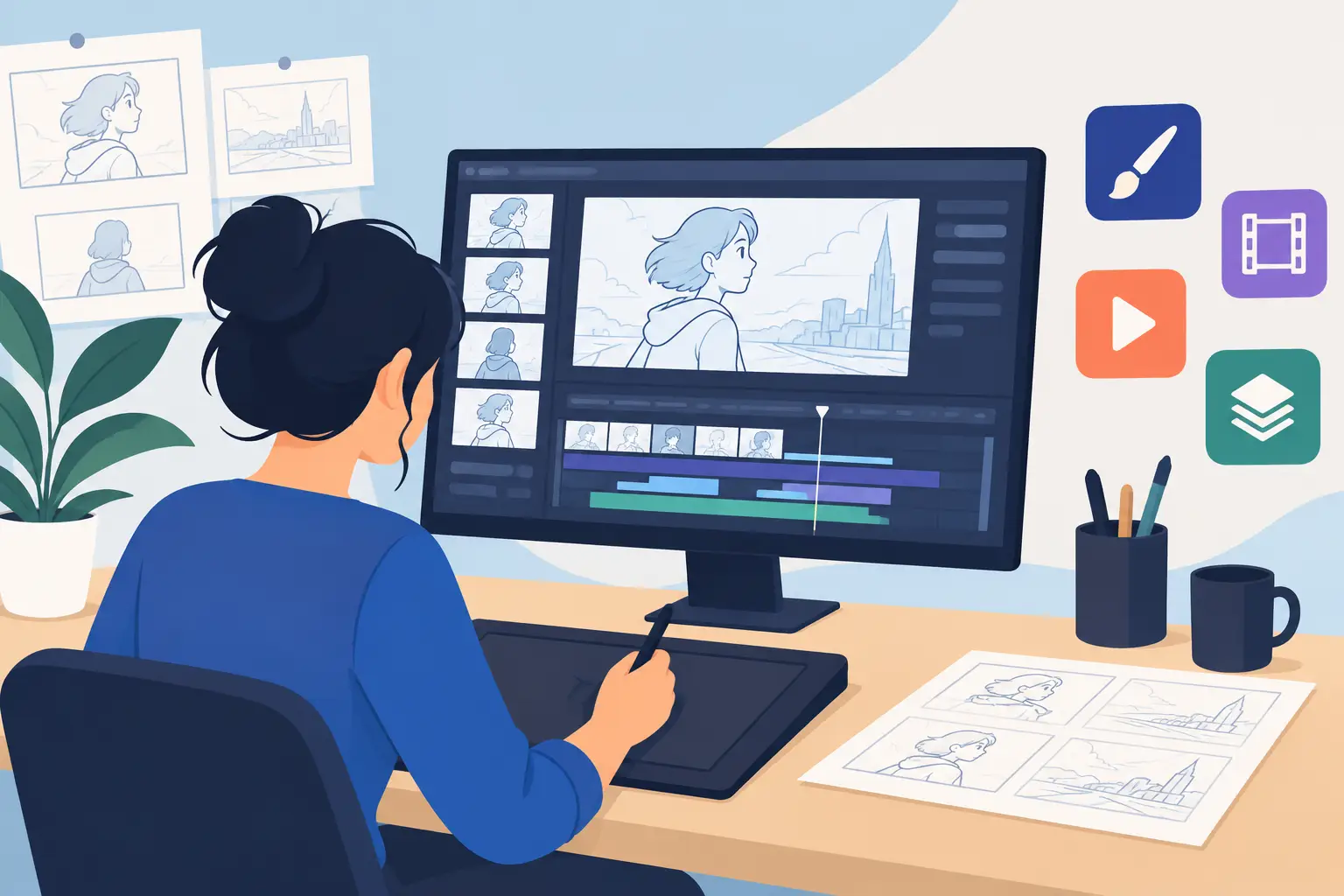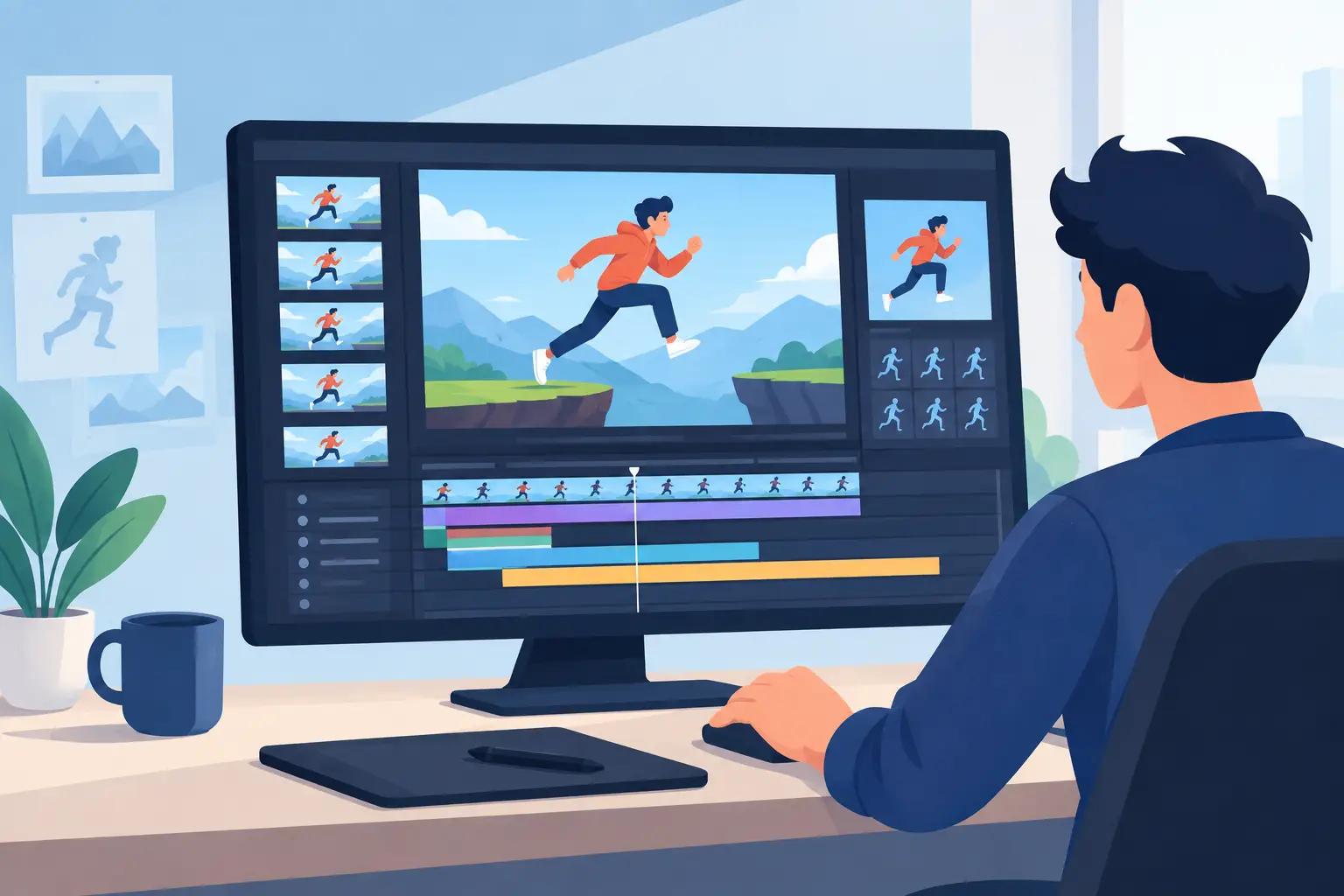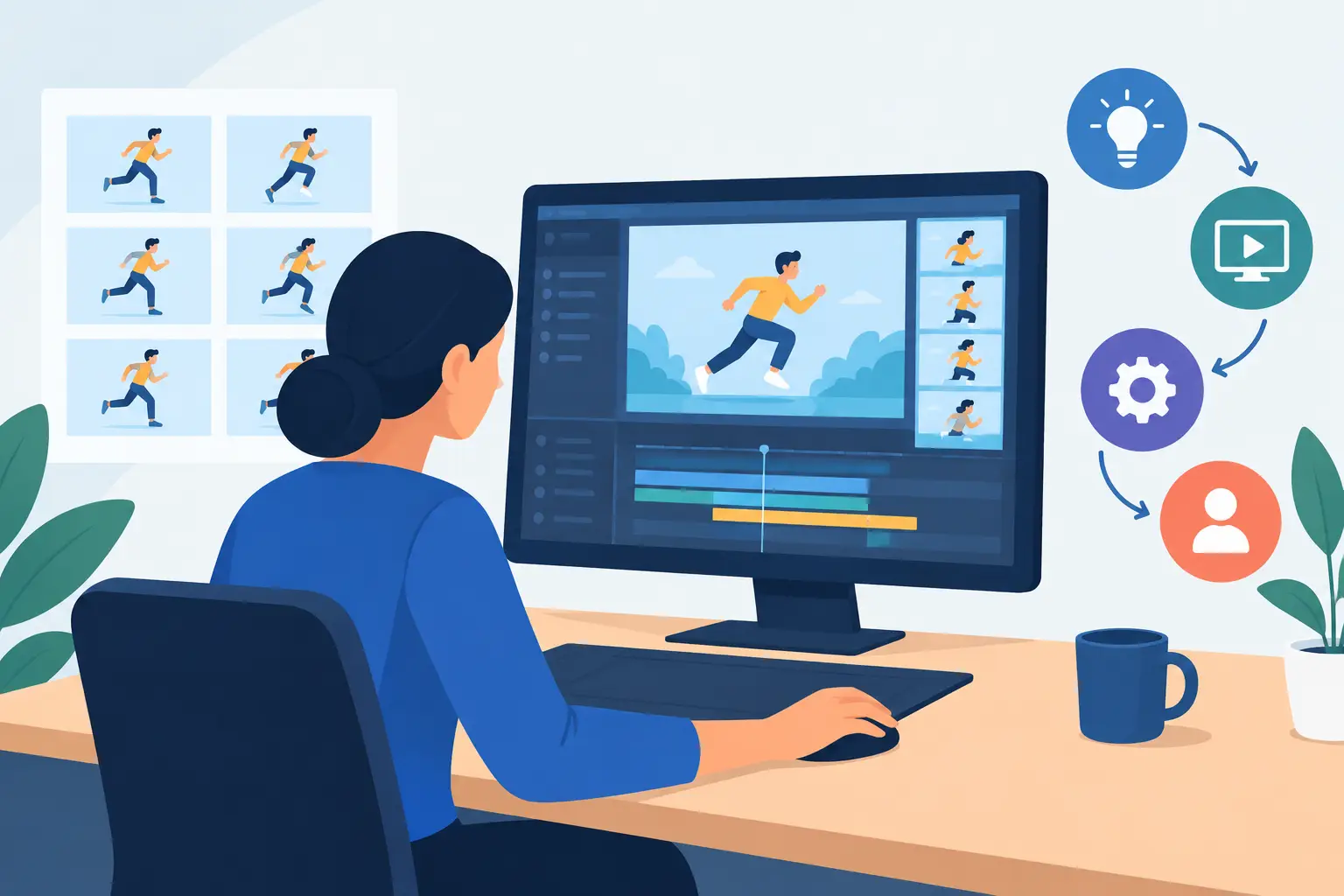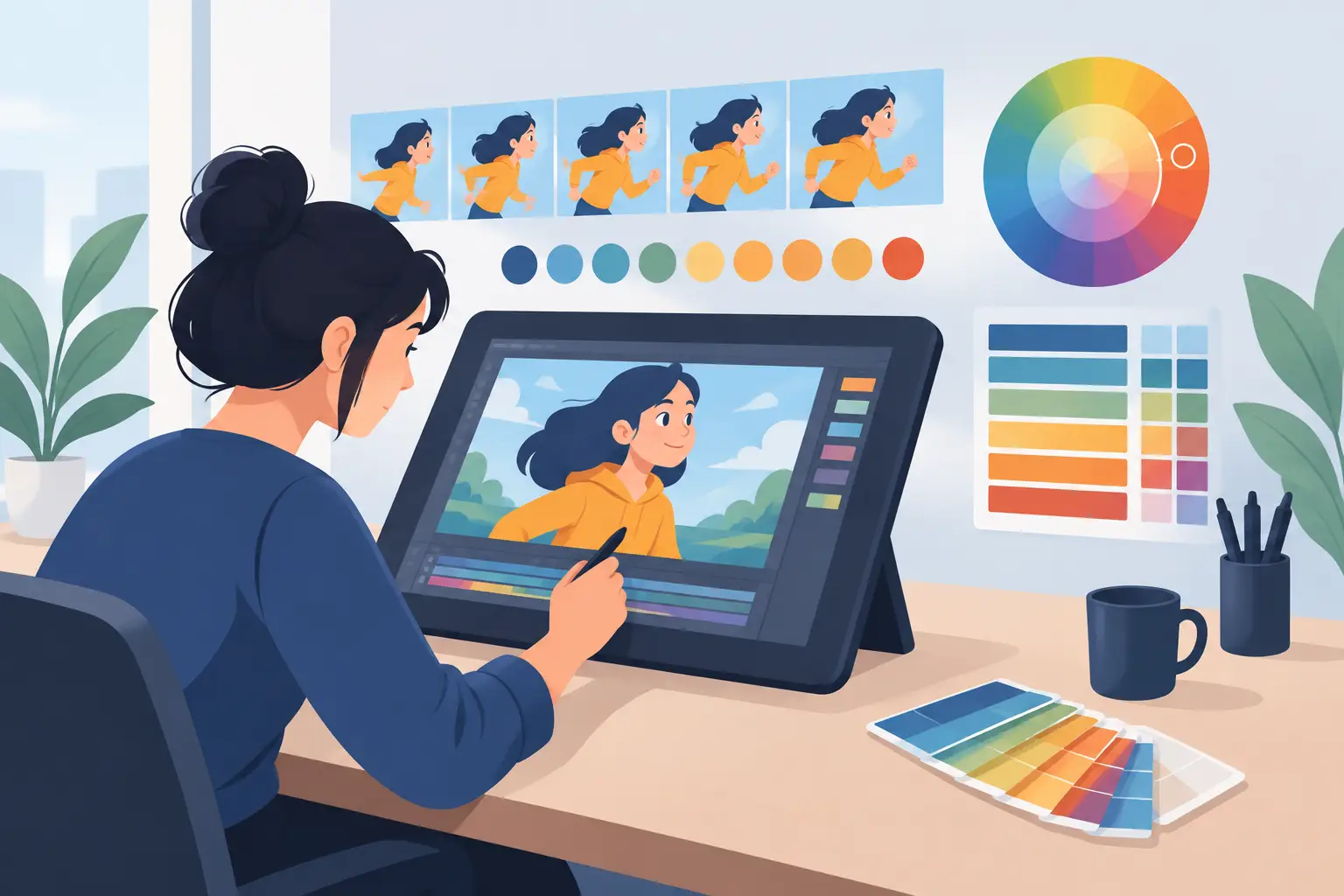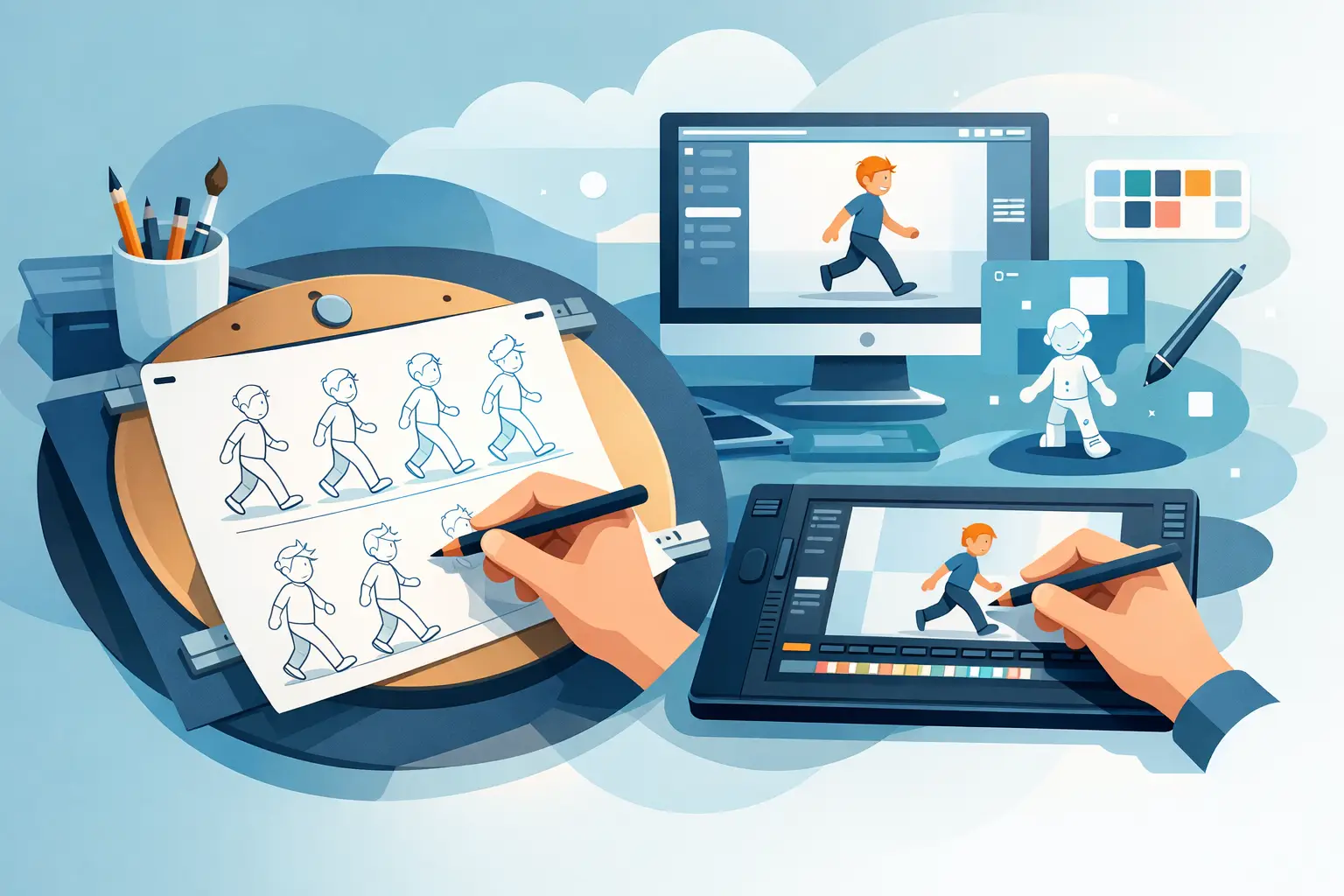
A lot of software claims to support hand-drawn animation, then asks you to work like a compositor, a motion designer, or a node wrangler. That is the real issue when people start looking for digital tools for traditional animators. The question is not whether an app can produce animation. The question is whether it respects the way animators actually rough, flip, clean up, paint, and adjust timing shot by shot.
If you were trained on paper, or you teach from that tradition, digital tools should remove friction rather than introduce it. You should be able to draw directly, check arcs and spacing quickly, repaint frames without fighting the interface, and change timing while the scene is moving. When a tool gets those basics right, production speeds up. When it does not, every fix turns into a stop-and-start process.
What digital tools for traditional animators should do
Traditional animation has a clear production logic. You rough out the action, test the motion, tighten the drawing, paint the frames, and make timing decisions based on how the shot feels in motion. Good software supports that sequence. Bad software forces you to adapt your process to the program.
That distinction matters more than long feature lists. Many applications can import layers, add effects, and export files. Fewer can give you a natural drawing experience, fast frame painting, and immediate timing control in the same environment. For a student, that means less time learning workarounds. For a studio or independent filmmaker, it means fewer interruptions between layout, rough animation, clean-up, and final output.
The best tools in this category tend to share a few traits. They give you direct frame-by-frame control. They make flipping and playback easy. They let you scrub scenes without delay. They avoid burying basic animation functions under menus designed for other kinds of media work. And they help you judge motion as motion, not as a stack of disconnected drawings.
Drawing tools that feel like animation tools
The first test is simple. Can you draw naturally, or does the software make every line feel processed? Traditional animators notice this immediately. If the brush engine is slippery, if the interface favors design manipulation over line performance, or if the program treats drawing as secondary to rigging and compositing, your rough pass slows down.
A proper animation tool should let you think about construction, weight, and movement instead of software behavior. You want responsive drawing, dependable flipping, and a workspace built around the exposure of drawings over time. That is especially important for beginners learning spacing and for experienced animators pushing performance. A rough scene lives or dies on timing and draftsmanship, not on menu depth.
There is some room for preference here. Some artists want a very bare-bones environment with almost no distractions. Others like extra editing controls nearby. But almost everyone working in classical frame-by-frame animation benefits from software that keeps the drawing process front and center.
Painting speed matters more than most people expect
Painting is often treated like a cleanup detail, but in production it can become a bottleneck fast. If filling and correcting color takes too many steps, the time loss compounds across every shot. That is why painting tools belong near the top of the list when evaluating digital tools for traditional animators.
Efficient painting is not only about flood fill. It is about how easily you can move across frames, fix gaps, manage line integrity, and keep the process going without constant setup. On a short test clip, almost any app can seem acceptable. On a full sequence with many drawings, slower painting tools reveal their cost.
This is one area where purpose-built traditional animation software separates itself from more general art software. If the program was designed around animation production rather than illustration alone, painting tends to be faster and less disruptive. That has real consequences for schools, freelancers, and small studios working under deadlines.
Timing control is where software proves its value
Timing is the heart of animation, and it is also where many digital workflows break down. In too many programs, changing timing means stopping playback, entering edits, previewing, stopping again, and repeating the cycle. That is a clumsy way to judge motion because timing decisions are best made while you are seeing the action play.
A stronger approach lets you adjust timing during playback so you can feel the change immediately. That is not a minor convenience. It changes how quickly you can solve a scene. A shot with decent drawings but weak timing can come alive once the spacing and exposure are adjusted in motion. If your software interrupts that process, you lose momentum and often settle for less precise choices.
For students, this kind of control helps teach cause and effect. You can see how changing exposure alters weight, snap, drag, and clarity. For professionals, it cuts wasted time from revision passes. It is one of the clearest examples of digital speed actually serving traditional craft.
Camera effects should support the scene, not replace animation
Traditional animators sometimes need camera-style effects such as pan, zoom, rotate, blur, or dissolve. These can be useful production tools, especially for independent filmmakers and small teams that need to finish work efficiently. But they should support the shot, not compensate for weak animation.
The best software handles these effects in a straightforward way and keeps them close to the animation workflow. You should not need a separate mindset just to create a simple move on a scene. At the same time, it helps to keep expectations realistic. A camera effect can add staging or polish, but it does not solve poor draftsmanship, unclear posing, or muddy timing.
That balance is worth remembering when comparing software. More effects do not automatically mean a better tool for hand-drawn animation. For many artists, better timing control and faster painting will matter more every day than a long list of fancy extras.
Choosing the right setup for your workflow
The right software depends on what kind of animator you are and how you work. A student needs clarity, speed, and room to learn fundamentals without getting buried in pipeline complexity. An instructor needs a tool that demonstrates core animation principles cleanly. A freelance animator or small studio needs reliable production speed.
If you do rough animation, clean-up, and painted scenes in one place, an integrated frame-by-frame application usually makes the most sense. If your process is split across several programs, then compatibility and export options matter more. Still, every added handoff introduces friction. Many artists eventually realize that fewer tools, chosen more carefully, can produce better work faster.
This is also where hardware choices come into play. Some artists prefer working at a desk with a pen display. Others like starting ideas on a tablet and finishing on a desktop system. A good production setup does not need to be complicated. It needs to support drawing, review, revision, and output without breaking concentration.
For animators who want digital convenience without giving up a traditional production feel, FlipBook stands out because it was built around that exact goal. It supports roughs, clean-up, painting, scene playback and scrubbing, timing adjustments during playback, and practical camera effects in a way that respects classical animation workflow rather than forcing a modern workaround.
What to avoid when comparing animation software
It is easy to get distracted by broad marketing claims. Instead, test the software against your real work. Draw a rough scene. Flip through it. Clean up a few frames. Paint them. Change the timing while watching the shot. Add a simple camera move if needed. That short test will tell you more than a feature page.
Be cautious with software that looks impressive in demos but slows down under ordinary animation tasks. If drawing feels artificial, if painting is tedious, or if timing edits interrupt playback, the tool is costing you production time. The same goes for apps that expect you to adapt to a pipeline better suited to motion graphics or cutout animation.
Traditional animators do not need digital complexity for its own sake. They need software that helps them get better results with less effort while preserving the direct relationship between drawing and motion. That is the standard worth using.
The best digital tools are the ones that disappear once the scene starts moving. When software lets you focus on performance, spacing, and timing instead of process management, the work gets stronger. That is the point of going digital in the first place.