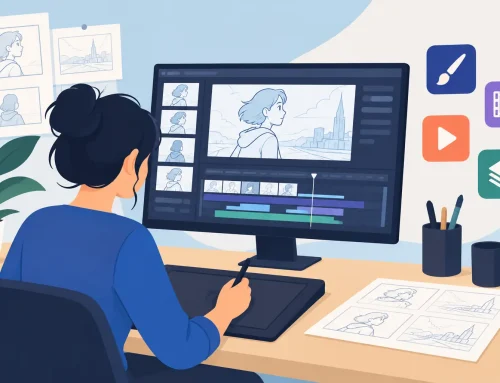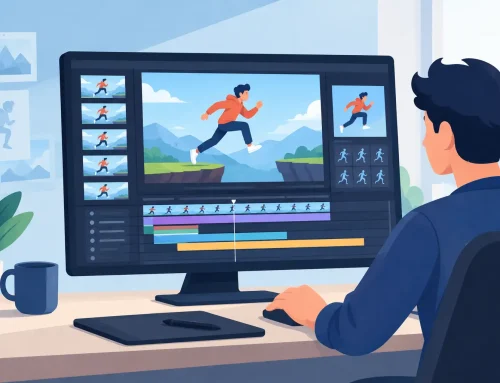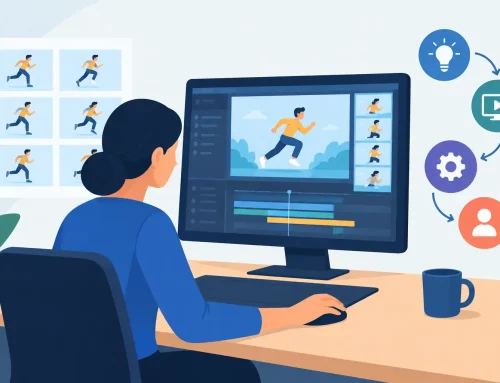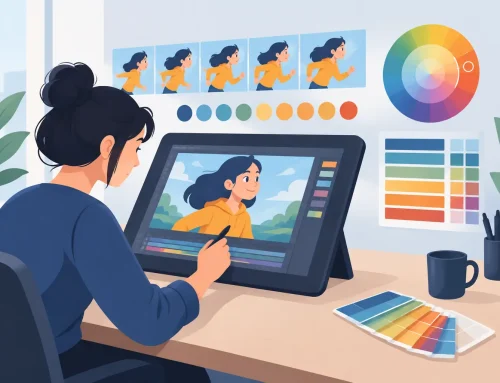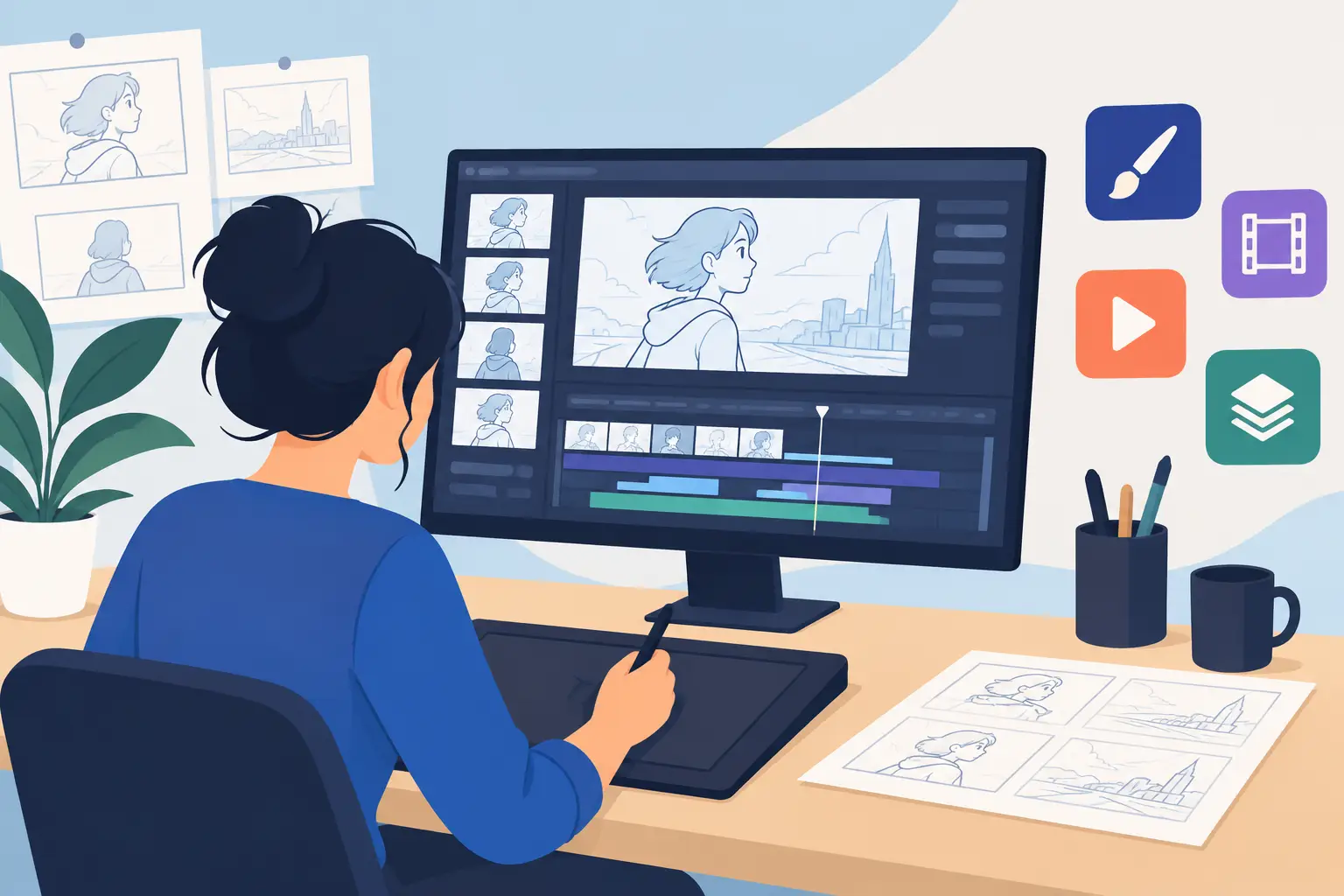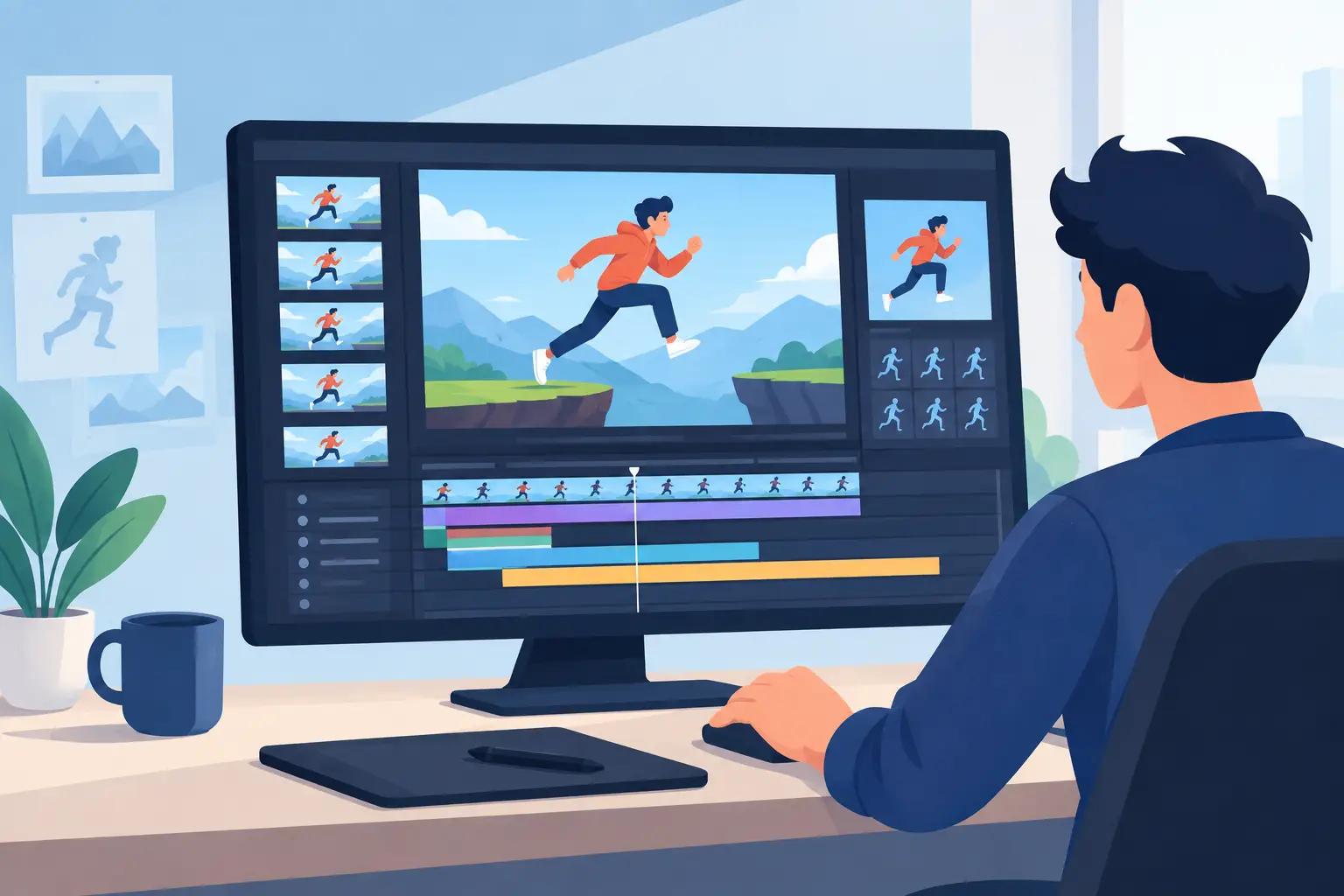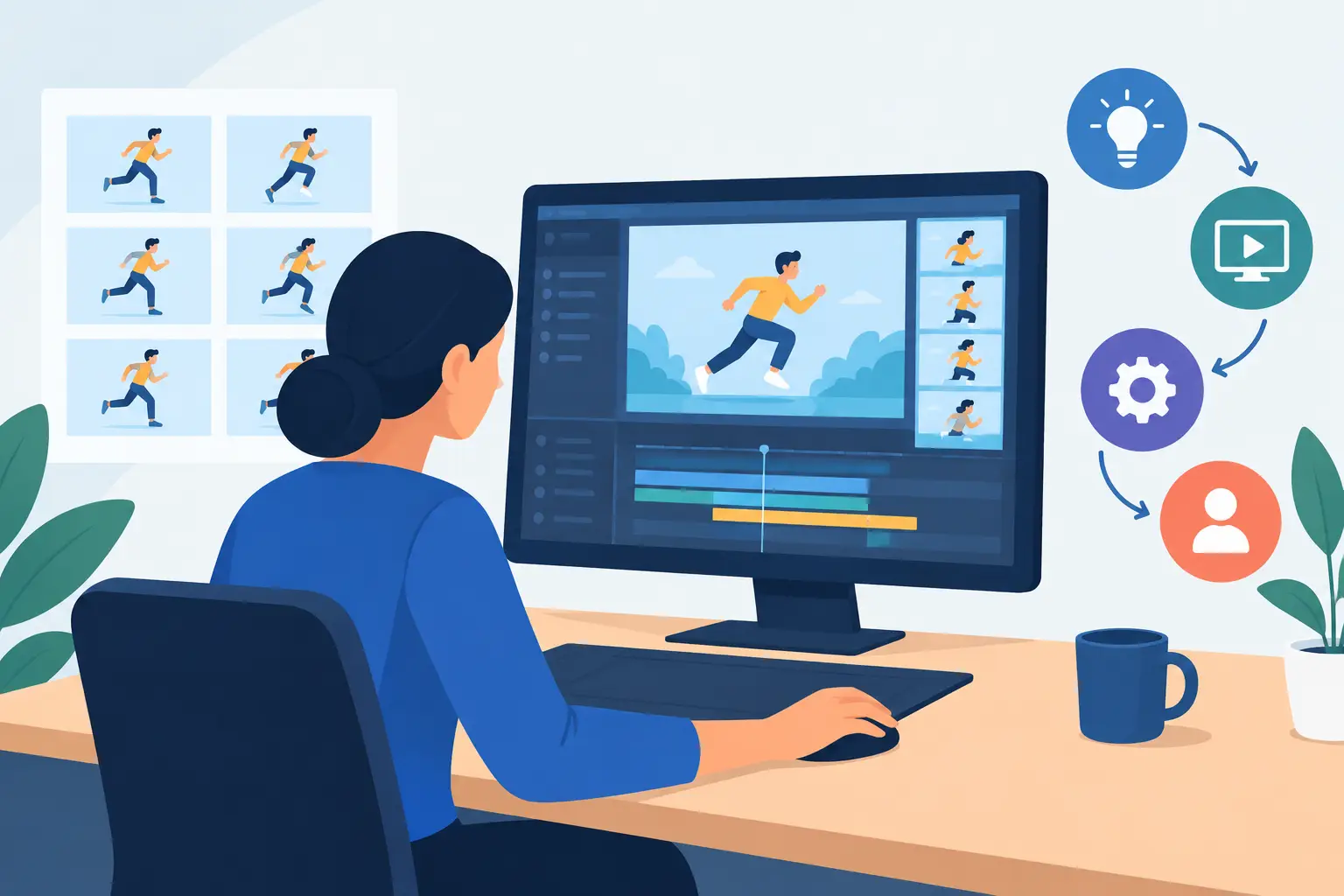
A walk cycle looks fine on paper until you play it. Then the contact hangs too long, the passing position snaps by too fast, and the whole shot feels heavier than it should. That is where frame playback timing tools stop being a convenience and start being part of real animation production. If you work frame by frame, timing decisions are not separate from drawing. They are the shot.
Traditional animators have always judged motion by seeing drawings run at speed, then making small exposure changes until the scene settles into the right rhythm. The problem with many digital programs is not that they let you change timing. It is that they make timing correction slow. You stop playback, open a panel, type numbers, close the panel, preview again, and repeat. That stop-adjust-preview cycle breaks concentration and turns a simple timing pass into a chore.
Why frame playback timing tools matter
Timing is where draftsmanship meets performance. A good drawing can still fail if it sits on screen for the wrong number of frames. A simple drawing can work beautifully if the timing supports the intent. That is true whether you are blocking rough animation for a student film or cleaning up a production scene for a client.
Frame playback timing tools matter because timing is easiest to judge while motion is actually happening. You can feel a drag, a pop, or a dead spot in real time much faster than you can diagnose it from a stack of exposure numbers. If the software lets you adjust timing during playback, you stay in the flow of the shot. You are reacting as an animator, not as a data entry clerk.
This is especially important in hand-drawn work, where spacing and exposure constantly influence each other. You may discover that the problem is not the inbetween drawing you thought was weak. The issue may be that the key held one frame too long. Or the opposite. A drawing you were ready to replace may work perfectly once the hold is shortened.
What good frame playback timing tools should actually do
The phrase sounds technical, but the standard is simple. Good tools should help you judge motion quickly and make corrections without leaving the scene.
At minimum, the software should let you play, scrub, and change frame exposure with very little friction. The more immediate the feedback, the better your decisions tend to be. Timing is not math first. It is perception first.
The strongest frame playback timing tools also support rough-animation thinking. You want to see where the scene drags, shift a hold, test the result, and keep going. If an app forces you into a detached panel-heavy workflow, it may still be feature-rich, but it is not helping where production time is actually lost.
There is a trade-off here. Some software offers deep timing controls through charts, dopesheet views, and layered editors. Those can be useful, especially on larger scenes. But if the simple act of changing a drawing from one frame to two frames takes too many clicks, the interface is working against the animator. The best setup balances control with immediacy.
Playback timing in real production work
Students often think timing tools are mainly for polishing. Professionals know better. Timing control affects almost every stage of a shot.
In rough animation, playback tells you whether the acting reads and whether the mechanics support the acting. A head turn may need more settle. A take may need a stronger pause before the snap. A character lifting a box may need extra frames at the strain point so the weight feels believable.
In clean-up, timing tools help confirm that the refined drawings did not accidentally change the feel of the shot. Cleanup can sharpen lines and improve structure, but if an exposure shifts or a held drawing now feels too crisp, the scene may lose the looseness that made the rough pass work.
In effects animation, timing is often the whole game. Smoke, fire, splashes, and magic effects can look beautifully drawn and still feel wrong if the frame distribution is off. Fast events need clarity without turning into noise. Slow events need variation without becoming mechanical.
Even camera-style moves can depend on timing judgment. A pan or zoom over animated artwork has to support the scene’s rhythm. If the camera move arrives too early or too late, it competes with the character action instead of reinforcing it.
The cost of clunky timing workflows
Many animators accept awkward timing correction because they assume that is just how digital animation works. It is not. It is a software design choice.
When timing changes interrupt playback, two things happen. First, iteration slows down. Instead of trying several options, you settle for the first acceptable one because testing alternatives takes too long. Second, your eye gets less reliable. Motion judgment depends on comparison. If you cannot quickly test one version against another, you are more likely to misread what the shot needs.
That cost adds up fast in a scene with multiple beats. A character sits, reacts, stands, and exits. None of those actions is hard by itself. But each one may need minor timing adjustment. If every change demands a separate mini-procedure, the shot becomes harder than it should be.
This is where purpose-built 2D animation software earns its keep. A general graphics app may let you animate. A modern motion app may offer endless controls. But if they do not support direct timing decisions in playback, they are missing a basic need of traditional production.
How better timing tools improve animation judgment
Good timing tools do more than save minutes. They help you learn faster.
For beginners, immediate playback adjustment builds understanding of classic principles. You start to recognize how one extra frame changes weight, how fewer frames sharpen an accent, and how holds can either stage an idea or kill momentum. Those lessons land much faster when you can test them directly.
For experienced animators, better tools support finer choices. You are not just fixing obvious errors. You are shaping performance. A two-frame hold versus a three-frame hold can change attitude. The delay before an eye dart can affect intent. The release after a squash can make the difference between soft and snappy.
That kind of judgment is hard to preserve if your software keeps pulling you out of the shot. The more natural the timing workflow, the more your craft stays at the center.
Choosing frame playback timing tools for a traditional workflow
If your goal is hand-drawn animation, choose software that respects how animators actually work. Natural drawing matters. Fast painting matters. But timing control during playback is one of the clearest signs that the software was built by people who understand production.
Look for a setup that lets you rough, test, and revise without breaking concentration. Make sure scrubbing is responsive. Make sure playback gives you a reliable read on rhythm. Most of all, make sure timing changes do not require you to leave the scene mentally every time you want to adjust an exposure.
Some artists need a broad studio pipeline. Others need a focused tool that gets drawings on screen quickly and lets them shape motion with less effort. It depends on the work. But if your day is built around frame-by-frame performance, timing should feel immediate, not administrative.
That is one reason many traditional animators prefer software designed around classic production methods. DigiCel FlipBook, for example, is known for allowing timing edits during playback instead of forcing a stop-and-check routine. That sounds like a small feature until you spend a week on a shot and realize how much energy it saves.
The real standard for timing tools
The best frame playback timing tools are not the ones with the longest feature list. They are the ones that help you see the problem, test the fix, and keep animating. In a craft built on motion, that directness matters.
If your current setup makes timing feel slower than drawing, the tool is getting in the way of the work. Choose one that lets you judge movement where movement lives – on the screen, in playback, while your eye is still fresh. That is how scenes get better without turning every revision into a reset.