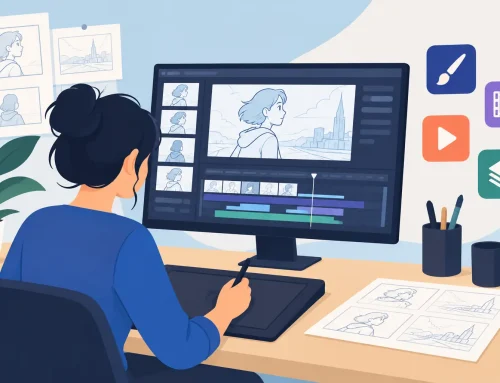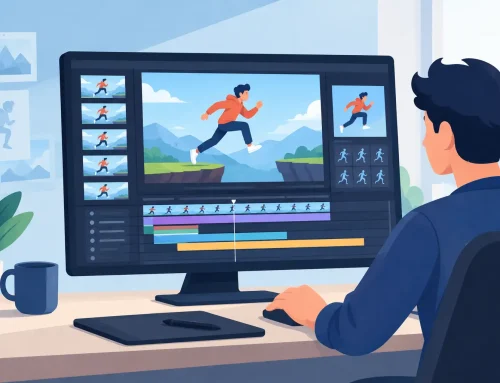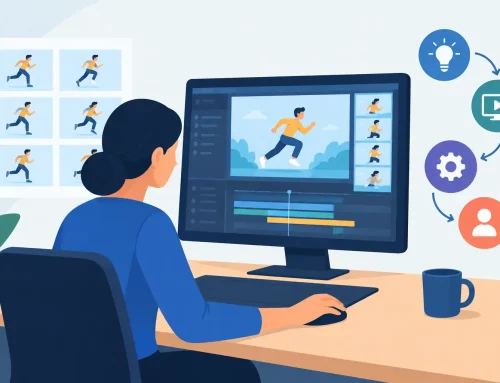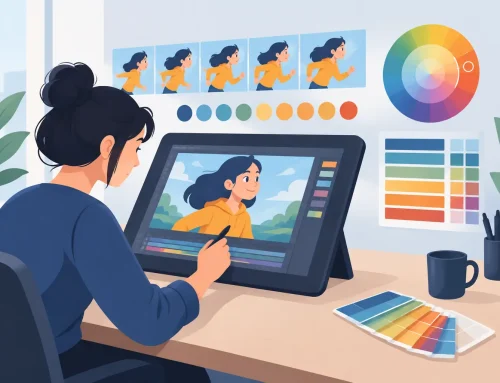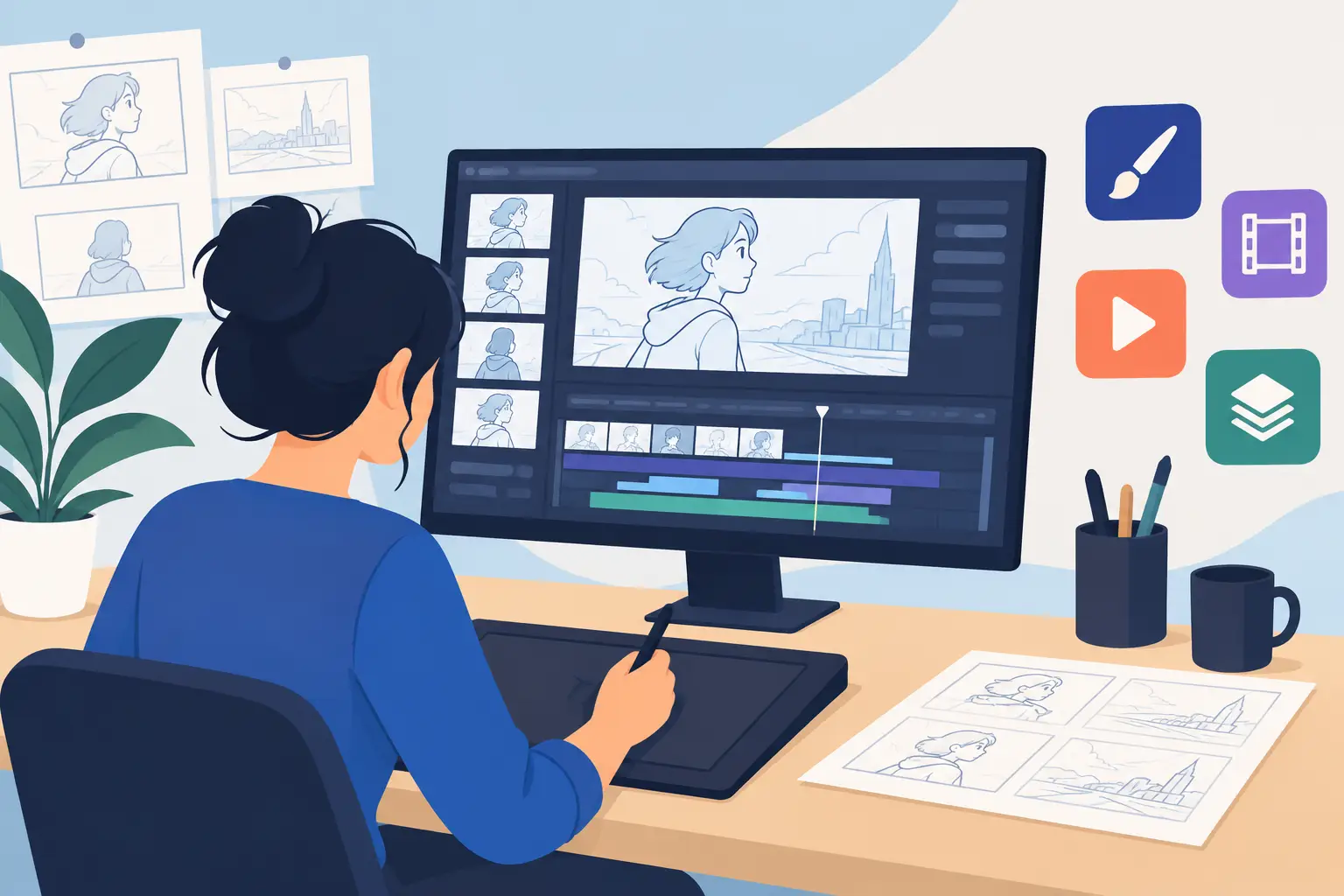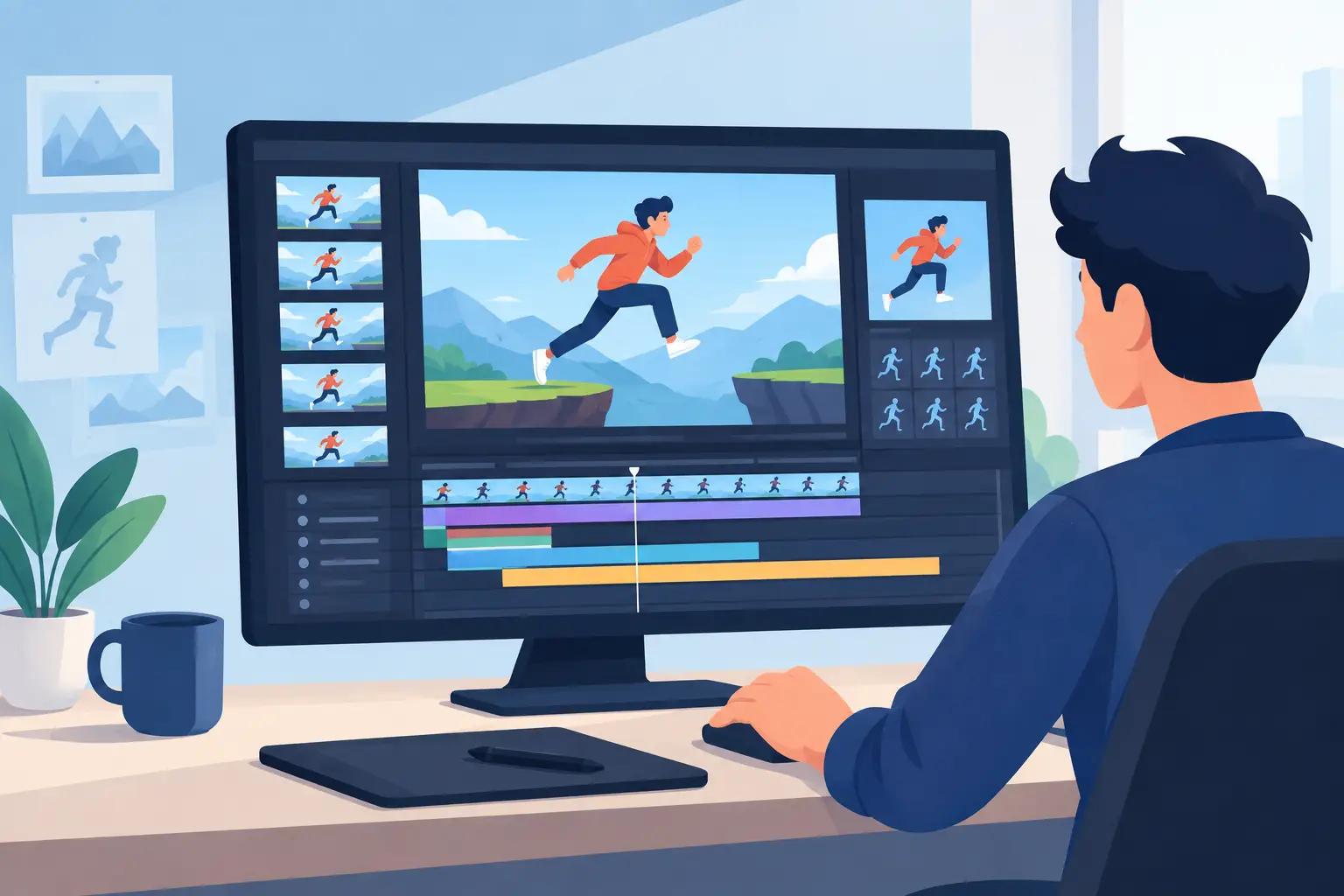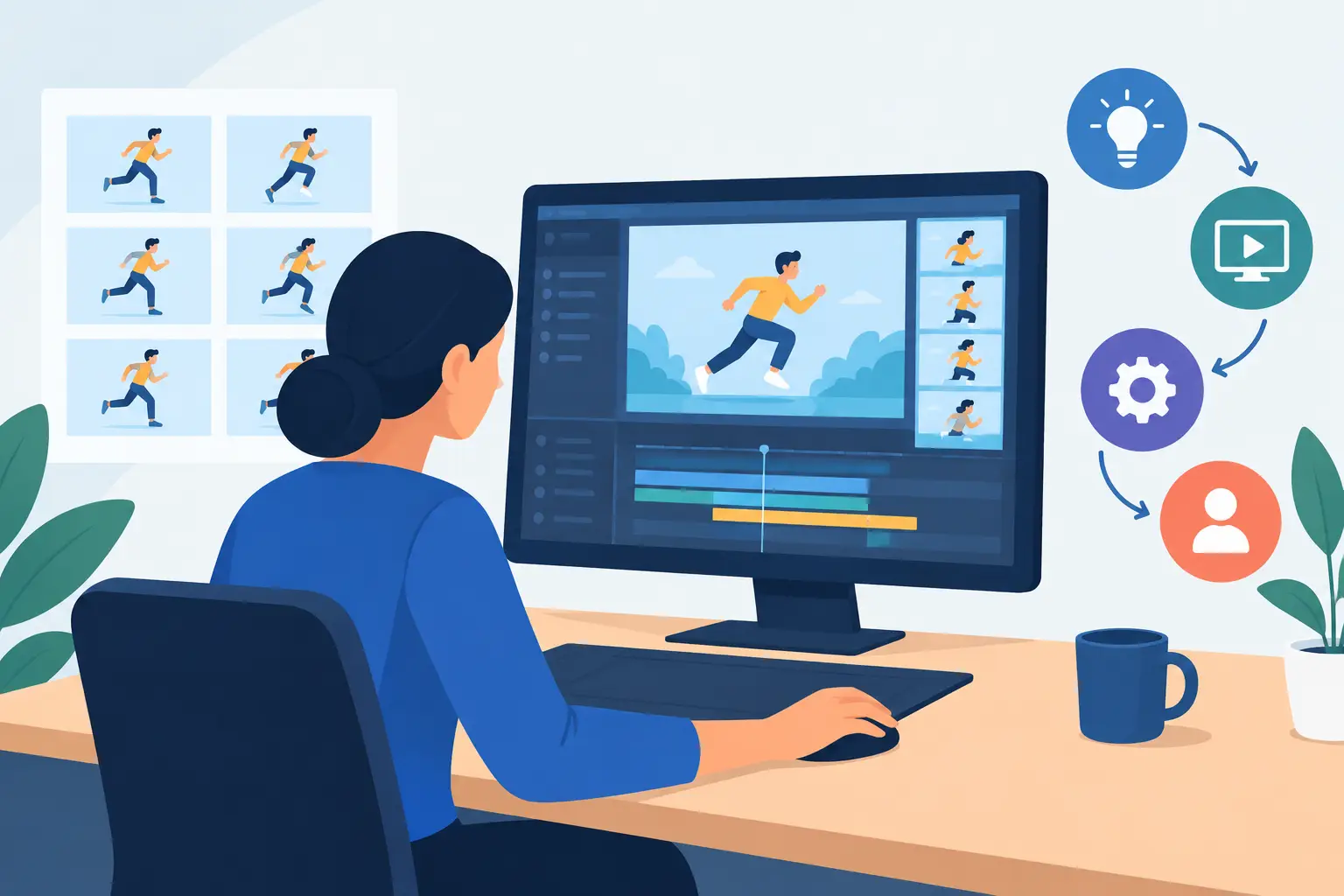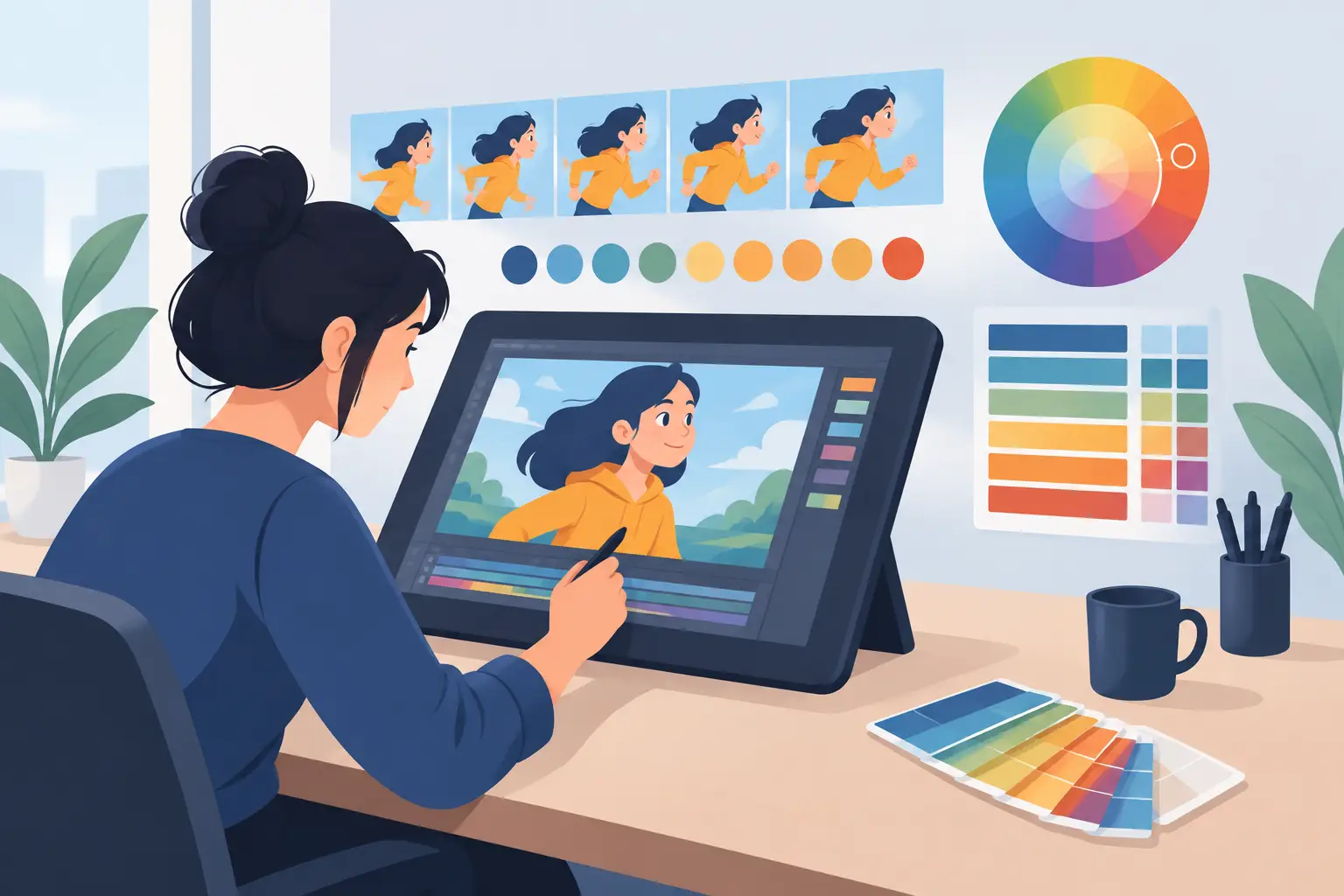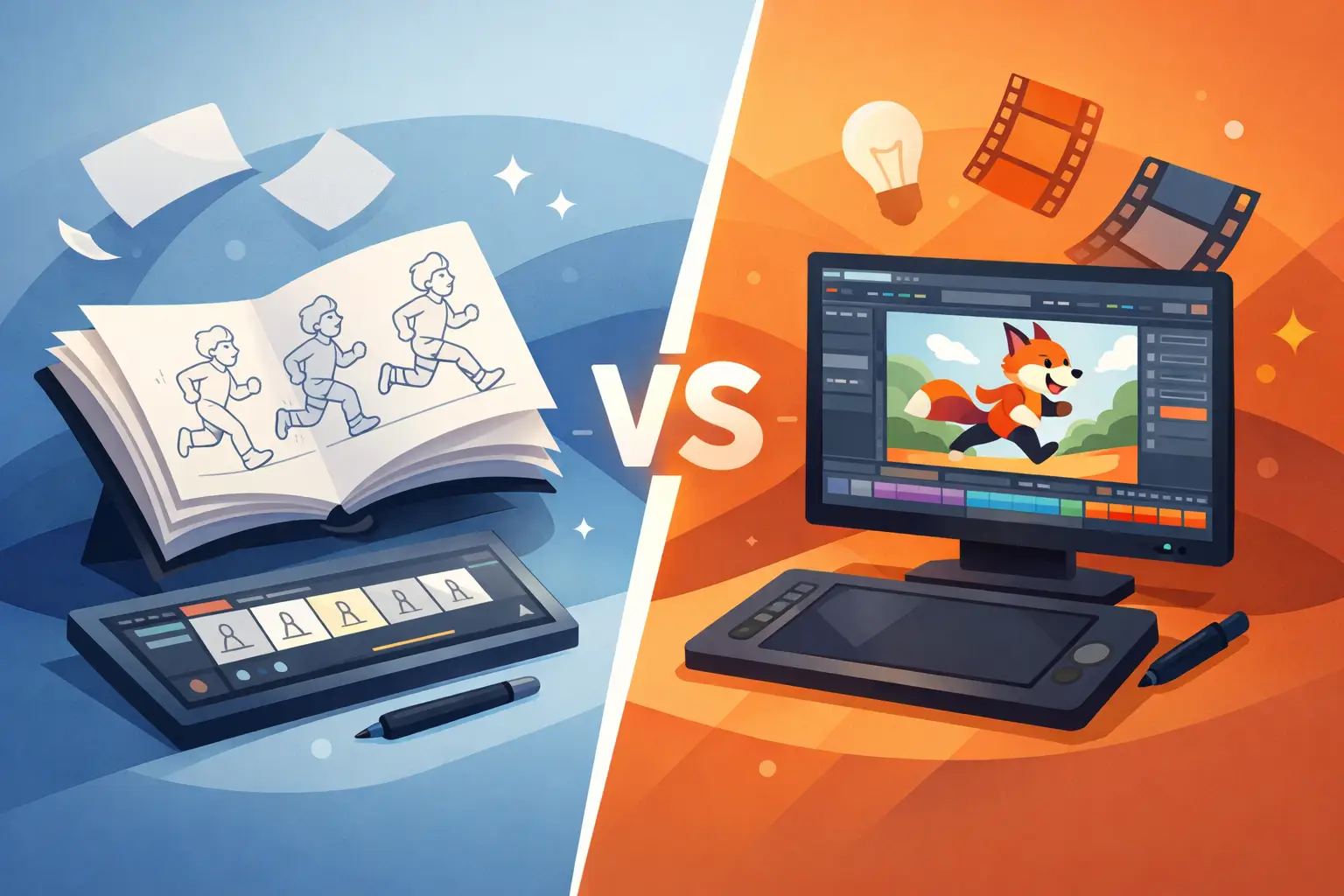
When animators compare FlipBook vs Toon Boom, the real question is not which package has the longer feature list. It is which one helps you draw, paint, and time animation with less friction. If your work is built around classical frame-by-frame production, the difference shows up fast in the feel of the drawing process, the speed of scene cleanup, and how easily you can fix timing without breaking your rhythm.
Some software is designed to manage a broad production pipeline. Some is built to make hand-drawn animation move better, faster, and more naturally. That distinction matters whether you are a student learning spacing, an independent filmmaker blocking out a short, or a studio artist trying to keep a scene alive through rough, cleanup, and paint.
FlipBook vs Toon Boom for traditional animation
Both FlipBook and Toon Boom are used for 2D animation, but they come from different priorities. Toon Boom has long been known as a large production platform with tools that can support rigged workflows, cutout animation, compositing, and studio-style pipeline control. For some teams, that breadth is useful. For many hand-drawn animators, it also means more interface, more setup, and more process between the drawing and the motion.
FlipBook takes the opposite approach. It is built around the way animators have worked for decades – roughing scenes, flipping drawings, cleaning them up, painting frames, and adjusting timing as the shot develops. Instead of asking the artist to adapt to the software, it keeps the software focused on the production steps that matter most in classical animation.
That does not mean one is universally better for every user. It means the better choice depends on what kind of animation you actually make.
Drawing feel matters more than marketing copy
A lot of software comparisons spend too much time on feature charts and not enough time on the basic test: does drawing in the program feel natural?
For traditional animators, that answer carries real weight. If the drawing experience feels stiff or overly technical, every stage slows down. Rough animation becomes harder to push. Cleanup becomes more tedious. Small timing corrections turn into stop-and-start labor.
FlipBook is especially strong here because it is built to support the habits animators already know. You can work in a direct, hand-drawn way without feeling like you are operating around the software. That is a meaningful difference for artists trained on paper animation methods or anyone trying to learn solid draftsmanship and timing instead of leaning on automated systems.
Toon Boom can certainly handle frame-by-frame drawing, and experienced users do strong work with it. But its broader toolkit can also make the environment feel less focused if your main goal is classical drawn animation. If you are paying for power you rarely use, that is not efficiency. It is overhead.
For students and educators
This is where workflow philosophy becomes practical. Students need to learn timing, spacing, arcs, and performance. Educators need software that supports those lessons cleanly. A simpler, production-minded drawing environment often teaches better than one crowded with options aimed at multiple animation styles.
If the goal is to understand how animation works one drawing at a time, FlipBook aligns more closely with that discipline.
Painting speed can make or break production
Hand-drawn animation is not just drawing. It is also the long middle stretch where scenes need to be finished. That is where many artists lose time.
Painting is a major point of separation in the FlipBook vs Toon Boom discussion. FlipBook has a reputation for unusually fast painting tools, and that matters because painting is one of the easiest places for digital workflow to become tedious. When the software lets you color frames quickly and reliably, production keeps moving. When painting turns into a series of technical corrections, speed disappears.
For independent creators and small studios, that time difference adds up across every shot. A few seconds saved per frame can become hours saved across a sequence. For students, faster painting means more time studying animation and less time fighting the tool.
Toon Boom offers painting and finishing tools as part of its larger system, but not every toolset feels equally streamlined for artists who simply want to complete hand-drawn scenes efficiently. If your priority is getting color onto drawings with less effort, a focused application has a real advantage.
Timing control is where workflows separate
Most animators can tolerate a busy interface if the playback and timing tools are strong. They usually cannot tolerate a slow timing workflow for long.
This is one of the clearest reasons some artists prefer FlipBook. Its real-time timing adjustment is built for animation production, not just playback review. You can make timing changes while the scene plays instead of stopping, adjusting, previewing, and repeating the cycle over and over. That sounds like a small technical detail until you use it on a scene with dialogue, overlapping action, or performance beats that need to be tuned by feel.
Traditional animation depends on timing decisions that are often discovered in motion. You do not always know the right hold, spacing shift, or accent frame until the shot runs. A workflow that lets you react immediately keeps your creative judgment engaged.
With larger, more layered systems, timing adjustments can become more procedural. That is not always a problem for complex pipeline work, but it can interrupt the flow of frame-by-frame scene polishing. If your priority is responsive timing control, this category deserves more attention than a feature comparison usually gives it.
Why this matters in real production
Animators rarely finish a scene in one pass. They refine. They test. They tighten. A tool that reduces the stop-adjust-preview loop helps scenes improve faster because the animator spends more time judging motion and less time managing the interface.
That is not a flashy benefit. It is a production benefit. And production benefits are what keep schedules under control.
Which one is better for different kinds of users?
If you are building a studio pipeline that combines cutout systems, rigged characters, compositing layers, and team-wide production structures, Toon Boom may make sense. Its broader ecosystem can support that kind of operation.
If you are an animator whose work lives in rough animation, cleanup, painted frames, and shot timing, FlipBook is often the more natural fit. It is especially well suited to artists who want digital speed without giving up the logic of classical animation.
That includes aspiring animators who need to learn core skills the right way, professionals who want less friction in hand-drawn scenes, educators teaching frame-by-frame principles, and small studios that do not want their software fighting the process.
The deciding factor is not your title. It is your workflow. A student can need a professional timing tool. A studio can prefer a simpler app because it gets scenes finished faster. The better question is always this: what gets your drawings on screen with the least resistance?
Cost, complexity, and time to proficiency
Software cost is not just the purchase price. It is also the time required to become fast.
A larger application may justify its complexity if you use its full range of capabilities. But if you mostly animate by drawing every frame, extra depth can become wasted training time. Artists should be careful not to confuse software complexity with professional value. Professional value comes from results.
A focused tool often gets artists productive sooner because the software is organized around the actual job. That makes it easier to teach, easier to adopt, and easier to keep using under deadline pressure. It also tends to reduce the kind of frustration that causes beginners to second-guess the craft when the real problem is the interface.
That is one reason many animators still prefer software built around traditional methods. It respects how animation is made.
The practical verdict on FlipBook vs Toon Boom
If your animation pipeline depends on rigged systems and broad studio infrastructure, Toon Boom may be the better match. If your work depends on natural drawing, faster painting, and immediate timing control in a classical frame-by-frame workflow, FlipBook has the stronger argument.
This is not about nostalgia. It is about efficiency in the hands of an animator. The best software is the one that helps you make better scenes with less effort, while keeping your attention on motion, performance, and draftsmanship instead of software management.
For artists who care about the craft of drawn animation, that difference is easy to feel once you start working. If you want software that respects traditional production methods while giving you digital speed, try the tool that is built for that job and judge it where it counts – on the scene itself.