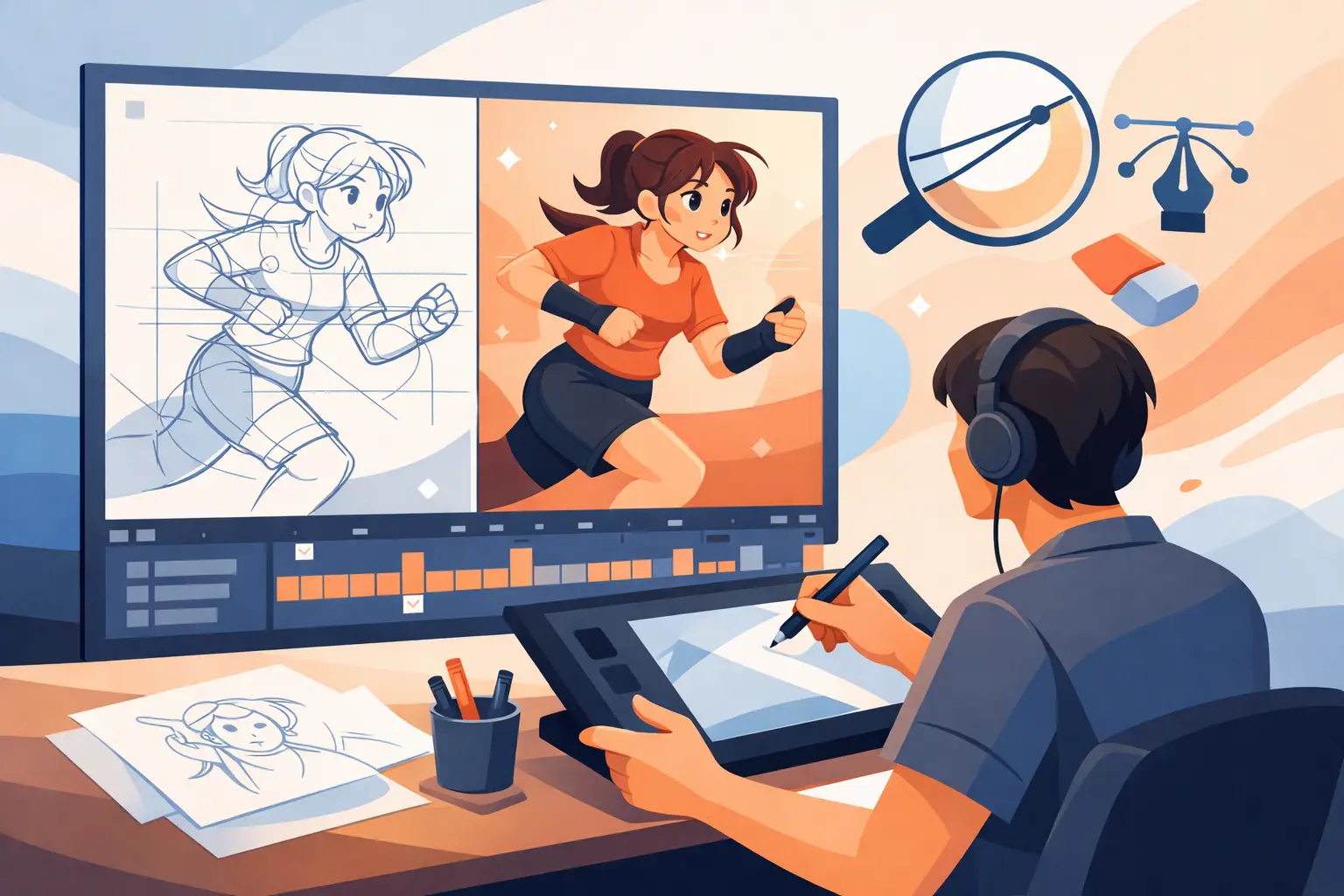
A good cleanup drawing can make a rough scene feel expensive. A bad one can flatten a lively performance, shift a character off-model, or add a wobble that was never in the animation. This guide to animation cleanup focuses on the real production job: preserving the animator’s intent while making every drawing clear enough to paint, composite, and put on screen.
Cleanup is not decorative tracing. It is a disciplined drawing pass that solves specific problems without replacing the rough animator’s decisions. The clean line must carry the same action, weight, expression, and timing that made the rough work.
What Animation Cleanup Is Responsible For
The cleanup artist takes rough animation and turns it into consistent production-ready drawings. That means establishing clean line quality, correcting accidental construction errors, holding character proportions, and making sure each drawing works with the frames before and after it.
The key distinction is between correcting and redesigning. A rough may have loose lines, incomplete hands, or a head shape that needs clarification. Those are cleanup problems. But if the rough has a strong lean, an odd expression, or an asymmetrical pose that serves the acting, cleaning it into a generic model-sheet pose is a mistake.
A useful rule is simple: preserve what the audience is supposed to feel; remove what the audience is not supposed to notice. The rough animator owns the performance. Cleanup makes that performance readable.
Start With the Scene, Not the First Drawing
Before you clean a line, play the whole shot. Watch it at normal speed, then scrub through the poses. Identify the storytelling beat, the major extremes, the keys that define the acting, and any places where the character changes direction or volume.
A drawing can look excellent when paused and still fail in motion. For example, a perfectly neat head rotation may pop if the muzzle, eye line, or far cheek changes too abruptly between drawings. Looking at the scene first tells you where consistency matters most.
Check the exposure and timing as well. If a drawing is held for two frames, its line quality and silhouette have more screen time. If an inbetween flashes by for one frame, it still needs to support the action, but it may not require the same level of detail. Cleanup should follow the needs of the shot, not apply the same effort blindly to every frame.
Build a clear cleanup plan
Mark the drawings that need special attention before beginning: key poses, extremes, contact drawings, turns, lip-sync accents, and any frame that will be reused as a hold. Decide which construction lines will guide the scene, such as the center line of the face, shoulder angle, hip tilt, or a prop’s perspective.
For a longer scene, clean the strongest key drawings first. Those keys set the standard for the inbetweens. Cleaning in numerical order can be practical, but it can also leave you solving model problems repeatedly when the most important drawings have not yet been established.
Use a Line That Serves the Character
Line quality is part of the design. A delicate character may need a fine, controlled contour; a broad comic character may need a heavier, more decisive line. What matters is consistency inside the shot and across the production.
Avoid the temptation to make every contour equally smooth and equally thick. Traditional animation drawings have rhythm. A line can taper through a cheek, firm up along a jaw, or simplify across a fast-moving arm. The goal is not mechanical perfection. The goal is a drawing that reads immediately and feels intentional.
Keep the brush or pencil setting stable while you clean a scene. If the tool changes from drawing to drawing, the character may look as though multiple artists worked on the same shot. Use a line that lets you draw confidently without forcing you to slow down and correct every stroke.
Digital tools should support that direct hand-drawn approach. In DigiCel FlipBook, artists can work from roughs to cleanups and play the scene as they draw, which helps reveal whether a clean contour actually improves the motion rather than merely looking tidy in a single frame.
Hold Volume Through Motion
Most cleanup trouble appears in movement, especially turns. A head may grow wider as it rotates, a torso may shorten between keys, or hands may change scale because the cleanup artist followed the rough lines rather than the underlying form.
Use construction to keep the character solid. Center lines, eye lines, shoulder and hip angles, and simple volume guides are not signs that a drawing is unfinished. They are the information that keeps a scene from drifting. Even when the final line is clean and economical, the structure behind it should be sound.
Compare drawings in sequence. Flip between adjacent frames, then compare the first and last drawing of a motion. Watch for gradual creep. A small proportional change can be acceptable when the character is turning or squashing, but accidental changes compound quickly across a scene.
There is a trade-off here. Overcorrecting volume can make animation stiff. Characters are allowed to stretch, compress, and cheat perspective for clarity. The question is whether the change supports the action. If it does, preserve it. If it is only a byproduct of loose rough drawing, correct it.
Clean the Silhouette Before the Interior Detail
When a shot plays, the audience reads the silhouette before it reads eyelashes, wrinkles, or costume seams. Start by making the outer contour clear. Check that arms separate from the torso when they need to, that the posing hand is readable, and that props do not merge into the body in a confusing way.
Then address the interior lines. Facial features deserve special care because a tiny shift in pupils, brows, or mouth corners can change the acting. Keep feature placement tied to the head’s construction, not to the edges of the paper or screen. During a turn, the features must travel over the form.
Simplify detail in fast action. A complicated costume pattern or a fully rendered hand may be correct on a held key, yet become visual noise during a quick move. Production cleanup is selective. It gives the viewer the information needed to read the action at speed.
Check Arcs, Overlap, and Registration
A clean line can still produce bad motion if its path is wrong. Trace the travel of hands, feet, heads, and props through the scene. The path may be an arc, a straight drive, or an intentional irregular move, but it should be a choice.
Overlap needs the same attention. Hair, clothing, ears, tails, and loose accessories should not move as rigid extensions of the body unless the design calls for it. Their delayed action often sells the weight and direction of the movement. Cleanup should clarify that relationship, not erase it by making every element align too neatly.
Registration is equally practical. Keep feet planted during contacts, maintain prop placement in a hand, and watch scene elements that must line up from frame to frame. A small registration error can look like a vibration on screen. Test these moments at playback speed rather than trusting a static comparison.
Use Playback as a Cleanup Tool
The most efficient cleanup habit is frequent playback. Do not wait until the scene is fully cleaned to see whether it works. Play short sections after completing keys, after a difficult turn, and after any correction that affects several drawings.
Watch once for acting, once for volume, and once for unwanted jitter. These are different passes. Trying to judge everything at the same time makes it easy to miss the actual problem. If timing feels wrong, look at the exposure before redrawing. A timing issue can masquerade as a drawing issue, and redrawing will not fix it.
This is where real-time timing control is especially useful. Being able to adjust and preview timing during playback keeps the artist focused on the scene instead of repeating a stop-adjust-preview cycle. The result is faster decisions and fewer unnecessary cleanup revisions.
Prepare Drawings for Paint and Final Review
Before a scene moves to paint, inspect closed shapes, line gaps, stray marks, and areas where overlapping lines could create filling problems. Keep line intersections deliberate. A tiny opening in a contour may be invisible to the cleanup artist but costly to the painter who must repair it across multiple frames.
Do a final review at the intended viewing size. Zoomed-in drawing is necessary for craft, but it can encourage fussy corrections the audience will never see. At full size, ask whether the pose reads, the character stays on-model, and the action remains alive.
The best cleanup is nearly invisible. Viewers should not notice the line discipline, the construction decisions, or the corrections behind the scene. They should notice a character thinking, moving, reacting, and coming alive. Keep that standard in front of you, and every clean drawing will serve the animation rather than compete with it.