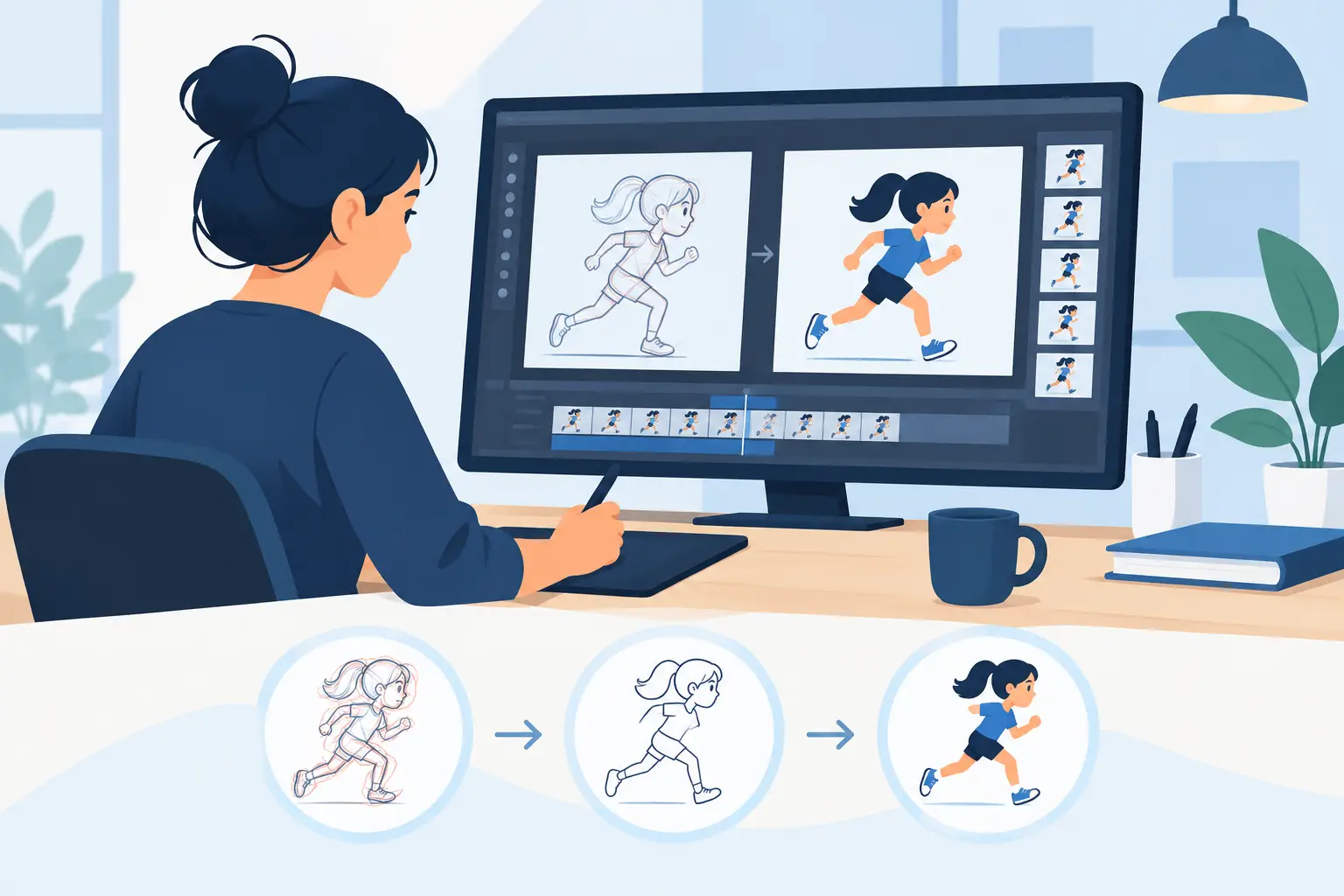
A clean up workflow is where a promising rough scene either becomes animation worth watching or gets buried under needless revision. The job is not to trace every sketch with sterile precision. It is to preserve the acting, spacing, and energy that made the rough work, then make every drawing clear enough to paint, composite, and show on screen.
For traditional 2D animation, clean-up is a production pass with real consequences. A bad line choice can flatten a pose. An inconsistent volume can make a character wobble. A polished drawing on the wrong frame can hurt the timing more than a loose rough ever could. The fastest workflow is not the one with the fewest clicks. It is the one that keeps drawing decisions, timing decisions, and painting decisions connected.
Build a Clean Up Workflow Around the Scene
Do not begin by treating every frame as an isolated illustration. Watch the rough scene through first. Scrub it, play it at speed, and identify the key poses, breakdowns, holds, and actions that actually carry the shot. This gives you a map of what must stay intact when the rough lines disappear.
Look for the things viewers feel before they consciously notice draftsmanship: a head snap, a delayed hand, a compressed anticipation, a held expression before a reaction. Those are often the first things lost when an animator starts concentrating only on clean contours. If a rough drawing has the right force but an awkward construction line, keep the force and repair the construction.
Set a clear line standard before you clean the first drawing. Decide what belongs in the final line, what can remain implied, and where line weight will help separate forms. A simple character may need a very economical treatment. A more detailed design may require clear overlap lines, clothing folds, and consistent features. The right answer depends on the production style, but changing the standard halfway through a scene creates expensive fixes later.
Work in passes when the shot is complex. First establish the main body construction and proportions across the scene. Then resolve heads, hands, costume details, and facial features. This prevents the classic problem of beautifully finished eyes and fingers attached to a body that shifts size from frame to frame.
Clean the keys before chasing every inbetween
Start with the strongest storytelling drawings: keys, extremes, and major breakdowns. Put them on screen in sequence and test the action before committing to the whole scene. If the keys do not read, cleaning more inbetweens only makes the wrong motion more expensive.
This is especially useful on dialogue and acting shots. A clean mouth shape may be technically correct, but the shot will still fail if the head angle, eye direction, or held pose weakens the thought behind the line. Clean the pose that sells the idea first. Then build the connecting drawings around it.
For action scenes, check arcs and spacing as soon as the important drawings are cleaned. A hand, prop, or head moving through a clean sequence should describe a deliberate path. Do not assume the rough arc survived because each individual drawing looks good. Play the scene repeatedly. Motion exposes inconsistencies that are easy to miss while flipping between two frames.
Use Registration and Construction to Keep Drawings Solid
Clean-up should make the scene more stable, not merely more finished. Keep the rough drawing visible enough to retain the animator’s intent, but rely on construction rather than blindly following every line. Center lines, eye lines, shoulder angles, and volume guides are not clutter. They are the information that keeps a character built the same way from one drawing to the next.
Pay close attention to areas that drift easily: head size, jaw shape, shoulder width, hand scale, and the distance between facial features. On a turn or a tilt, compare the character against nearby drawings instead of trusting your memory. Consistency is not about making every frame identical. It is about making each change feel intentional and dimensional.
Line economy matters here. When two forms overlap, show the relationship clearly. When a line adds no information, remove it. Traditional animation reads quickly, and a screen full of unnecessary interior lines can make the action harder to follow. Clean lines should explain form, not decorate it.
There is a trade-off. Extremely smooth, uniform lines can look polished but may erase the liveliness of a hand-drawn performance. Leaving every rough wobble can preserve energy but makes the work look unfinished. The useful middle ground is controlled variation: clean the structure, preserve the gesture, and let the line retain enough character to feel drawn rather than manufactured.
Keep Timing Visible During Clean-Up
Timing is not a final-stage adjustment. It is part of clean-up because every new drawing changes what the audience sees and when they see it. A hold may need one clean drawing repeated for emphasis. A fast action may need fewer drawings than the rough pass suggests. An expression change may need an extra inbetween to avoid popping.
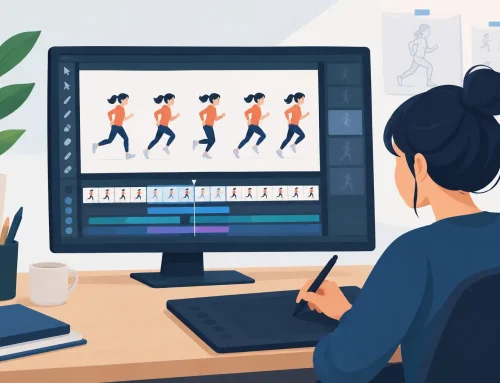
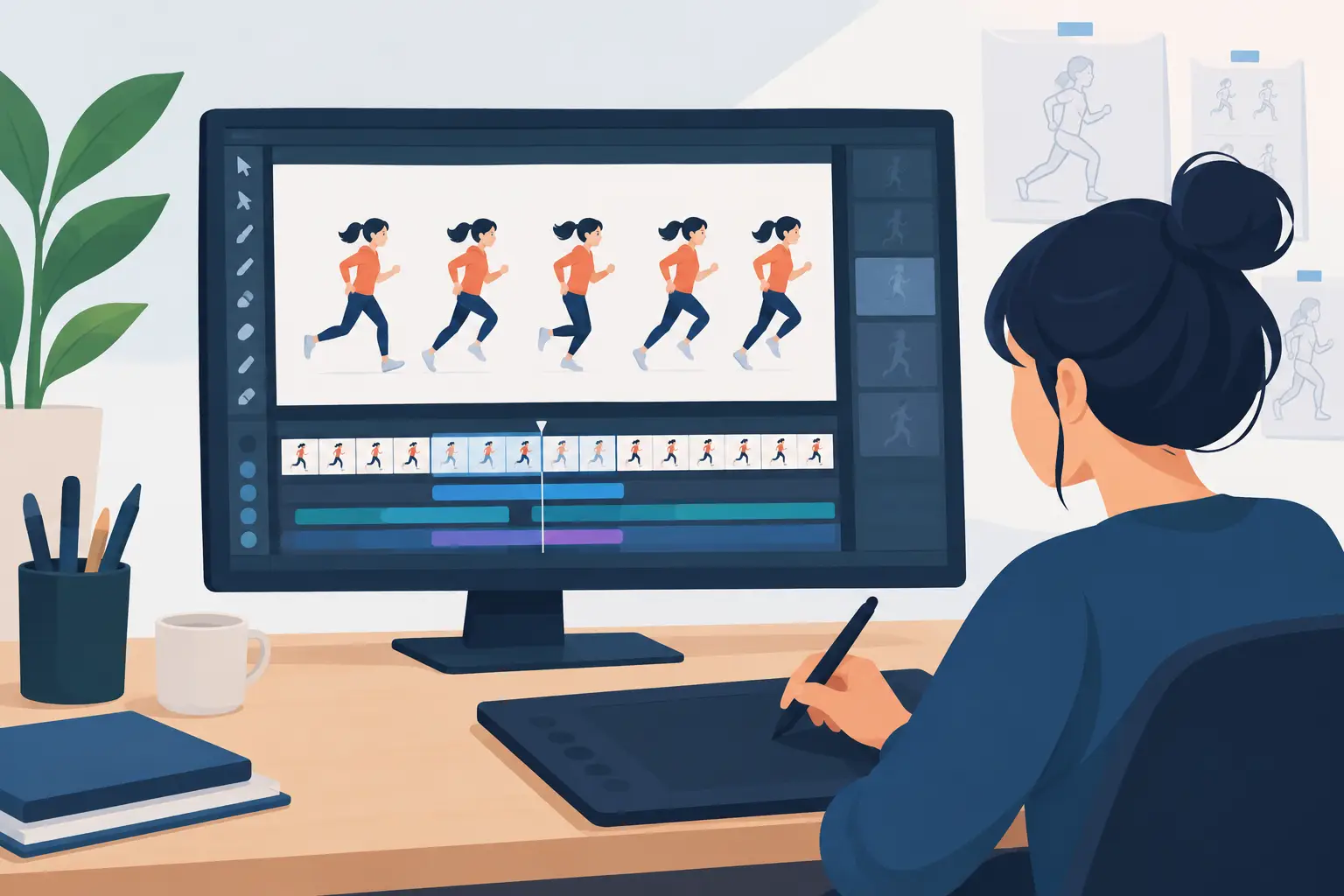
The old stop-adjust-preview routine breaks concentration. You should be able to play and scrub your scene while making timing choices, then see the result immediately. That is where FlipBook earns its place in a traditional workflow: its real-time timing editing lets you adjust exposure while watching the scene, without stepping away from the animation to manage a separate timeline process.
Use this control to test practical questions. Does the anticipation hold long enough to be understood? Does the action leave too quickly? Is the settle too even? Is a clean drawing being exposed one frame too long, making the character appear to freeze? The answer is almost never found by looking at a single frame.
Do not clean on ones automatically. Some movement needs it, especially quick turns, fluid effects, or subtle facial shifts. Other movement benefits from twos, threes, or a held drawing. The exposure pattern should serve the action. Drawing more frames than necessary costs time in clean-up and paint, and it can make a strong graphic action feel weak.
Paint Only After the Line and Timing Are Proven
Color work goes faster when the clean-up pass is genuinely ready. If you begin painting while drawings and timing are still moving around, every revision creates extra labor. Finish enough of the line test to know that the scene holds together, then move into paint with confidence.
Prepare colors by character and by scene so the same local color stays consistent from frame to frame. More importantly, make sure boundaries are clean and readable. Tiny gaps, accidental overlaps, and unclear enclosed areas slow painting and invite errors. A clean-up line is not only for the viewer. It is also the map the painter uses to work quickly.
Check painted frames in motion early, not only after the full scene is complete. A color boundary that looks fine on a single frame can flicker during playback. The same is true for small details such as pupils, highlights, and costume marks. If they are meant to move, animate them deliberately. If they are meant to stay stable, make their placement stable.
Efficient paint tools matter because painting is repetitive by nature. But no tool can rescue an unclear clean-up pass. Good production practice is still the best speed feature: clear lines, settled timing, organized colors, and a scene that has been tested before the final polish.
Review the Scene Like an Animator, Not an Illustrator
Before calling a shot done, watch it at normal speed, then watch it again without staring at the drawing quality. Follow the action. Read the performance. Notice where your eye goes. If the scene feels slow, unstable, or confusing, the problem may be timing, spacing, or staging rather than a line that needs more polish.
Then inspect the practical details: line consistency, volume, registration, color fills, exposed rough layers, and accidental frame changes. A short review at this stage is far less painful than discovering a mistake after multiple scenes have been painted and assembled.
The strongest clean-up does not announce itself. The audience sees a character think, move, react, and come alive. Keep your workflow focused on that result. When every line supports the performance and every timing choice remains easy to test, clean-up stops being a bottleneck and becomes one of the most satisfying parts of traditional animation.