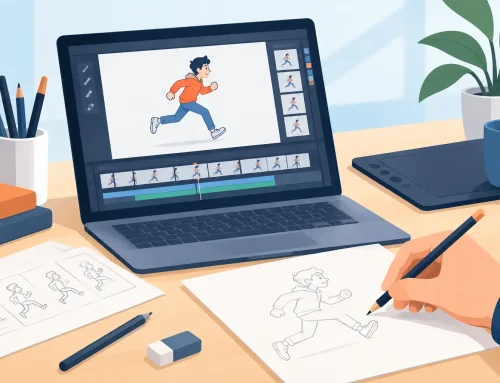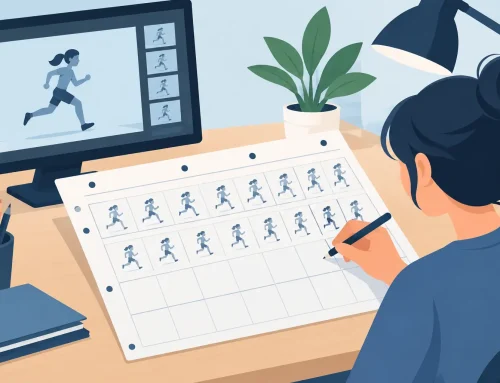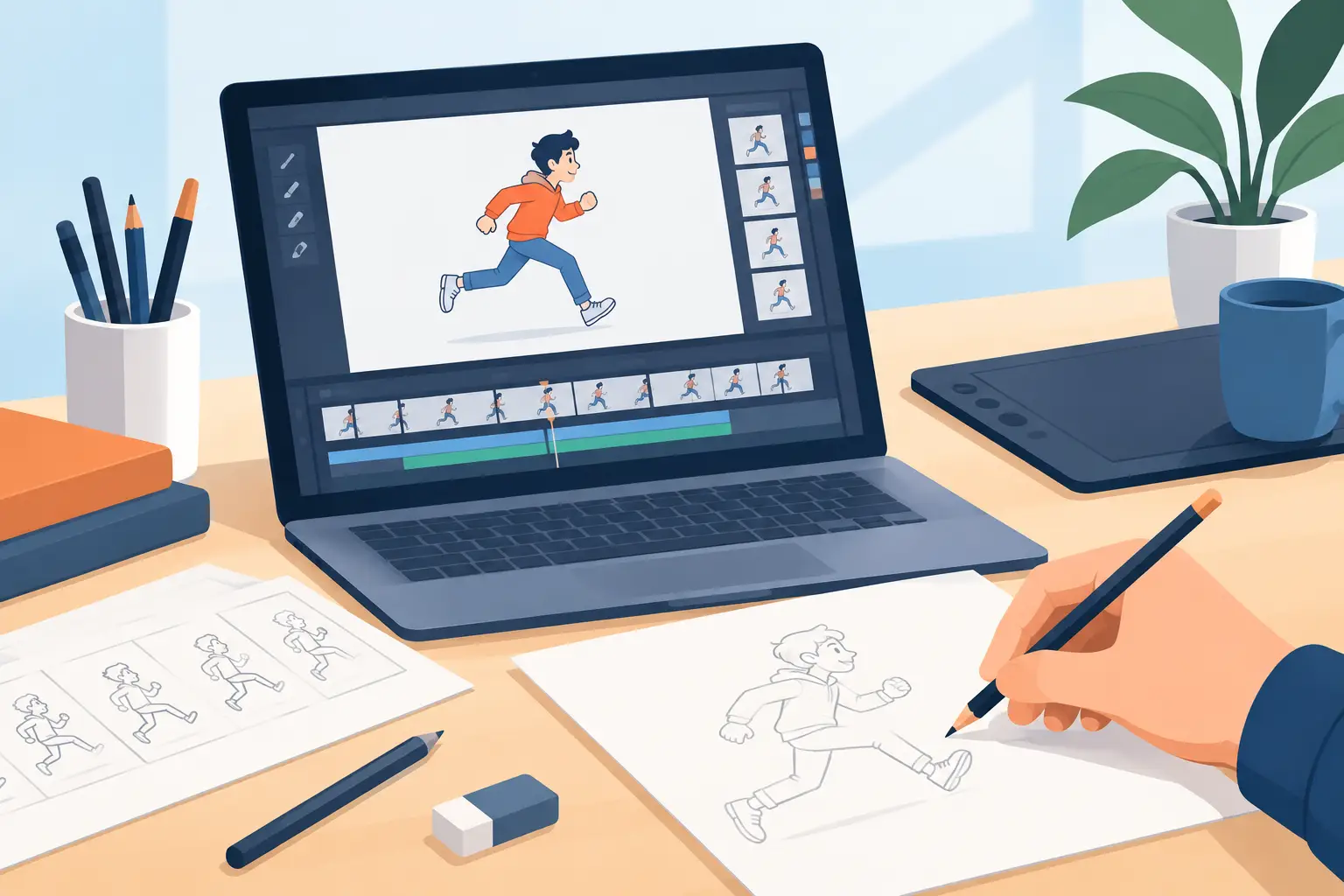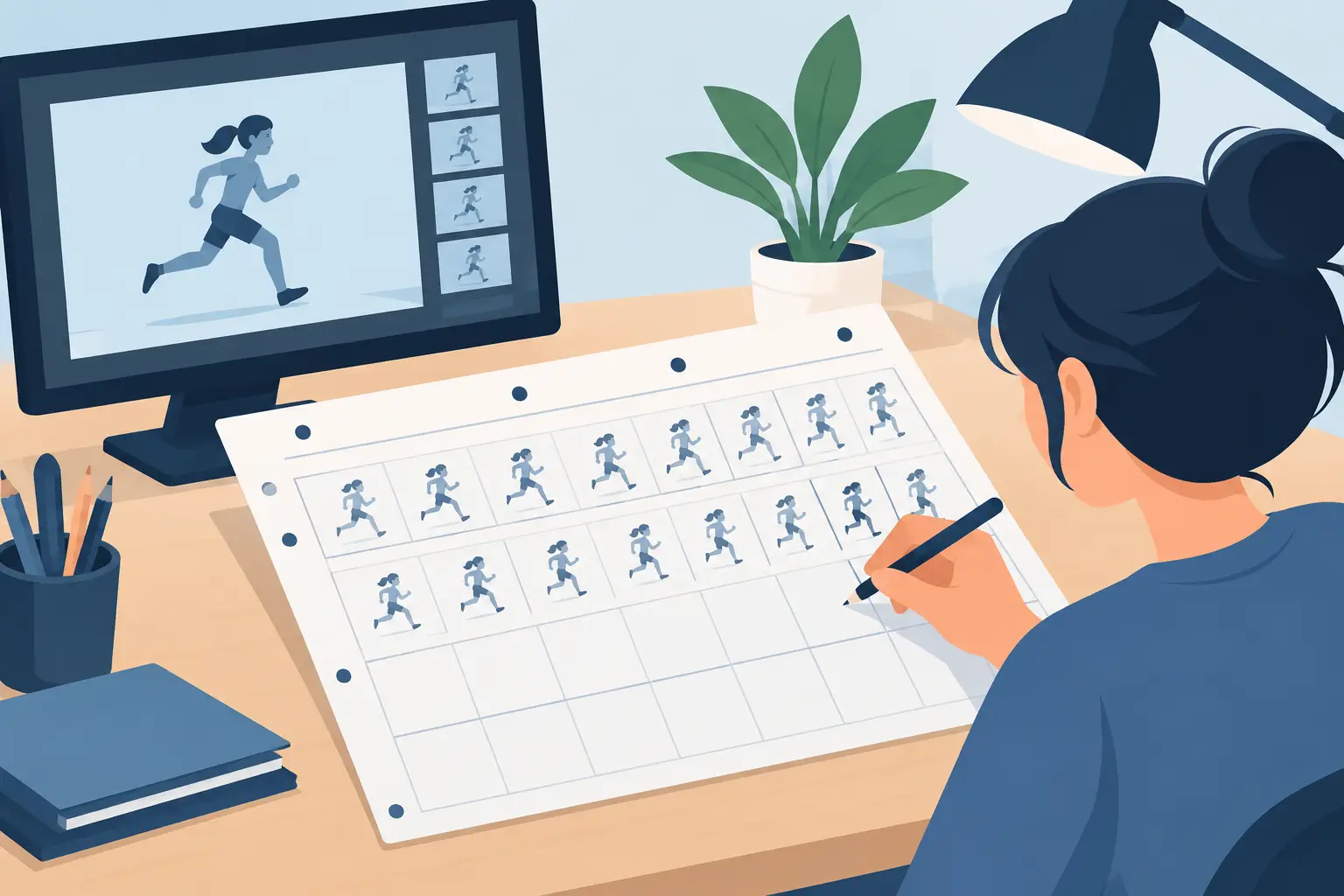
A rough can be full of life: searching lines, construction marks, quick corrections, and an expression that only exists for a few frames. Cleanup has one job above all others: preserve that life while making the drawing clear enough to paint, shoot, and hold together on screen. This 2D cleanup process guide focuses on the decisions that separate clean linework from merely traced linework.
Start With a Rough That Can Be Cleaned
Cleanup cannot repair a scene whose action, spacing, and drawing structure are still uncertain. Before you commit to final lines, play the rough at the intended speed. Watch the action, not individual drawings. Does the character read in silhouette? Do the major poses land? Is the overlap working? Are the holds long enough to register?
Make timing changes at the rough stage whenever possible. A technically beautiful cleanup of poorly timed drawings is still a poorly timed scene. Traditional animation is built on clear planning: keys establish the idea, breakdowns explain the path, and inbetweens control the movement. Cleanup should clarify that plan, not become a second round of rough animation.
This does not mean every rough must look polished. It means the animator and cleanup artist need enough information to identify the intended volume, line of action, perspective, and relationship between parts. If a hand is a vague circle in one frame and a finished hand in the next, stop and resolve the design before cleaning the shot.
Set the Cleanup Rules Before Drawing
A production stays consistent because artists agree on what a finished drawing means. Establish the line weight, shape language, level of detail, and construction approach before you clean a full scene. One character may call for a lively, slightly variable line. Another may need a controlled, even contour. Neither choice is automatically better. The right choice supports the design and remains practical across hundreds of drawings.
Study the model from the rough animation, not only from a static character sheet. A rotation or expression sheet tells you what the character looks like. The rough tells you how that character is being performed in this shot. Pay close attention to recurring landmarks: eye line, center line, shoulder angle, hip tilt, hand size, and the distance between features. These are the places where small drift becomes obvious in motion.
Use a clean layer above the rough and lower the rough opacity enough that it guides rather than competes. Keep the rough available. Turning it off too early encourages generic tracing and can cause you to lose the gesture that made the drawing work.
Choose a line that serves the motion
Avoid the temptation to redraw every contour with slow, cautious strokes. A hesitant cleanup line often looks stiffer than the rough beneath it. Make a deliberate stroke, assess it in playback, and redraw only when needed. In animation, a line is judged by how it moves from drawing to drawing, not by how perfect it appears when enlarged on one frame.
For a fast action, simplify secondary forms so the audience reads the primary action first. For a close-up or held pose, give the face, hands, and silhouette more attention. Cleanup is selective emphasis. It depends on camera distance, shot length, and the purpose of the scene.
The 2D Cleanup Process, Drawing by Drawing
Begin with the biggest information in each drawing: the line of action, head and torso masses, and the outer silhouette. Check that the cleaned silhouette says the same thing as the rough. If the rough shows a character leaning forward with confidence, but the clean drawing straightens the spine and centers the weight, the performance has changed.
Next, establish the internal structure. Place the center line and eye line on the head, connect the limbs convincingly to the torso, and check the perspective of major forms. This is where cleanup artists protect volume. A character does not need to be rendered like a 3D model, but the forms must feel related from one drawing to the next.
Then refine features and overlaps. Use overlap to show what sits in front: fingers wrapping around an object, a cheek turning past the nose, hair crossing the forehead, or a sleeve covering part of the wrist. Do not add lines simply because they existed in the rough. Remove construction lines and incidental detail that do not improve the read.
Finally, inspect the drawing at normal viewing size. Zooming in is useful for controlling a curve, but it can make artists polish details no viewer will ever see. A clean drawing should read at the size and speed of the finished film.
Check Arcs, Volumes, and Off-Model Drift
The most common cleanup mistakes show up only in motion. Flip or scrub through a short group of drawings repeatedly. Watch a character’s head size, eye placement, shoulder width, and hand scale. Then watch the path of moving parts. A wrist, foot, prop, or facial feature can wander even when each individual drawing looks acceptable.
Arcs matter, but they are not a rule that overrides acting. A thrown arm usually travels in an arc. A hand that snaps to a stop may flatten that path for a frame or two. A head may favor a straighter move when the character is sharply reacting. The question is not whether every movement creates a textbook arc. The question is whether the path supports the force and intention of the action.
Use onion skinning to compare adjacent drawings, but do not let it replace playback. Onion skin reveals spacing and alignment. Playback reveals rhythm, clarity, and whether an inconsistency is actually visible. Check both often, especially after you alter a key pose.
Keep line quality consistent without making it dead
Consistency is not identical lines on every frame. A perfectly repeated contour can look mechanical when a character is moving and changing perspective. What needs to stay consistent is the character’s construction, the intended line treatment, and the visual priority of the forms.
Be particularly careful around facial features. A slight shift in pupil position, mouth height, or nose angle can create a distracting boil. At the same time, do not force features into rigid registration when the head is turning. Maintain the structure first, then make the feature placement support that structure.
Prepare the Scene for Paint and Final Check
A cleanup drawing should make painting faster, not create more repair work. Close contours where the color boundary needs to hold. Keep separated shapes readable. Avoid tiny gaps, accidental tangencies, and doubled lines that make paint fills unpredictable. If a line break is intentional, make it look intentional.
Name and organize levels clearly so the scene can be revised without confusion. Keep characters, effects, and props separated when the shot requires independent control. This is especially useful when a director asks for a timing adjustment, a camera move, or a color change after cleanup is underway.
FlipBook supports this traditional workflow without turning it into a slow technical exercise. You can draw and clean frames, paint efficiently, and adjust timing while watching the scene play. That real-time timing control matters because it lets you judge the cleaned animation as animation, instead of stopping after every change to reset, preview, and guess.
Before finalizing, watch the entire shot from beginning to end. Look for pops in line thickness, drifting proportions, incomplete paint boundaries, and changes in expression that were not part of the performance. Then watch it once more without scrubbing. If the action reads cleanly on the first pass, you are close.
The best cleanup does not announce itself. It lets the audience see the drawing, the timing, and the performance exactly as the animator intended. Keep the rough’s energy, make every line earn its place, and judge the work in motion. That is how clean drawings become convincing animation.