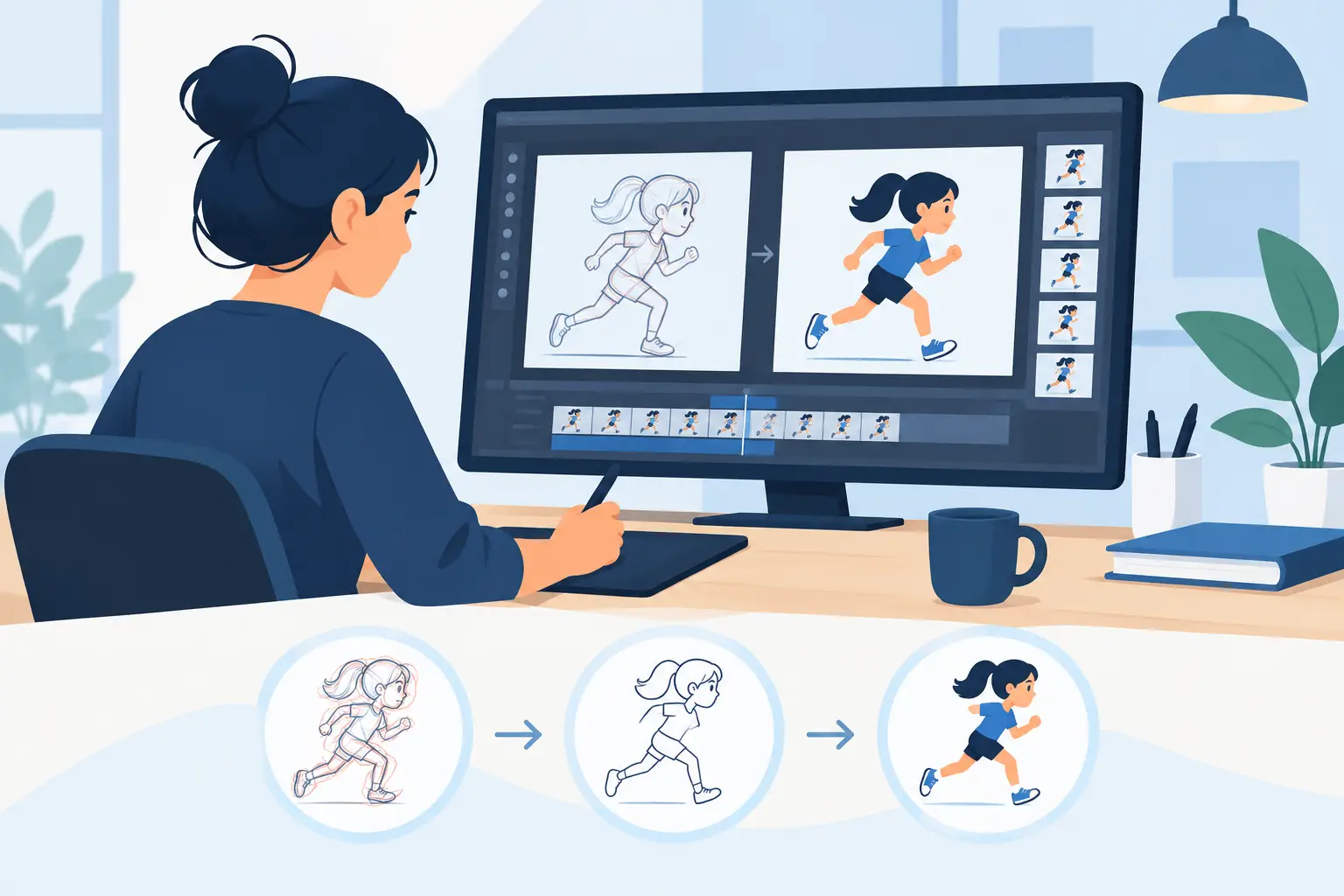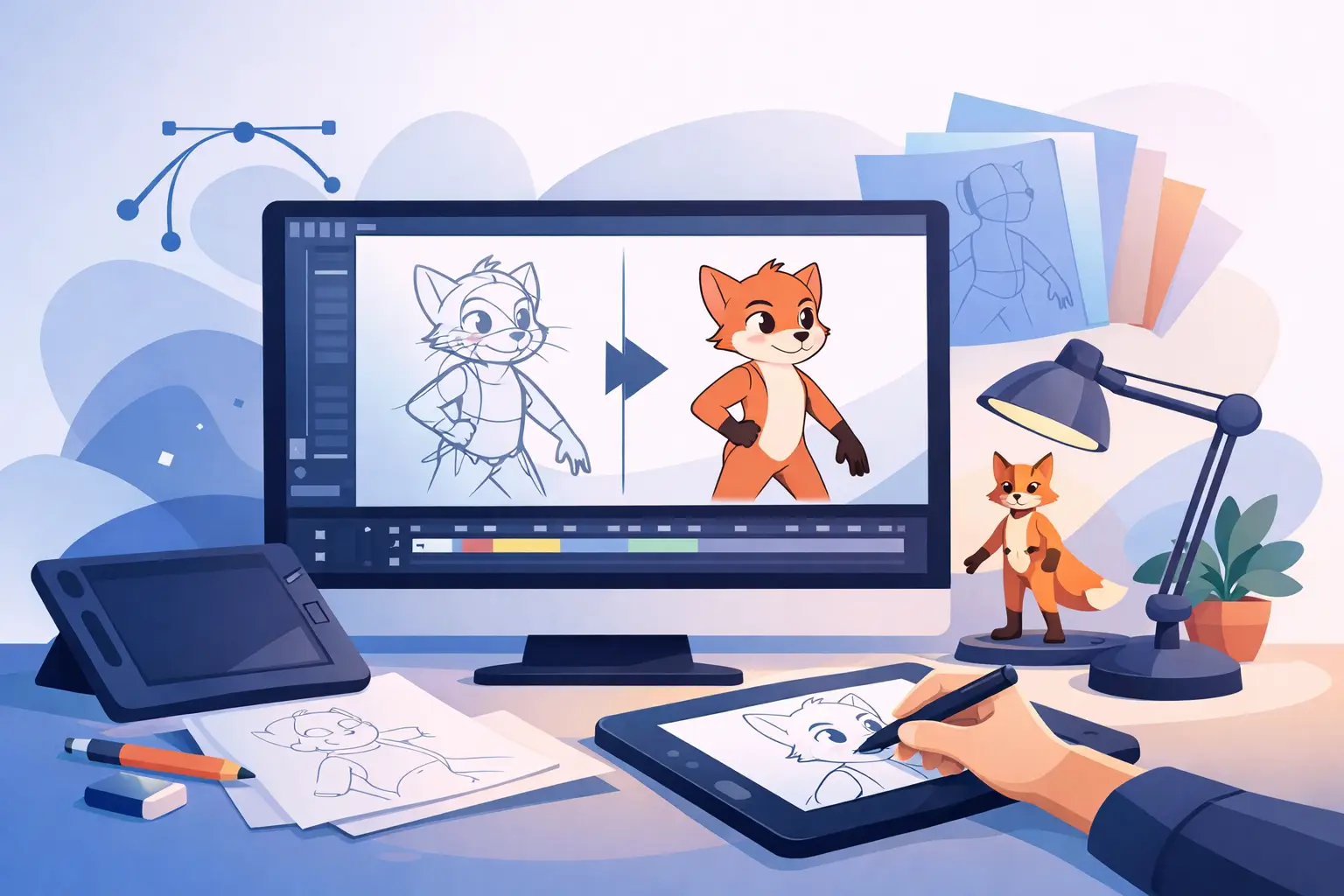
A rough animation can have energy, weight, and a great performance, then lose its impact under weak clean-up. Wobbly arcs, inconsistent line weight, and slow painting do more than make a scene look unfinished. They make it harder to judge the movement itself. If you are searching for the best software for clean up, start with the work on your desk: frame-by-frame drawings that need to stay alive while becoming clear enough to paint and shoot.
Clean-up is not simply tracing. It is the stage where an animator protects the original acting, clarifies the construction, controls line quality, and prepares every drawing for color. The right application should help you do that quickly without turning a hand-drawn scene into a stiff, overprocessed digital file.
What clean-up software must do well
A capable 2D animation program needs more than a smooth brush. Clean-up artists spend hours making small visual decisions, so friction in basic tasks becomes expensive fast. A tool that feels acceptable for a quick sketch may become tiring across a 300-frame shot.
The first requirement is a natural drawing response. Lines should follow the hand predictably at slow speeds and fast flicks alike. Excessive smoothing can hide shaky draftsmanship, but it can also flatten a lively line or pull a contour away from the intended arc. The useful balance is enough stabilization to support control, with direct access to the line the animator actually drew.
Layer and level handling matter just as much. A clean-up artist needs roughs visible underneath, a clean drawing level above them, and an easy way to inspect the result without the rough layer. The program should make it simple to hold a drawing, replace a frame, compare neighboring poses, and keep the scene organized as revisions arrive.
Then there is playback. Clean drawings cannot be judged one frame at a time. They must work at speed. You need to flip, scrub, and play the scene constantly to see whether a contour pops, a volume changes unintentionally, or a line loses the action from one drawing to the next.
Best software for clean up: judge the workflow, not the feature list
Most creative software can technically draw a line. That does not make it a good clean-up tool. The best choice depends on whether you are producing traditional frame-by-frame animation, motion graphics, cutout work, or a mixture of all three.
For hand-drawn animation, evaluate an application through a short production test. Import or create a rough scene with at least a dozen drawings. Clean a character head turn, a hand gesture, or a walk cycle. Paint a few frames. Then change the timing after you have started. That small test reveals more than a long list of advertised features.
Drawing should stay close to the paper workflow
Traditional clean-up relies on observation. Animators look at the rough, locate the intended line of action and construction, then redraw with purpose. Software should support that rhythm with clear onion skinning, responsive zooming, and a canvas that does not feel disconnected from the stylus.
Vector-first tools can be useful when a project demands endlessly scalable artwork or shape-based revisions. They are not always ideal for classical clean-up, though. Automatic curve fitting, anchor points, and shape corrections can interrupt the hand’s movement. If the goal is a line that feels drawn rather than assembled, a raster-oriented workflow often gives better control.
That does not mean raster is automatically better. Large painted scenes can require more memory and careful file management. The practical question is whether the tool serves the look and production method of the film.
Painting speed affects the entire schedule
Clean-up and paint are closely connected. A line that does not close properly, a fill that leaks, or a color tool that demands repeated corrections can consume time on every frame. Fast painting tools are especially valuable for independent animators and small studios, where the same person may be cleaning, painting, and checking the final composite.
Look for paint behavior that respects the drawing. You should be able to fill enclosed areas quickly, correct gaps without rebuilding the frame, and reuse colors without hunting through panels. The goal is not to eliminate careful work. It is to avoid spending production hours on mechanical cleanup that the software should handle gracefully.
Timing control is part of clean-up control
A shot can look polished and still feel wrong because the timing changed after the clean-up pass. This happens constantly. A director may hold a reaction longer, remove an in-between, or add a beat before a turn. In many applications, those changes trigger a stop-adjust-preview cycle that breaks concentration.
A stronger workflow lets you adjust timing while playing the scene, so you can see the change in motion immediately. This is particularly useful when cleaning animation on ones and twos, where a single held drawing can alter the rhythm of a gesture. Timing is not an administrative step after drawing. It is part of the performance.
Choose software that fits your production level
Students learning classical animation need visibility into the fundamentals. They benefit from a program that makes roughs, clean-up, timing, and playback easy to understand without burying the canvas under technical panels. If you cannot quickly tell which drawing is exposed and how long it holds, the software is getting in the way of learning.
Professional animators need the same fundamentals, but with fewer interruptions. They need dependable scene playback, efficient painting, camera-style moves, and controls that hold up under revisions. Small studios also need a workflow that lets artists move from rough animation to cleaned and painted footage without exporting between several specialized applications.
This is where purpose-built traditional animation software earns its place. FlipBook is designed around the production habits of hand-drawn animators: draw roughs and clean-ups, paint frames efficiently, scrub and play scenes, and adjust timing as you watch the action. Its camera-style pan, zoom, rotate, blur, and dissolve effects also let a modest production finish more work in one application.
Questions to ask before you commit
Before buying any animation software, test it with the hardware and drawing method you use every day. A clean-up tool can look impressive in a demonstration and still feel awkward on your tablet or display.
Ask whether the drawing tools preserve your line quality, whether onion skinning makes adjacent drawings easy to read, and whether you can paint a test scene without tedious repairs. Check how easily you can change an exposure, insert or remove drawings, and play the result at the speed you need. Finally, consider support. When a deadline is close, accessible technical help is more valuable than a forum thread from six years ago.
Price matters, but it should be measured against production time. A lower-cost app that adds minutes to every painted drawing or timing change can cost more over a single short film than software that keeps the scene moving. On the other hand, do not pay for a giant effects package if your work is primarily pencil-test animation and clean character line work.
Clean lines should not come at the cost of life
The point of clean-up is not to sand every drawing into sameness. A good clean line carries the decision in the rough: the squash in a cheek, the snap of a wrist, the uneven pressure that gives a pose conviction. Software should help you make those decisions visible, then get out of the way.
Run a real scene through a free trial before you settle on a tool. Clean it, paint it, change its timing, and watch it repeatedly. The software that lets you keep drawing, keep judging motion, and get better results with less effort is the one worth putting into your production pipeline.