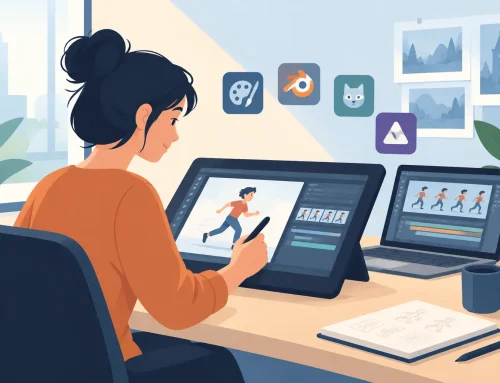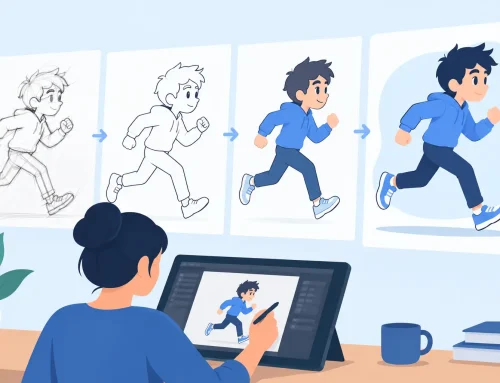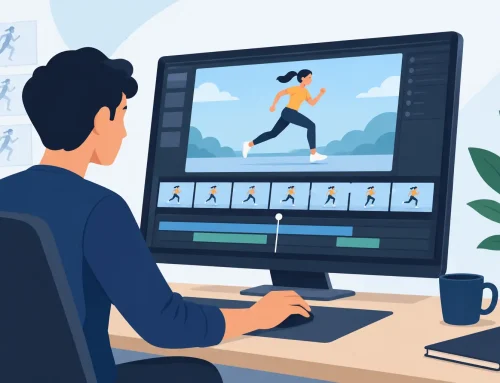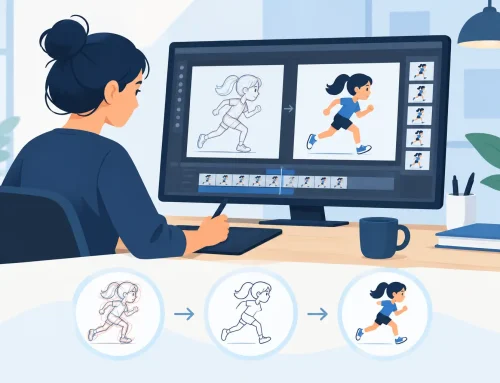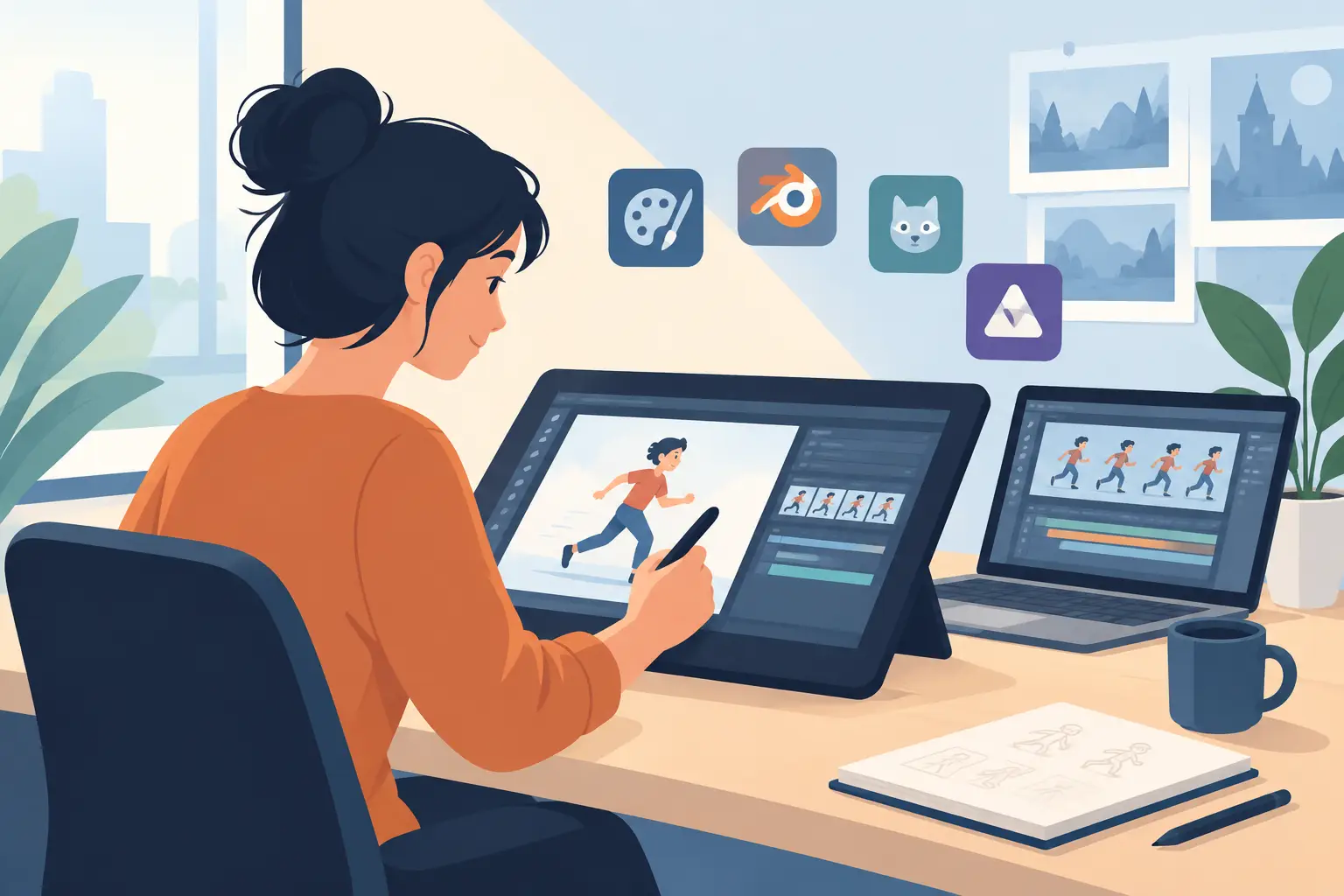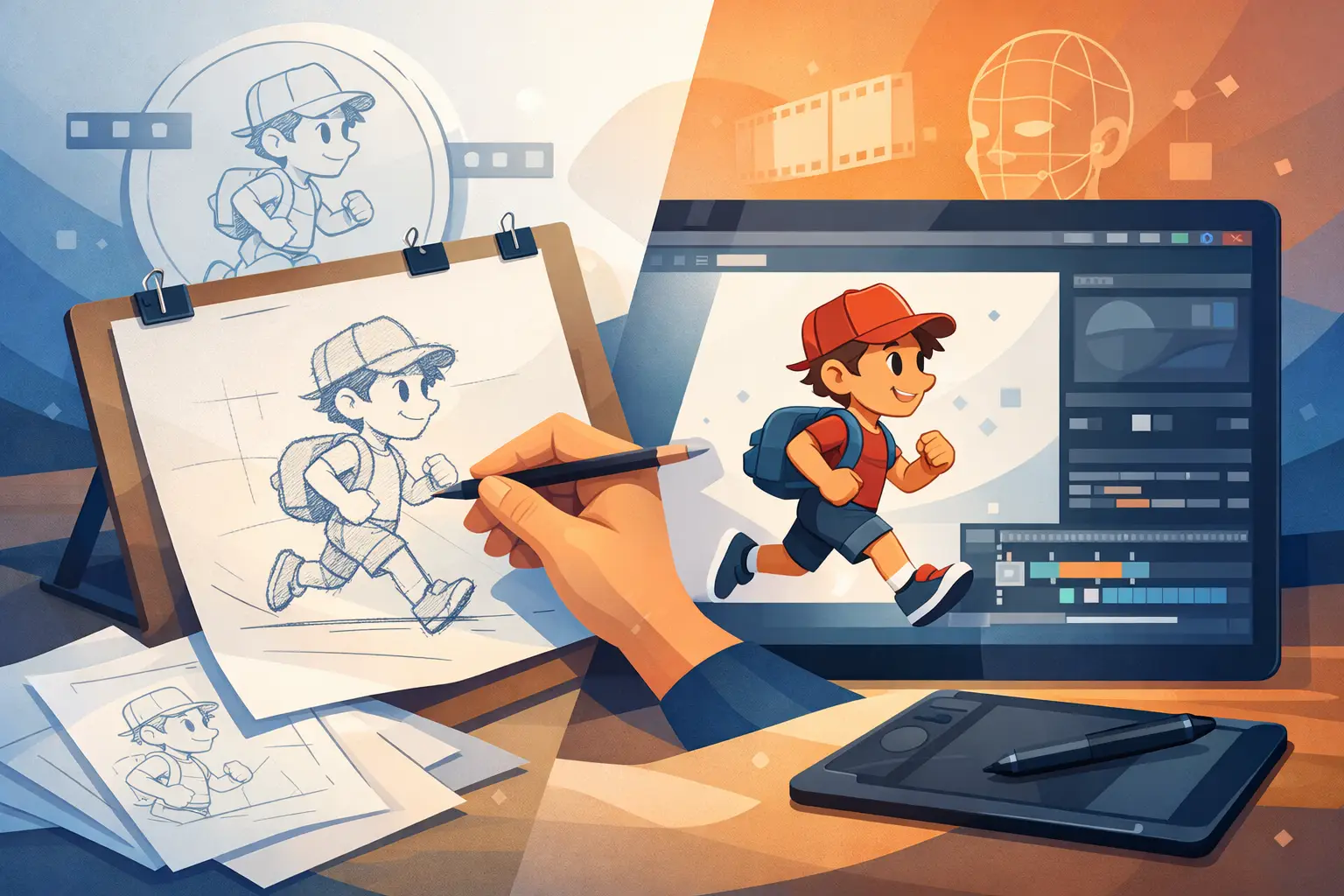
A character leans forward, pauses for a beat, then snaps into a take. Whether that moment feels alive has less to do with the computer than with the animator’s drawing, timing, and spacing. So, is digital animation hand drawn? Very often, yes. The drawings are still made by an artist, one frame at a time. The difference is that paper, peg bars, paint, and a camera stand have been replaced by a tablet, stylus, and animation software.
That answer needs one important qualification: digital animation is a broad category. Some digital work is hand drawn in the traditional sense. Some is built from rigs, reusable parts, motion paths, 3D models, or automatically generated in-betweens. The software does not decide whether animation is hand drawn. The production method does.
Is Digital Animation Hand Drawn in Traditional Production?
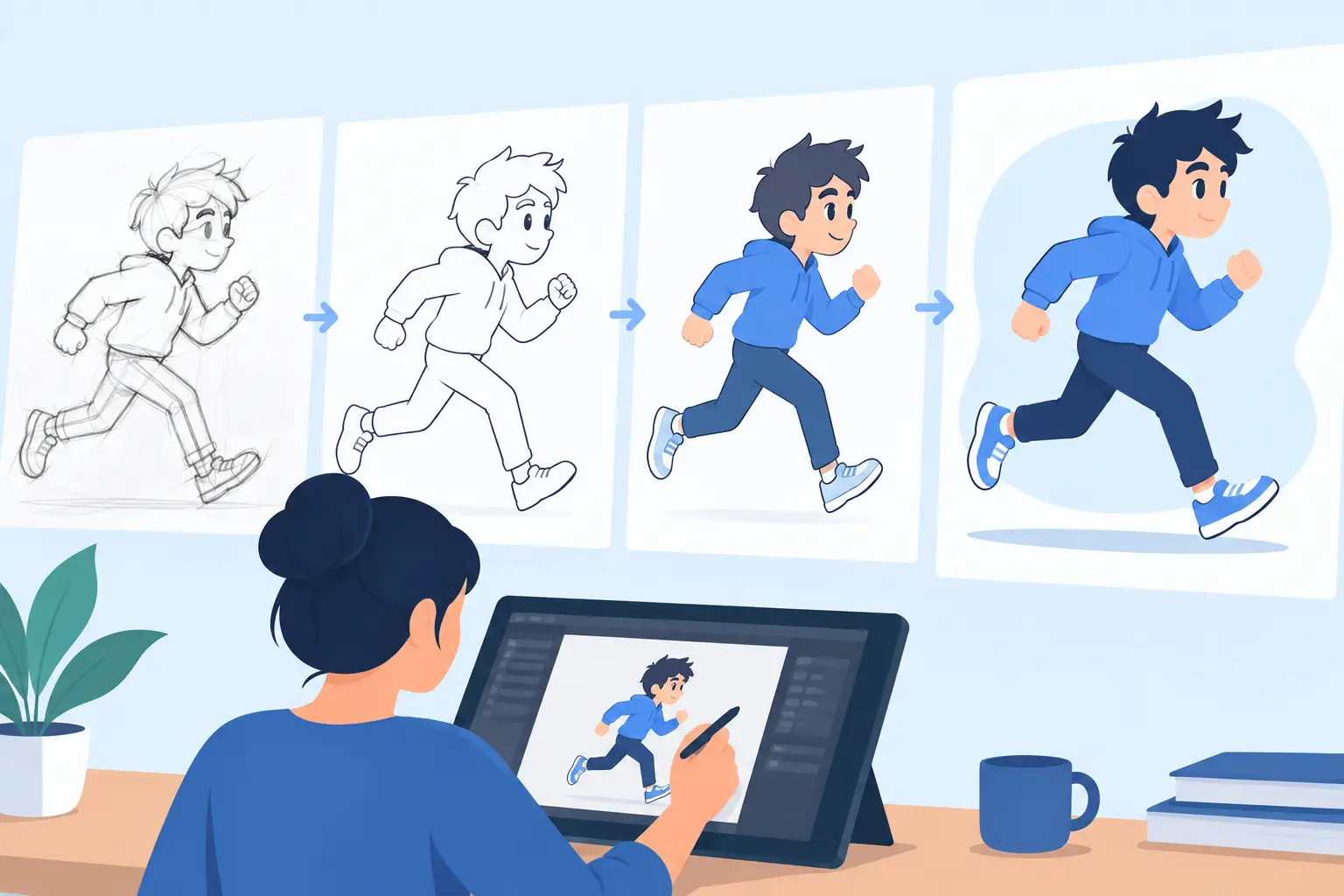
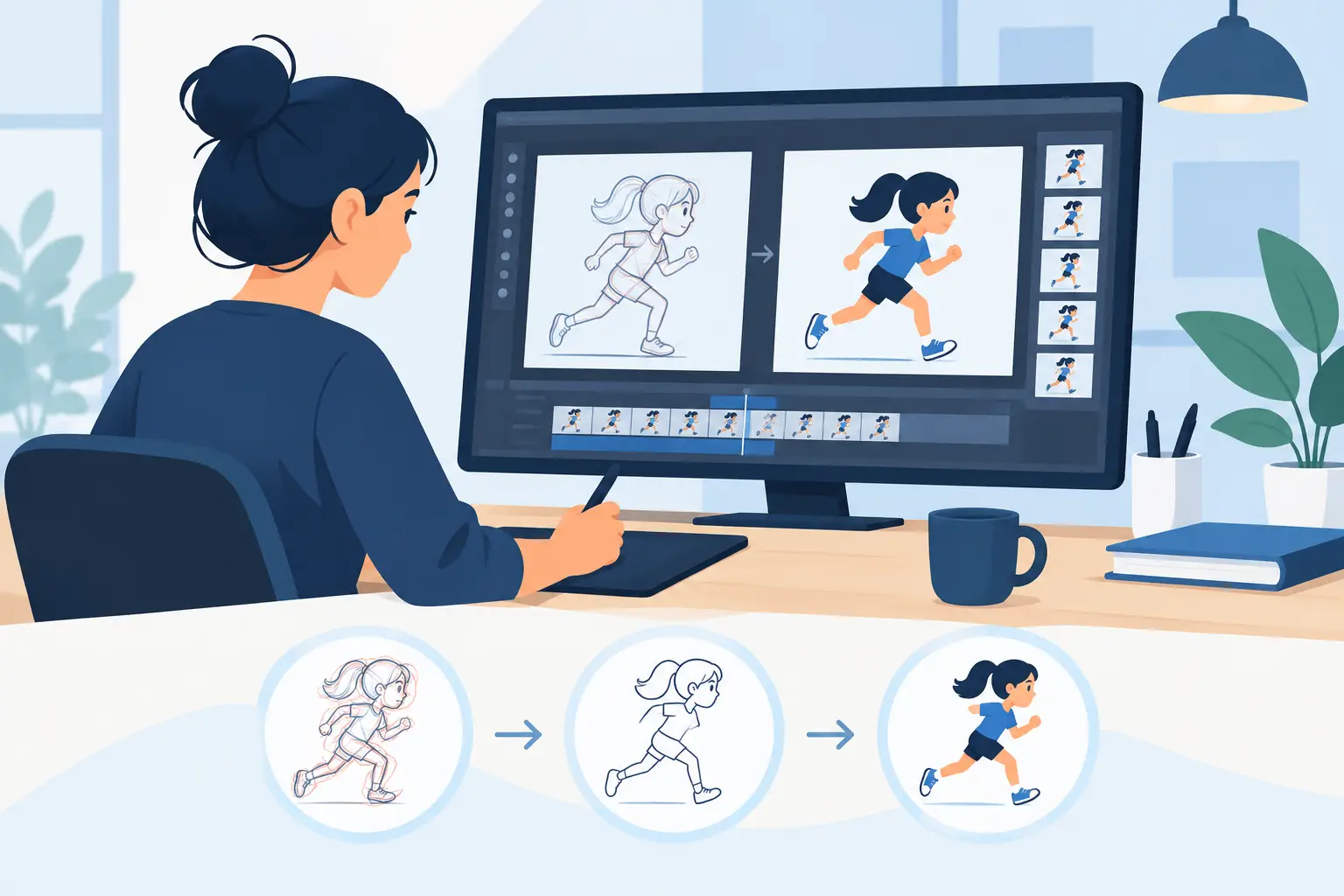
Traditional hand-drawn animation begins with an animator making drawings that describe action. Those drawings may be rough poses, breakdowns, and in-betweens. A cleanup artist refines the line work. Color is applied frame by frame, then the scene is timed, composited, and edited.
In a digital traditional workflow, those same jobs remain. The animator draws roughs with a stylus instead of a pencil. Cleanup is done on a new digital layer instead of a fresh sheet of paper. Paint fills enclosed areas without requiring a stack of cels. The scene plays immediately on screen rather than waiting for film or video capture.
The hand is still doing the essential work: choosing poses, controlling arcs, setting the rhythm of an action, and deciding exactly when a drawing should hold or change. A computer can make those decisions easier to test, but it cannot replace the judgment behind them.
This is why a digital pencil test can still have the energy of a classic studio scene. The line may be pixels rather than graphite, but the principles are the same. Weight, anticipation, overlap, squash and stretch, and acting all come from the drawings.
The Tool Is Digital, Not Necessarily the Drawing Method
A common misunderstanding is that digital animation means the software creates the motion. That can happen in certain workflows, but it is not the defining feature of digital animation.
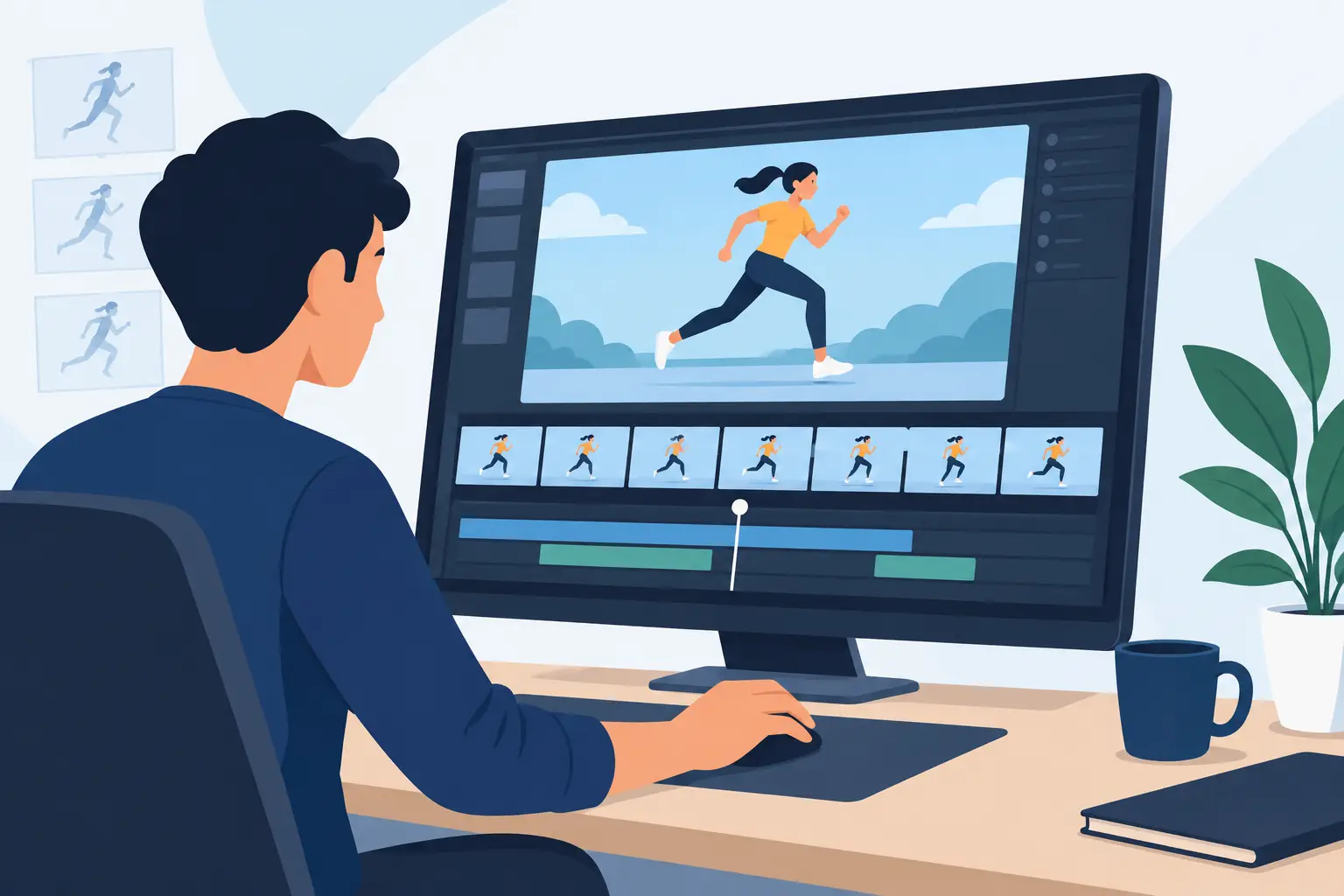
A hand-drawn digital scene may contain dozens or hundreds of individual drawings. An animator can work on ones, twos, or a mixture of both. They can expose a drawing for two frames, add a one-frame accent, or hold a pose long enough for the audience to read an expression. Those are traditional timing choices, made digitally.
By contrast, a rigged character may use a small set of pre-drawn parts that are moved, rotated, or deformed over time. This can be useful for fast production, cutout-style animation, and certain television pipelines. It is not less legitimate, but it is a different craft. The animator is primarily posing a constructed character rather than redrawing the character’s action frame by frame.
Both approaches have a place. The right one depends on the look, schedule, budget, and amount of performance control the project requires.
What Makes Hand-Drawn Digital Animation Feel Hand Drawn?
The visible line is only part of it. A scene feels hand drawn when the animator has direct control over the changing shapes from frame to frame. That control allows a character to compress differently on impact, let a hand lead an arm through an arc, or shift the eyes a fraction of a frame before the head turns.
Those small decisions are where personality lives. A perfectly smooth computer interpolation may be useful for a camera move, but it can flatten an acting choice when used as a substitute for designed drawings. Traditional animation often needs deliberate irregularity: a quick ease-out, a held drawing, a slight change in silhouette, or an offbeat timing choice that makes an action believable.
Drawing digitally should also feel immediate. If the pencil tool is awkward, if painting every frame takes too long, or if changing timing means leaving the scene and rebuilding the preview, the software interrupts the animator’s train of thought. The practical advantage of digital production is not automation for its own sake. It is getting faster feedback while keeping the artist in charge.
Where Digital Tools Improve the Classic Workflow
Paper animation has a physical appeal, but it also brings physical limits. You need storage, scanning, registration, paint materials, and a way to shoot or capture the finished frames. Corrections can mean redrawing, rescanning, and reassembling a scene. Digital tools remove much of that overhead.
For hand-drawn work, the best improvements are the ones that support familiar production steps. An animator should be able to sketch a rough pass, flip or play the action, adjust a drawing, and immediately see the result in motion. Cleanup should be straightforward. Painting should be fast enough that color does not become a bottleneck. Camera-style moves such as pans, zooms, rotations, blurs, and dissolves should be available without forcing the artist to abandon the scene.
Timing is especially important. Animation is not a collection of attractive drawings. It is movement organized over time. If a character’s take is late by two frames, or a landing needs one more drawing before the settle, the animator needs to make that change while watching the action. A workflow that requires stop, adjust, and preview cycles for every timing decision wastes time and breaks concentration.
That is the useful promise of a purpose-built 2D application: preserve the familiar hand-drawn process while removing the chores that paper, cels, and slow digital interfaces create.
Hand Drawn, Vector Drawn, or Rigged: Which Should You Use?
There is no single correct method for every production. Frame-by-frame drawing is usually the best choice when expressive acting, fluid transformation, changing perspective, and organic line work matter most. It gives the animator maximum authority over each moment, but it requires more drawing time.
Vector drawing can also be hand drawn. An artist may create each pose and in-between with vector tools instead of raster brushes. The result can be clean and scalable, although some artists find vector curves less natural than a pencil-like stroke. The question is still whether the action is being designed drawing by drawing.
Rigs and cutout systems can be efficient when a project needs large quantities of dialogue, repeated poses, or simple graphic movement. They can also make revisions easier when character proportions must remain fixed. Their trade-off is that the animator works within the structure of the rig. Extreme poses, loose line changes, and highly elastic action may require custom parts or a return to drawn frames.
3D animation is digital too, but it is generally not hand drawn unless hand-drawn elements are added afterward. The animator poses and refines a model over time rather than making a new 2D drawing for every frame. Again, that is not a quality judgment. It is a different production language.
A Better Way to Learn Traditional Animation Digitally
For students and new animators, digital hand-drawn animation offers a major advantage: you can practice the real principles without paying for a room full of supplies. Start with simple exercises such as a bouncing ball, a pendulum, a flour sack, and a short walk. Draw the key poses first, then add breakdowns that explain the path and spacing.
Do not let the software encourage you to skip planning. A playback button makes it easy to test, but strong scenes still begin with clear poses and a readable idea. Work rough before you worry about clean lines. Watch the scene repeatedly. Ask whether the action has weight, whether the eye knows where to look, and whether each hold earns its length.
As your scenes become more complex, learn to separate rough animation, cleanup, color, and camera work. This keeps revisions under control. It also mirrors the production discipline used in professional animation, even when one person is doing every job.
For artists who want that direct workflow, DigiCel FlipBook is built around drawing, painting, playback, and live timing adjustments rather than making traditional animation fit a generic graphics process. Try a short scene before committing to a full film. The right tool should let you think about the performance, not fight the interface.
A digital drawing becomes hand-drawn animation when you use it to make purposeful frame-by-frame choices. Keep the pencil close, keep the timing visible, and let every drawing do a job.