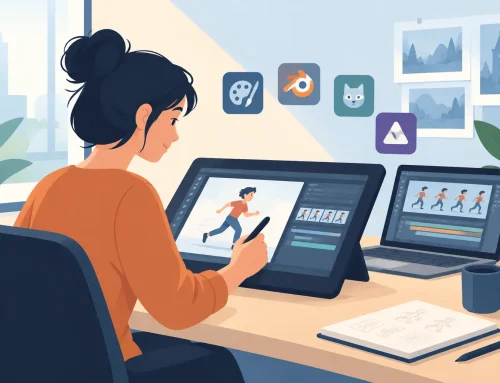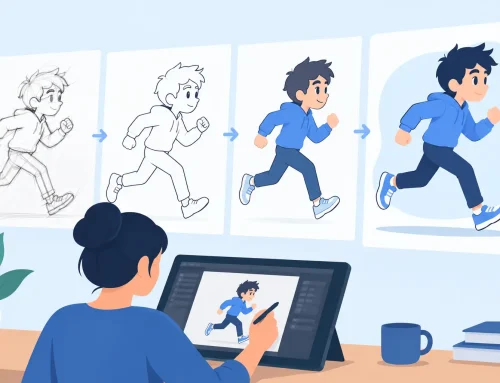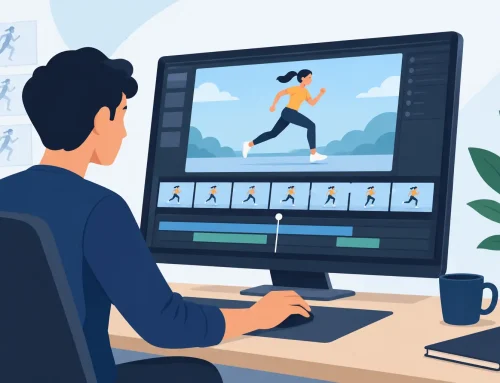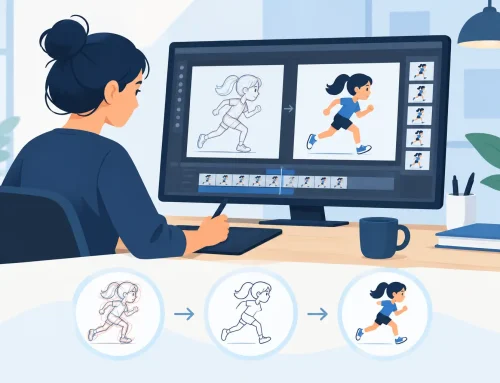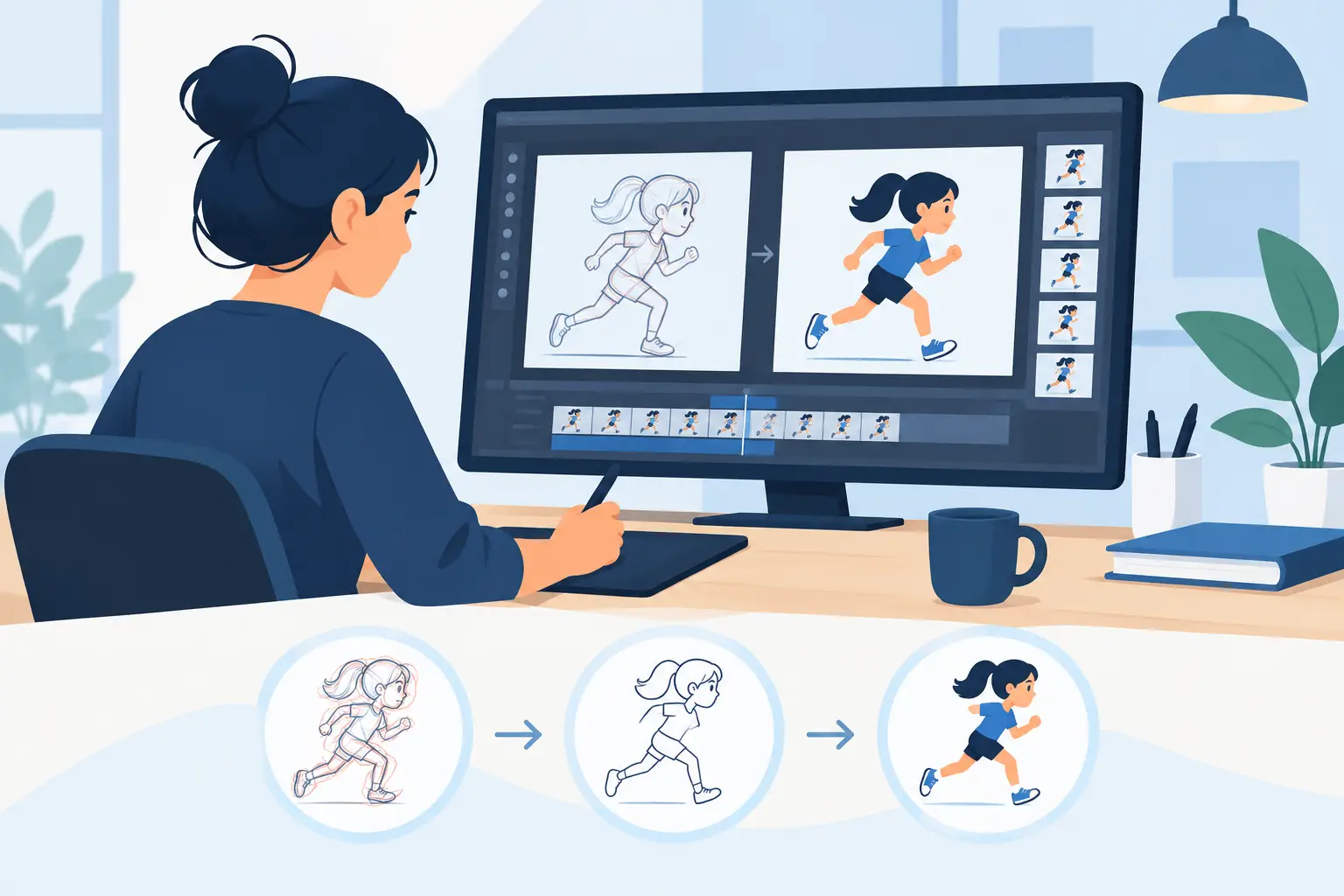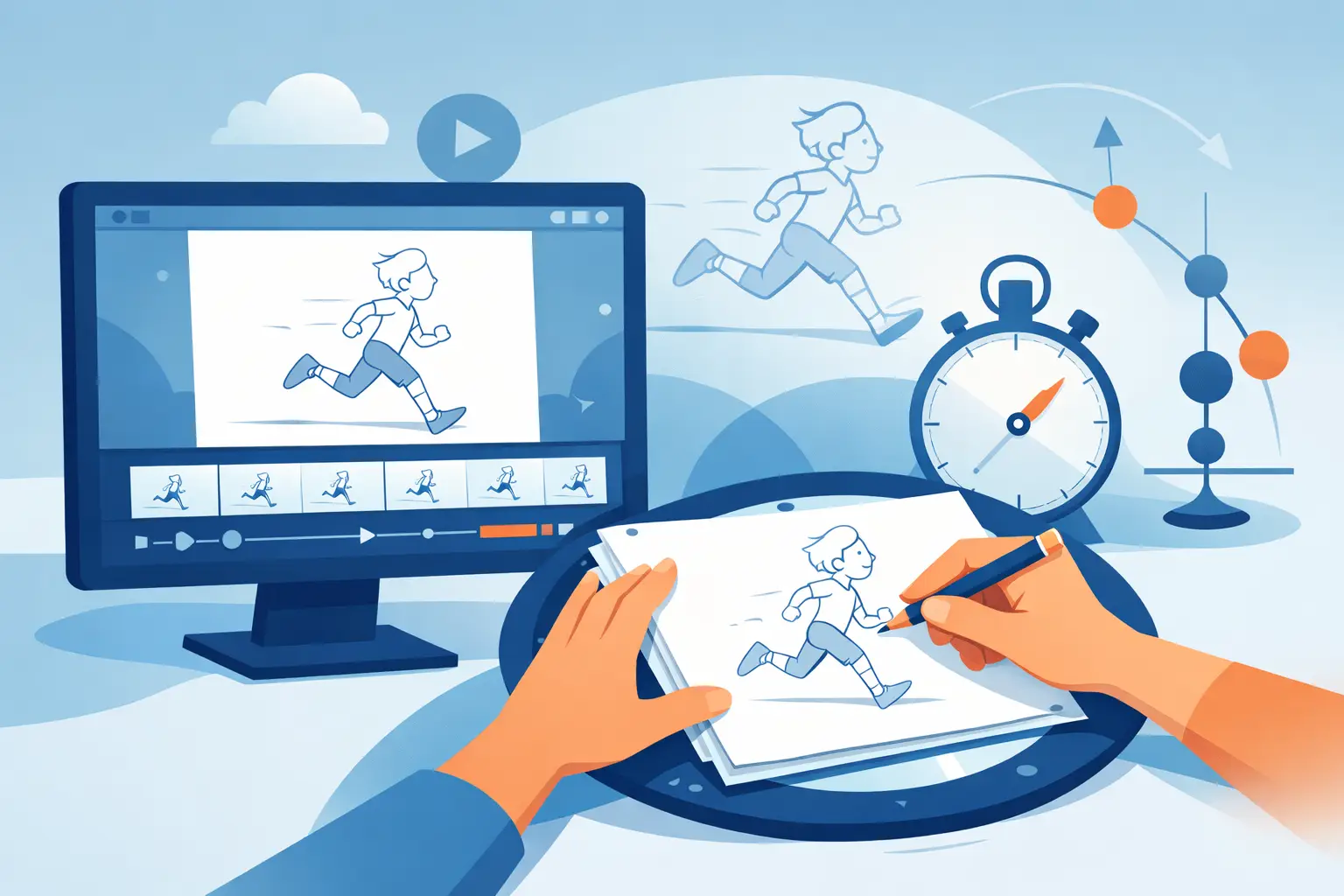
A pencil test tells the truth about an animation. Before color, polish, effects, or final compositing can hide a weak pose, the rough drawings reveal whether the action has weight, clarity, and life. The right pencil test software should help you see that truth quickly, then give you a practical way to fix it without interrupting your drawing rhythm.
For traditional animators, a pencil test is not a disposable preview. It is where timing, spacing, staging, and performance become visible. If the software makes you stop, open dialogs, edit exposure sheets, preview again, and repeat for every adjustment, it is working against the way hand-drawn animation is actually made.
What Pencil Test Software Should Do
At its most basic, pencil test software lets you import or draw a sequence of rough frames and play them back as animation. But that definition is too thin to be useful. A production-ready tool has to support the decisions animators make while looking at moving drawings.
You need to scrub through a scene frame by frame, play it at a useful speed, and see whether the drawing holds are too long or an inbetween arrives too soon. You need onion skinning that makes the previous and next drawings readable without turning the screen into gray clutter. You also need a drawing experience that responds like drawing, not like filling out a technical form.
The point is not to imitate paper for nostalgia. The point is to preserve the direct relationship between your hand, your drawing, and the motion on screen. A good pencil test should make a timing problem obvious in seconds. Better software lets you correct it in seconds, too.
Timing Is the Real Test
A rough sequence can contain excellent individual drawings and still fail as animation. The usual reason is timing. A character may take off too quickly, settle too slowly, or lose its thought process between poses. Those problems cannot be judged from a stack of still images.
Traditional animators learn to read a scene in motion. They watch the spacing close up before an impact, check whether a hold supports a reaction, and listen for the rhythm of an action. Pencil tests make that evaluation possible before the work becomes expensive to revise.
Many applications treat timing changes as administrative work. You stop playback, select frames, change exposures or frame positions, then play the scene again to see the result. That process is tolerable for an occasional adjustment. It becomes a serious drag when you are shaping a performance one frame at a time.
Look for software that lets you adjust timing during playback. When you can lengthen a hold, shift a drawing, or change the pace while the scene is running, you stay focused on the movement instead of the interface. That is closer to how an animator thinks: watch, feel the beat, adjust, watch again.
Playback must be immediate
A pencil test loses value when playback is slow or delayed. You should be able to flip between drawing and viewing without waiting for a render, export, or complicated preview setup. Rough animation is exploratory. You may test ten versions of a hand gesture before deciding which one communicates the idea.
Instant playback encourages that kind of iteration. It also helps students develop a reliable eye for timing because the cause and effect are close together. Draw a change, play the change, and learn from what it does.
Scrubbing reveals the mechanics
Real-time playback shows the overall feeling. Scrubbing exposes the construction. As you move through frames, you should be able to inspect arcs, volumes, overlaps, and spacing without losing your place in the shot.
This matters especially in fast action. A broad swing may look fine at full speed but contain a broken arc that will create a pop in the final scene. Scrubbing gives you the control to find that frame and redraw it before clean-up begins.
Natural Drawing Comes Before Features
Some animation programs offer long feature lists but make the simple act of roughing out a pose feel stiff. That is a poor trade for anyone learning or practicing traditional animation. You will spend more time drawing than using special effects, so the drawing tools must earn their place first.
A useful pencil test workflow should support loose, fast construction. You need to sketch roughs, compare poses with onion skins, and make corrections without managing a maze of layers and panels. Pressure response, brush feel, and a clean view of the drawing area all matter because they affect how confidently you put down a line.
There is room for different approaches. An animator who works from scanned paper may prioritize reliable image import and registration. An artist drawing directly on a pen display may care most about responsive strokes and simple erasing. A small studio may need consistent scene playback across several machines. The best choice depends on where your rough drawings begin, but it should never force you to abandon sound animation practice.
Painting and Camera Work Belong After the Test
Pencil tests begin with rough drawings, but most finished work needs more. Once the motion is approved, you may move into clean-up, color, and a simple camera pass. Using separate applications for every stage can create avoidable handoffs and file confusion.
For independent filmmakers and small studios, it is practical to use software that carries a scene forward. Efficient paint tools matter because frame-by-frame coloring can consume more time than the original rough animation. Camera-style controls such as pan, zoom, rotate, blur, and dissolve can also help you test staging and finish a shot without building a needlessly complicated pipeline.
Still, do not choose animation software only because it has effects. Effects cannot repair uncertain timing. A camera move cannot rescue a pose that does not read. The core test is whether the program helps you make better drawings and judge them honestly in motion.
A Practical Pencil Test Workflow
Start with the broadest version of the action. Establish the key poses, add enough breakdowns to explain the movement, and play the scene before you become attached to details. At this stage, clarity is more valuable than polished linework.
As you test the sequence, ask direct questions. Can you identify the character’s intention before the action happens? Does the eye know where to look? Is there enough contrast between the anticipation, the main action, and the settle? If the answer is unclear, solve it in the roughs.
Then work through timing. Hold drawings long enough for the audience to read the idea, but not so long that the scene dies. Add or remove frames based on what you see in playback, not on a rule copied from another shot. A blink, a take, and a heavy lift each need different timing because they communicate different forces and thoughts.
When the motion works, clean it up without changing its intent. Keep checking playback during clean-up and color. It is easy to improve a drawing’s appearance while accidentally flattening the action that made the rough test work.
Why FlipBook Fits Traditional Pencil Testing
FlipBook is built around the traditional hand-drawn process: rough animation first, clean-up and painting when the motion is right. It gives animators a direct drawing environment, fast frame painting, and the ability to change timing while the scene plays. That last capability removes the stop-adjust-preview cycle that slows down so many digital pencil tests.
For beginners, this makes the relationship between drawings and timing easier to understand. For experienced animators, it keeps production moving when a scene needs dozens of small adjustments. You can also carry work between desktop production and the FlipPad companion app when a lighter iPad drawing setup fits the job.
A free trial is the sensible way to judge any animation tool. Draw a short action, test several timing changes, and pay attention to whether the software keeps your attention on the scene. Free technical support also matters when you are building a working process, not merely testing a feature list.
The best pencil test software does not ask you to work like a software operator. It lets you work like an animator: put down the next drawing, play the scene, trust your eye, and make the motion better.