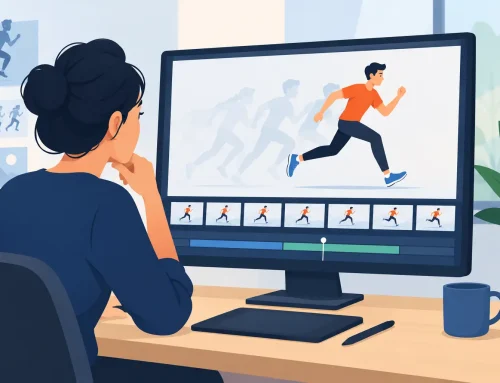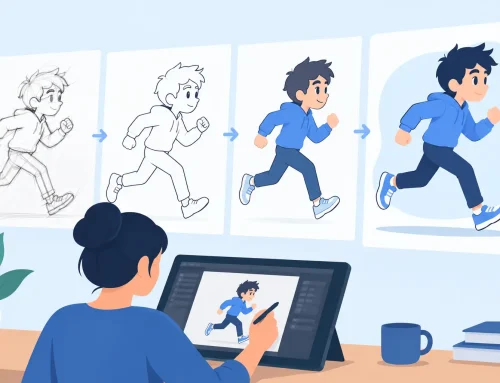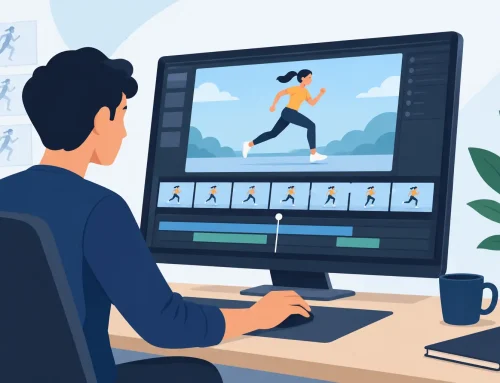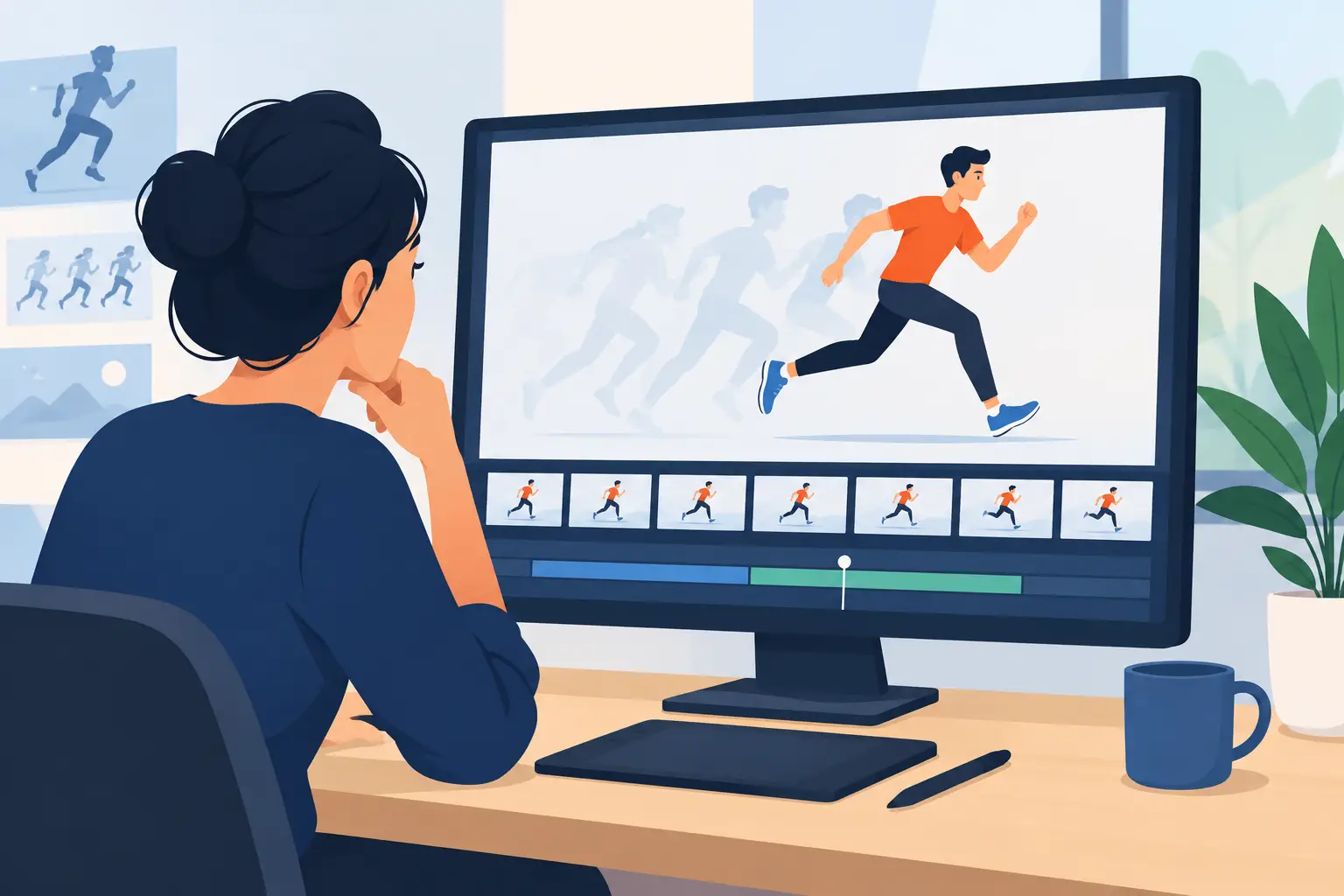
A pan zoom rotate animation can make a simple hand-drawn scene feel like it has a full camera crew behind it. It can also make a weak shot feel busier without making it better. The difference comes down to one production question: does the move help the audience see, feel, or understand the action?
For traditional animators, camera-style movement is not a substitute for drawing, timing, or staging. It is another level of control. A pan can reveal a gag. A zoom can tighten attention on a reaction. A rotation can make a fall, impact, or point-of-view change feel more immediate. Used with purpose, these moves give a scene greater scale while letting you keep the work rooted in frame-by-frame animation.
Start With the Shot, Not the Effect
Before adding motion to the camera, identify the shot’s job. If the audience needs to read a character’s expression, a slow push-in may be right. If the action travels across a location, a pan may preserve the continuity of the movement. If the character loses balance, rotation may reinforce that loss of control.
This sounds basic, but it prevents a common mistake: adding a move because a static drawing feels quiet. Quiet is not the problem. A held close-up before a character reacts can create more tension than a constant zoom. Camera movement needs a reason in the scene’s acting, action, or composition.
A useful test is to play the shot with the camera move turned off. If the pose, timing, and staging are clear, the move can strengthen them. If the shot becomes confusing or lifeless, fix the drawing and timing first. Traditional animation still carries the performance.
Pan Zoom Rotate Animation: Three Different Jobs
Pan, zoom, and rotate are often grouped together, but they affect the audience differently. Treating them as interchangeable produces camera moves that feel mechanical.
Pan to follow or reveal
A pan moves the viewing area across the artwork. In a side-scrolling walk, it can keep a character in a useful part of the frame while the background passes behind them. In a reveal, it can delay information: pan from a character’s worried face to the oversized object causing the worry.
The biggest concern is speed. A pan that is too fast can make detailed backgrounds flicker or become difficult to read. A pan that is too slow can make a brief action drag. Consider the amount of background detail, the distance traveled, and the scene’s frame rate. A broad background with clean shapes can tolerate more movement than one filled with fine lines and texture.
It also matters whether the character is moving within the frame. If the character walks right while the camera pans right at the same speed, they can appear frozen in place. That may be exactly what you want for a traveling shot, but it should be a deliberate choice. Change the relative speeds when the character needs to gain or lose ground on screen.
Zoom to control emphasis
A zoom changes the scale of the shot. It is especially effective when an emotional shift happens during a hold: a character realizes something, hears an offscreen sound, or decides to act. The drawing can remain nearly still while the camera gradually changes the pressure of the moment.
A zoom-in asks the audience to focus. A zoom-out can reveal isolation, danger, or a larger context. Neither is automatically dramatic. The composition must continue to work as the frame changes. If a zoom cuts off an important hand gesture or pushes a character’s eyes too close to the edge, it weakens the performance.
Avoid using a zoom to repair a pose that does not communicate. Make the expression, silhouette, and body language read at the original scale. Then let the zoom bring the audience closer at the right beat.
Rotate to add instability or perspective
Rotation is the strongest of the three moves because the horizon itself begins to shift. It can sell a spinning point of view, a vehicle turn, a sudden impact, or a character’s disorientation. It can also feel like an accidental software effect when used without supporting action.
Keep rotation focused on a clear visual idea. If a character slips on a banana peel, a brief rotation timed with the loss of balance can add force. If two characters are quietly talking, the same move would probably distract from the acting. Rotation works best when the scene already contains energy that needs to be amplified.
Pay attention to the edges of the artwork as well. Rotating a scene exposes corners quickly. Build enough overscan around the composition so the camera can turn without revealing blank areas or forcing an awkward crop.
Plan the Move on the Exposure Sheet
Camera movement belongs in the timing plan, not just at the end of production. Mark where the move begins, where it settles, and which animation event it supports. A push-in that starts six frames before a character’s eye dart will feel different from one that begins exactly on the dart.
Think of the move as having its own spacing. A linear pan or zoom travels at one constant rate. That can work for a mechanical subject, such as a train passing by or a surveillance-camera look. More often, camera moves benefit from ease-in and ease-out. Starting gently, moving through the middle, and settling before an important pose gives the audience time to absorb the action.
Do not assume every move must begin and end cleanly within one shot. A pan can continue through a cut when the cut is designed around a strong directional match. But if the next shot has different screen direction or a different camera speed, the edit can feel like a bump. Preview shots together whenever possible.
Preserve the Handmade Look
A hand-drawn scene has line variation, texture, and intentional imperfections. Camera movement can preserve that character, but it can also expose weaknesses. A rapid zoom may magnify rough line chatter. A long pan can reveal that a background loop does not align. A rotation can make a painted element look detached from the rest of the scene.
The answer is not to avoid movement. It is to prepare artwork for it. Give background paintings enough area beyond the visible frame. Keep major design elements readable at the closest zoom level. Check that painted edges, shadows, and effects extend wherever the camera will travel.
For scenes with several levels, decide what should move at different speeds. Foreground objects usually travel faster than distant backgrounds during a pan, creating depth through parallax. But too much separation can make a modest hand-drawn shot look like a digital multiplane demonstration. Use enough depth to clarify space, not enough to call attention to the technique.
Make Timing Adjustments While You Watch
Camera moves are timing. They change the rhythm of a shot just as surely as adding or removing drawings does. This is where a workflow that lets you adjust timing during playback earns its place in production.
In FlipBook, you can play a scene, scrub through the action, and make timing changes without repeatedly stopping to rebuild your preview. That matters when you are testing the relationship between a character’s motion and a pan, zoom, or rotation. You can feel whether the camera arrives one beat too early, whether the hold needs two more frames, or whether the move should settle before the next drawing change.
Work from broad decisions to smaller ones. First establish the beginning and end of the move. Then set its overall duration. Only after that should you fine-tune the easing and the drawing timing underneath it. Trying to solve every variable at once is how a straightforward shot turns into a long technical adjustment.
Common Problems Worth Catching Early
When a camera move feels wrong, the cause is usually visible in one of four places:
- The move has no story purpose, so it competes with the action instead of supporting it.
- The speed is even from start to finish when the shot needs acceleration or a settle.
- The artwork does not extend far enough beyond the frame for the planned pan, zoom, or rotation.
- The camera and character timing land on different beats, making the performance feel late or rushed.
Review the shot at full speed, then watch it once with the sound off. Without dialogue or music carrying the moment, you can judge whether the eye goes where it should. Finally, stop on the key poses. If the composition is weak at the beginning, middle, or end of the move, no amount of interpolation will make the shot feel well staged.
Let the Move Serve the Drawing
The best camera work in drawn animation often goes unnoticed because it feels inevitable. The pan follows the action exactly when the audience expects to follow it. The zoom arrives as the thought lands. The rotation adds force to a moment that already has strong posing and timing.
Build the shot so the drawings can stand on their own, then use camera movement to direct attention and add scale. When the move is serving the performance rather than advertising itself, the audience stays with the character – which is where every good animated scene should keep them.