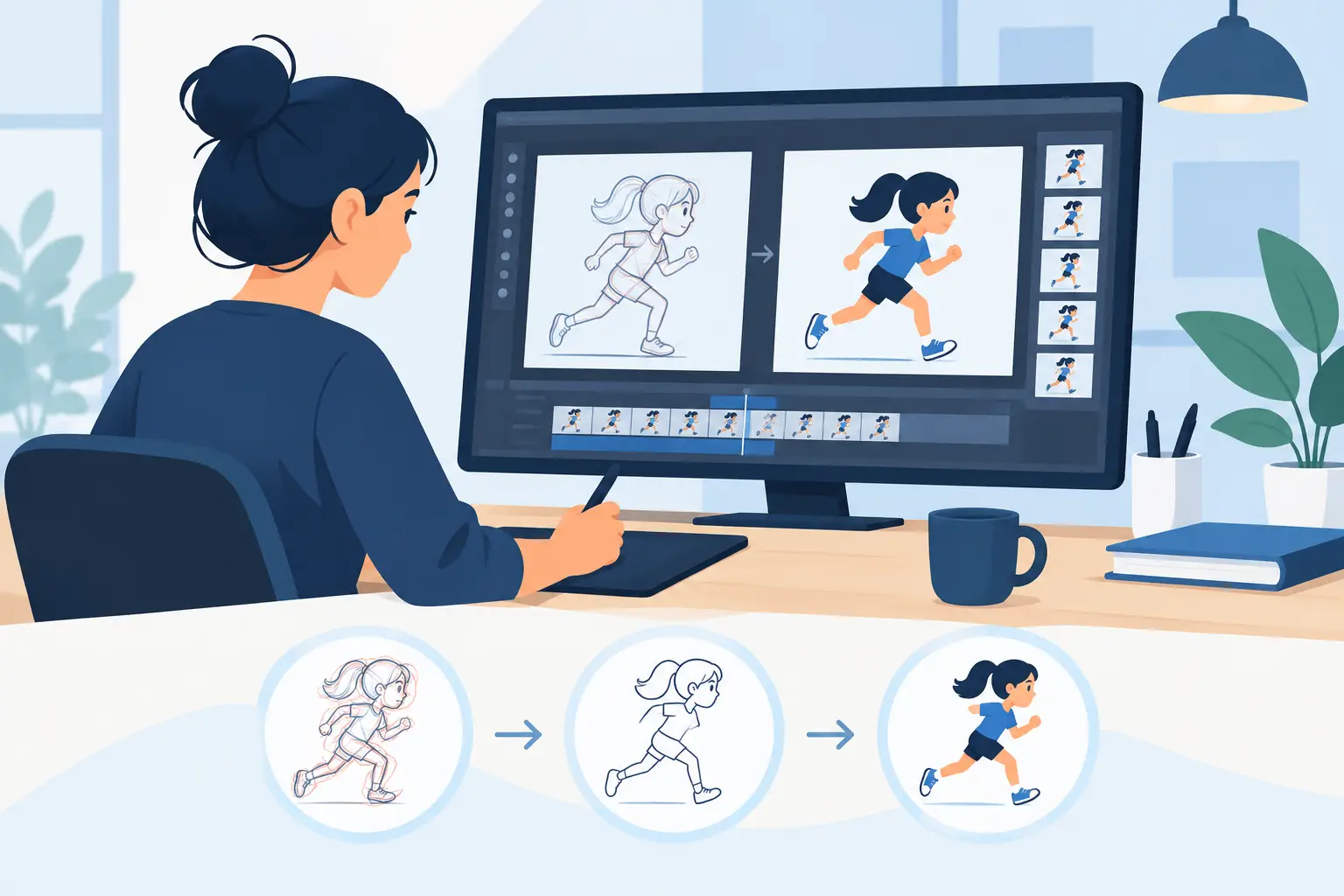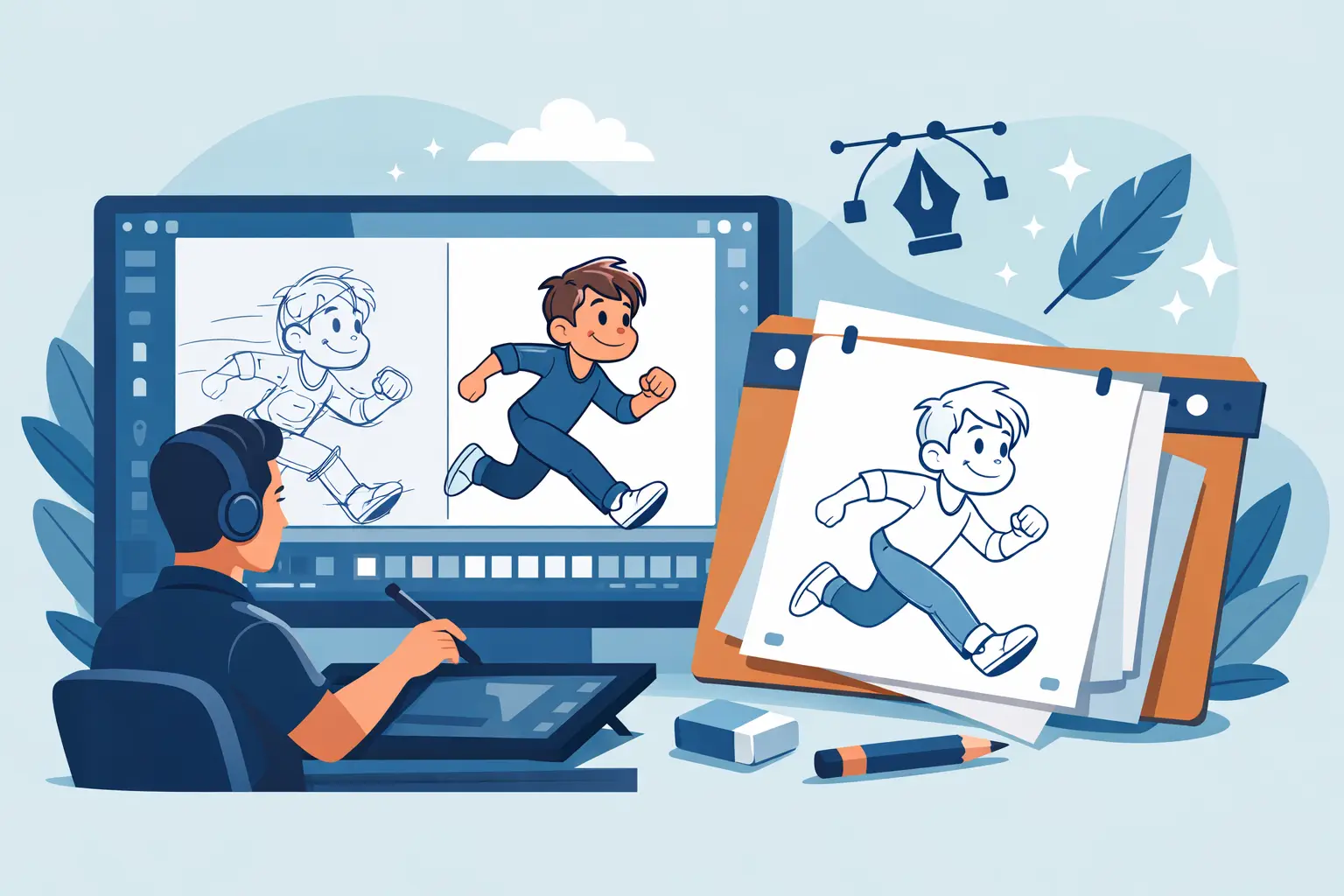
A clean-up scene can fall apart for one simple reason – the software fights the artist. Lines feel slippery, flipping is awkward, painting takes too many clicks, and any timing fix means stopping playback, making a change, and hoping it works. That is exactly why choosing the right clean up animation software matters. Clean-up is where rough movement becomes production-ready drawing, and small delays multiply fast across a scene.
For students, indie filmmakers, and working animators, clean-up software is not just a drawing tool. It is part line control, part exposure workflow, part timing station, and part paint department. If one of those parts is weak, the whole process slows down. The best choice is the software that respects classical hand-drawn animation instead of forcing you into a stiff digital process.
What clean up animation software should actually do
A lot of programs can draw a smooth line. That alone does not make them good for clean-up. In production, clean-up has a specific job. You are preserving the performance from the rough animation while bringing consistency to contours, volumes, details, and registration. The software should help you stay accurate without flattening the life out of the drawing.
First, it needs to feel natural under the stylus. If the line lags, over-corrects, or tries too hard to smooth every stroke, the drawing starts to look mechanical. Clean-up artists need control over the line, not software that guesses what the line should be.
Second, it should make flipping and comparison easy. You need to check arcs, proportions, and drift from drawing to drawing. If the program hides that behind extra panels or cumbersome playback controls, clean-up becomes slower than it should be.
Third, painting has to be fast. This gets overlooked until a scene is ready for color and every frame turns into a repetitive chore. Efficient paint tools save real production time, especially on short films, tests, TV-style sequences, and student projects with tight deadlines.
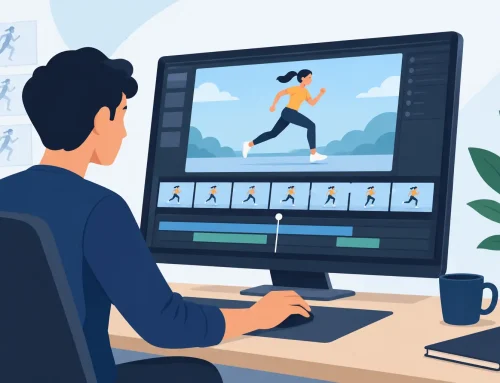
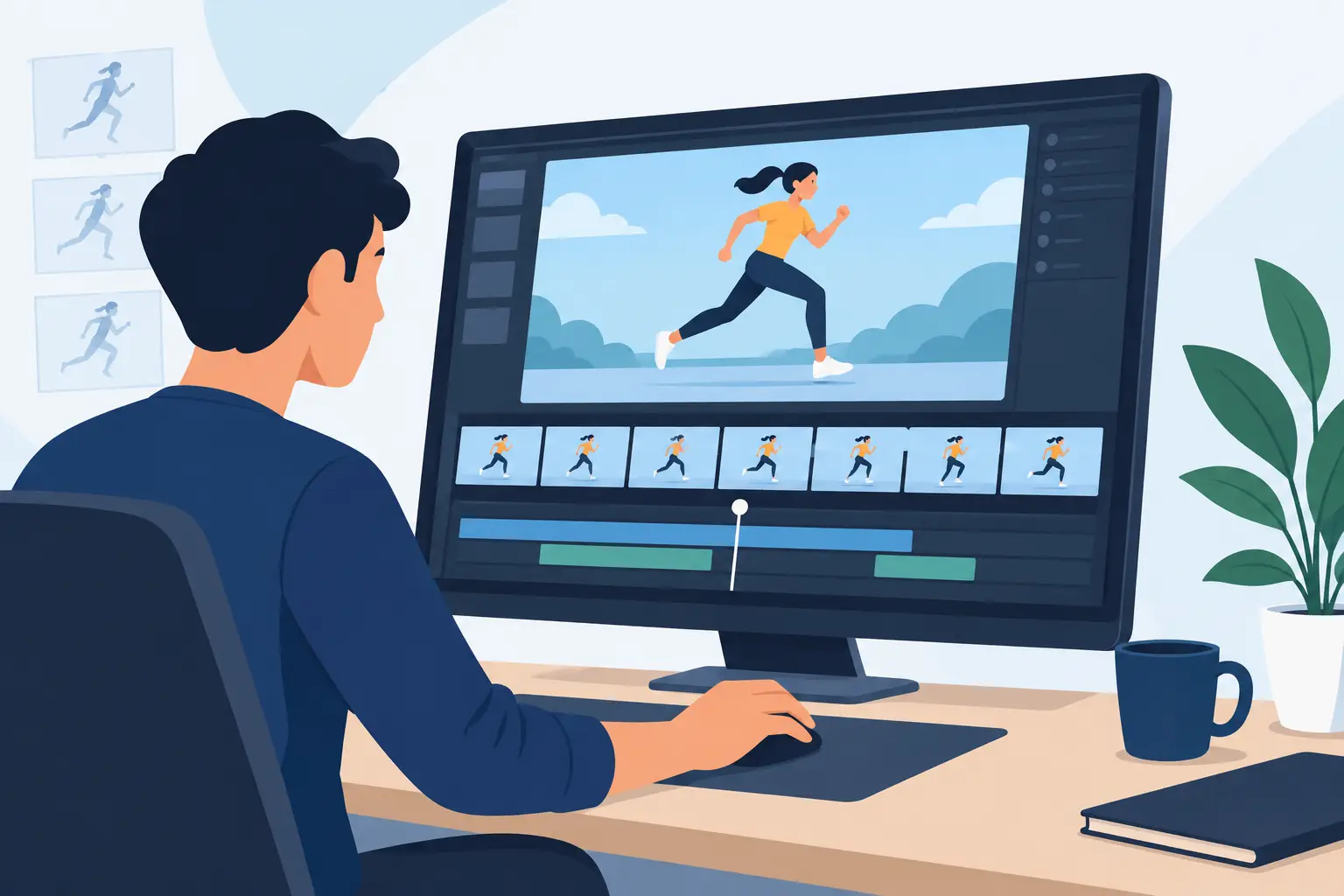
Timing matters too. Many artists think of clean-up as a drawing stage only, but in real work, you often spot timing issues once the cleaned scene is playing. A good program lets you make those timing adjustments quickly, without breaking concentration.
The real trade-offs in clean up animation software
There is no single perfect app for every animator. Some software leans toward rigged workflows or vector cleanup. That can be useful if you need scalable artwork, symbol-based production, or a broader motion graphics toolset. But if your work is rooted in hand-drawn animation, those strengths can come with a cost. The drawing may feel less direct, and the process can get further away from the way animators actually flip, test, and revise scenes.
Raster-based workflows often feel more natural for traditional artists because the line behaves more like drawing. The trade-off is that you need solid tools for registration, painting, and scene handling, or the production side becomes messy. Vector systems can help with editability, but they may produce lines that feel overly clean or synthetic if you are chasing a classic animated look.
This is why clean-up software should be judged by workflow, not by a long feature list. More features do not automatically mean faster scenes. In fact, too many generalized tools can slow a specialist job.
Clean up animation software for traditional workflows
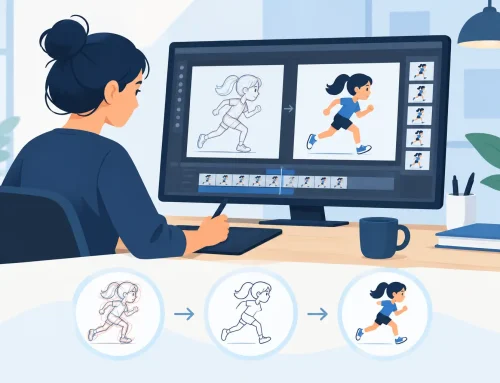
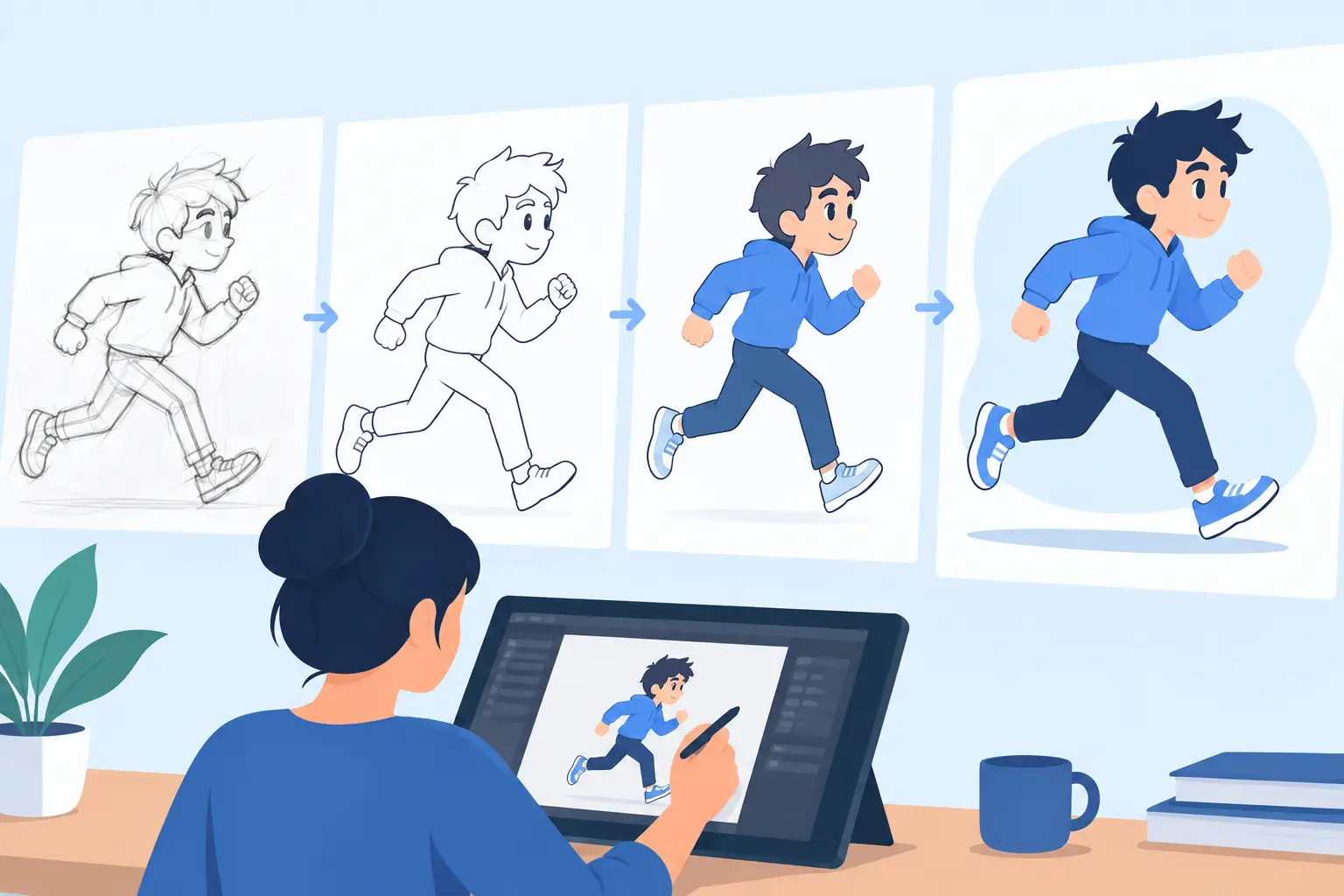
If you were trained to rough, flip, clean, test, and paint as parts of one connected process, the software should support that sequence without friction. The strongest clean up animation software for traditional work keeps drawing at the center.
That means you can move from rough animation into clean-up without feeling like you have changed departments or switched to a different kind of software entirely. You still need responsive drawing, easy scene review, dependable registration, and straightforward control over timing and exposure.
This is where many animators get frustrated with broader digital art apps. They may be good for illustration or general frame-by-frame work, but they are not always built around animation production logic. Clean-up is not just making lines prettier. It is preparing a scene so it can move through paint, camera treatment, and final output with fewer corrections later.
Software built for hand-drawn production tends to make more sense here because the workflow follows the animator’s thinking. You draw, flip, play, adjust, and keep moving.
Why line feel and timing belong in the same conversation
A clean drawing that moves badly is still not finished. That is why timing control should not be treated as a separate issue from clean-up. The minute you watch cleaned drawings in motion, you may notice a hold that runs too long, an inbetween that softens the action, or spacing that needs to be tightened.
In many applications, fixing that means pausing, opening another control, adjusting exposures, replaying, and repeating the process until it feels right. It is slow, and it breaks the rhythm of scene work.
A stronger approach is software that lets you edit timing while the scene is playing. That sounds like a small convenience until you use it on real production. Then it becomes obvious how much time gets wasted in the usual stop-adjust-preview cycle. If you can hear the track, watch the action, and change timing in context, you make better decisions faster.
That matters for beginners learning timing and spacing, and it matters just as much for experienced animators trying to keep momentum through a deadline.
Painting speed is part of clean-up quality
Artists sometimes separate clean-up and paint in theory, but in practice they are tied together. A scene with tidy lines but awkward paint handling still costs too much to finish. Fast painting tools are not just a convenience. They help preserve consistency across the whole sequence.
When fill tools work efficiently, color application stays predictable. You spend less time chasing leaks, re-clicking closed areas, or repairing frames one by one. That means more time checking the scene itself – the draftsmanship, the silhouette, the spacing, the overall polish.
For small studios and independent productions, this matters even more. You do not always have a separate team for every stage. Often the same artist roughs, cleans, paints, and tests the scene. Software that reduces paint labor has a direct effect on how much animation you can actually complete.
What to look for before you commit
Before choosing any clean-up tool, test it with a real scene, not a single drawing. Use a shot with rough keys, a few inbetweens, overlapping action, and at least one timing change. Then pay attention to what slows you down.
Does the line feel stable and responsive? Can you compare drawings quickly? Is playback immediate enough to judge the motion honestly? Can you revise timing without turning the process into technical housekeeping? Does painting feel like the final stretch, or a second battle?
Those questions matter more than a glossy interface. Clean-up artists need software that behaves like production equipment, not a demo reel.
For animators who want a digital tool built around classical methods, FlipBook stands out because it keeps the hand-drawn workflow intact. You can rough and clean up naturally, paint frames efficiently, scrub and play scenes easily, and adjust timing in real time instead of getting trapped in constant preview cycles. That combination is practical, and it saves effort where scenes usually bog down.
The best software depends on the kind of animator you are
If you are a student, the best program is usually the one that teaches solid habits while staying approachable. You need to understand spacing, arcs, volumes, and timing, and software should help you see those principles clearly rather than bury them under automation.
If you are a professional or independent filmmaker, the best choice is often the one that protects speed without sacrificing drawing quality. You already know how expensive interruptions become over a full production. Every extra step compounds.
If you are teaching animation, software should support the language of traditional instruction. Students should be able to rough, clean, test, and paint in a way that connects directly to established production methods.
That is the real standard for clean-up software. Not whether it can do a little of everything, but whether it helps you finish better scenes with less resistance. When the drawing feels right, the paint goes fast, and timing stays under your control, the software is doing its job. Try the tools that match the way animators actually work, and your clean-up stage will stop feeling like cleanup in the worst sense of the word.