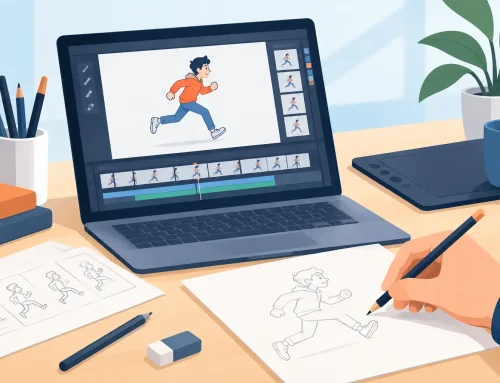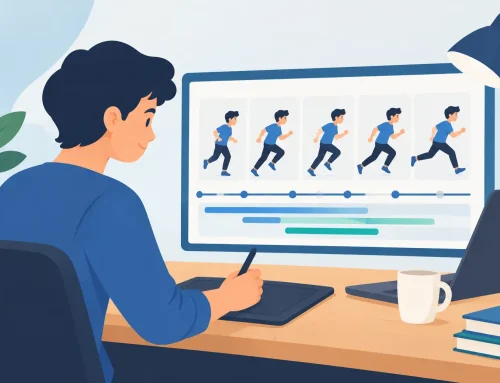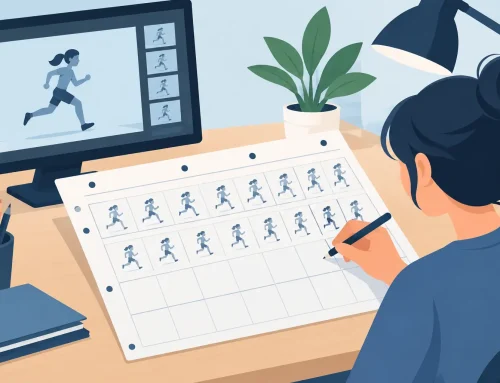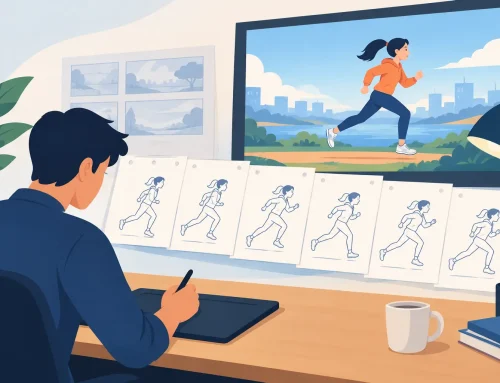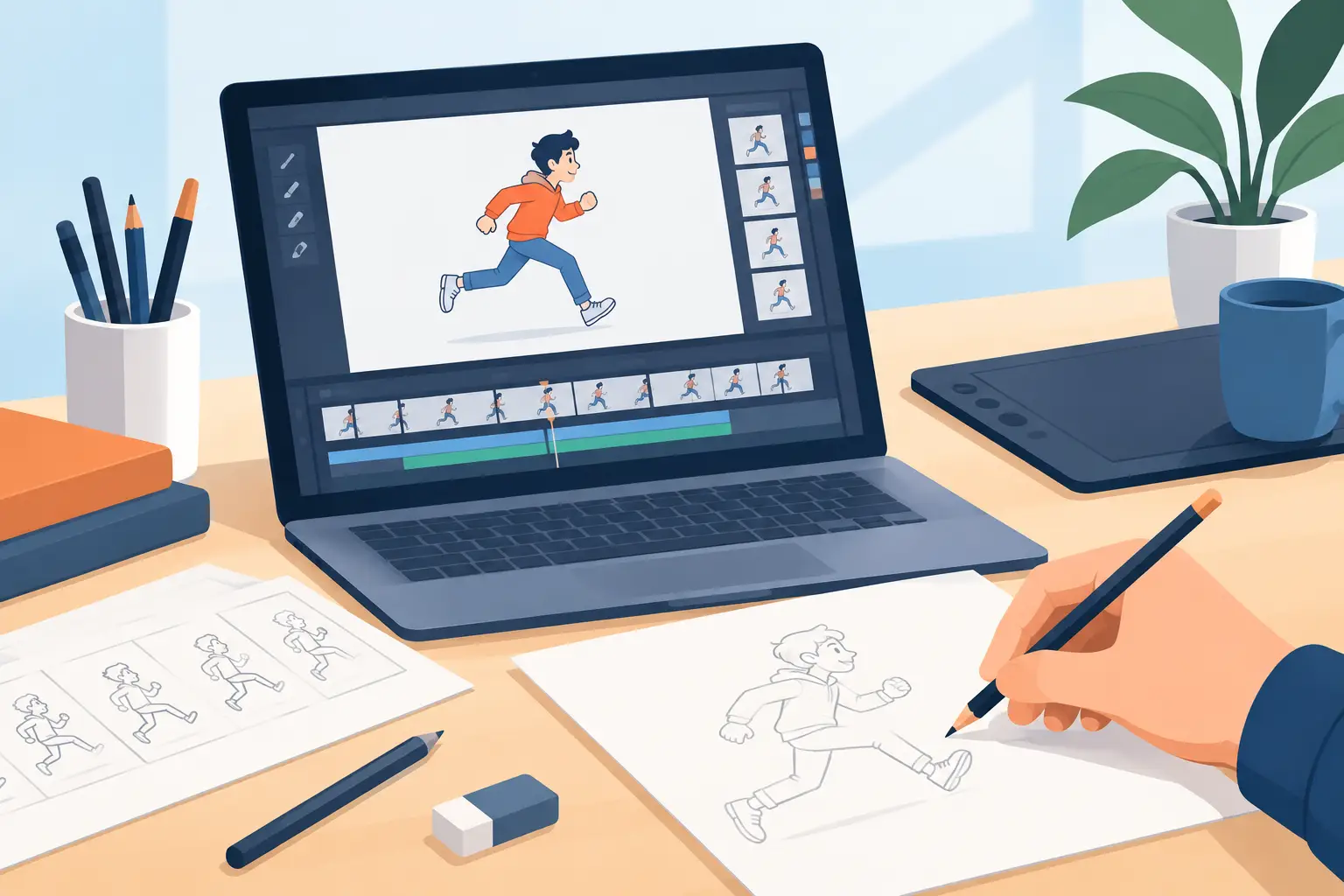
A character can be beautifully drawn and still feel lifeless if the timing is wrong. A blink that lands two frames late, a mouth shape that misses a consonant, or a hold that ends too soon can break the performance. That is why animators rely on an exposure sheet. If you have asked, what is an exposure sheet, the short answer is that it is the production document that tells a scene exactly what appears on each frame and when it appears.
Also called an X-sheet or dope sheet, an exposure sheet turns an animator’s timing decisions into clear instructions for everyone who touches the scene. It connects rough animation, clean-up, dialogue, camera work, effects, and final output. For a short personal test, you may be able to keep timing in your head. For a scene with dialogue, multiple levels, and revisions, an X-sheet keeps the work under control.
What Is an Exposure Sheet Used For?
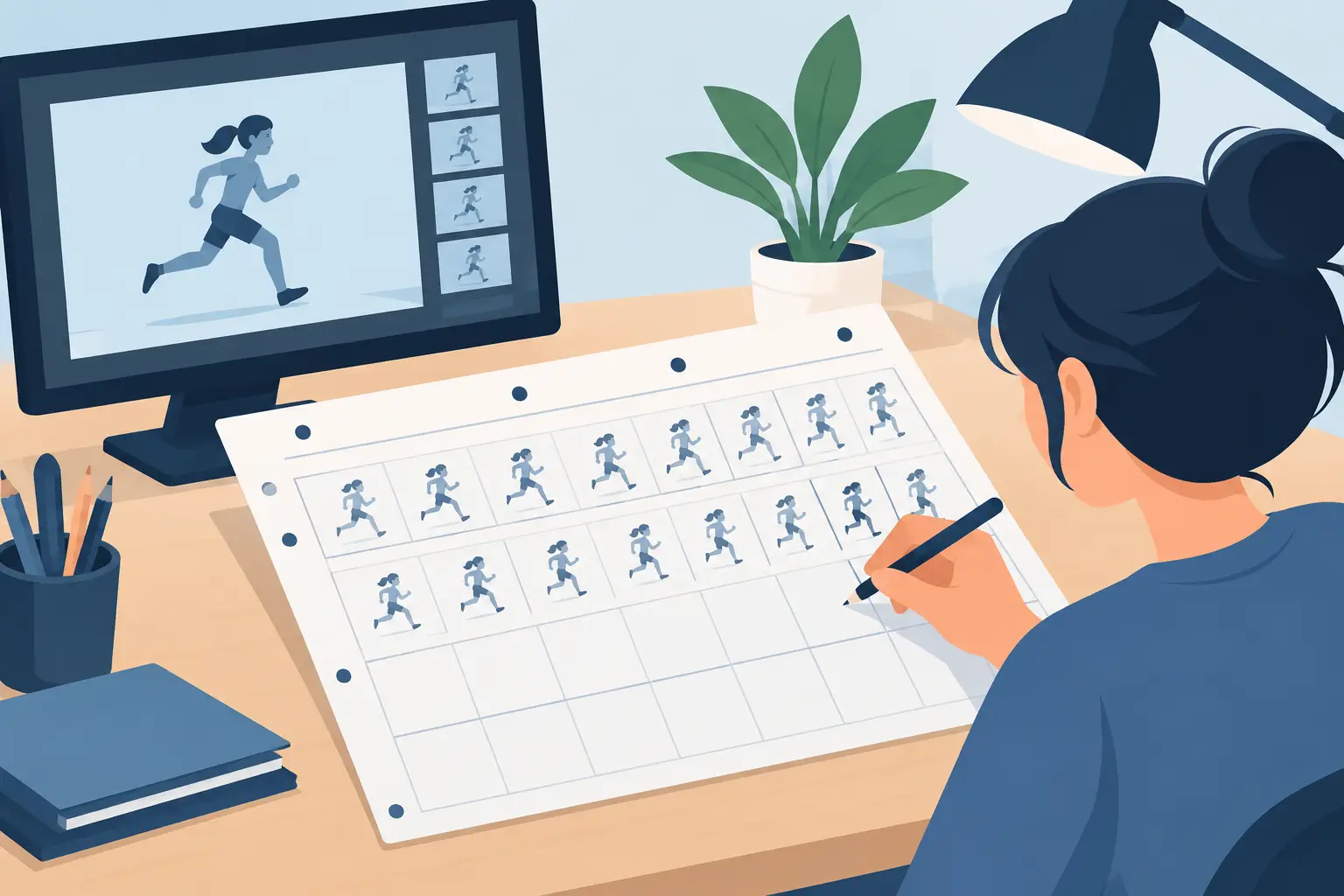
An exposure sheet is a vertical grid, traditionally printed on paper, with frame numbers running down the page. Each row represents one frame of film or video. At 24 frames per second, one second of screen time occupies 24 rows. The animator uses those rows to record which drawing is visible, how long it holds, where dialogue occurs, and what each animation level is doing.
The name comes from the era when each drawing, cel, or photographic element had to be exposed correctly under an animation camera. The sheet told the camera operator what to photograph and for how many frames. The production tools have changed, but the need has not. Digital animation still depends on the same decisions: what drawing is on screen, how long it stays there, and how it relates to every other element in the shot.
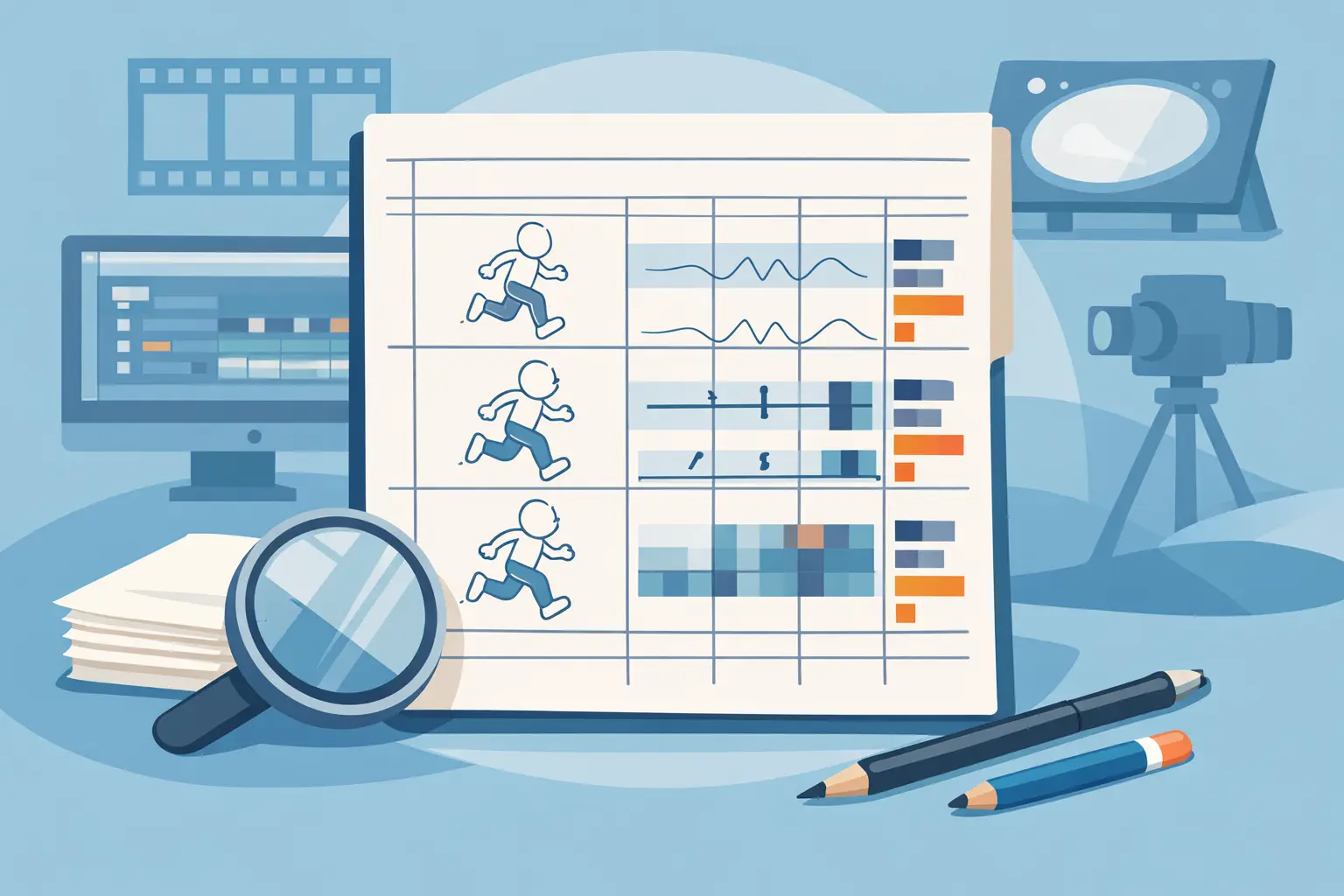
A typical X-sheet may include columns for scene information, frame count, dialogue, action notes, character levels, background levels, effects, and camera instructions. The exact layout varies by studio and project. A dialogue-heavy character scene needs more attention in the sound and mouth-chart area, while an effects shot may devote more space to layers, holds, and exposure patterns.
The sheet is not merely paperwork. It is the scene’s timing blueprint. A good X-sheet lets a director, assistant animator, clean-up artist, compositor, or editor understand the intended performance without guessing.
How to Read an Exposure Sheet
The key is to read downward, not across. Time moves from the top of the sheet toward the bottom. Each horizontal line is a frame. The columns show what happens during that frame.
Suppose a character drawing is labeled 12 and is held for three frames. The exposure sheet might show 12 on frame 1, a hold mark or repeated entry on frames 2 and 3, then drawing 13 on frame 4. If the animator works on twos, each drawing is generally exposed for two frames. Drawing 12 appears on frames 1 and 2, drawing 13 on frames 3 and 4, and so on. Working on ones means a new drawing appears every frame.
This distinction matters because timing is not the same as drawing count. You may animate a slow head turn on twos, then switch to ones for a fast snap or a tight lip-sync passage. The X-sheet makes those choices visible before clean-up and paint begin.
Dialogue is commonly written in a sound column beside the frame count. Animators mark phonetic beats, accented syllables, breaths, and pauses rather than trying to animate every letter. If the word is “stop,” the sheet helps place the mouth changes for the S, the open vowel, and the closing P on the frames that support the performance. The goal is not mechanical mouth movement. It is a readable, well-timed acting choice.
Camera notes may appear on the same sheet. A background can hold while the camera pans across it, or a character level can move independently over a static setting. The X-sheet records where the move begins, where it ends, and how long it takes. Without those notes, a camera move can easily alter the intended rhythm of the shot.
Common marks on an X-sheet
You will see different symbols depending on the studio, but a few conventions are widely understood. A number identifies a drawing. A line, bracket, or repeated notation may show a hold. A circle is often used to call attention to an important frame, such as a key pose or a dialogue accent. A slash may mark a sound beat or an action change.
Do not get stuck on symbols when you are learning. The important thing is consistency. Anyone reading your sheet should know what drawing belongs on each level and how many frames it is exposed.
Why Animators Plan Timing on an X-sheet
Animation is measured in frames, but an audience experiences it as weight, thought, impact, and emotion. An exposure sheet gives those creative choices a measurable form.
Take a simple action: a character notices something offscreen, pauses, then turns. The pause may be only six frames, but it is where the thought happens. If it becomes two frames, the character looks rushed. If it becomes 14 frames, the shot can feel stalled unless the pause is intentional. Planning the hold on an X-sheet forces the animator to make a decision instead of leaving timing to accident.
The sheet also protects the work downstream. Once rough animation is approved, assistants can clean up the intended drawing sequence. Painters know which drawings need color. Compositors know where levels begin and end. A revision can be discussed precisely: hold drawing 27 four frames longer, move the blink two frames earlier, or start the pan at frame 73.
That clarity is especially valuable for small teams. On a large traditional production, exposure sheets were essential because many specialists handled one scene. Independent filmmakers and student crews face the same coordination problem, just with fewer people. A clean X-sheet reduces avoidable messages, mismatched versions, and expensive redraws.
Exposure Sheets, Storyboards, and Animatics
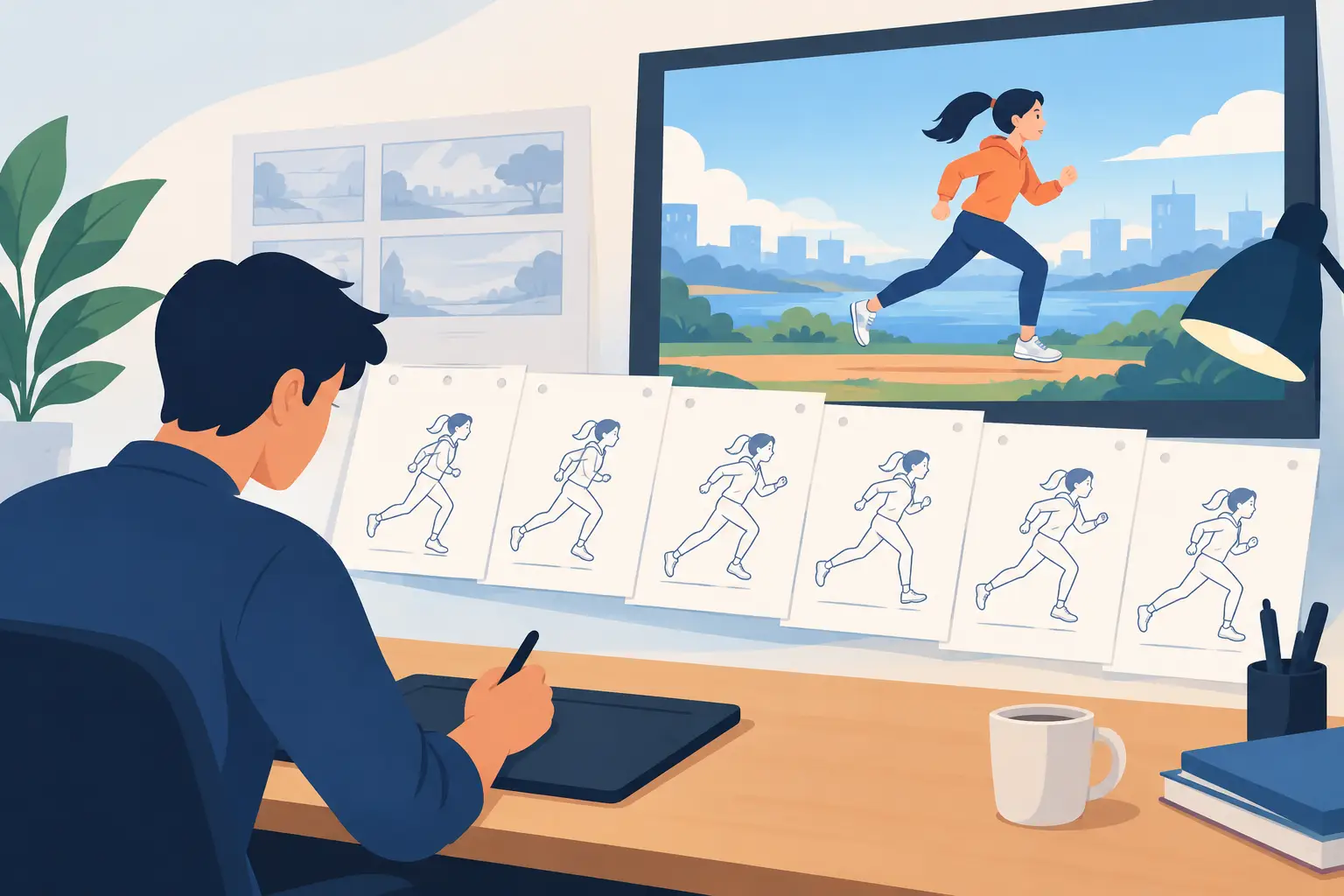
A storyboard shows what the shot should communicate. An animatic tests sequence-level pacing, editorial rhythm, and sound. An exposure sheet handles frame-level timing inside the shot.
These tools overlap, but they are not interchangeable. A storyboard panel might say that a character reacts in a close-up. The animatic may establish that the shot lasts two seconds. The X-sheet determines when the eyes shift, how long the character thinks, where the head begins to turn, and when the mouth closes on the final word.
For broad, silent action, you can sometimes rough out timing directly in your animation software. For lip-sync, complex effects, or camera moves, writing the plan down first usually saves time. It is much easier to change numbers on a timing chart than to repaint and re-edit dozens of frames.
A Practical Way to Make an X-sheet
Start with the scene length and frame rate. If your project is 24 frames per second and the shot lasts three seconds, your sheet needs 72 frames. Add the soundtrack and identify the major dialogue beats, accents, pauses, and action changes.
Next, block the important poses. Mark the frame where the character starts, the frame of the strongest pose, and the frame where the action settles. Then decide where drawings are held and where you need ones instead of twos. Do not treat ones as a mark of quality by themselves. They are useful when motion demands finer spacing, but they also create more drawings to clean up and paint.
Add each level only when it serves the shot. A character, foreground prop, background, shadow pass, and effect may all need separate entries. If a level does not change, state that it holds. If the camera moves, mark the duration and direction. Ambiguous notes create the exact kind of production friction that exposure sheets are meant to prevent.
Finally, test the timing before committing to final art. Play the rough scene with sound. Watch for a pose that reads too quickly, a held drawing that feels dead, or dialogue that lands before the mouth is ready. Adjust the timing plan, then play it again. This is where digital tools earn their place: you should be able to alter exposure and preview the result without interrupting the flow of animation.
Using Exposure Sheets in Digital Animation
Modern software may display a timeline rather than a paper X-sheet, but the underlying logic is identical. Layers replace physical levels, and frame exposures are represented by cells, holds, or repeated drawings. A digital workflow can be faster, but it should not hide the timing decisions from the animator.
For traditional frame-by-frame work, look for a tool that lets you see drawings, scrub the scene, and change timing while playback is running. In FlipBook, timing adjustments can be made in real time, so you can judge a hold or exposure by watching the scene instead of repeating a stop-adjust-preview routine. That matters when you are shaping performance frame by frame.
Digital production also makes it tempting to postpone decisions because moving frames is easy. Use that flexibility wisely. Keep the X-sheet mindset: establish the intended beat, test it, and revise with purpose. A crowded timeline full of unplanned holds is not a timing strategy.
Mistakes That Make an X-sheet Less Useful
The most common problem is treating the sheet as something to fill out after the animation is finished. At that point, it documents the scene but does little to guide it. Build the timing plan as you rough the action, then update it when the performance changes.
Another mistake is using uniform exposure everywhere. A scene animated entirely on twos can feel crisp and economical, but a rapid hand action or lip-sync may need ones. Conversely, animating every drawing on ones can consume time without improving the shot. The right choice depends on speed, spacing, style, and the role of the action.
Finally, avoid vague notes such as “camera moves here” or “hold a bit.” Give the instruction a frame range. Precision gives you control, and control is what lets a hand-drawn performance feel deliberate rather than accidental.
The next time a scene feels almost right but not convincing, do not start by redrawing it. Put the action on an exposure sheet, find the exact frame where the thought, impact, or pause should land, and let the timing make the drawings come alive.