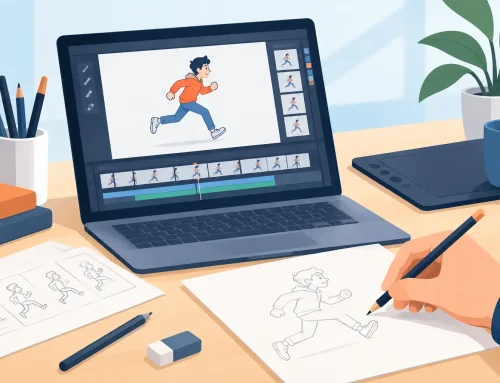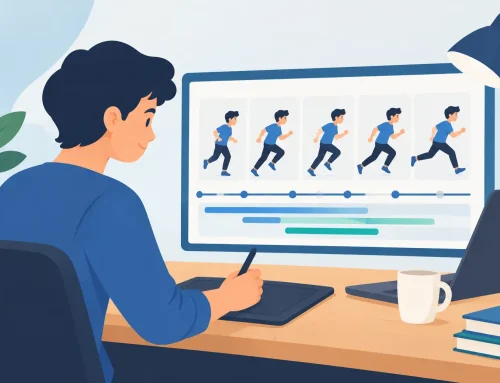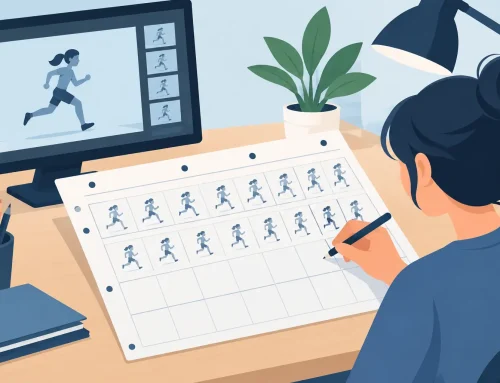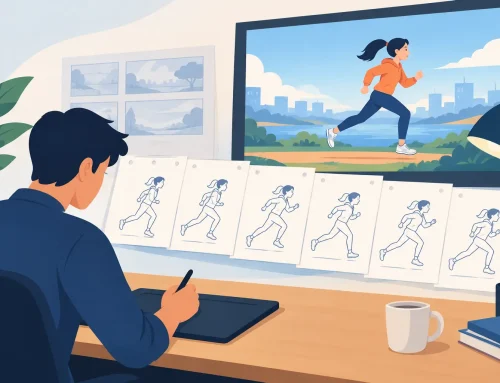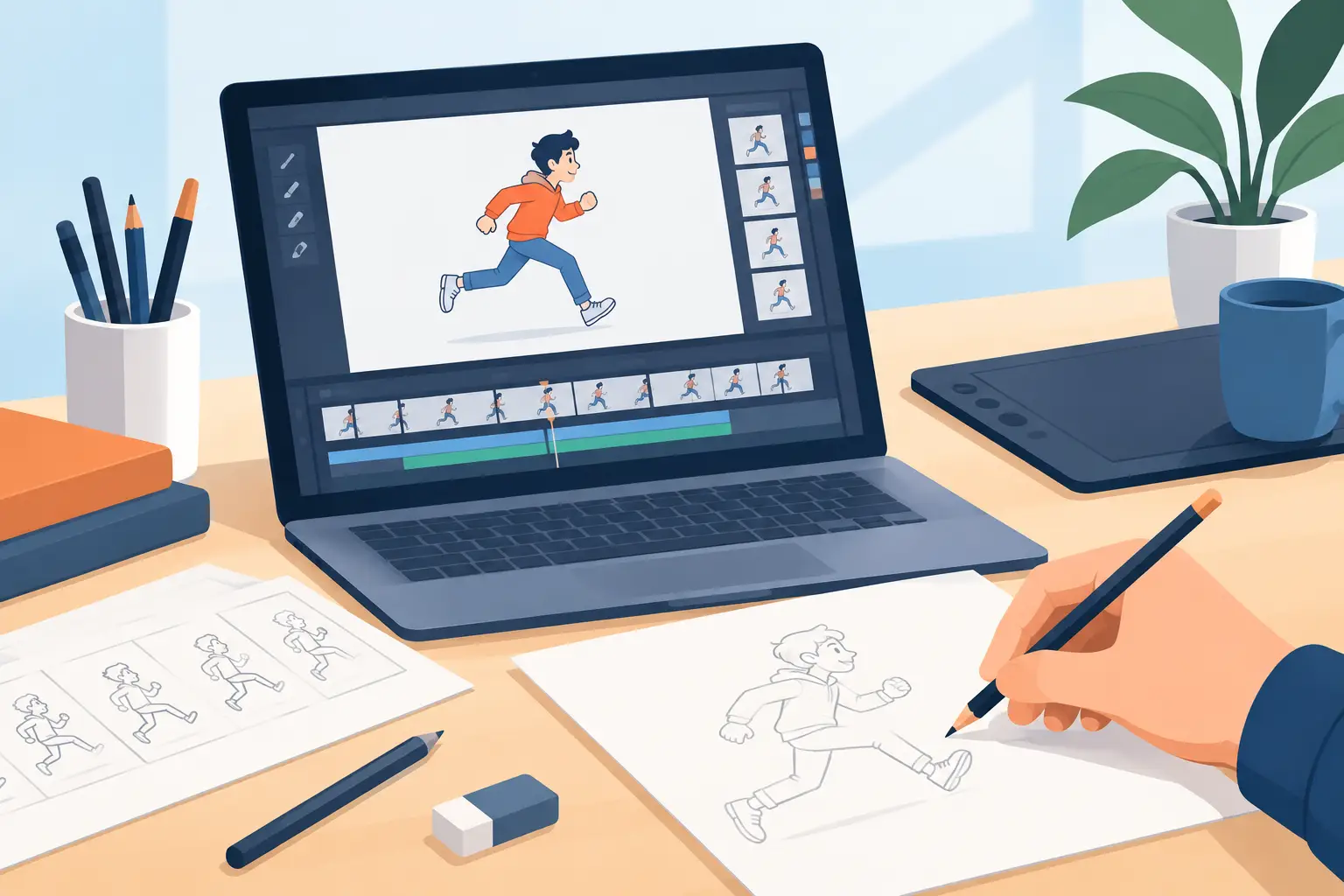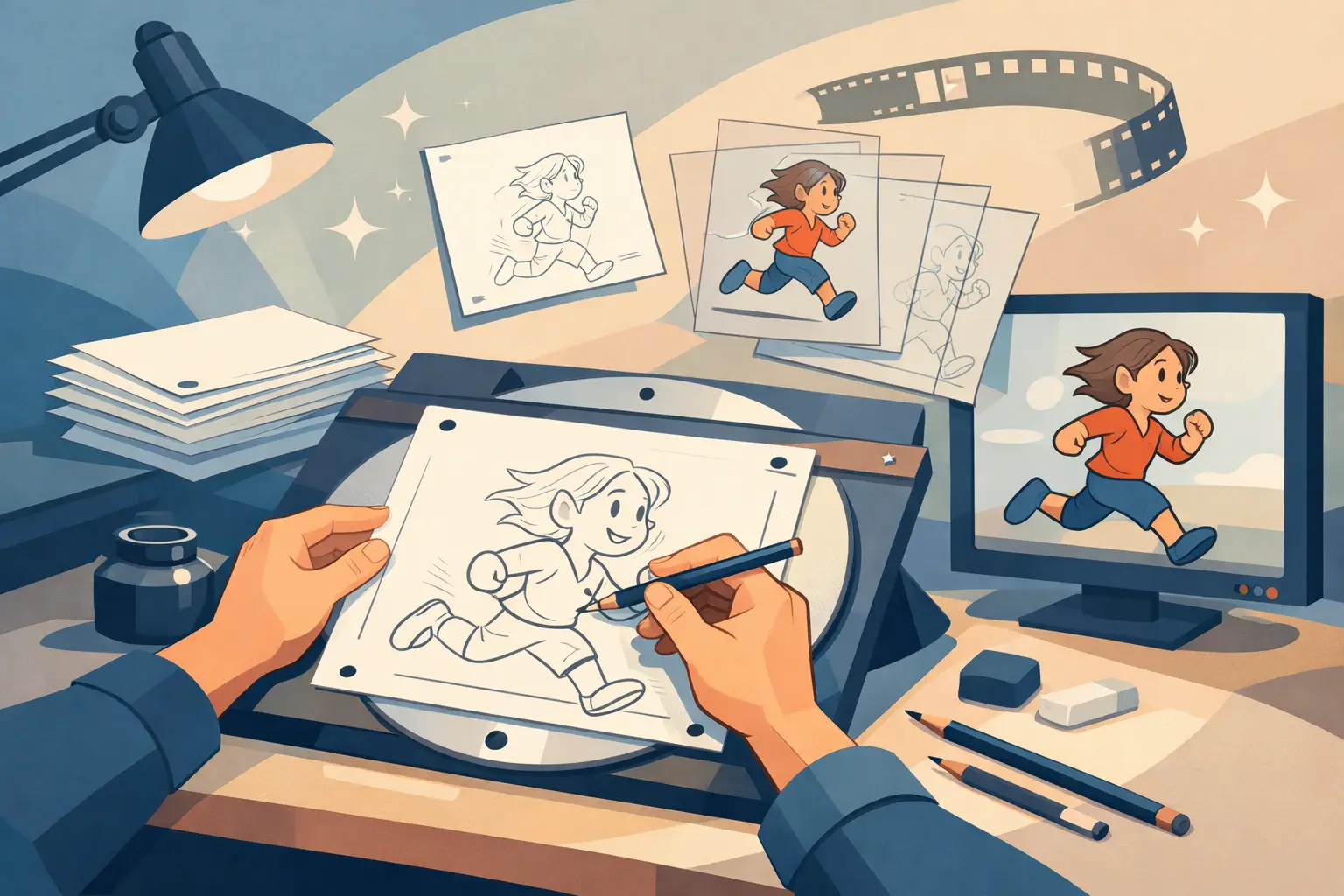
A character does not feel alive because a computer moved it smoothly from point A to point B. It feels alive because an animator chose the exact drawing, timing, weight, and expression for each moment. That is why traditional hand drawn animation remains the working language of artists who care about performance, not just motion.
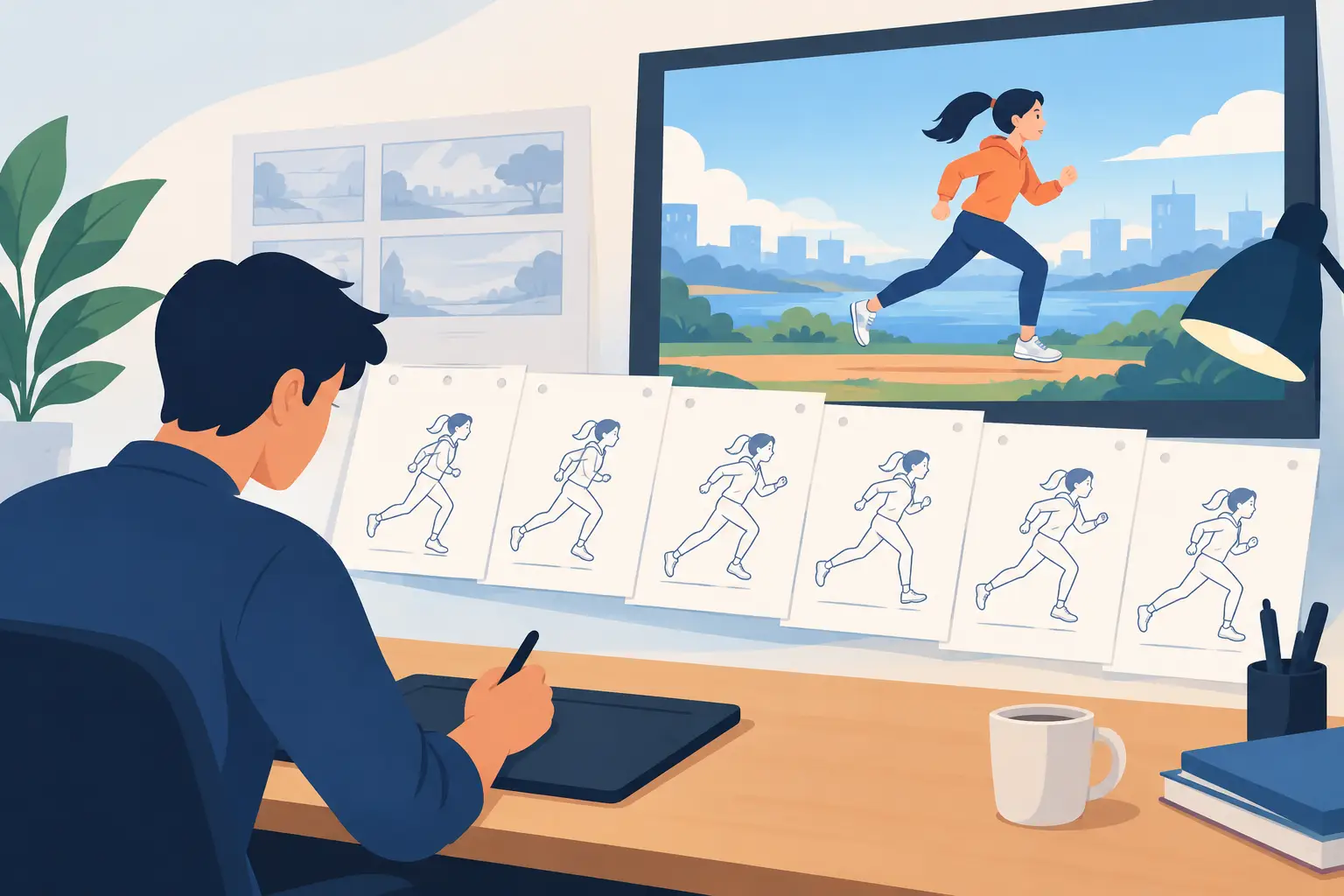
The tools have changed, and the production schedules certainly have. But the essential process has not: plan the action, draw the key poses, build the breakdowns, add the in-betweens, clean up the line, paint the frames, and refine the timing until the scene plays correctly. Digital software should make that process faster. It should not force animators into a rigid workflow that puts the software ahead of the drawing.
Why Traditional Hand Drawn Animation Has Lasting Value
Classical animation gives the artist direct control over every decision on screen. A rough drawing can be loose and exploratory. A clean-up drawing can be precise. A held pose can last exactly as long as the performance needs. A fast action can use smears, multiples, or a deliberately skipped drawing rather than a mechanically perfect transition.
That level of control matters in character animation. If a character pauses before answering, the animator can shape the pause. If the character lifts a heavy object, the artist can place the strain in the shoulders, hands, and face. The movement is not merely generated. It is designed.
This is also why hand-drawn production remains one of the best ways to learn animation. Students see the relationship between timing and spacing immediately. Put drawings closer together and motion slows down. Spread them apart and it accelerates. Hold a drawing longer and the audience reads the thought before the action. Those principles are easier to understand when they are visible in the scene itself.
Traditional work is not a rejection of digital production. It is a demand that digital tools respect animation craft. A practical 2D application gives artists paperless drawing, instant playback, reusable palettes, camera moves, and dependable file handling while preserving the frame-by-frame thinking used in classic studio work.
The Production Workflow That Still Delivers
A good scene begins before the clean lines and color. Start with the idea of the shot: what changes in the character, where the action begins, where it lands, and what the audience must notice. Thumbnail the major poses before committing to finished drawings. This keeps the scene readable and prevents polished artwork from covering weak acting.
Rough animation establishes the performance
Roughs are where the animator solves the scene. Work loose. Find the line of action, the balance, the eye direction, and the clearest silhouette. If the pose is not working in rough form, more detail will not save it.
Set the major keys first, then add breakdowns that explain how the action travels from one key to the next. A breakdown is not simply the drawing in the middle. It often carries the personality of the action: the tilt of a head, the favoring of one side, the compression before a jump, or the overshoot after a stop.
Use playback early and often. Scrubbing through drawings helps inspect arcs and spacing, but real playback reveals whether the action communicates at speed. A scene can look fine one drawing at a time and still feel slow, stiff, or confusing when it runs.
Timing should be adjusted while you watch
Timing is one of the most expensive problems to discover late. In many applications, changing it means stopping playback, opening a separate control, moving exposures, then playing the scene again. That interruption breaks concentration and encourages animators to accept timing that is merely adequate.
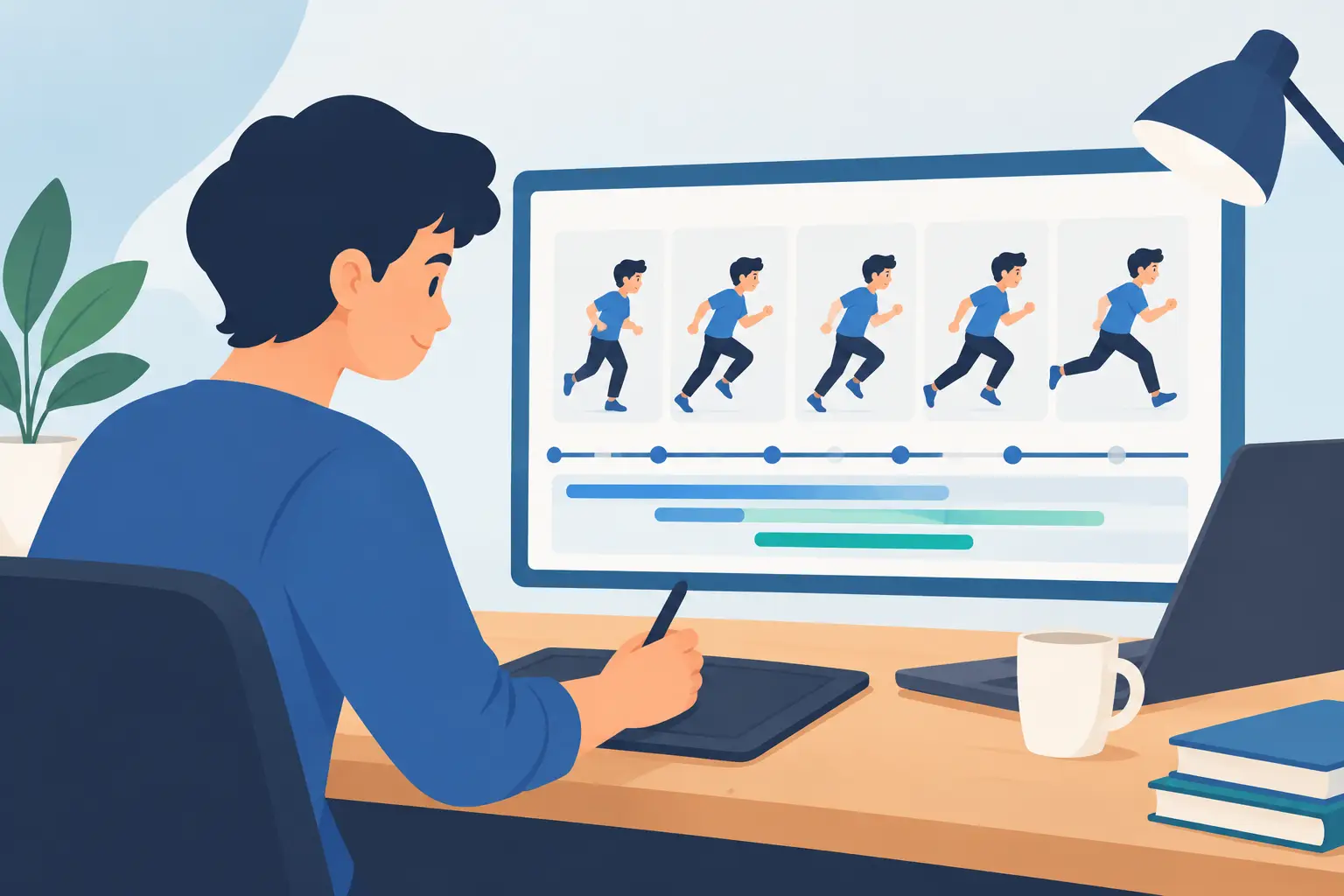
A better workflow lets you adjust the timing during playback. You can hold a reaction for another beat, shorten a take, or shift the weight of an action while seeing the result immediately. This is closer to the way experienced animators think: watch the scene, feel the rhythm, make the correction, and keep working.
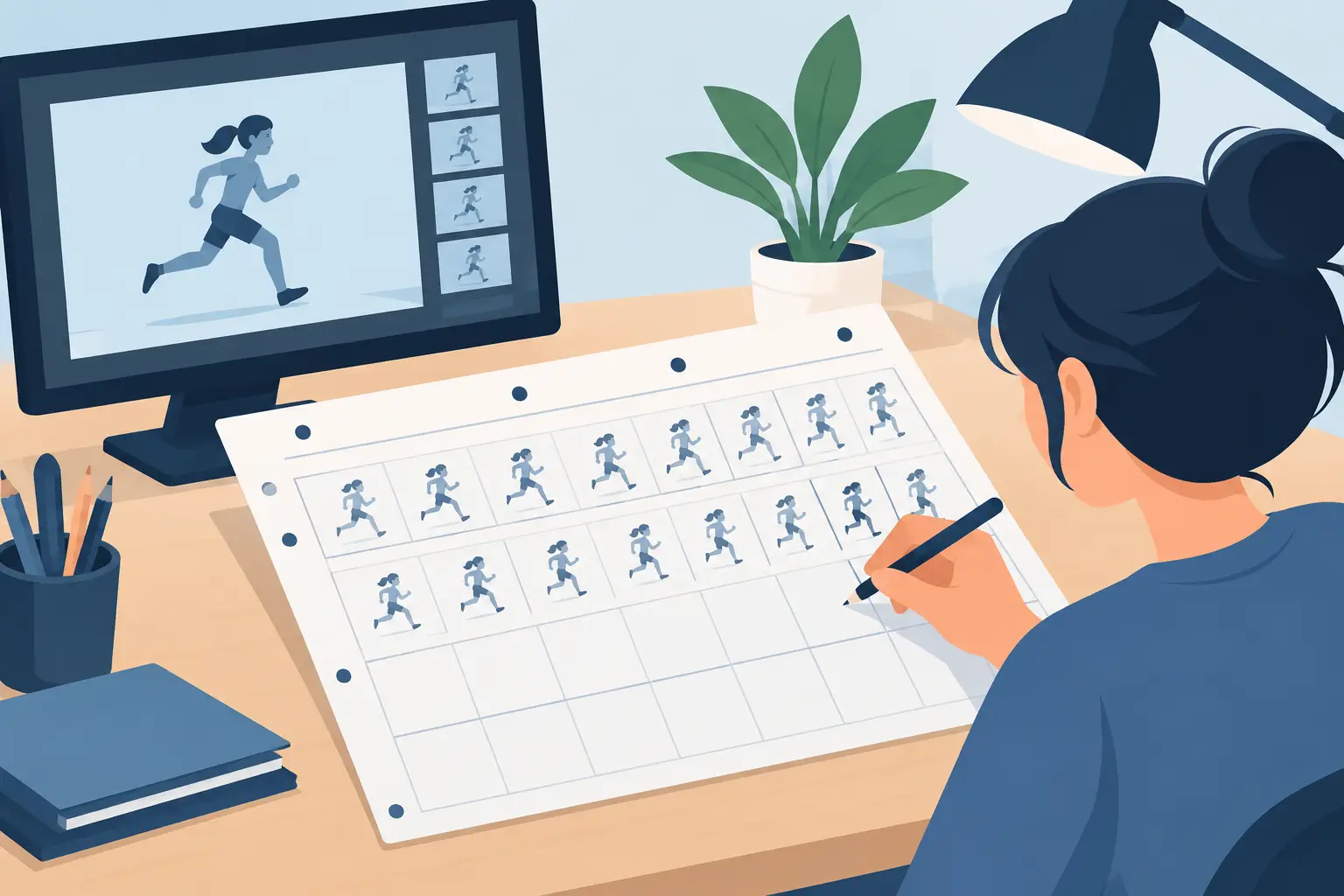
There is no universal exposure pattern. Dialogue, broad comedy, a subtle blink, and a fast impact all need different treatment. Working on twos may give a scene a pleasing drawn cadence, while a quick action may need ones, selective extra drawings, or a smear. The point is not to follow a formula. The point is to make a deliberate timing choice.
Clean-up protects the idea
Clean-up is where rough animation becomes production-ready, but it should not drain the life from the original performance. Keep the volume consistent, preserve the intended line of action, and check that details do not wander from frame to frame. A clean line that ignores the rough pose is technically neat but dramatically wrong.
For independent artists and small studios, organize the scene so revisions stay manageable. Keep rough, clean-up, and color stages distinct. Name scenes clearly. Maintain color choices that can be reused across shots. These habits may seem ordinary, but they prevent avoidable confusion when a director asks for a revised expression or a client requests a shorter shot.
Painting needs to be fast, not fussy
Color is part of the performance. A character’s palette must remain consistent, yet painting should not consume the time needed for drawing and timing. Efficient fill tools, clean enclosed areas, and dependable color handling are not minor conveniences. They determine whether an artist can finish a sequence without turning a creative task into repetitive production labor.
This is where some general-purpose drawing apps reveal their limits. They may offer attractive brushes and broad illustration features, but frame painting can become slow when the software was not designed around animated drawings. A purpose-built animation workflow keeps the artist focused on the shot, not on repairing the same technical problem across dozens of frames.
Digital Tools Should Feel Like an Animation Desk
The best digital tools remove friction without replacing judgment. You need to draw roughs and clean-ups naturally, flip through frames, play a scene at the correct speed, and make camera-style adjustments without sending the work through a complicated pipeline.
Pan, zoom, rotate, blur, and dissolve effects are useful when they support the shot. A slow push-in can increase tension. A dissolve can carry time forward. A blur can sell a fast move. But these effects should be applied with restraint. They cannot compensate for unclear staging or weak animation, and too much motion in the camera can distract from a character’s acting.
The trade-off is straightforward. Specialized software may offer fewer unrelated design features than a giant all-purpose creative suite. In return, it can be faster at the work animators do all day: drawing, painting, reviewing, and changing timing. For a student learning fundamentals, that focus reduces confusion. For a professional, it removes wasted steps.
FlipBook is built around this production logic, combining a natural drawing experience with fast painting, real-time timing edits, frame playback, and camera-style effects. It gives artists the digital convenience they need without asking them to abandon the hand-drawn workflow they trust.
Make Each Drawing Earn Its Place
Hand-drawn animation is not about producing the most drawings. It is about producing the right drawings. A strong key pose can carry more emotion than several weak in-betweens. A well-placed hold can make dialogue feel thoughtful. One clean accent drawing can turn a simple action into a convincing impact.
As you review a scene, ask practical questions. Can the audience read the pose in silhouette? Does the action have a clear beginning, middle, and end? Are the arcs intentional? Does the spacing show weight? Is the character thinking before moving? These questions keep attention on animation rather than surface polish.
The most useful next step is simple: take a short scene, even five seconds, and finish it from rough through color. Watch it repeatedly, adjust the timing while it plays, and redraw whatever does not communicate. That repeated cycle is where traditional hand drawn animation stops being an idea and becomes a skill you can use in every shot.