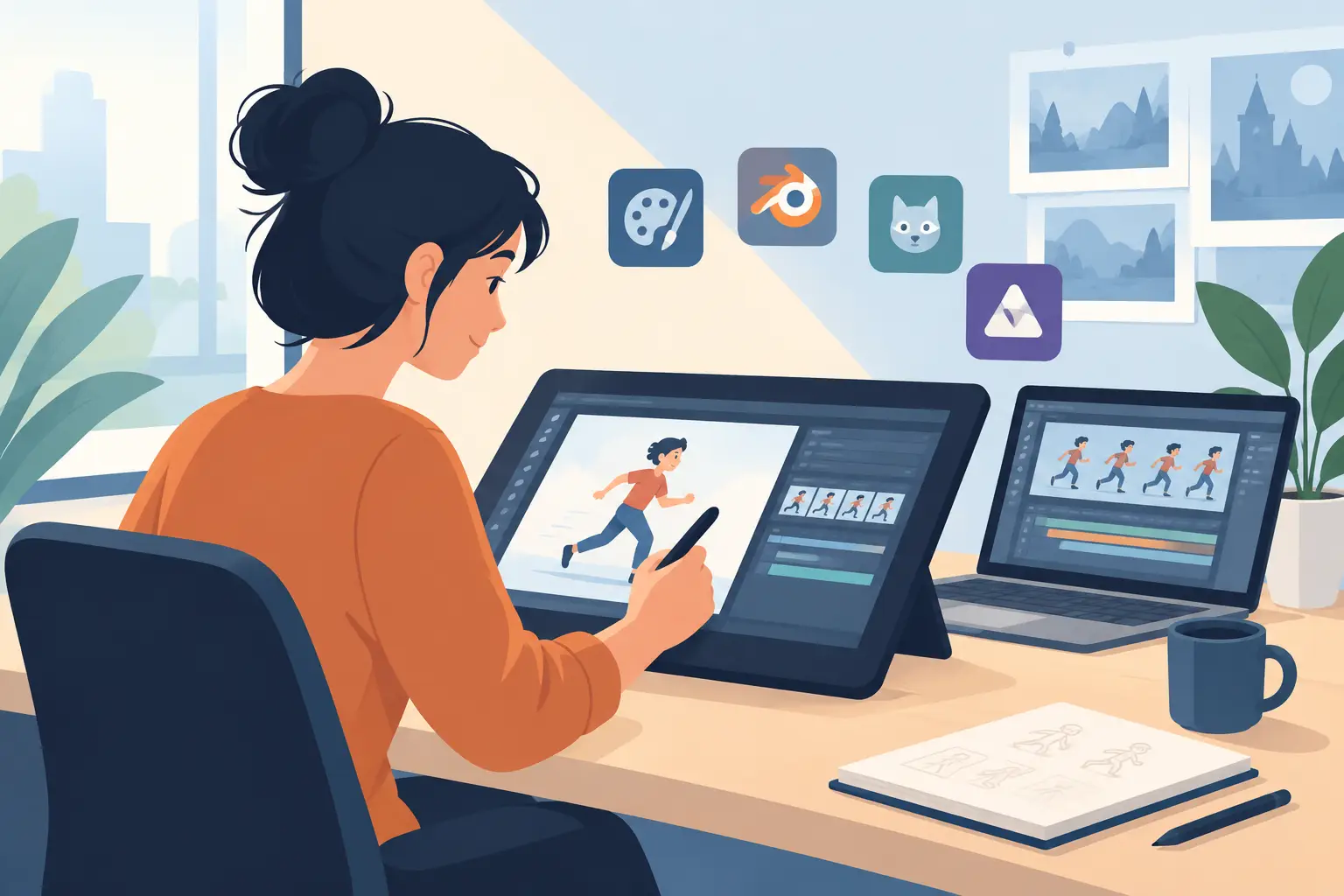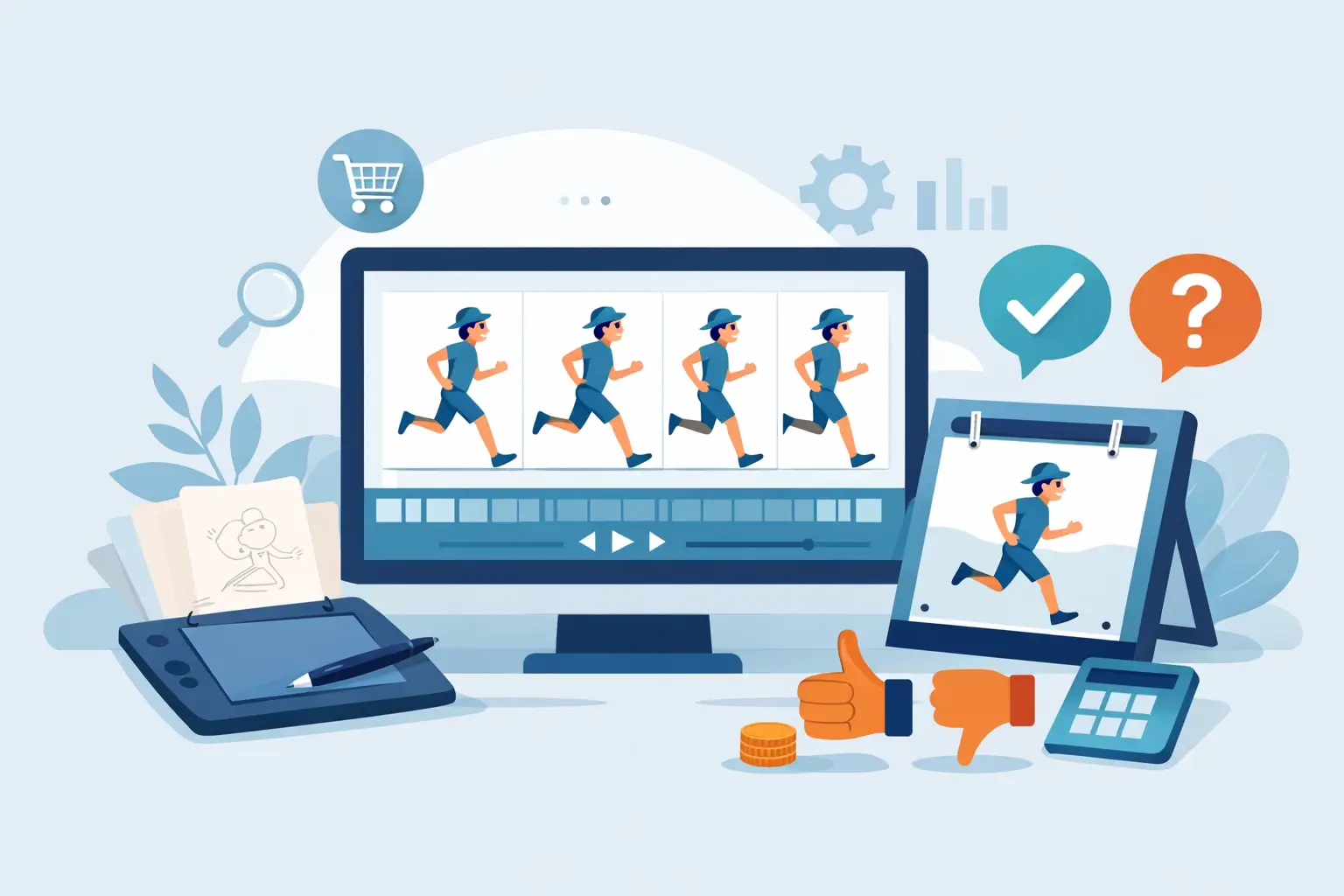
If you are ready to buy traditional animation software, the wrong choice usually shows up fast – not in the feature list, but in the work itself. You feel it when rough animation fights your hand, when paint takes too many clicks, or when changing timing means stopping playback, making edits, and guessing whether the scene improved. Good software should stay out of the way and let you animate.
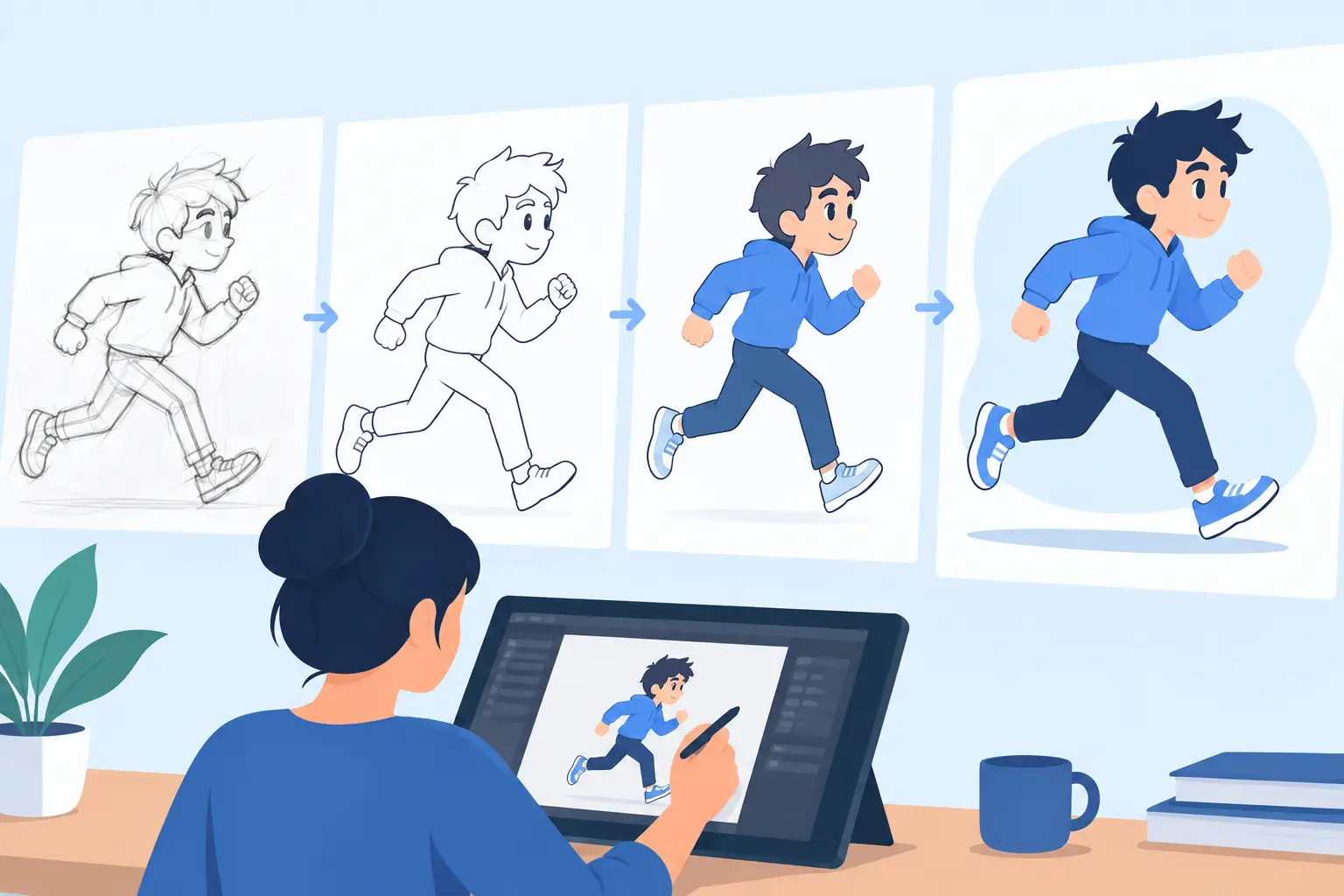
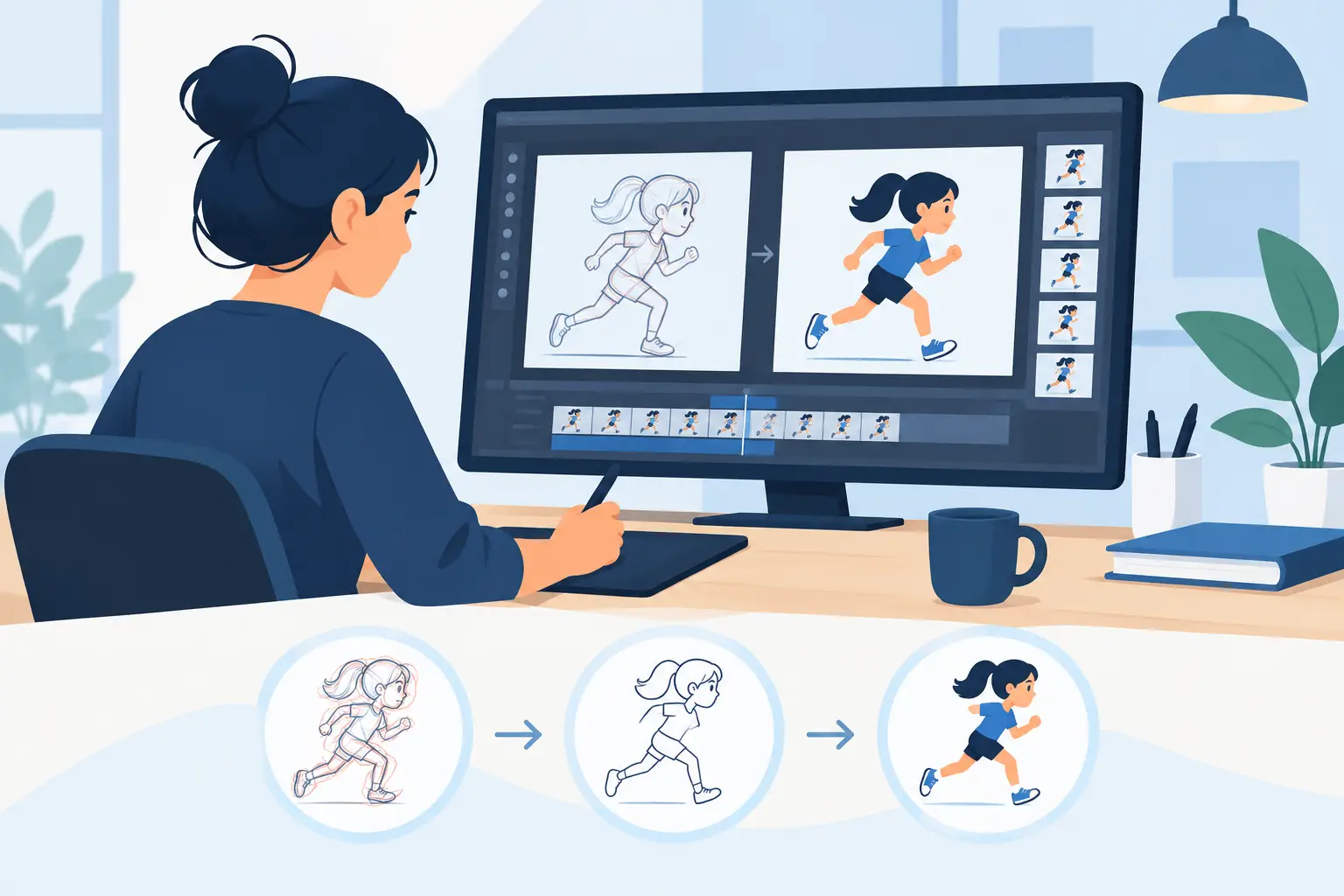
That matters because traditional animation is not just image-making. It is timing, spacing, draftsmanship, clean-up discipline, and frame-by-frame decision-making. A program can claim to do 2D animation and still be a poor fit for artists who think like paper animators. If your process starts with roughs, moves through clean-up, and depends on seeing motion clearly while you work, then the software has to support that production language from the start.
What to look for before you buy traditional animation software
The first question is simple: does the program feel built for drawing, or built for software menus? Many applications include brushes and layers, but that does not make them natural animation tools. Traditional animators need a workspace that respects line quality, flipping, timing, exposure, and direct scene control. If the interface keeps pulling your attention away from the drawings, it slows the job.
Drawing feel is harder to measure than a feature checklist, but it matters more. A natural response between stylus and line helps rough animation stay loose and confident. That is especially important for students learning construction and motion, and for professionals who cannot afford to lose energy fighting the tool. Software should support the hand, not force the hand to adapt to awkward digital behavior.
Painting speed is another dividing line. In production, painting is not glamorous, but it can eat hours if the software is clumsy. Fast, efficient painting tools reduce repetitive cleanup work and make it easier to finish scenes instead of babysitting fills. If a demo looks polished but frame painting is slow in practice, the software will cost you time every day.
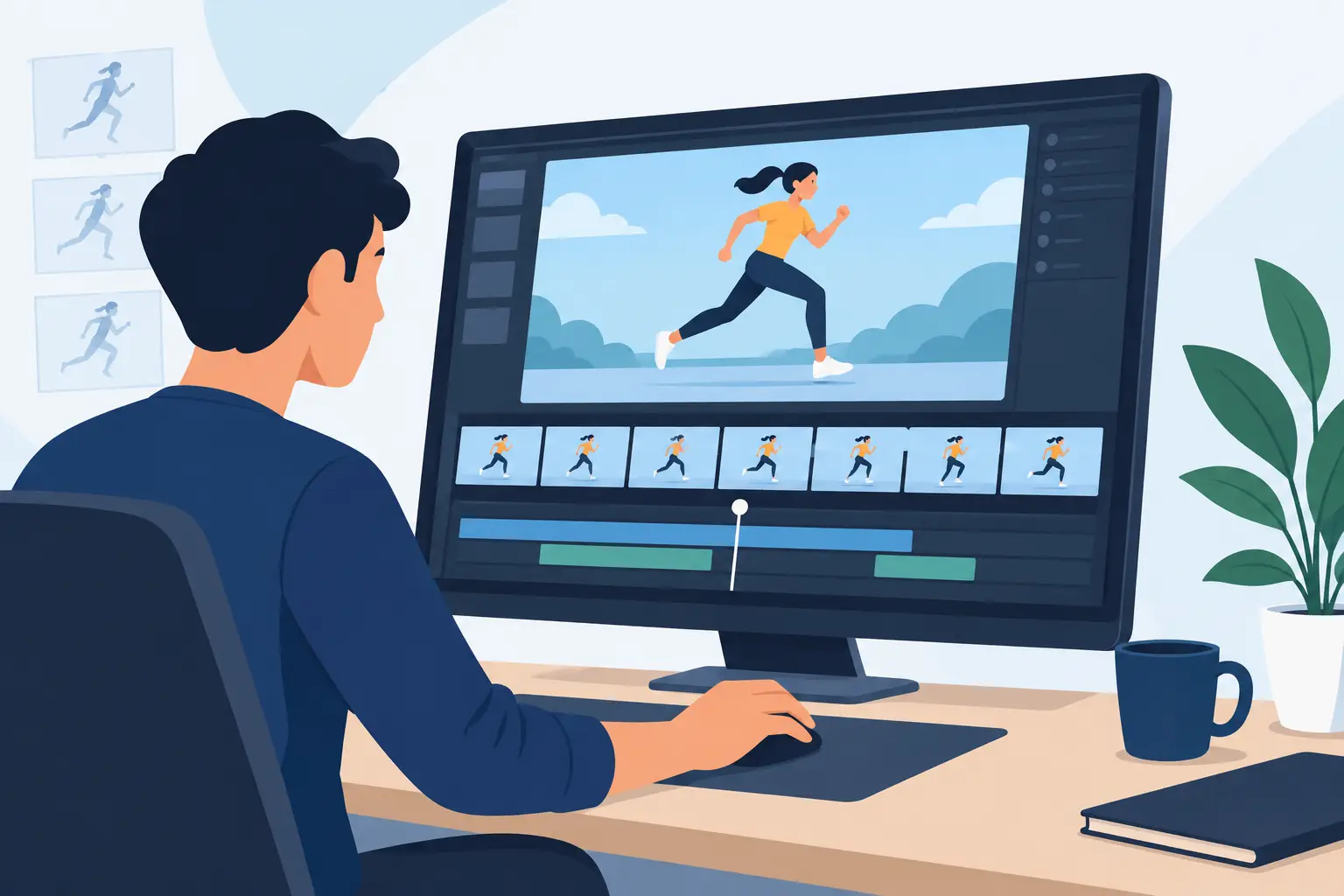
Then there is playback and scrubbing. Traditional animation lives in motion, not still frames. You need to run a scene, scrub it back and forth, and judge timing immediately. The best programs let you make timing changes during playback so you can feel the result as you work. That is a major advantage over apps that force a stop-adjust-preview cycle every time you want to test a timing change.
The biggest buying mistake: shopping by feature count
A long feature list can hide a weak animation workflow. Camera moves, effects, import options, and asset tools may sound impressive, but they do not matter much if basic hand-drawn work feels stiff or slow. Most animators do not need the broadest toolset. They need the right one.
That is why software comparison should start with your actual process. Are you creating rough animation and refining it into clean-up? Are you teaching classical principles such as squash and stretch, arcs, and overlapping action? Are you producing short films, tests, or studio scenes where timing decisions change constantly? If so, the software should be judged by how well it handles those tasks, not by how many unrelated extras it includes.
There is always a trade-off. Some multi-purpose apps can do more across different media, but they often feel less focused for frame-by-frame animation. A specialized traditional animation tool may be the better choice if your main goal is to draw, time, paint, and preview scenes efficiently. More software is not always better software.
Buy traditional animation software that respects timing
Timing control is where serious animation software separates itself from general 2D apps. Animators do not just place drawings on a timeline and hope for the best. They test holds, shift exposures, tighten action, relax spacing, and watch the rhythm change. A program that makes those adjustments quickly gives you better scenes because you can afford to refine them.
Real-time timing edits are especially valuable. When you can alter timing during playback, you are working the way animators think – by reacting to motion as it happens. You are not breaking concentration every few seconds to stop, edit, and preview again. That keeps creative momentum intact and shortens revision time.
For students, this speeds learning. They see cause and effect immediately. For experienced artists, it means faster problem-solving and stronger performance control. For small studios, it can reduce production drag across the whole pipeline.
Why natural drawing still matters in digital animation
A lot of software says it supports hand-drawn work, but the question is whether it feels believable to someone trained on paper. Traditional animators notice right away when flipping is awkward, when navigation interrupts line flow, or when scene management feels built for another kind of user. You may still finish the shot, but it takes more effort than it should.
A natural drawing environment supports rough passes, tie-downs, and clean-up without making each stage feel like a workaround. That is one reason many artists still look specifically to buy traditional animation software instead of settling for a general illustration app with animation added later. They want software that understands how animation drawings are actually made.
This is also where purpose-built tools earn trust. FlipBook, for example, was designed around traditional hand-drawn workflows rather than asking animators to retrofit their process into a broader graphics program. That shows up in the drawing experience, in the efficiency of painting, and in the way timing can be adjusted while the scene plays.
Support, pricing, and trial access are part of the product
Buying software is not just buying features. You are also buying the experience of learning it, troubleshooting it, and using it under deadline. Clear pricing matters because professionals and schools need to plan. A free trial matters because no serious animator should have to guess how software feels before committing to it.
Support matters just as much. Free technical support is not a minor perk for animation users. It removes friction for beginners, helps educators keep classes moving, and gives working artists a direct path when a production issue appears. If a company stands behind the product with real support, that usually reflects confidence in the software itself.
Privacy and direct sales also matter more than some buyers realize. A no-nonsense buying process, published pricing, and straightforward communication create trust. For independent filmmakers, students, and small studios, that simplicity is often preferable to complicated licensing systems or vague subscription structures.
Who should buy a specialized traditional animation program?
If you are an aspiring animator, the benefit is clarity. You learn timing and spacing in an environment that matches the craft instead of burying it under unrelated tools. If you are a student, the right software helps you practice the fundamentals with less technical friction. If you are an educator, it gives your class a cleaner path from bouncing ball exercises to finished scenes.
For professionals, the value is speed and control. Natural drawing, efficient painting, and immediate timing feedback can shave real time off production. For small studios, that adds up quickly. A team does not need flashy complexity as much as it needs dependable scene work and faster turnaround.
Independent filmmakers sit somewhere in the middle. They often need professional control without the overhead of a large pipeline. In that case, a focused traditional animation application can be the practical choice because it delivers the core production tools without forcing a bigger system than the project requires.
The right question to ask before you buy
Do not ask which software has the most features. Ask which software helps you get better animation with less effort. That means stronger drawings, faster paint work, better timing decisions, and fewer interruptions between idea and playback. If the software supports those fundamentals, it is doing its job.
A free trial is the best way to test that claim. Draw roughs. Paint a short scene. Scrub the action. Change the timing. See whether the program helps you think like an animator or like a software operator. The difference is obvious once you work a real scene.
When software respects the traditions of hand-drawn animation while giving you digital speed, it does more than replace paper. It lets your drawings move the way you intended, and that is still the standard worth paying for.