A scene usually starts falling apart in one of three places – the rough pass, the timing, or the paint. If your arcs feel stiff, your revisions take too long, or every timing change forces you to stop and rebuild momentum, this traditional animation workflow guide will help you tighten the process. The goal is not to turn hand-drawn animation into a sterile digital pipeline. It is to keep the craft intact while removing the delays that waste production time.
Why a traditional animation workflow still works
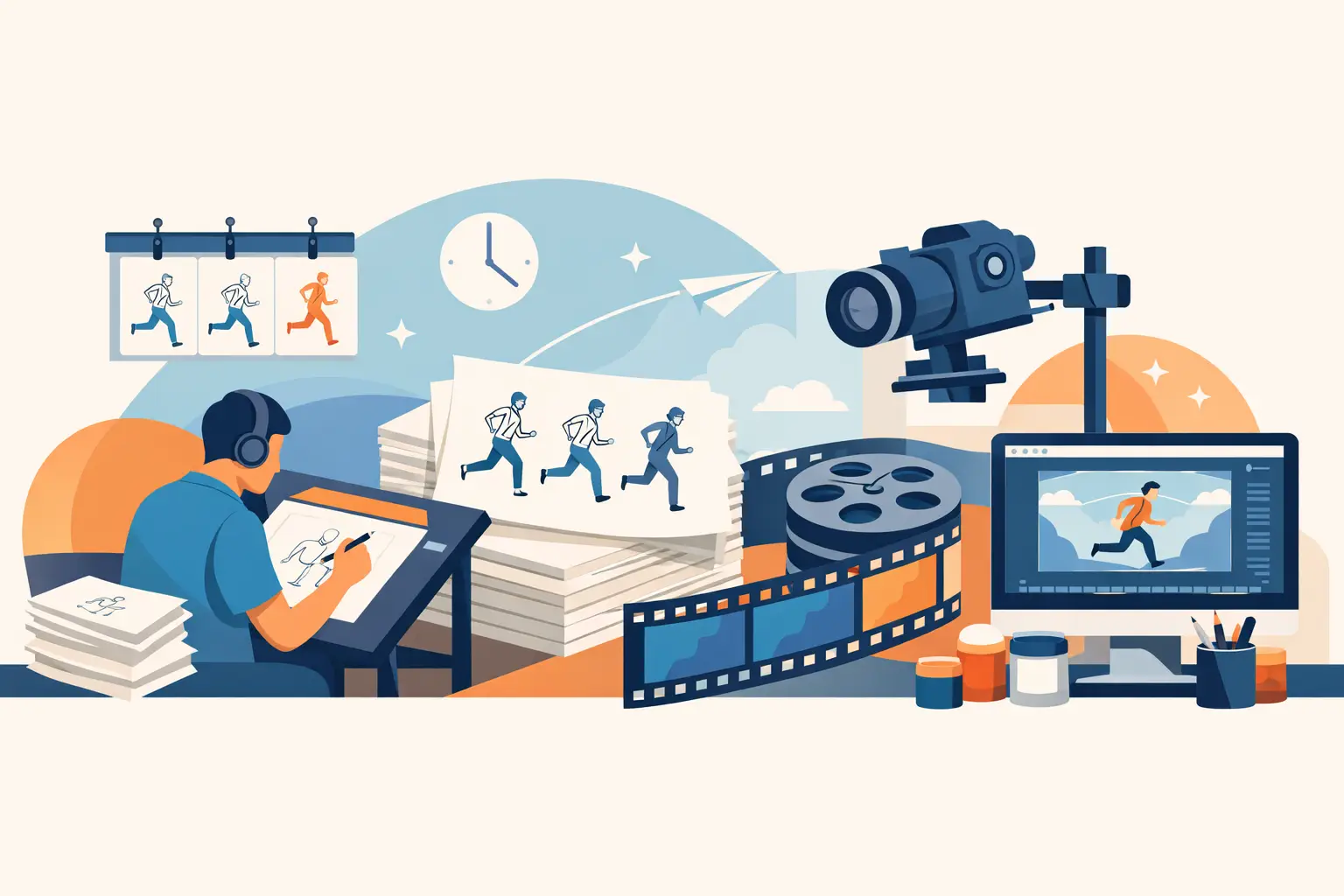
Hand-drawn animation has always depended on clear stages. Rough animation solves motion. Clean-up solves clarity. Color solves readability and finish. Timing ties the whole thing together. When those stages blur together too early, artists often polish drawings before the action works, or paint scenes that still need spacing fixes.
A strong workflow protects you from that. It lets students learn the fundamentals in the right order, and it gives working animators a reliable production method for shorts, series work, commercials, tests, and independent films. Traditional methods are still effective because they match the way movement is actually built – one drawing, one decision, one adjustment at a time.
Digital tools can either support that method or fight it. If the software feels unnatural to draw in, painting takes too many clicks, or timing edits interrupt playback, the computer becomes the bottleneck. A good setup should let you work like an animator, not like a technician.
Traditional animation workflow guide: from first sketch to final scene
The best workflow is staged, but not rigid. You should know what problem you are solving at each point in the scene.
Start with planning, not polished drawing
Before you draw a single frame, define the action. What is the character doing, where is the weight shift, what is the emotional beat, and how long should the shot play? Even a quick thumbnail pass can save hours later. You are not looking for beauty here. You are looking for intent.
This is where exposure thinking matters. You do not need a fully formal dope sheet for every test, but you do need a sense of holds, accents, and spacing changes. A shot that starts loose will rarely become precise by accident.
Rough animation is where the scene lives or dies
Roughs are the engine of the scene. This is where you establish key poses, breakdowns, spacing, path of action, overlap, and performance. Keep the drawing responsive. A rough pass should feel fast enough that you are willing to throw out weak poses and redraw them.
Many artists make the mistake of tightening roughs too soon. If the motion is not convincing yet, cleaner drawing will only hide the real problem for a little while. Work with enough structure to maintain volume and enough freedom to search for motion. Scrub constantly. Flip constantly. Play it back often.
This is also where timing should stay fluid. If changing an exposure means stopping playback, opening another panel, entering numbers, and previewing again, you lose rhythm. The strongest digital workflows let you adjust timing while watching the scene, which keeps your attention on motion instead of interface management.
Test timing before you commit to clean-up
Timing is not a final-stage fix. It belongs in rough animation, before the scene becomes expensive to revise. If a hand gesture needs a two-frame hold before the snap, or a head turn needs more spacing on the out, make that decision now.
There is always a trade-off between drawing count and movement quality. More drawings do not automatically mean better animation. Sometimes fewer drawings with better spacing create a stronger scene. Sometimes a held drawing with selective movement gives you the exact accent you need. The workflow should make those choices easy to test in real time.
Clean-up without losing the life of the rough
Clean-up is not tracing. It is interpretation with discipline. Your job is to preserve the action, construction, and personality of the rough while making the drawing production-ready.
That means watching for volume drift, wobbly line placement, and details that move independently when they should lock. It also means knowing when not to over-correct. If the rough has a lively asymmetry in the face or a slightly aggressive line of action, sanding that down can make the final scene feel dead.
A good clean-up pass depends on clear onion-skin reference, dependable registration, and a drawing environment that still feels natural. If the tools make line control awkward, artists start fighting the software instead of focusing on draftsmanship. For a traditional animator, that is a serious cost.
Keep scene organization simple
Complicated file structures do not make animation better. They just create more places for mistakes. Organize shots by scene, keep naming consistent, and separate rough, clean-up, and final color versions when needed. For solo filmmakers, simple organization prevents confusion. For small studios and classrooms, it keeps handoff problems to a minimum.
The right level of structure depends on the project. A student exercise can stay light. A commercial shot with revisions from clients needs more discipline. The rule is simple: organize enough to protect the work, not so much that administration overtakes animation.
Painting and color in a production workflow
Painting should be fast. That sounds obvious, but many digital tools still treat frame painting like a chore. In traditional production, color is already labor. The software should reduce that labor, not add more.
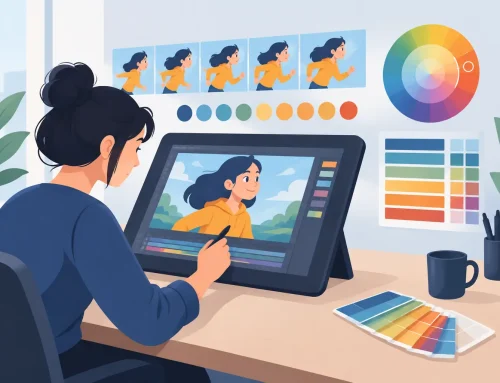
Once your clean-up is approved, establish a consistent palette and test color relationships in motion, not only on still frames. A color choice that reads well in one drawing can flicker or flatten when played back across a sequence. Skin tones, shadows, and costume colors need to stay stable from frame to frame.
Efficient paint tools matter more than people admit. If filling and correcting color takes too long, artists start delaying paint decisions or avoiding revisions they should make. Fast painting keeps finishing practical, especially for independent productions and classroom deadlines.
There is also a judgment call here. Not every project needs full painted polish. Pencil tests, rough tests, and selective finish passes can all be valid depending on budget, schedule, and intent. Traditional workflow is not about making everything elaborate. It is about choosing the right finish for the job.
Camera moves, scene playback, and final polish
Once animation and color are working, camera treatment can add focus and staging. Pan, zoom, rotate, blur, and dissolve effects should support the scene, not rescue weak drawing or weak timing. A simple push-in can strengthen emphasis. A pan can improve composition across a background. But too much movement on top of animation can make a shot feel busy and less readable.
Playback is where all the decisions reveal themselves. Watch the scene at speed. Scrub through accents. Check arcs, eye direction, silhouette clarity, and any color chatter. Small timing trims at this stage can still make a big difference, especially if the software lets you adjust exposure without breaking your viewing flow.
This is one reason many animators prefer purpose-built 2D software over broader graphics tools. In a dedicated hand-drawn setup such as DigiCel FlipBook, roughing, clean-up, painting, playback, and timing adjustments are built around the way animators actually work. That matters when you are trying to keep drawings alive and still finish on schedule.
The biggest workflow mistakes to avoid
Most production slowdowns come from impatience disguised as efficiency. Artists clean up before the motion works. They paint before the scene is approved. They accept awkward timing because revisions feel annoying. Or they choose software that looks modern but interrupts the basic rhythm of drawing, flipping, and testing.
The fix is not complicated. Solve movement first. Keep timing editable. Preserve the life of the rough during clean-up. Use painting tools that do not waste your day. Build the process around animation principles rather than around menus.
A better traditional animation workflow guide starts with the right tool
If you want stronger hand-drawn scenes, the workflow has to respect the craft. That means natural drawing, fast paint, immediate playback, and timing control that does not force a stop-adjust-preview cycle every few minutes. Beginners learn faster in that environment, and experienced animators get better results with less effort.
The best software will not animate for you. It will do something more useful – stay out of the way while you solve performance, motion, and finish like an animator. Start there, and your scenes will move with more clarity, more confidence, and a lot less friction.