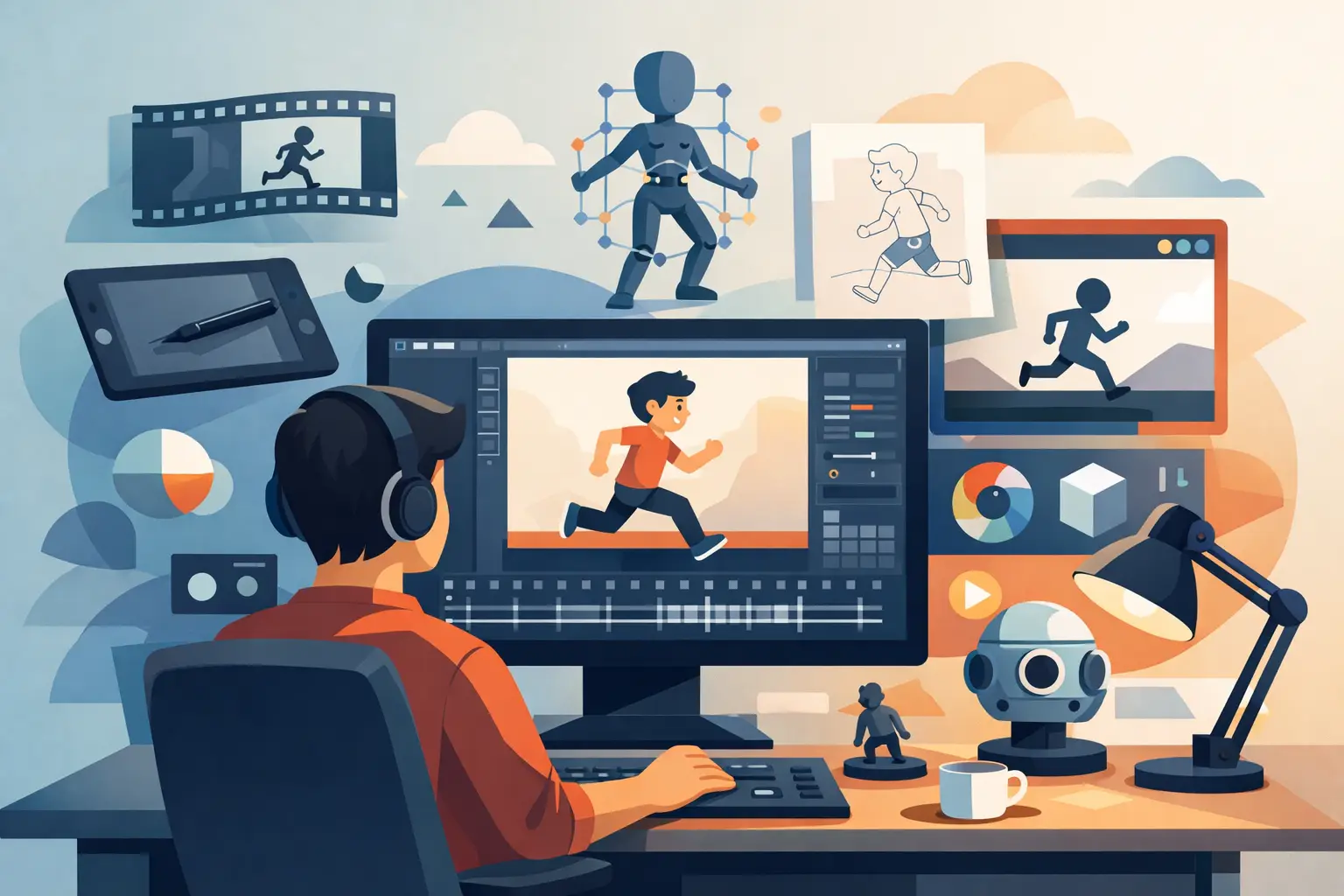
A lot of people ask what software do animators use as if there is one standard answer, one industry app, one button that turns drawings into finished motion. That is not how animation production works. Animators choose software based on the kind of animation they make, how they like to work, and how much control they need over drawing, timing, painting, compositing, and final delivery.
If you are learning animation, building an indie short, or setting up a small studio pipeline, the better question is this: what software fits the work you actually want to do? A hand-drawn 2D animator does not need the same toolset as a 3D character animator. A storyboard artist, clean-up artist, and compositor may all touch different software on the same project.
What software do animators use for different kinds of work?
Animators usually work in one of four areas: traditional 2D animation, rigged 2D animation, 3D animation, or motion graphics and effects. Each area tends to favor different tools because the job itself is different.
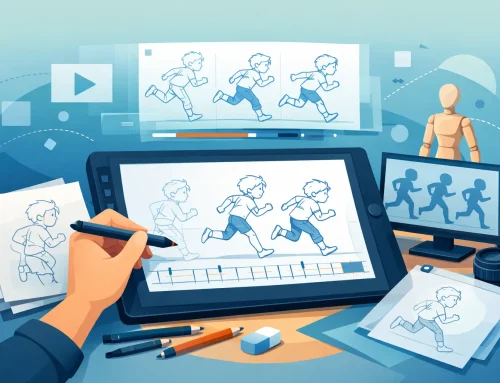
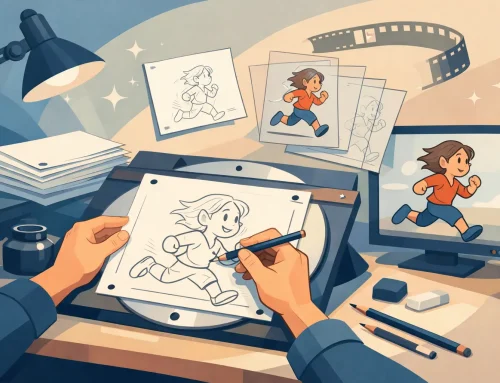
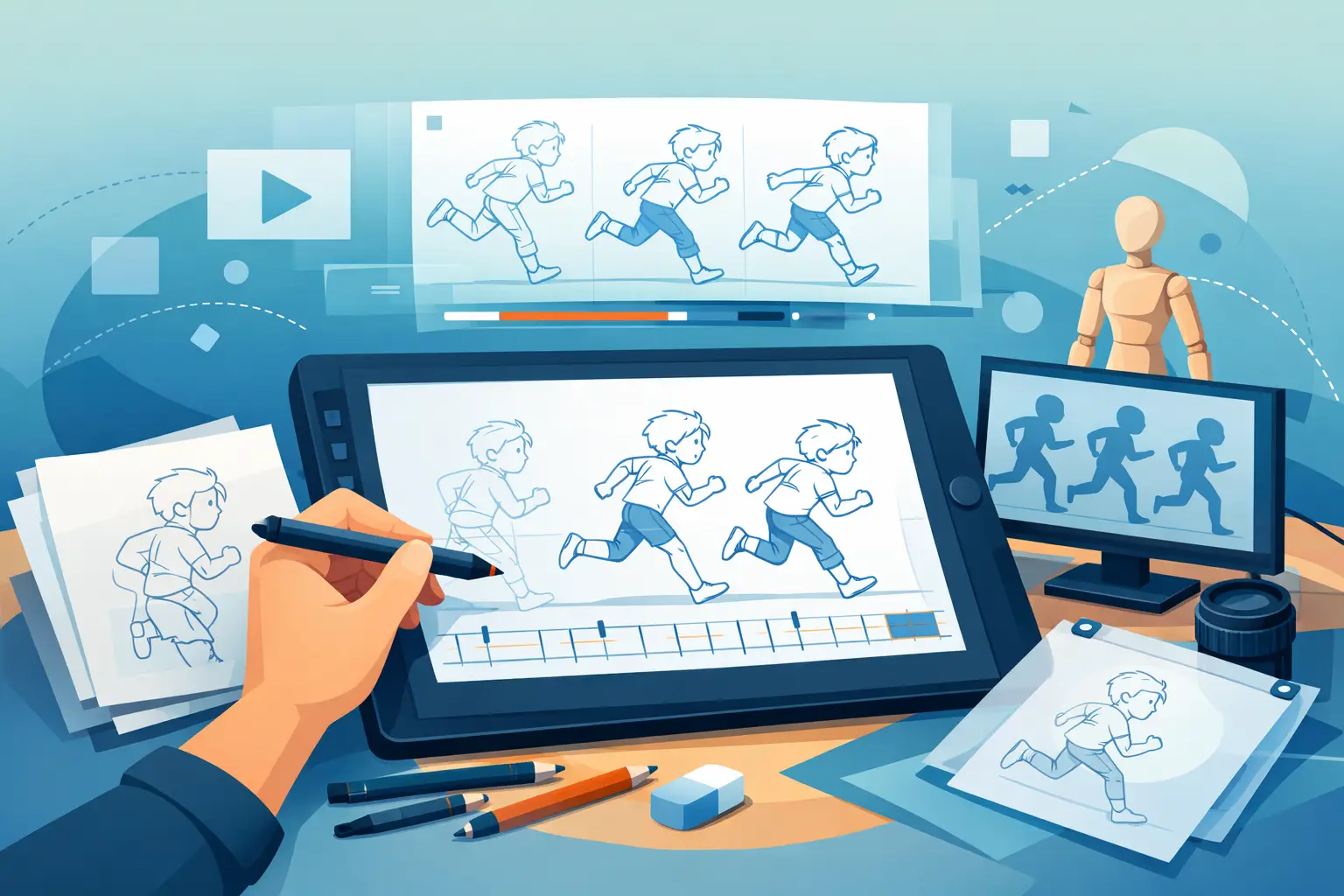
For traditional 2D animation, artists need software that respects drawing. That means rough animation, clean-up, frame flipping, fast painting, scene playback, and timing control that feels immediate. If you are drawing every frame, the software should stay out of your way. It should let you concentrate on spacing, arcs, weight, and performance instead of wrestling with menus.
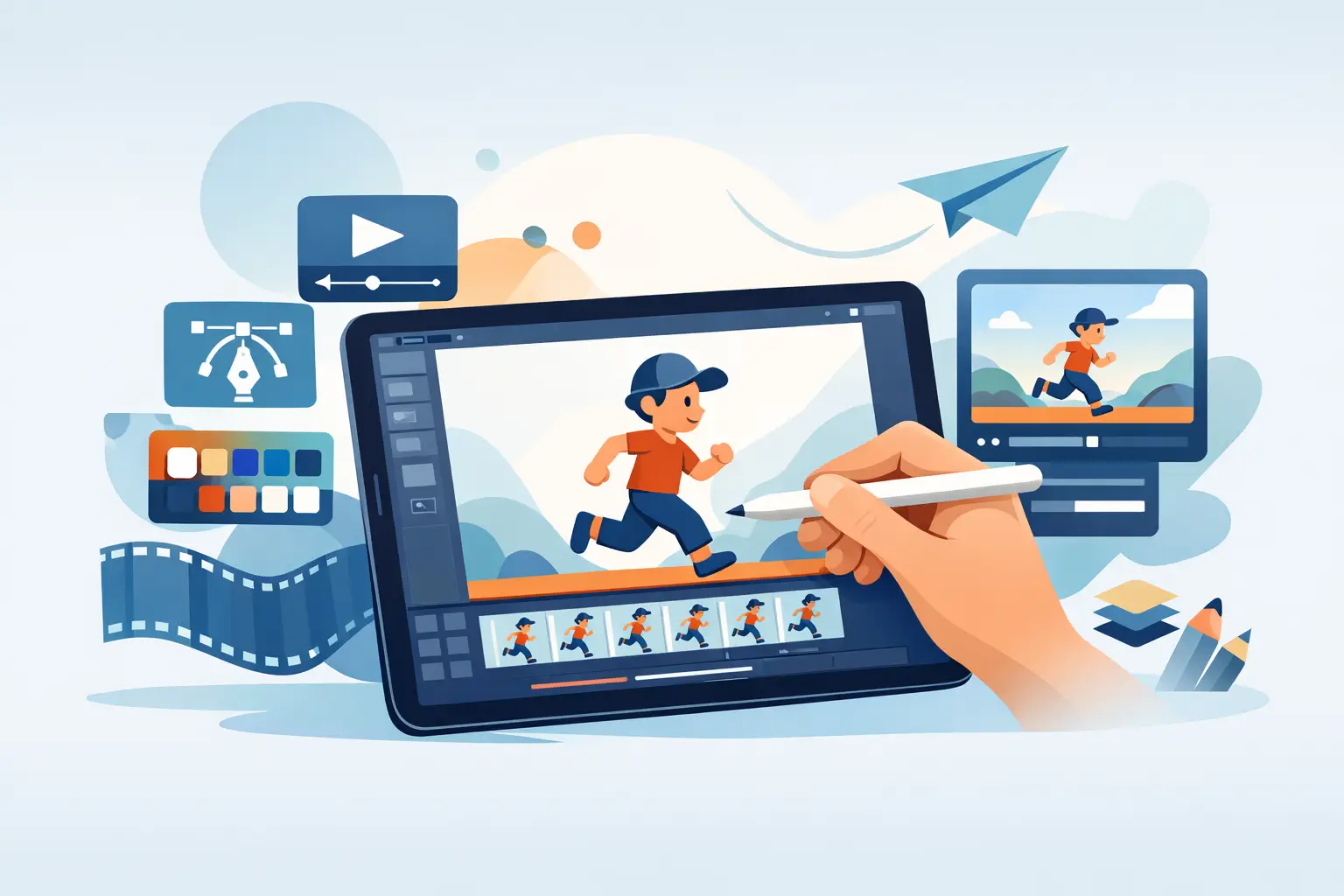
For rigged 2D animation, the priority shifts. These systems are built around cutout characters, reusable parts, and puppet-style control. They can save time on productions that need fast turnaround, but they do not always give the same freedom as frame-by-frame drawing. If your work depends on draftsmanship and expressive line, that trade-off matters.
For 3D animation, the software handles modeling, rigging, lighting, camera work, simulation, and rendering in a virtual environment. This is a different discipline with its own strengths. It is excellent for reusable assets, complex camera moves, and certain production pipelines, but it is not a substitute for a natural hand-drawn process.
Motion graphics and effects tools sit in another category. They are often used for title work, explainer videos, compositing, and finishing shots rather than core character animation. Many productions use them alongside animation software rather than instead of it.
The main software categories animators use
The most useful way to understand what software animators use is by looking at categories, not chasing a mythical best app for everything.
Traditional 2D animation software
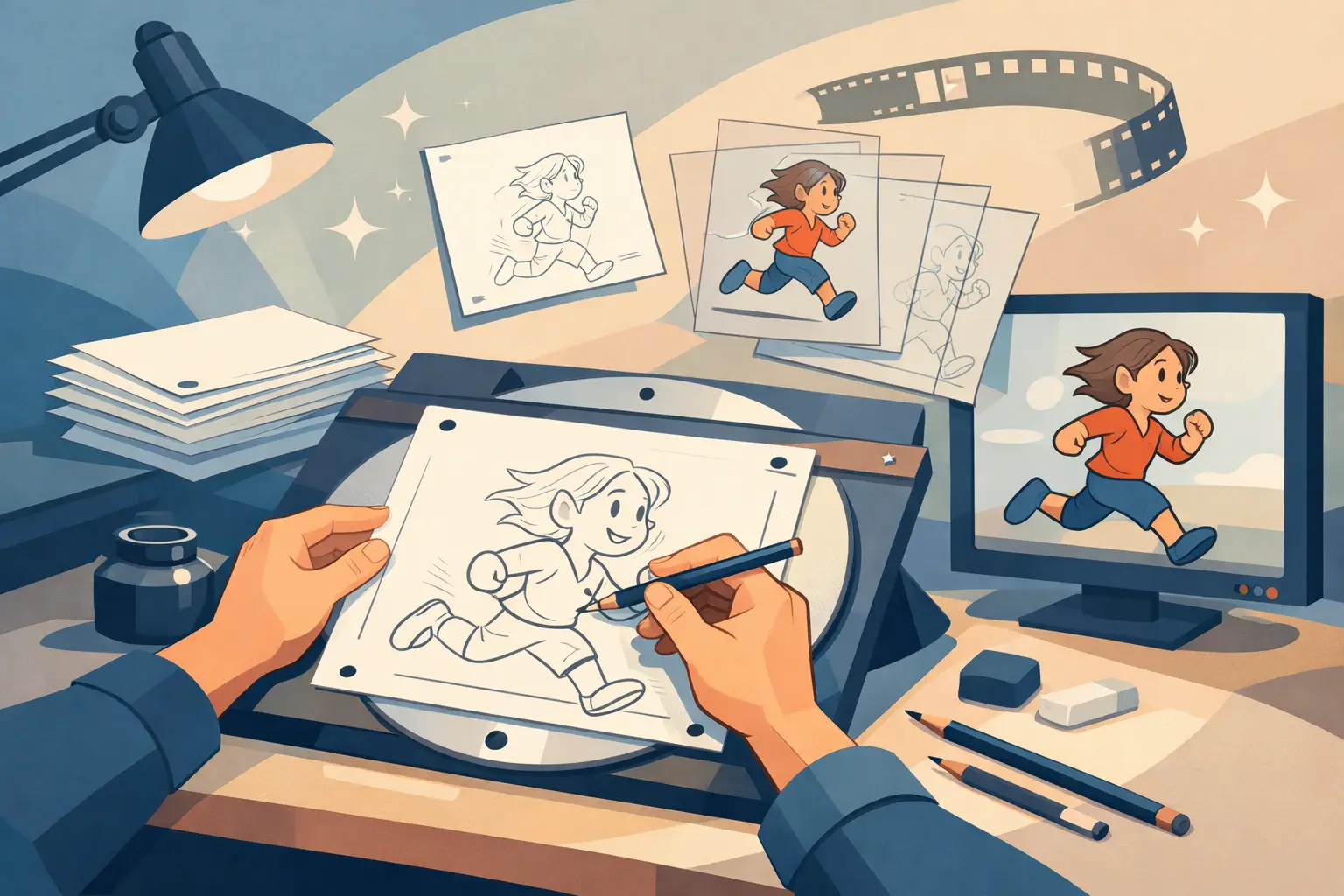
This category is built for artists who animate frame by frame. The best tools here support roughs, clean-up, inbetweening decisions made by hand, painted frames, onion skinning, and direct control over timing. These are the programs most aligned with classical studio methods.
This is where workflow quality matters most. If drawing feels stiff, if painting takes too many steps, or if timing changes require constant stopping and previewing, production slows down fast. A good traditional 2D package should feel close to working on paper while giving you the speed advantages of digital production.
DigiCel FlipBook belongs in this category. Its strength is not trying to be everything. It is focused on the actual work of drawn animation – roughing out scenes, cleaning them up, painting efficiently, scrubbing playback, and adjusting timing while the shot runs. For animators trained in classical methods, that kind of direct control is not a luxury. It is the work.
Rigged 2D and cutout animation software
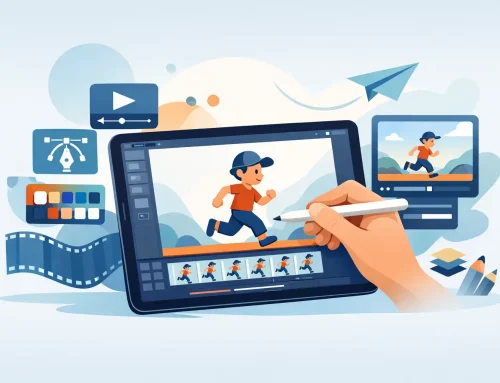
These tools are common in TV pipelines, web animation, and productions that need reusable characters and quick revisions. They can be efficient when the visual style fits the method. You build a character once, then animate poses and movements through a rig.
The trade-off is obvious to anyone who draws. Rigged systems can be fast, but they can also feel mechanical. They are ideal for some jobs and the wrong choice for others. If your goal is lively hand-drawn movement, subtle line changes, or squash and stretch built frame by frame, cutout software may save labor in one area while costing you quality in another.
3D animation software
When people ask what software do animators use, they often hear the names of major 3D packages first because those products are widely discussed. They are used in film, games, previs, advertising, and visual effects. They are powerful, but they also demand a different skill set.
A 3D animator is usually not drawing every frame. They are posing rigs, refining curves, working in a timeline, and animating in space. That can be the right solution for certain productions, especially when assets need to be reused across many shots. But if your creative instinct starts with pencil movement and drawn expression, 3D tools may solve the wrong problem.
Compositing and finishing software
Many animators also use compositing tools to combine layers, adjust color, add camera effects, and prepare final output. These are finishing tools, not primary drawing tools. They matter, but they should not be confused with the software that shapes the animation itself.
In some 2D workflows, camera-style moves such as pan, zoom, rotate, blur, and dissolve are handled inside the animation software. That can save a step and keep the shot moving through production without unnecessary handoffs.
How professionals choose what software to use
Professional animators rarely choose software based on popularity alone. They choose based on fit.
If the project is hand-drawn, they look for natural drawing response and timing control. If the production needs fast paint and clean scene management, they look for tools that reduce repetitive work. If they are teaching students, they want software that reveals animation principles clearly instead of hiding them behind automation.
That last point matters. Good software should help artists learn timing and spacing, not bury those skills. Beginners often assume more features mean better results. In practice, overloaded software can slow learning. A purpose-built program often teaches more because it keeps the focus on animation fundamentals.
Studios also look at reliability, cost, support, and how quickly artists can get productive. Free technical support is not a small detail. When a class, freelancer, or small team hits a production issue, getting a straight answer quickly can save hours or days.
What software do animators use if they want a traditional workflow?
If you want a traditional workflow, you should start by ruling out software that treats drawing as a secondary feature. That sounds obvious, but many artists end up in tools designed more for compositing, puppeting, or general media work than for actual frame-by-frame animation.
A traditional workflow means drawing roughs freely, flipping and scrubbing scenes without friction, cleaning up with precision, painting frames quickly, and adjusting timing where you can see the result immediately. It also means preserving the craft logic of classical animation production. The software should support the animator’s thinking, not force the animator to adapt to the software.
This is why many serious 2D artists prefer specialized tools over broader all-in-one packages. A specialized application can be faster because it was built around the way animators really work. FlipBook is a strong example of that approach. It gives artists digital speed while staying close to the methods professional hand-drawn animators already trust.
The wrong way to choose animation software
A common mistake is choosing based on trend instead of workflow. Another is buying software loaded with features you will never use while missing the features you need every day.
If you are a student, do not assume the biggest package is the best place to start. If you are a professional, do not assume your studio’s broader pipeline tool is automatically the best place to animate. And if you are an independent filmmaker, do not let marketing language distract you from the basics: can you draw naturally, paint efficiently, control timing cleanly, and finish shots without losing momentum?
Those questions will tell you more than any feature grid.
So, what should you use?
Use software that matches your method. If you animate by drawing, choose a program built for drawing. If you animate rigs, choose a rigging workflow. If you build scenes in depth and reuse assets, choose 3D. If you need finishing control, add compositing where it belongs.
There is no single app that defines the profession. There are only tools that either support the animator’s process or get in its way. The best choice is usually the one that lets you think less about software and more about the scene in front of you.
That is the standard worth using: not what everyone else has installed, but what helps you make your drawings come alive with less effort and better timing.