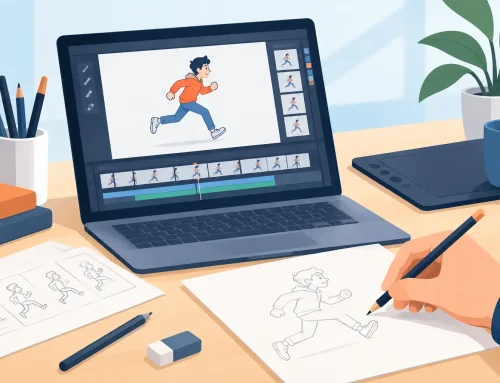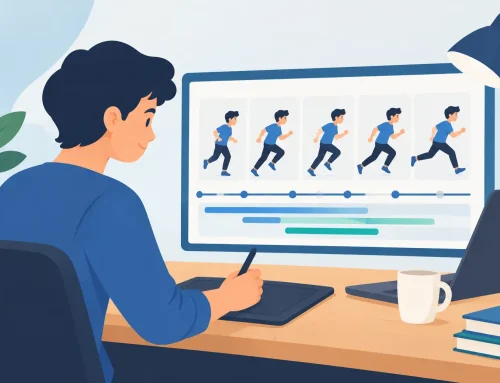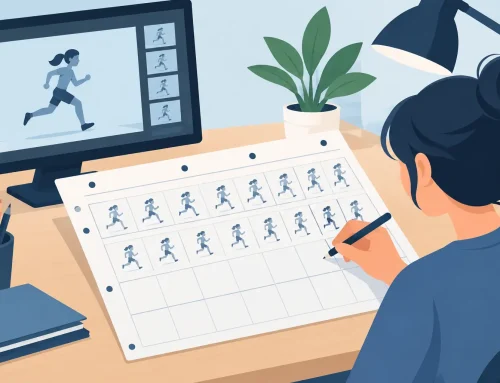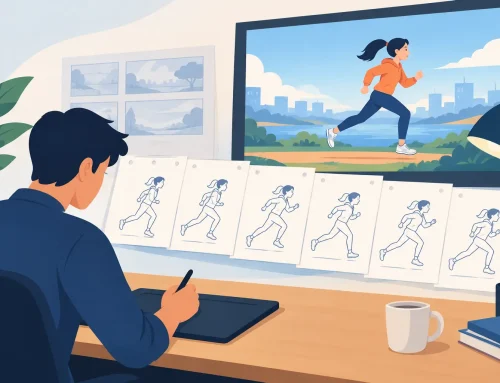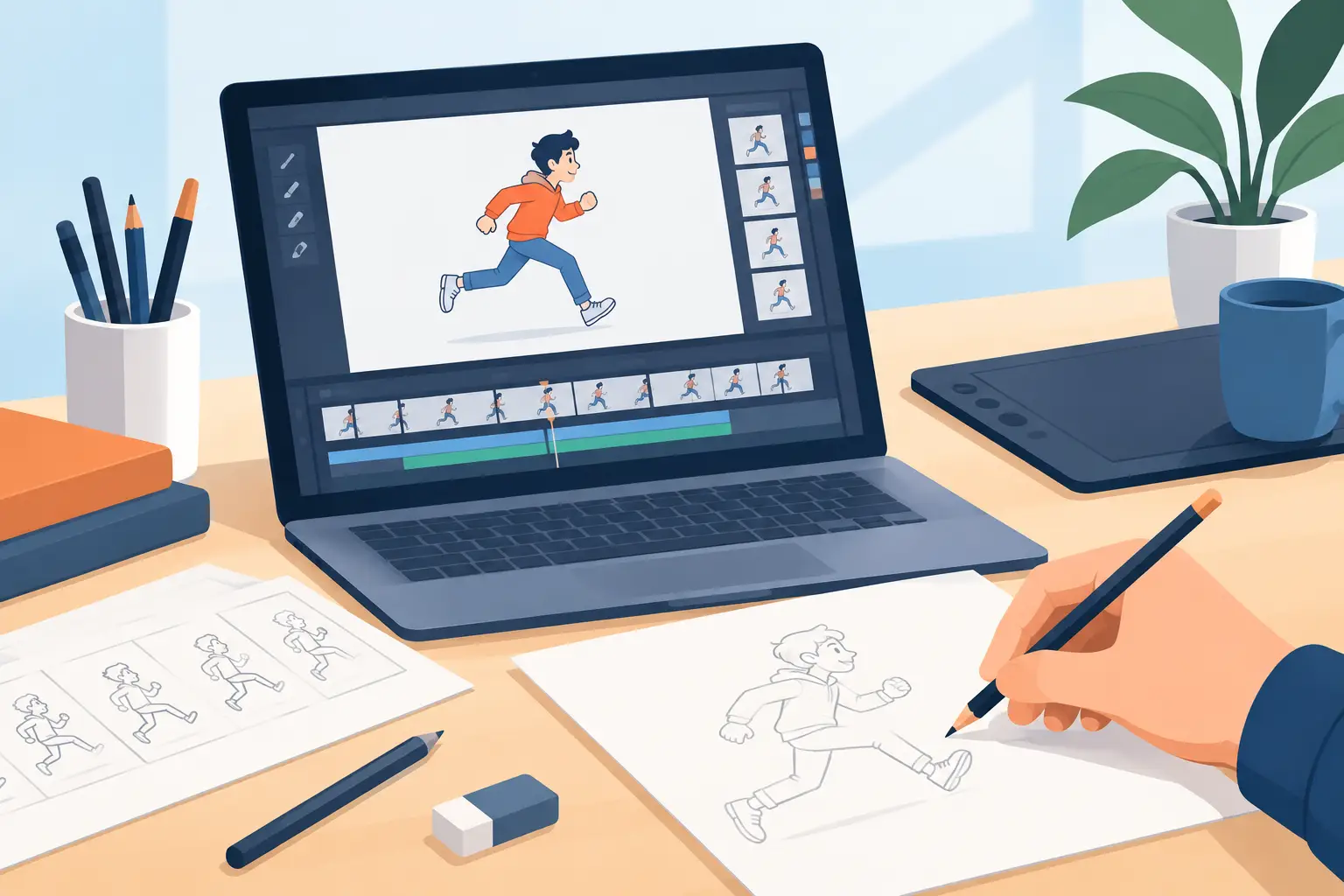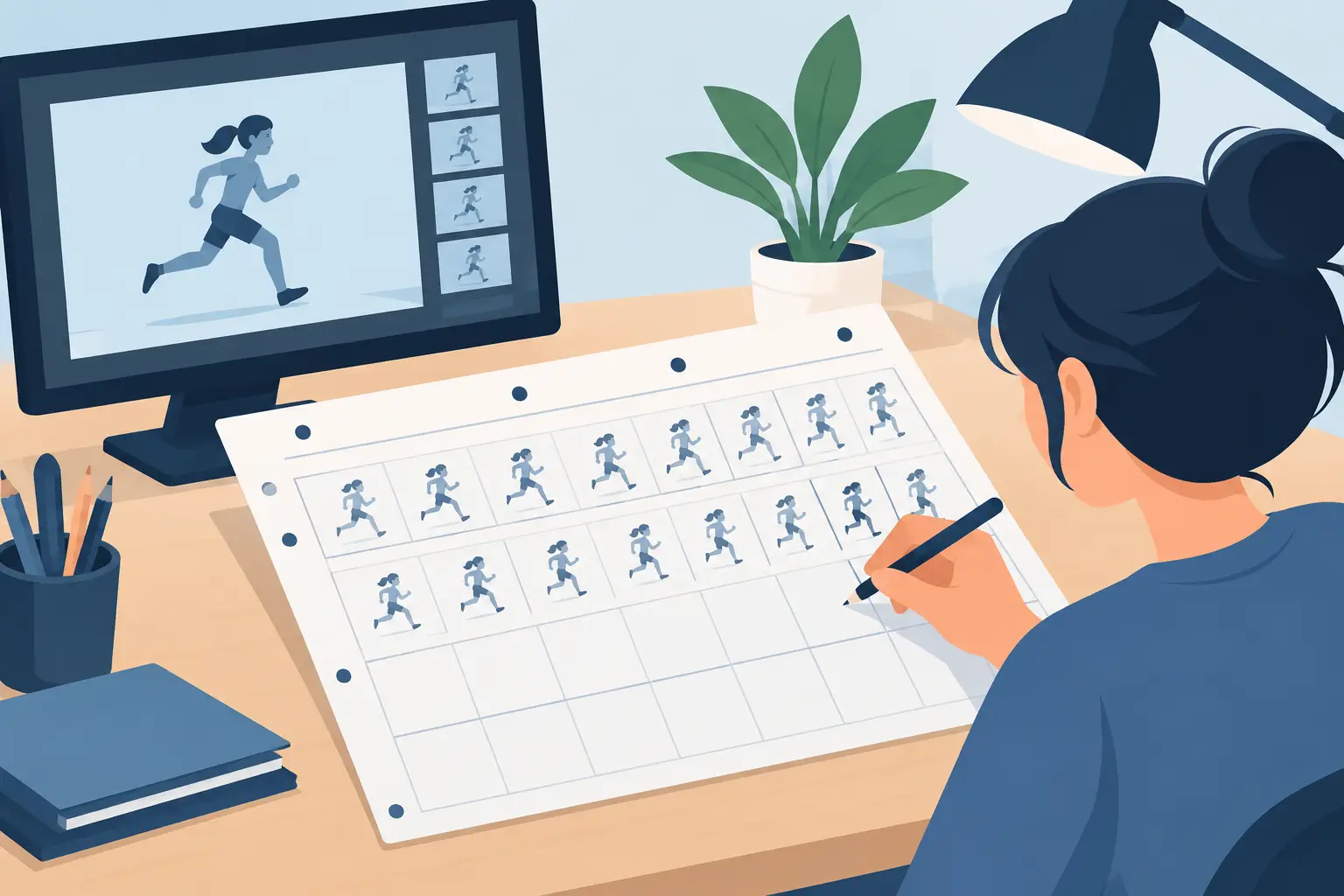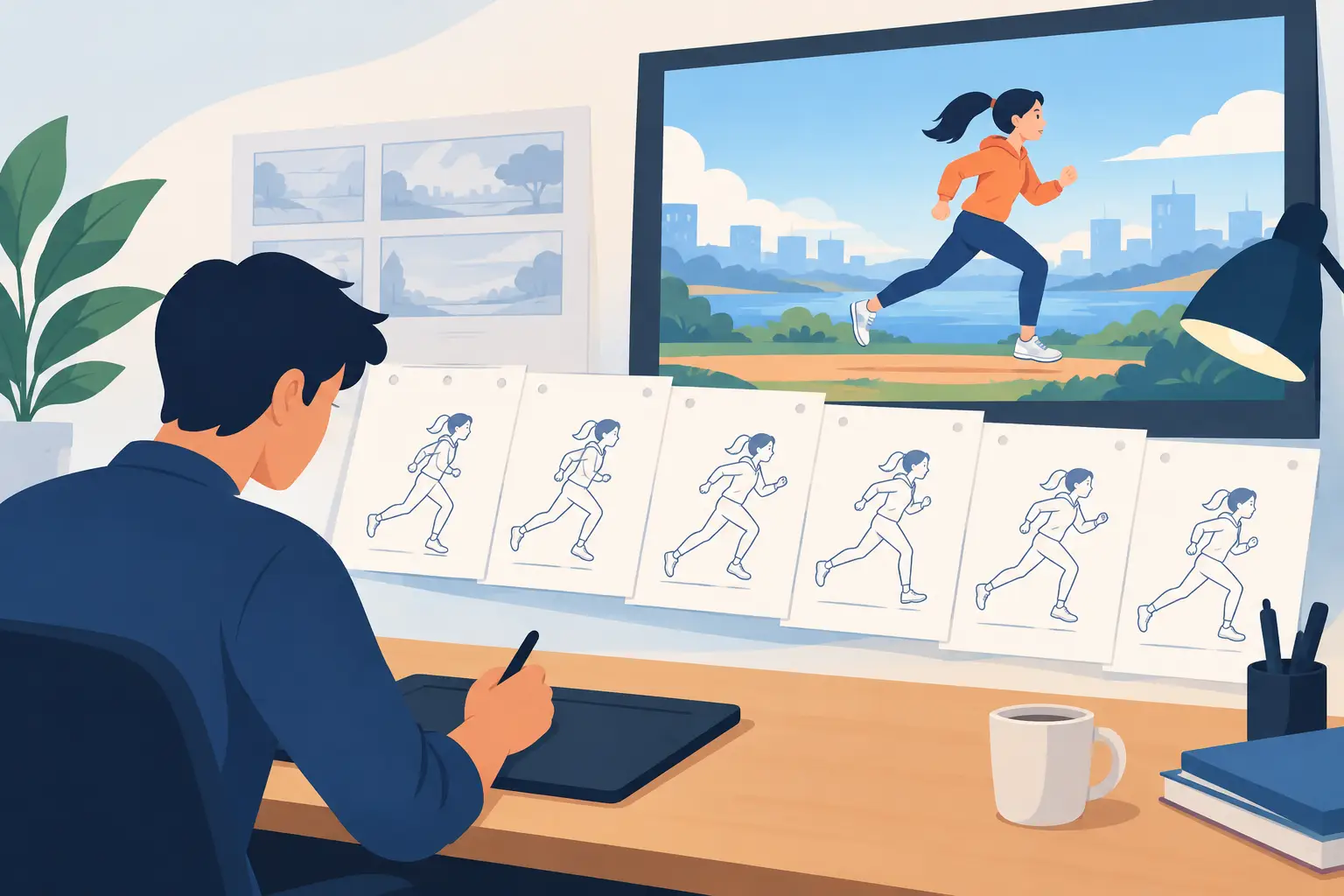
A pencil test is where an animation scene tells the truth. A drawing may look strong on a single frame, but motion exposes weak spacing, broken arcs, late reactions, and poses that do not hold long enough to read. This digital pencil test guide shows how to use rough playback to solve those problems while changes are still fast, simple, and inexpensive.
A proper pencil test is not a polished preview. It is a working pass through the scene with enough drawings to judge acting, timing, and movement. Keep it rough on purpose. If you start cleaning lines or painting frames before the action works, you are committing production time to decisions that may still need to change.
What a Digital Pencil Test Should Prove
Before you move a scene into clean-up, your pencil test should answer a few practical questions. Can the audience understand what the character wants? Does the action have a clear beginning, middle, and finish? Do the important poses read at playback speed rather than only when paused?
It should also prove the mechanics. A hand reaching for a cup needs a believable path. A character settling into a chair needs weight, overlap, and a sense of contact. A fast turn needs enough spacing to feel quick without becoming a confusing blur of unrelated drawings.
Digital tools make it tempting to keep adjusting forever because every change is easy. That convenience is useful, but it can also hide indecision. Give each pencil-test pass a job. One pass may focus on the story beat, the next on timing, and a later pass on arcs and spacing. You will get clearer feedback and avoid revising every part of the scene at once.
Start With the Story Beat, Not the In-Betweens
The strongest pencil tests begin with key storytelling poses. Put in the poses that communicate thought and intent before worrying about the drawings between them. For a character who hears a noise, that might be a neutral pose, the first reaction, the held look toward the sound, and the decision to move.
Play those keys at the intended speed. If the beat is unclear with only the major poses, more in-betweens will not fix it. You may need a stronger contrast in the pose, a longer hold before the reaction, or a more deliberate change in the character’s line of action.
This is one area where beginning animators often rush. They see a jump between poses and immediately fill the gap. Professional animation is not measured by how quickly every blank frame gets filled. It is measured by whether the audience sees the idea at the right moment. Hold a good drawing when it needs to be held.
For dialogue, work from the performance rather than treating the mouth as the only moving part. Mark the major sounds and accents, but first establish the head direction, eye line, brows, shoulders, and body attitude. A character can say the correct words and still feel lifeless if the main pose never changes with the thought.
Check Timing at Playback Speed
Scrubbing is useful for inspecting a drawing-to-drawing transition. Playback is where you judge the scene. Run your test repeatedly at the frame rate you expect the audience to see. Then run it again without staring at every line. Watch the action as a viewer would.
Look for poses that flash by before they can register. Look for anticipations that are so long they announce the gag too early. Watch whether an action stops abruptly or settles naturally. A brief pause before a decision can add thought; an accidental pause can make the character look frozen.
Timing is also relative. A slow character can move quickly when surprised, and a fast character may need a held pose after a big action so the audience can catch up. There is no universal frame count for a reaction or a walk. The right timing depends on the character, the shot size, the staging, and the point of the scene.
Traditional timing charts remain valuable because they force you to think about where drawings belong. Digital playback adds a major advantage: you can adjust the exposure of a drawing while the scene is playing and immediately see what that change does to the rhythm. That removes the old stop-adjust-preview cycle and keeps your attention on the performance.
Inspect Spacing, Arcs, and Weight
Once the broad timing reads, examine the movement itself. Spacing is the distance an object travels from drawing to drawing. Even spacing creates an even rate of travel. Wider spacing creates speed. Tighter spacing slows the movement down. The principle is simple; applying it well takes observation.
A common pencil-test problem is movement that has correct keys but mechanical spacing. The hand gets from point A to point B, yet it looks like it is sliding on a track. Check the path of action and the spacing together. Most living movement travels in arcs, and different parts of the body do not arrive at the same time.
Use onion skinning or flipped drawings to compare positions, but do not let the tool make every path too perfect. A controlled arc is useful. A sterile, mathematically smooth arc may not suit a loose, hand-drawn performance. The character and the shot determine how much irregularity feels alive rather than careless.
Weight comes from timing, overlap, and contact. When a heavy object lands, the impact should feel different from a light object touching down. When a character stops, the torso, hair, clothing, or loose accessories may continue moving for a few frames. If every part starts and stops together, the result often feels rigid.
Use a Clear Review Order
When a pencil test is not working, avoid random frame-by-frame repairs. Review in an order that protects the biggest decisions first: story clarity, key poses, timing, spacing, then drawing quality. A beautiful drawing cannot rescue an unclear action, and a perfect in-between is wasted if the key pose changes tomorrow.
It helps to make one note at a time after each playback. Instead of writing “fix the scene,” write “hold the look two frames longer” or “raise the contact pose and delay the hips.” Specific notes produce specific revisions. They also make collaboration easier when a director, instructor, or another animator is reviewing the shot.
If you are working in a small studio or classroom, show the test to someone who has not watched you build it. Ask what they saw, not whether they liked it. If their description misses the intended beat, the scene needs clearer staging or timing. Their first read is more valuable than a detailed explanation after the fact.
Build the Test for Fast Revision
Organize rough animation so you can make changes without damaging the entire scene. Keep roughs, clean-up, color, and effects separated as the production grows. Name scenes and versions clearly. A five-second shot can generate many meaningful revisions, and guessing which file contains the approved timing is a needless production problem.
Work with drawing tools that let you stay focused on the animation itself. For traditional animators, the best digital setup should still feel like drawing and flipping paper, not managing a complicated technical system. You need to rough, erase, redraw, play, scrub, and adjust exposures without breaking concentration.
FlipBook is built around that production logic. It gives hand-drawn animators a direct place to create roughs and clean-ups, paint frames efficiently, and edit timing during playback. That matters because pencil testing is not a one-time checkpoint. It is the working center of a frame-by-frame scene.
Know When the Pencil Test Is Ready
A pencil test is ready for clean-up when the performance reads consistently, the timing supports the intended beat, and the major motion problems are solved. It does not need elegant rough lines. It does need confident decisions about what each drawing is doing.
There are exceptions. A complex effect, an extreme perspective change, or a camera move may require a more developed test before you can judge it properly. In those cases, add only the information needed to evaluate the problem. Do not turn a rough test into a finished shot by accident.
Save a version before major changes, then keep testing the scene in motion. The next useful correction is usually not hidden in a perfect line. It is waiting in the few frames where the audience loses the thought, misses the pose, or stops believing the movement.