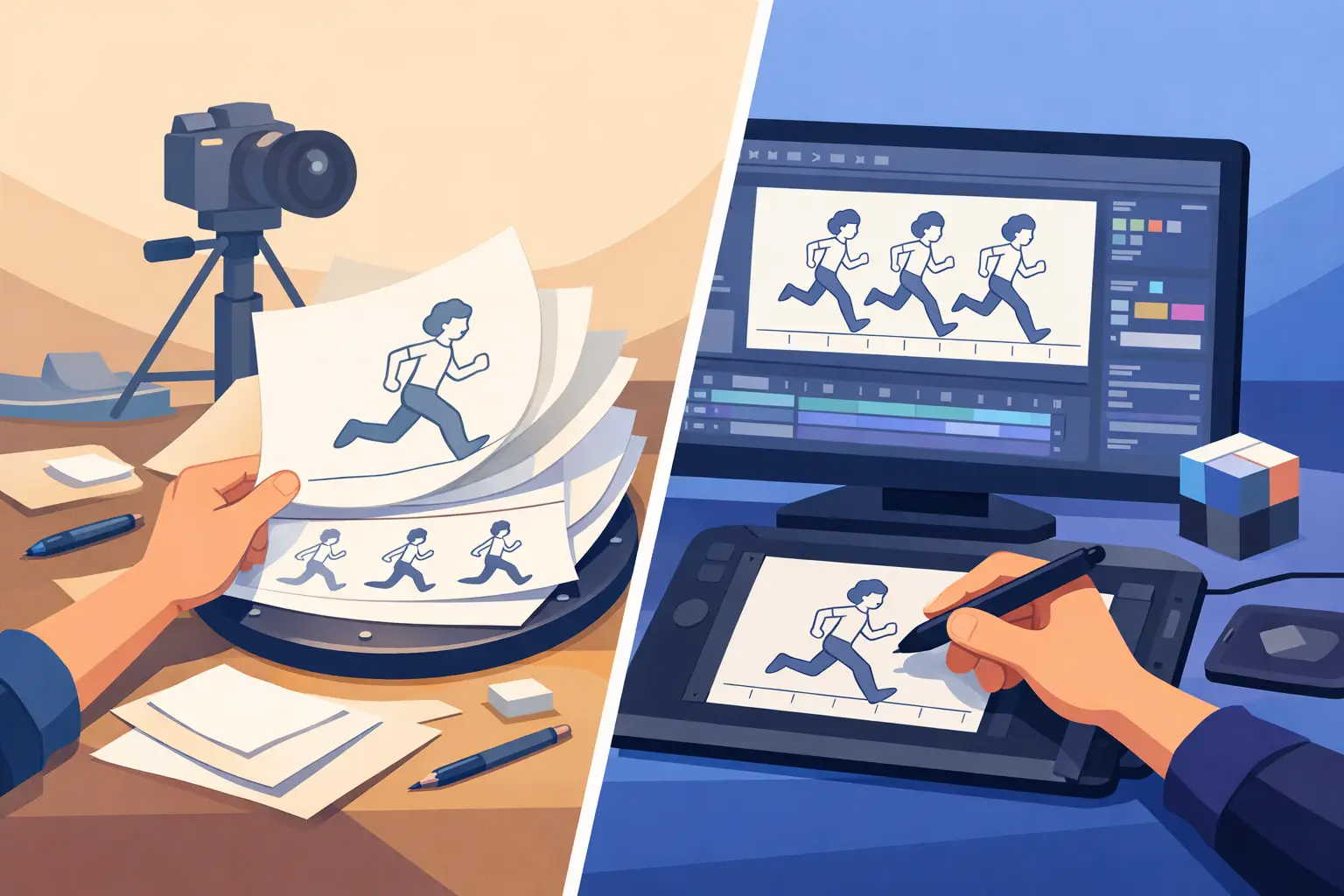
A stack of punched paper, a pencil test, and a light table can teach an animator more about motion in an afternoon than weeks of pushing symbols around a screen. But paper animation vs digital is not a contest between old and new. It is a production decision about how you want to draw, test timing, paint frames, revise scenes, and deliver the finished film.
For many animators, paper remains the most direct route from an idea to a drawing. For others, a purpose-built digital workflow delivers the same frame-by-frame discipline without the physical bottlenecks. The right choice depends on the project, the artist, and whether the tools keep the work moving instead of getting between you and the scene.
What Paper Animation Still Does Better
Paper animation has an immediate physical logic. You can feel the tooth of the paper, turn pages with your hand, and see a stack of drawings grow on the peg bar. There is no interface to learn before you begin. A pencil, paper, and a clear understanding of timing and spacing are enough to animate.
That simplicity makes paper especially valuable for learning. A beginner who draws a bouncing ball on paper sees every decision: the spacing changes near the top of the arc, the squash at impact, the overlap as the form settles. There are no interpolation controls or automated motion paths to hide weak fundamentals. You either made the drawing work or you did not.
Paper is also excellent for loose exploration. Rough animation is supposed to be fast, imperfect, and responsive. Many experienced animators still reach for a pencil when they are searching for a pose, working out a character performance, or trying to find the rhythm of a difficult action. The hand can move before the mind starts second-guessing every mark.
The limitation arrives when a scene must become production-ready. Paper drawings need to be photographed or scanned, organized, cleaned up, painted, stored, and protected. A revised exposure sheet can mean pulling drawings apart and rechecking a sequence. A retake may require replacing physical pages, then scanning or shooting them again. Those steps are manageable on a short test. They become expensive in time on a film with hundreds or thousands of drawings.
Where Digital Animation Earns Its Place
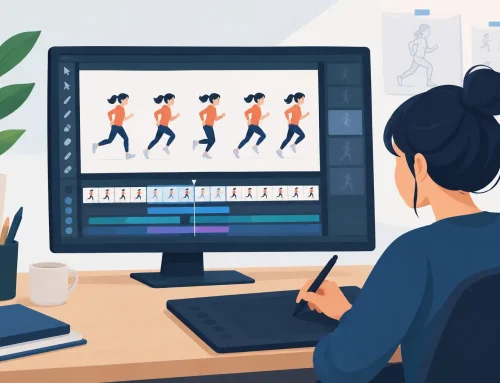
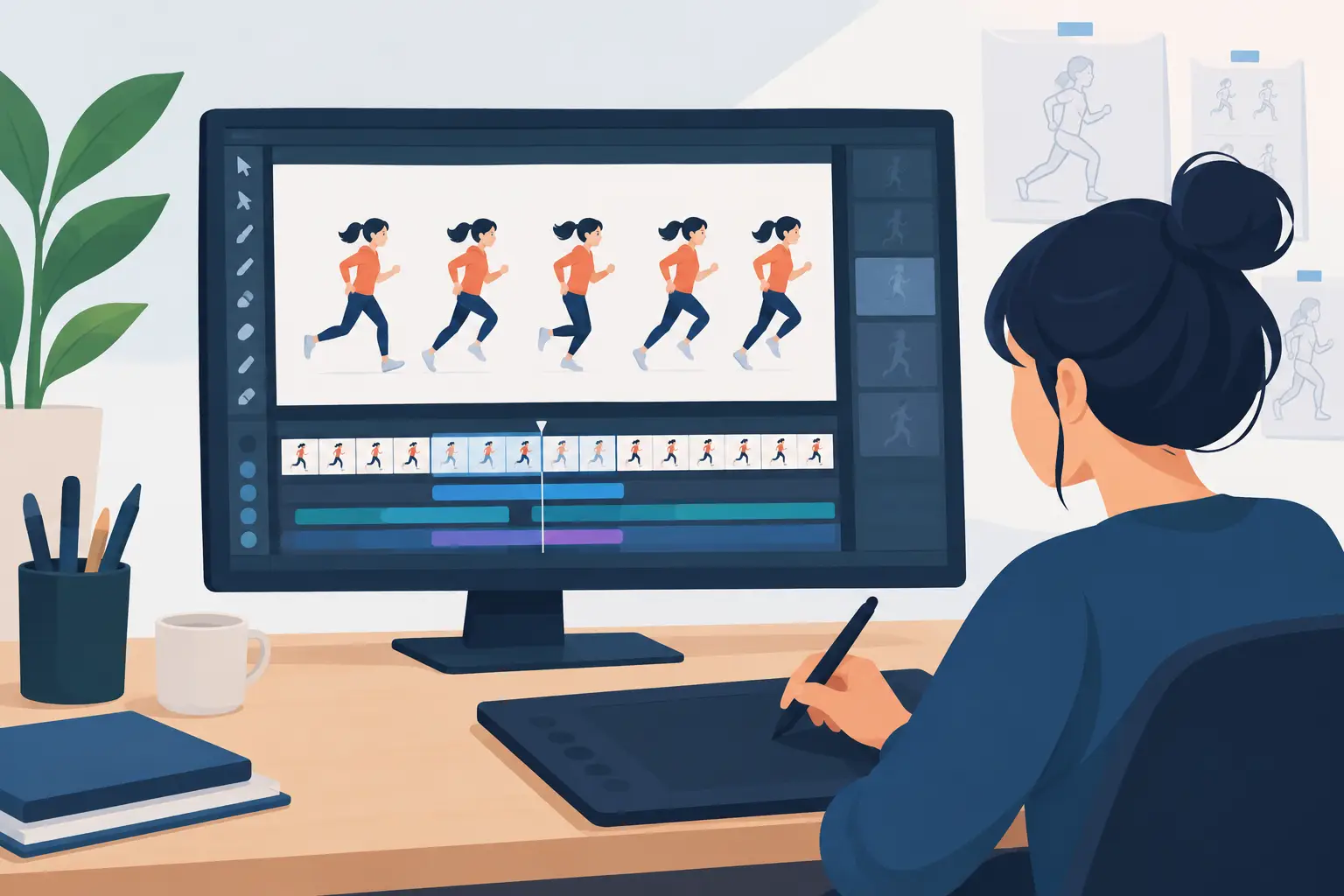
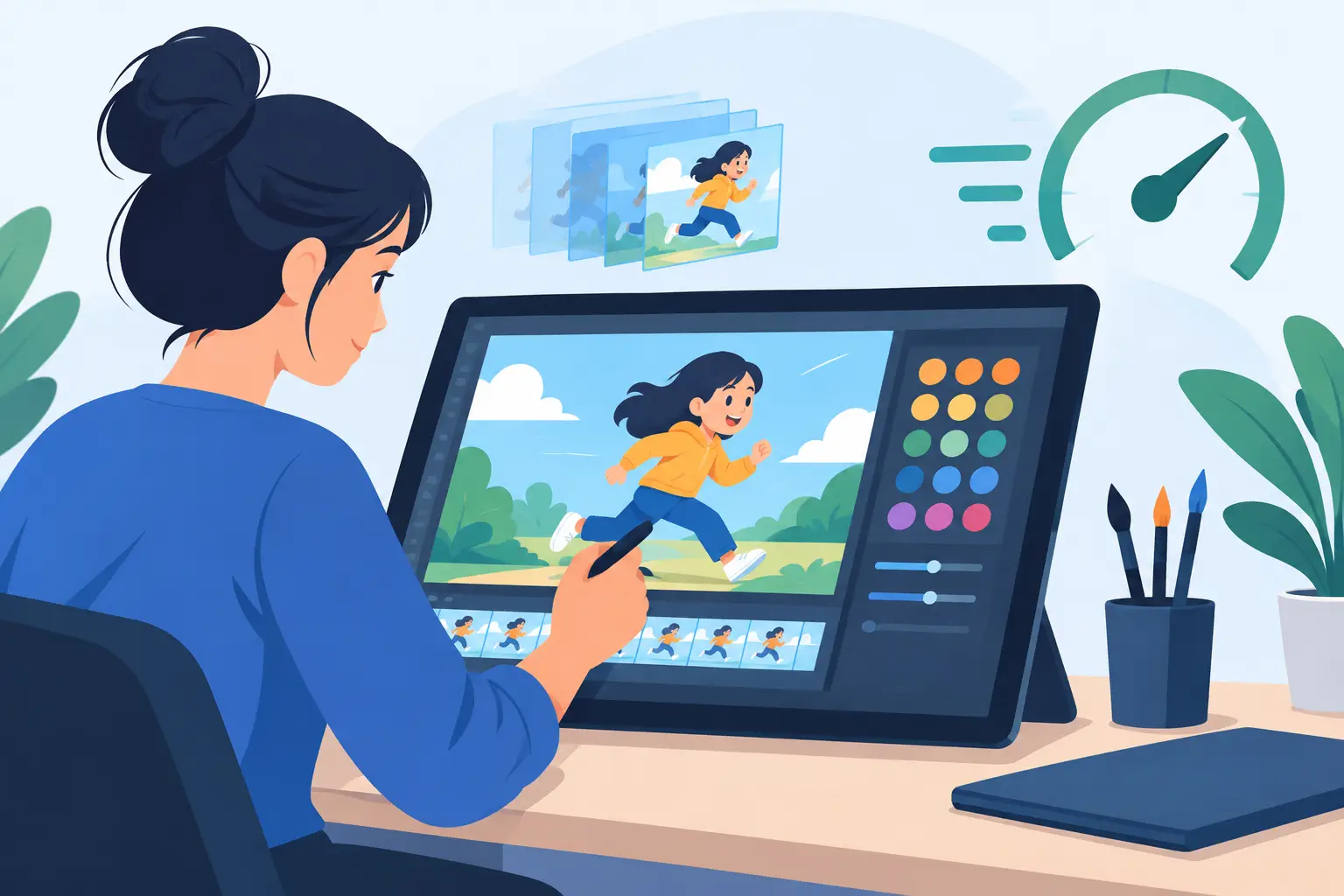
Digital animation is strongest when it preserves the animator’s drawing process while removing repetitive production labor. You can rough, clean up, paint, preview, and revise in one workspace. There is no scanner queue, no misplaced drawing in a stack, and no need to wait for a camera test to see whether a scene is reading.
The practical advantage is iteration. Animation improves through revision. You may need to shift a breakdown, hold a reaction for two more frames, replace an in-between, or test a different camera move. A digital workflow lets you make those changes while the idea is still fresh. That matters when a director gives notes, when a client changes a shot, or when you simply recognize that the performance can be better.
Digital painting can make an even larger difference. Coloring frames by hand involves materials, drying time, registration concerns, and the risk of small inconsistencies across a sequence. Digital paint tools can fill enclosed areas quickly, preserve a consistent palette, and make corrections without repainting an entire cel. The gain is not just speed. It lets a small team spend more of its schedule on animation and less on repetitive cleanup work.
Digital delivery is another clear advantage. Most projects eventually need to become files for editing, compositing, review, or distribution. Starting digitally avoids an extra conversion stage and keeps the image quality under control from the first rough through final output.
Paper Animation vs Digital: The Real Difference Is Control
The common mistake is to compare paper and digital only by appearance. A digital drawing can look hand-drawn. A paper drawing can be scanned beautifully. The more meaningful question is whether the workflow gives you control over the parts of animation that matter most: drawing quality, timing, spacing, color, and revision.
Paper gives tactile control. You can work large, rotate the page naturally, use familiar drawing tools, and spread a sequence across a desk. Some artists think more clearly when they can physically sort drawings, flip pages, and make broad marks without a screen between hand and image.
Digital gives operational control. You can scrub a scene, check a rough immediately, duplicate or reorder frames, and make non-destructive changes. The best digital tools do not ask animators to abandon traditional production thinking. They support the same rough-to-cleanup process, but make it easier to test, correct, and finish the work.
That distinction matters because not every digital animation program is built for drawn animation. Some are designed around rigs, symbols, vectors, or motion graphics. Those approaches have their uses, but they can feel restrictive when the work depends on expressive frame-by-frame drawing. If your scene needs changing linework, shifting volumes, and performance that lives in the in-betweens, choose software that treats drawings as the center of the process.
Timing Is the Decision That Changes Everything
An appealing drawing will not save a poorly timed scene. Timing determines whether a character feels heavy or light, alert or exhausted, confident or uncertain. It controls the snap of an eye blink, the pause before a joke lands, and the follow-through after a fast action.
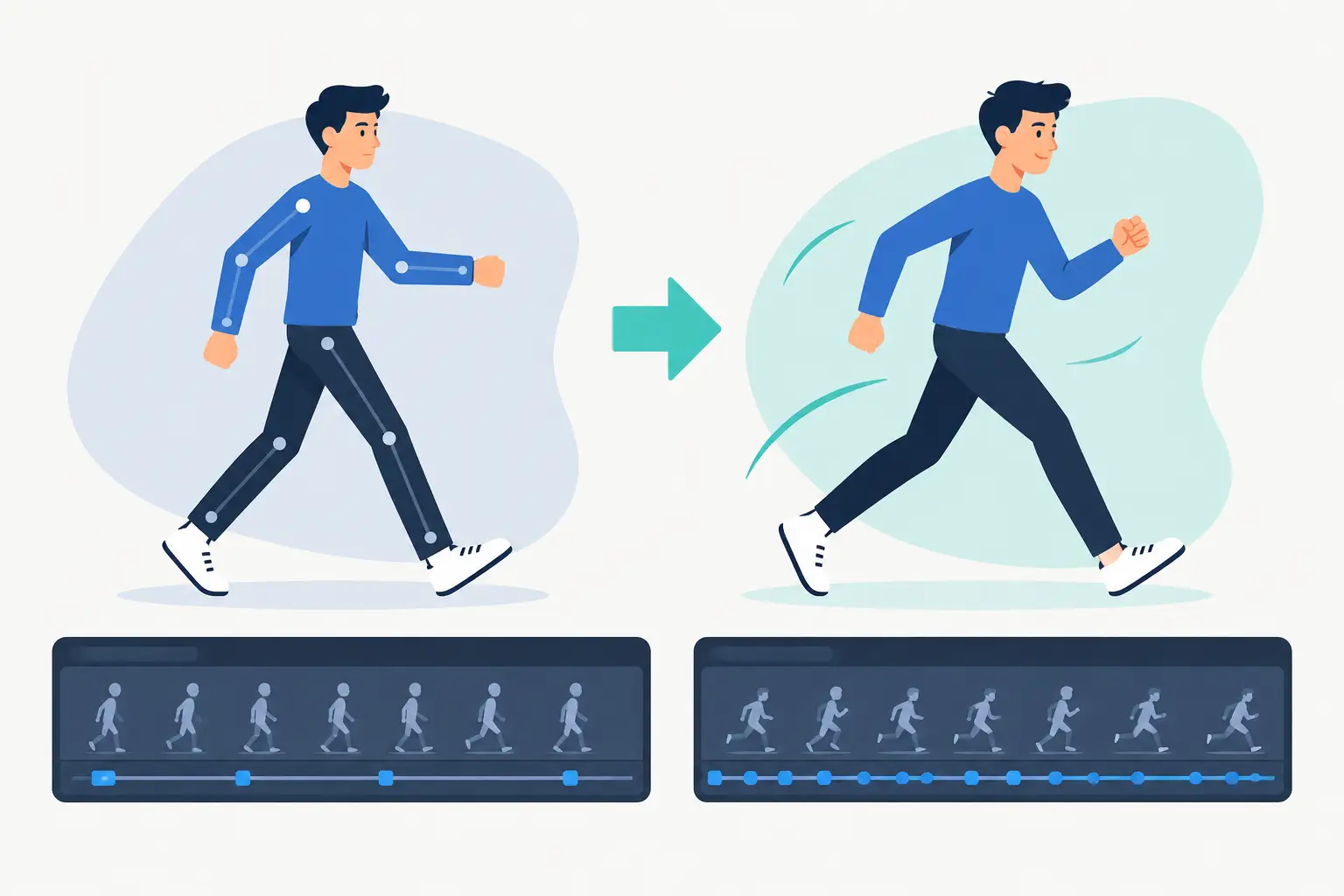
On paper, timing is traditionally planned on an exposure sheet and checked through a pencil test. It is a disciplined method, but adjustments can interrupt the flow. Change a hold, and you may need to revise the chart, rearrange drawings, and run another test. That is not a reason to avoid paper. It is simply the cost of working with physical frames.
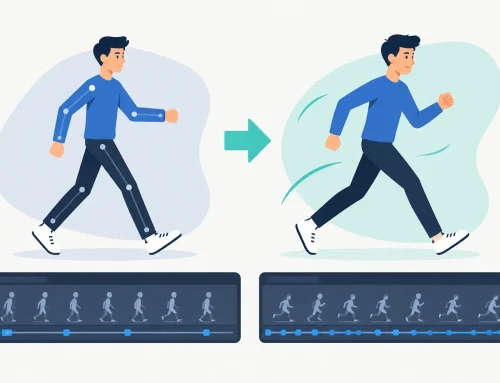
Digital software should make timing easier, not turn it into a technical chore. The most useful systems let you adjust exposure while the scene plays, so you can hear and see the change in context. That removes the slow stop-adjust-preview cycle that breaks concentration. You can try a six-frame hold, change it to eight, and judge the performance immediately.
This is where a traditional animator should be demanding. A timeline is not enough. You need timing tools that respect the way animation is actually judged: in motion, at speed, and against the rest of the scene.
When Paper Is the Better Choice
Paper is still the right answer when the physical process is part of the creative goal. A student learning the basics may benefit from the discipline of a pencil test and exposure sheet before relying on software conveniences. An artist making a short experimental film may want the uneven line, texture, and accidental character that come from real materials.
It can also make sense when you already have an established paper pipeline, a dedicated camera setup, and a team comfortable with the handling required. There is no prize for replacing a process that is working well for the project.
Just be honest about the downstream work. If the film needs extensive color, frequent client revisions, multiple versions, camera moves, or a fast delivery schedule, a paper-first workflow can create avoidable friction.
When Digital Is the Better Production Choice
Digital is usually the better choice for independent films, student productions, small studios, and anyone who needs to make more animation with limited time and staff. It keeps roughs, cleanups, color, playback, and output together. It also makes remote review and revision far less painful than passing around physical drawings or managing repeated scans.
The key is to avoid trading away your drawing experience for convenience. A good digital setup should let you work in layers of thought: rough the action, refine the construction, clean the line, paint the frame, then judge the timing. It should not force every performance into a preset motion system.
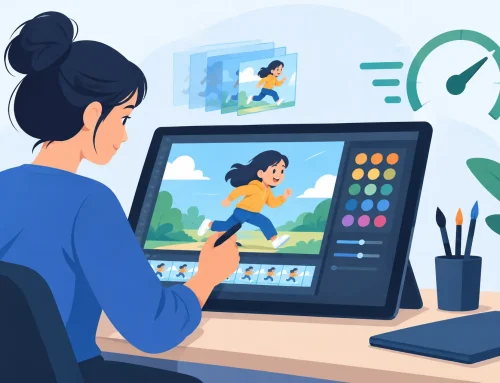
FlipBook is built around that traditional sequence. It gives hand-drawn animators a direct place to draw and paint frames, play and scrub scenes, adjust timing during playback, and apply camera-style effects such as pans, zooms, rotations, blurs, and dissolves. The goal is simple: get better results with less effort while keeping the animator in charge of every drawing.
A Practical Way to Choose Your Workflow
Before choosing paper or software, test the workflow against one real scene. Pick a shot with a clear action, a performance beat, and at least one timing change. Rough it quickly. Then ask whether you can see the motion easily, revise a drawing without friction, change the exposure without losing your place, and finish the color without turning the scene into a maintenance job.
If paper gives you the clarity and energy you need, use it. If digital helps you preserve that energy through cleanup, paint, timing changes, and final output, it has earned its place. The strongest workflow is not the one that looks most modern or most traditional. It is the one that keeps your attention on the drawings and gives you enough time to make them come alive.