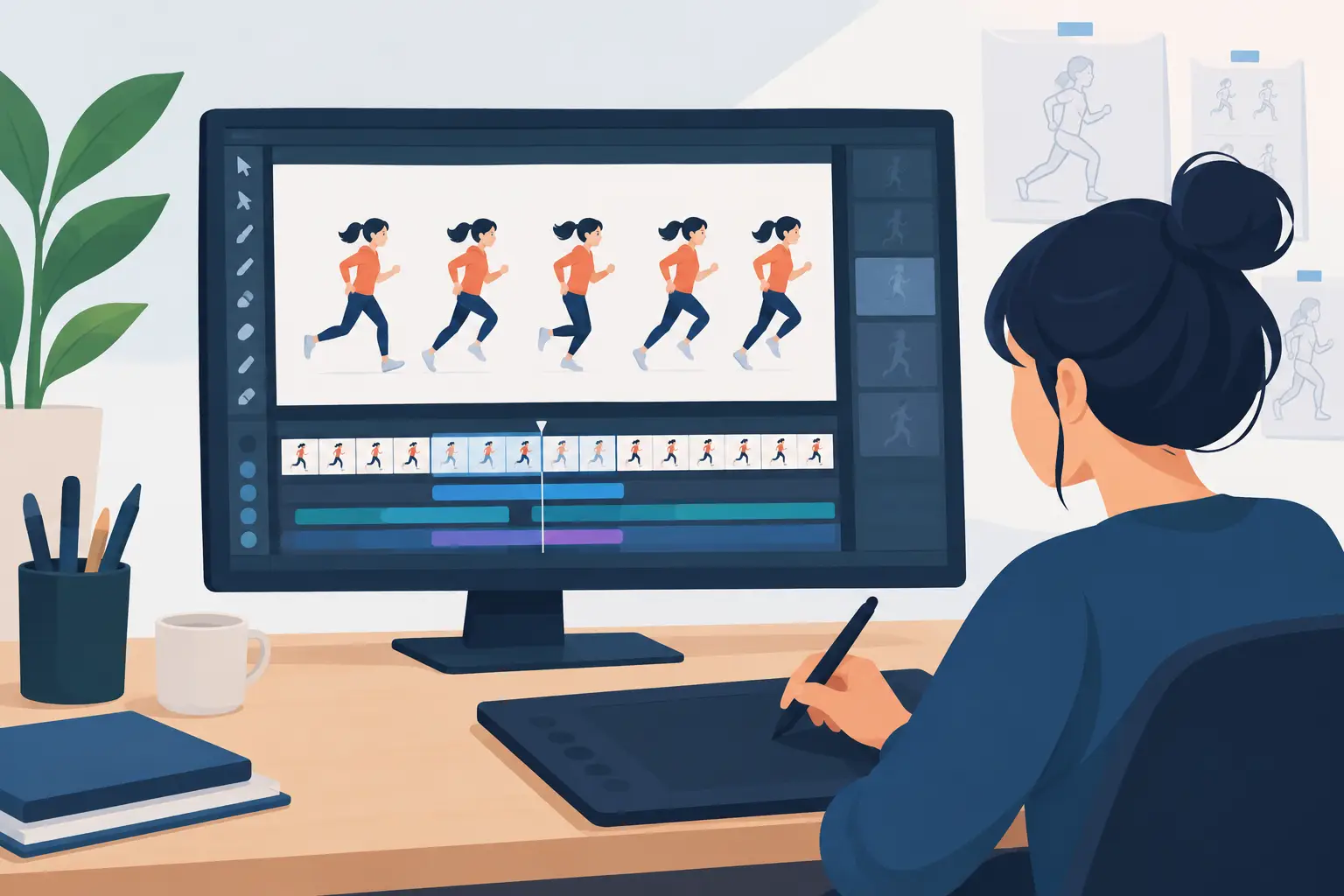

A rough pass can tell you very quickly whether animation software respects the way animators work. If the pencil feels disconnected, flipping is awkward, or changing a hold means stopping to rebuild timing, the software is getting between you and the scene. This frame animation tool review looks at the parts of an application that matter most when the goal is hand-drawn movement, not merely moving images on a timeline.
For students learning spacing, independent filmmakers carrying a short from boards to final color, and studio artists working through shot after shot, the best tool is not necessarily the one with the longest feature list. It is the one that keeps drawing, painting, playback, and timing close together. That is where production time is won or lost.
A Frame Animation Tool Review Starts With Drawing
Frame-by-frame animation begins with a drawing decision: a gesture, a line of action, a contact pose, or the distance between two keys. Software should make that decision feel immediate. A good drawing surface responds cleanly to a stylus or pen tablet, provides useful pressure control, and lets an animator see neighboring drawings without turning the screen into a cluttered control panel.
Onion skinning is a basic requirement, but its implementation matters. Animators need to judge arcs and spacing at a glance. They should be able to separate earlier and later drawings visually, adjust their visibility, and return to a clear current frame without breaking concentration. If onion skins obscure the linework or require repeated setup, they slow down the very work they are meant to support.
The same standard applies to roughs and clean-up. A practical application makes it easy to keep exploratory animation loose while preserving a clean path to final linework. Layers should serve the production process, not force an animator into a complicated file-management exercise before the scene has motion. For traditional work, simple organization is often more valuable than a deep system that demands constant attention.
There is a trade-off here. Some broad creative suites offer elaborate brush engines, compositing systems, and design tools. Those can be useful when one person must handle every part of a project. But a feature-heavy interface can feel unnatural when the job is to draw a convincing breakdown between two poses. Artists who primarily animate by hand should judge a tool by the speed of its core drawing loop first.
Playback Must Teach You Something
A still drawing can be beautiful and still be wrong for the shot. Animation only reveals itself in motion. That is why responsive playback and scrubbing are not side features. They are the test bench for timing, weight, overlap, and performance.
A capable frame animation program should play a scene reliably while giving the animator a clear view of what is happening frame by frame. Scrubbing should feel direct enough to examine a head turn, a foot contact, or the settle at the end of an action. Playing the scene repeatedly should not become a waiting game while the software catches up or renders a preview.
The most valuable question is whether timing can be adjusted while the scene is playing. In many programs, an animator stops playback, changes exposure or shifts frames, then plays again to see whether the change worked. That stop-adjust-preview routine sounds minor until it is repeated hundreds of times across a production.
Real-time timing editing changes the conversation. You can watch a movement, feel that a pose is holding too long, and correct it in the moment. This is especially useful for dialogue, where tiny changes in holds and accents can make a performance feel alive, and for physical action, where an extra frame can destroy a sense of force. The tool should help the animator react to motion while motion is visible.
Painting Frames Should Not Become the Slowest Step
Color is where many small productions lose surprising amounts of time. A scene may animate well, but if filling areas requires constant clicking, repair work, and checking for gaps, finalizing shots becomes a grind. Efficient painting tools are a serious production advantage, not a cosmetic convenience.
Look for a workflow that supports fast filling while maintaining control over line boundaries. The artist should be able to paint a sequence of drawings without repeatedly setting up the same colors or fighting tiny breaks in rough linework. When a change is needed, it should be easy to revise the affected frames without disturbing the rest of the scene.
The right choice depends on the look of the project. A loose pencil test needs very little paint capability. A fully colored short needs dependable fills, color organization, and a way to move through frames quickly. If the project includes a clean-up and paint department, test those tasks with a real sequence rather than a single sample drawing. One frame can hide problems that become obvious after fifty.
Camera Controls Belong in the Animator’s Workflow
Traditional animation is not limited to a locked field. A camera move can create emphasis, guide an audience through a scene, or give a modest production more visual range. Pan, zoom, rotate, blur, and dissolve effects are useful when they are available without forcing the animator into a separate, technical stage too early.
The key is restraint and control. Camera effects should support the drawing, not disguise weak staging or timing. A slow push-in on a held expression may add tension. A dissolve may carry a scene transition. A blur can sell speed. But if these controls require complicated setup or make it hard to preview the shot, they will not help under a deadline.
A production-minded tool keeps these effects close enough to the scene that the animator can evaluate them in context. You should be able to ask, “Does this move improve the shot?” and get an answer quickly through playback.
What Separates a Useful Tool From a Production Tool
A useful animation app can make a bouncing ball. A production tool helps you carry a sequence through rough animation, clean-up, color, timing revisions, and final presentation without creating unnecessary friction at every handoff.
When evaluating software, test one short scene from beginning to end. Draw a few rough keys and in-betweens. Clean one section. Paint several frames. Change a hold while watching playback. Add a simple camera move. This exposes whether the program has a coherent workflow or simply a collection of features.
Also consider support and pricing before committing a project. Clear published pricing and a free trial make it easier to assess fit without guesswork. Free technical support matters as well, particularly for students and small teams that cannot afford to lose a day to a basic setup problem. Software should come with practical help, not a wall between the animator and an answer.
For artists who want the speed of digital production without abandoning the logic of classic hand-drawn animation, FlipBook is built around that direct workflow. Its emphasis on natural drawing, efficient painting, and real-time timing changes addresses the places where generic software often interrupts the animator’s rhythm.
The Best Choice Depends on the Work You Actually Make
No single application is right for every creative job. A motion designer building vector-based graphics may need a different environment from a character animator drawing expressive pencil roughs. A large studio with specialized departments may prioritize interchange and pipeline controls. An educator may value an approachable interface that lets students focus on timing and spacing instead of software administration.
But if your work depends on drawing frame by frame, evaluate each tool by a simple standard: does it let you see the motion, change the motion, and keep drawing without losing the thought that started the shot? The answer will tell you more than a long checklist ever could.
Try a real scene during the trial period, preferably one with roughs, clean-up, color, and a timing problem you need to solve. The software that lets you fix that problem while your creative judgment is still fresh is the one that will help make your drawings come alive.