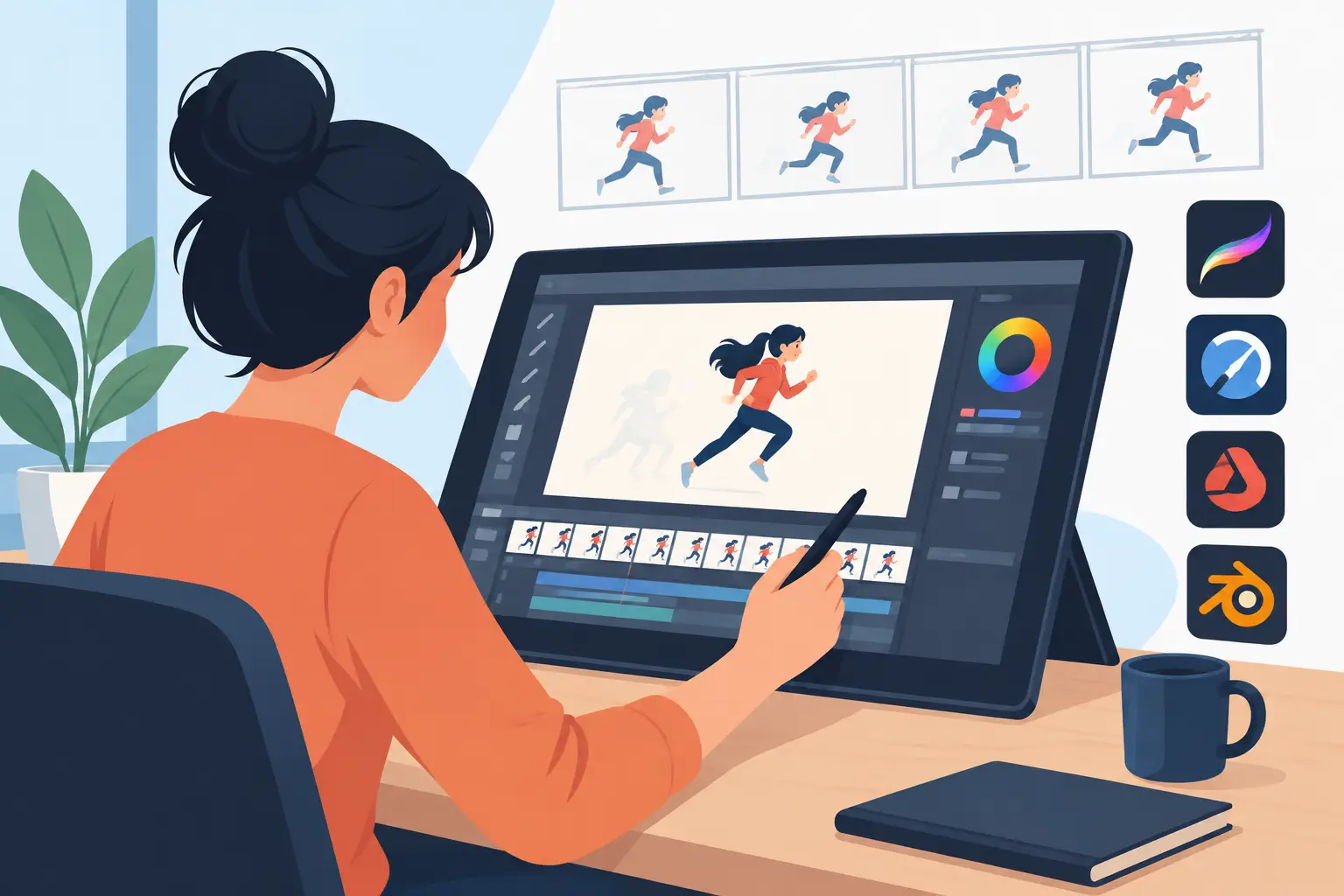
A useful animation painting software review should not begin with a chart of features. It should begin at the point where production slows down: the rough animation is working, the clean-up is ready, and now every drawing needs color without turning a simple scene into an afternoon of clicking.
For hand-drawn animators, painting is not a separate technical chore. It is part of the shot. The right application lets you move naturally from roughs to clean-up to painted frames, then play the scene immediately and judge the result as animation. The wrong one makes every stage feel disconnected, with menus, setup panels, and repeated previews standing between the artist and the work.
What animation painting software must do well
Animation painting has different demands than illustration. A single illustration can tolerate a slow, careful process. A 10-second scene at 24 frames per second may contain 240 drawings, even when many are held. Every unnecessary action is multiplied across the shot.
First, the drawing environment has to feel direct. Traditional animators think in lines, arcs, volumes, and successive poses. They need to rough out action quickly, flip or scrub through drawings, make corrections, and clean up with control. If the drawing tools feel as though they were designed mainly for graphics work, the animator starts adapting the performance to the software instead of serving the action.
Second, the paint tools have to respect production reality. Flat areas of color should fill quickly and predictably. The artist needs to see whether a gap in the line will cause a spill, correct it without fuss, and keep moving. Painting should not require building a complicated compositing project or managing a pile of layers just to color a character’s shirt.
Third, playback and timing must stay close to the artist’s hand. Animation is judged in motion. A frame can look excellent on its own and still be late, too broad, or held for one beat too long. Software that forces you to stop, open a timing control, make an adjustment, and preview again breaks the rhythm of the work.
The real test: can you paint without losing momentum?
Many applications can technically color drawings. That is a low bar. The better question is how many decisions and interruptions are required to paint a scene correctly.
Look for an efficient fill workflow that works with the way clean-up is actually done. Lines are not always perfectly sealed, especially in fast television work, student films, or early independent productions. A useful painting system helps the animator contain fills, correct small leaks, and move on. It should also make it easy to reuse a planned color palette so that the character stays consistent from drawing to drawing.
Speed matters, but so does visibility. You need to know what you are painting at the current frame, what holds across frames, and whether the scene reads at playback speed. A tool that makes individual frames beautiful but makes sequence checking awkward is solving only half the problem.
There is also a practical trade-off here. High-end production systems can offer deep pipeline controls, advanced compositing, and extensive asset management. Those capabilities are valuable for a large studio with technical staff and a locked production pipeline. For a student, independent animator, or small studio, they can also add steps that have nothing to do with getting a better performance on screen.
Drawing feel comes before the feature count
A traditional animation program should support the habits that make hand-drawn work readable and alive: rough construction, clean line work, exposure changes, and constant checking of the action. That sounds obvious, yet plenty of digital art applications treat frame-by-frame animation as an add-on.
Pay attention to how quickly you can make a mark, erase it, move to another drawing, and see your scene play. Pressure response, line control, onion skinning, and frame navigation are not decorative features. They determine whether you can concentrate on the character’s thought process instead of on operating the interface.
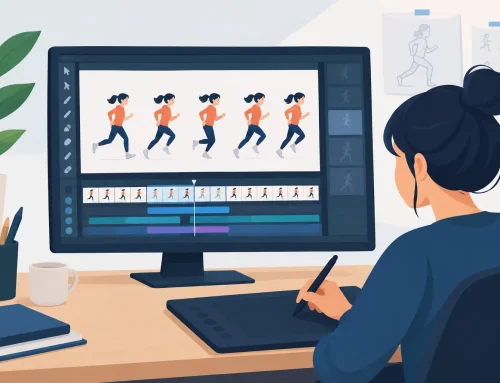
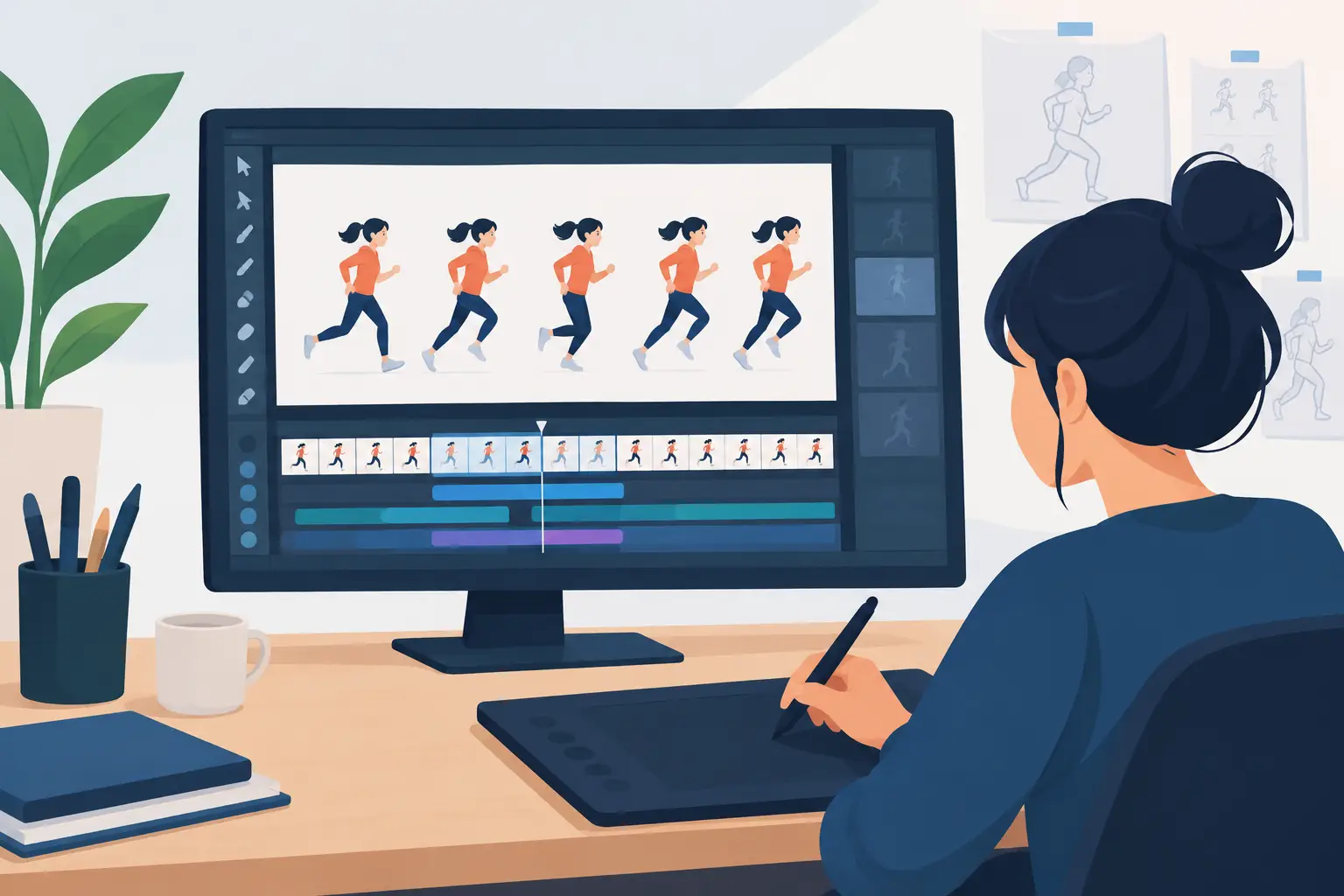
The most productive software feels closer to a digital pencil test desk than a design application with an animation panel attached. You should be able to draw roughs, refine them into clean-up, paint the frame, and check the action without leaving the same working environment.
This matters especially for people learning animation. Beginners need repetition. They need to test timing, discover that a pose is unclear, redraw it, and test again. A complicated workflow can teach students to avoid revision when revision is exactly how they learn spacing, weight, and acting.
Timing control separates animation software from drawing software
Timing is where a painted scene becomes animation. You may need to hold a drawing longer for a reaction, shorten an anticipation, or change an exposure while watching the scene run. If each change requires stopping playback and navigating through separate settings, artists tend to settle for the first acceptable timing rather than explore the stronger choice.
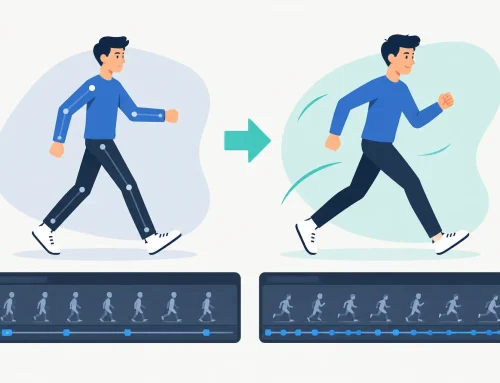
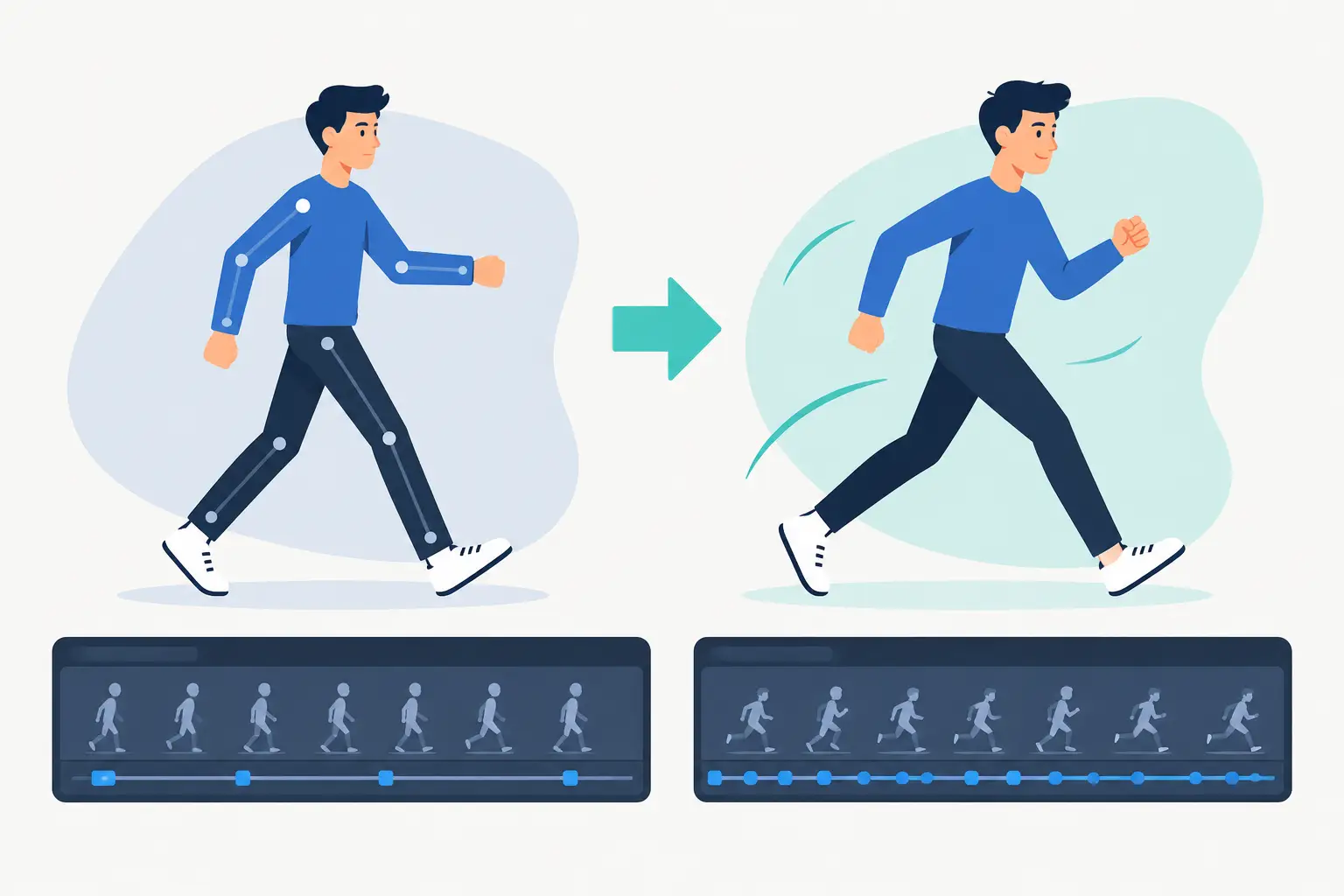
Real-time timing adjustment is a major advantage because it keeps the eye on the result. Instead of working through a stop-adjust-preview cycle, you can make a decision while the scene is playing and immediately see whether the rhythm improves. That is not just faster. It encourages better animation judgment.
When comparing software, test this before getting impressed by effect libraries. Import or create a short walk, a turn, or a simple reaction. Change a hold. Shift an accent by a frame or two. Then ask whether the program helped you hear the beat of the scene or made you manage a timeline.
Effects should support the shot, not replace it
Most 2D productions need more than drawings and paint. A camera-style pan, zoom, rotate, blur, or dissolve can finish a shot without sending it to another application. These tools are valuable when they are immediate and clear.
The key is restraint. A camera move cannot fix weak staging, and blur cannot create convincing speed where the spacing is wrong. But when the animation is sound, simple effects give a small team more control over presentation. They can create a push-in on a key expression, a pan across a background, or a dissolve between scenes while keeping the production moving.
Choose software that treats these effects as useful shot tools, not as a reason to bury basic animation functions beneath a large visual-effects interface.
Questions worth asking before you commit
Before you settle on an application, evaluate it with a real assignment rather than a feature tour. Draw a short test scene. Make roughs and clean-up. Paint several frames. Change the timing while watching playback. Add a simple camera move. The answers will show up quickly.
Ask whether the program lets you work in the order you naturally think. Ask whether painting is fast enough to remain part of the animation process. Ask whether timing changes feel immediate. Finally, ask what happens when you need help. Clear documentation and free technical support matter because a production problem does not wait for a convenient time.
FlipBook is built around this traditional sequence of rough animation, clean-up, painting, playback, and timing adjustment. Its purpose is straightforward: help animators make drawings come alive with less interface work between them and the scene.
Choose the tool that keeps you animating
There is no single best application for every pipeline. A studio creating heavily composited broadcast work may need broader technical infrastructure. An illustrator making occasional animated posts may prefer a drawing app that happens to support a timeline. But if your priority is hand-drawn 2D animation, judge the software by how well it protects the core production loop.
The best choice lets you draw naturally, paint efficiently, test timing constantly, and make corrections while the idea is still fresh. Start with a short scene and a free trial. If the software keeps your attention on performance, spacing, and color instead of on workarounds, it has earned a place on your animation desk.