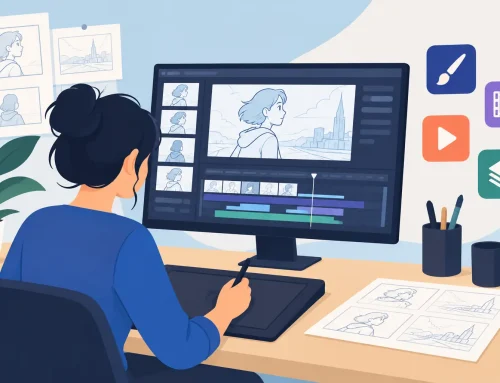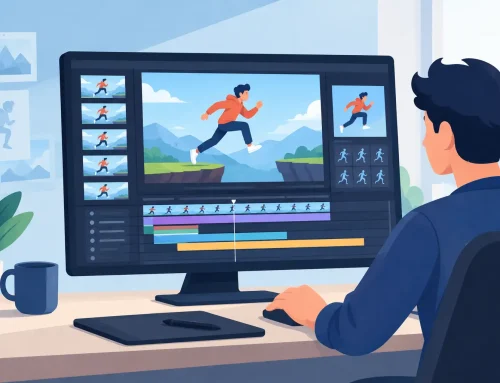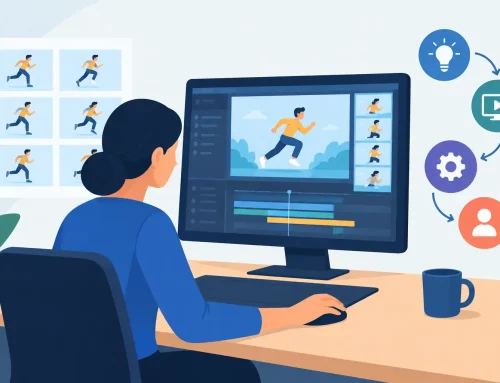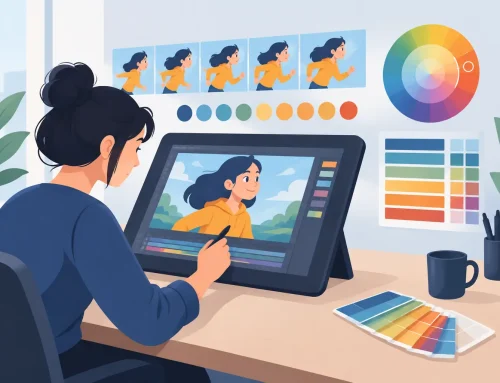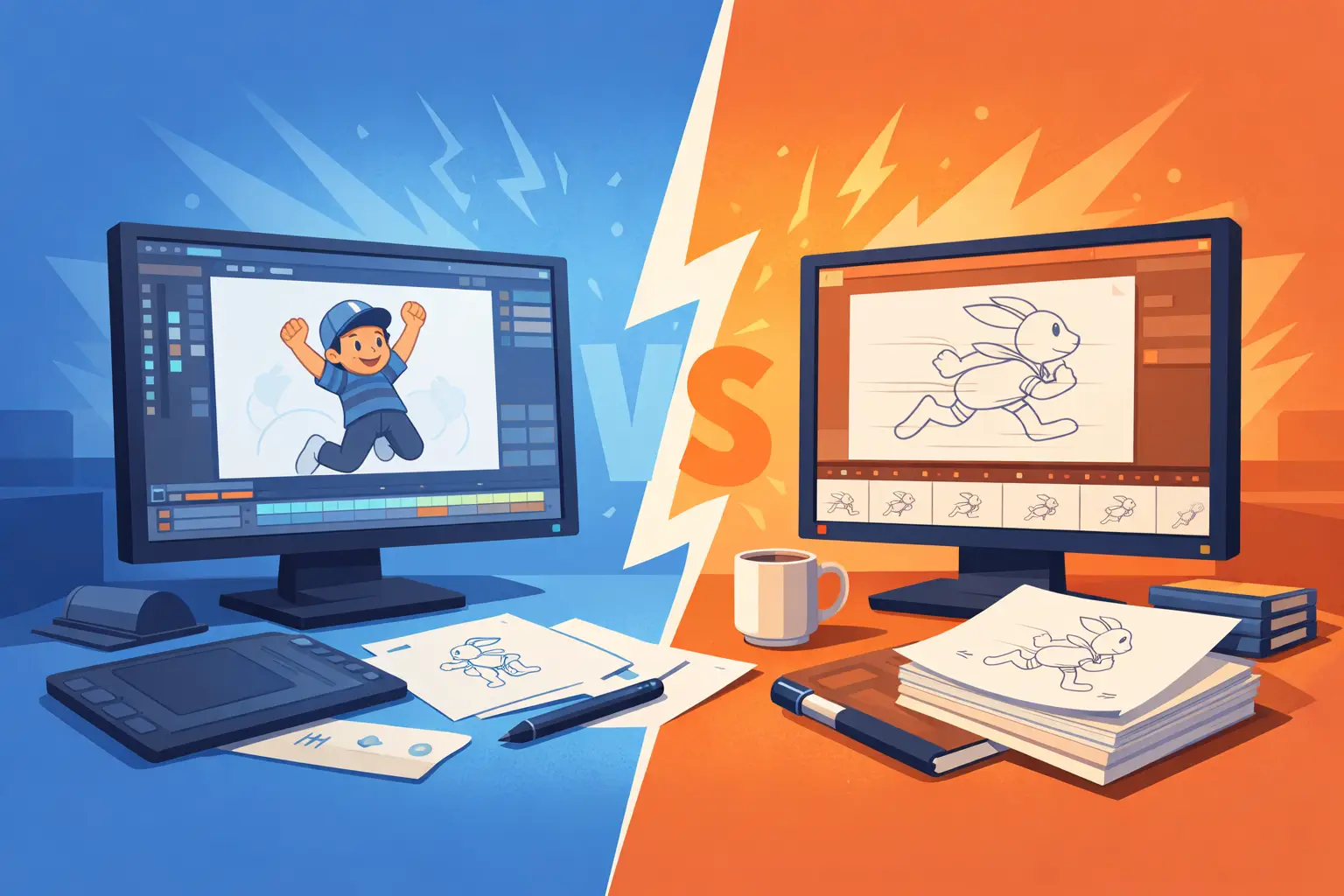
If you have ever lost momentum because your software made a simple timing change feel like a production setback, the real question in tvpaint vs flipbook software is not which app has more features on paper. It is which one lets you keep animating. For artists who work frame by frame and care about roughs, clean-up, color, and timing as part of one continuous craft, that difference shows up fast.
TVPaint vs FlipBook software for traditional animators
Both programs serve 2D animators, but they come from different assumptions about how animation should be made. TVPaint has long been known as a broad, powerful bitmap animation package with a deep toolset and a feature range that appeals to artists who want flexibility, layered effects, and a more expansive digital environment. FlipBook is built around a more direct production goal – give animators a natural hand-drawn workflow, speed up the repetitive parts of the job, and make timing adjustments while the scene is actually playing.
That distinction matters because animation software is not just a container for drawings. It shapes how you think, how quickly you can test an idea, and how much friction sits between a thumbnail in your head and motion on screen.
Drawing feel is where the split starts
For many animators, the first test is simple. Does the software feel like drawing, or does it feel like operating software that happens to include a brush?
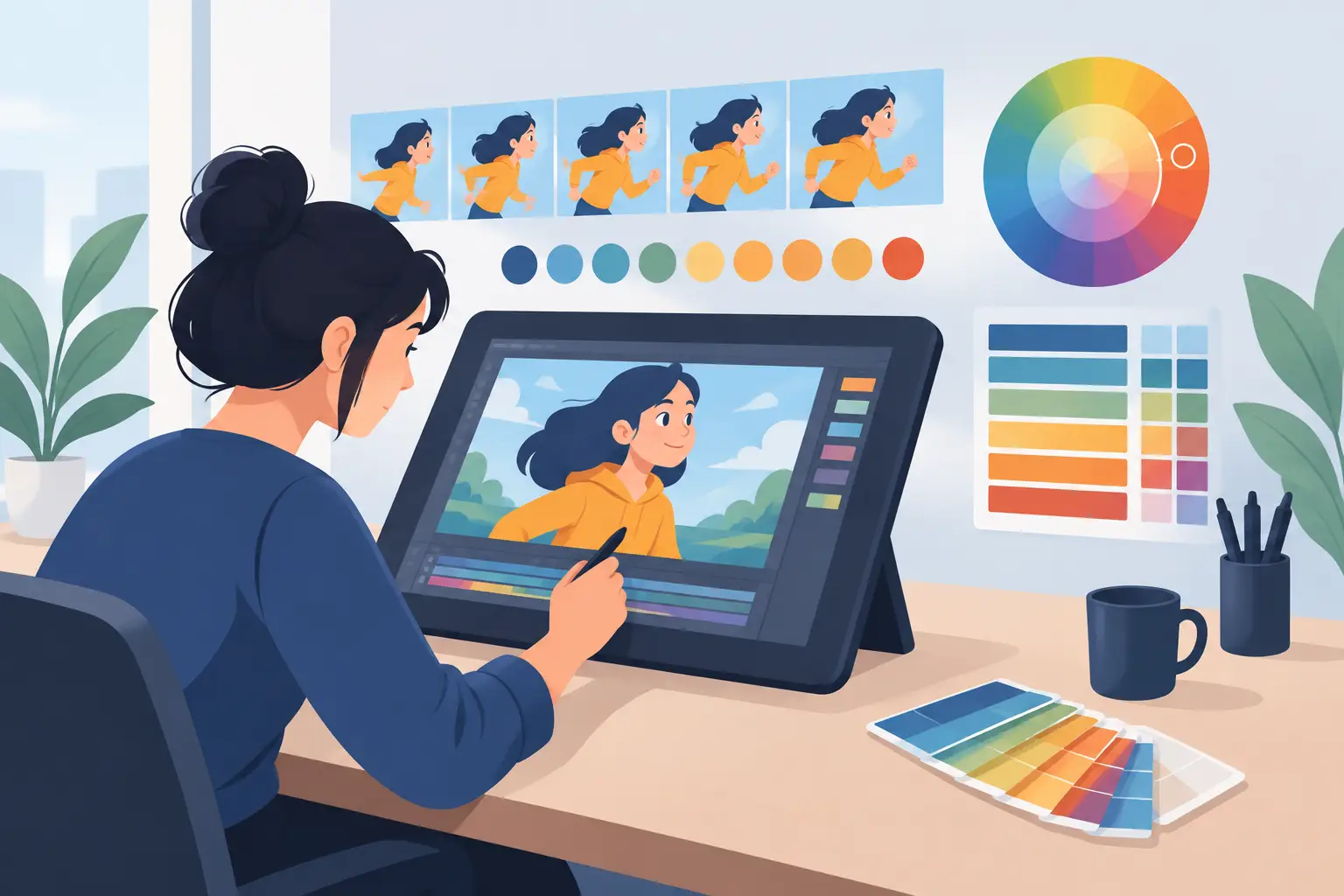
TVPaint gives you a large set of brush and image tools, which can be a real advantage if you want to push painterly effects, mixed media looks, or highly customized mark-making. If your production leans toward stylized digital finishing or you like tuning tools in detail, that range can be attractive.
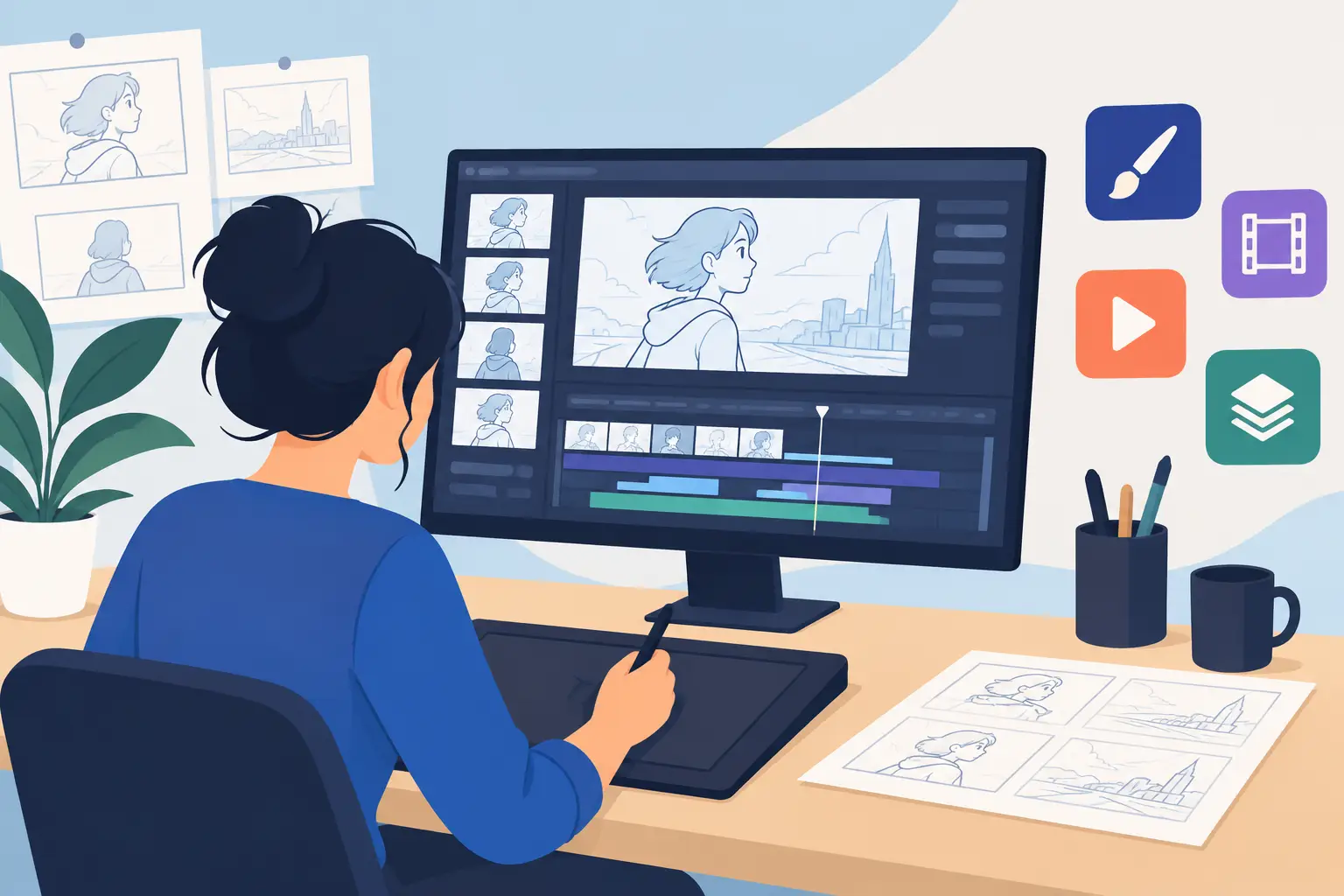
But traditional animation artists often want something more basic and more demanding at the same time. They want a line that responds cleanly, an interface that does not interrupt hand-eye rhythm, and a workspace that supports rough animation and clean-up without turning every drawing session into software management. That is where FlipBook tends to feel more natural. It is designed for artists who want to animate the way they were taught – draw, flip, test, adjust, and keep going.
That does not mean one approach is universally better. It depends on whether you value breadth of digital options or a tighter environment built specifically around classical drawing practice.
If you are teaching animation, simplicity matters
Students do not need ten ways to avoid learning timing and spacing. They need to see the result of a drawing choice immediately. In educational settings, software that keeps the focus on principles usually delivers better training. A program that behaves more like a digital animation desk than a general art workstation can reduce confusion and shorten the path from exercise to understanding.
Painting speed is not a small feature
A lot of software comparisons spend too much time on brush libraries and not enough on painting frames. In production, frame painting is not glamorous, but it can eat hours. If the process is slow, every correction becomes expensive.
TVPaint can certainly handle painted animation, and experienced users can build effective workflows inside it. Still, speed depends heavily on how you set up the job and how comfortable you are with the broader toolset. That can be fine in a studio with established methods, but less appealing for independent animators or small teams who need results without extra setup overhead.
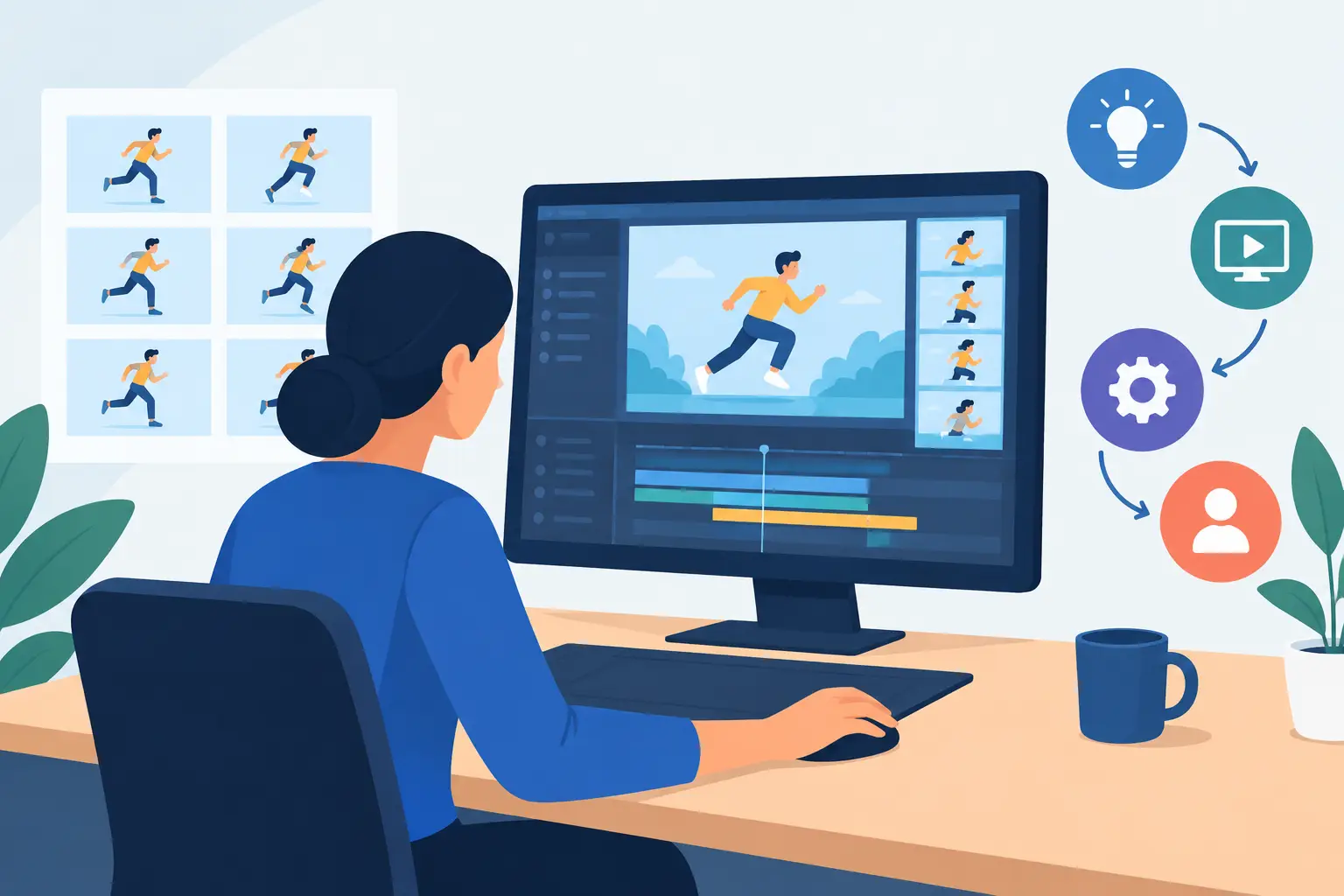
FlipBook takes a more practical stance. Fast painting is not treated as a side benefit. It is part of the core job. When software is designed around getting drawings on and off the screen efficiently, painting stops being a bottleneck and becomes part of the flow. For productions with many hand-drawn frames, that time savings adds up quickly.
This is one of those areas where feature count can mislead buyers. The better question is not whether the software can paint. It is how much effort painting requires over the life of a scene.
Timing control is the biggest workflow difference
Here is where the tvpaint vs flipbook software comparison gets practical. Timing changes happen constantly. You hold a pose longer, shorten an anticipation, open up a breakdown, or shift an accent by a frame or two. In many programs, that means stop playback, make the adjustment, preview again, then repeat until it feels right.
That stop-adjust-preview cycle is a quiet productivity drain. It breaks concentration, especially when you are solving performance rather than mechanics. A scene that should take minutes to tune can turn into a series of interruptions.
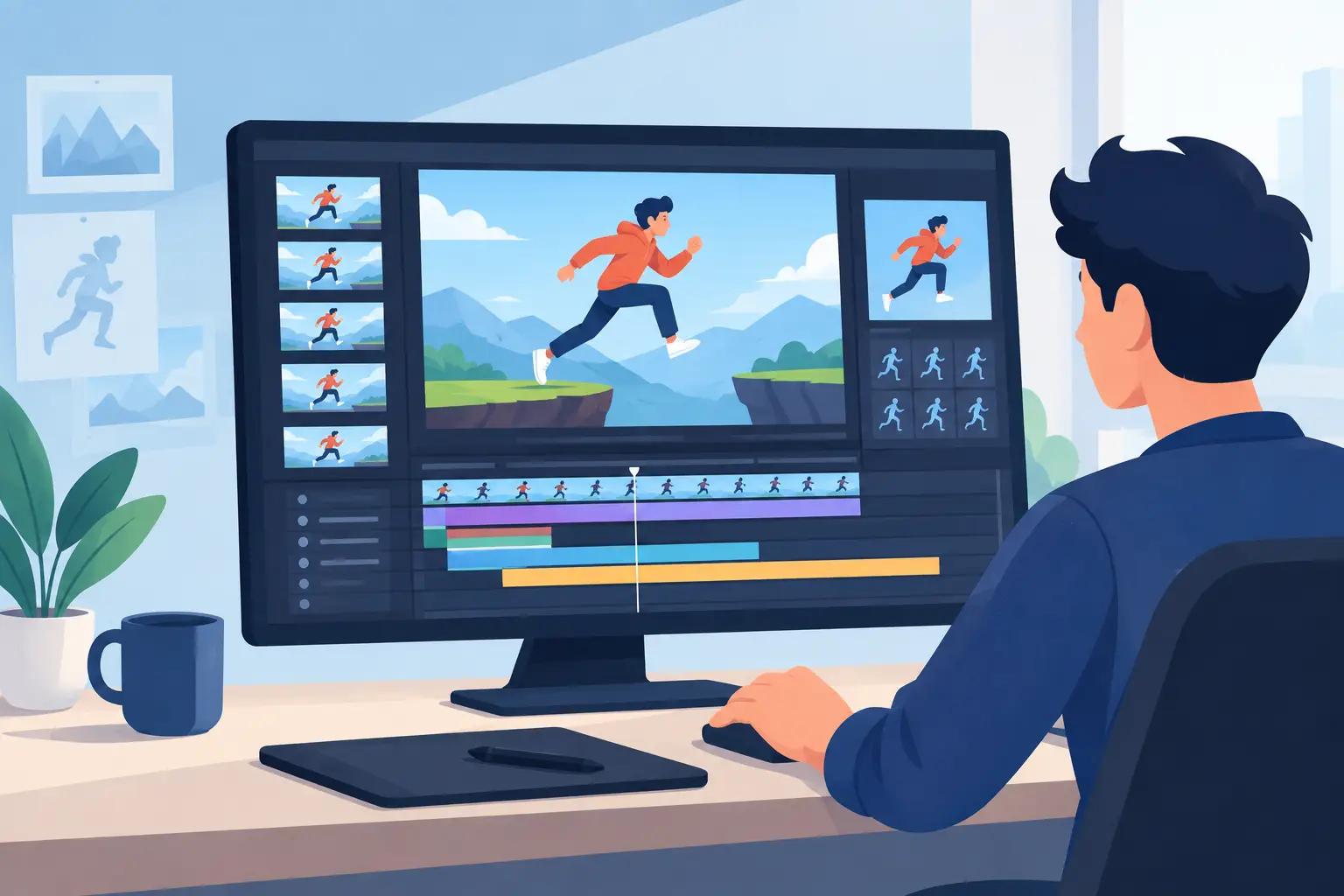
FlipBook stands out because it lets you adjust timing while the animation is playing. That sounds small until you use it in real work. Then it changes the pace of the entire session. You can judge motion in motion, make the fix in context, and keep your attention on the acting or action instead of the interface.
TVPaint offers strong timeline and exposure controls, and capable users can manage timing with precision. But if your priority is immediate timing experimentation during playback, the workflow philosophy is different. One system is built to give you lots of control. The other is built to help you reach the right timing faster.
Why this matters for professionals
Professional animators know that timing is not an administrative task. It is performance. The less software gets in the way of judging that performance, the better the result. Any tool that reduces breaks in visual decision-making earns its place quickly.
Camera moves and scene finishing
Both kinds of productions may need more than raw drawings. Pans, zooms, rotates, blurs, and dissolves can all be part of a finished 2D scene, especially for indie films, tests, and short-form content where one artist wears several hats.
TVPaint has a wider reputation as a full digital environment, so if your work depends on a broad set of image manipulation and finishing options, it can make sense. Artists who like handling many visual treatments inside one package may appreciate that flexibility.
FlipBook approaches these effects from a production-first angle. Camera-style moves and scene effects are there to support animation, not overshadow it. For animators who want to stay close to a classic studio method while still gaining digital speed, that restraint is useful. The software does the modern work without forcing a modern-feeling process.
Which software fits which animator?
If you are an illustrator moving into animation and want a large digital playground with many image-based tools, TVPaint may feel familiar and expandable. If you like customizing your environment and using software as a broad artistic platform, that can be a fair match.
If you are a traditional animator, student, educator, or small studio focused on frame-by-frame production, FlipBook is often the cleaner fit. It is especially strong for artists who care about natural drawing, efficient frame painting, and direct timing control. Those are not minor conveniences. They are the center of the work.
Beginners can benefit too, not because the software does the thinking for them, but because it lets them practice the right things. You learn animation by making drawings move and judging the result. A tool that keeps that loop short helps you improve faster.
Experienced artists usually feel the difference even more. Once you have lived through slow paint operations, awkward timing revisions, and software that keeps pulling your attention away from the scene, a purpose-built workflow is hard to ignore.
The real decision in tvpaint vs flipbook software
This choice comes down to what kind of digital animation experience you want. If you want a broader graphics-oriented package with extensive options and are willing to work within a more complex environment, TVPaint has clear strengths. If you want software that respects the logic of traditional hand-drawn production and helps you move faster where production usually slows down, FlipBook has the advantage.
That is why the comparison should not be framed as simple feature competition. For serious animators, the better tool is the one that protects drawing rhythm, reduces friction, and lets timing decisions happen at the speed of thought. DigiCel built FlipBook around that idea, and it shows in the parts of the workflow that matter most once real scenes are on the line.
Try to judge both programs the way you would judge a pencil test. Not by the menu count, but by how quickly you can get the motion right. When software helps you stay focused on performance, spacing, and clean execution, the drawings start doing what they are supposed to do – come alive.