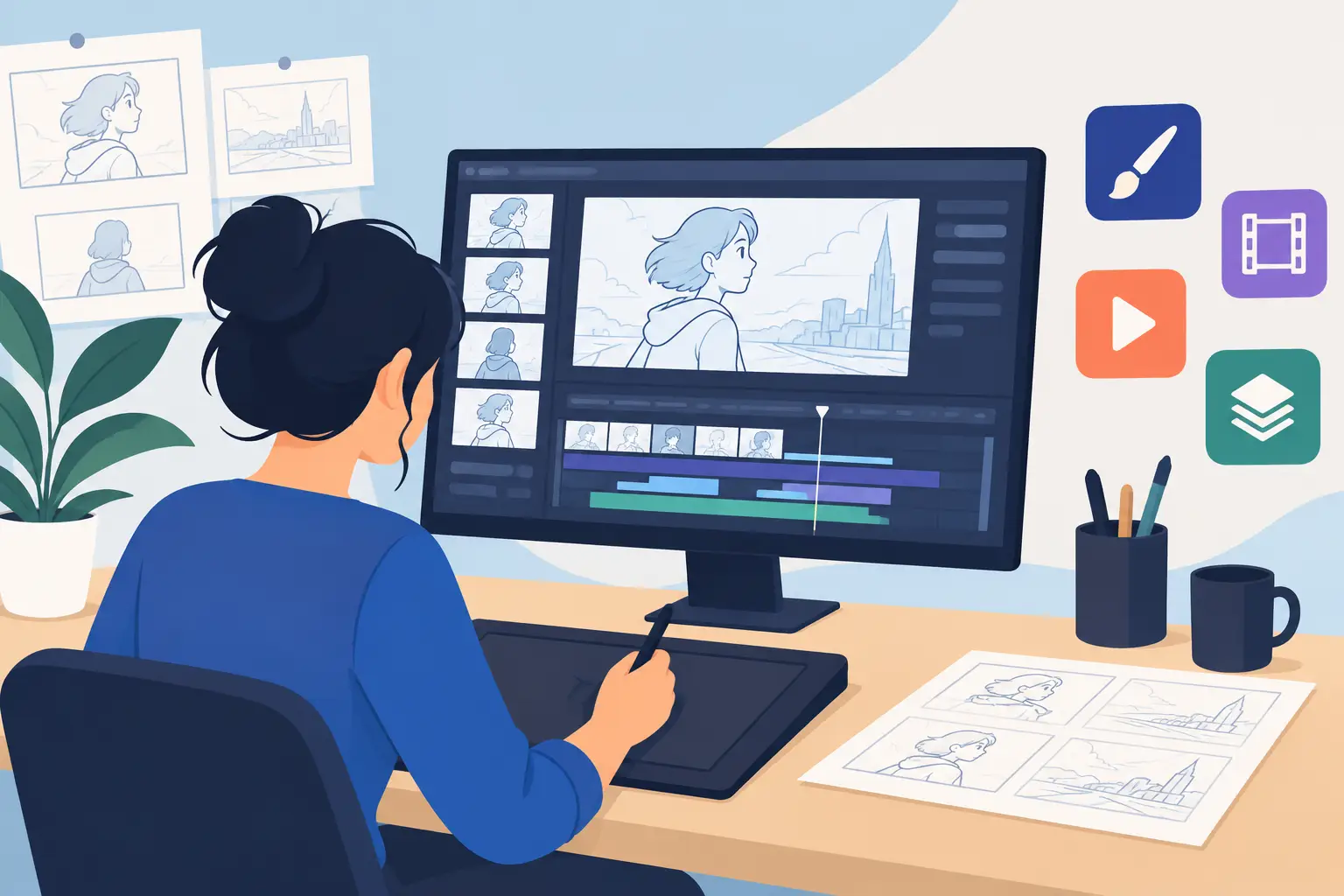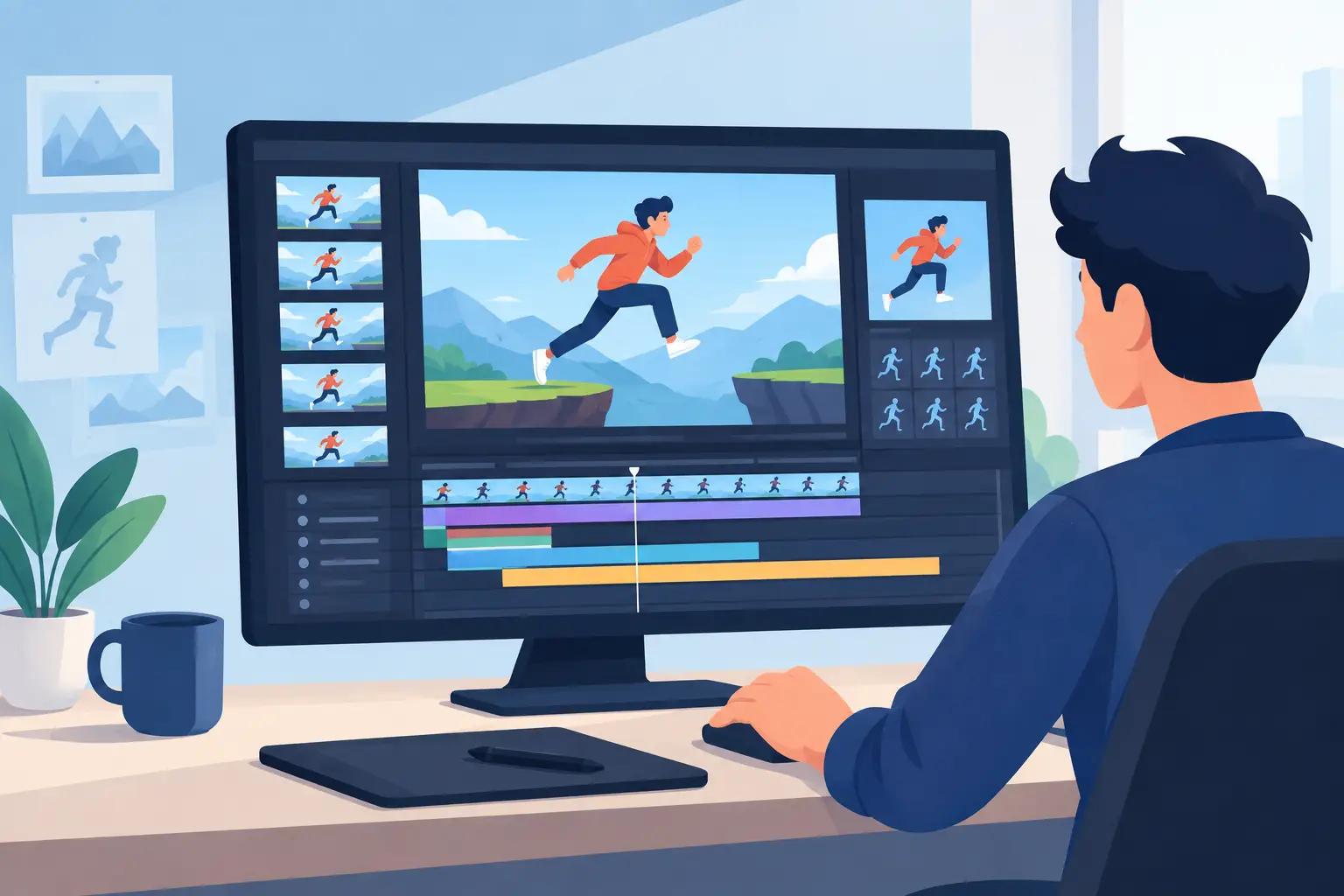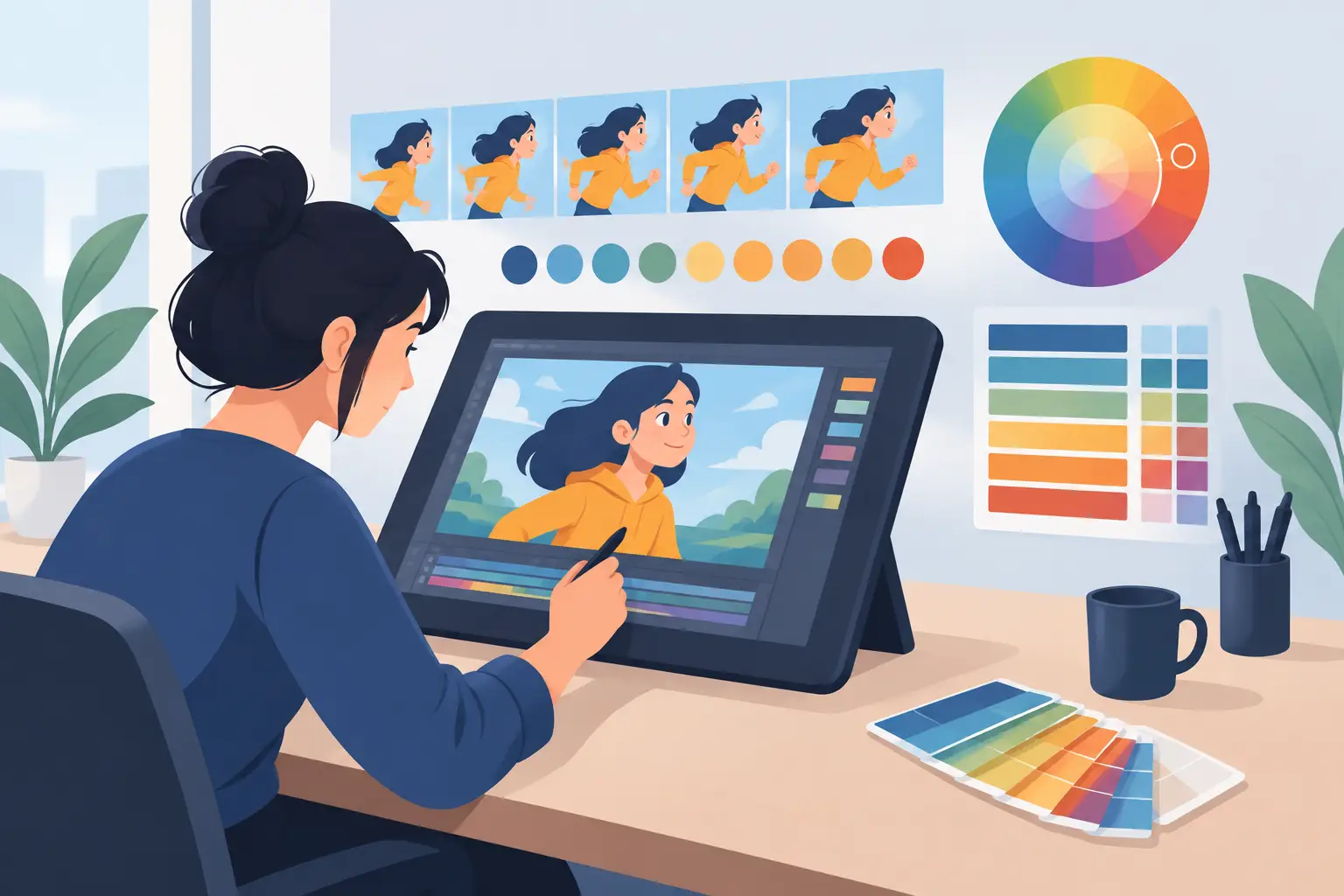
If you have ever stopped mid-scene just to tweak exposure, replay, tweak again, and replay again, you already know what separates decent software from production software. A useful flipbook animation software review has to start there – not with marketing claims, but with the moments that slow artists down when rough animation turns into actual shot work.
For anyone working in traditional 2D, the standard is simple. The software should let you draw naturally, test timing quickly, paint without fighting the interface, and keep the scene moving forward. That sounds basic, but many animation apps still get one or two of those jobs wrong. Some feel engineered around features instead of draftsmanship. Others can draw well enough but become sluggish once timing and color work begin.
What matters most in a flipbook animation software review
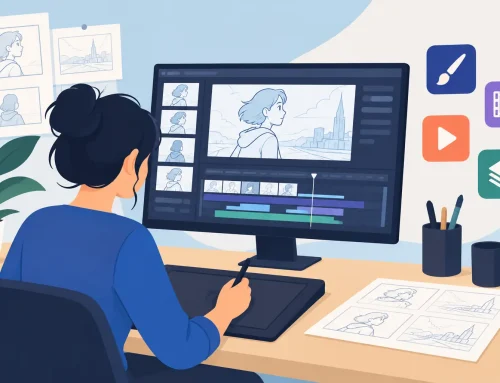
A serious review should judge software the way animators actually use it. The first question is drawing feel. If the line does not respond well, if flipping is awkward, or if the workspace keeps getting between the artist and the drawing, the rest of the feature list matters less. Traditional animation depends on rhythm. Roughing keys, adding breakdowns, checking arcs, and tightening clean-up all require software that stays out of the way.
The second question is timing control. This is where many programs lose time in production. They make you stop playback, change frame counts, play again, and repeat until the shot feels right. That stop-adjust-preview cycle is more than an annoyance. It breaks concentration and stretches simple timing fixes into a long series of interruptions.
The third question is painting speed. A lot of software can fill areas with color. Fewer programs do it quickly enough for scene work without constant cleanup. When paint tools are slow or fussy, artists waste energy on software behavior instead of finishing the shot.
Then there is camera work. Pan, zoom, rotate, blur, and dissolve effects are not a substitute for animation, but they are part of real production. If these tools are clumsy, artists end up exporting work to other programs just to complete straightforward scene presentation.
Drawing feel still decides the whole experience
The best flipbook animation software review is usually decided in the first hour of use. You open a scene, draw roughs, flip between frames, and immediately feel whether the software was built for animators or built for software checklists. Programs that respect classical workflow make room for rough animation, clean-up, inbetweening, and frame-by-frame judgment. Programs aimed at broader design markets often feel less direct.
This is where dedicated 2D animation tools stand apart. A natural flip environment matters. Fast playback matters. Scrubbing through a shot matters. If the interface encourages the same hand-drawn habits artists learned on paper and peg bars, the software becomes easier to trust.
That trust is not just about comfort. It affects the work. Better drawing flow usually leads to stronger posing, cleaner spacing choices, and fewer mechanical-looking scenes. Students notice it because they can focus on learning timing and structure. Professionals notice it because fewer interface problems means more usable footage at the end of the day.
Timing control is where good software becomes great
Most animation software reviews spend too much time on surface features and not enough time on timing. That is backwards. Timing is not a side feature in hand-drawn animation. It is the shot.
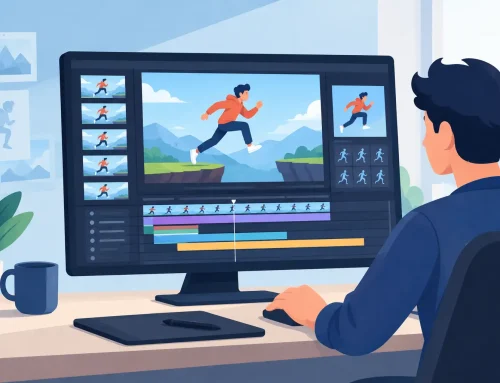
If a program lets you adjust timing while the scene plays, you can make decisions in motion instead of guessing between previews. That changes the pace of work completely. Instead of stopping every few seconds to alter exposure sheets by trial and error, you can shape the shot in real time and hear or feel the rhythm as it changes.
This is one of the clearest dividing lines between general-purpose tools and software built around actual animation production. Real-time timing editing saves time, but more importantly, it keeps your judgment connected to the shot. You are not stepping out of the scene to manage the software. You are working inside the motion.
For students, that means timing principles become easier to see and understand. For working animators, it means faster revisions and cleaner approval cycles. For small studios, it means less wasted effort every time a scene needs one more pass.
Painting tools should move as fast as the scene
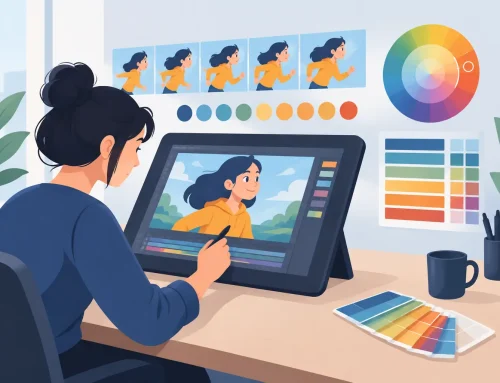
Coloring animation frames should not feel like a separate job with a separate headache. Yet many artists have worked with software where painting slows to a crawl, misses edges, or requires too many corrections to trust at scale. In a production setting, those problems stack up quickly.
Efficient painting tools matter because they cut labor where labor usually hides. Fast fill behavior, reliable color application, and less cleanup after each painted frame all translate into actual time saved. That matters to independent filmmakers trying to finish a short, educators teaching frame-by-frame basics, and studios trying to keep scene counts under control.
A practical flipbook animation software review should pay close attention here. Not every artist needs advanced compositing, but every frame-based animator benefits from paint tools that behave predictably. Simple, dependable speed is more valuable than a large pile of paint options that slow the process down.
Camera effects are useful when they stay simple
Pan, zoom, rotate, blur, and dissolve effects are often treated as bonus features, but they are more useful than that when they are built into the animation workflow. They let artists stage scenes, create basic moves, and finish presentation without sending material through a chain of extra applications.
There is a trade-off, though. If camera tools become overly technical, they can distract from the hand-drawn work instead of supporting it. The best implementations feel like practical scene controls, not miniature visual effects departments. For most traditional productions, that is enough. You want to set the move, review the shot, and keep going.
Who benefits most from this kind of software
Aspiring animators need software that teaches good habits rather than masking weak timing with automation. Frame-by-frame tools built around roughs, clean-up, flipping, and playback give beginners a real foundation. They learn how movement is built, not just how buttons work.
Animation students and educators benefit for the same reason. A program that reflects classical workflow makes lessons clearer. It supports the actual language of animation – keys, inbetweens, spacing, arcs, holds, and scene timing – instead of forcing instruction through a toolset designed for something else.
Professional animators and small studios need efficiency more than novelty. They already know how they want to work. What they need is software that lets them draw, paint, and adjust scenes with less friction. When an application speeds up timing changes and painting while preserving a natural drawing process, it earns a place in production.
Where many competing apps fall short
Some competing programs are capable, but capability is not the same as suitability. A feature-rich app can still be slow for traditional scene work if the drawing feel is off or timing edits are cumbersome. Software designed around rigging, compositing, or hybrid pipelines may be useful in broader production environments, but that does not automatically make it the best fit for hand-drawn animators.
Other apps look approachable at first and then become limiting as scenes become more demanding. Beginners may not notice the problem until they try to revise timing quickly or paint larger sequences efficiently. Professionals notice it sooner. They can tell when an app was not truly built around classical frame-by-frame production.
That is why one purpose-built tool can outperform a bigger platform for the right user. DigiCel FlipBook has long appealed to artists who want the speed of digital production without giving up the working methods of traditional studio animation. Its strength is not trying to be everything. Its strength is doing the central jobs of drawn animation very well.
The best choice depends on how you animate
There is no honest review without admitting that software choice depends on workflow. If your pipeline revolves around heavy compositing, advanced effects, or character rig systems, a flipbook-focused application may not be your only tool. But if your work begins and ends with hand-drawn performance, scene timing, and efficient frame painting, then specialization is an advantage, not a limitation.
That is the real test. Does the software help you animate better with less effort, or does it ask you to adapt your process to suit the software? Artists who care about traditional draftsmanship usually know the answer quickly. They want a program that respects the craft, responds naturally, and keeps production moving.
The smartest next step is not to compare screenshots or chase long feature grids. Put the software in front of your hand, your eye, and your timing sense. Run a real scene through it. The right program will make your drawings come alive faster, and you will feel that before you finish the first shot.