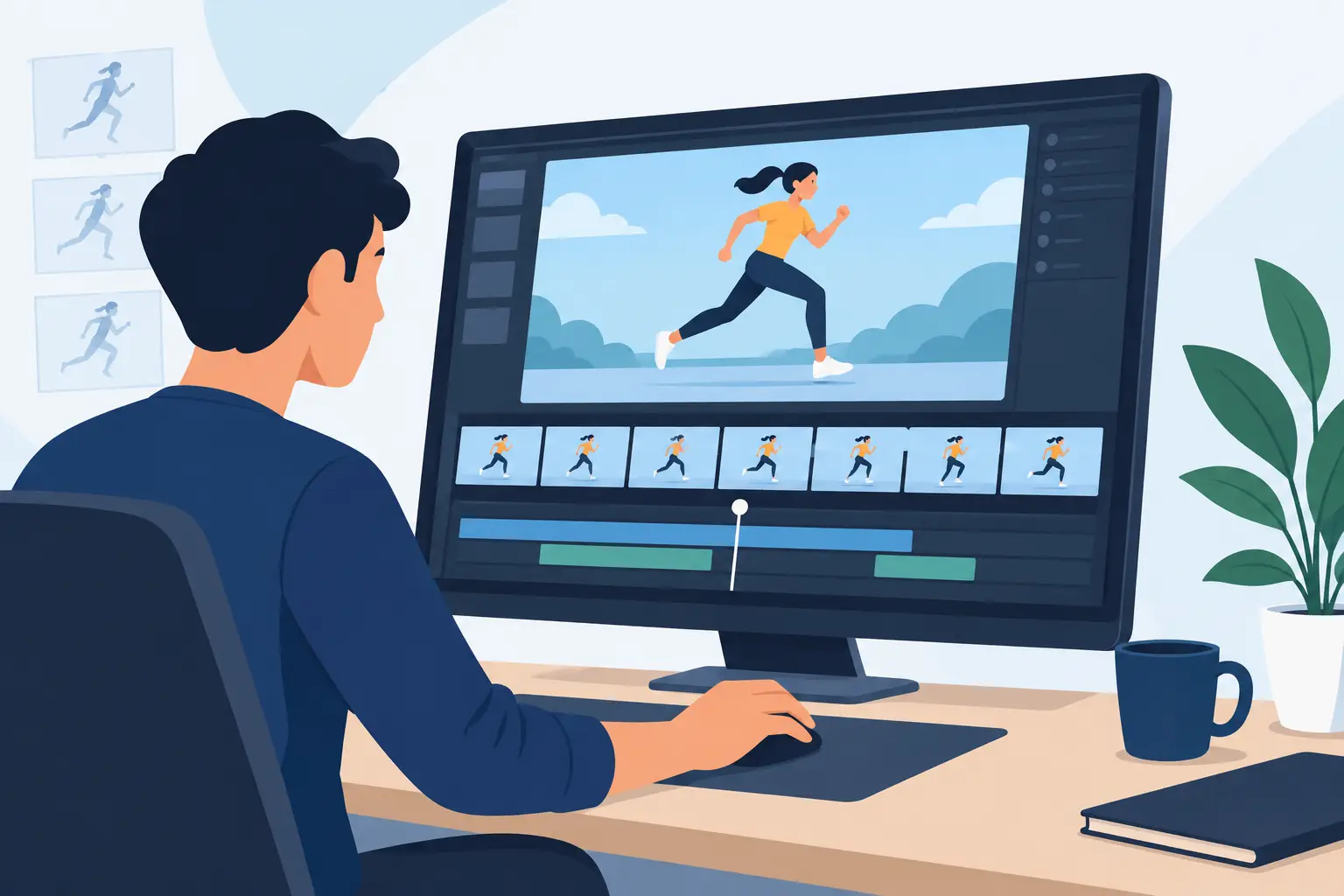
A walk cycle that looks fine on paper can fall apart the moment you play it. The spacing is too even, the weight is missing, and every timing change turns into a slow round of stopping, editing, and replaying. That is where animation timing and spacing software either helps the work move forward or gets in the way.
For traditional animators, timing and spacing are not side features. They are the shot. They determine whether a character snaps, drifts, hesitates, hits hard, or feels alive. Software that handles those decisions well should support the way animators actually work frame by frame, with quick feedback, direct control, and no fight against the drawing process.
What animation timing and spacing software should actually do
A lot of animation programs claim to handle timing, but there is a big difference between displaying frames on a timeline and helping an animator shape movement. Good animation timing and spacing software lets you see what your drawings are doing, change the exposure or placement quickly, and judge the result immediately.
That sounds simple, but in production it matters a great deal. If changing a hold means opening separate panels, moving through menus, and waiting for playback, your eye loses the rhythm of the shot. If testing a faster action interrupts your drawing flow, you start making safer choices just to keep moving. Software should remove that friction.
For students, that means learning the relationship between spacing and speed in a way that is visible and repeatable. For professionals, it means making scene corrections without wasting time on technical overhead. In both cases, the goal is the same – better motion with less effort.
Timing and spacing software for animation is not just about playback
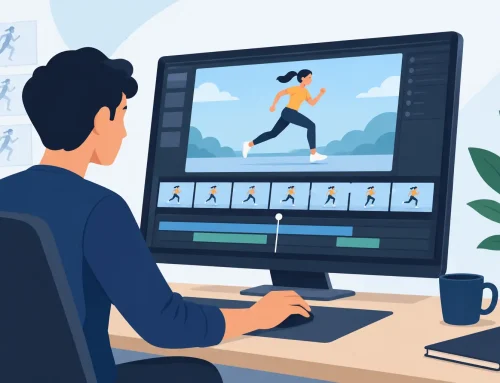
Playback is essential, but it is only one part of the job. Animators need to rough scenes, scrub through action, check arcs, add or remove exposures, and compare changes without losing the feel of hand-drawn work. Timing decisions happen during drawing, not after it.
This is where many general-purpose apps feel clunky. They may offer plenty of compositing tools or modern pipeline features, but the core act of adjusting timing can still feel indirect. You stop the scene, make the change, preview again, then repeat. That stop-adjust-preview cycle adds up fast, especially when you are trying to refine subtle movement.
A better approach is real-time control. When you can alter timing during playback and see the result at once, you stay focused on the animation instead of the interface. That is not a luxury feature. It is a production feature.
Why traditional animators care so much about spacing
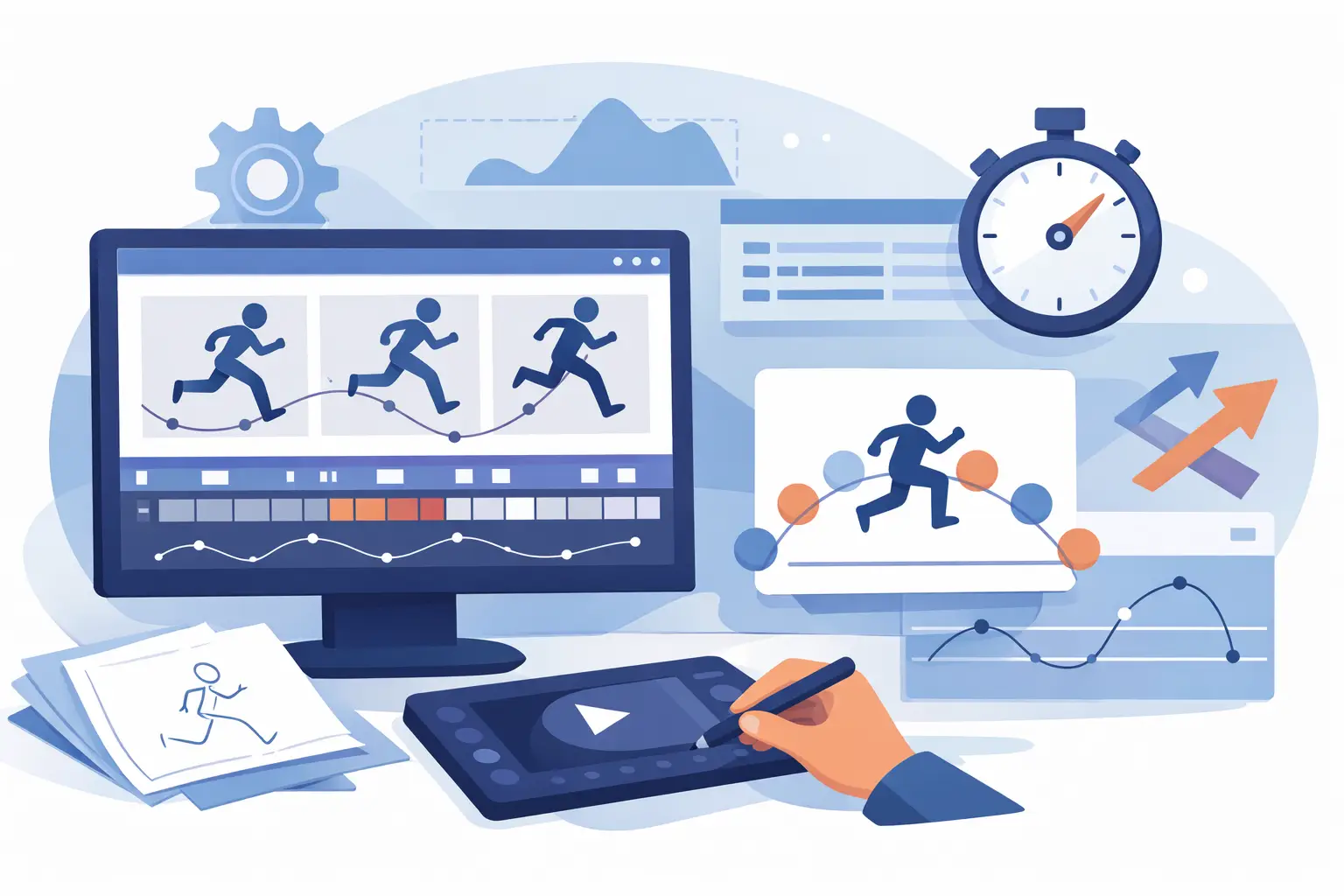
Timing tells you how long an action takes. Spacing tells you how the action gets there. Two shots can have the same number of frames and feel completely different because the spacing changes the force, texture, and intention of the movement.
Even spacing often reads mechanical unless that is the point. Tight spacing into a stop gives weight. Wide spacing out of a pose creates energy. A slow-in or slow-out is not just theory from an animation textbook. It is what keeps motion from looking flat.
That is why software built around traditional workflows has an advantage. When you are working directly with drawings, it is easier to evaluate whether the spacing supports the acting, the physics, and the style of the scene. You are not guessing through automation. You are judging motion the way animators always have – by eye, frame by frame.
The best workflow feels close to paper, only faster
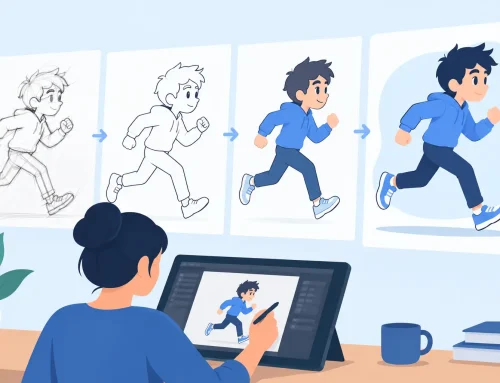
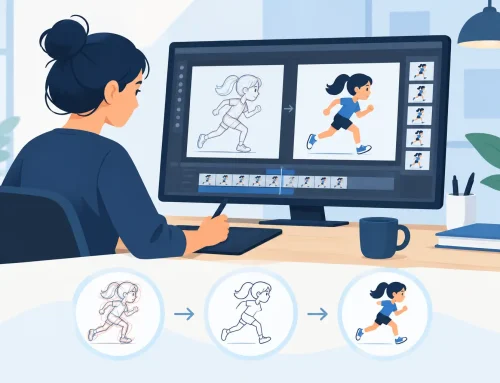
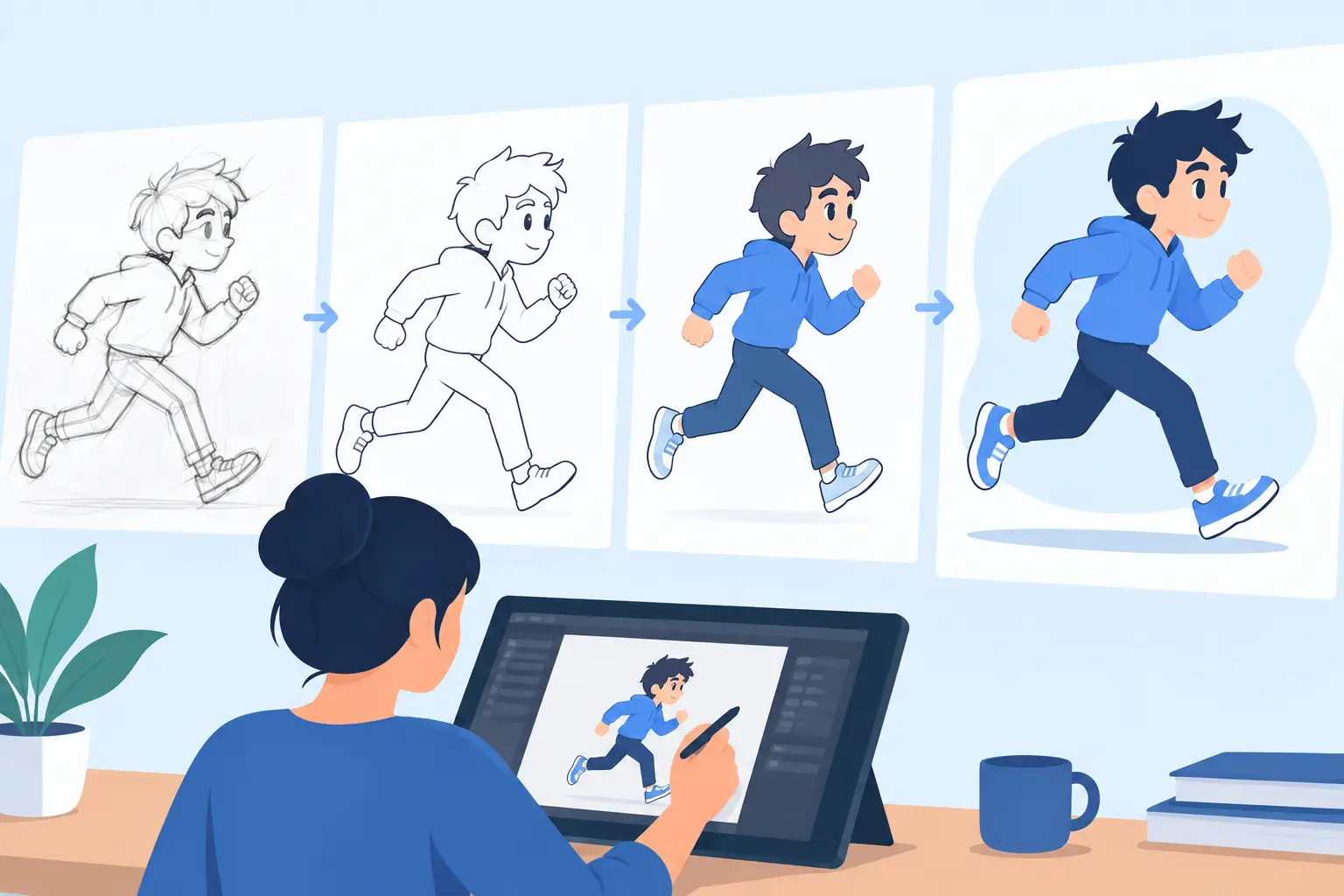
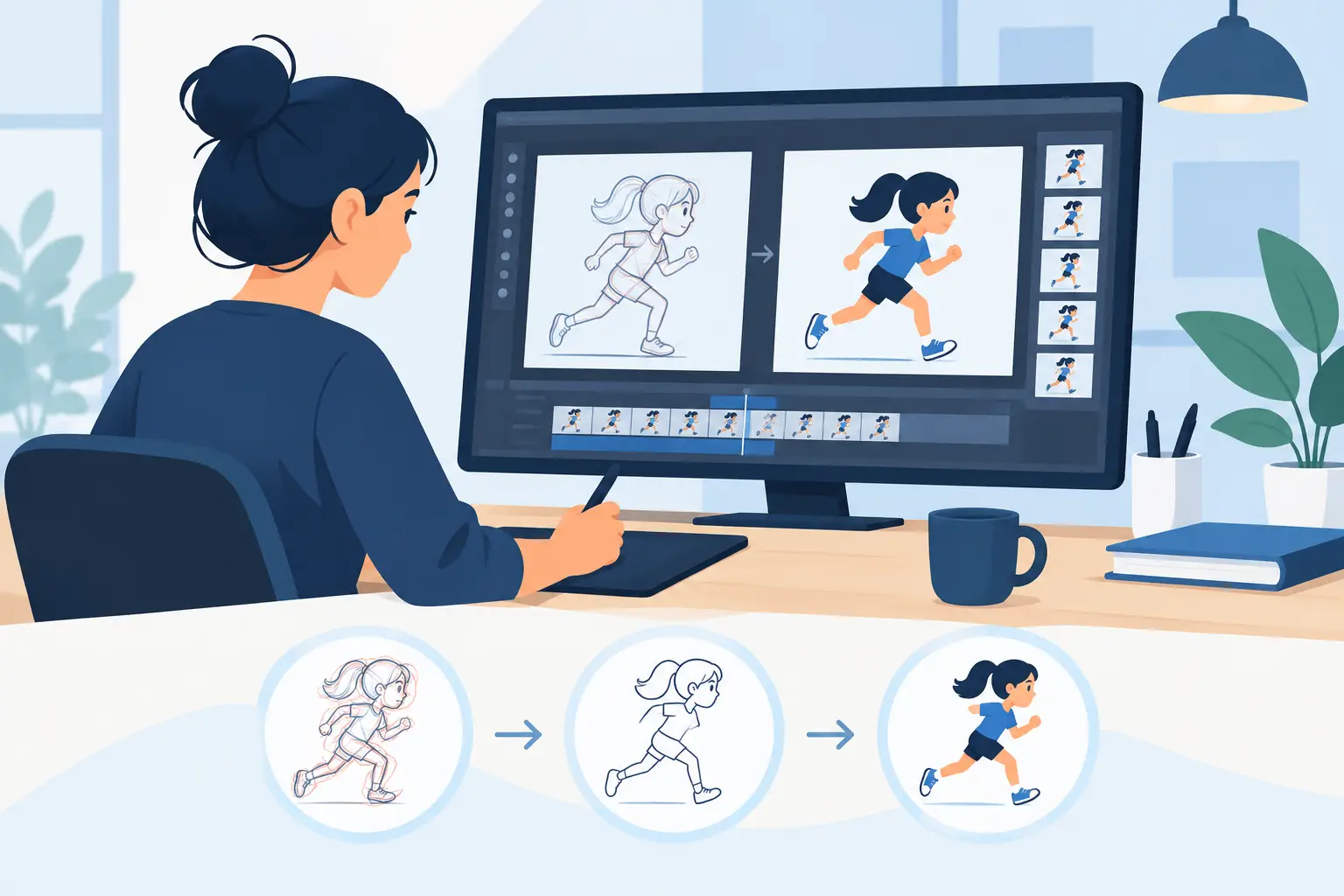
Digital tools are at their best when they speed up the work without changing the craft. Animators still need roughs, clean-up, painted frames, and scene playback that responds immediately. If the software feels unnatural to draw in, timing corrections become harder because the drawings themselves take more effort.
That is one reason creator-centric 2D software stands apart from broader design platforms. The best tools for drawn animation keep the surface simple and the response direct. You sketch, flip, scrub, test, adjust, and keep going. The software supports classical production methods instead of forcing you into a pipeline built for something else.
Painting speed also matters more than many buyers expect. In a real shot, timing is often revised after color has started. If repainting frames is slow, timing experimentation becomes expensive. Efficient paint tools make it practical to keep improving the scene rather than settling for the first workable pass.
Choosing animation timing and spacing software for your level
Beginners usually need software that teaches by showing clear cause and effect. When a student adds drawings between extremes or changes exposures, the result should be easy to preview and easy to understand. A complicated interface can hide the lesson. A straightforward one helps new animators see why the shot changed.
Educators need something similar, but at classroom scale. Students work at different speeds, make avoidable timing mistakes, and need support quickly. Software that respects traditional terminology and production logic is easier to teach because it matches established animation principles instead of replacing them with software-specific habits.
Professional animators and small studios often have a different test. They ask whether the program saves time on every shot. Can it handle rough animation naturally? Can timing be adjusted without breaking concentration? Can scenes be painted quickly? Can technical support solve issues without turning one production problem into three more?
The right answer depends on the job, but the priorities are usually consistent. Natural drawing, fast scene handling, and immediate timing control tend to matter more than a long list of extra features that rarely affect the actual animation.
What to look for before you commit
If you are evaluating software in this category, watch how it behaves during common corrections. Add a hold. Remove a drawing. Shift an accent. Test a slower settle. If every small change feels like administration, the program will cost you time for the life of the project.
Also pay attention to scrubbing and playback. You should be able to inspect a scene closely, then watch it run at speed without fighting the controls. Timing is judged in motion, but it is fixed in details. Good software respects both.
The drawing experience should not be treated as separate from timing control. If the line feels awkward or the interface distracts from flipping and frame judgment, you will make slower decisions. Traditional animators work through motion by drawing. The software has to honor that.
Support matters too. This is especially true for students, first-time buyers, and small teams without a technical department. Free technical support is not just a sales point. It can be the difference between finishing a scene and losing a day to a preventable issue.
A practical standard for serious 2D work
The strongest animation timing and spacing software does not try to impress you with complexity. It helps you animate better. It gives you a natural place to draw, dependable tools to paint and play scenes, and timing control that keeps pace with your eye.
That is why many artists still prefer software built specifically for hand-drawn production. In a program like FlipBook, the value is not abstract. You feel it when you can rough, clean up, paint, scrub, and adjust timing during playback instead of breaking your concentration every few seconds. That kind of direct control respects both the craft and the schedule.
If your goal is stronger motion, cleaner workflow, and better results from frame-by-frame animation, choose the software that makes timing decisions easier to see and faster to test. The right tool should make your drawings come alive, then get out of your way while you do the real work.