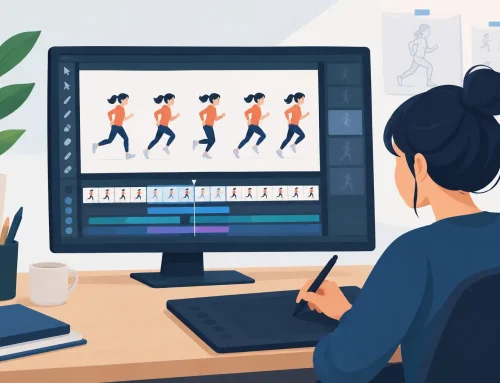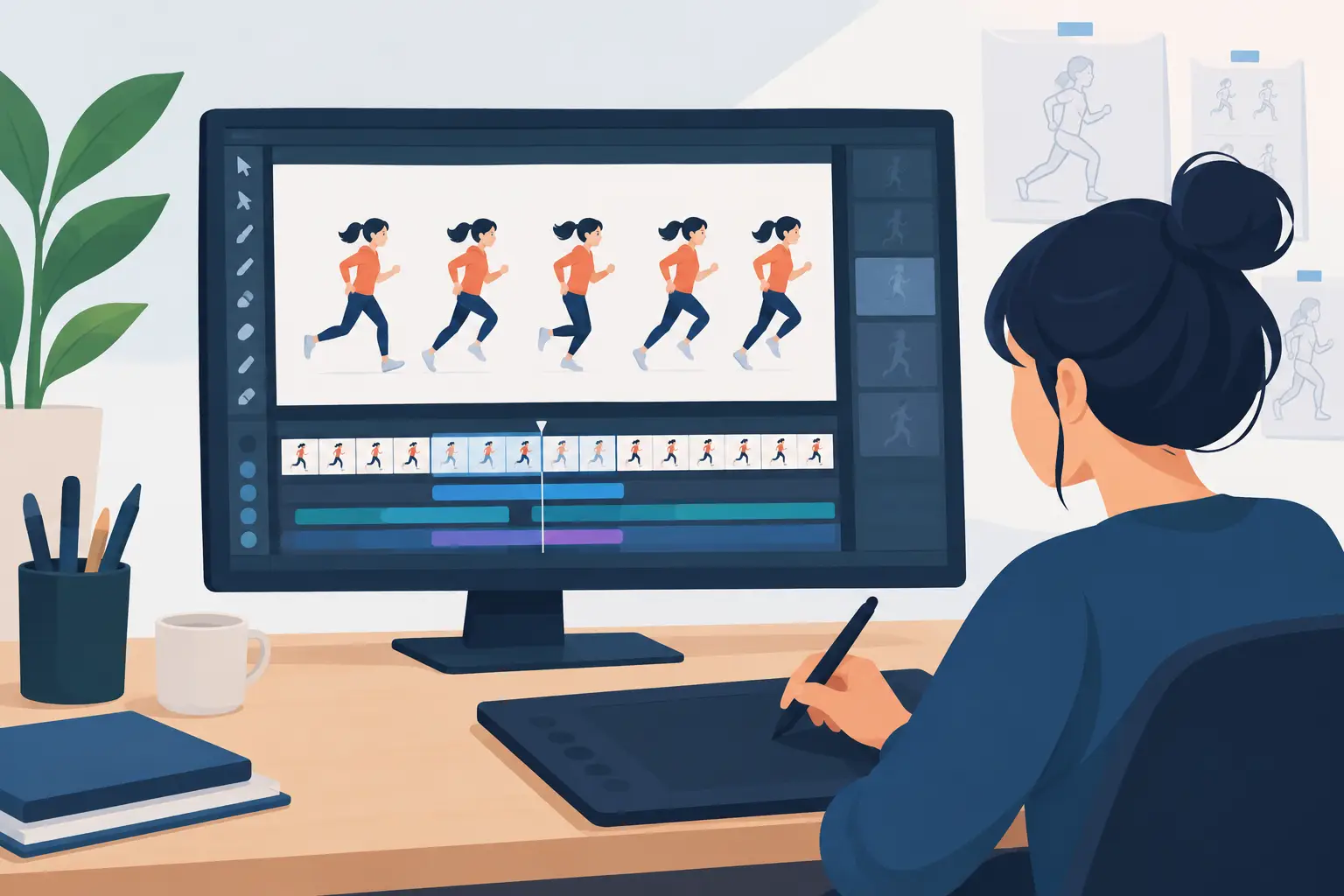
A short film can live or die in the seconds between poses. If a character’s reaction holds too long, the joke goes flat. If a take needs two more frames, the emotion never lands. That is why indie film animation software cannot simply be a drawing program with a timeline attached. It needs to let filmmakers draw, paint, play, and revise timing without breaking the rhythm of production.
Independent animation teams work under real limits: a small crew, a modest budget, a festival deadline, and often one artist filling several roles. The right software does not replace skill or planning. It removes the mechanical delays that pull attention away from acting, staging, spacing, and color.
What Indie Film Animation Software Must Do Well
For a hand-drawn film, the central question is simple: can the artist work as if they are animating, rather than operating software? Rough animation should feel immediate. You should be able to sketch a key pose, flip through drawings, test an arc, and correct a breakdown before the thought is gone.
Many animation applications offer an impressive list of tools, but a long feature list does not automatically make a better production tool. A small film rarely needs every kind of rig, simulation, or node system. It does need dependable frame-by-frame drawing, clear exposure control, practical painting, and playback that tells the truth about the scene.
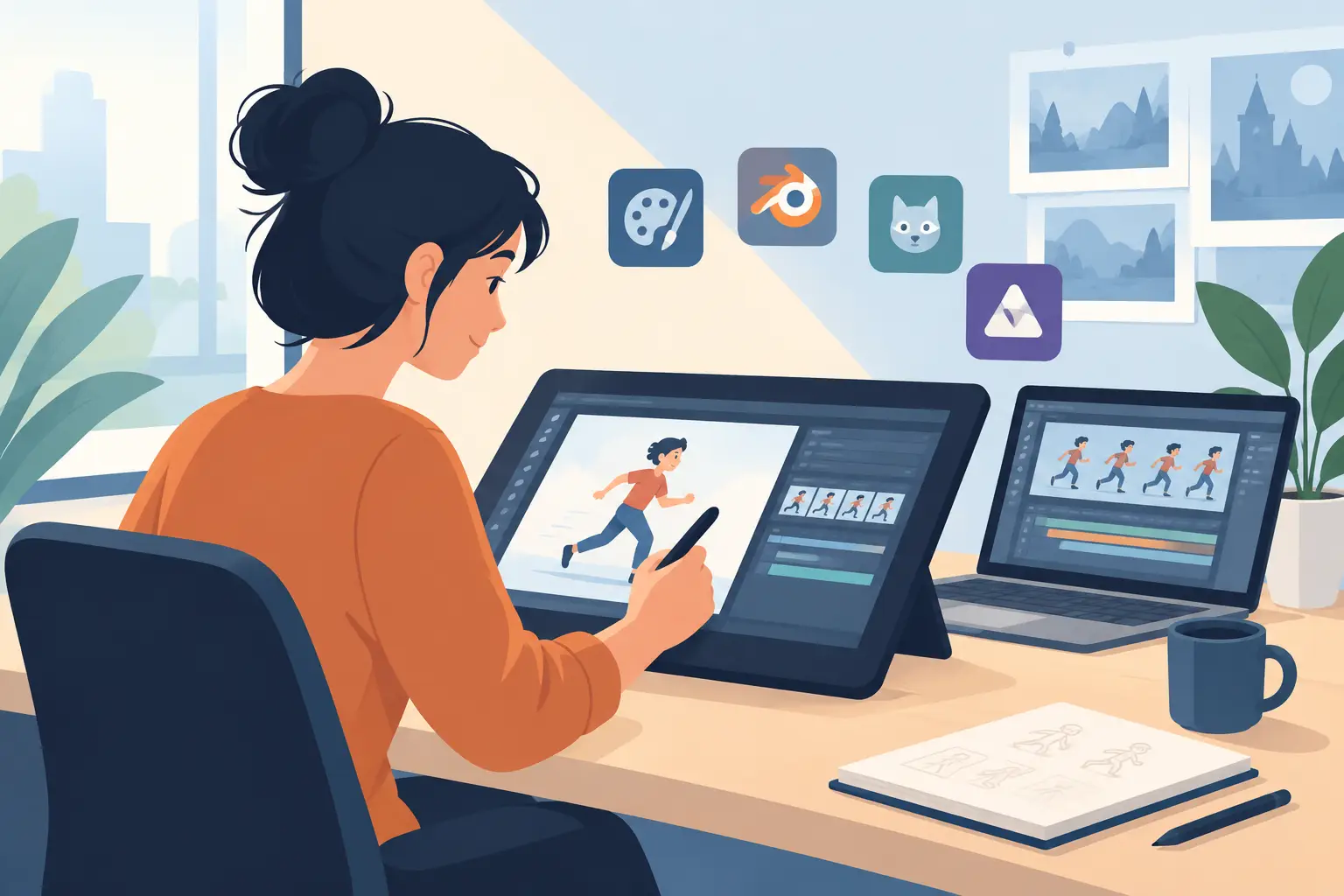
A useful 2D workflow follows the traditional order of work. Start with thumbnails and rough keys. Build the action with breakdowns and in-betweens. Clean up the approved motion. Paint the final drawings. Then use camera moves and dissolves where they serve the shot. Software should support that order rather than force artists into a complicated pipeline designed for a different kind of project.
Drawing Must Feel Direct
Natural drawing is not a luxury for independent filmmakers. It is production speed. When a brush lags, a pen feels slippery, or the drawing tools demand constant setup, artists make fewer exploratory passes. That is a problem, because the strongest performance is often found in the second or third rough, not the first.
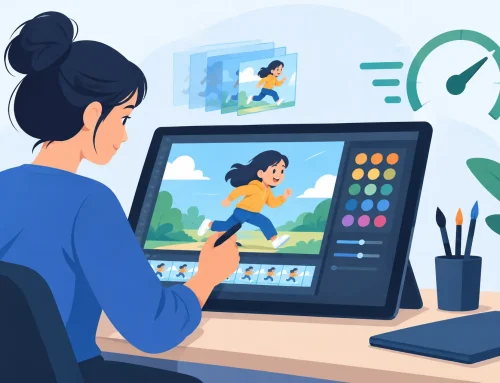
Look for a workspace where you can draw roughs and clean-ups without fighting panels, menus, or technical distractions. Onion skinning and frame flipping should make it easy to judge volume, arcs, and spacing. The screen should help you see the movement, not bury it beneath controls.
This matters especially for students and small studios with mixed experience levels. Beginners need to learn the relationship between drawings, timing, and motion. Experienced animators need the freedom to make fast, confident corrections. Both groups benefit from software built around the drawing itself.
Timing Cannot Be an Afterthought
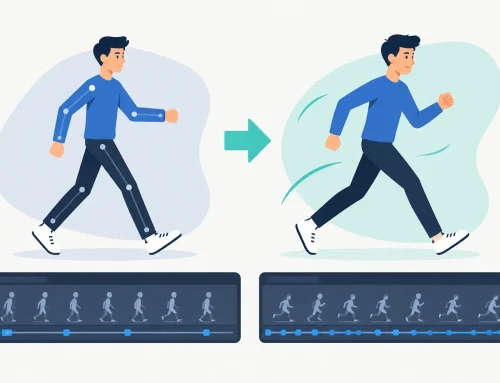
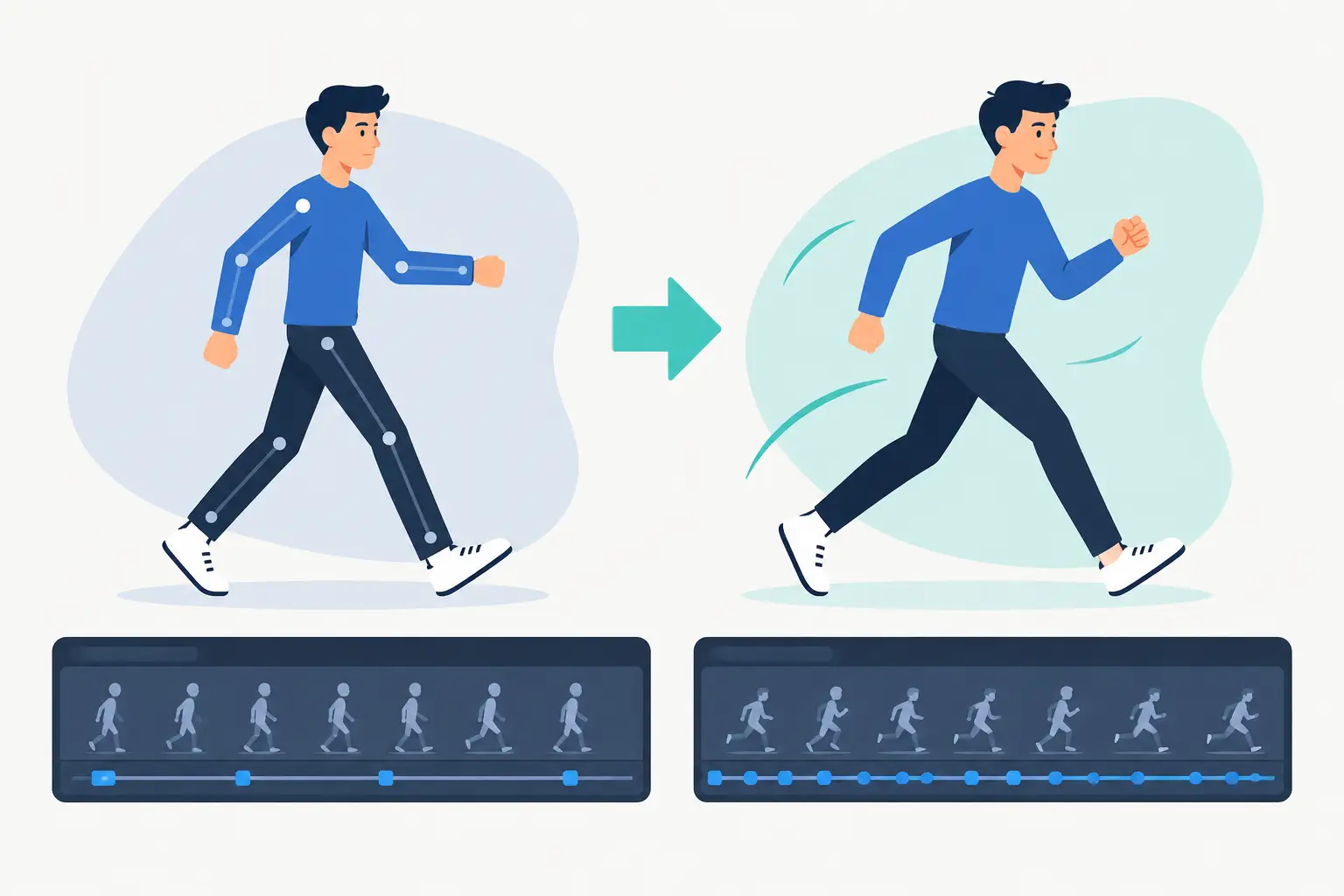
Traditional animation is a time-based craft. A beautiful drawing on the wrong frame is still the wrong drawing. Yet many programs make timing changes unnecessarily slow: stop playback, select frames, move or duplicate exposures, return to the beginning, and play the scene again. Repeat that cycle dozens of times in a day and the cost becomes obvious.
Good indie film animation software lets you adjust timing while watching the action. You should be able to hold a drawing longer, shorten a pause, or shift the rhythm of a gesture in real time. That gives the animator a direct connection to the performance. Instead of guessing at a number in a timeline, you judge the shot by what the audience will actually see.
This is particularly valuable in dialogue scenes and comedic action. A held blink, a delayed head turn, or a one-frame change in anticipation can make the difference between a stiff shot and a convincing one. Timing tools should make those decisions faster, not turn them into administrative work.
Painting Needs to Stay Fast as the Shot Grows
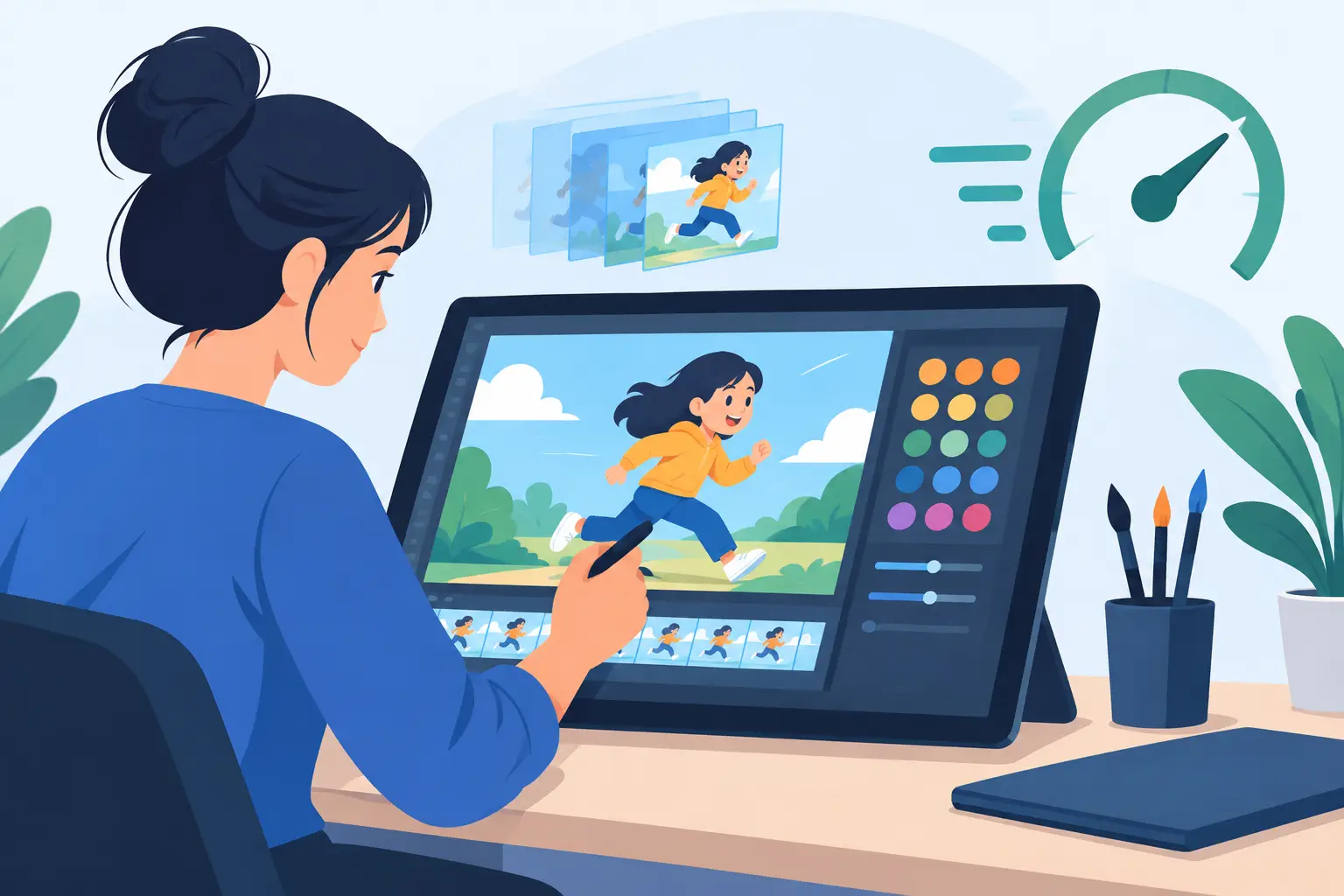
Painting is where many independent productions lose days. A test scene with ten drawings may seem easy to color. A finished sequence with dozens or hundreds of drawings reveals whether the paint workflow was designed for production.
The practical requirement is efficient frame painting with colors that are easy to manage and fill areas that behave predictably. Artists should not spend their time repairing tiny gaps, hunting through dialogs, or repeating avoidable steps across every cel. Clean line work helps, but the software’s painting tools matter just as much.
There is a trade-off here. Highly elaborate compositing systems can be useful for effects-heavy work, but they often add setup and training overhead. If your film depends on textured atmospheres, advanced effects, or complex multiplane compositing, you may need a separate finishing tool. For most drawn character animation, however, fast and reliable paint is the better investment.
Build a Workflow Around Shots, Not Software Features
Before choosing an application, map the path of one actual scene. Take a 10-second shot from storyboard to final output. Ask how the software handles roughs, revisions, clean-up, color, camera movement, and playback. This test exposes friction that a feature comparison will miss.
A practical production workflow usually begins with a simple animatic. Use it to establish scene length, staging, dialogue, and major cuts before committing to finished animation. Then animate the rough pass at the level of detail needed to judge the action. Do not clean up a performance that has not been approved.
Once the rough animation works, assign clean-up and painting in a way that matches your crew. A solo filmmaker may complete each shot from rough through color. A small studio may split those tasks between artists. In either case, the project should remain easy to review and revise. Clear scene organization is helpful, but it should never come at the cost of slow, awkward drawing.
Camera-style moves can add scale and focus without expanding the animation workload. A pan across a background, a slow zoom into a held drawing, a rotation, blur, or dissolve can support the storytelling when used with restraint. They are not substitutes for strong posing, but they can help an indie film get more value from carefully planned artwork.
Choose for the Work You Actually Make
The best choice depends on the film. A team producing cutout animation has different needs from artists making full hand-drawn animation. A student learning walk cycles needs direct exposure to frame-by-frame timing. A filmmaker building a short around expressive character acting needs responsive drawing and quick retiming more than a large library of automated effects.
There are several questions worth asking before you commit:
- Can you rough, clean up, and paint frames without changing to a separate, awkward workflow?
- Can you scrub and play scenes quickly enough to judge motion naturally?
- Can timing be adjusted during playback instead of through repeated stop-and-preview cycles?
- Are camera moves and basic effects available when the shot needs them?
- Can the team get useful technical help when a deadline is close?
The final question is often ignored until something goes wrong. Free, knowledgeable technical support is not just a purchase benefit. For a small production, it protects the schedule. When one person is responsible for animation, editing, and delivery, losing a day to a preventable workflow problem is expensive.
A Traditional Production Tool Still Has an Advantage
Traditional animation principles have not become less relevant because the work is digital. Clear keys, solid spacing, appealing arcs, and deliberate timing remain the foundation of convincing motion. Digital tools are at their best when they preserve those working methods while removing the labor of paper handling, camera testing, and repetitive paint tasks.
DigiCel FlipBook is built around that idea: draw the animation, paint the frames efficiently, play the scene, and make timing changes while the action is running. It gives independent filmmakers practical camera effects without asking them to abandon the familiar logic of roughs, clean-up, and cels. For artists who want digital speed without a rigid modern pipeline, that is a meaningful difference.
Start with the shot that has been giving you trouble. Test the software on the reaction, the walk, or the camera move that demands real judgment. If the tool lets you spend more of that session making drawings come alive and less of it managing the interface, it belongs in your film.