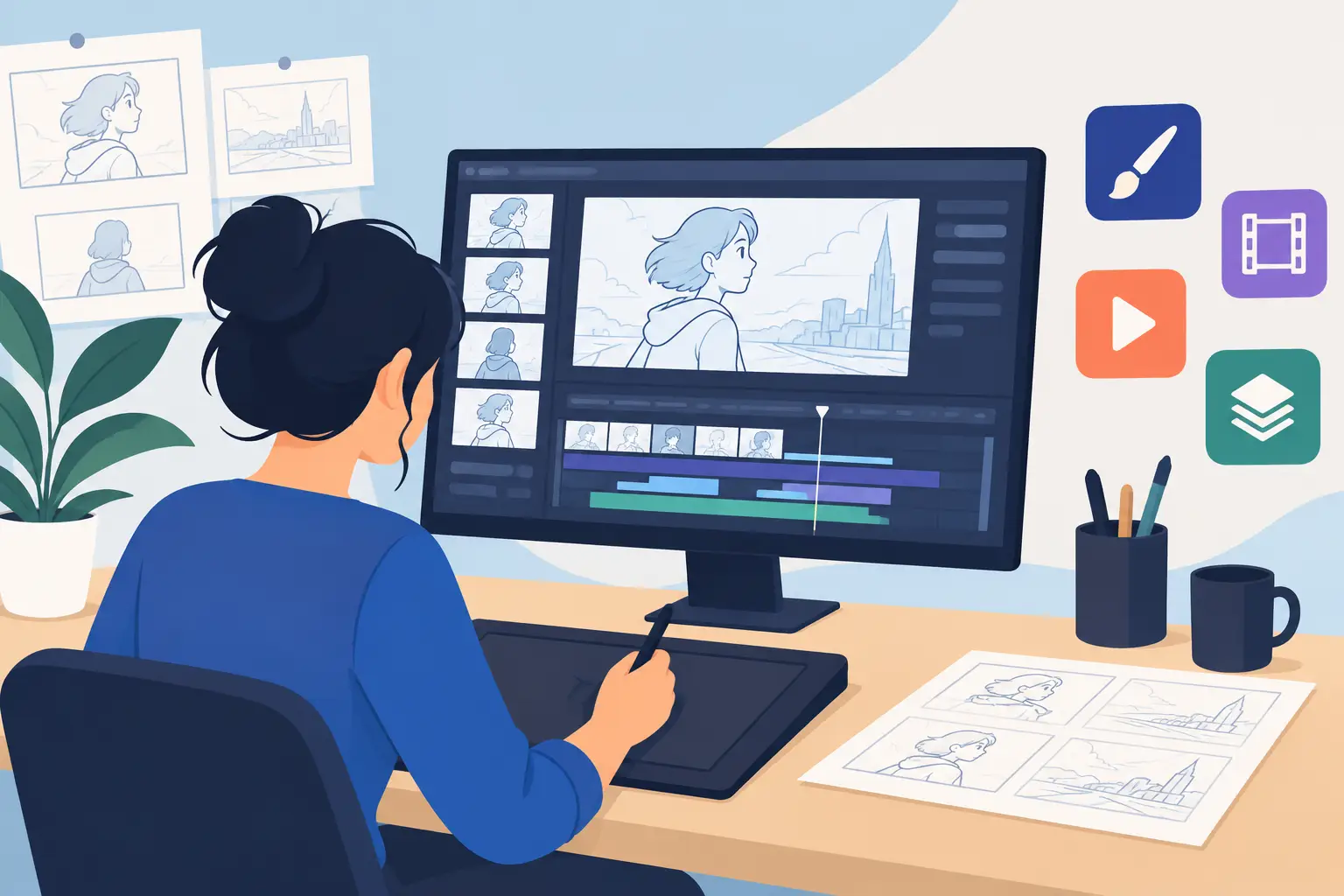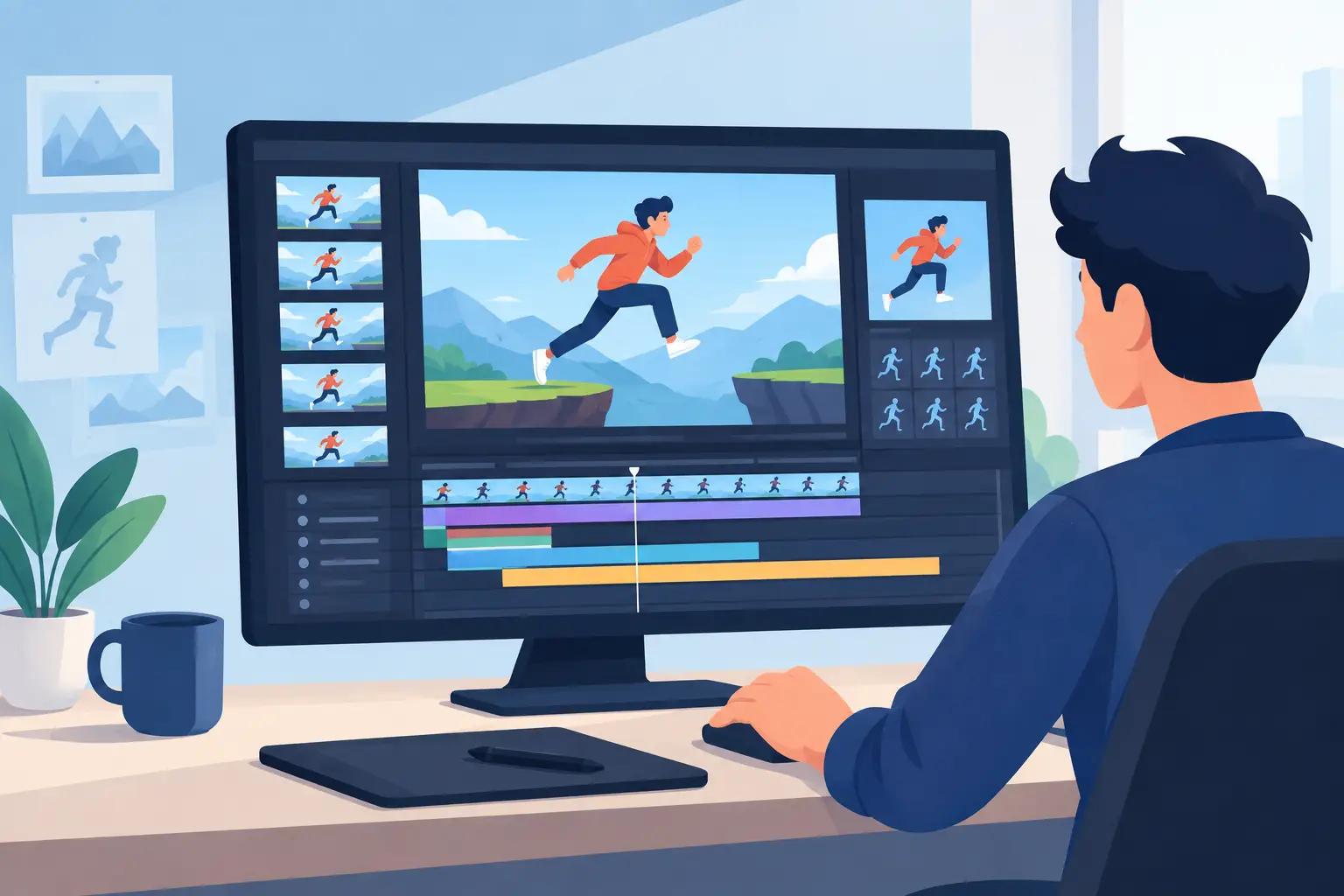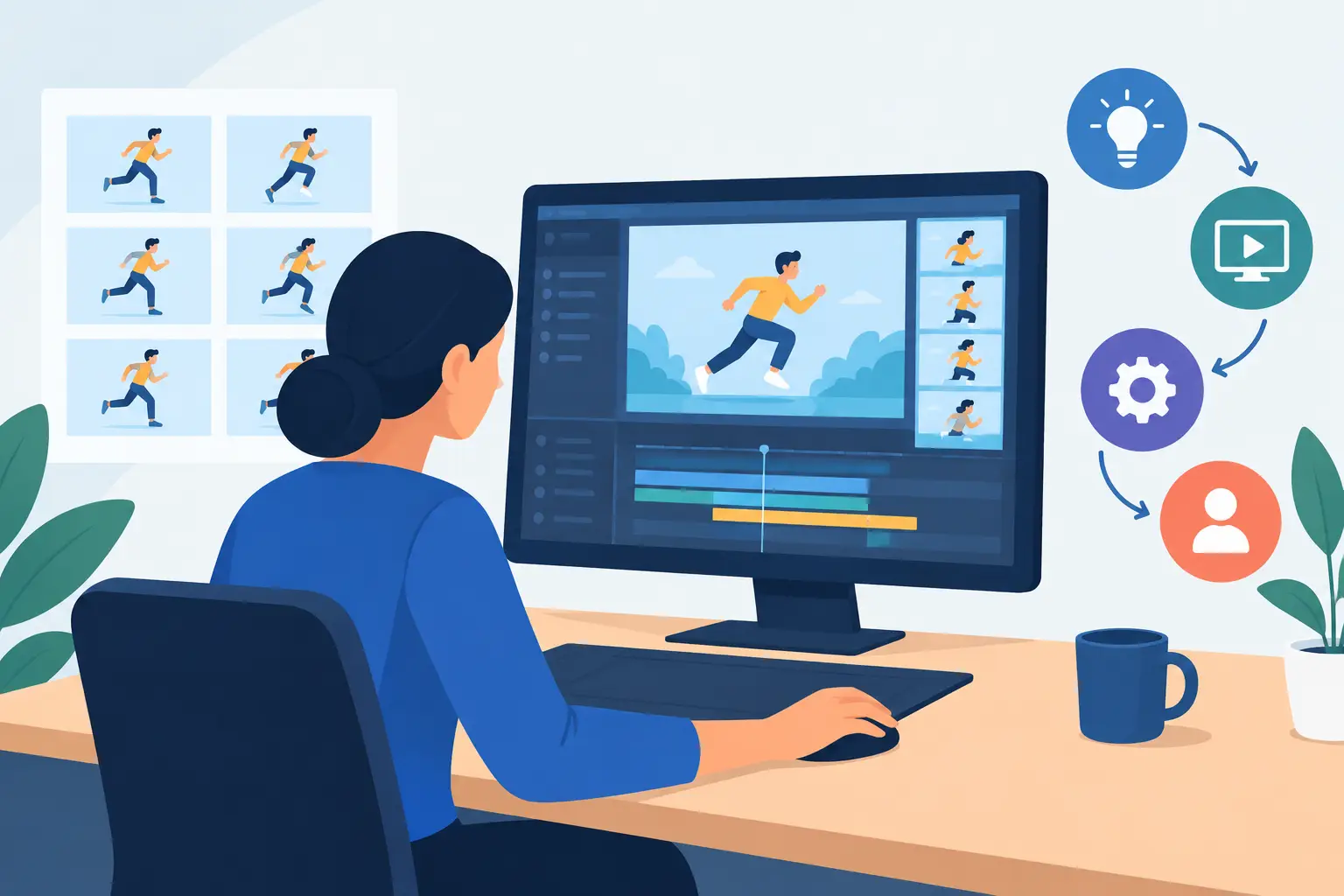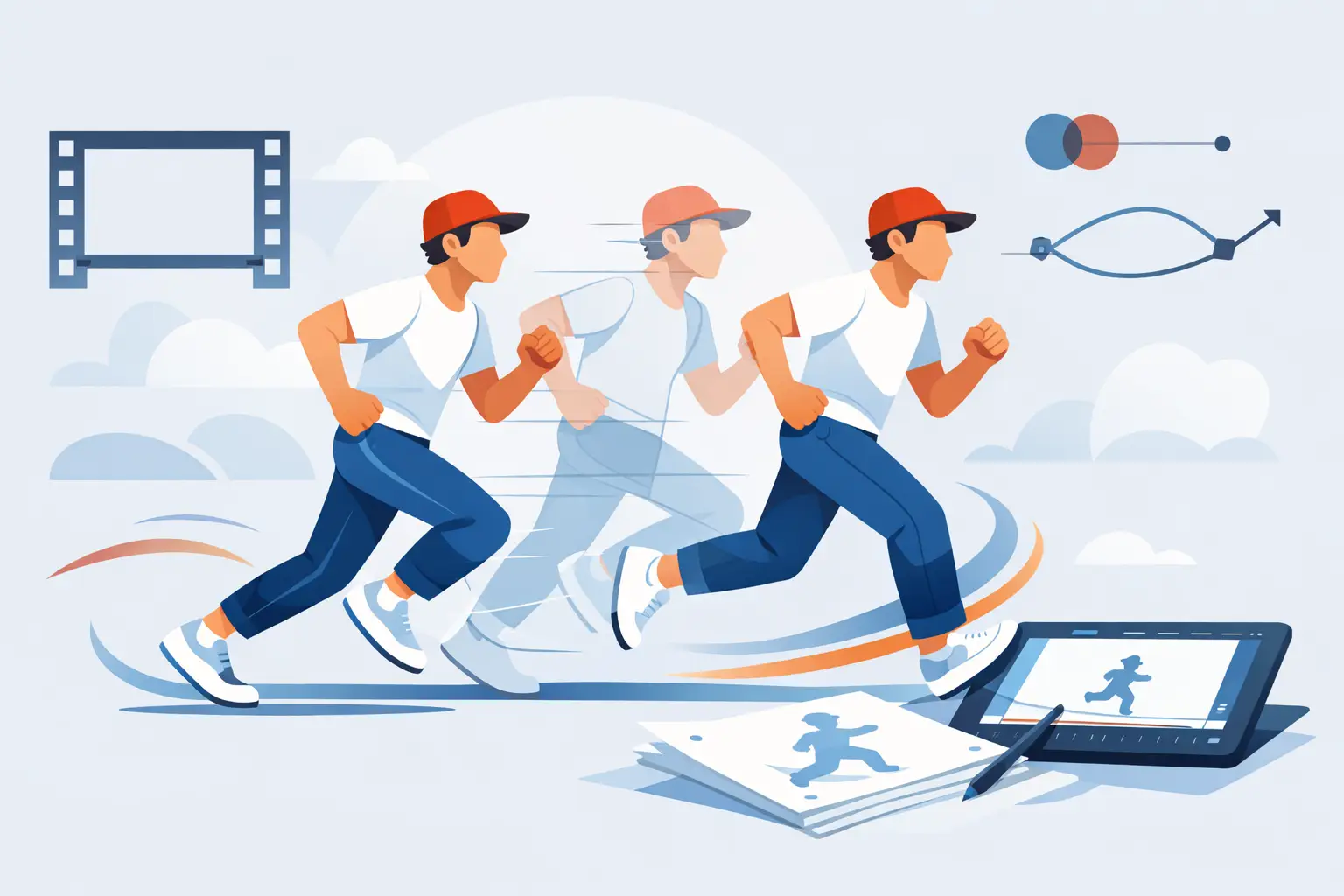
A walk cycle that feels floaty, a head turn that snaps too hard, a dialogue scene that looks oddly cheap – these problems often come down to timing choices, not drawing skill. If you want to learn how to animate on twos, you need to understand what twos actually do to motion, where they help, and where they can quietly damage a scene.
Animating on twos means each drawing is photographed or displayed for two frames instead of one. In a 24 fps workflow, that gives you 12 drawings per second rather than 24. This is one of the oldest and most practical methods in hand-drawn animation because it saves labor, preserves a clean rhythm, and often gives movement a stronger graphic read. But twos are not a shortcut you apply to everything. They are a timing decision.
How to animate on twos in practical terms
At 24 frames per second, animating on ones means a new drawing every frame. Animating on twos means a new drawing every other frame. If your character raises an arm over 24 frames, you would need 24 drawings on ones, but only 12 drawings on twos.
That sounds simple, and mechanically it is. Artistically, it is not. When you cut the number of drawings in half, every spacing choice matters more. A bad arc becomes obvious. An awkward hold feels longer. A fast action can break apart if the spacing jumps too far between positions.
This is why experienced animators do not ask whether twos are better than ones. They ask what kind of movement the scene needs. Twos can make a shot feel deliberate, economical, and beautifully graphic. Ones can make it feel fluid, immediate, and finely controlled. Strong animation usually uses both.
Why animators work on twos
The first reason is production efficiency. Traditional animation is labor-intensive, and twos let you finish more footage without doubling your workload. That matters for students, independent filmmakers, and studios alike.
The second reason is visual character. Twos often give hand-drawn animation a pleasing snap and clarity. In many scenes, especially medium-paced action, dialogue, and acting, that slight stepping is not a flaw. It is part of the look.
The third reason is drawing quality. When you are not racing to create twice as many in-betweens, you can spend more time on solid poses, cleaner structure, and better acting choices. More drawings do not automatically mean better animation. Better decisions do.
There is also a practical workflow reason. If your software makes timing changes slow, you may be tempted to overplan and under-experiment. A tool built for traditional timing control lets you test a shot on twos, switch a section to ones, and judge the result quickly while the scene is playing. That matters because timing is something you feel in motion, not just in exposure charts.
When twos work best
Twos are excellent for controlled action. Walk cycles, body mechanics, turns, simple gestures, and many dialogue scenes hold up well on twos when the spacing is handled properly. If the movement has a clear path and moderate speed, twos often feel natural.
They also work well when you want stronger pose readability. In a broad acting scene, a character may communicate more clearly if each key drawing has enough screen time to register. That can be especially useful for students who are still learning to stage poses cleanly.
Twos are also a smart choice for rough animation. You can solve the scene with fewer drawings first, judge the performance, then decide where extra breakdowns or one-frame drawings are actually needed. This keeps the work focused on the shot rather than on unnecessary labor.
When not to animate on twos
Fast motion is where beginners often get into trouble. A quick head whip, a hand that passes close to camera, or a character sprinting across the screen may need ones for part of the action. On twos, the spacing can get so wide that the movement stutters or loses weight.
Very subtle acting can also suffer if every drawing holds too long. A small eye shift or a delicate mouth change may feel delayed on twos when the moment needs precision.
This is the trade-off. Twos save time and support a traditional look, but they reduce temporal resolution. If the scene depends on speed, delicacy, or a smooth mechanical effect, ones may be the better choice, at least for those specific frames.
The real skill: spacing on twos
If you want to know how to animate on twos well, stop thinking only about frame count and start thinking about spacing. Timing is how long an action takes. Spacing is how far the drawing moves from one position to the next. On twos, spacing has more impact because each move covers two frames of screen time.
Even spacing creates steady movement. Tight spacing slows an action. Wider spacing accelerates it. If the spacing changes abruptly without a clear reason, the audience feels it immediately.
This is why a scene on twos can still feel smooth. If the spacing is clean, the arcs are solid, and the key poses are strong, the motion reads properly. If those fundamentals are weak, adding more drawings may only hide the problem rather than fix it.
A common beginner mistake is to place too many drawings at the start of an action and then rush to the end. Another is to make every spacing identical, which can drain the movement of life. Twos do not cause these problems. They reveal them.
A simple workflow for animating on twos
Start by blocking the scene with your main storytelling poses. Keep your attention on intent. What is the character doing, when does the action begin, and where is the force or emphasis?
Then set those poses on a two-frame rhythm. In a 24 fps scene, that means placing new drawings on frame 1, 3, 5, 7, and so on. Once the broad timing is working, add breakdowns on twos to define the path of action, the arc, and the change of energy.
At this stage, play the scene repeatedly. Do not judge it from the timeline alone. Scrub to inspect the drawings, then watch it at speed. If a section feels sticky, the answer might be better spacing. If it feels choppy because the action is too fast, that is where you consider switching that portion to ones.
This hybrid approach is how many professional scenes are built. A character can hold and gesture on twos, then hit a fast turn on ones, then settle back onto twos. Good timing is flexible.
How to mix twos and ones without making a mess
The cleanest way to mix them is by using ones only where the motion demands it. Think of them as a targeted tool, not the default setting for polish.
For example, a character can anticipate on twos, execute the fastest part of the action on ones, and settle on twos again. This gives you efficiency where the audience will not miss extra drawings and smoothness where they will.
Be careful with random switching. If you drop into ones without a timing reason, the scene can feel inconsistent. The transition should support the action. Usually that means using ones for fast movement, close camera actions, or moments requiring very fine spacing.
Common problems when learning how to animate on twos
Stiffness is usually a pose or spacing issue. If every drawing is upright and evenly spaced, the result will look mechanical. Push the line of action, clarify the weight shift, and vary the spacing.
Choppiness usually comes from asking twos to carry motion that is simply too fast. In that case, do not fight the scene. Add drawings where they matter.
Mushy timing happens when too many drawings are added without purpose. This is common when animators panic and start in-betweening before the main action works. Solve the shot in broad timing first.
Weak arcs become especially visible on twos. If a hand or head drifts off course, the stepping makes it obvious. Track the path carefully.
These are not software problems at heart, but software can either help or slow you down. A production-friendly tool should let you test timing changes quickly, edit exposure decisions during playback, and keep drawing and painting from turning into a separate technical job. That is one reason traditional animators value software like FlipBook – it keeps timing decisions close to the artwork instead of burying them under a clunky pipeline.
Twos are not a compromise
Many beginners assume that ones are professional and twos are a budget fallback. That is not how classical animation works. Twos are a deliberate part of the craft. They shape rhythm, workload, and graphic strength.
The better question is not whether you can afford to animate on ones. It is whether the scene gains anything from them. Often it does. Often it does not.
If you train your eye to judge spacing, arcs, and performance, twos will stop feeling like a limitation and start feeling like control. That is when your drawings begin to move with purpose instead of just moving more often.
The next time a shot feels wrong, do not assume you need more drawings. Sometimes the fix is simply learning where twos belong, and having the discipline to use them well.